OdarIs Random Blocks
More variation, less repetition.
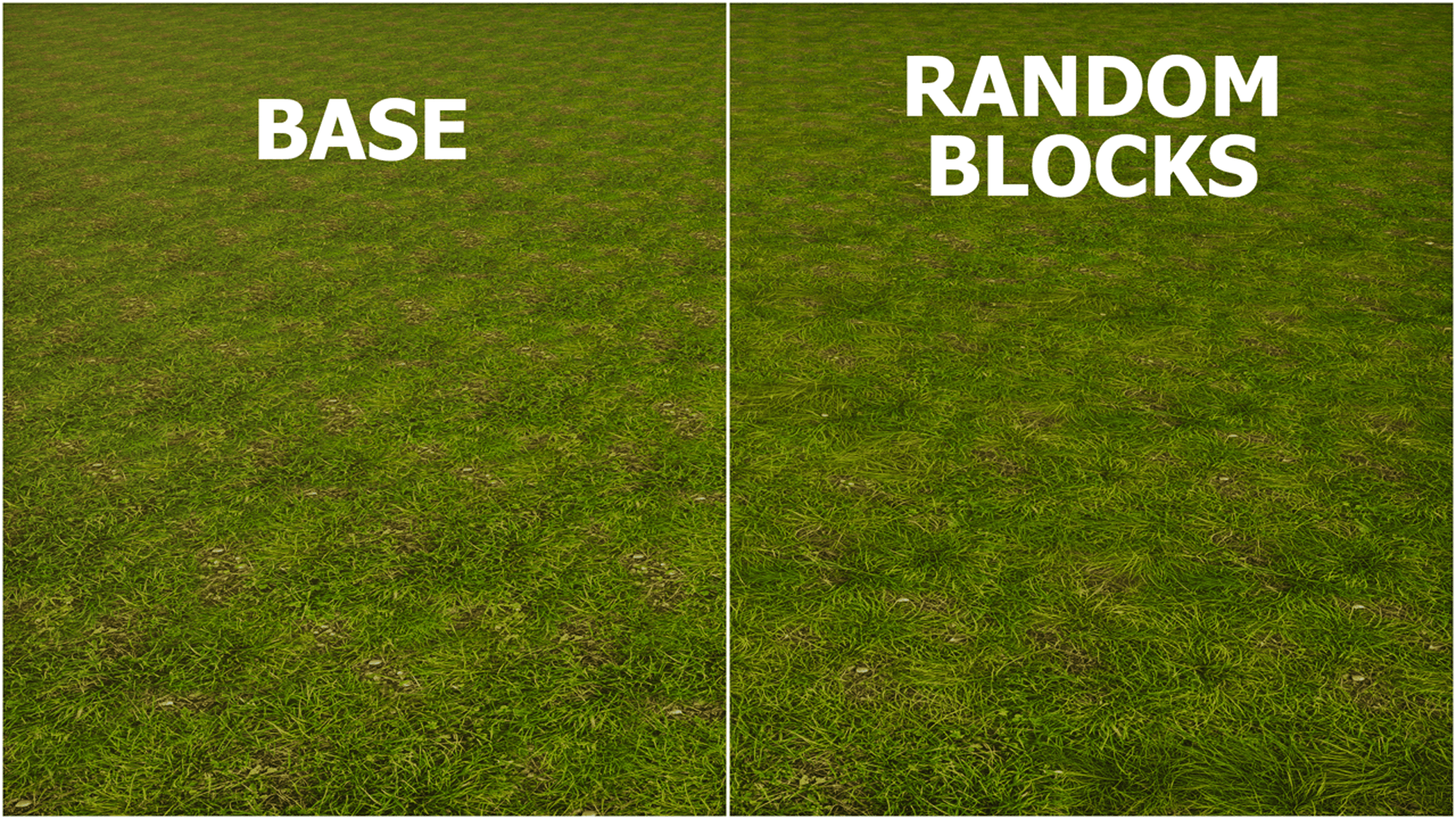
OdarIs Random Blocks is an optional add-on that adds multiple matching texture variants to selected OdarIs blocks.
Instead of seeing exactly the same texture repeated across a large surface, Minecraft can choose between several variations of the same material.
The goal is not to make every block look different. I just want larger areas like plains, paths, mountains, and caves to feel a little less repetitive while still looking like one consistent OdarIs material.
Alpha 0.1
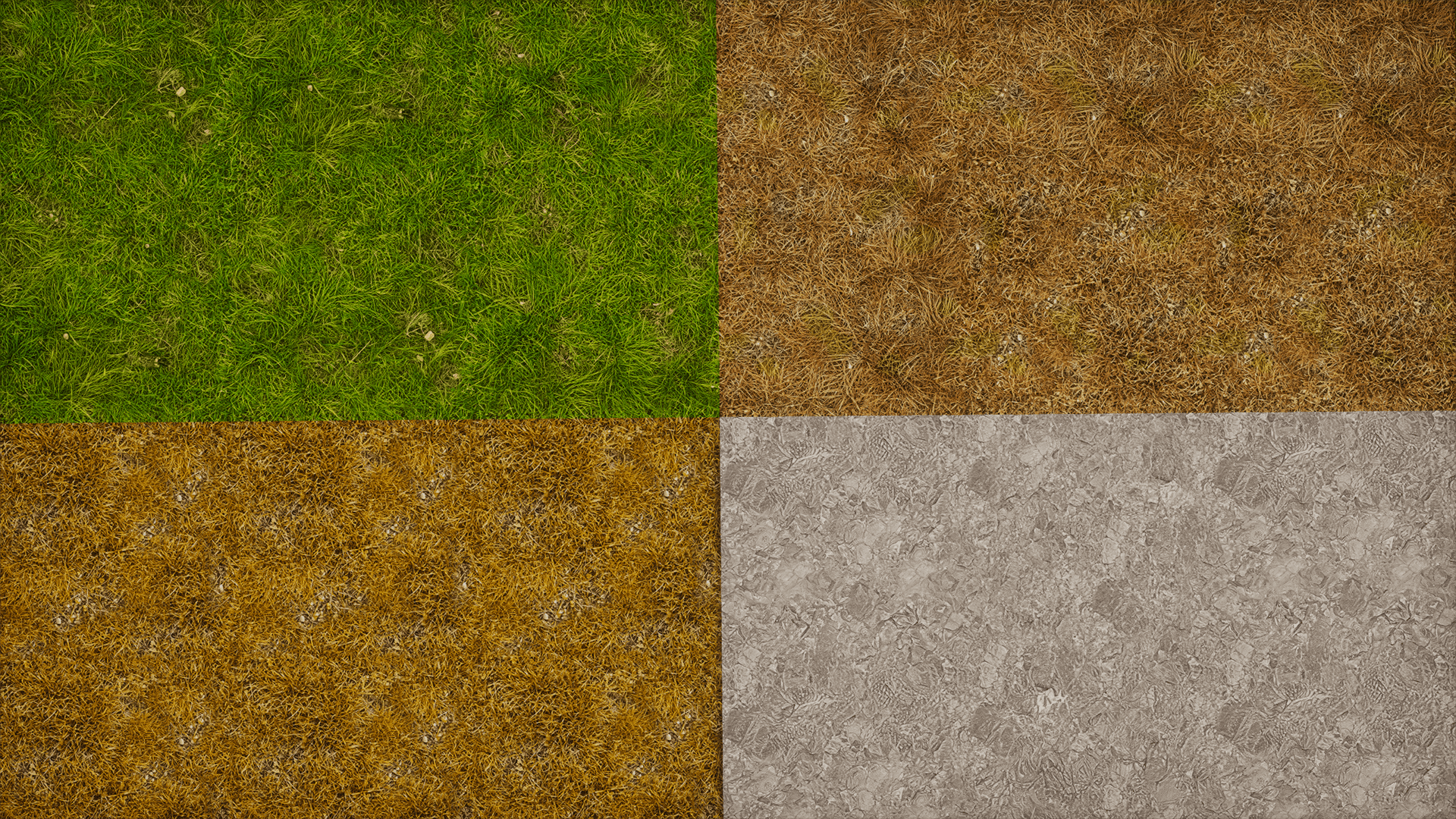
The current Alpha 0.1 version adds random variants for:
- Grass Block Top
- Dirt Path Top
- Podzol Top
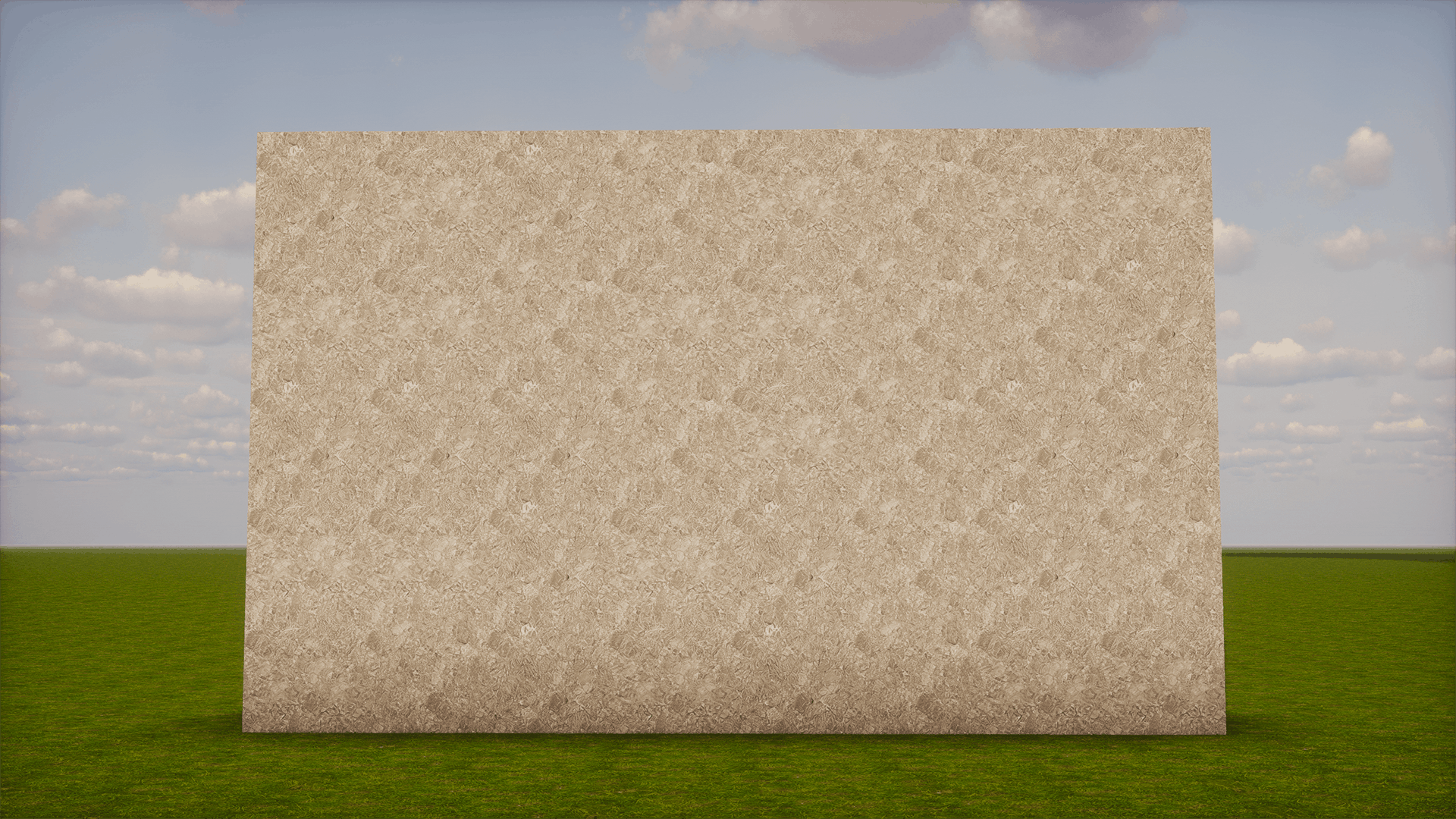
- Stone
This is only the first set. More blocks and additional variants will be added as OdarIs expands.
I try to keep the differences noticeable enough to break up repetition without making neighboring blocks look like completely different materials.
Requirements & load order
OdarIs Base is required.
Random Blocks is designed specifically for OdarIs and should be placed above the Base Pack.
Recommended load order:
20 - OdarIs Random Blocks
10 - OdarIs Base
Higher-numbered OdarIs packs go above lower-numbered ones in the Minecraft resource-pack list.
Random Blocks is completely optional. The Base Pack works normally without it.Add collapsed content here
Using Random Blocks with Overlay
If you also use OdarIs Overlay, I recommend adding OdarIs Random Overlay as well.
Random Overlay provides matching surface-detail variations for the randomized terrain introduced by Random Blocks.
Recommended setup:
31 - OdarIs Random Overlay
30 - OdarIs Overlay
20 - OdarIs Random Blocks
10 - OdarIs Base
You only need Random Overlay if you are combining Random Blocks with the Overlay system.
OdarIs Packs
OdarIs is split into the main Base Pack and several optional add-ons.
You do not need every OdarIs add-on. Just use the ones you actually want.
Resolutions
OdarIs Random Blocks is available in the same 7 resolutions as the Base Pack:
32x • 64x • 128x • 256x • 512x • 1024x • 2048x
I recommend using the same resolution for Random Blocks and your OdarIs Base Pack.
Compatibility
- Minecraft Java Edition
- No required mods
- Works with vanilla Minecraft
- Compatible with shader packs
- Designed to work together with other OdarIs add-ons
The random texture system works without OptiFine or any other required mod.
Shaders are optional. Different shader packs and settings can change how the textures look in-game.
Installation
- Download OdarIs Base and OdarIs Random Blocks in the same resolution.
- Open Minecraft.
- Go to Options → Resource Packs.
- Click Open Pack Folder.
- Move the downloaded `.zip` files into the folder. Do not extract them.
- Return to Minecraft and enable the packs.
- Arrange them using the load order shown above.
What does it change?
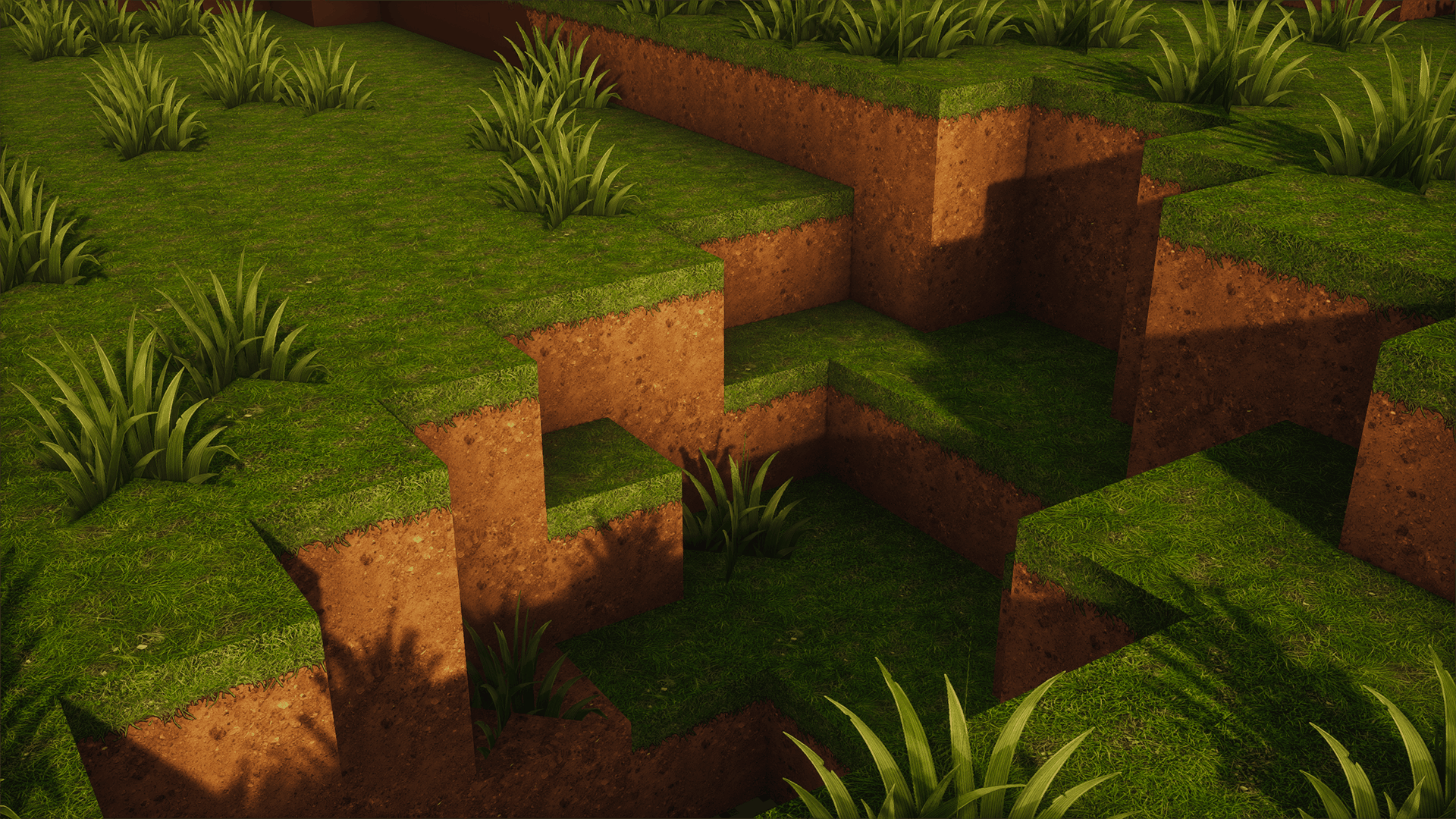
Random Blocks only adds alternative versions of selected OdarIs textures. It does not replace the overall style of the Base Pack.
The variants are designed to blend naturally with each other, so the terrain still reads as the same material while repeated patterns become less obvious.
At normal gameplay distances, the variation should feel subtle rather than distracting.
Future updates
The current four blocks are only the beginning.
As I work through more of Minecraft, I plan to add random variants where they actually improve the result. I do not want to randomize blocks just for the sake of having more variants.
Some materials look better with controlled variation, while others are better left consistent.
The same rule I use for the Base Pack applies here: if an addition makes the world busier without actually making it look better, it probably does not belong in OdarIs.
Feedback
Feedback is genuinely useful while these add-ons are still being developed.
If an overlay does not match correctly, tiles strangely, looks wrong with a shader, or causes another visual problem, I'd rather know about it.
When reporting an issue, please include:
• Minecraft version
• OdarIs resolution
• Shader pack, if used
• Other visual mods or resource packs
• Screenshots when possible
The OdarIs Discord is the best place for bug reports, performance feedback, suggestions, and general discussion.
Thanks for checking out OdarIs.
*Gallery screenshots were captured with Photon Shaders. Some images also show optional OdarIs add-ons.*