VoltRide 2.0 – Advanced E-Scooters
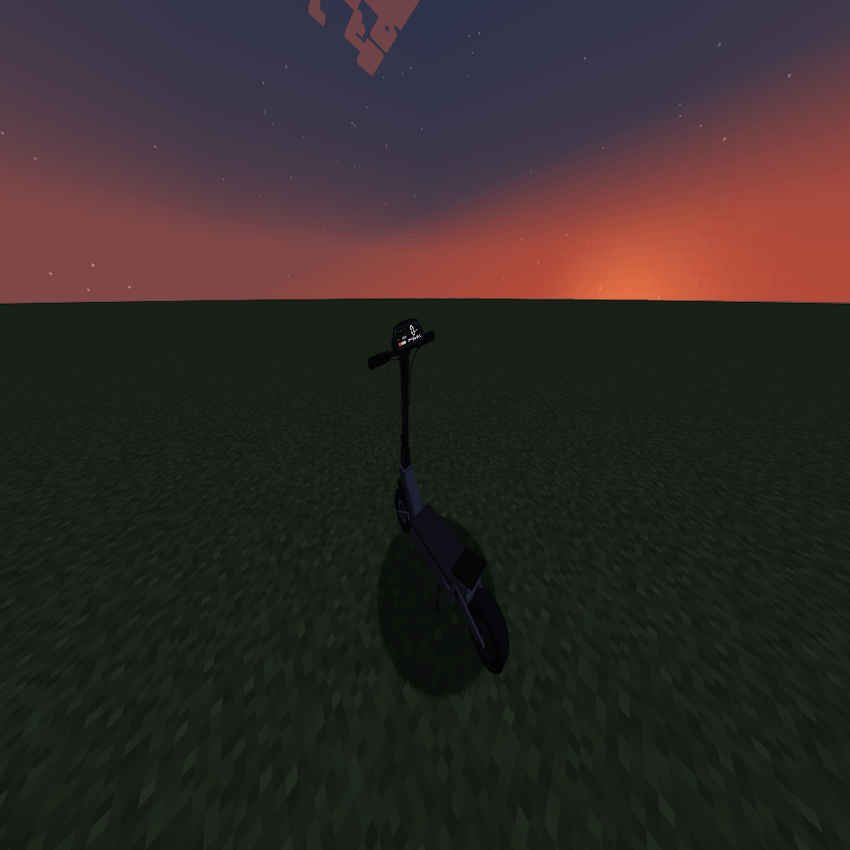
VoltRide adds realistic, customizable electric scooters to Minecraft. Craft parts, upgrade motors and batteries, use lights and indicators, perform wheelies and drifts, and experience advanced physics, damage, and repairs.
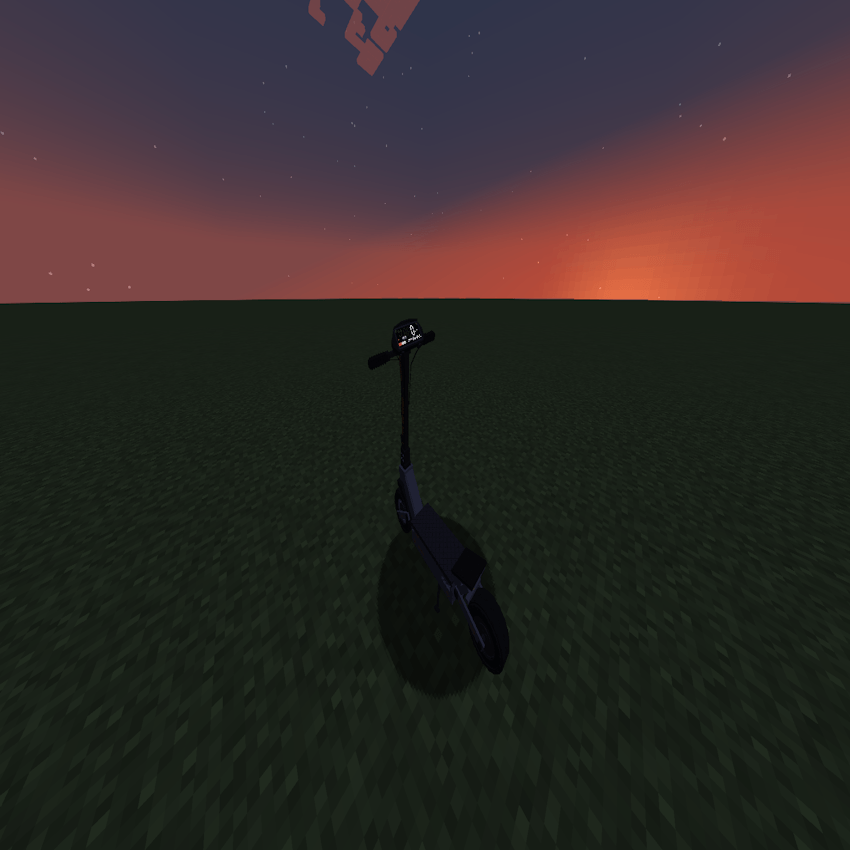
2026-10-18_02.55.24.png
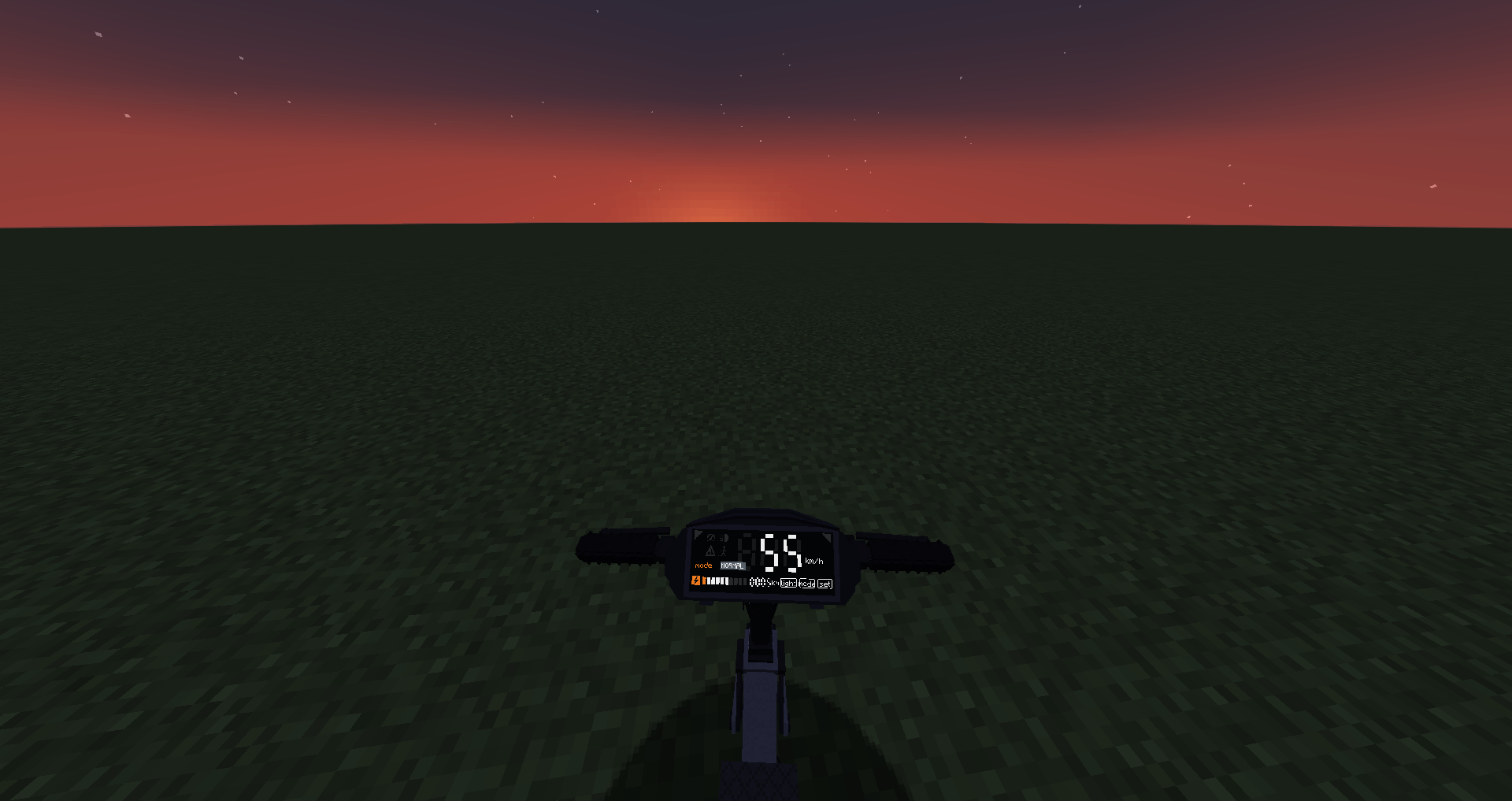
2026-10-18_03.02.36.png
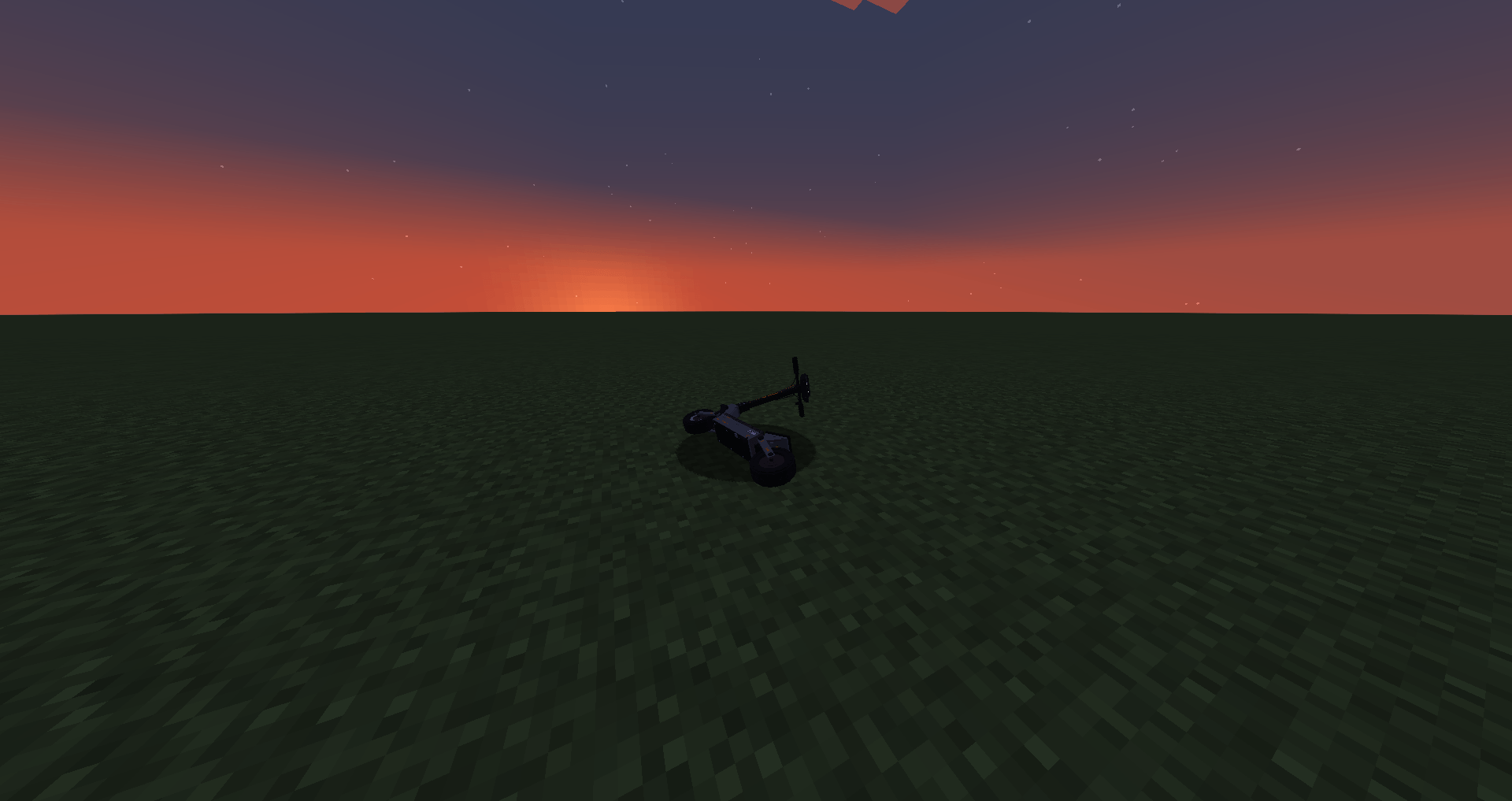
2026-10-18_02.54.40.png

2026-10-18_03.03.10.png
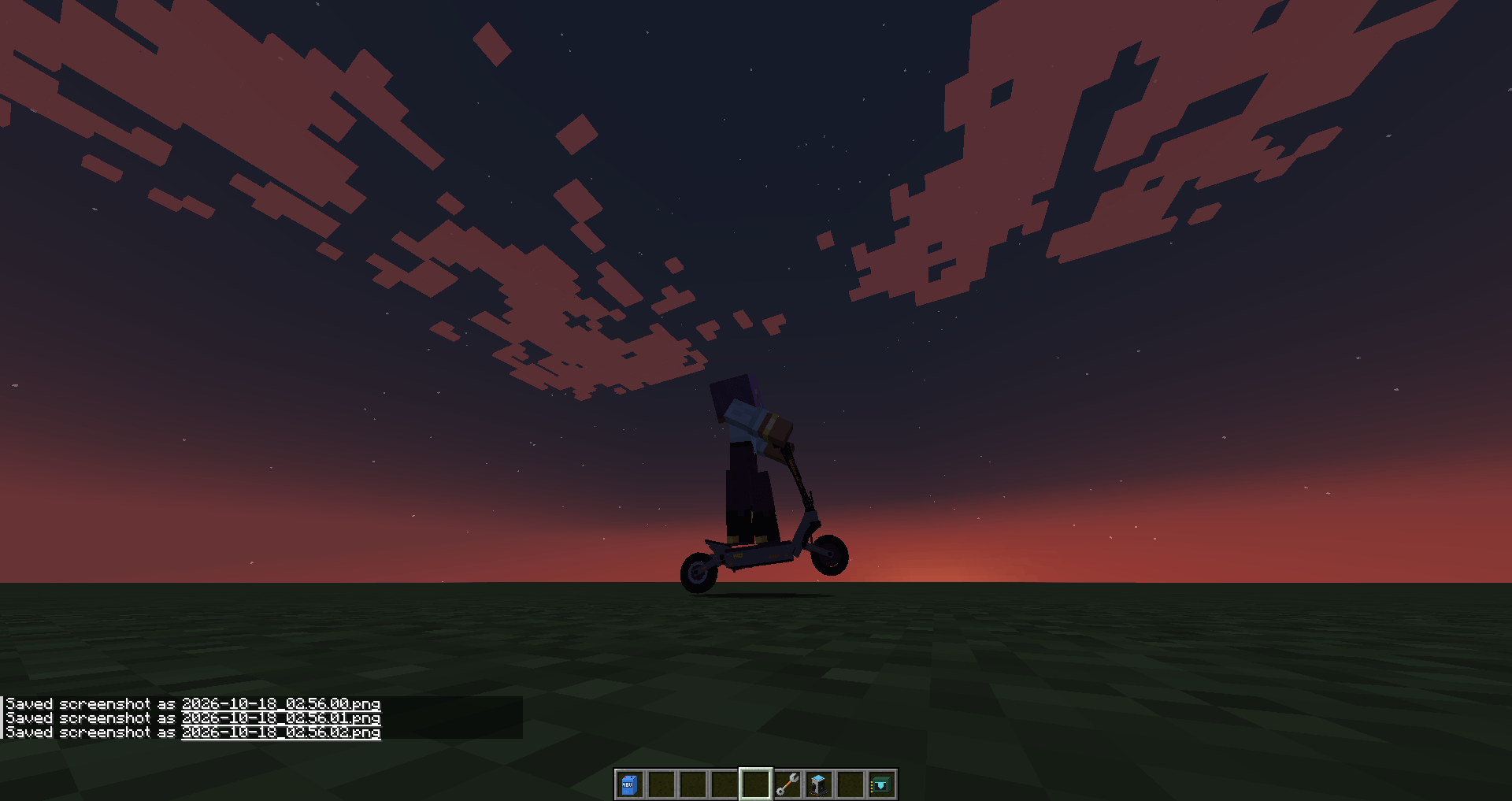
2026-10-18_02.56.03.png
Description
VoltRide – Modular E-Scooters [BETA 2.0.0]
Build, tune and ride your own electric scooter. VoltRide adds fully modular e-scooters to Minecraft. Craft every part yourself, choose your motor and battery, manage your charge and master a physics model with drifts, wheelies, crashes and real wear and tear.
NeoForge 1.21.1 · Beta: please report bugs and send feedback!
Features
Modular Scooter Building
- Build a scooter from a frame plus individual parts: battery, motor, controller, front and rear wheel, brakes and handlebar
- Add optional extras: LED light, ride display, suspension, fenders, horn, cyan underglow and tuning modules
- Craft parts from components such as aluminum plates, copper cable, battery cells, circuits and motor windings
- Install parts by hand, or right-click a parked scooter with the Wrench to open the Workshop. It shows top speed, range, condition, motor heat and water damage at a glance
Motors, Batteries & Tuning
- 6 motors: 250 W City, 500 W Sport, 1000 W Performance, Dual Motor, 3000 W Hyper and 5000 W Racing
- 5 batteries: 36 V, 48 V, Standard, Long Range and Performance. A powerful motor needs a battery with enough voltage to match
- 5 quality tiers from Basic to Professional. Raise a part's tier with the Quality Upgrade Kit
- Tuning modules: Torque (more acceleration), Range (20% lower consumption) or Stability (more control)
- Tires: road, off-road and rain tires, each with different grip on different terrain
Energy & Charging
- Batteries drain based on speed, load and motor power. Regenerative braking recovers some of that energy
- Park in front of a Charging Station to recharge, or put a battery straight into the station
- Three drive modes, Eco, Normal and Sport, plus an adjustable speed limiter and cruise control
Riding & Physics
- Speed-dependent steering, separate front and rear brakes, and leaning forward or back
- Drifts and wheelies, but push it too far and you'll crash and get thrown off
- Terrain grip, motor heat, and water and rain damage to the electronics
- Parts wear out over time. Fix them with the Repair Kit
- Working indicators, hazard lights, a headlight that lights up the world, a horn and a live ride display on the handlebar
Everyday Use
- Fold your scooter and pick it up, or push it while walking
- Use the kickstand when you park, or the scooter will tip over
- Pair an E-Scooter Key to lock your scooter. Only the owner can modify it
- Safety helmet, plus advancements to unlock along the way
Default Controls
| W / S | Accelerate / Brake & Reverse |
| A / D | Steer left / right |
| Space | Hard brake |
| Z / X | Front brake / Rear brake |
| Left Alt | Drift |
| R | Wheelie |
| Arrow Up / Down | Lean forward / back |
| Arrow Left / Right | Left / right indicator |
| H | Hazard lights |
| L | Toggle light |
| B | Horn |
| C | Cruise control |
| M | Motor on / off |
| V | Cycle drive mode (Eco / Normal / Sport) |
| N | Cycle speed limit |
| K | Kickstand |
| F | Fold / unfold |
| P | Pick up scooter |
| G | Push scooter |
| Left Shift | Dismount |
You can rebind every key under Options → Controls → Key Binds → VoltRide E-Scooters.
Configuration
Server owners can adjust almost everything: maximum speed, energy consumption, battery capacity, acceleration, terrain grip, drift strength, wheelie difficulty, crash risk, part wear, motor heat, water and rain damage, regenerative braking and charging time.
Screenshots
VoltRide is in beta. Balancing and features may change. Found a bug or have an idea? Leave a comment!
VoltRide 2.0 – Advanced E-Scooters Team