Omni: TP | Teleportation, Homes, Warps & TPA
- By
Save named homes, visit warps, send teleport requests, and explore with random teleport. Includes team homes, spawn, and /back
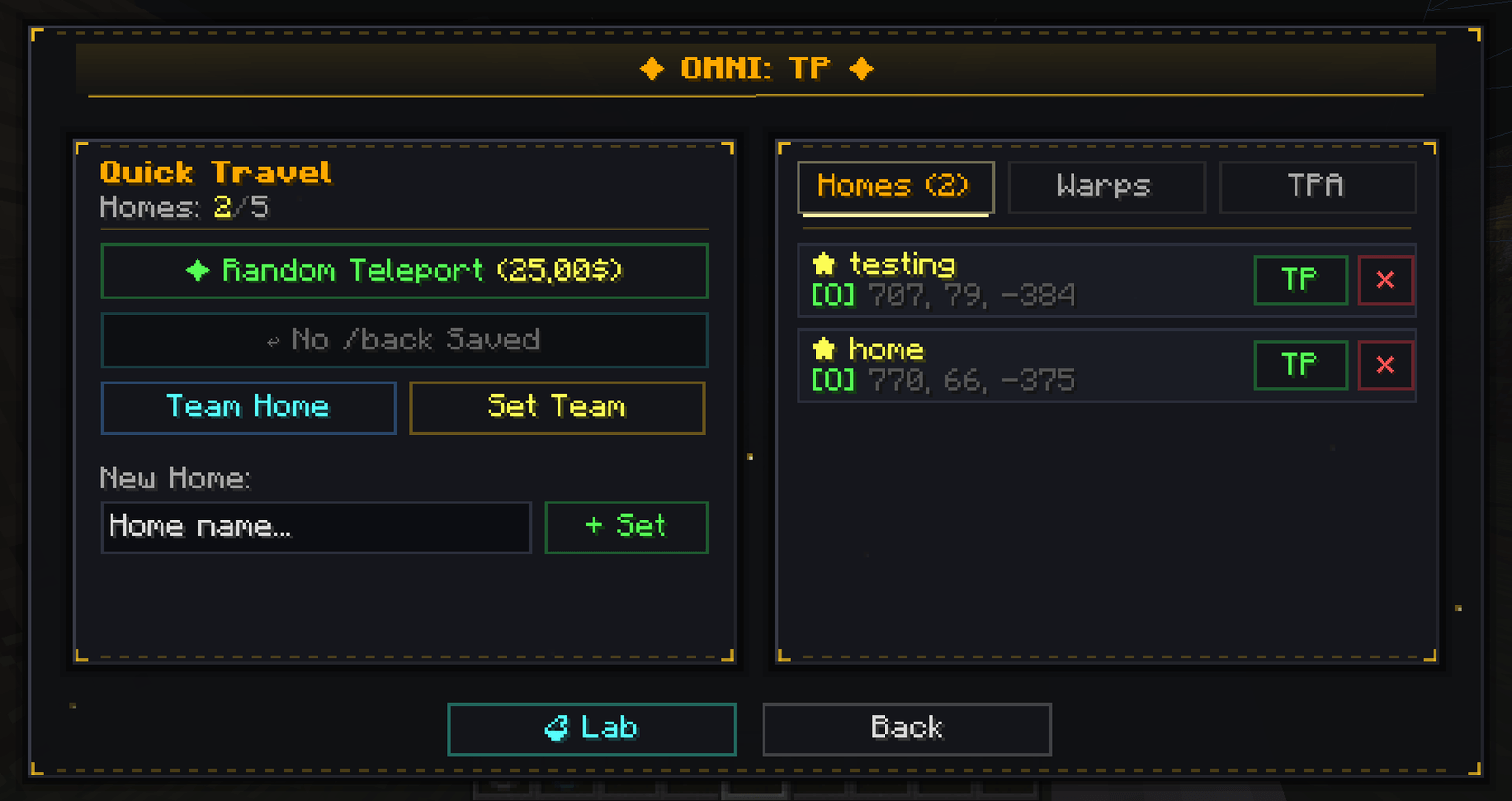
01-omni-tp-menu.png
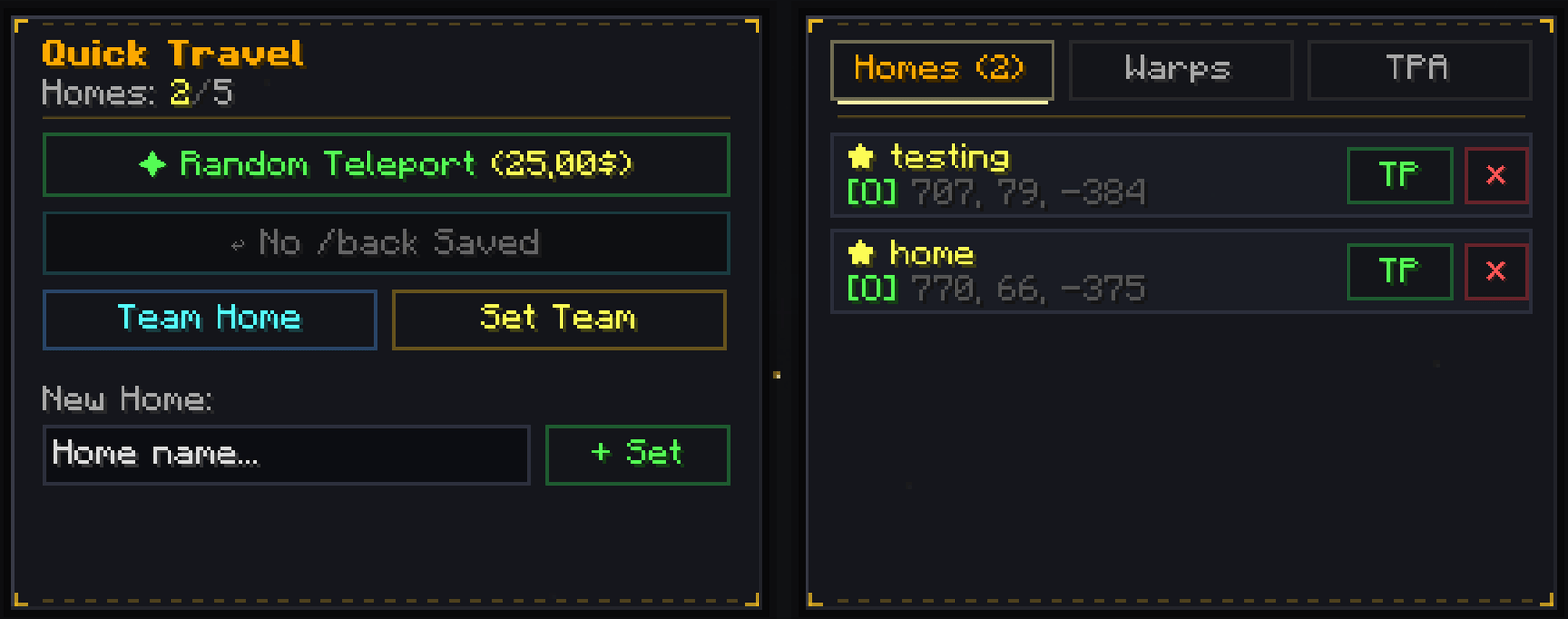
02-homes-and-quick-travel.png
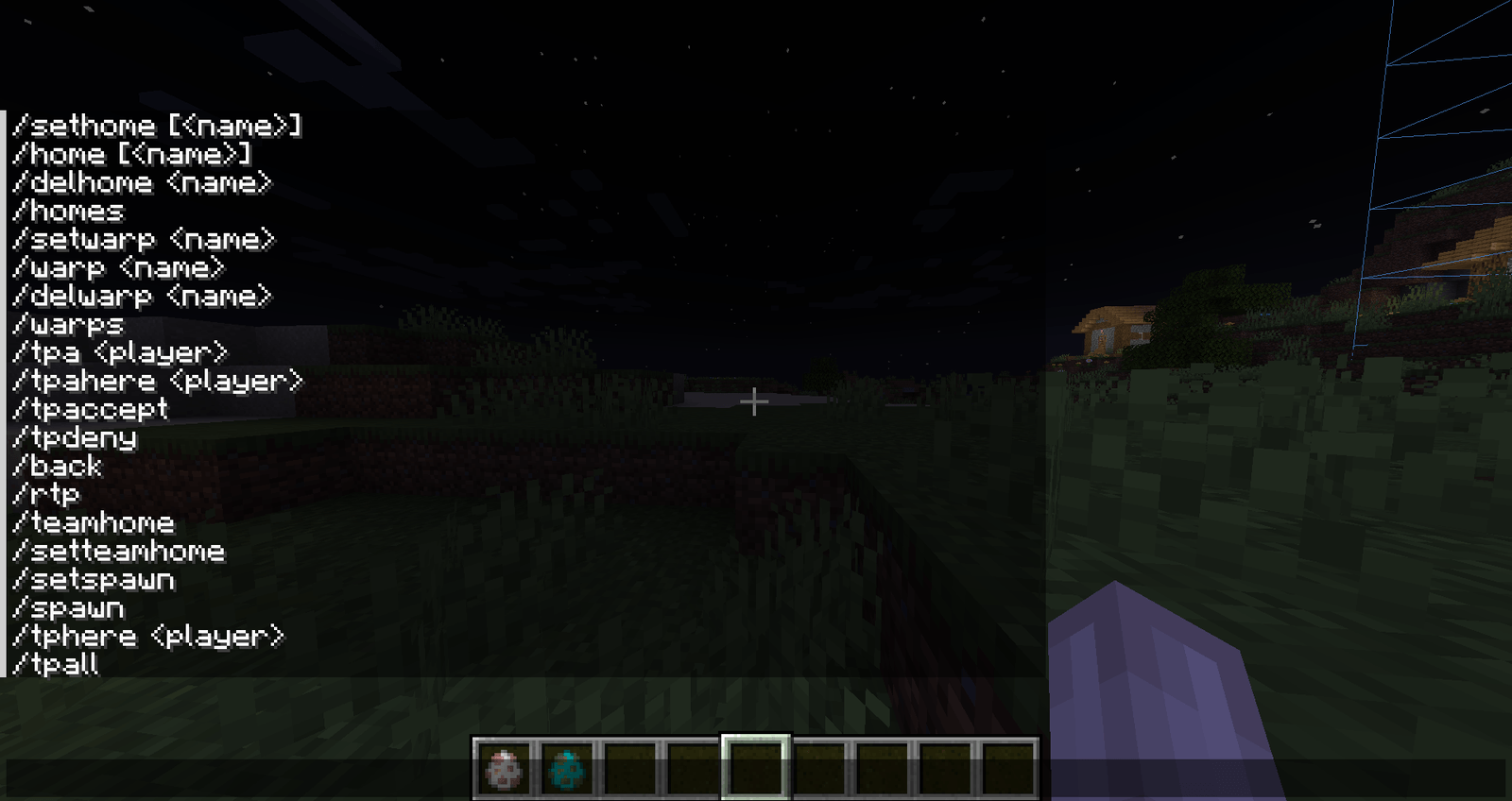
03-teleport-commands.png
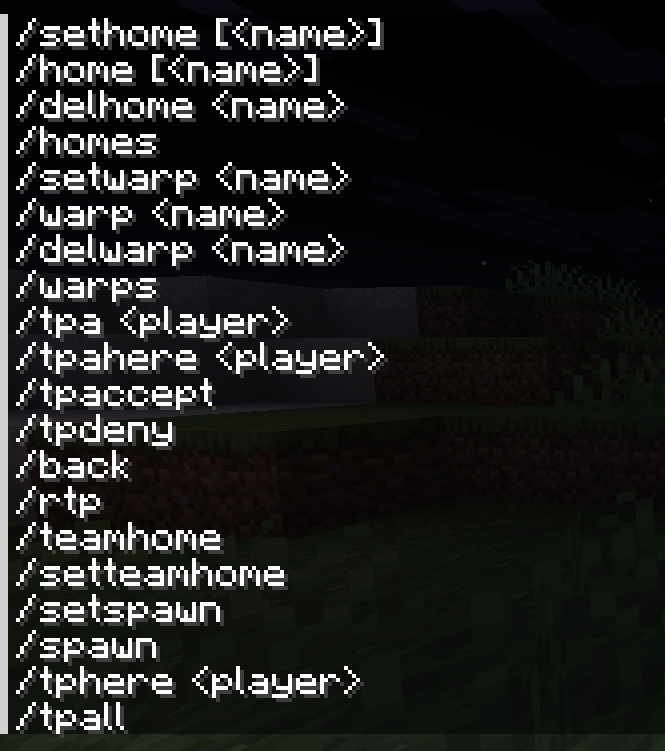
04-command-list-detail.png
Description

Omni: TP Homes, Warps & Teleport Requests Minecraft 1.20.1 • Forge
Save your base as a home, meet a friend across the map, or head somewhere new with Random Teleport. Omni: TP puts your usual travel tools in one in-game menu, with commands for when you already know where you’re going.
Save the places you keep coming back to
Give your base, farm, and mining camp their own named homes. The Homes tab shows your saved locations and their coordinates, with buttons to teleport or remove an old home. You can also use /sethome, /home, and /homes from chat.
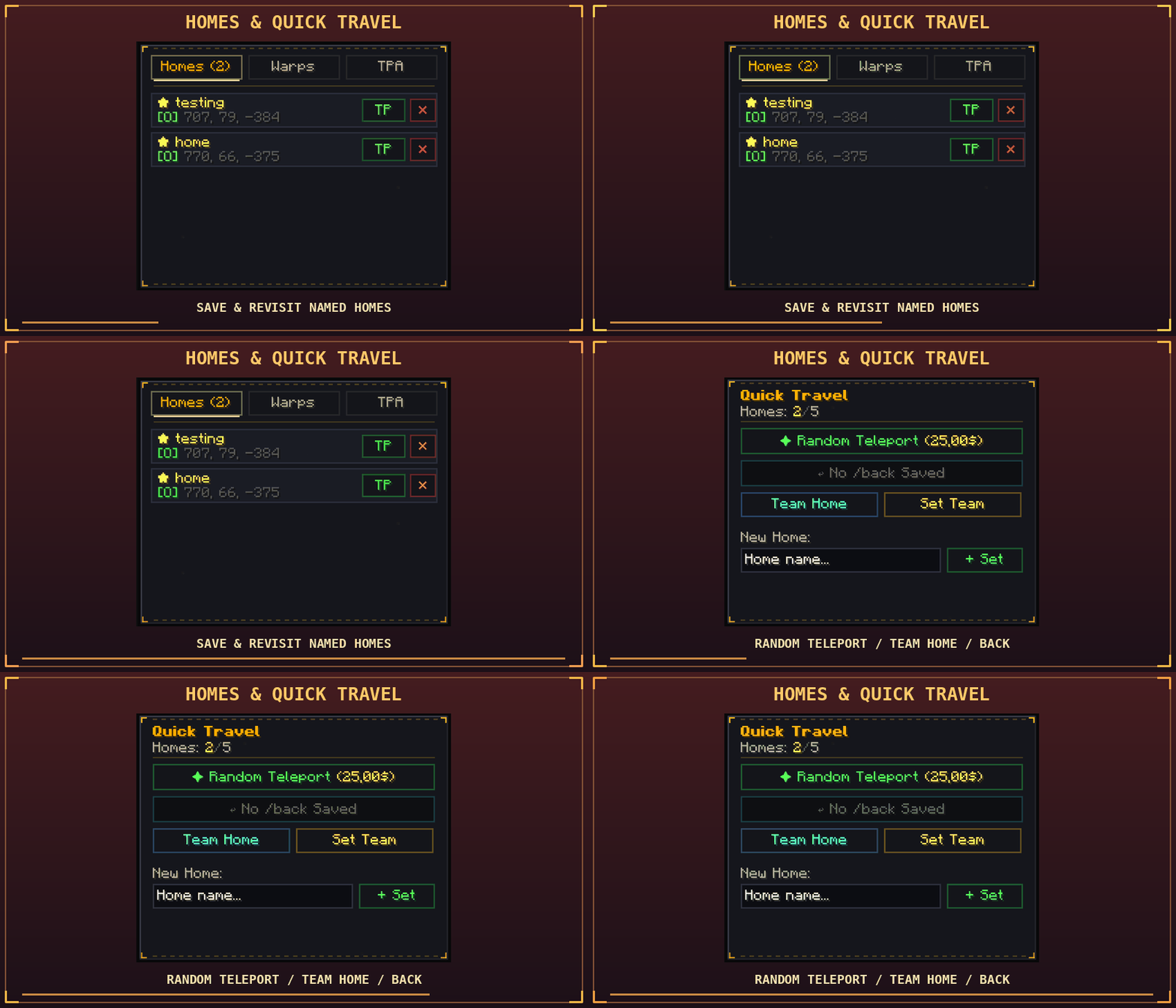
Meet up with friends
Use /tpa to ask to teleport to a friend, or /tpahere to invite them to you. They can accept or decline the request. For regular meeting spots, pick a destination from the Warps tab or use /warp. With Omni: Teams, use Team Home to return to your squad’s shared spot.
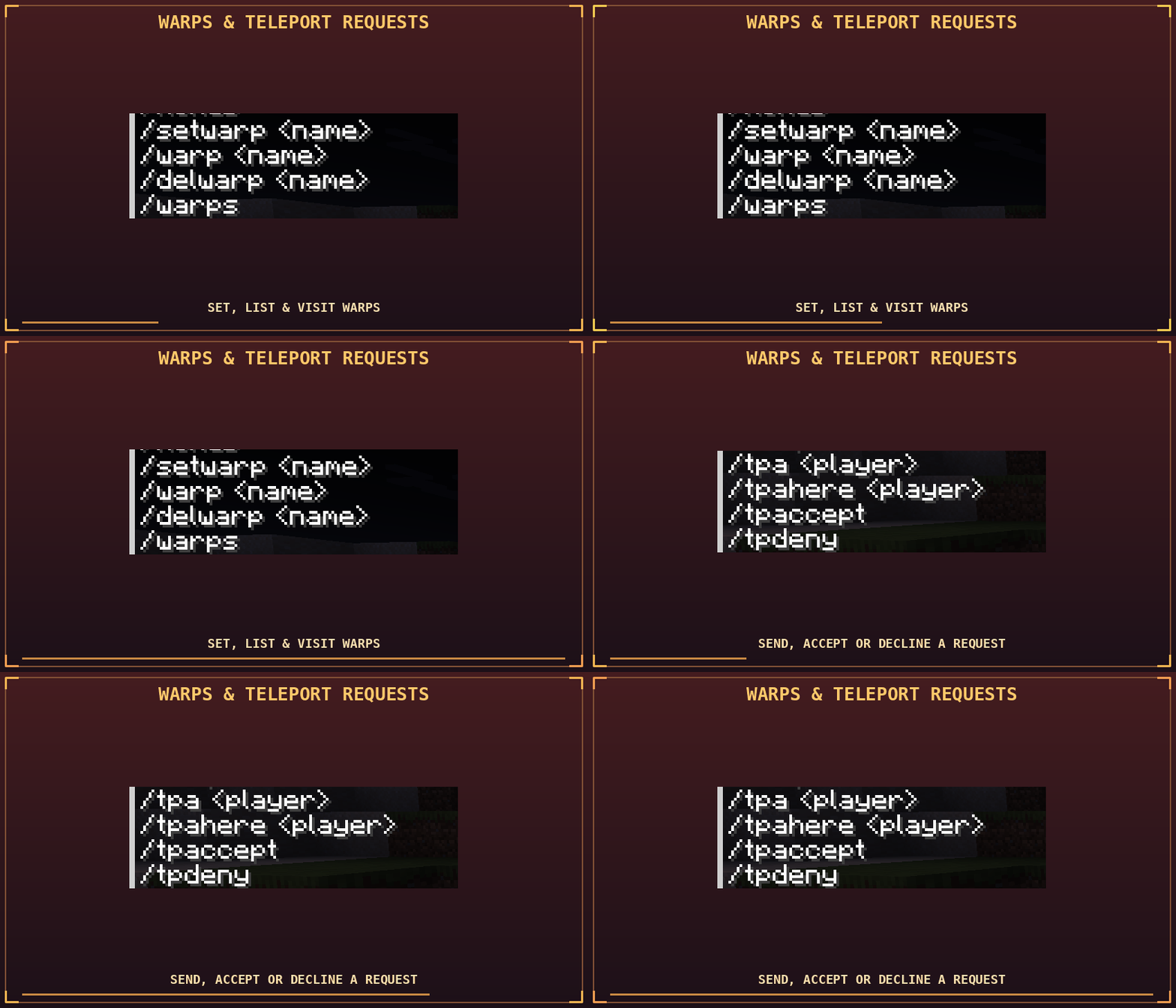
Explore somewhere new
Looking for a fresh place to build? Use Random Teleport in the Quick Travel panel or type /rtp. The panel shows the fee when a price applies. Use /back when you have a saved return location, or /spawn to head to spawn.
Getting started
Open TP from the Omni Central Hub on Forge 1.20.1. To save your first home, stand where you want to return and type /sethome base. Whenever you’re ready to head back, use /home base.
Enjoying the Omni Suite? Support development on Ko-fi
Omni: TP | Teleportation, Homes, Warps & TPA Team

Owner