Omni: Currency | Economy, Server Shops & Auction House
- By
Build an economy that fits your SMP, server, or modpack. Customize prices, taxes, and shop unlocks with layered Shop Packs, player shop pedestals, an auction house, and upgradeable wallets.
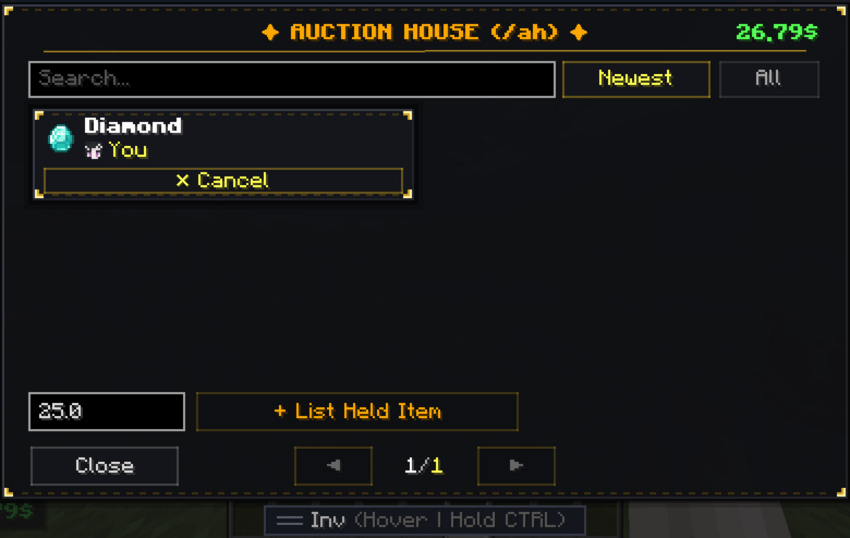
auction-house.png
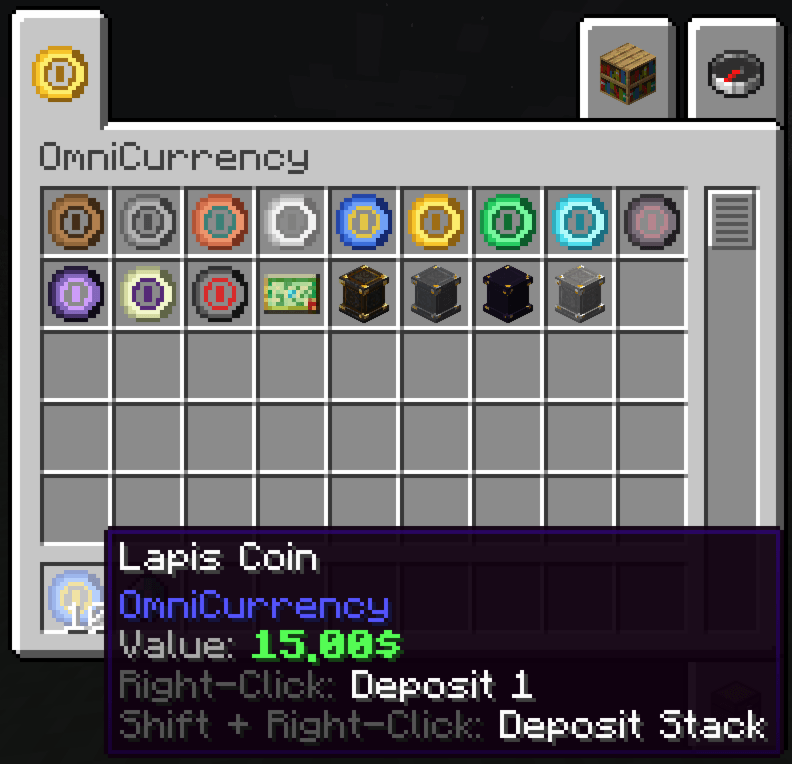
coins-and-deposit-tooltip.png
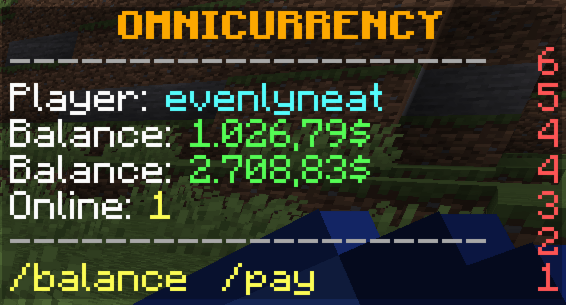
economy-scoreboard.png
hud-and-keybind-settings.png
jei-shop-buy.png
Description

Build an economy around the way your world plays. Sell emeralds outside your base. List a rare drop in the Auction House. Unlock new shop items as players finish quests. Forge 1.20.1 • More Minecraft versions planned

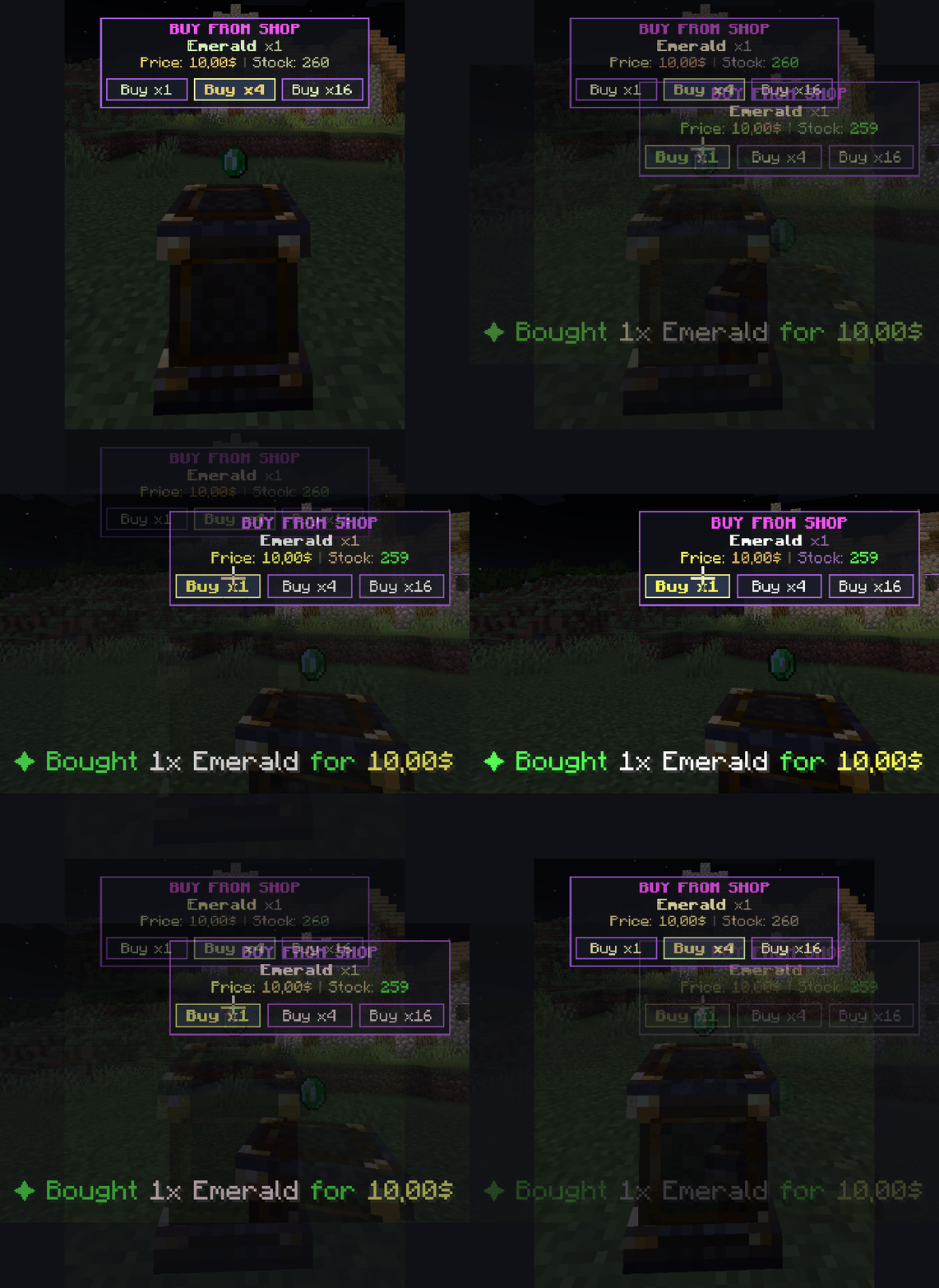
Open a shop players can walk up to Place a Shop Pedestal, stock it, and set a price. Visitors can see the item, stock, and price on a floating panel, then buy right there in the world. Switch to buying mode if you’d rather pay players to bring you supplies.
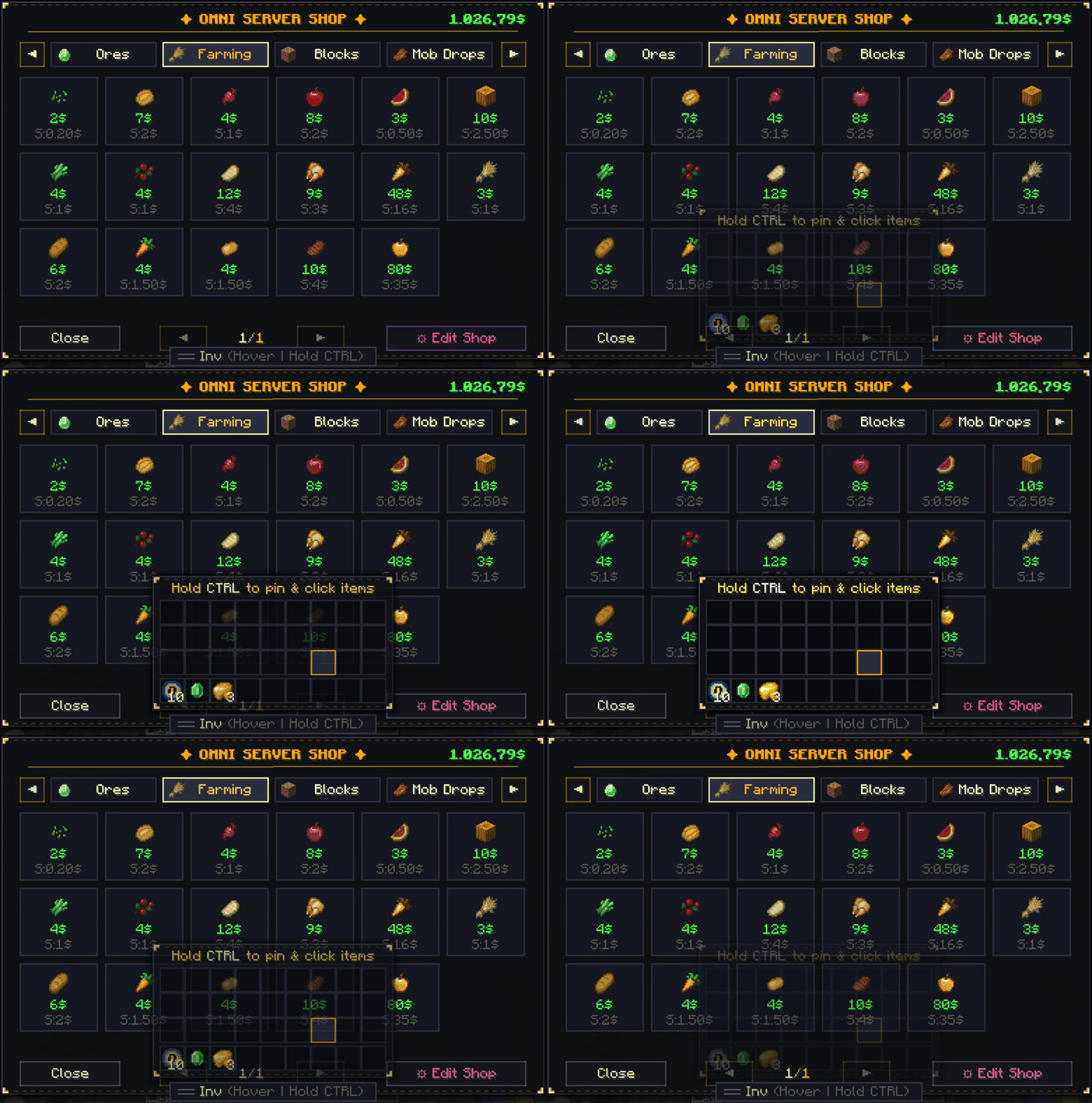
Make the server shop your own Start with Default, Balanced, or Skyblock. Change what’s sold, how much it costs, and when players can buy it. Layer your own Shop Packs over the preset to fit an SMP, a Skyblock server, or a quest-heavy modpack.
Give players something to earn and spend Collect 12 physical coin types and upgrade your wallet to unlock auto-deposit and coin bonuses. Trade with friends, list items in the Auction House, or clear out spare resources in the Sell Box.
THE ECONOMY GUIDE Shop setup • Progression • Banking • Integrations • Commands

Start with a preset Open /shop and choose Default, Balanced, or Skyblock in the editor. Stack your changes Shop Packs work like resource packs. Put your server pack above another pack to give your changes priority. A small pack can override just the sell price of iron while keeping the rest of the listing. Edit in-game Admins with OP level 2 or higher can manage listings, packs, unlock requirements, pay taxes, and dynamic inflation from the shop editor.
Files and overrides Shop Packs → config/omnicurrency/packs/ Modular shop files → config/omnicurrency/shops/ Override buyPrice, sellPrice, category, requiredAdvancement, or requiredQuest. For items players can buy, the shop caps the sell-back price at the purchase price.
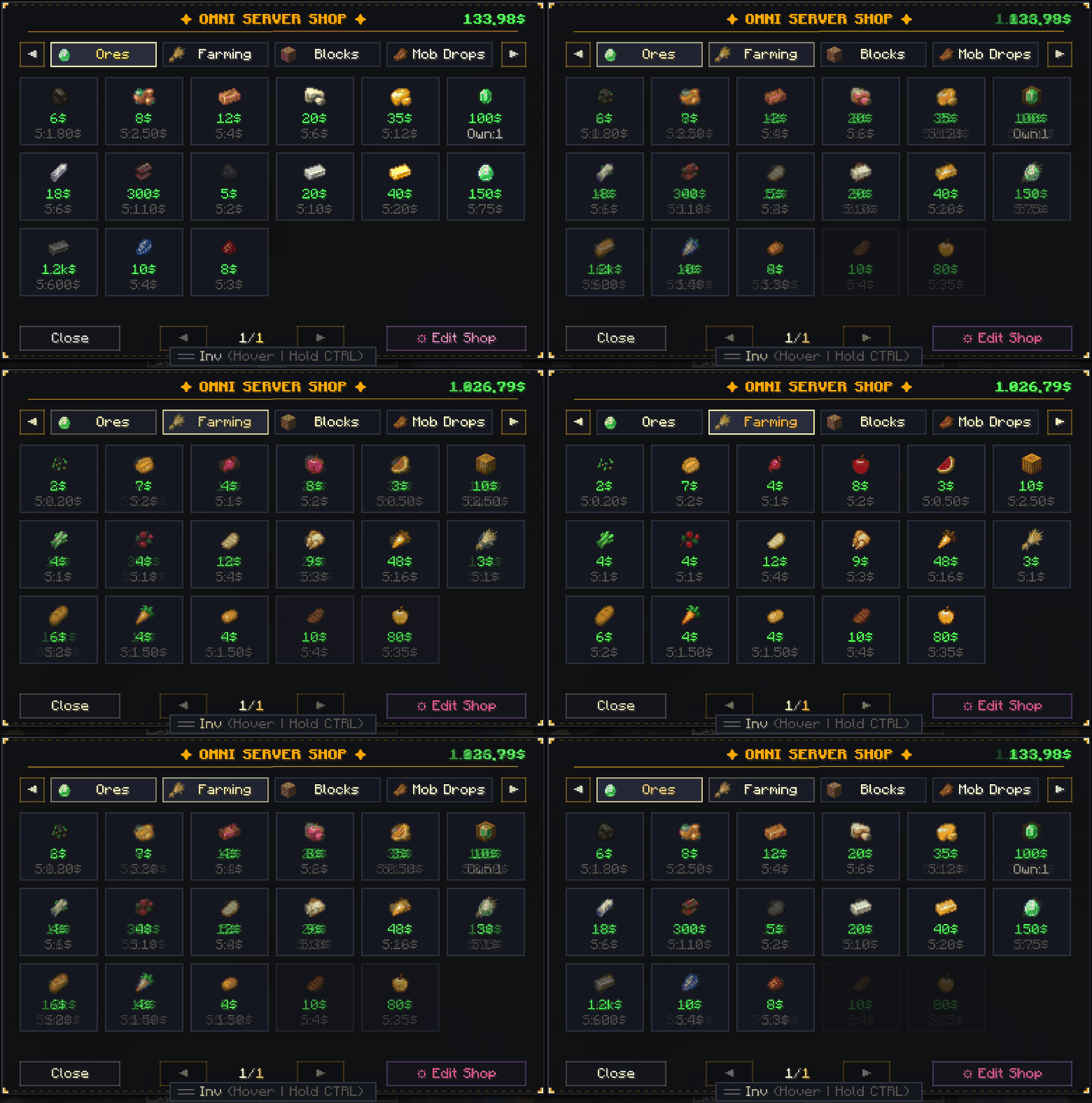

Decide what players need to do before they can buy. NONE → Available from the start ITEM → Obtain the item once ADVANCEMENT → Complete the required Minecraft advancement QUEST → Complete the required FTB Quests quest BOTH → Combine discovery, advancement, and quest requirements Set shopUnlockMode in the admin editor. For example, let players mine their first diamond before buying more, or unlock a modded material after the quest that introduces its machine.

Set up your pedestal Craft an Oak, Stone, Obsidian, or Quartz Framed Shop Pedestal. Set a base price and bundle size in its manager. Make it yours Add a tagline and choose Gold, Emerald, Cyan, Amethyst, or Crimson. Set a discount up to 90% or adjust per-trade inflation. Trade in the world Customers can use ×1, ×4, or ×16 in the floating panel or Sneak + Right-Click for a quick trade.
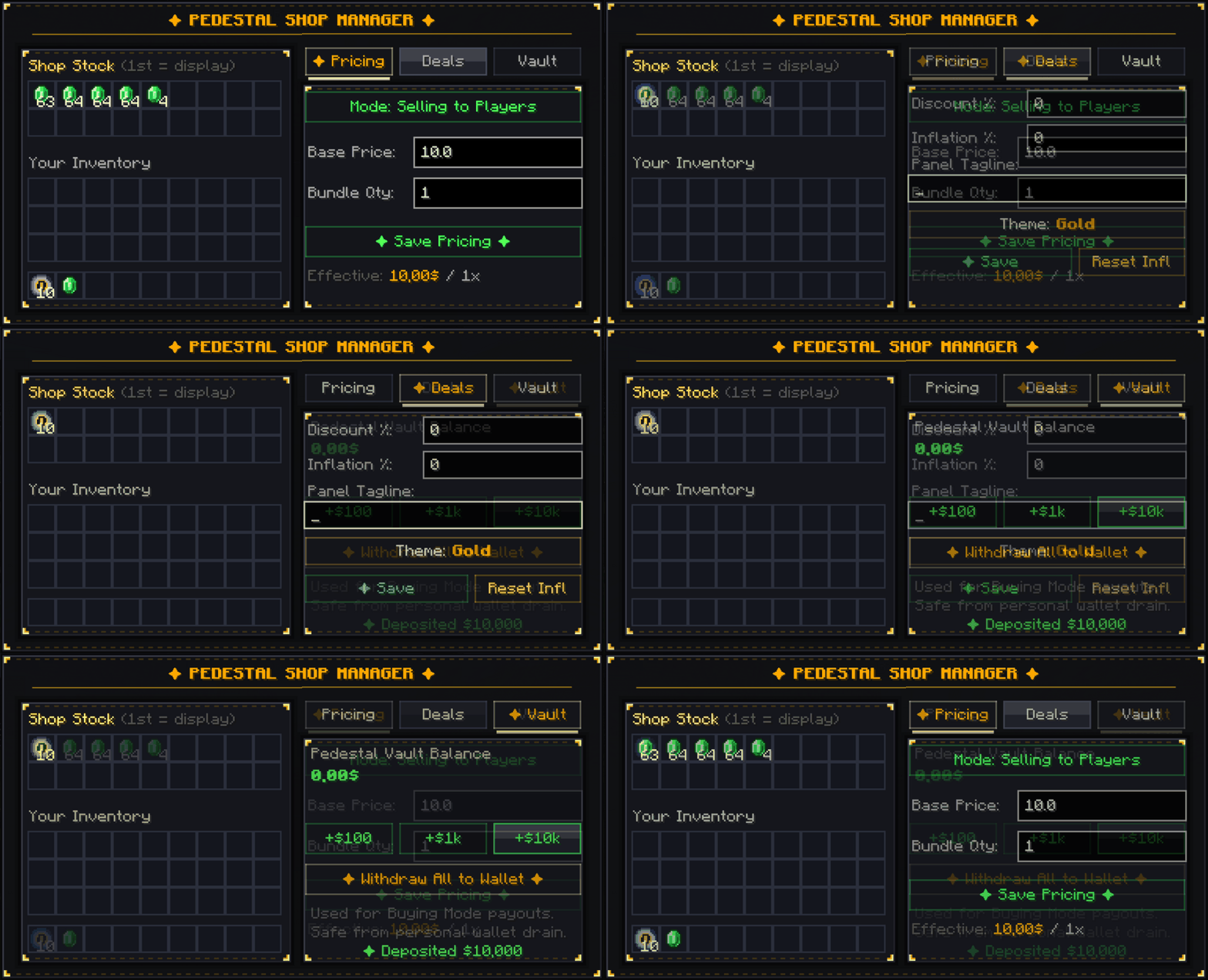
The pedestal has its own vault. When someone buys from your shop, the money goes into the vault. If your shop buys items from players, it pays out from the budget you deposited there. You can withdraw the vault balance back to your wallet. FTB Chunks integration allows customer interaction in claimed areas and protects pedestals from being broken by non-owners.

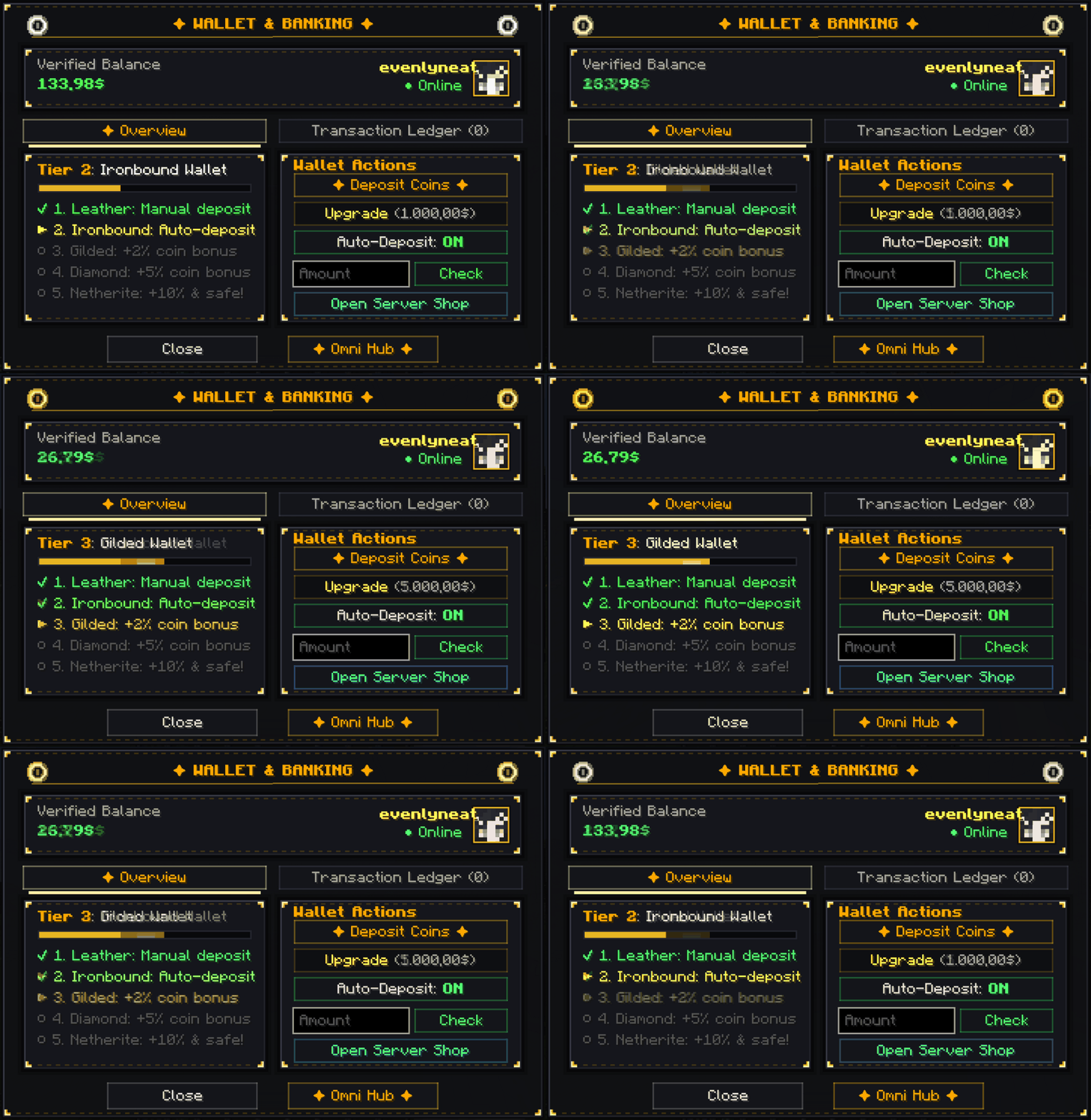
Deposit coins and upgrade your wallet Right-click a coin to deposit one. Shift + Right-Click deposits the stack. Leather → Manual deposits Ironbound → Auto-deposit Gilded → +2% coin bonus Diamond → +5% coin bonus Netherite-Weave → +10% coin bonus
Coin values Wood 0.10 • Stone 0.50 • Copper 1 • Iron 5 Lapis 15 • Gold 50 • Emerald 100 • Diamond 500 Netherite 2,500 • Obsidian 10,000 • Endstone 50,000 • Bedrock 250,000
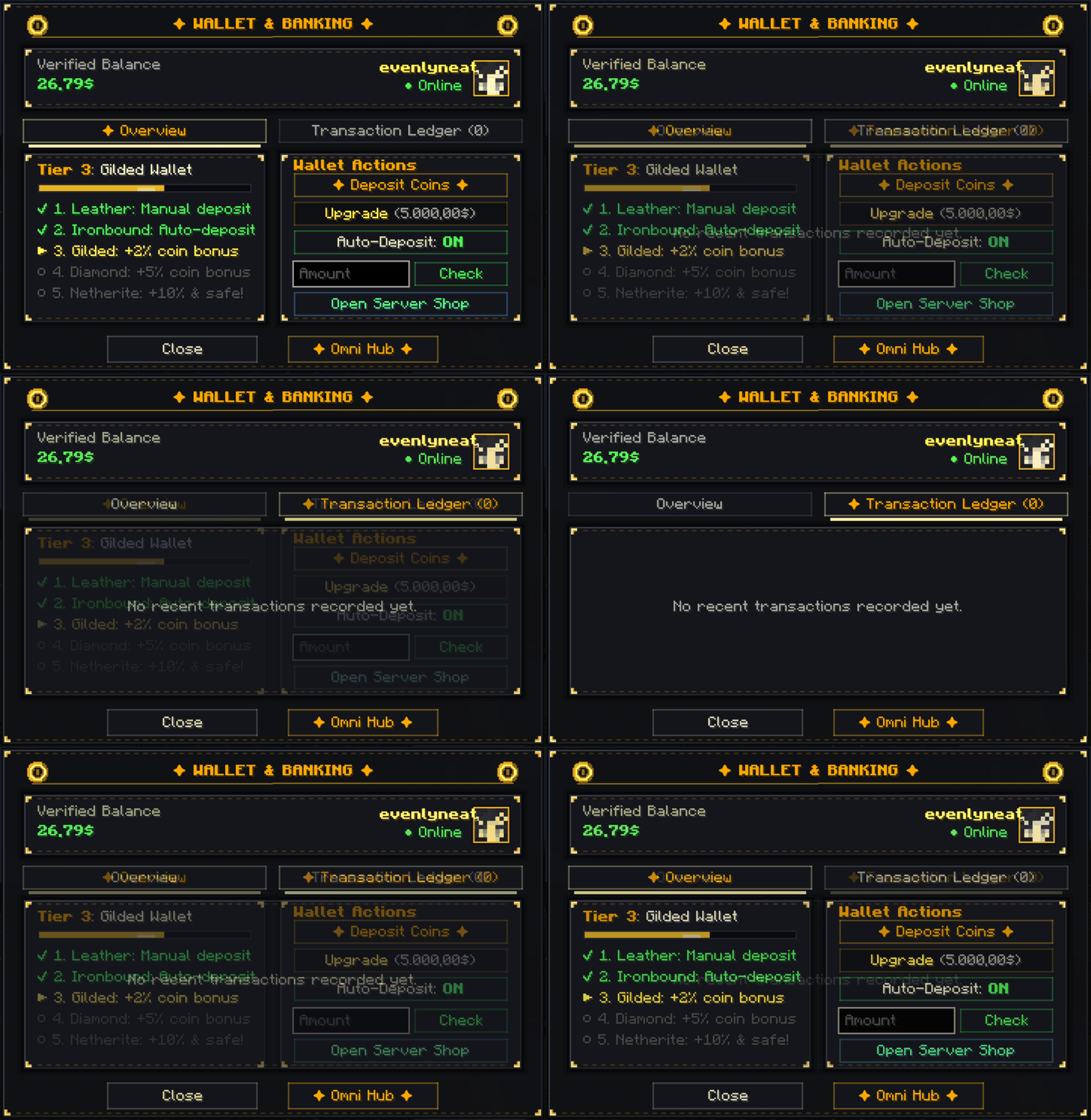
Bank notes and transaction history Create a signed note for an exact amount with /check <amount> or from the wallet. Give it to another player to redeem with a right-click. Open the ledger from /wallet to review recent deposits, withdrawals, shop trades, auctions, bank notes, and API transactions.

Auction House List items, search and sort offers, and earn money while offline. Smart Buy can flag a cheaper auction listing while someone is browsing the server shop. Sell Box and player trades Use /sell to bulk-sell eligible stacks or /trade <player> to exchange items and currency directly. Bounties, rewards, and rankings Place or claim bounties, collect daily login streak rewards, earn currency from advancements, and see the server’s wealth rankings.
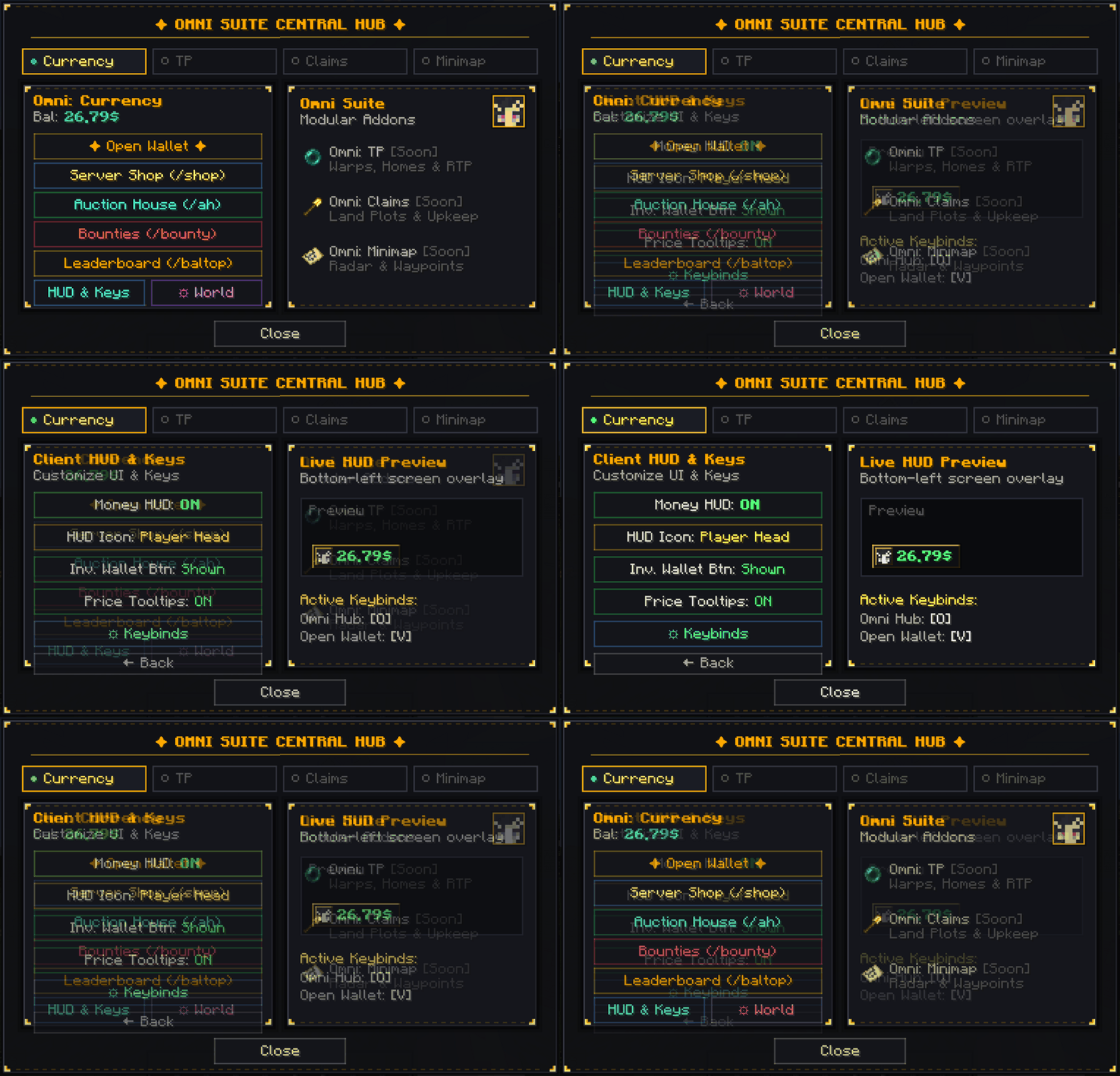
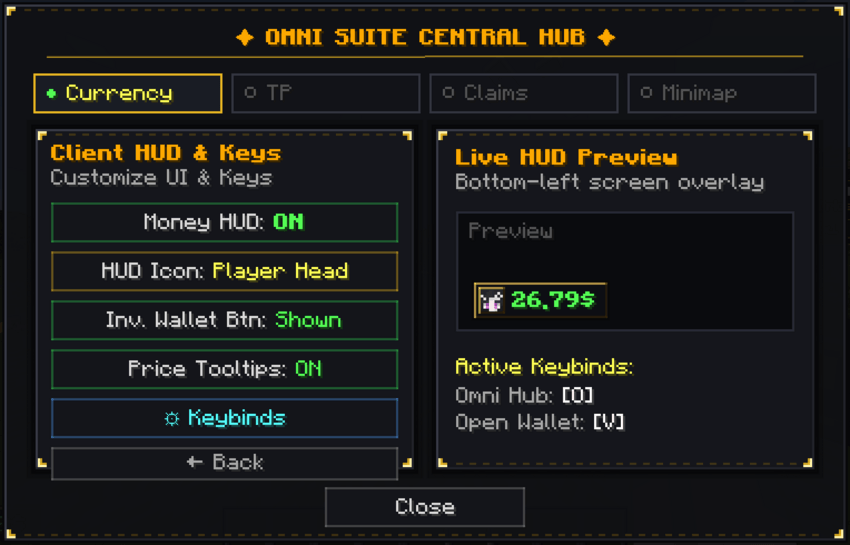
Open /omni to find the main menus, money HUD settings, and keybinds.

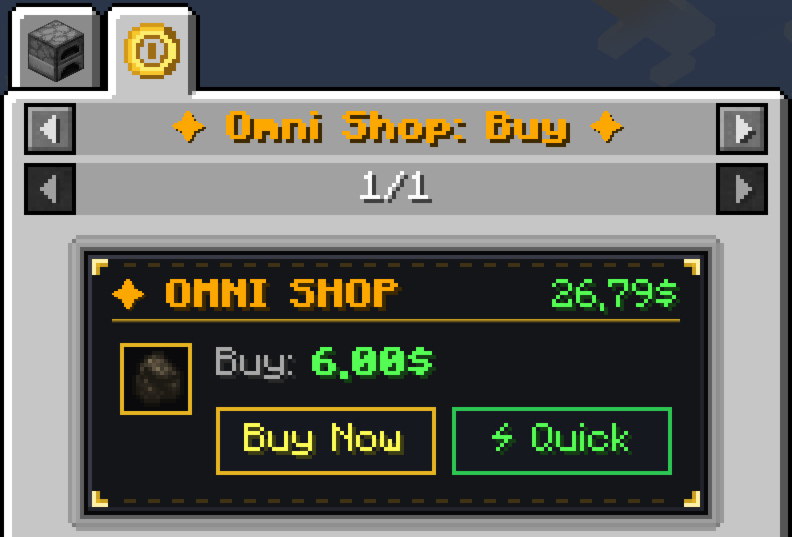
JEI → Shop Buy and Shop Sell tabs, shop shortcuts, and Ctrl price tooltips. Jade → Sneak to see prices on blocks and dropped items. Look at a pedestal to see its owner, price, stock, or vault information. FTB Quests → Quest-locked shop listings and currency rewards. KubeJS → Script hooks for the economy and shop. FTB Chunks → Pedestal interaction in claimed areas.
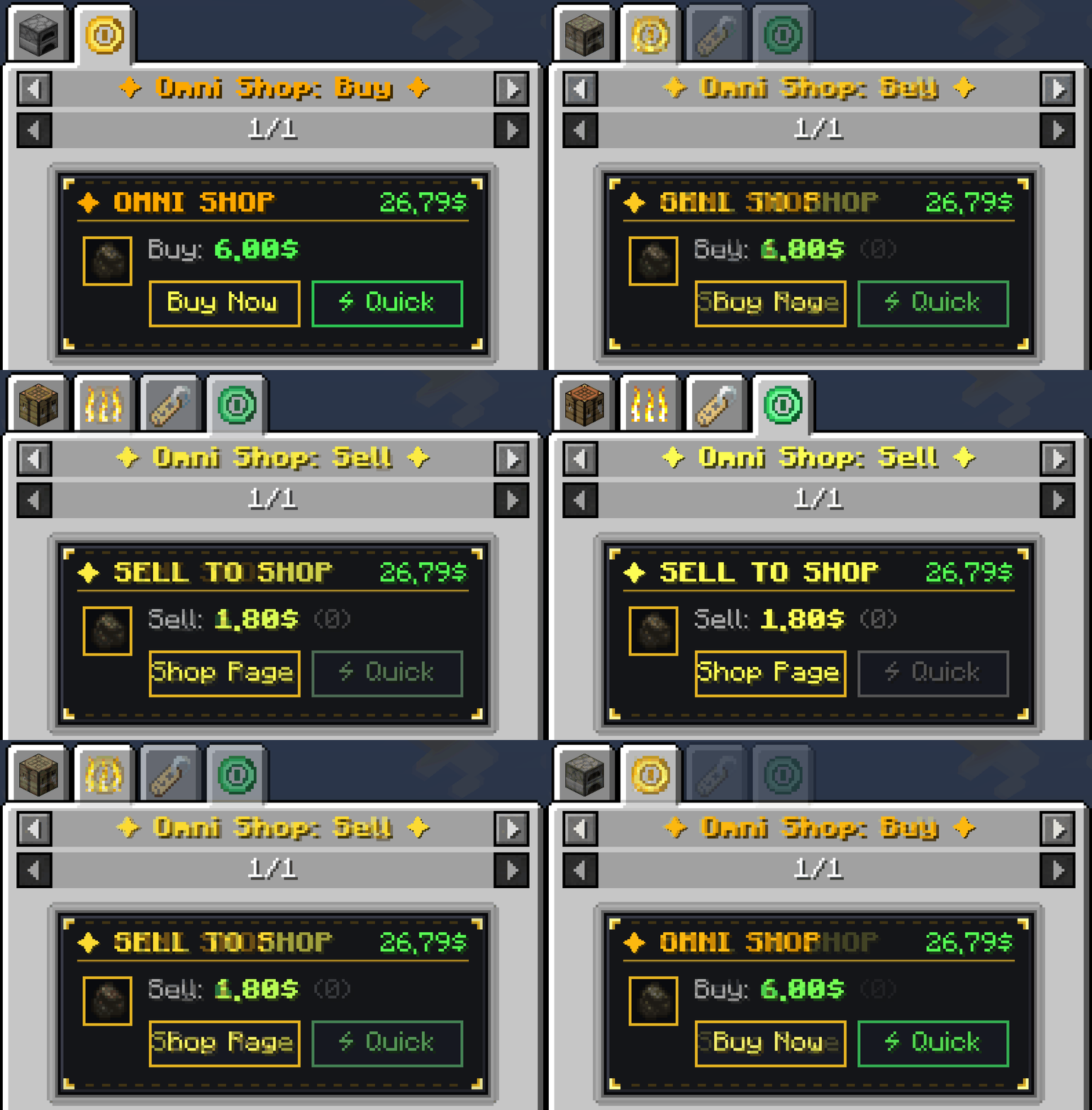

For mod and add-on developers Use omnicurrency-1.0.0-api.jar and OmniCurrencyAPI to check balances, deposit, withdraw, transfer, and work with physical coins. Transaction results → tryDeposit, tryWithdraw, and tryTransfer return a TransactionResult. Economy events → Use EconomyTransactionEvent.Pre and .Post to hook into transactions and their reason tags. Shop registration → Register packs, categories, and items with RegisterShopEvent and ShopPack.

Menus /omni • /wallet • /shop • /sell Trading /ah • /trade <player> • /pay • /bounty Wallet and prices /bal or /balance • /deposit • /withdraw • /check <amount> • /worth Rewards and rankings /reward • /baltop Admin economy tools /eco
Omni: Currency | Economy, Server Shops & Auction House Team

Owner