Omni: Claims | Land Claiming & Chunk Protection
- By
Claim and protect chunks in Minecraft Forge 1.20.1. Manage player trust, set team protection rules, and see your territory with Omni: Map.
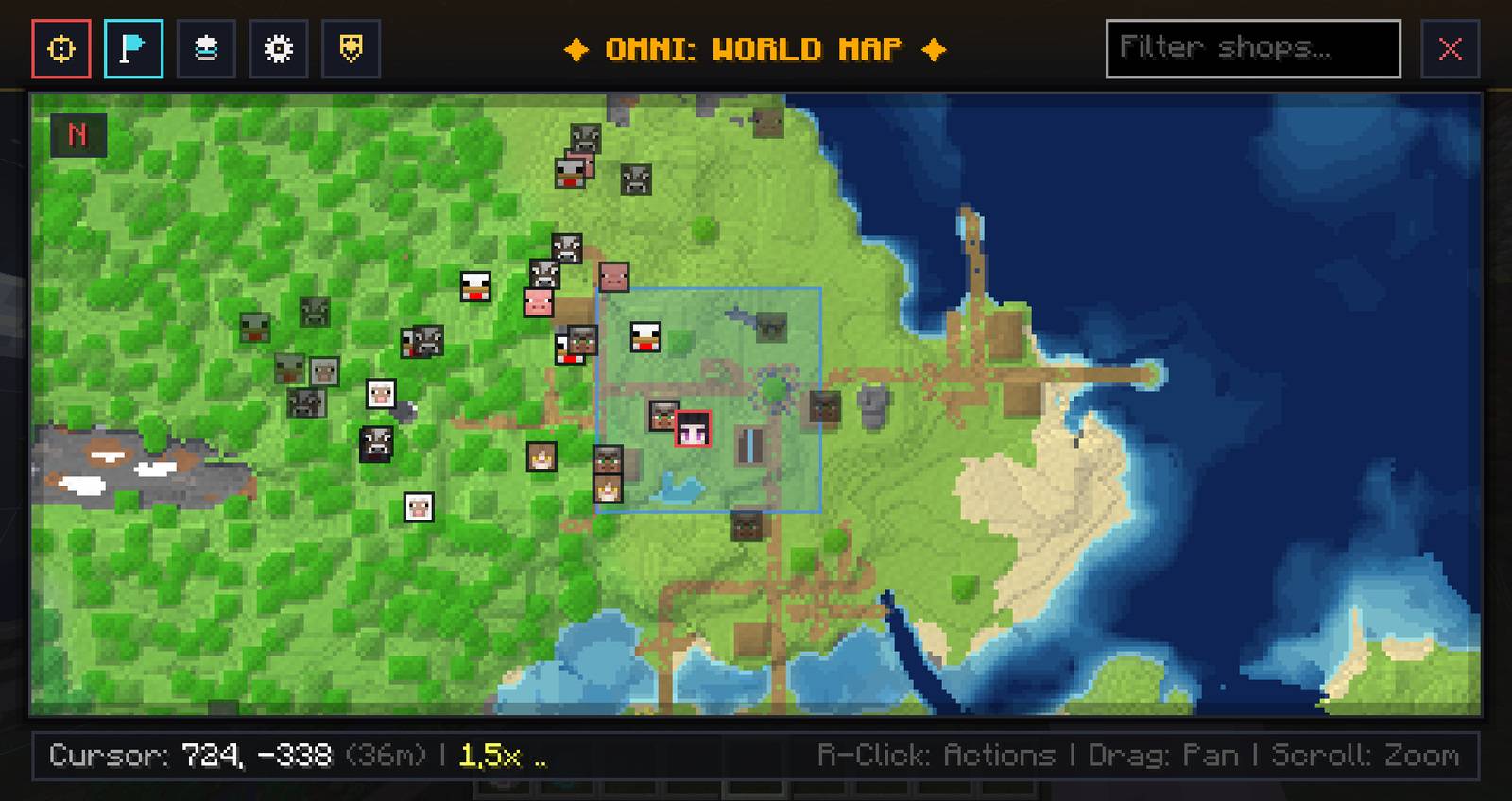
world-map-overlay.jpg
3d-claim-borders.jpg
central-hub.jpg
chunk-trust.jpg
claim-mode.jpg
Description
Omni: Claims Land Claiming & Chunk Protection
You found a spot for your base. Then came the farms, the storage room, and the friend who built next door. Omni: Claims gives you a way to protect it all, see where your land ends, and give friends access to the chunks you actually share.
Claim land right from the map
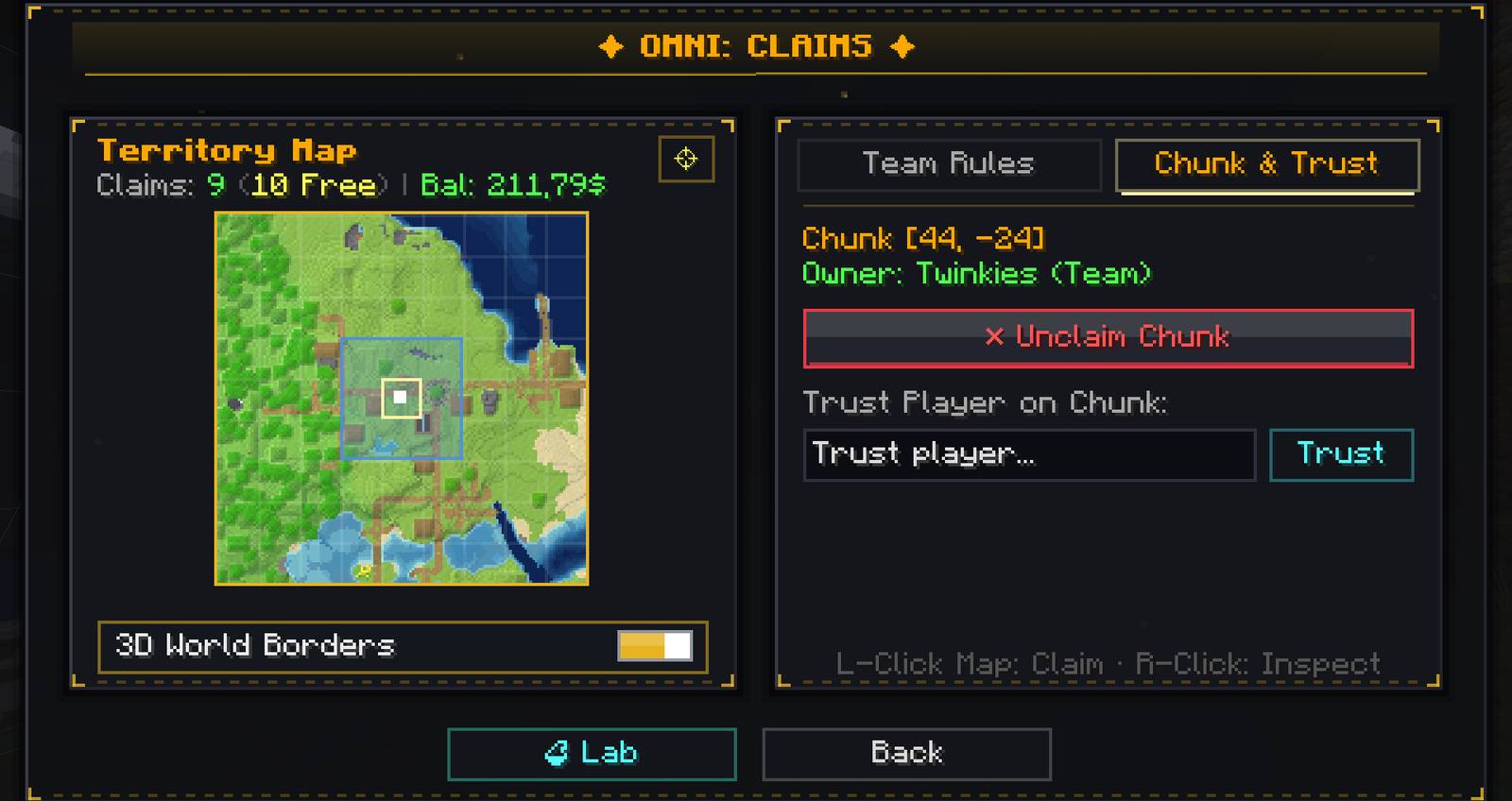
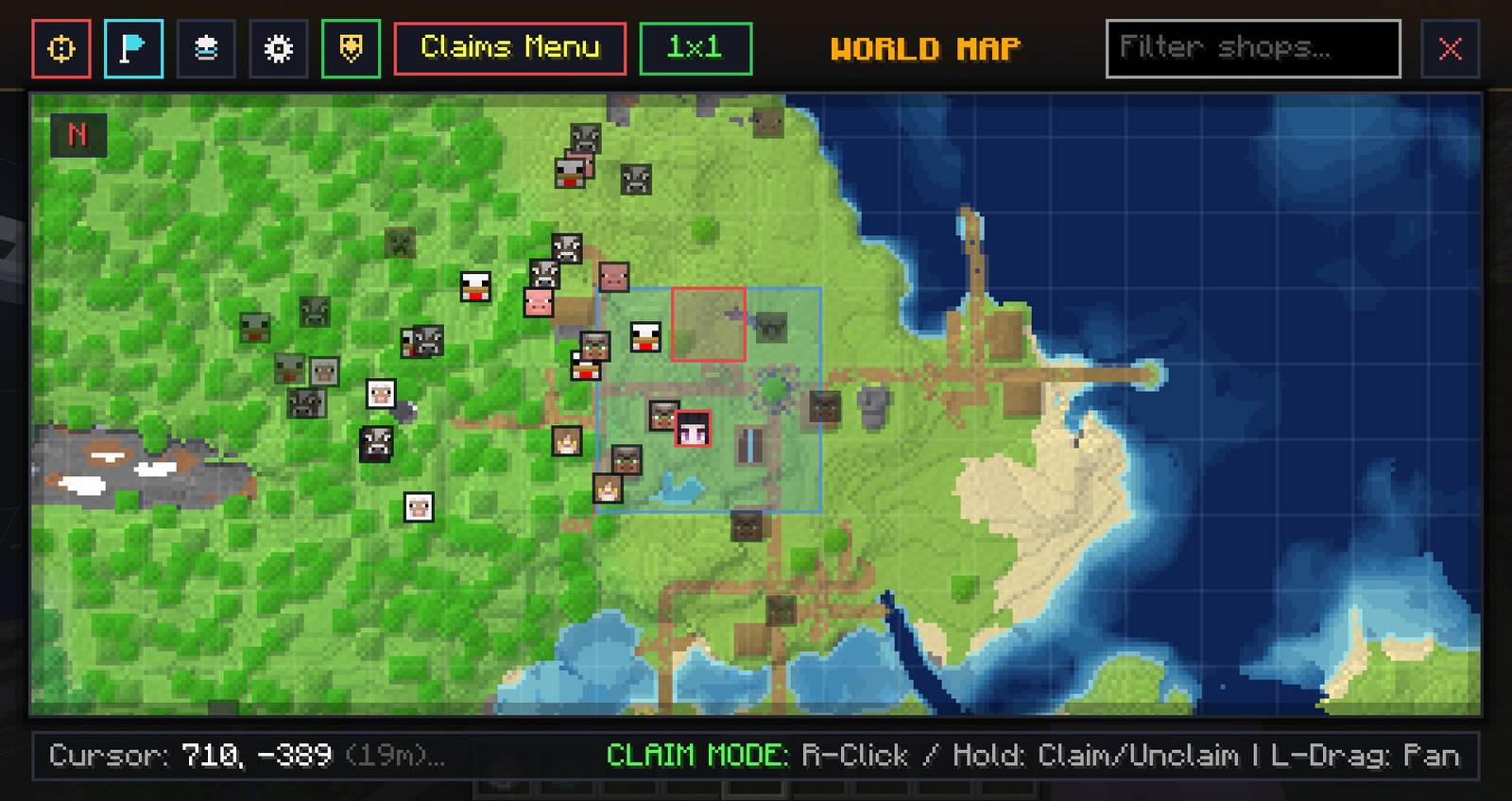
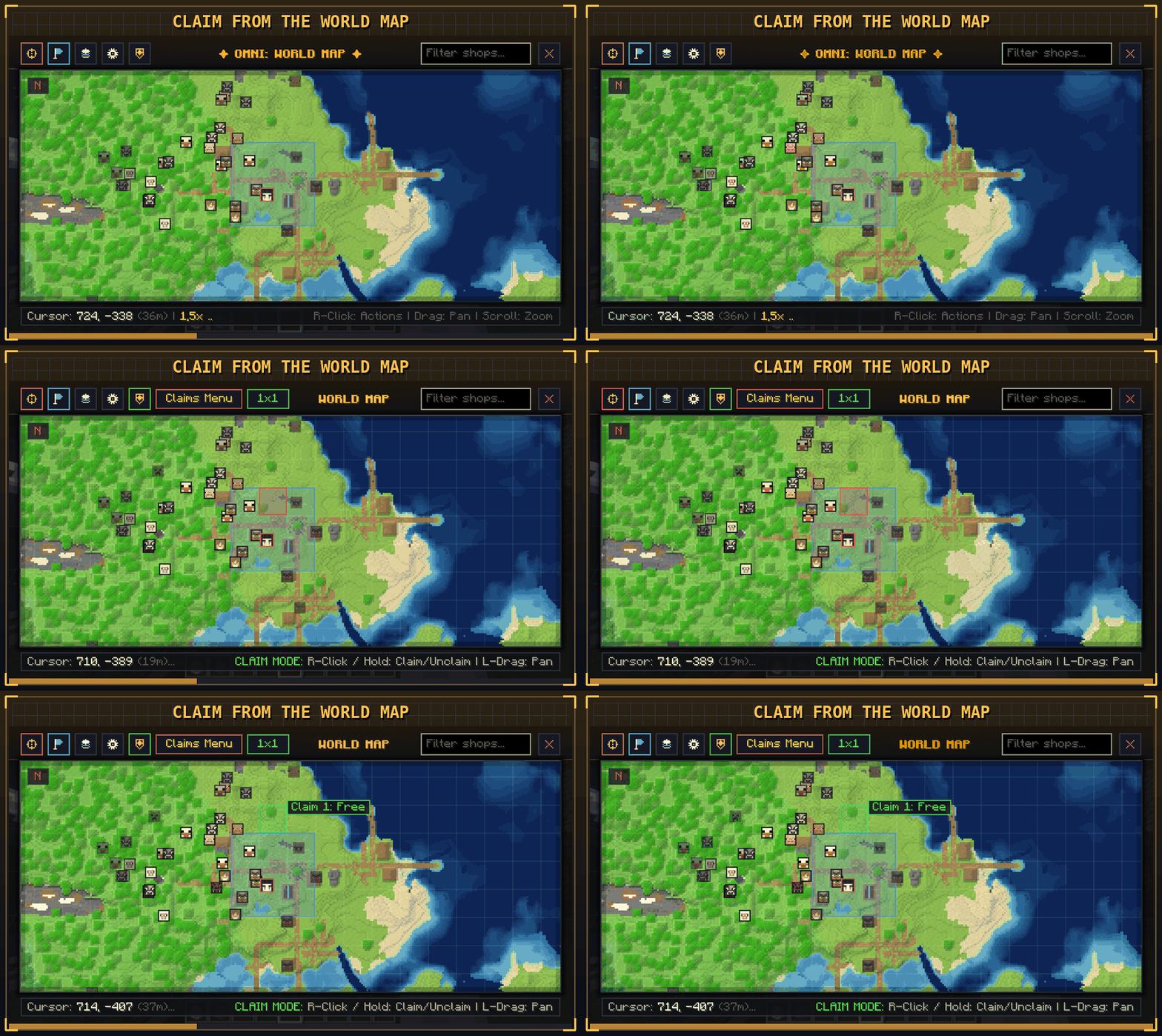
Open the Territory Map to claim a chunk or check who owns it. With Omni: Map, your territory also shows up on the world map and minimap. Switch the world map into Claim Mode to preview the cost, claim a chunk, or release land you no longer need.
Give friends access one chunk at a time
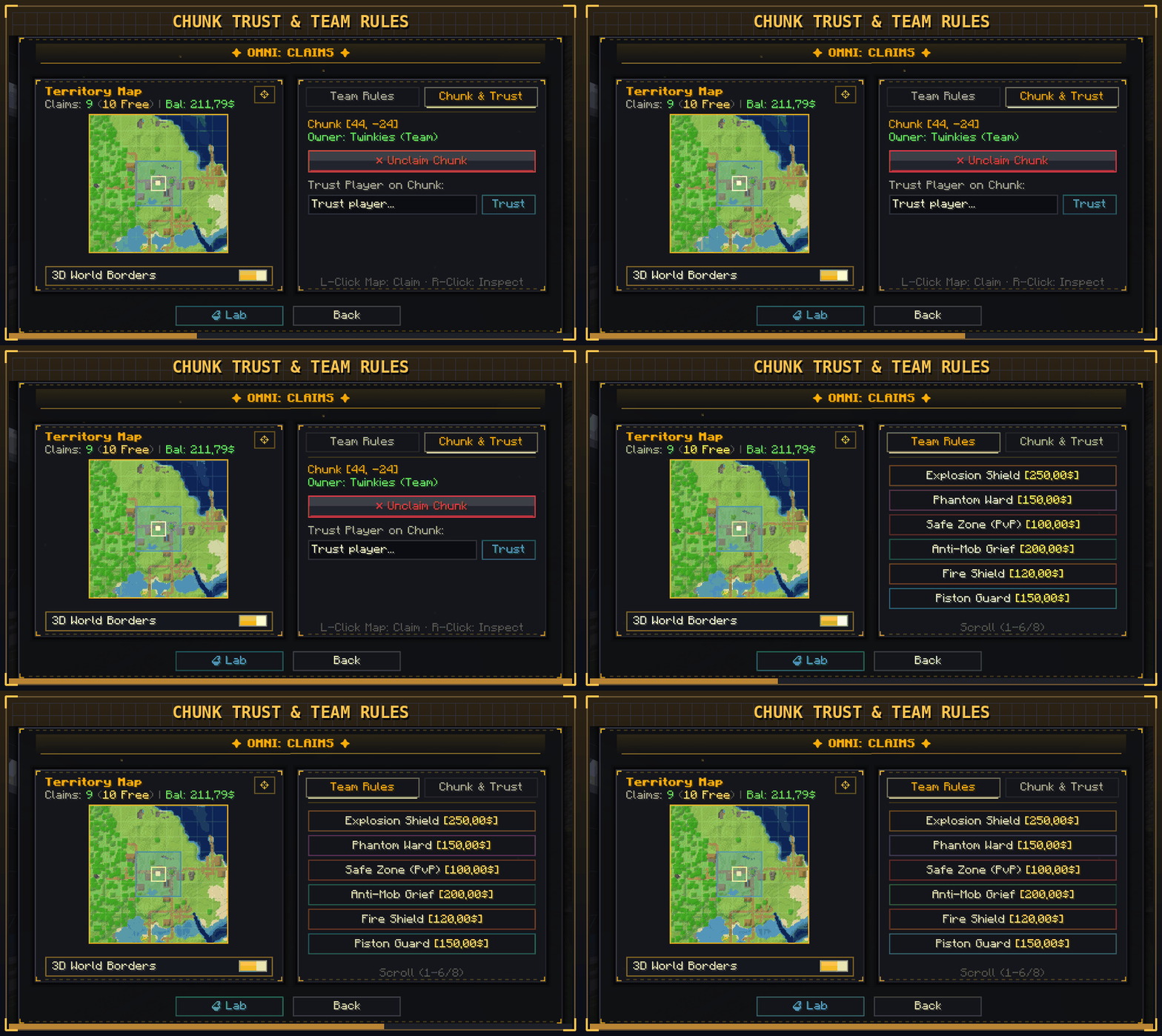
Want a friend to help with the farm? Select its chunk in Chunk & Trust and add them there. With Omni: Teams, your squad can own territory together and manage its protections under Team Rules. Team protection options include Explosion Shield, Fire Shield, Anti-Mob Grief, Safe Zone (PvP), and Piston Guard. Omni: Currency integrates with claim costs and paid protections.
See exactly where your land ends
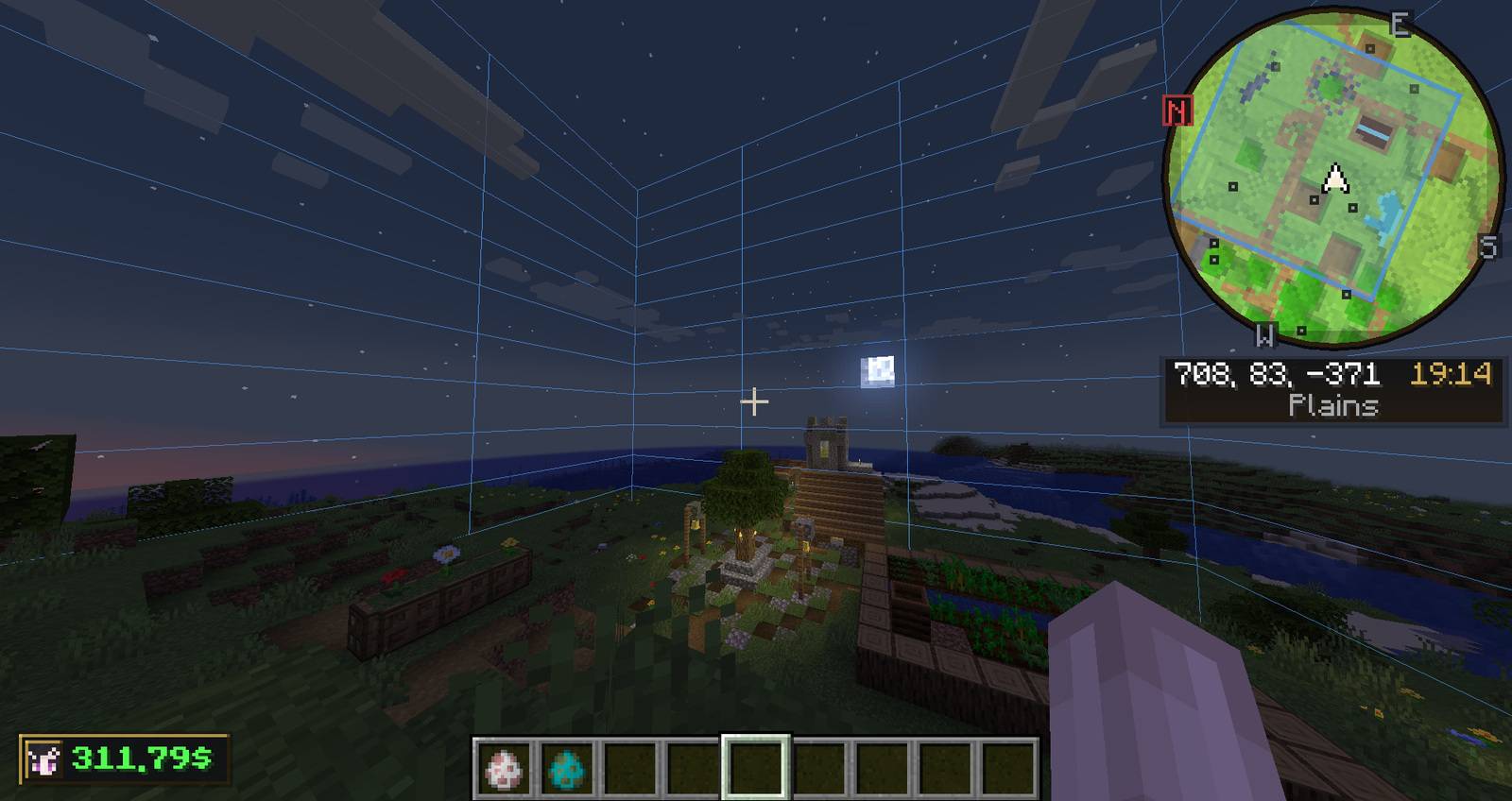
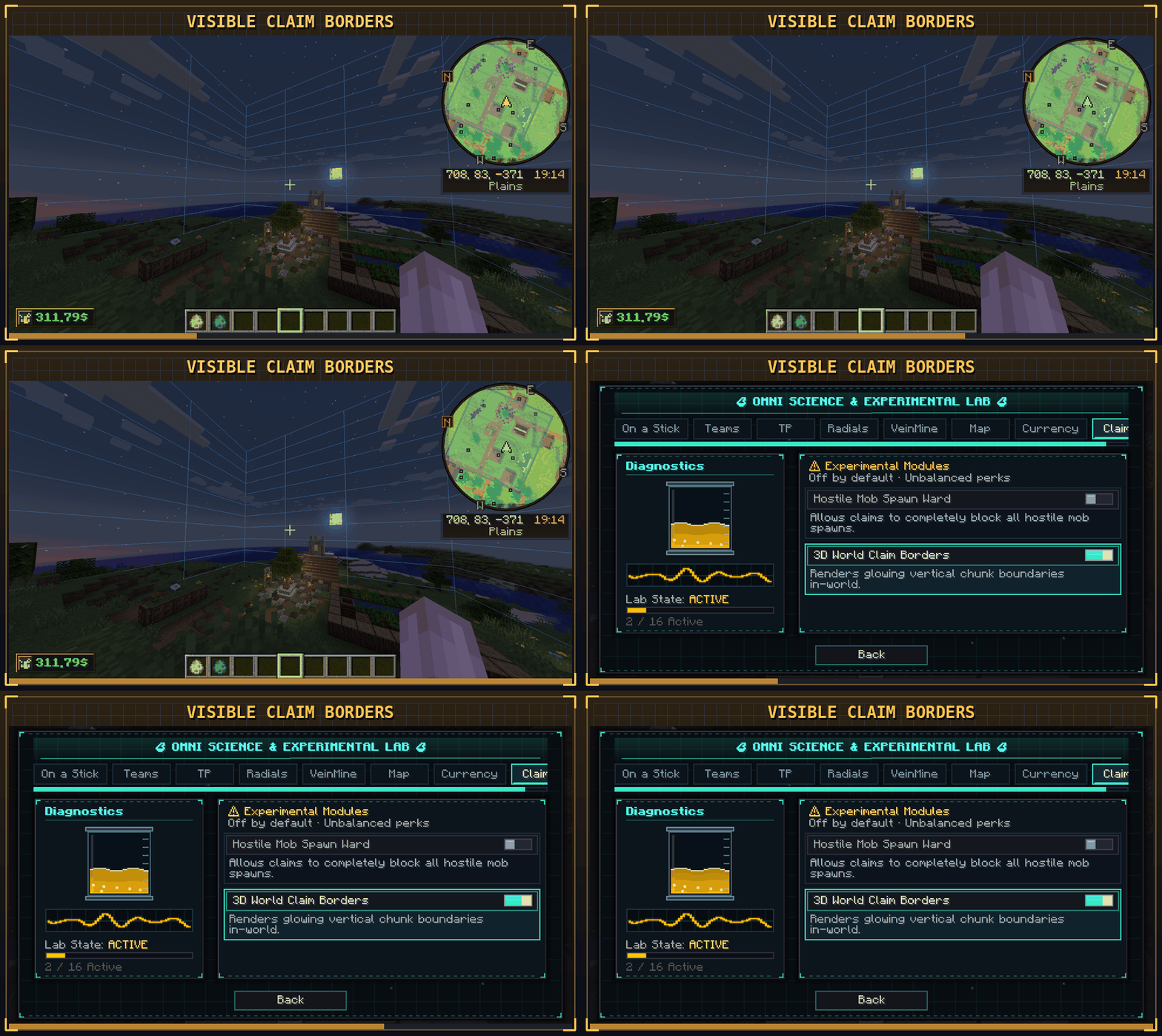
Turn on 3D World Claim Borders in the Omni Lab to see vertical outlines around your territory while you build. It’s especially handy when you’re extending a wall or checking whether a new build still fits inside your claim. The Lab also includes Hostile Mob Spawn Ward, an experimental option that lets claims block hostile mob spawns. Both Lab options are off by default.
Getting started
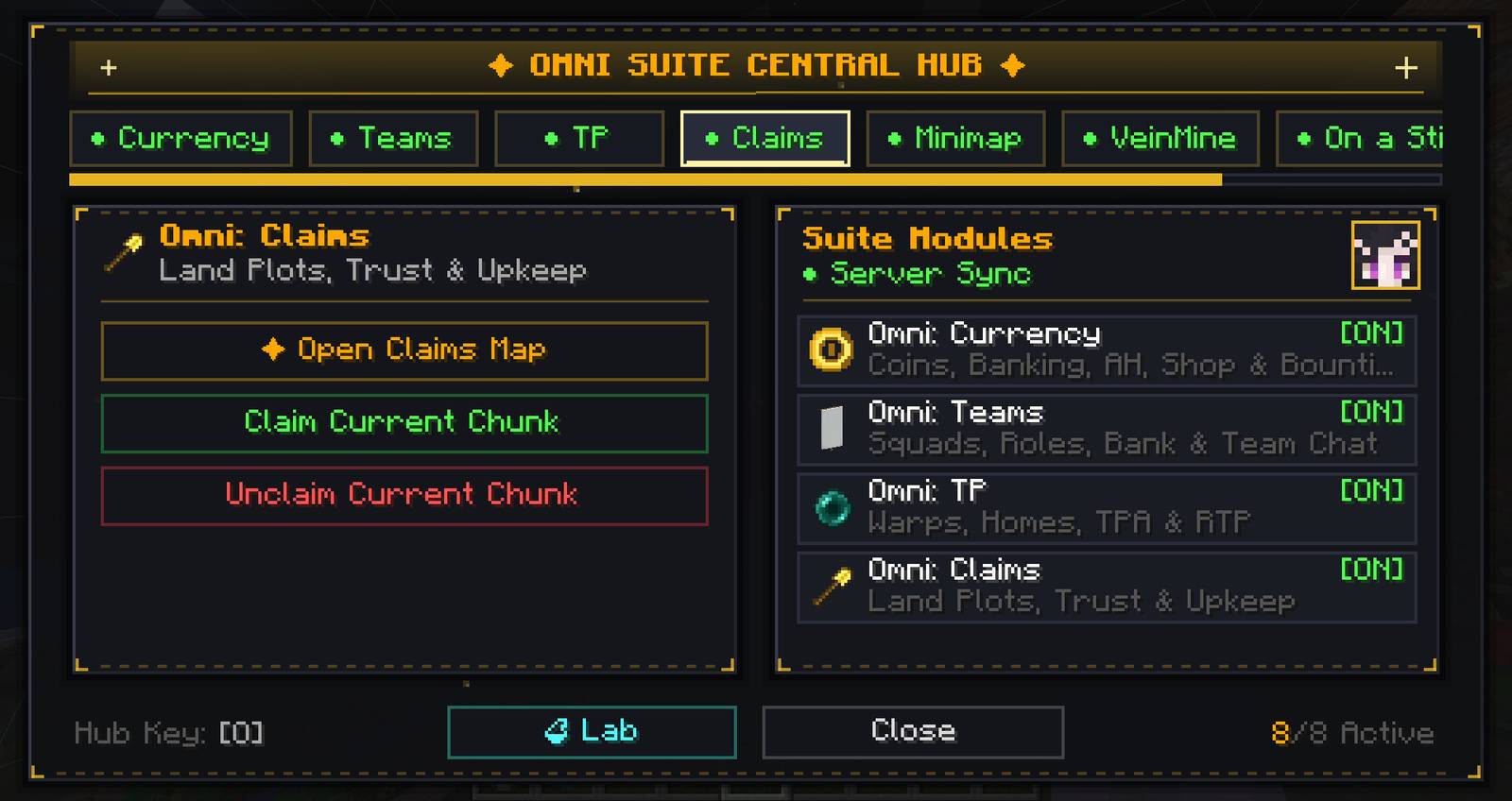
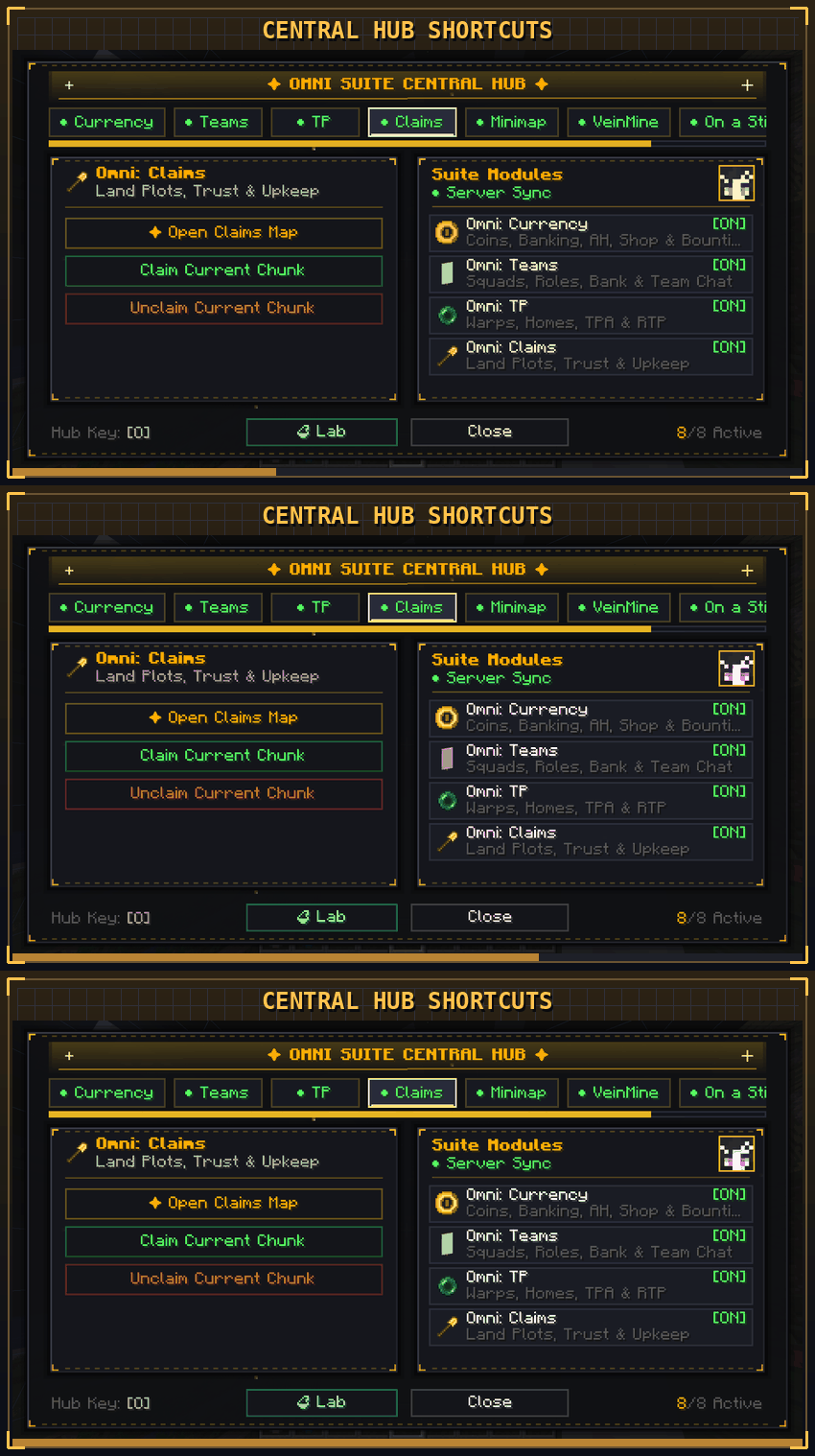
Install Omni: Claims and Omni: Lib for Minecraft 1.20.1 on Forge. Open the Claims tab in the Omni Central Hub to view the Territory Map, claim the chunk you’re standing in, or unclaim it.
Enjoying the Omni Suite? Support development on Ko-fi
Omni: Claims | Land Claiming & Chunk Protection Team

Owner