


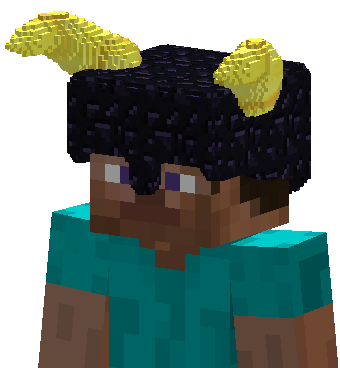
Chiseled Armor pieces render chiseled blocks (and any items) as their moving parts.
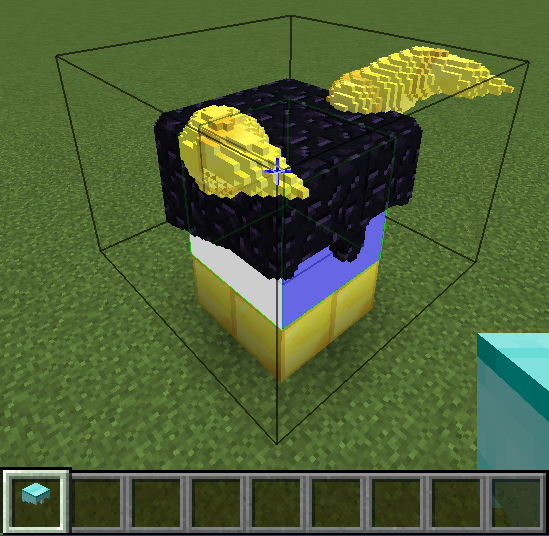
After you have created your model around the in-world bodypart template area, put the armor piece in 'Block Collection' mode. Clicking one block/bit and releasing on another, draws a box around your model and imports copies of all intersecting blocks.

Remove spherical areas of bits from clicked chiseled/chiselable blocks.
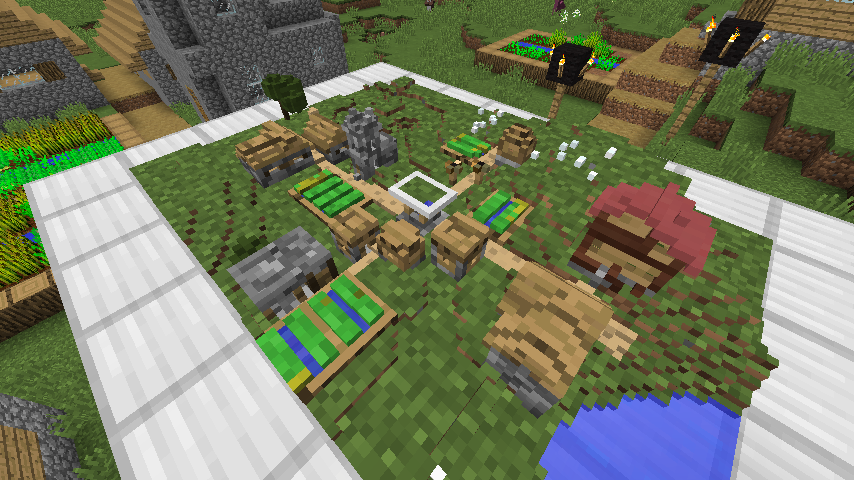
Model of a village made with the Modeling Tool by reading the village chunk by chunk (24 chunks in total).

Example of a 1:1 scale brick helmet with gold horns.
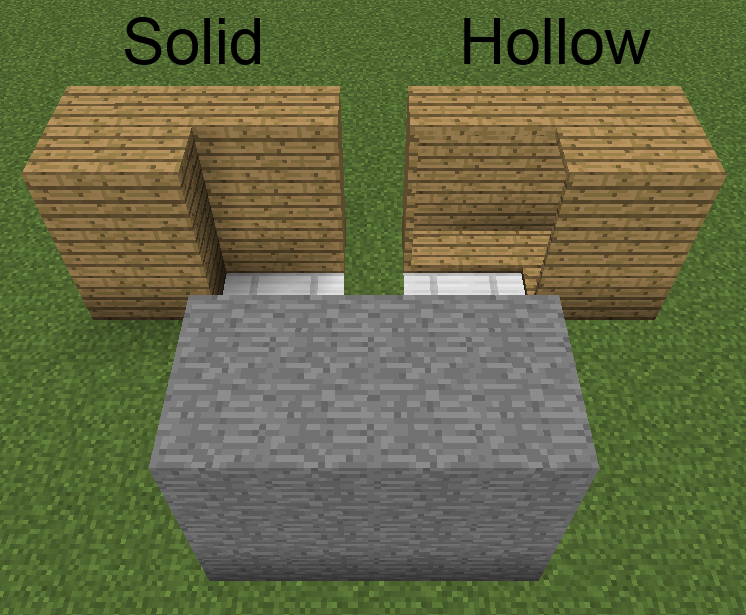
Cuboid created with drawn mode. Local/global mode shape is a cube.
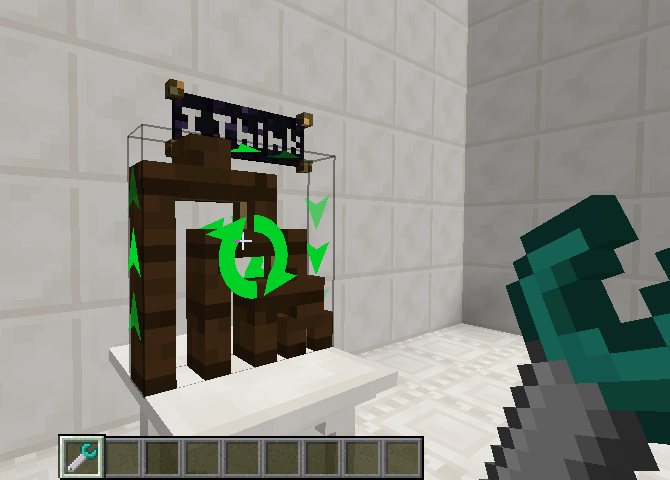
Rotate chiseled blocks.
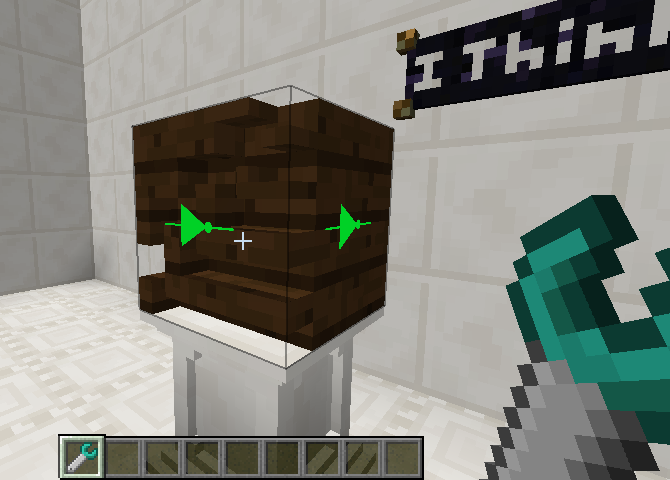
Invert chiseled blocks.
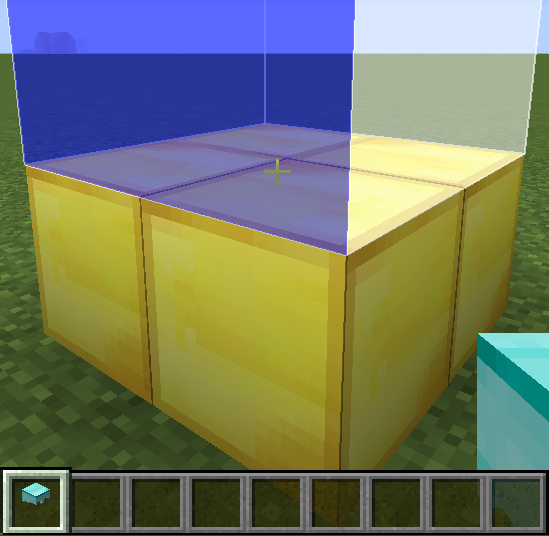
Click a surface in 'Template Creation' mode to set an area that represents the bodypart associated with the armor piece's selected moving part at the selected scale (right-click to additionally fill the area with bits that will be ignored when importing).
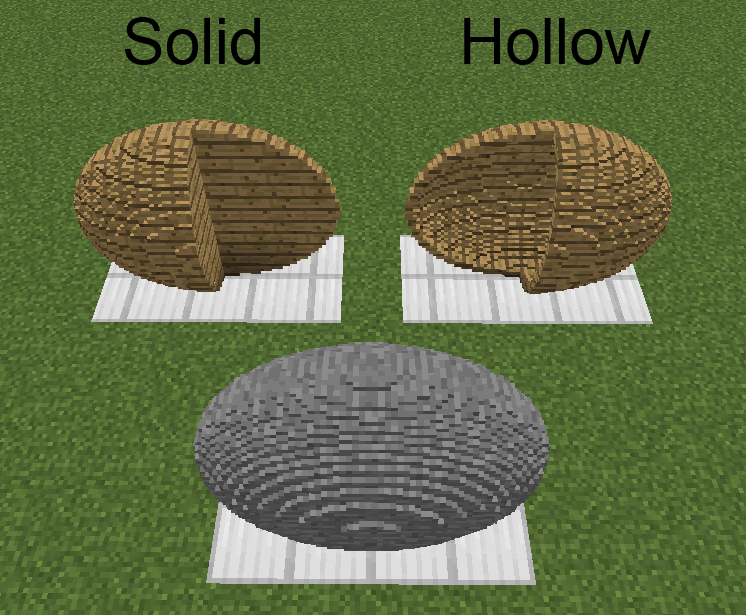
Ellipsoid created with drawn mode. Local/global mode shape is a ellipse.
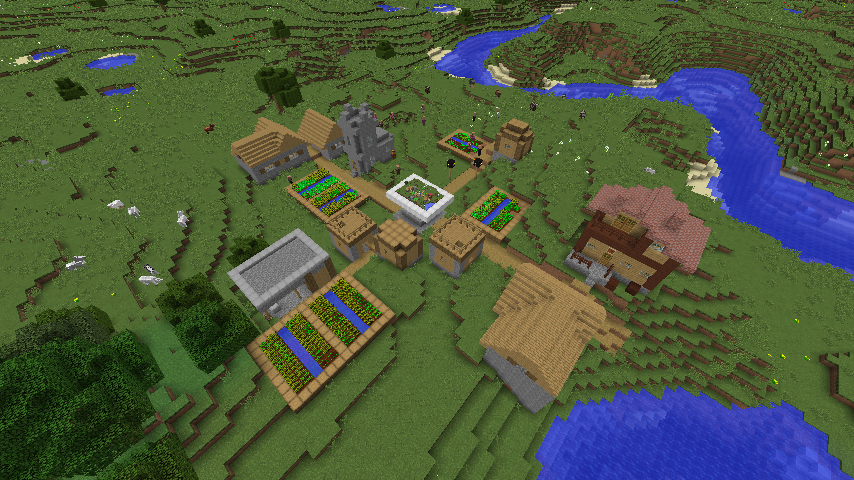
A village that was read, chunk by chunk (24 chunks in total), with the Modeling Tool to make a model of it.
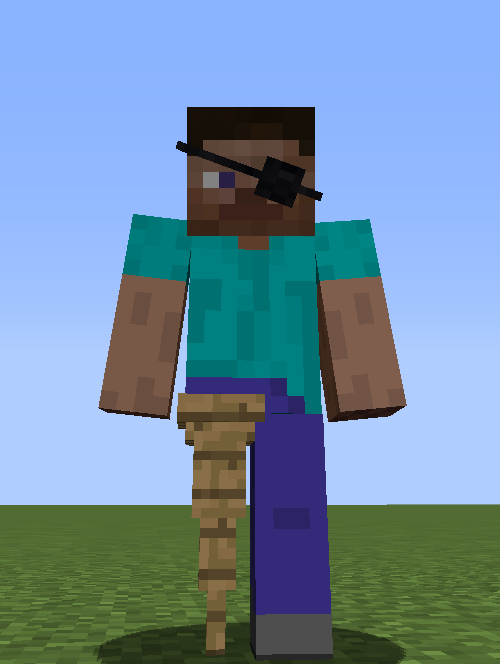
Example of a Chiseled Armor moving part preventing a moving part of the player model from rendering.
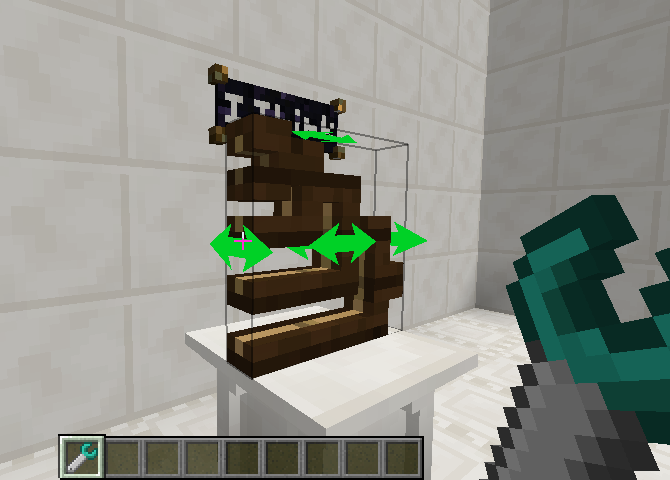
Mirror chiseled blocks.
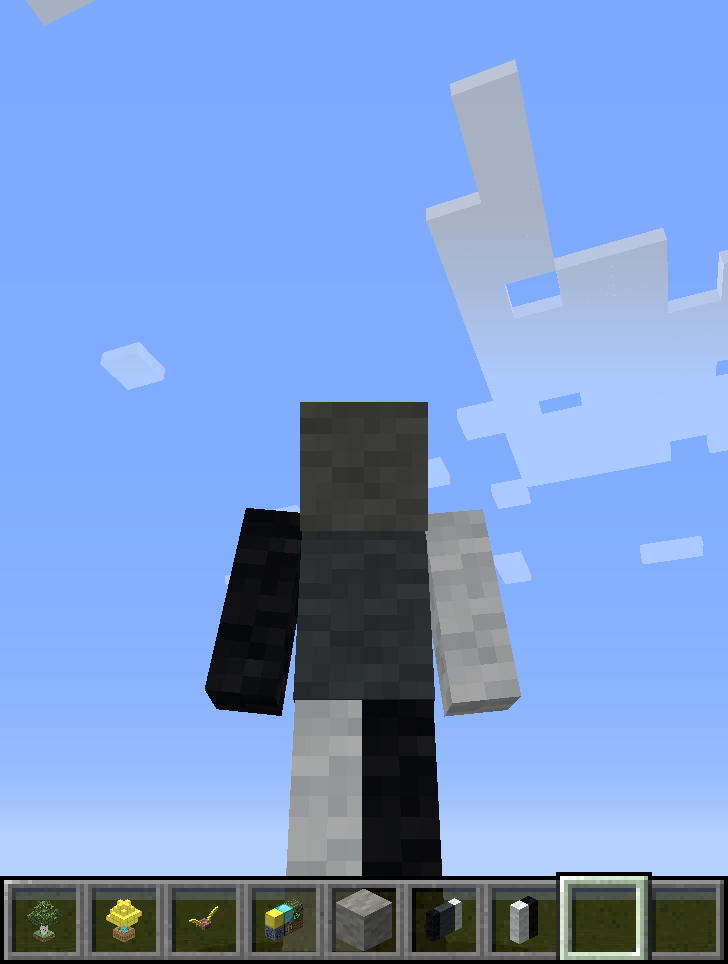
Example where chiseled wool blocks are rendered at 1:1, such that they effectively re-texture the player.
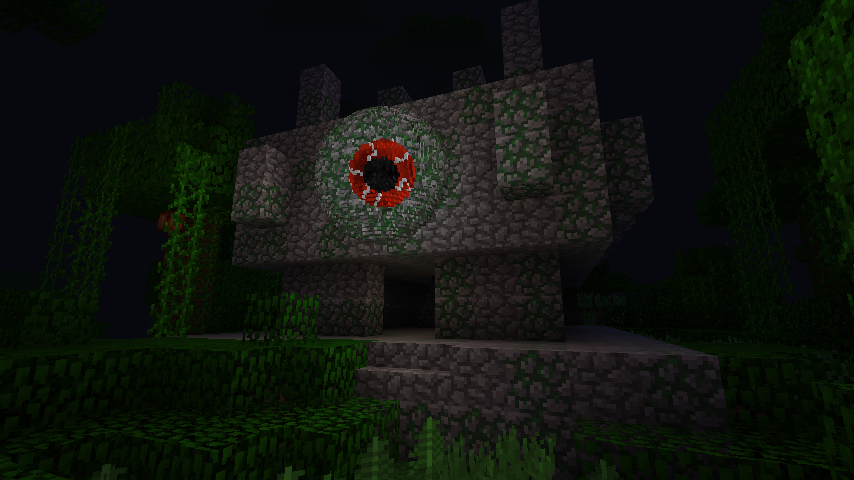
An eye made with Sculpting Wires and Spades by removing/adding spherical areas of bits in global mode.
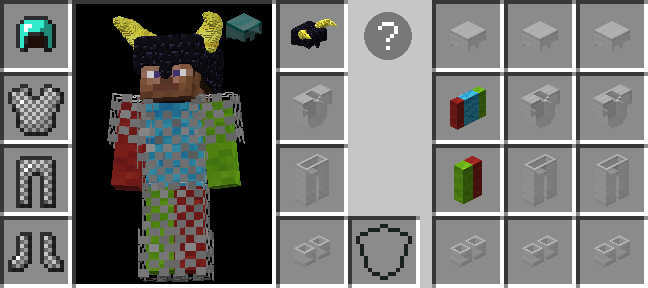
Armor worn in one of the added inventory vanity slots render on the player, but don't take up an armor slot and don't provide additional protection. Click the helmet icon (if displayed) in the survival player inventory or press H (by default) to access.
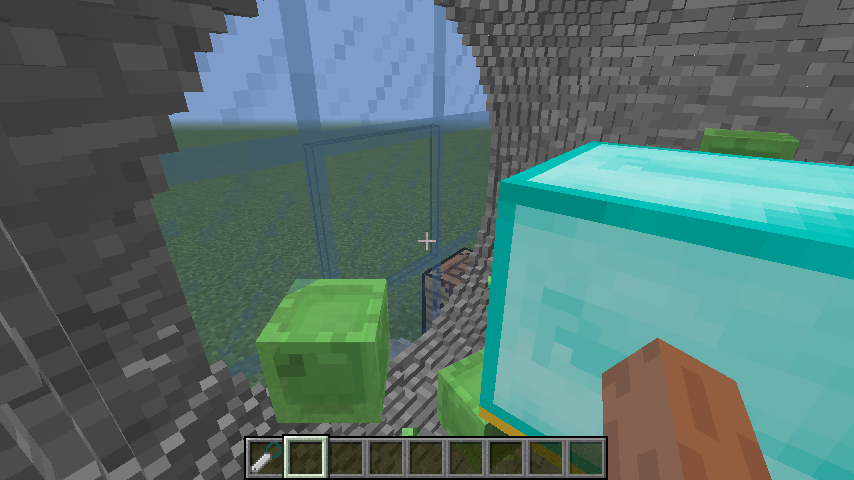
A spherical chamber made with a Sculpting Wires by removing a spherical area of bits in global mode.
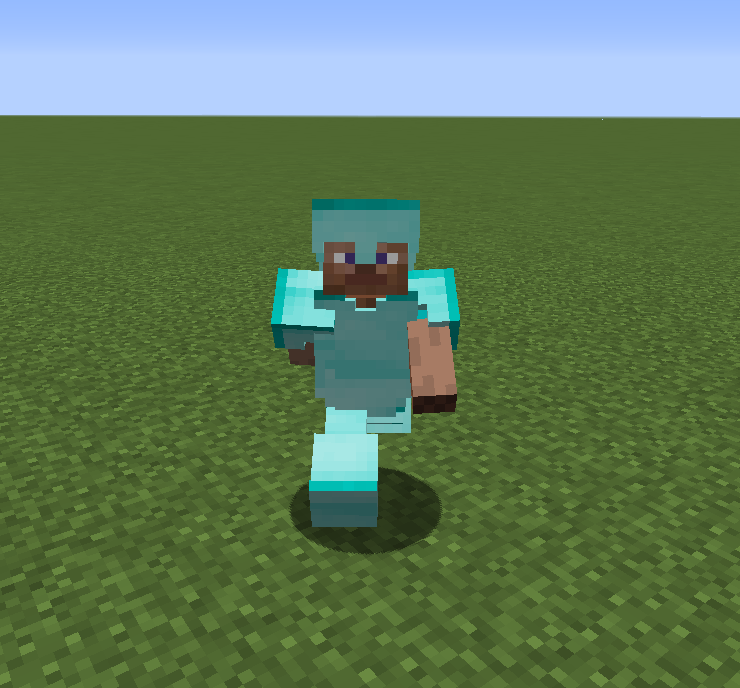
This is the default model rendered for Chiseled Armor when it has not been set to render any items for any of its moving parts.
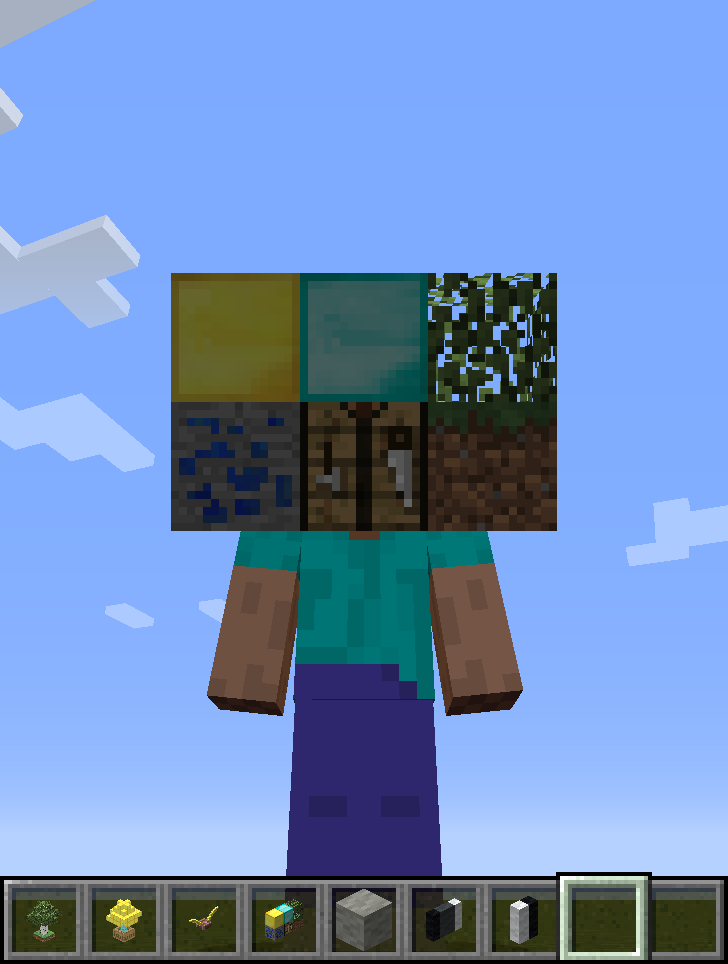
Example where a collection of blocks are rendered at 1:2 scale as the player's head.
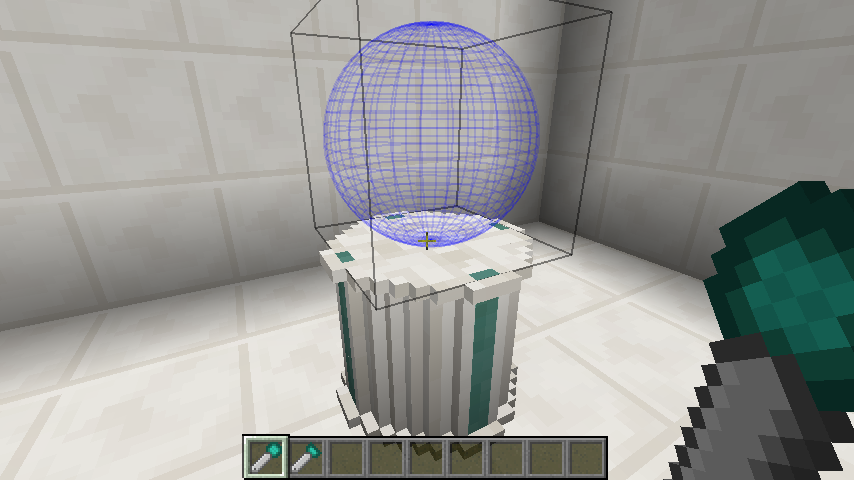
The sculpting shapes of spades can be offset for placement.
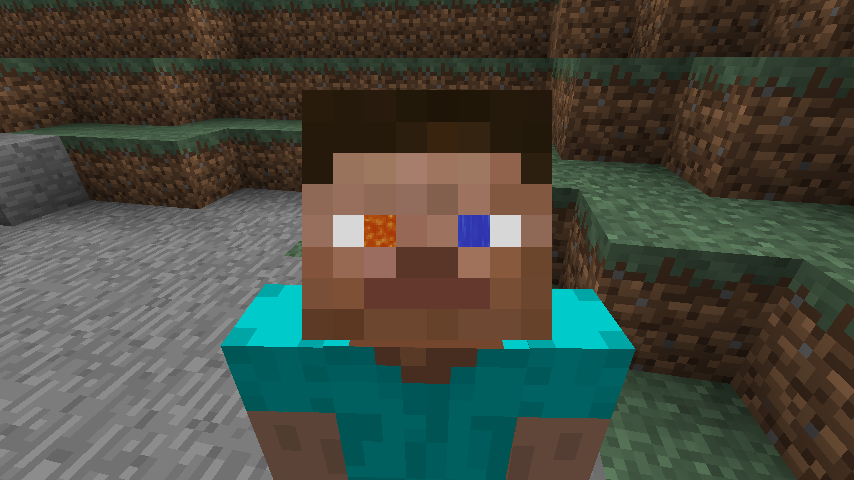
Example where chiseled blocks of flowing water/lava are rendered at a very small scale to give the player animated eyes.
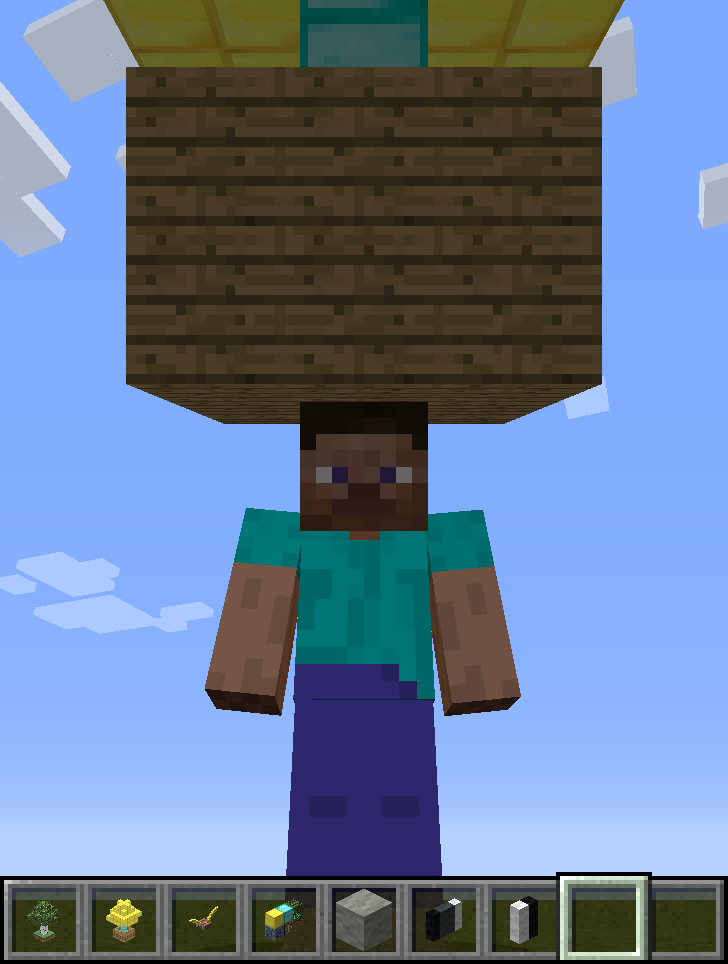
Example where a tree of gold/diamond in a large wooden box is rendered at 1:2 scale as a hat.
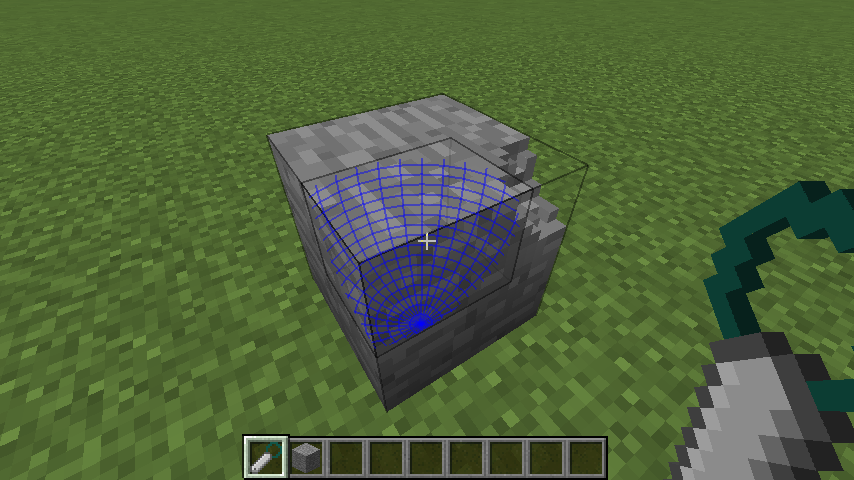
Remove spherical areas if bits from clicked chiseled/chiselable blocks.
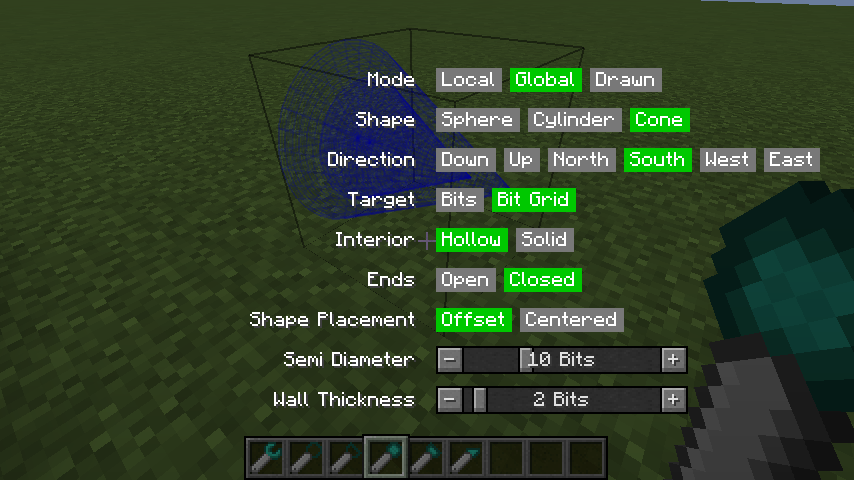
Holding the Chisels & Bits radial menu key (default is Left Alt, i.e. 'LMENU') with a tool in-hand will open a menu GUI for changing all tool settings. This is an alternate means of changing settings from the key/mouse combinations.
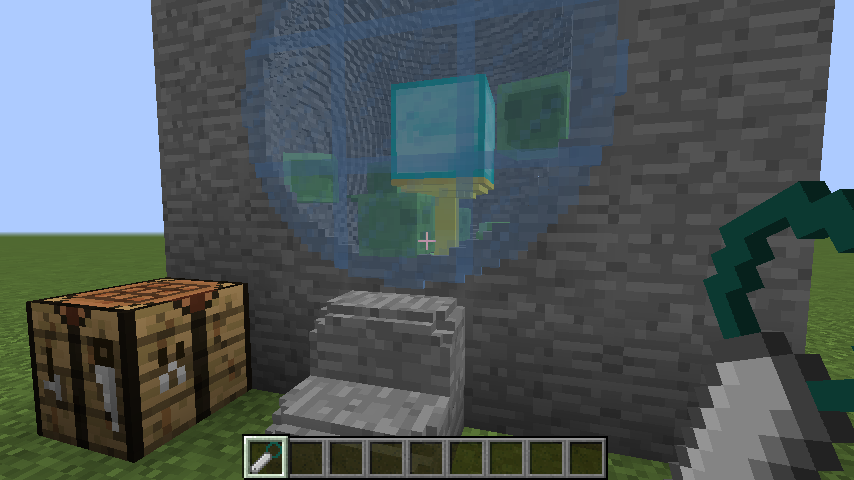
A spherical chamber made with a Sculpting Wires by removing a spherical area of bits in global mode.
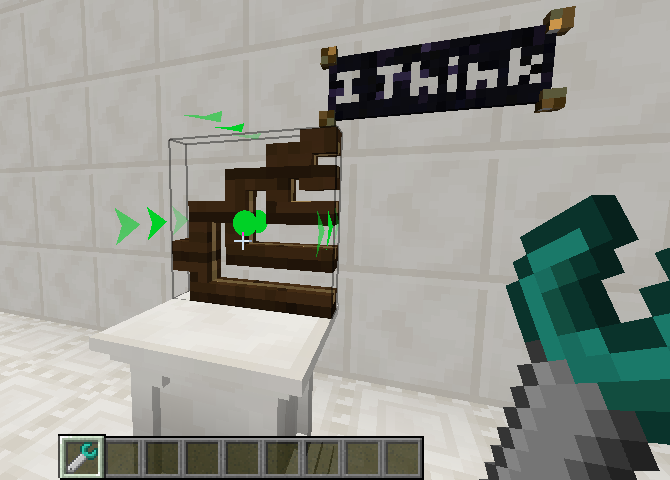
Translate chiseled blocks.
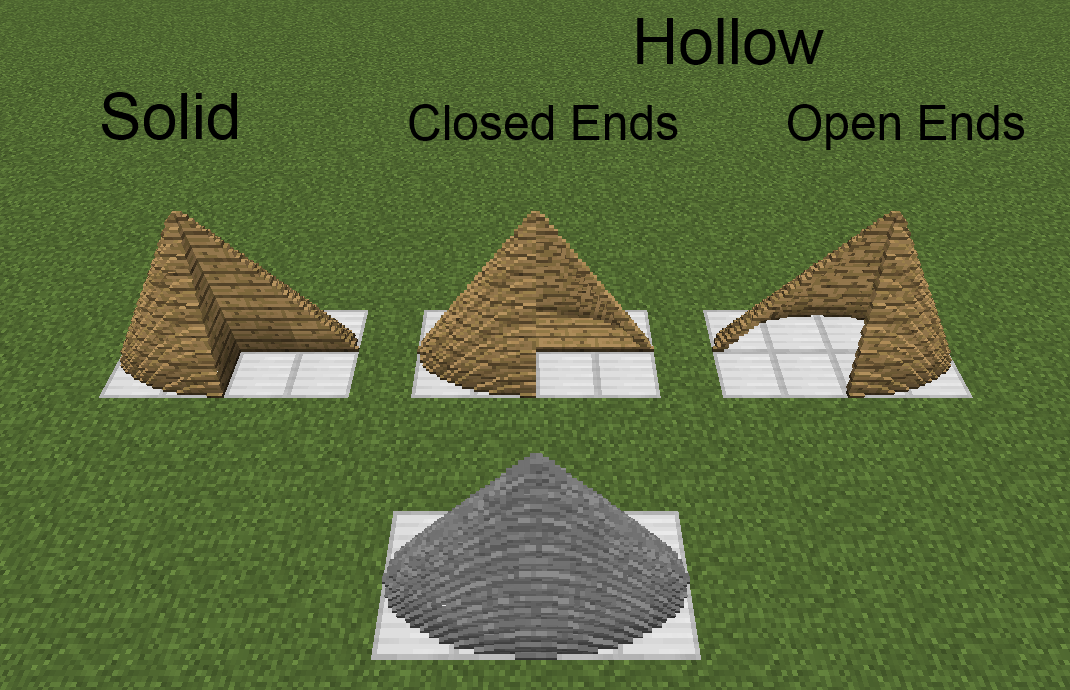
Elliptic cone created with drawn mode. Local/global mode shape is a circular cone.
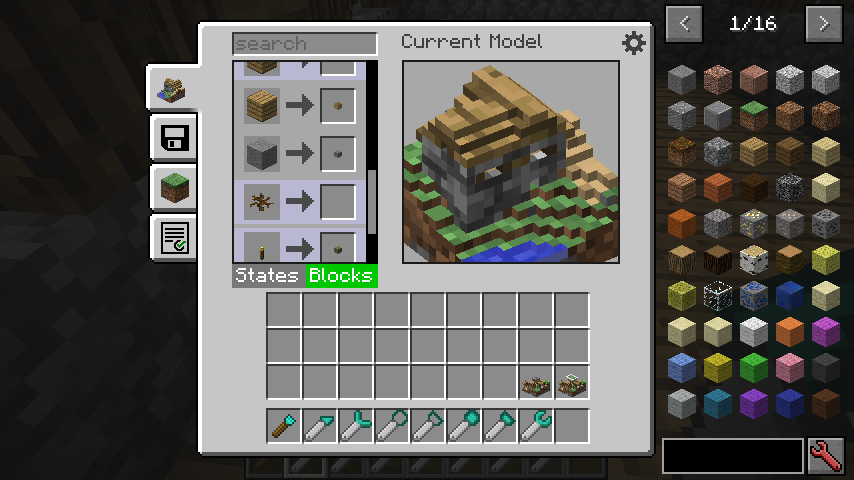
GUI for manually mapping states and blocks to bits for use in the Modeling Tool.
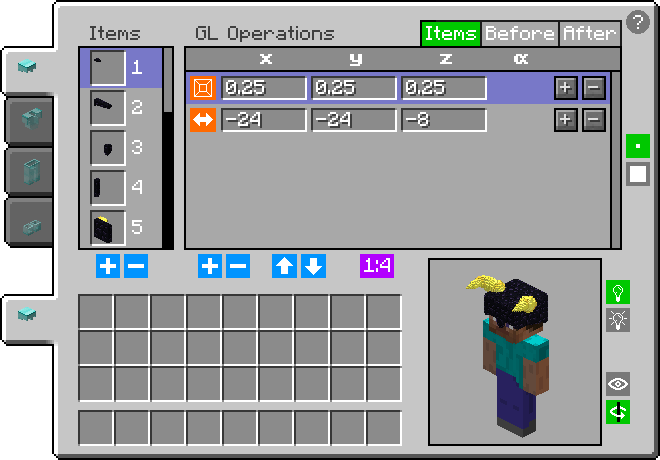
All data of all currently worn armor pieces can be viewed and modified in the GUI. There, any item can be added/removed and can have any number of GL operations (rotation, translation, scale) applied to it. Open with G for normal and SHIFT + G for vanity.
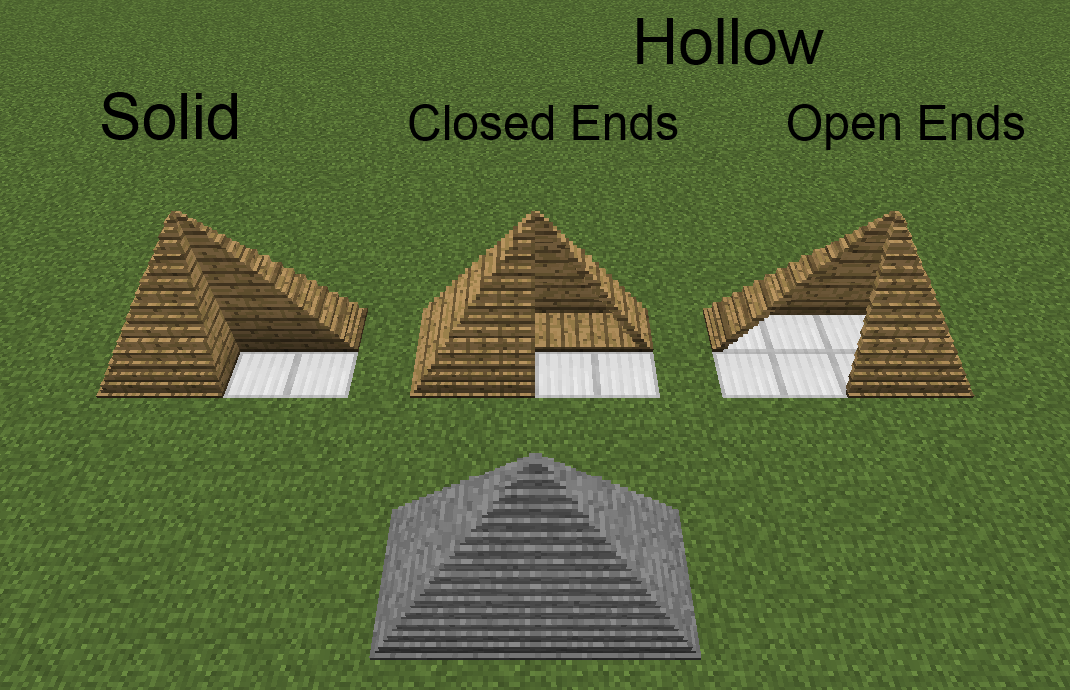
Rectangular pyramid created with drawn mode. Local/global mode shape is a square pyramid.

Elliptic cylinder created with drawn mode. Local/global mode shape is a circular cylinder.

Example where a tree and some grass below it are rendered at small scale as a hat.

