

![Camera Zoom [IA] logo](https://media.forgecdn.net/avatars/thumbnails/2145/507/64/64/639284597316748921.png)
Camera Zoom [IA]
- By
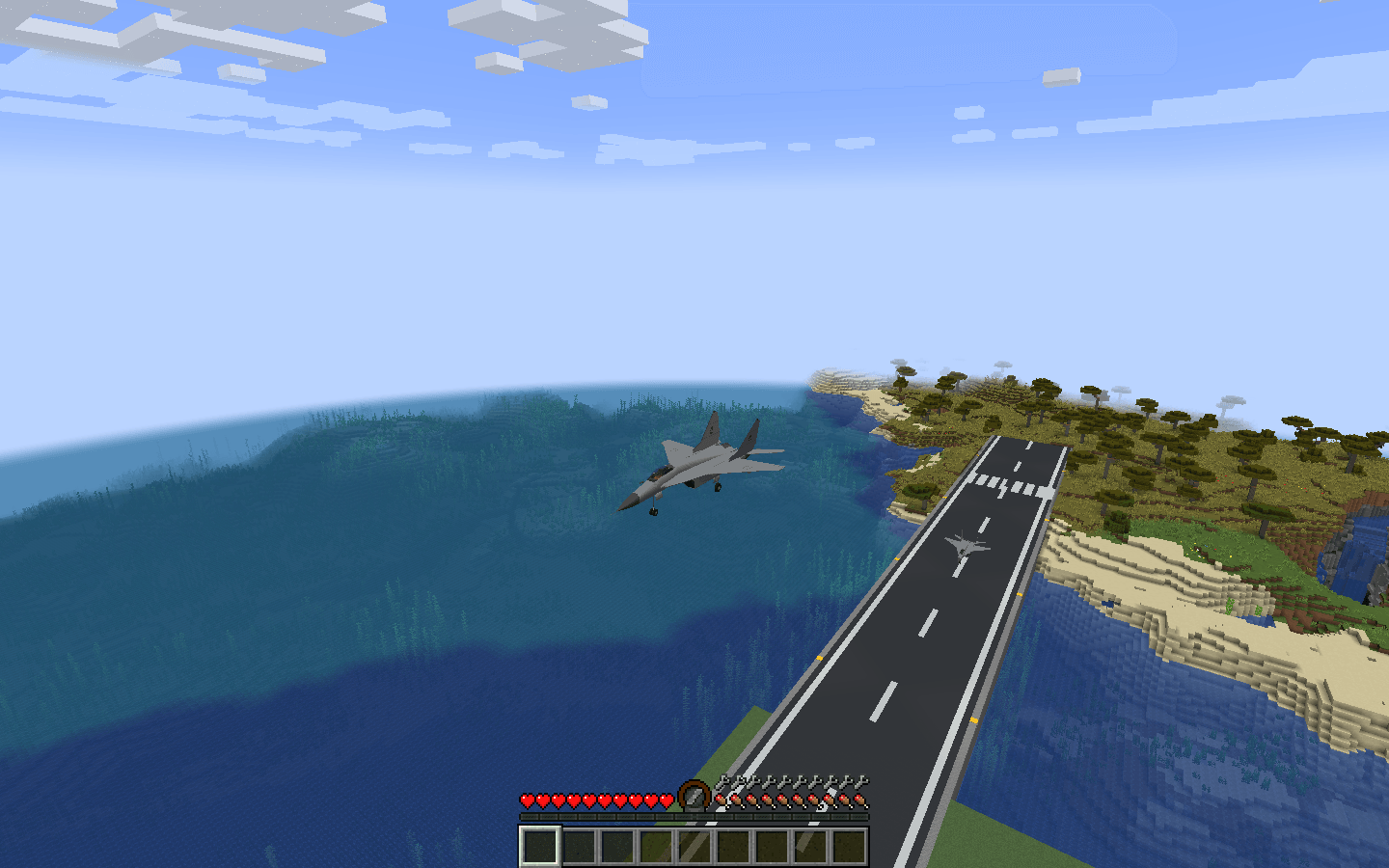
Adjustable third-person camera distance for Immersive Aircraft—move closer for precise flying and landings or farther out for large planes and helicopters.
Crabb4n - Minecraft server
Create a server, get 25% off your first month

Description
Camera Zoom [IA]
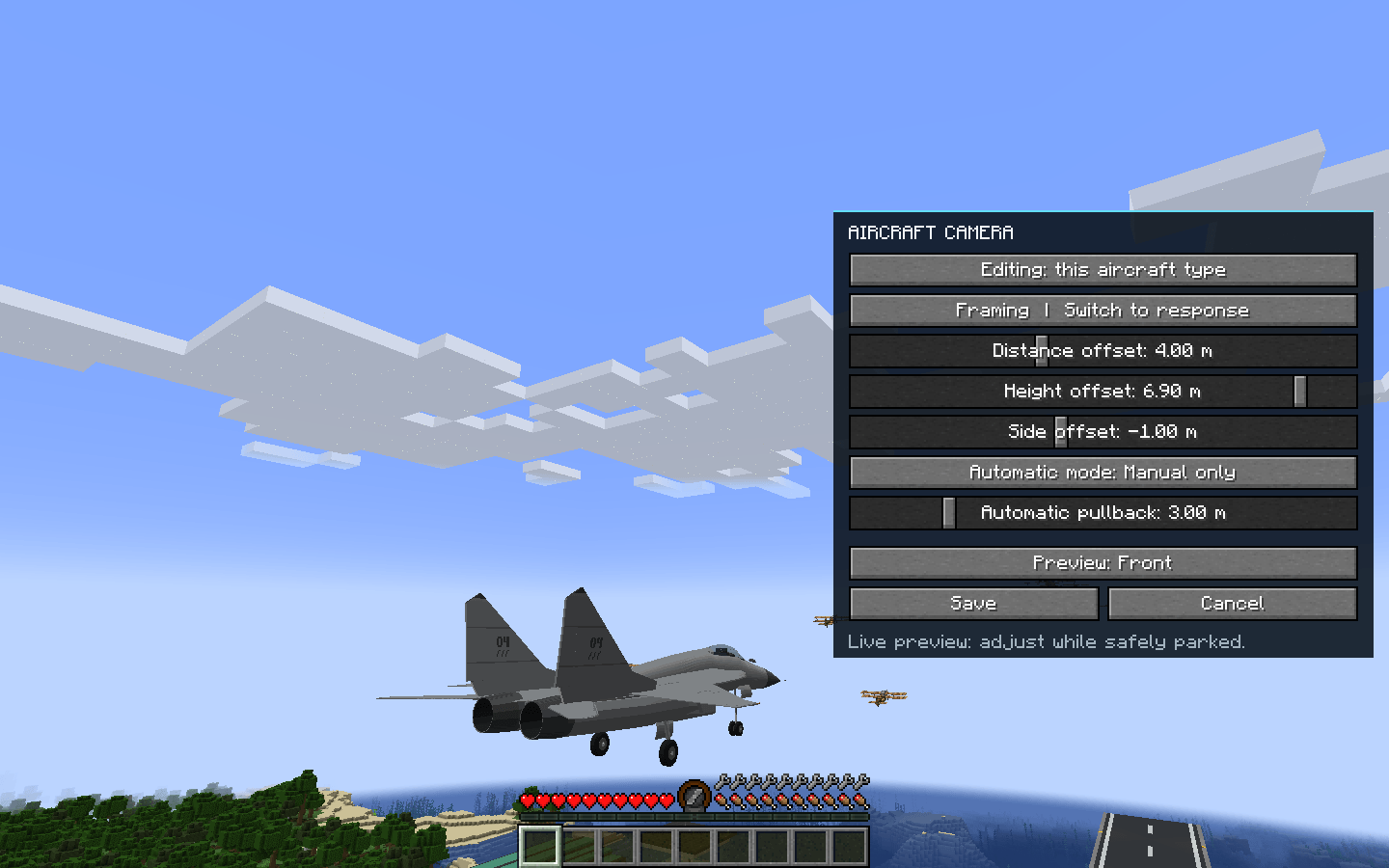
Adjust third-person aircraft distance, height and sideways framing in Immersive Aircraft, with saved views for each aircraft type.
New in 0.0.7: No camera overlay by default, plus an updated name and icon.
Features
- In-game camera settings with immediate preview, Save and Cancel.
- Saved distance, height and sideways framing for each aircraft type.
- Manual, speed-responsive and steady-approach framing modes.
- Collision-aware camera placement and configurable distance presets.
Controls
- Page Up / Page Down: move the third-person camera farther away / closer.
- Home: restore standard distance.
- End: cycle distance presets.
- F8: open camera settings while mounted.
All bindings can be changed in Controls. Adjust settings while safely parked: the world continues running. The addon does not change first-person cockpit position, seating or flight physics.
Installation
- Forge 1.20.1: requires Immersive Aircraft 1.5.0.
- Fabric / NeoForge 1.21.1: supports Immersive Aircraft 1.6.0 and 1.7.0. Fabric also requires Fabric API.
Client-only: install the matching Camera Zoom JAR on your client. A dedicated server does not need this addon. Remove older Camera Zoom JARs, including test builds, and restart Minecraft. Other addons are optional.
Credits & Support
Created by Crabb4n. Immersive Aircraft is developed by Luke100000 and contributors.
Discord: crabban1337
Camera Zoom [IA] Team

![Realistic Takeoff [IA] project image](https://media.forgecdn.net/avatars/thumbnails/2145/506/256/256/639284597048921974.png)
![Realistic Landing [IA] project image](https://media.forgecdn.net/avatars/thumbnails/2145/505/256/256/639284596926325001.png)

![Homing Missiles [IA] project image](https://media.forgecdn.net/avatars/thumbnails/2145/129/256/256/639284506999971678.png)