AE2 Fluid Terminals Rework
- By
Improves AE2 fluid terminals: FILL works with an empty cursor by auto-selecting the first compatible fluid container in your inventory (hotbar first). Normal cursor behavior and EMPTY are unchanged.
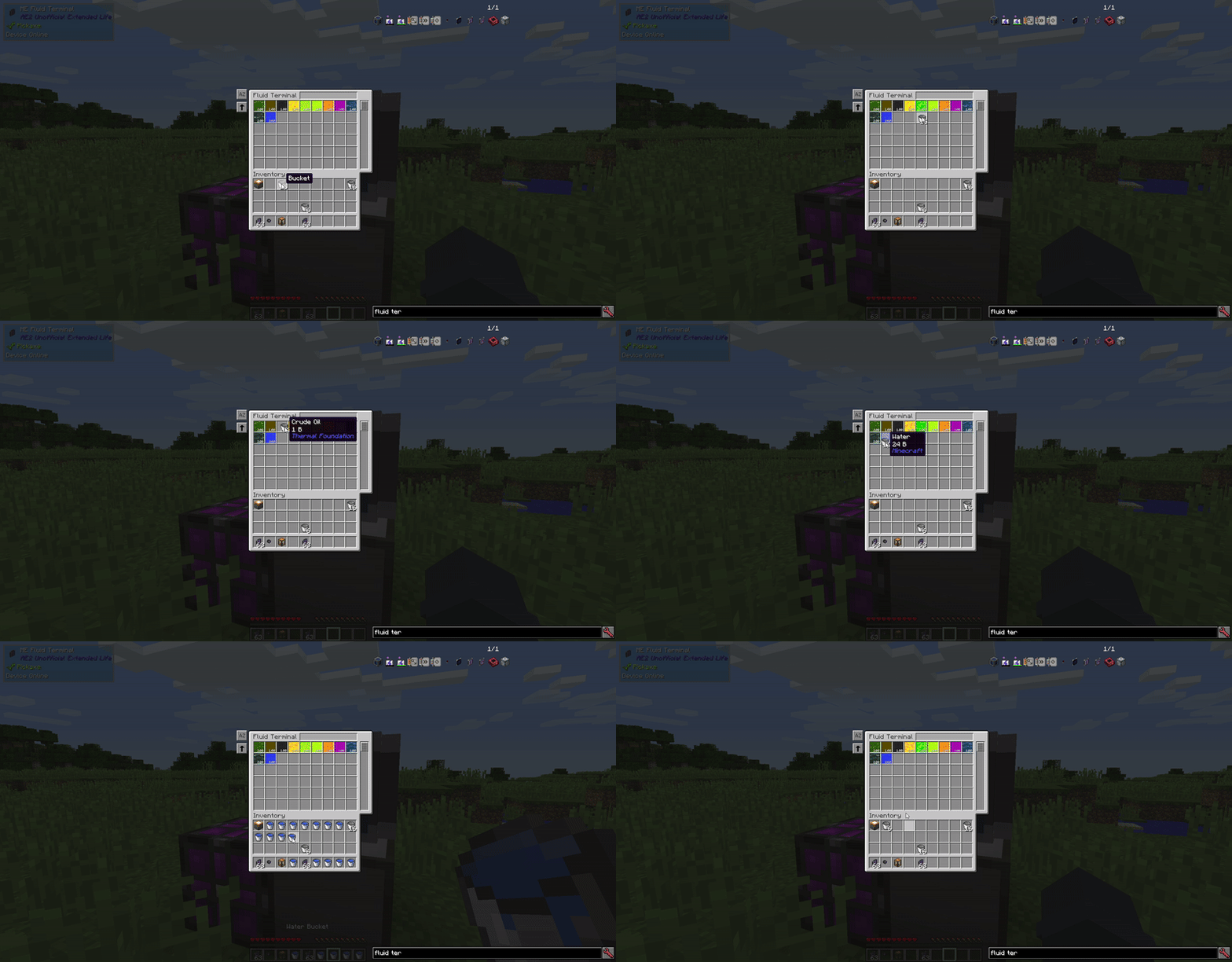
Before Rework.gif
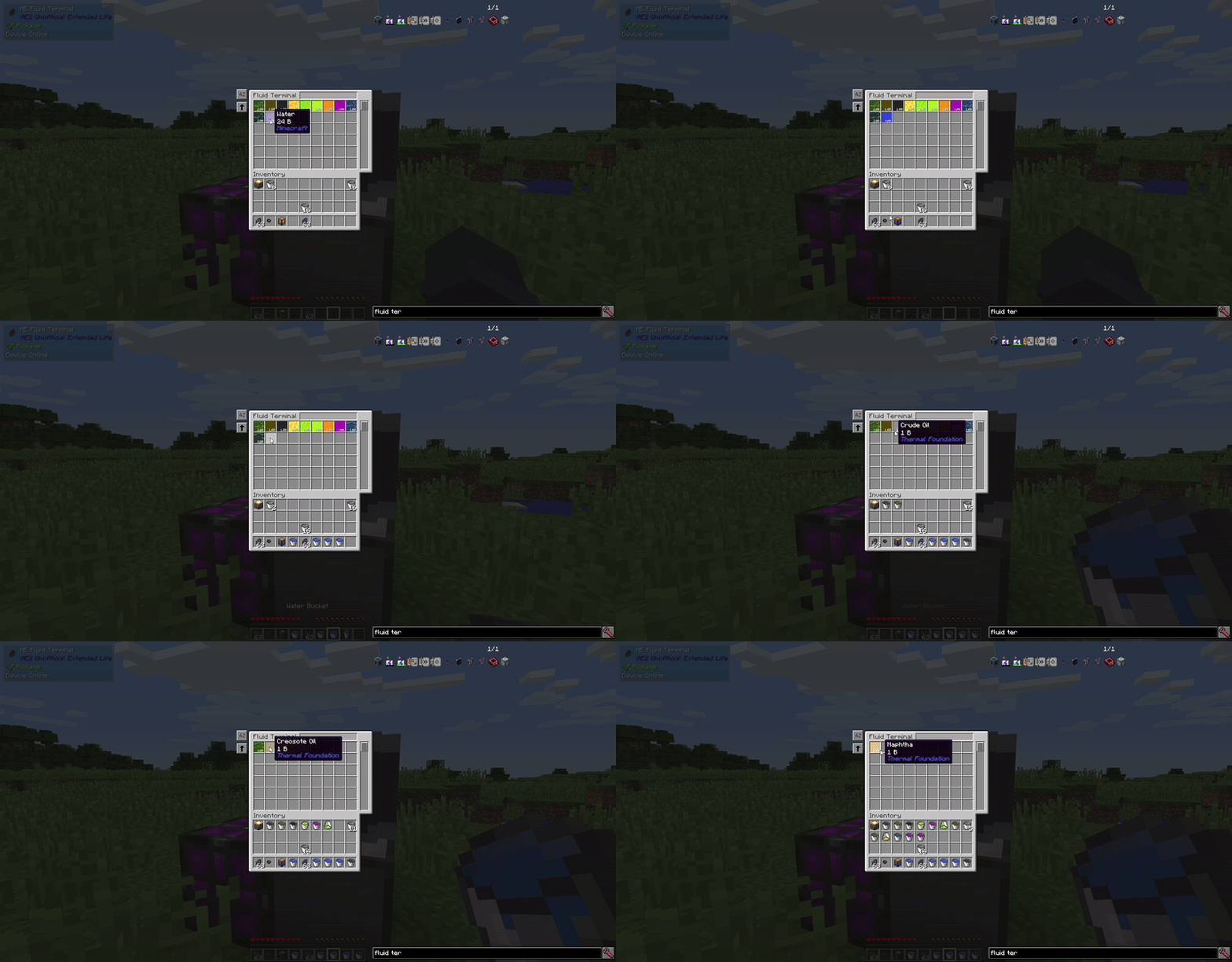
After Rework.gif
NuanKi | AE2 Fluid Terminals Rework
Create a server, get 25% off your first month

Description
AE2 Fluid Terminals Rework
AE2 Fluid Terminals Rework improves the fluid terminal experience by reducing clicks and making common actions work more smoothly.
What it changes
Fill a container by clicking a fluid in the terminal (even with an empty cursor):
When you click a fluid in the AE2 Fluid Terminal to fill a container, the mod can do it even if you are not holding a container on your cursor. It automatically finds the first compatible fluid container in your inventory and fills it with the selected fluid.
Search order: hotbar (left → right), then main inventory (top-left → bottom-right).
If you are already holding a container, behavior is unchanged:
Normal AE2 cursor-based filling works exactly the same as before.
Bucket-style pickup for the Wireless Fluid Terminal:
Shift + Right Click a fluid source block to store 1 bucket (1000 mB) directly into the ME network.
Why
- AE2’s fluid terminal normally requires you to pick up a fluid container onto the cursor before you can fill it. This mod adds quality-of-life shortcuts so you can fill containers straight from your inventory and handle common fluid actions with fewer clicks.
Compatibility
- Compatible with AE2UEL Wireless Universal Terminal (WUT).
Bucket-style fluid pickup works on the WUT as long as it includes the Wireless Fluid Terminal mode installed/unlocked, regardless of which WUT mode you’re currently using.
AE2 Fluid Terminals Rework Team

Owner