Rpack Datapack 1.16.x, 1.17, 1.20.x
- By
Recipes Datapack for MC 1.16 - 1.16.4, 1.16.5, 1.17, 1.20.x
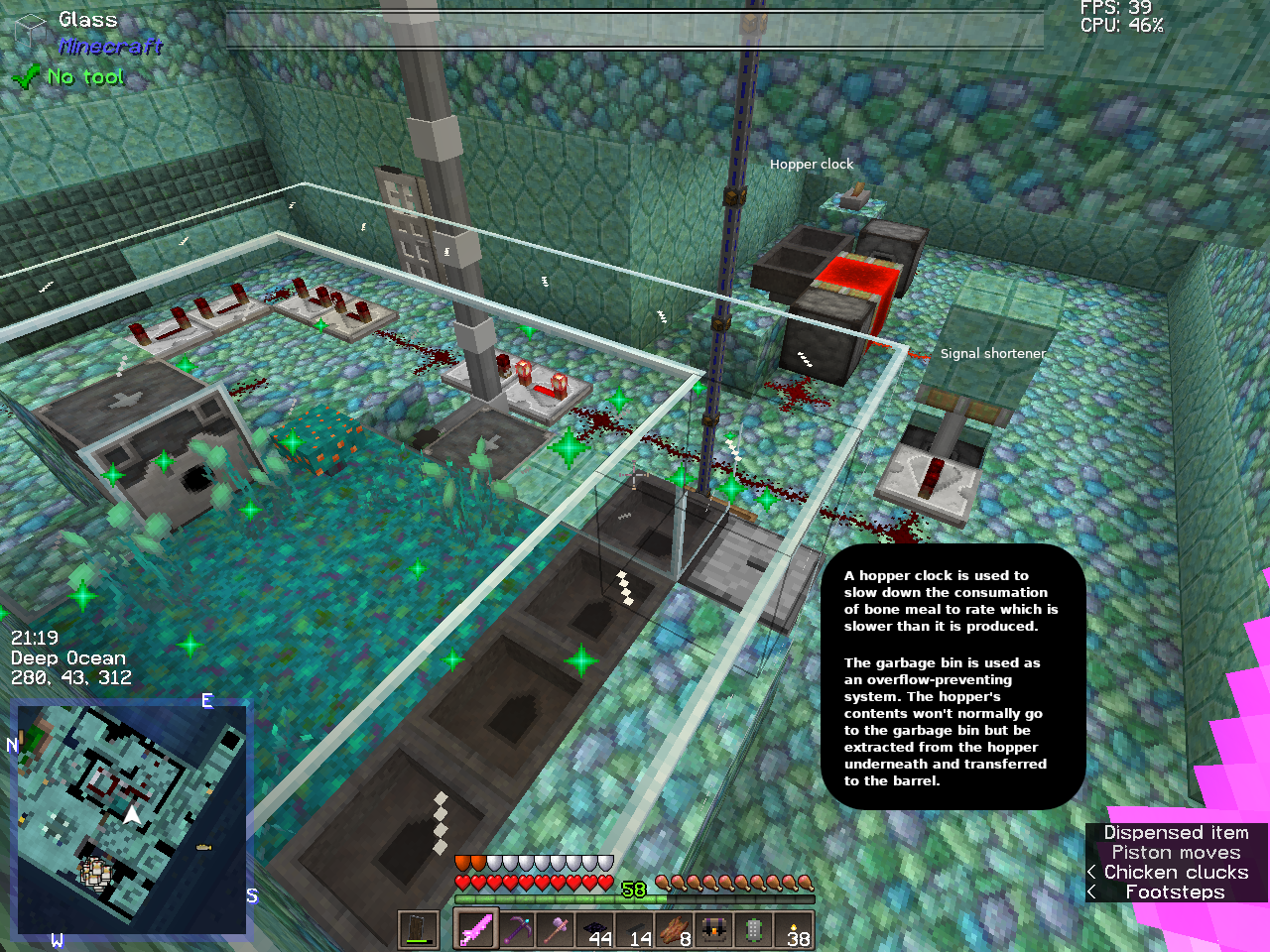
Mods you see: Garbage bin, Simple Storage, Router Reborn, Xaero's Minimap, Advanced Compass
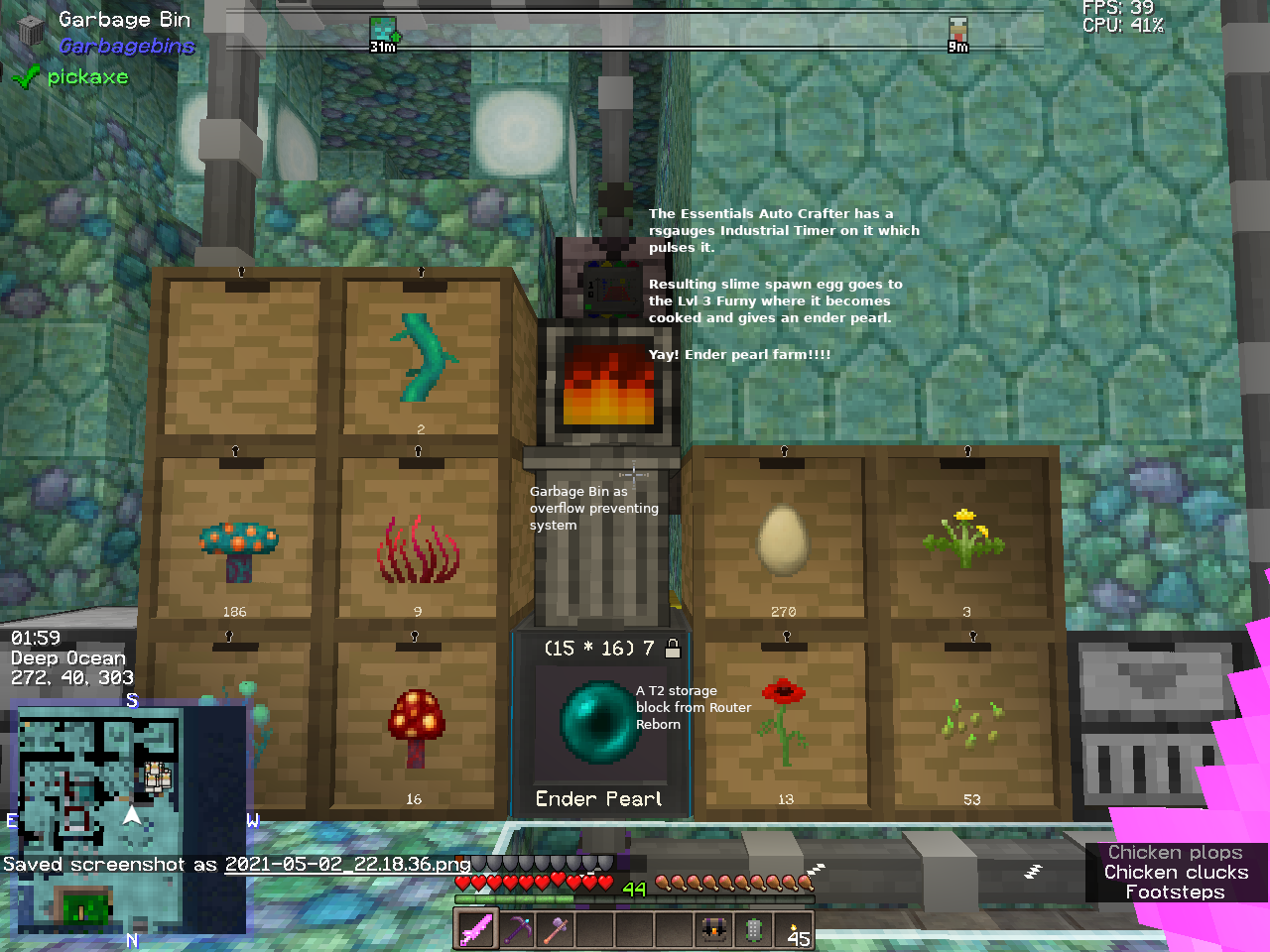
Mods you see: RSGauges, Essentials, Simple Storage, Router Reborn, Garbage Bin, Storage Drawers, Furny
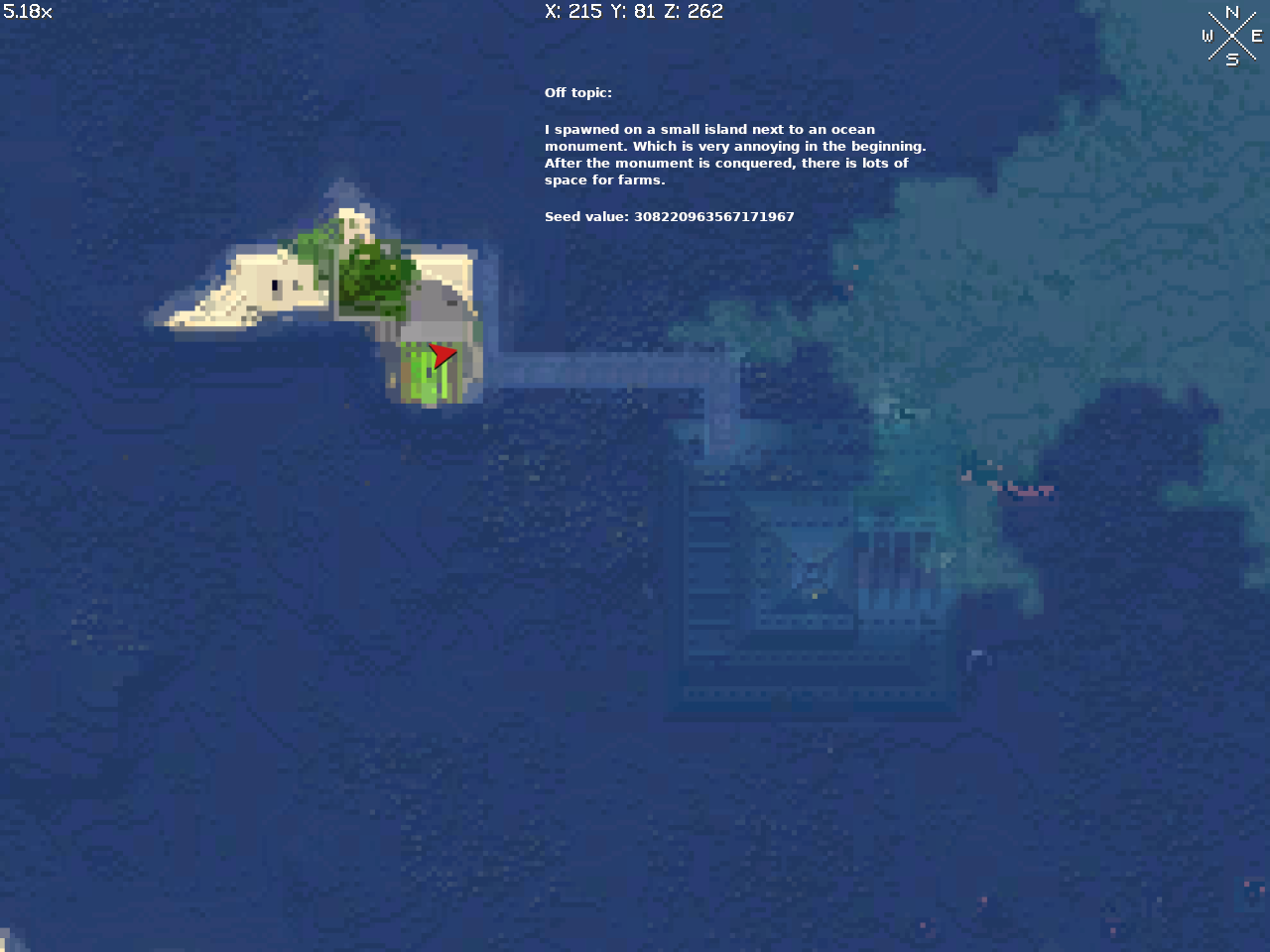
Mod: Xaero's world map
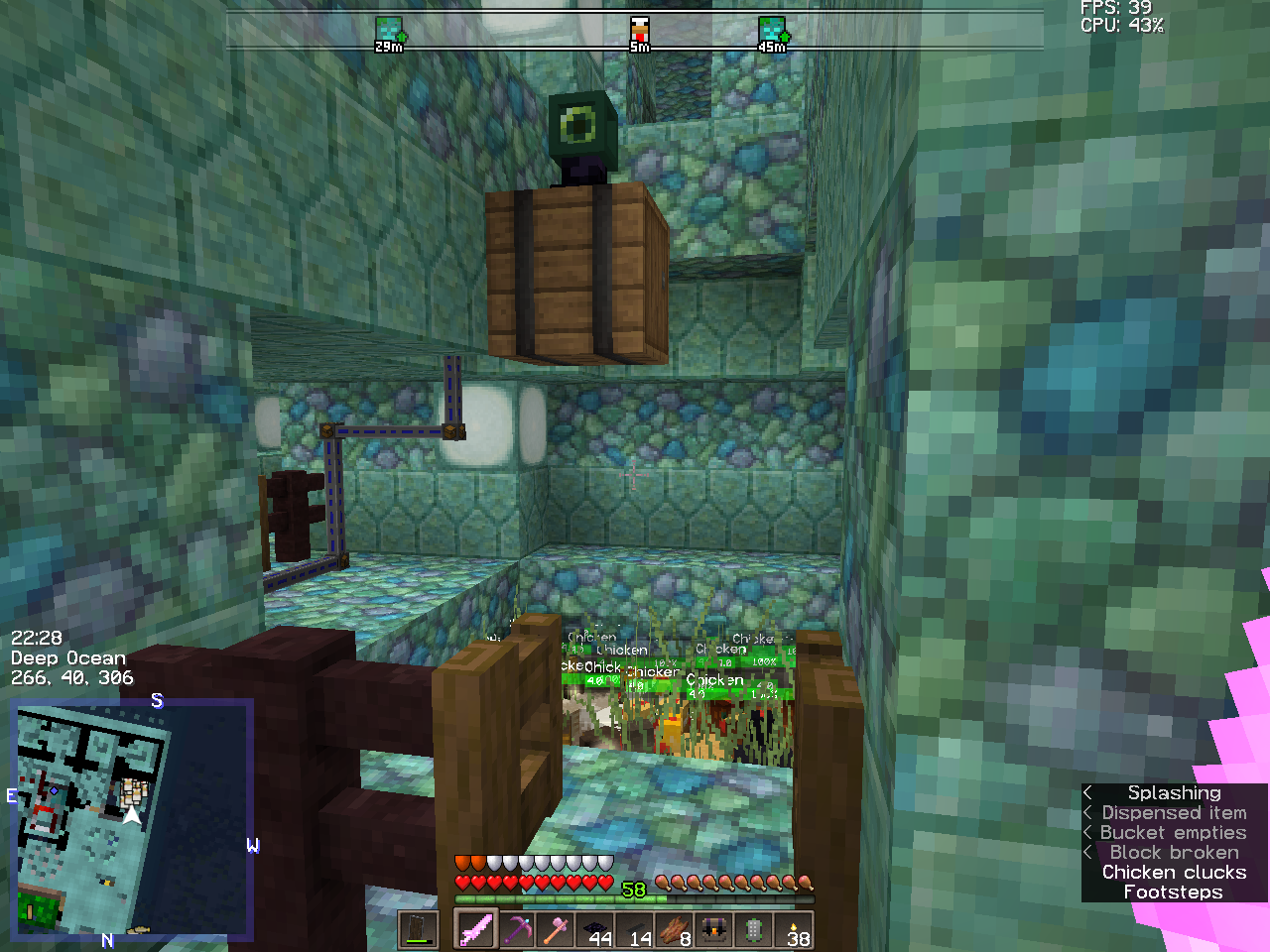
You need this to make the Ender Pearl Farm. Mods you see: Collectors, Router Reborn, Xaero's Minimap, Advanced Compass
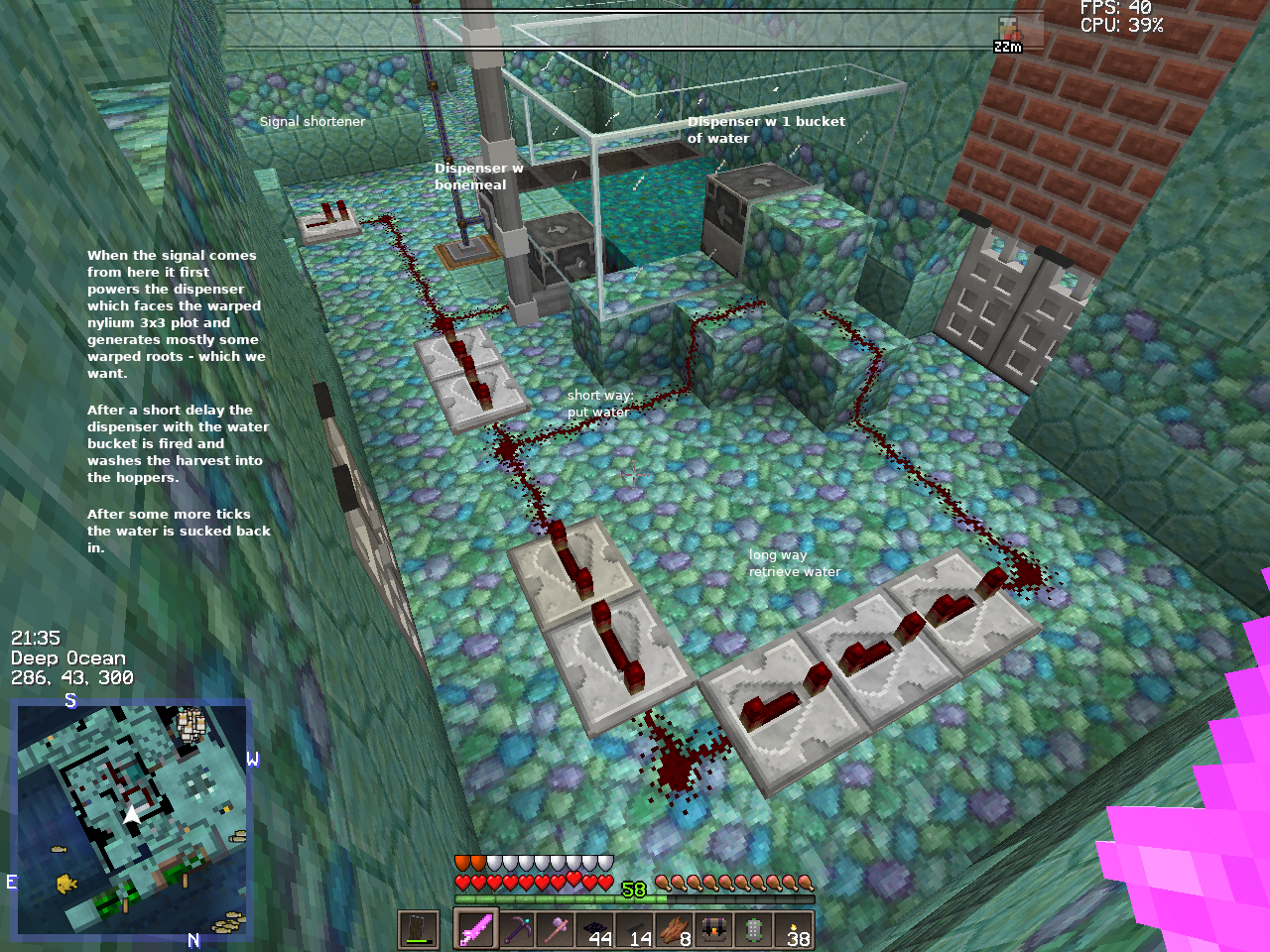
Mods you see: Simple Storage, Router Reborn, Xaero's Minimap, Advanced Compass.
Description
RPack Recipes Datapack
I just recently tested it in multiple worlds in 1.20.2 and it still works!
Works in a new 1.16.4, 1.16.5 or 1.17 up to 1.20.2 world saves/datapacks folder as well as in older ones, see "MC Versions" below.
Works für Forge and Fabric and probably for any other modloader.
Lava source update 1.3.1. Have slowly regenerating lava with cauldrons and pointed dripstone.
How to make lava farms: https://www.youtube.com/watch?v=zQ9_lD2RIGw
Hint: You do not need to have a dripstone block which holds the attached pointed dripstone below. It also works with cobble.
Ender pearl farm update (RPack 1.2.7 for MC 1.16.5 / 1.17)
The minimal mod requirement is some mod with an autocrafter to make the slime spawn egg.
The Essentials mod has an autocrafter which does not need RF but needs to be pulsed from something.
This datapack adds in some recipes to make a minecrafter's life a little bit easier. Some uncraftable items are now craftable: grass block, elytra, spawner, chainmail.
The heroic "rotten flesh to leather" feature which is a "full mod" for some people - it is only one furnace recipe.
I hate it when my anvil collapses. Three smithing table recipes counter that.
With the new recipe for chains it is only 2 nuggets for a chain. Now with 8 ingots there's a smithing table and a full set of chainmail armor possible. That's stylish and helpful.
Personally, I like the "4 chests from 8 logs" feature which was the first recipe. Making 32 chests from one stack of logs (any kind) just feels good.
This datapack does not introduce any new item to minecraft.
But: With the new coal block recipe (1.1.0) coal becomes a renewable resource - this could be game changing.
Put your ideas into the comments.
Recipe Overview
Only the newest version has all of them features. Older versions will not have everything. Look at the bottom of the page for "MC Versions" to find a guide for how to make a newer RPack version work for older MC versions.
Crafting Table:
24 slabs from 3 logs (all vanilla wood types)
16 stairs from 6 logs (all vanilla wood types)
16 sticks from 2 logs (all vanilla wood types)
4 chests from 8 logs
4 quartz from 1 quartz block
4 strings from 1 wool
16 sticks from 2 logs
full set of chainmail armor
elytra
spawner
lodestone
grass block
mycelium block
podzol block
dispenser from dropper + bow
coal block from charcoal
4 cobwebs from a slimeball and 4 strings
recycle saddle to 4 leather
crimson nylium
warped nylium
slime spawn egg
4 clay from clay block
16 stairs from 6 logs (all vanilla wood types)
16 sticks from 2 logs (all vanilla wood types)
4 chests from 8 logs
4 quartz from 1 quartz block
4 strings from 1 wool
16 sticks from 2 logs
full set of chainmail armor
elytra
spawner
lodestone
grass block
mycelium block
podzol block
dispenser from dropper + bow
coal block from charcoal
4 cobwebs from a slimeball and 4 strings
recycle saddle to 4 leather
crimson nylium
warped nylium
slime spawn egg
4 clay from clay block
Smithing Table: (No good anymore as of 1.20)
4 black dye from 1 + 1 charcoal (one left, one right)
2 nuggets for a chain (one left, one right)
repair chipped anvil with a nugget
repair damaged anvil with an ingot
- or -
repair damaged anvil with a nugget and receive a chipped anvil
Furnace:
leather from rotten flesh
enderpearl from slime spawn egg
recycle iron armor and sword to iron ingots
recycle gold armor and sword to gold ingots
recycle bucket to 3 iron ingots
- Furnace gives xp according to count of ingots it produces
- any enchantments are lost
- all items count as new, damage value won't matter
enderpearl from slime spawn egg
recycle iron armor and sword to iron ingots
recycle gold armor and sword to gold ingots
recycle bucket to 3 iron ingots
- Furnace gives xp according to count of ingots it produces
- any enchantments are lost
- all items count as new, damage value won't matter
How to install and use this
Old World:
Put zip file into the datapacks folder of your saved world and restart Minecraft.
No - do not simply reload the world. Shut down Minecraft and start from scratch.
New World:
MC 1.17+:
the datapacks button works now. You may drag & drop the 1.17 RPack.zip file into the MC GUI.
Do not forget to move it from the left to the right side to activate it by using the arrow in the icon.
Older versions:
Ignore the "datapacks" - button of the world creating GUI.
When you like your new world, then shutdown Minecraft.
Put the RPack-***.zip into the savegame\datapacks folder of your new world while the game is shut down.
Forge Mod Loader: Use JEI to look into the new recipes.
Fabric Mod Loader: Use REI to look into the new recipes.
I used the datapack button of the world creation button because I did not read. Now it NOT WORKS!
Now it will never run again. Even if you restart MC.
Solution:
- Shut down Minecraft.
- Navigate to the datapacks-folder in your save game.
- RENAME the RPack => Anything! Just stay in the naming scheme and don't change the .zip ending.
- Example: RPack-1.2.6.zip => RPack-1.2.6a.zip (worked for me)
From time to time I test whether the datapack button works or not. ATM (1.16.5) it is fiddling around with mods and datapacks which are in entirely different folders.
How to update this properly
Stop Minecraft
Delete the old RPack from the datapacks folder of your saved game. Put in the new one.
Restart Minecraft.
As of 1.16.5 only reloading the world with a new RPack may *hang*.
Will this work on my server?
Yes. Absolutely. Is tested positively.
MC Versions
Made for 1.16.x (1.16.1, 1.16.2, 1.16.3, 1.16.4, 1.16.5, 1.20, 1.20.2 atm)
RPack Versions < 1.2.4 should probably work with MC Version 1.14+ because of pack_format 5
However, if it fails for your older MC then try to lower the number for "pack_format" in the pack.mcmeta
accordingly to the following list of pack_format values and MineCraft versions.
pack_format values (source = minecraft.gamepedia.com)
1 for versions 1.6.1 – 1.8.9
2 for versions 1.9 – 1.10.2
3 for versions 1.11 – 1.12.2
4 for versions 1.13 – 1.14.4
5 for versions 1.15 – 1.16.1
6 for versions 1.16.2 – 1.16.5
7 for versions 1.17+
Pack format info: https://minecraft.gamepedia.com/Tutorials/Creating_a_resource_pack#.22pack_format.22
This recipe datapack was created with the help of
https://crafting.thedestruc7i0n.ca (json recipe syntax, big helper!!!)
https://minecraft.gamepedia.com (tag names)
Rpack Datapack 1.16.x, 1.17, 1.20.x Team