An inventory view with a width of 6, and left-justified.
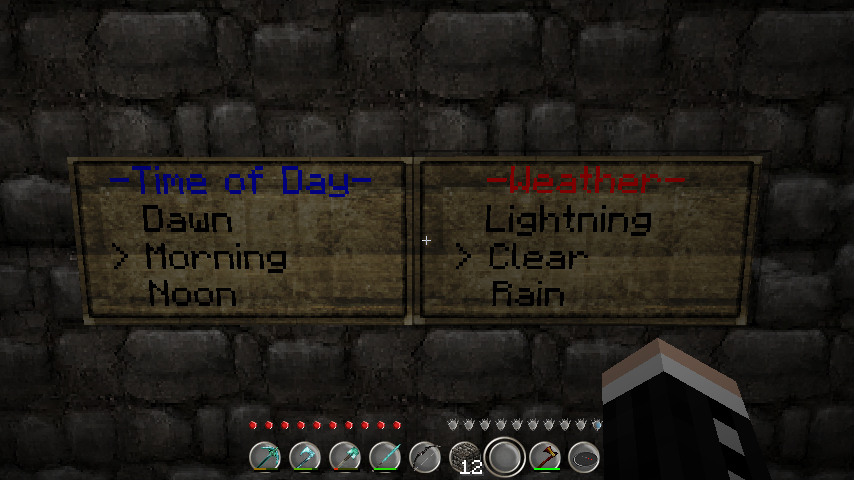
ScrollingMenuSign screenshot
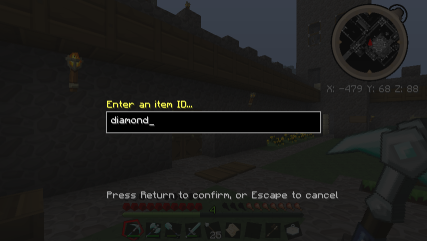
The Spout command substitution popup
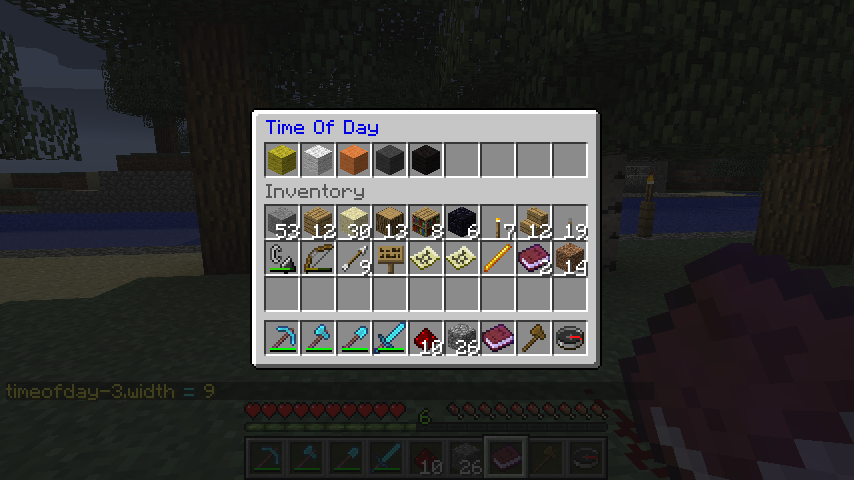
An inventory view with one row, showing five menu items.
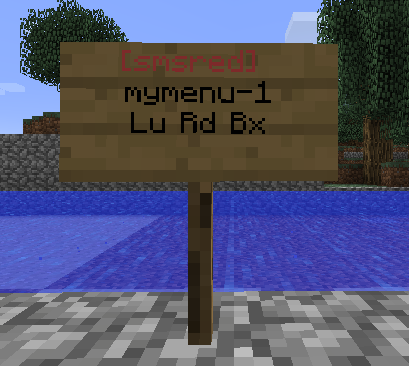
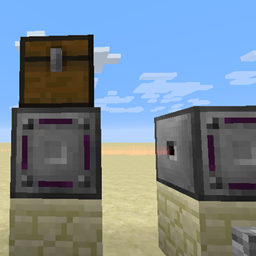
Activated redstone control sign
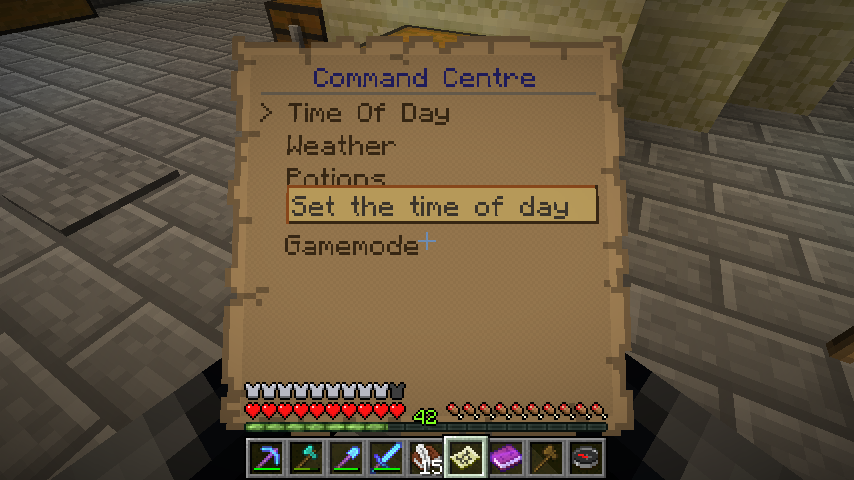
Map view with tooltip displayed for the "Time of Day" menu item.

A sign view, showing a time of day menu.
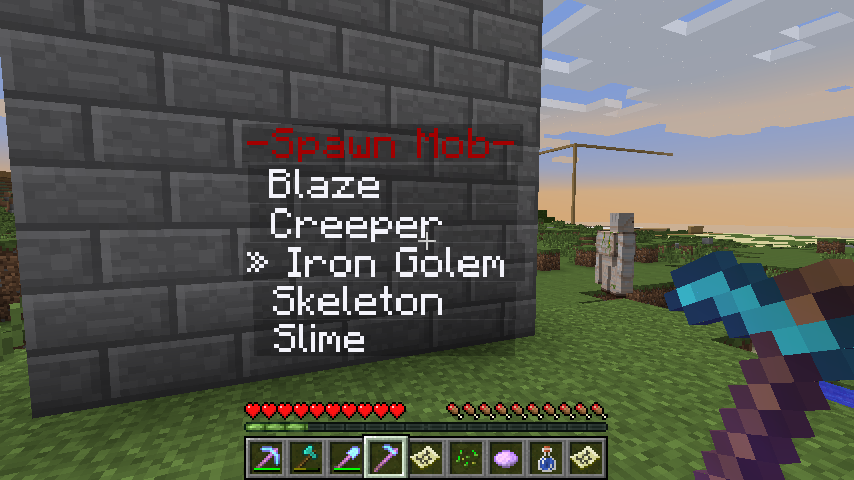
A public hologram view showing a mob spawner menu

Access Control
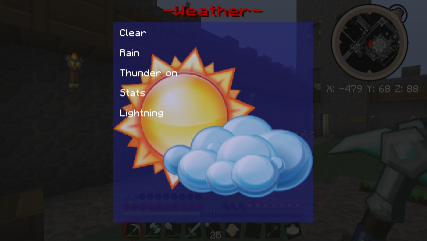
A spout view with a textured and tinted background.
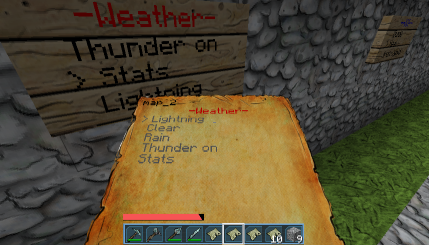
Example of a map view
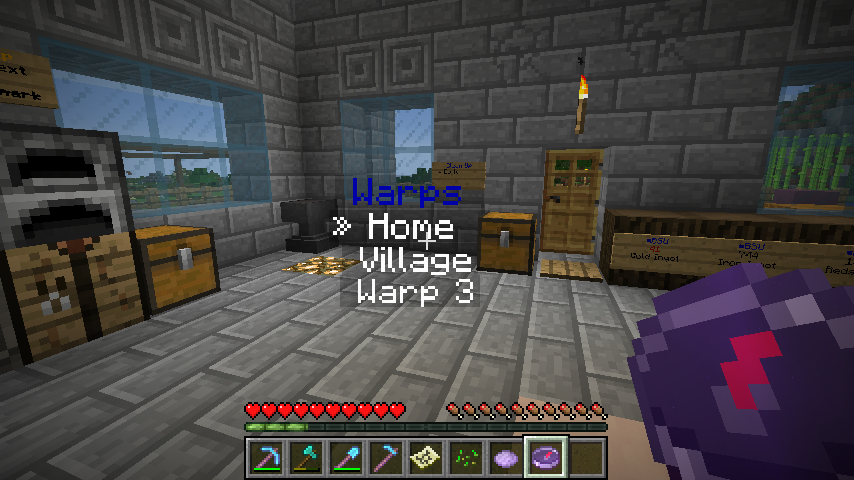
Private Hologram View
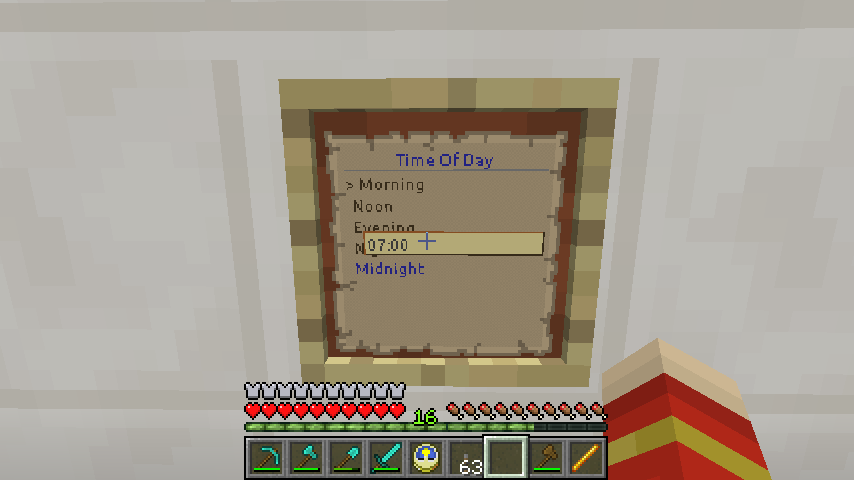
A map view installed in a item frame.
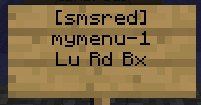
Sign creation dialog box for redstone control sign
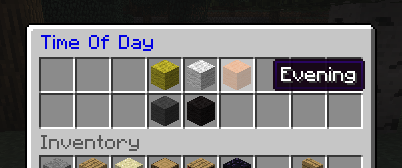
An inventory row with the width set to 3. Two rows are used to display the five menu items.
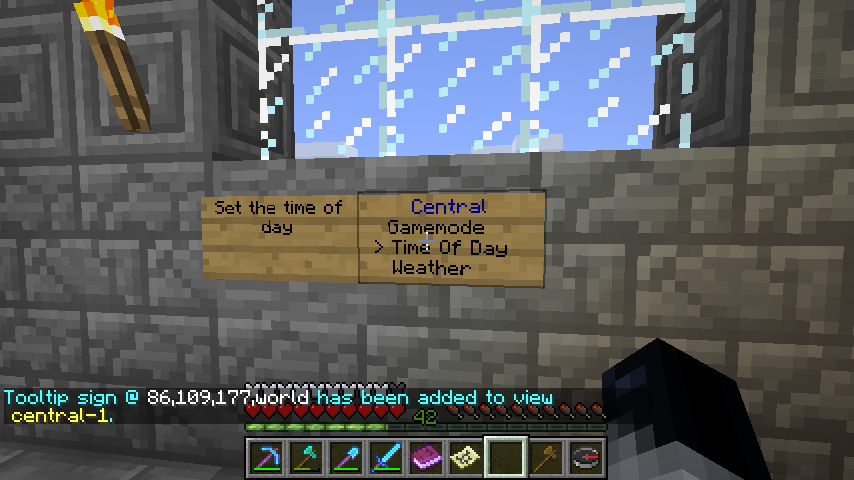
Sign view with auxiliary tooltip sign to the left showing tooltip for the "Time of Day" item.
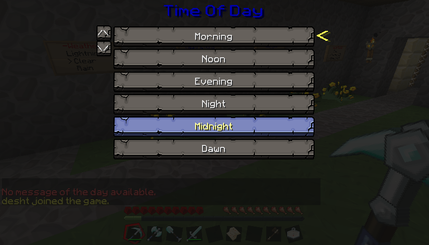
A Spout view, showing a time of day menu.
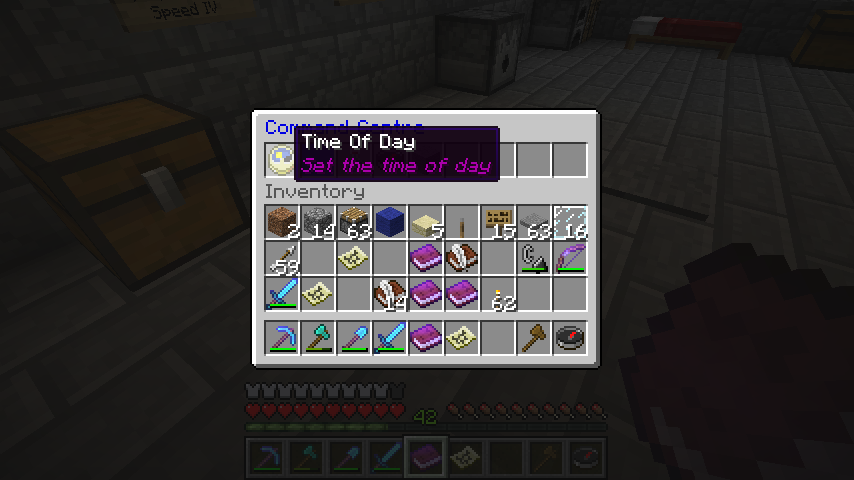
Inventory tooltip showing tooltip for the "Time of Day" item
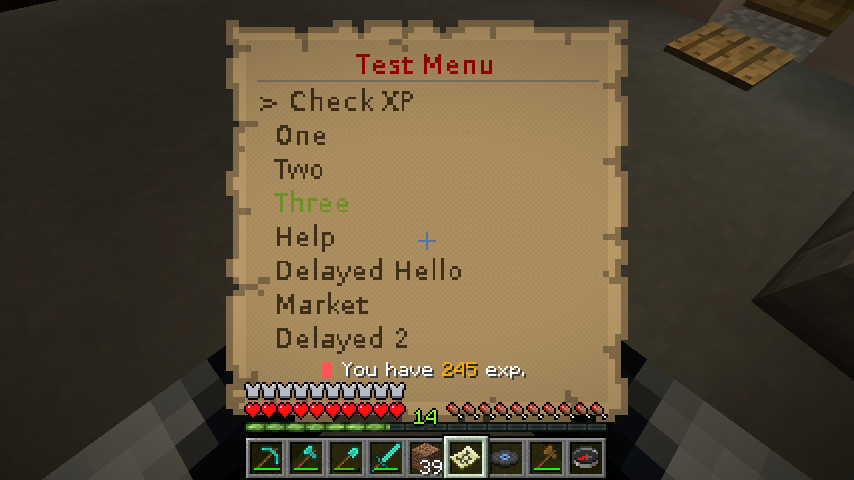
An example popup message showing the player's current experience total.
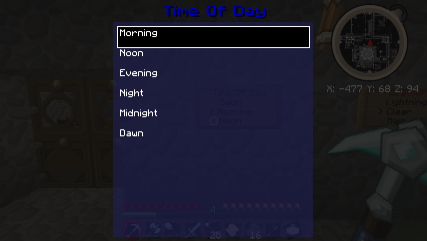
Spout view in ScrollingMenuSign 1.0
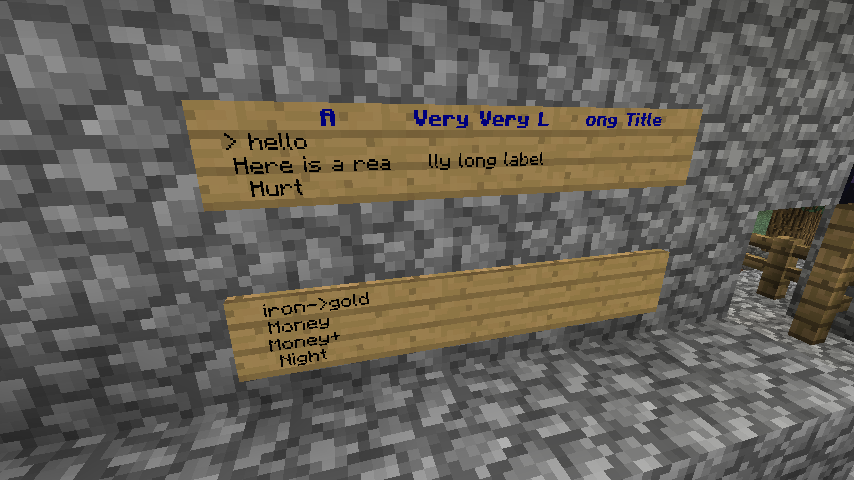
Example of a multisign view which is 3 signs wide and 2 signs high.
Logo image, designed by Blooguy: http://forums.bukkit.org/members/blooguy.90816179/
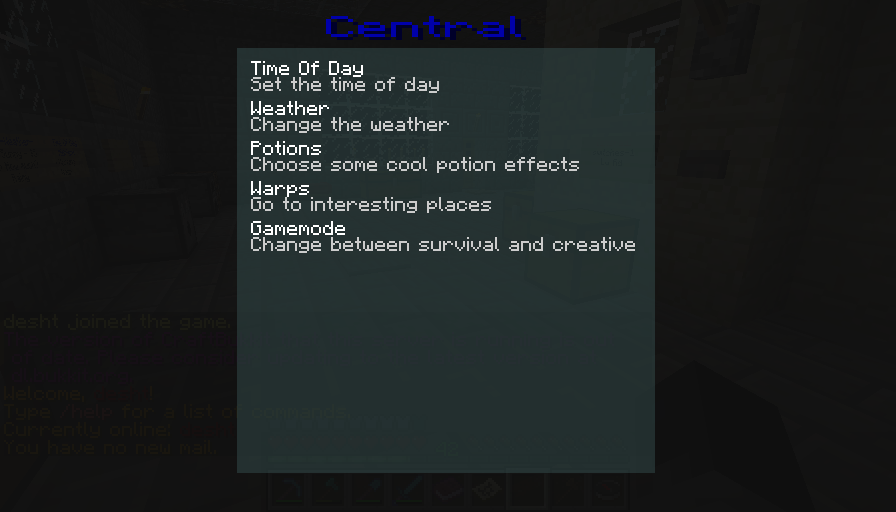
Spout view showing tooltips for all items

Scripting
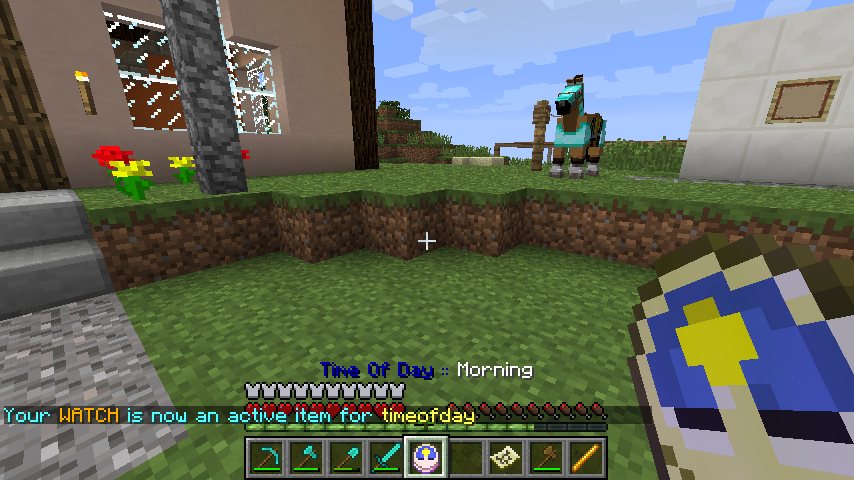
A watch item turned into a active item for a time-of-day menu.
Description
 | ScrollingMenuSign lets players execute commands with a simple click on a scrollable sign, map, icon, hologram or Spout menu view. Players can scroll through menus by right-clicking, and execute commands by left-clicking (button bindings are configurable). Redstone views allow commands to be executed when a redstone signal (on/off/toggle) is received. Sign views can consist of multiple signs for larger menus, and can be configured to emit a redstone signal when scrolled or executed. The sophisticated command parser allows for command costs (economy, items, item durability, health, food, XP), permission elevation and basic flow control (conditional execution & macros), and even more powerful control is possible with external scripting languages (Javascript, Python...). |
Videos
Latest video:
- See the Videos page for full list of demonstration & tutorial videos.
Latest Version
Features
- Create scrollable command menus with one or more sign, map, multisign, inventory, hologram or spout views. Or trigger your menus with redstone signals or even from any held item.
- Scroll through views with right-click, execute the selected command with left-click (configurable)
- Sophisticated command parser/executor - permission elevation, command costs (items/durability/economy/food/health/xp), player/group/world restrictions, variable substitutions...
- Commands can have warm-ups and cooldowns
- Macros - run multiple commands or display large text blocks with one click
- Build a hierarchy of menus using Submenus
- Flexible Access Control gives you private menus and views, or limited to permission groups.
- External scripting language support allowing unlimited flexibility in what menu commands can do
- Sign & multisign views can produce Redstone Output when scrolled or executed
- Redstone Control Signs allow remote scrolling & execution via redstone signals for sign & multisign views
- Permissions support via Bukkit superperms
- Command Logging lets you keep an audit trail of who's executed what commands from SMS menus
- Multi-world support: menus can have views in any number of worlds
- Full coloured/bold/italic/underline/strikethrough text support on menu titles, items and messages
- Configure menus or menu items to have a limited number of uses, either per-player or globally
- Comprehensive tab completion for all commands
- Optional Spout support
Possible Applications
- A menu of station setting commands for Minecart Mania (this is what inspired me to write the plugin in the first place!)
- Newbie user guide menus
- Warp menus for your favourite teleportation plugin
- A basic shop menu - buy/sell/swap items & credits
- Controlled access to commands that users can't normally run
- Item reward menus with limited usage count
- Traps built from redstone views and/or scripts
- Super-convenient game mode (survival/creative) changer with map and/or spout views
Installation
Pretty simple:
- Copy ScrollingMenuSign.jar into your server's
bukkit/pluginsfolder - Optional: install Vault for economy command costs and/or permission group support.
- Optional: install ProtocolLib to make active items glow.
- Restart or reload your server.
That's it. ScrollingMenuSign will automatically create a folder called bukkit/plugins/ScrollingMenuSign when it first runs. All data related to the plugin is stored in here.
Documentation
- Quickstart Guide
- FAQ
- Command Reference
- Permissions support
- The Configuration File
- The Command Parser
- Submenus
- Warmups and Cooldowns
- Popup Messages
- View Types
- Redstone Output
- Macros
- Menu Item Tooltips
- User Variables
- Command Logging
- Setting usage limits on menus & menu items
- Redstone Control Signs
- Spout Support
- Using External Scripting Languages
- API: Managing ScrollingMenuSign menus from scripts or other plugins
Source
Development Versions
Development versions can be downloaded from this Jenkins build server. Notes:
- Development versions have not been approved by dev.bukkit.org staff
- Development versions may be buggy or fail to work completely. Only use development versions if you a) want to help with finding bugs, or b) have been asked to, to test a bugfix.
Changelog
Usage Statistics
Since SMS v1.3.0, fully anonymous usage statistics are collected using MCStats:

If you wish to opt out of MCStats metrics collection, edit plugins/PluginMetrics/config.yml and change opt-out: false to true.
Donations
If you use and enjoy ScrollingMenuSign, you are welcome to make a donation by clicking the "Donate" button at the top right. However, donations are strictly optional, and don't confer any special benefits over non-donors.
The ScrollingMenuSign Team


Owner