Vanilla Atmosphere | Vibrant Visuals Shader
- By
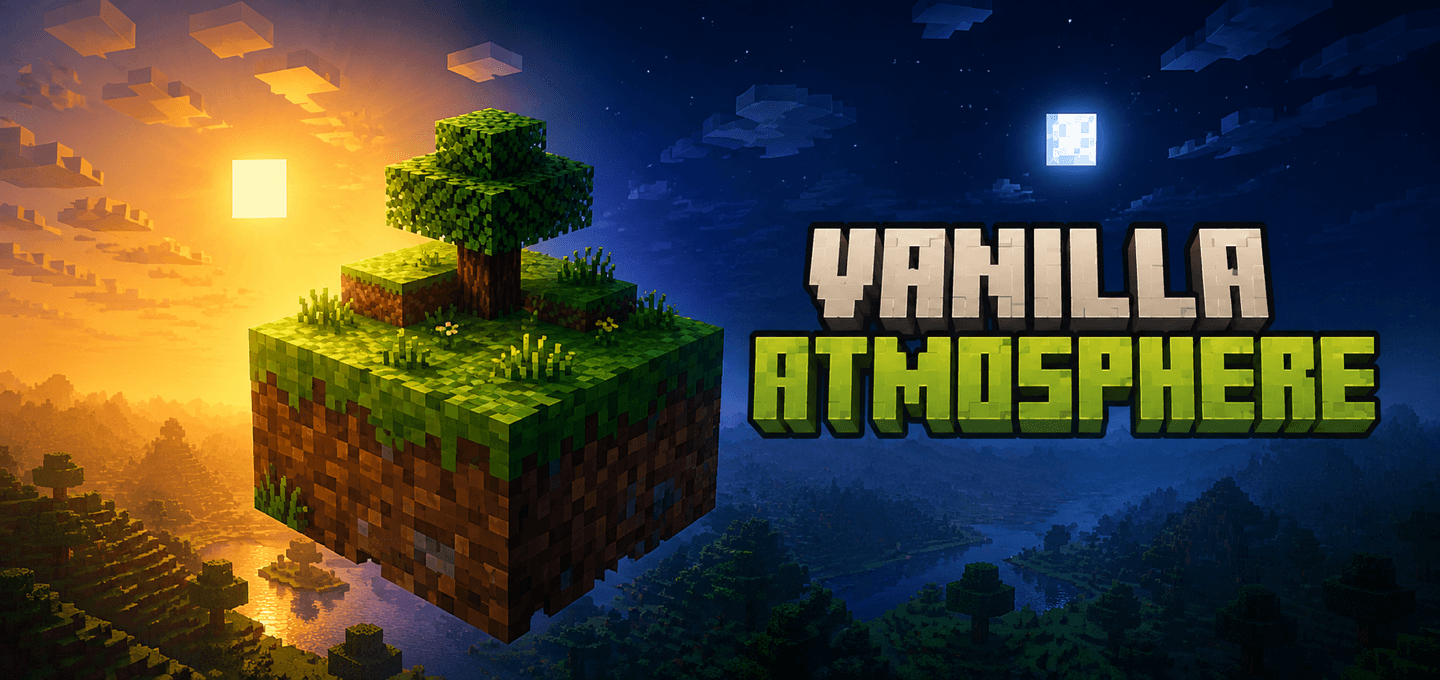
Transform Minecraft Bedrock with biome-aware cinematic lighting, atmospheric skies, colored lights, soft shadows, and natural water while keeping the vanilla texture style.
Description
About
Vanilla Atmosphere gives Minecraft Bedrock a cinematic but recognizable look through the official Vibrant Visuals renderer.
It keeps the original texture style and focuses on the world around it: sunlight, moonlight, skies, water, shadows, and the color of local lights. Every environment is tuned to feel distinct without turning Minecraft into a different game.
Features
- Biome-aware atmosphere: temperate, warm, cold, desert, swamp, dark, Nether, and End environments receive purpose-made lighting, skies, and color grading
- Natural time of day: bright neutral daylight, warm golden sunrise and sunset, and cool moonlit nights
- Soft shadows: retains the smooth Vibrant Visuals shadow style with balanced indirect lighting
- Natural water: separate clear, warm, cold, swamp, and cave water treatments
- Waves and caustics: subtle animated water surfaces and moving underwater light in the Natural and Cinematic profiles
- Colored lights: warmer torches and lanterns, blue soul light, red redstone light, cool end rods, and distinct sea pickle and copper light colors
- Vanilla textures: does not replace the standard 16×16 block and item artwork
- Three built-in profiles: Natural, Cinematic, and Performance
- Current biome coverage: includes Minecraft Bedrock 26.50 biomes, including Dappled Forest and Sulfur Caves
- Vibrant Visuals compatible: uses the official cross-platform PBR capability
Profiles
- Natural (Balanced, Default): balanced lighting, subtle atmosphere, readable nights, gentle waves, and soft caustics
- Cinematic (Darker Nights): stronger sunsets, deeper contrast, darker nights, ACES tone mapping, larger waves, and brighter caustics
- Performance (No Waves or Caustics): restrained color treatment with the pack's custom waves and caustics disabled
The Performance profile reduces the additional water effects supplied by this pack. Frame-rate results still depend on the device, resolution, world complexity, and Minecraft's own Vibrant Visuals quality settings.
How to use
- Import the
.mcaddonfile into Minecraft Bedrock. - Activate the Vanilla Atmosphere resource pack for your world.
- Open the resource pack settings and choose Natural, Cinematic, or Performance.
- Enable Vibrant Visuals in Minecraft's Video settings.
- Put Vanilla Atmosphere above other packs that change biomes, lighting, skies, water, or color grading.
Notes
- The atmospheric effects require a device that supports Vibrant Visuals.
- The download is resource-pack-only and does not occupy a behavior-pack slot.
- On Simple or Fancy graphics, the world keeps its normal vanilla appearance.
- Resource packs that replace the same client biome or Vibrant Visuals files can conflict; the pack higher in the active resource list takes priority.
- This is not an RTX-only pack and does not require an NVIDIA RTX GPU.
- The Performance profile is a lighter visual preset, not a guaranteed FPS booster.
Requirements
- Minecraft Bedrock Edition 26.50 or newer
- A Vibrant Visuals-compatible device for the shader effects
- No external library or dependency required

Vanilla Atmosphere | Vibrant Visuals Shader Team

Owner