Potato Shader | FPS Booster
- By
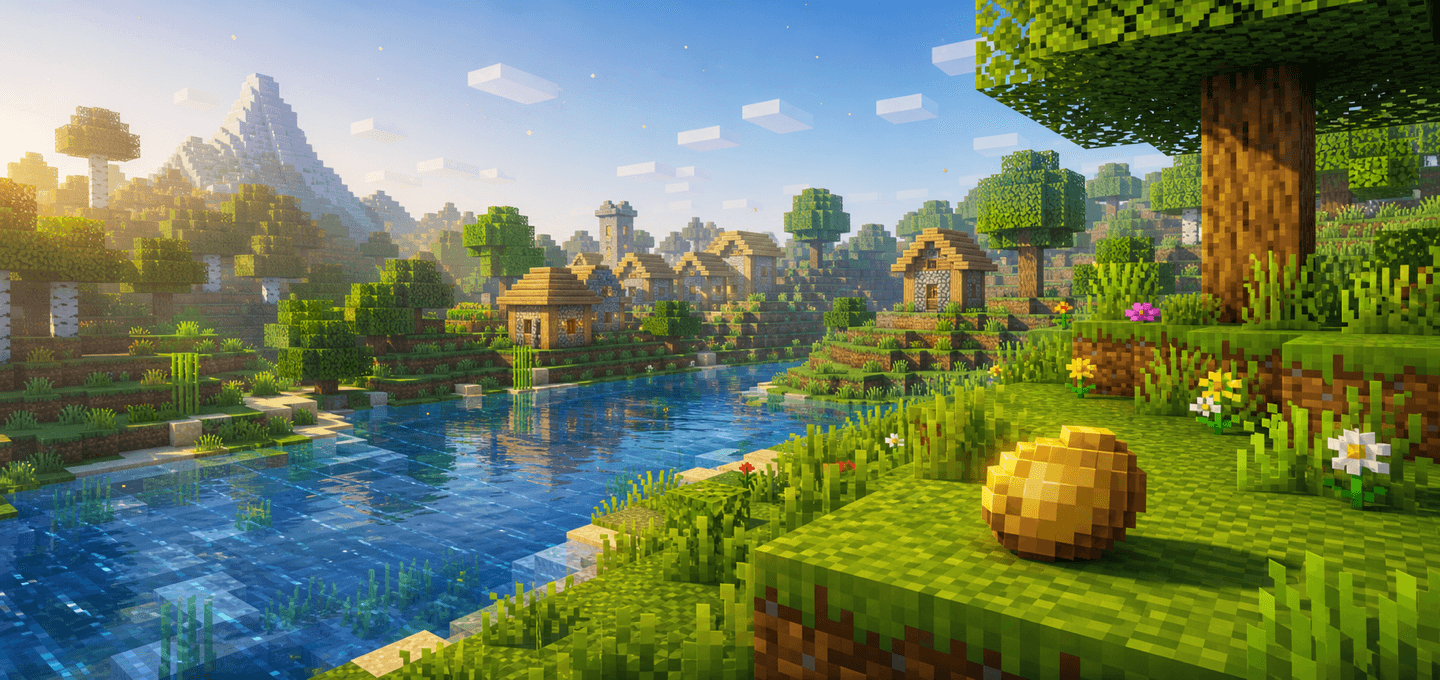
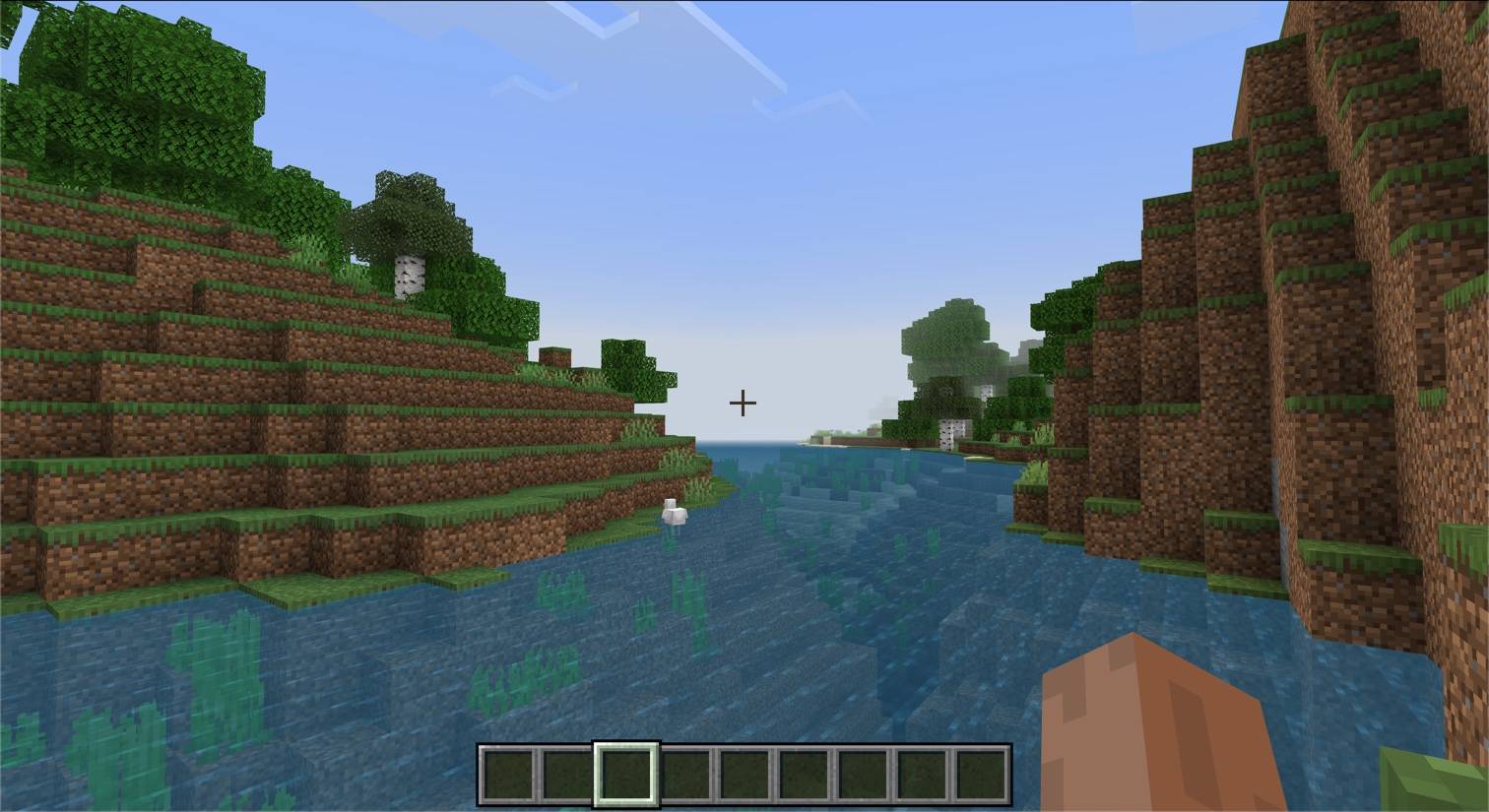
Potato Shader is a lightweight Minecraft Bedrock visual pack for low-end devices. It reduces visual noise, calms heavy particles, softens fog, and slows distracting animations to keep the game cleaner and easier to run.
MCPEDL-v2.png
PotatoShader-Screen-1.jpg
Screen-1.png
Screen-2.png
Description
About
Potato Shader reduces visual clutter in Minecraft Bedrock with calmer particles, fog, weather effects, and animated textures.
Features
- Cleaner atmosphere in the Overworld, Nether, and End
- Reduced smoke, flame, portal, and enchantment particles
- Softer rain and water splash effects
- Slower animations for water, lava, fire, kelp, portals, and other animated textures
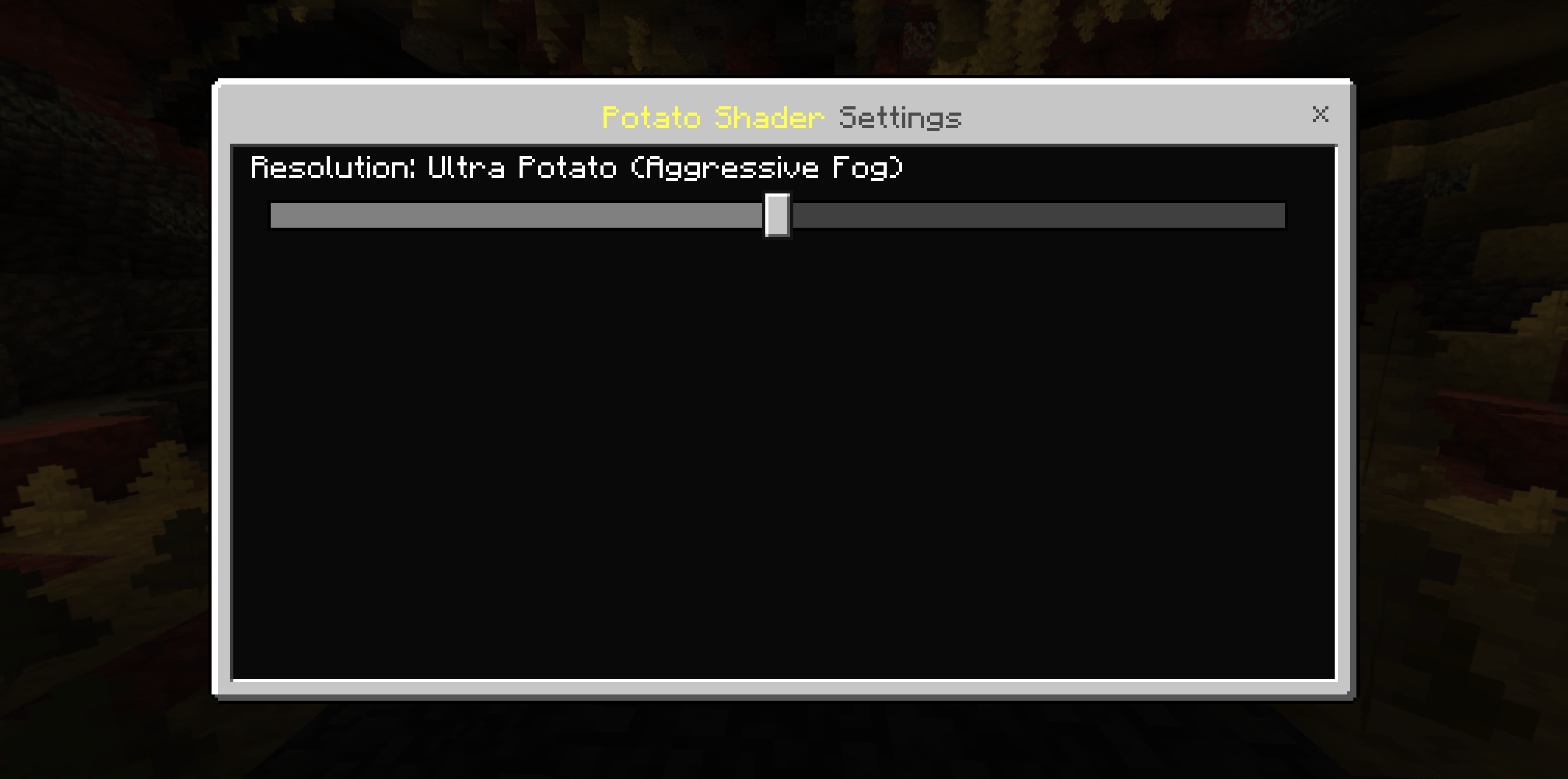
- Balanced, Ultra Potato, and Vanilla Fog presets
How to use
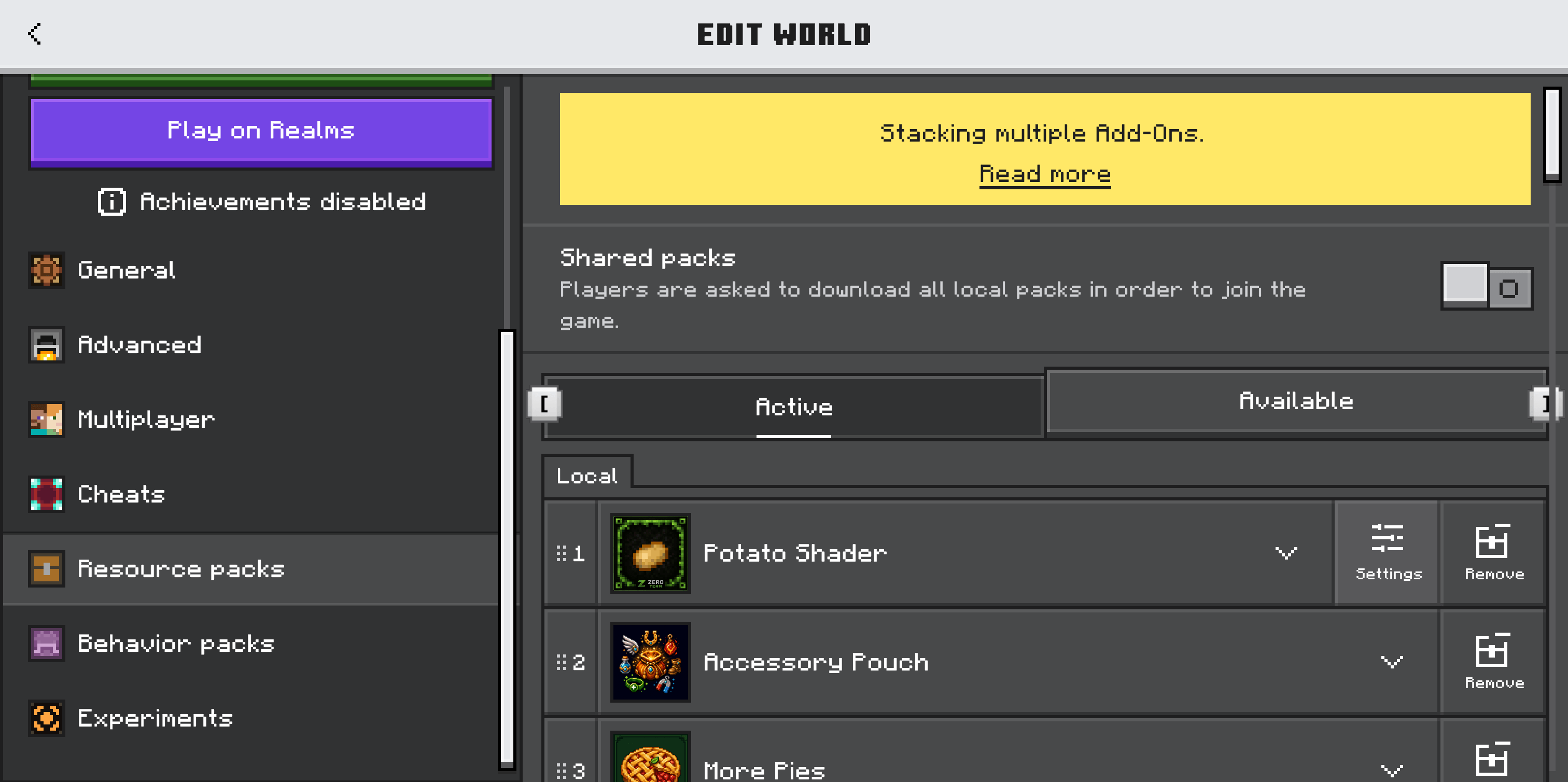
- Import the pack into Minecraft Bedrock.
- Activate the Potato Shader Resource Pack in your world.
- Open the pack settings and choose a preset: Balanced for the default look, Ultra Potato for more aggressive fog changes, or Vanilla Fog to keep the usual fog while cleaning up particles.
Notes
Performance gains depend on your device, render distance, world complexity, and entity count. The pack changes visual effects and does not reduce world simulation work. Other packs that change the same particles, fog, or animations may override its effects.
Requirements
- Minecraft Bedrock Edition 1.26.50 or newer
- The Resource Pack must be active
- No Behavior Pack or external add-on required

Potato Shader | FPS Booster Team

Owner