Experiments Enabled World Templates
- By
Small world templates with experiments enabled for Minecraft Bedrock.
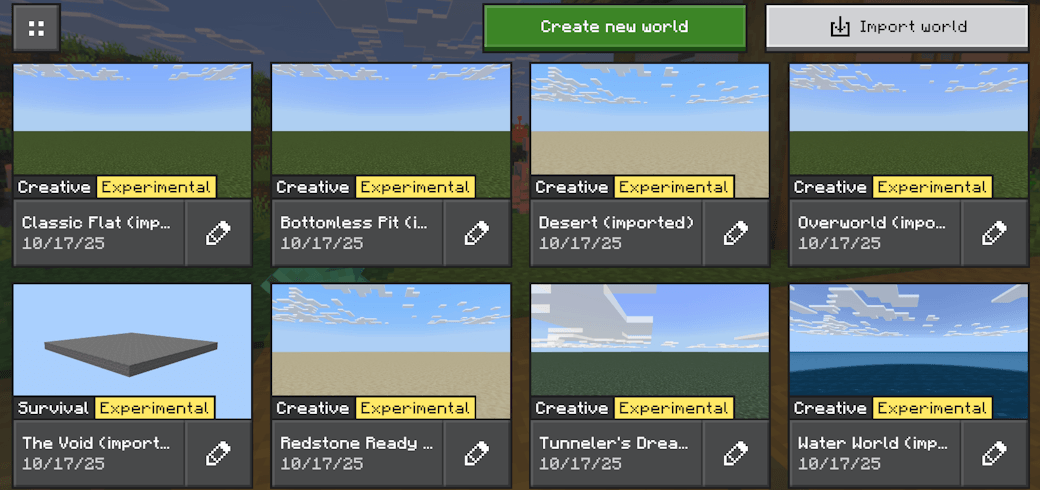
Description
The Enabled Experiments World Templates contains small world templates with experiments enabled so players and creators can start with a ready world that already has the Bedrock experimental features set. These are primarily aimed at Minecraft Education users because Education hides the experiments toggles in the world UI; the editor/site is the reliable way to enable them.
Why is this made?
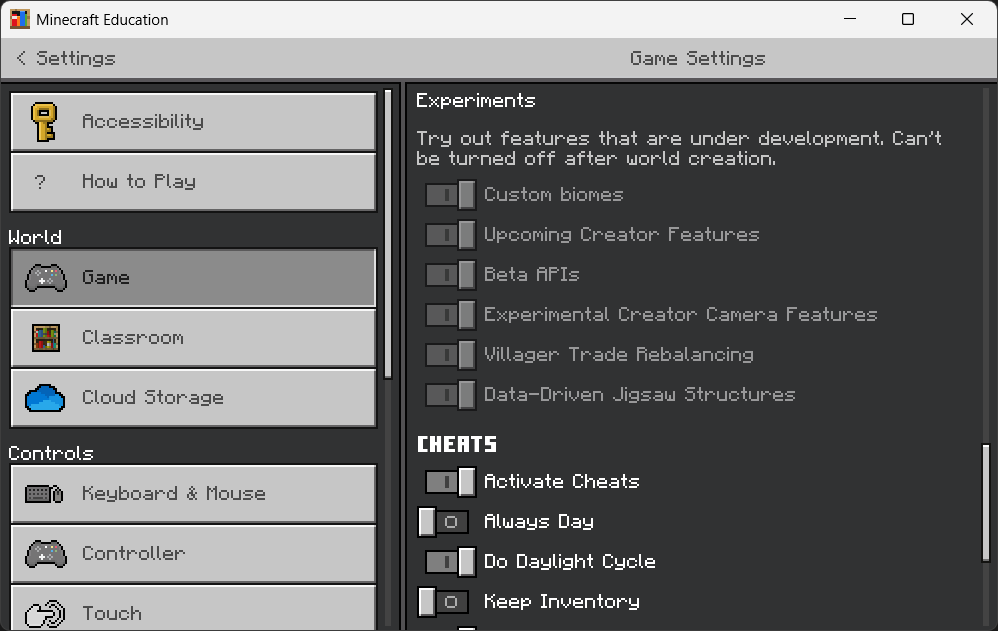
- Education editions don't allow players to modify the experiments toggles in the usual world-settings UI with the release of the new UI for Create and Edit World, so using an experiments-enabled template is the easiest way to get the right feature flags in place for add-ons, besides using the Minecraft Bedrock Experiments Editor (it's a web editor).
- The same templates also work in normal Minecraft Bedrock and Preview - the web editor/export flow supports all those targets.
Notes:
- The world templates on MCPEDL / CurseForge have the Minecraft seed fixed. Go to Minecraft Bedrock Experiments Editor web app to generate your own world with a randomly generated seed.
More custom configurations
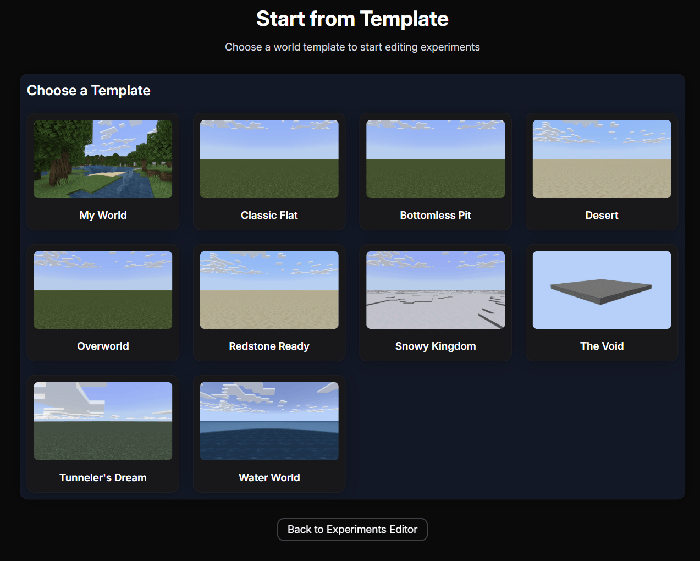
The world templates preview here have all experiments toggled, and they were generated from the Start from Template tool of the Minecraft Bedrock Experiments Editor.
For most people the recommended workflow is to use that website directly (choose a template, enable the experiments you want, then download the modified .mcworld).
You can also upload your own world to the website to edit the experiments as you'd like.
The Experiments Editor Website
All the templates below are generated using this website:
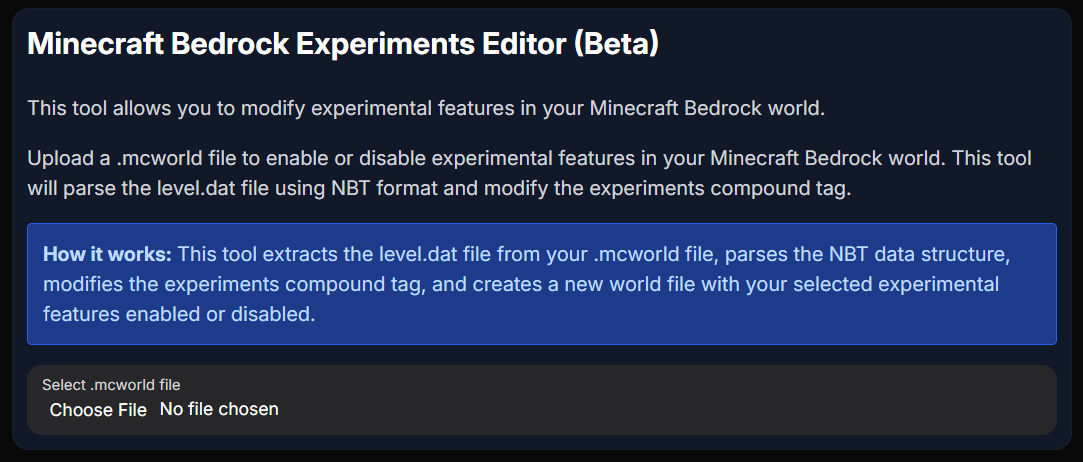
- Minecraft Bedrock Experiments Editor (Beta) - Upload your own world to the website to enable / disbale specific experimental features.
- Start from Template Tool - Create your own template using the 'Start from Template' tool and edit specific experimental features.
Experiments Enabled World Templates Team

Owner