Zoom Lite | Double-Sneak Zoom
- By
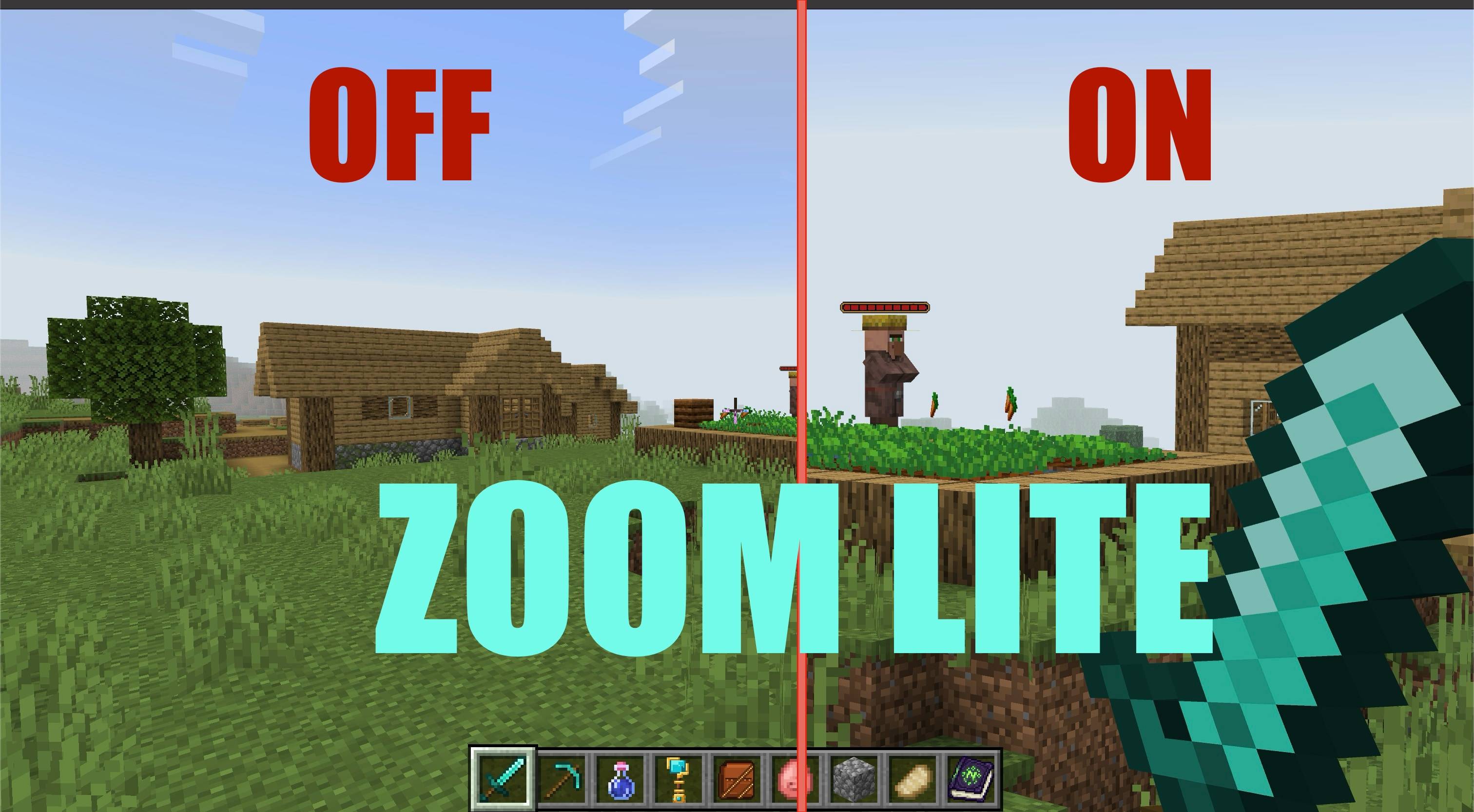
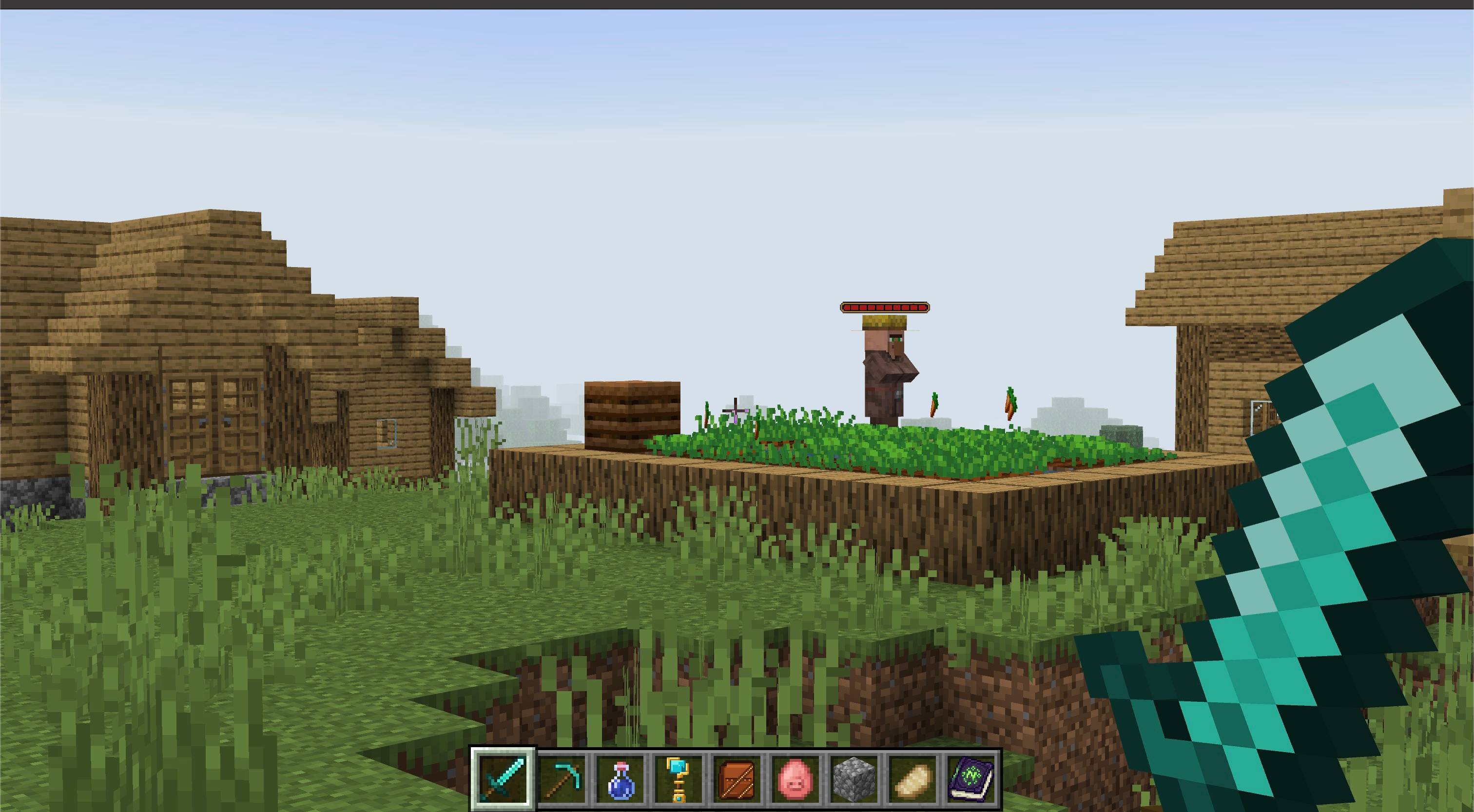
Double-sneak while standing still to instantly zoom in, then move or repeat the gesture to return to your normal view.
Description
HOW-TO: Double-sneak to turn it on/off
About
Bring distant builds, creatures, and landmarks closer with one quick gesture.
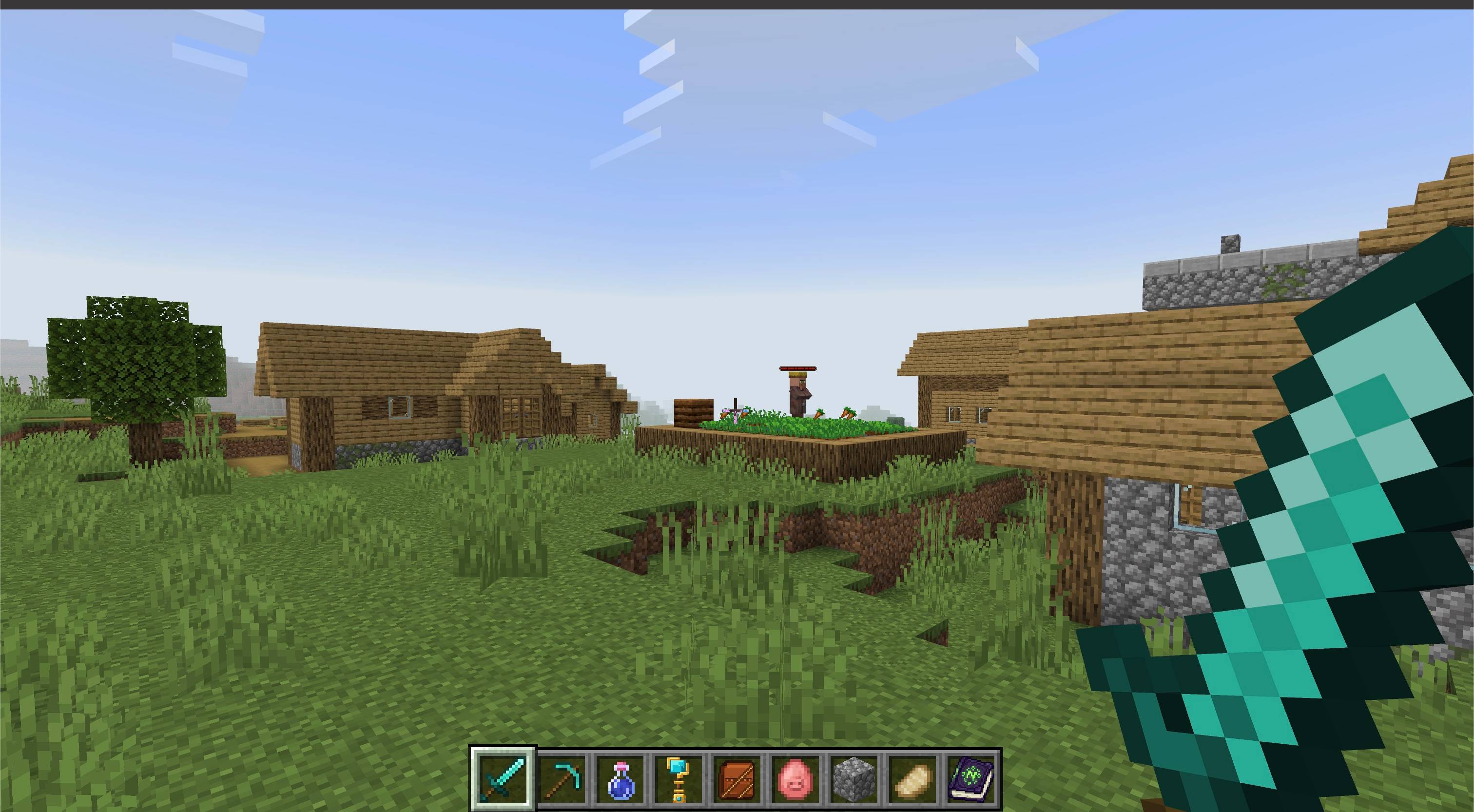
Zoom Lite adds a fixed, distraction-free zoom to Minecraft Bedrock. Double-sneak while standing still to zoom in. Start moving or double-sneak again to return to your normal view. There are no items to carry, menus to configure, or commands to remember.
Features
- Quick double-sneak activation — press sneak twice while standing still to zoom in.
- Fixed magnification — get a strong, consistent close view without adjusting settings.
- Movement reset — directional movement immediately returns the camera to its normal field of view.
- Gesture toggle — double-sneak again whenever you want to stop zooming without moving.
- Keeps your perspective — zoom works without switching your selected first-person or third-person camera view.
- Multiplayer friendly — every player controls their own zoom independently.
- Lightweight — one Behavior Pack with no menus, commands, items, recipes, or external dependencies.
How to use
- Import the
.mcaddonfile into Minecraft Bedrock. - Activate the Zoom Lite Behavior Pack for your world.
- Stand still and press sneak twice quickly to zoom in.
- Move in any direction or press sneak twice again to return to the normal view.
Notes
- The two sneak presses must be close together and performed while standing still.
- Looking around does not cancel the zoom, so you can inspect distant targets freely.
- Zoom resets to your normal field of view instead of forcing a replacement camera perspective.
- No experimental toggles are required.
Requirements
- Minecraft Bedrock Edition 26.50 or newer
- Zoom Lite Behavior Pack must be active
- No Resource Pack or external add-on dependency required

The Zoom Lite | Double-Sneak Zoom Team


Owner