Damage Numbers | Terraria-Style Combat UI
- By
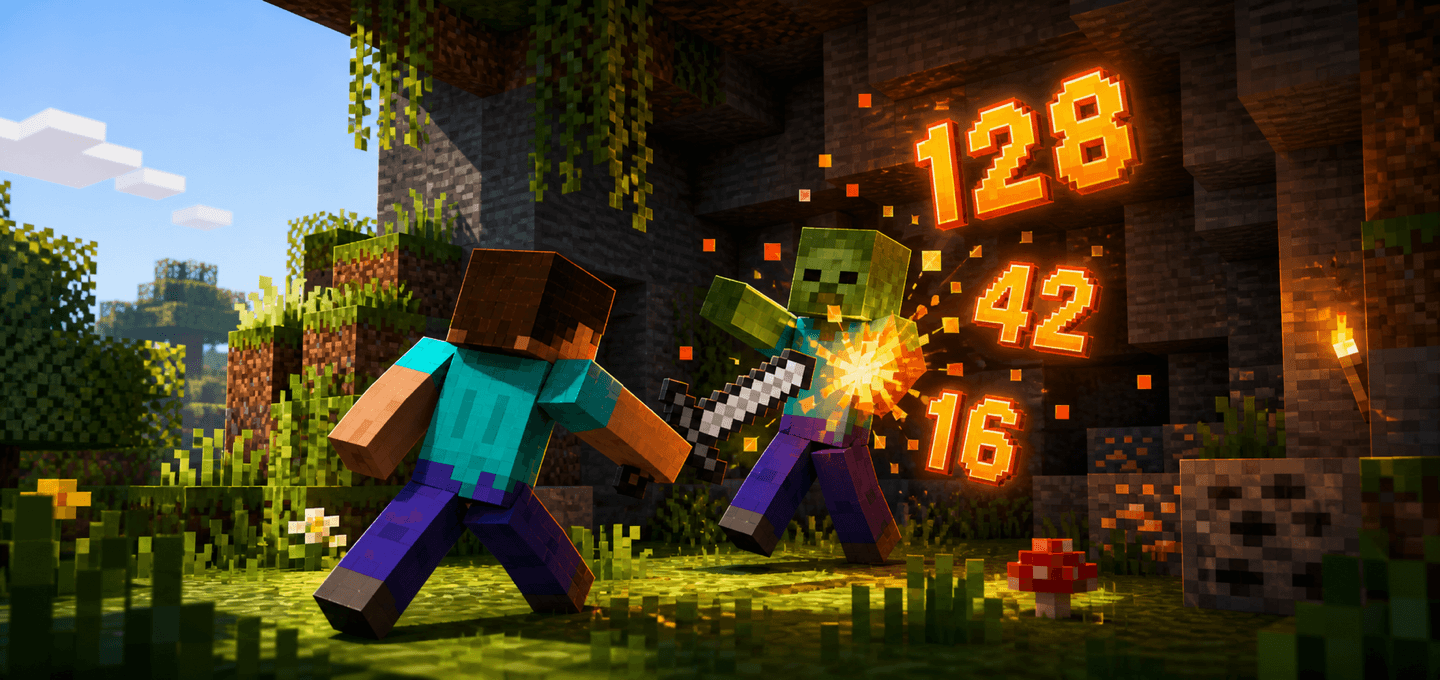
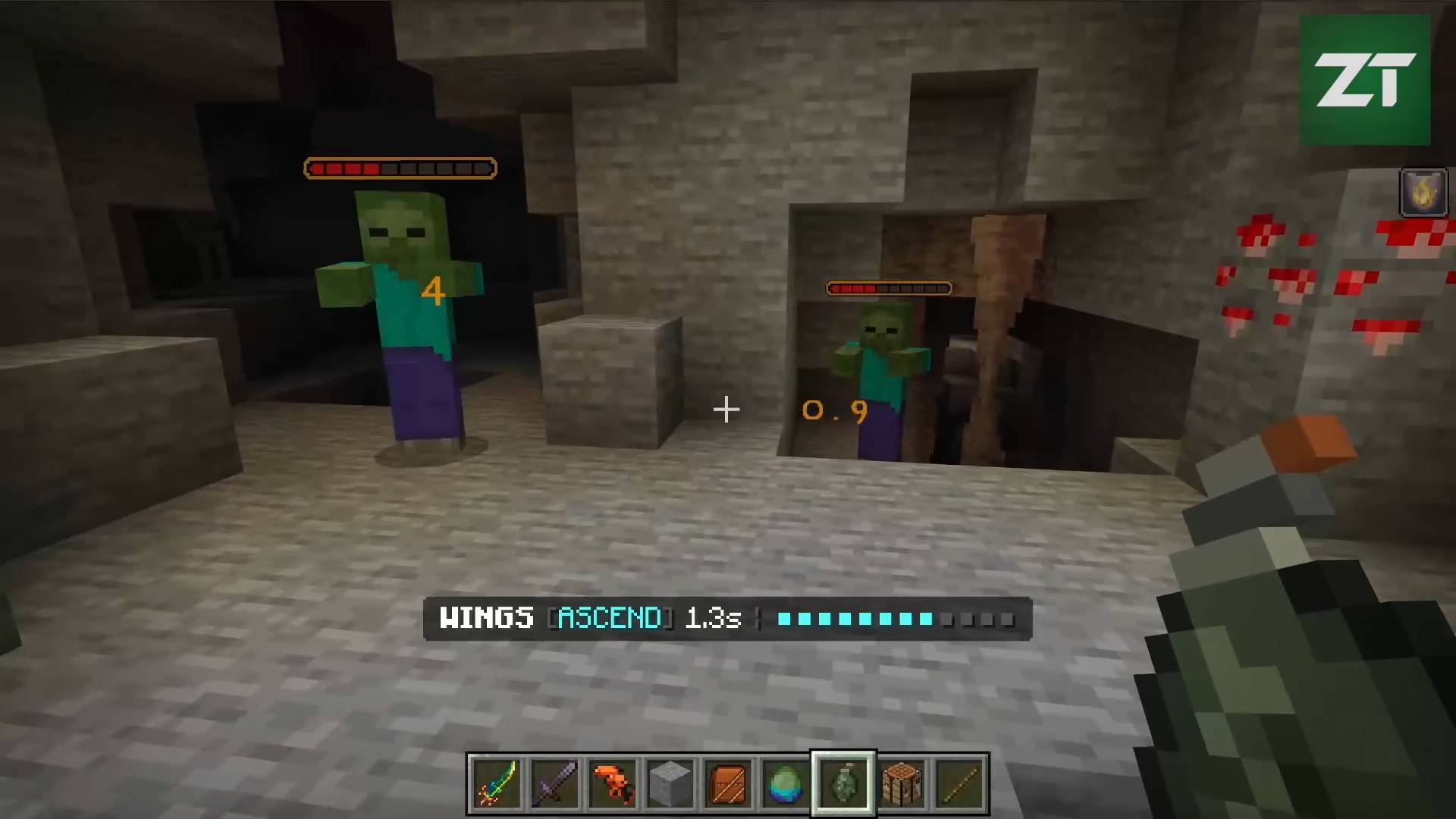
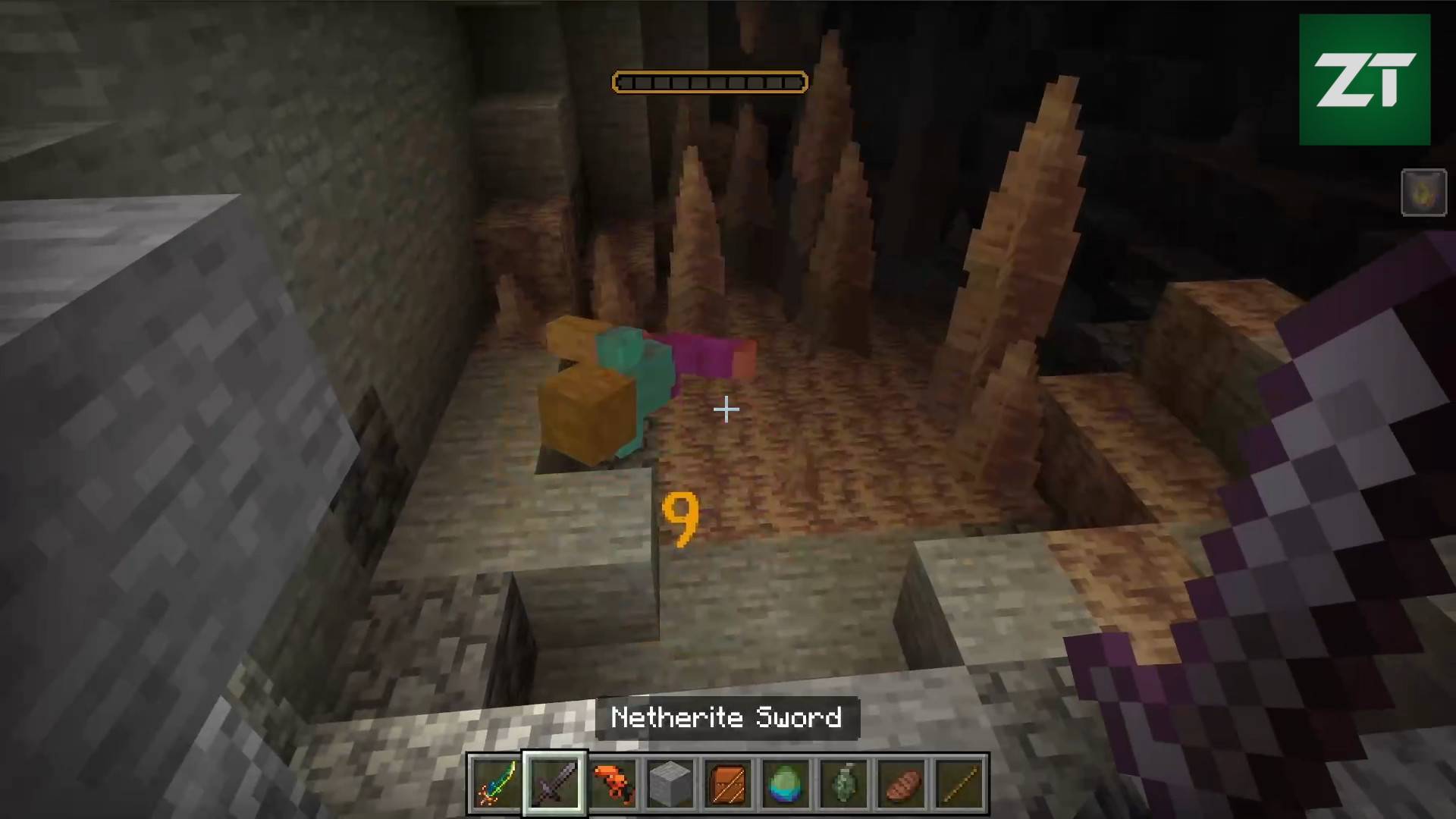
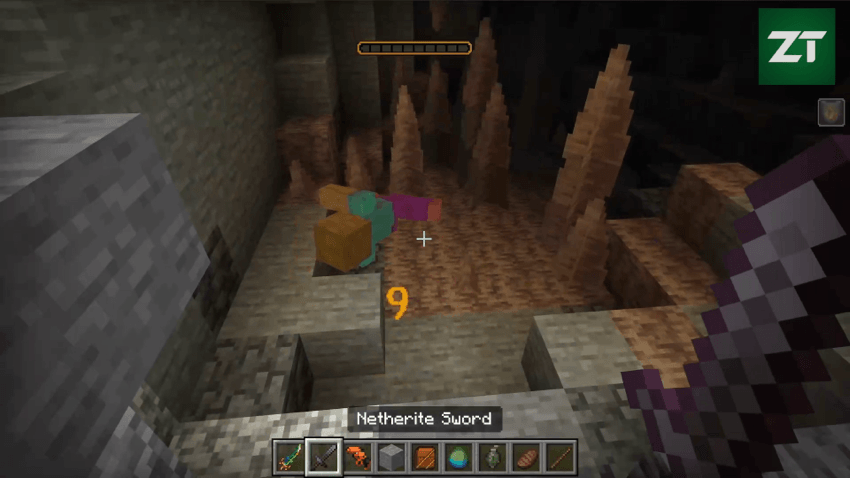
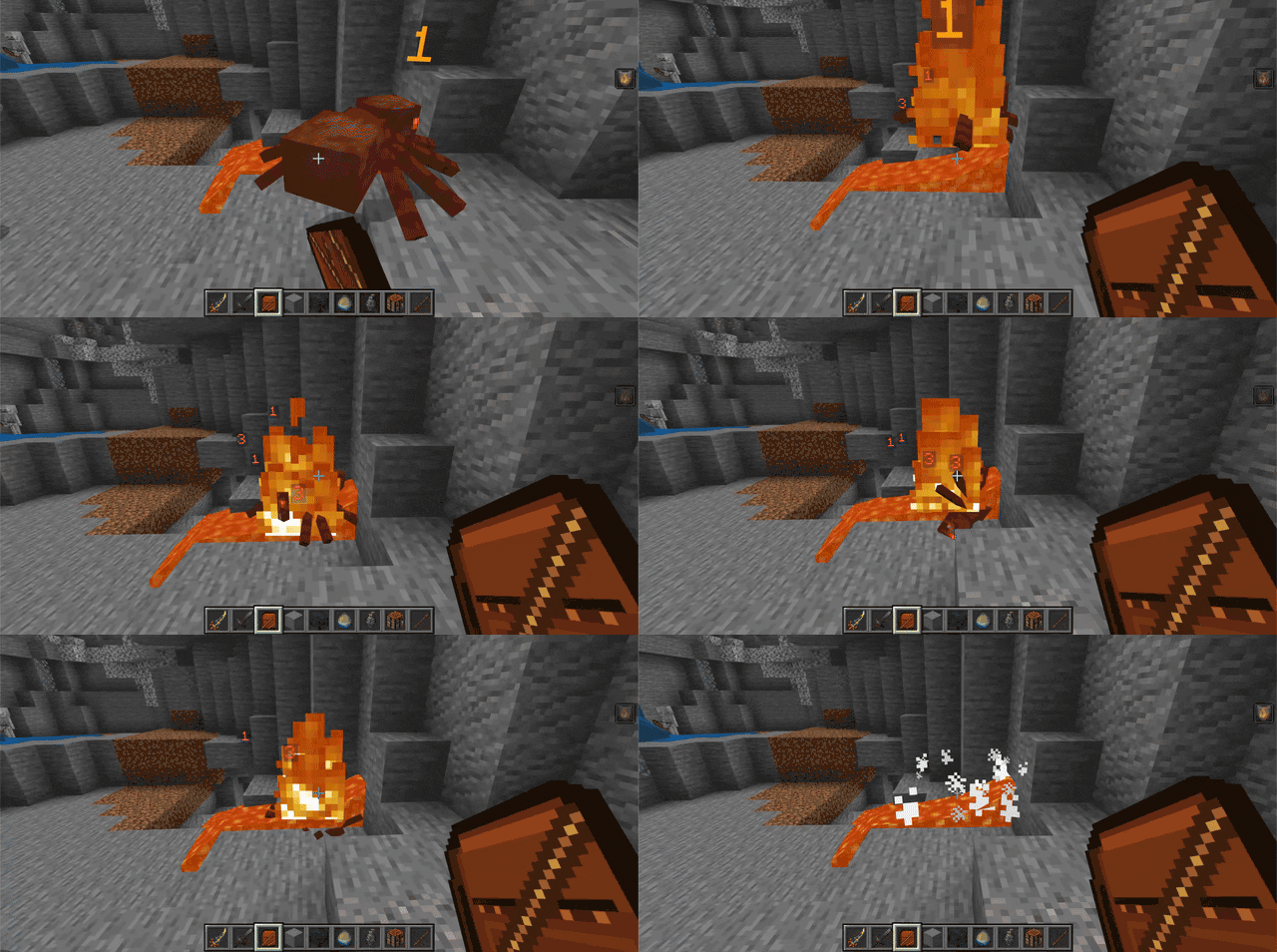
Show Terraria-style floating damage numbers beside mobs and players when they take damage in Minecraft Bedrock.
MCPEDL.png
DamageNumbers-Screen-2.compressed.gif
Damage Numbers v1.1.0-00-00-58_001.jpg
Damage Numbers v1.1.0-00-01-20_002.jpg
Screen-3.png
Screen-4.png
Description
⚠️ Minecraft Bedrock 26.50 or newer is required for Damage Numbers 1.2.0+
About
Show clear floating damage numbers when entities take damage.
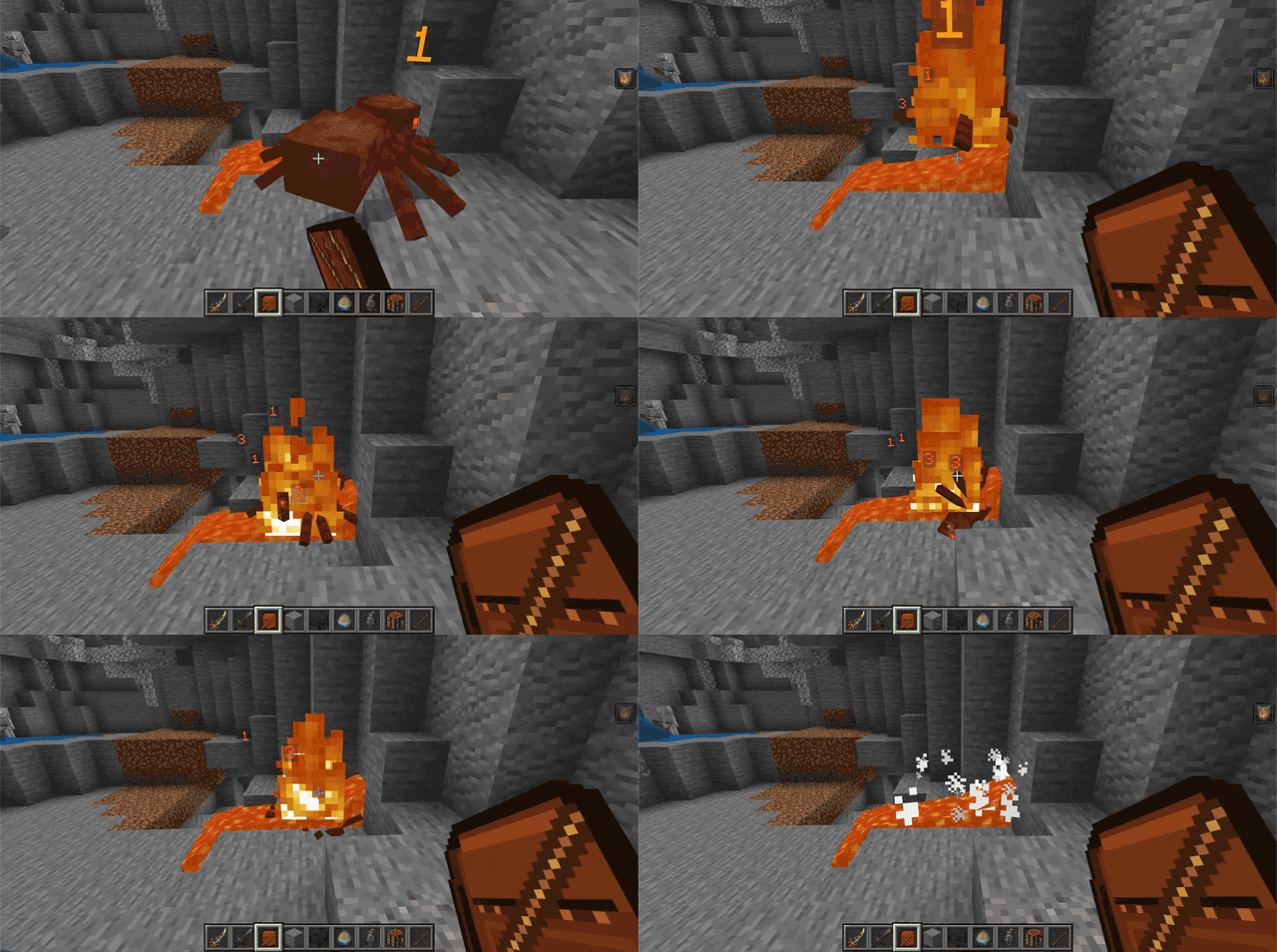
Damage Numbers adds a lightweight Terraria-inspired combat feedback layer to Minecraft Bedrock. When a mob or player is hurt, a configurable damage number appears beside the target near the impact side, floats upward, and disappears after a short moment.
Features
- Shows floating damage numbers after entity damage
- Places numbers beside the target instead of directly above the head
- Uses the attacker or projectile position to choose a readable impact side
- Configurable colors for normal, fire/lava, magic/wither, and optional large damage
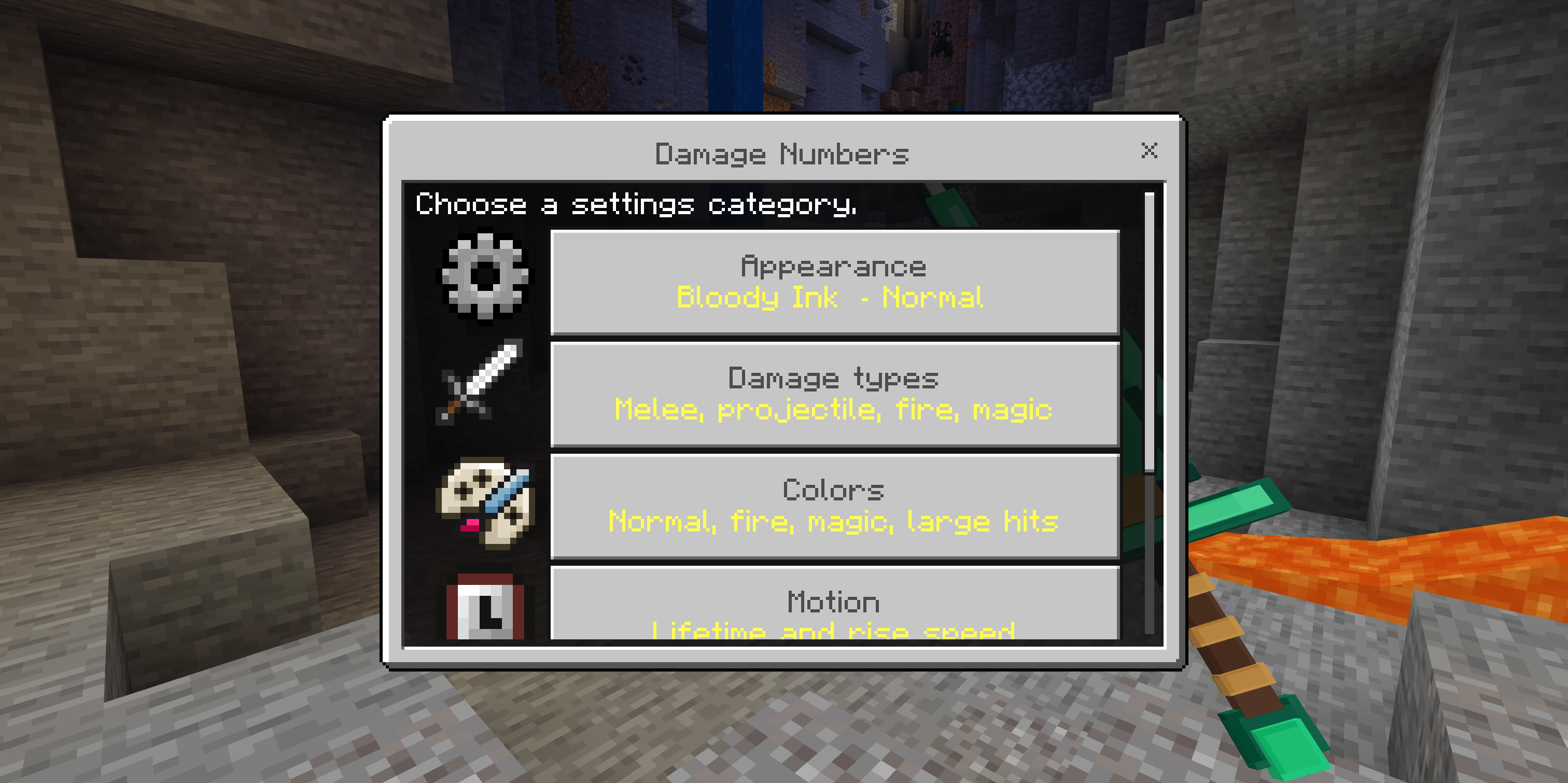
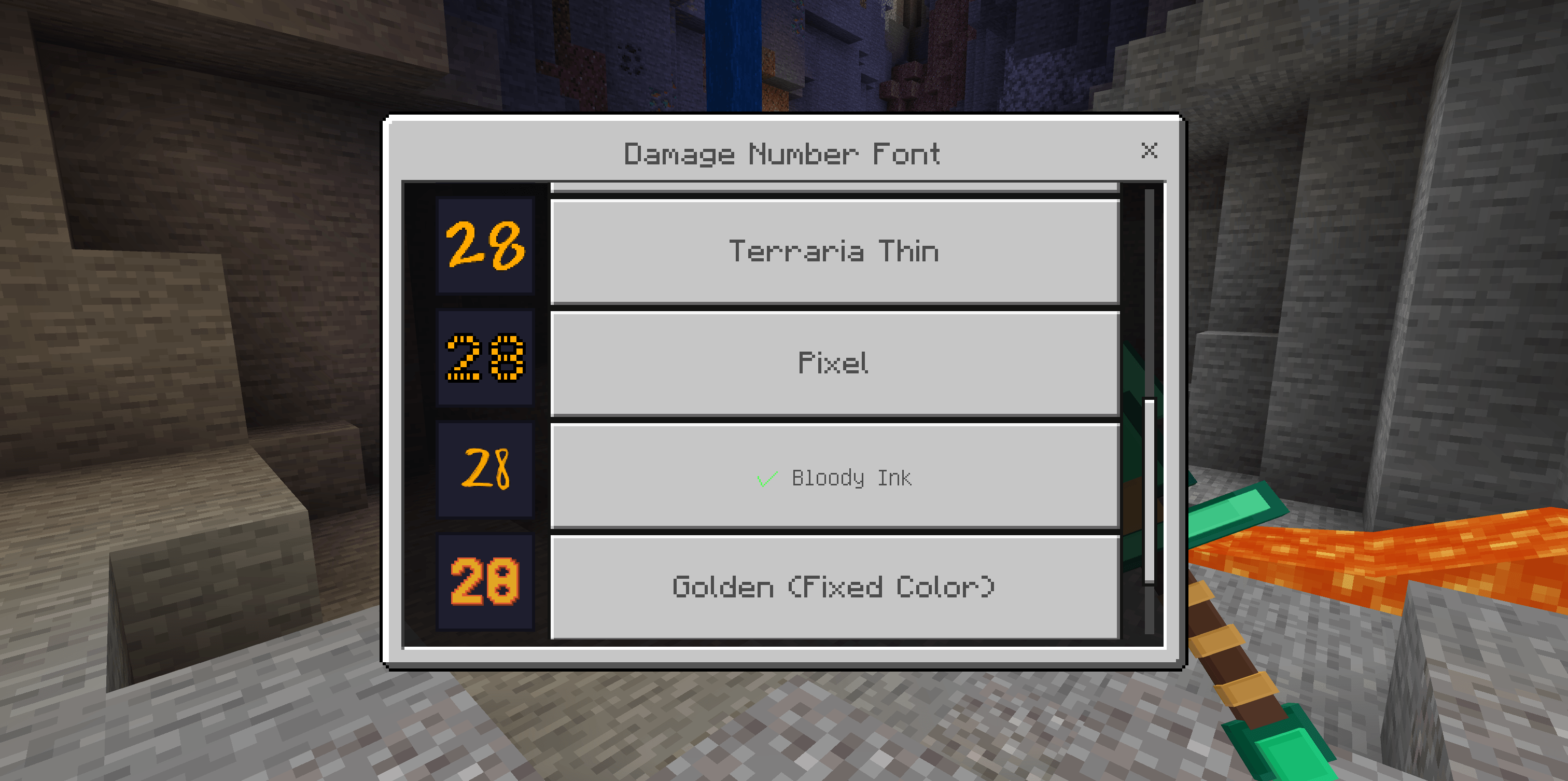
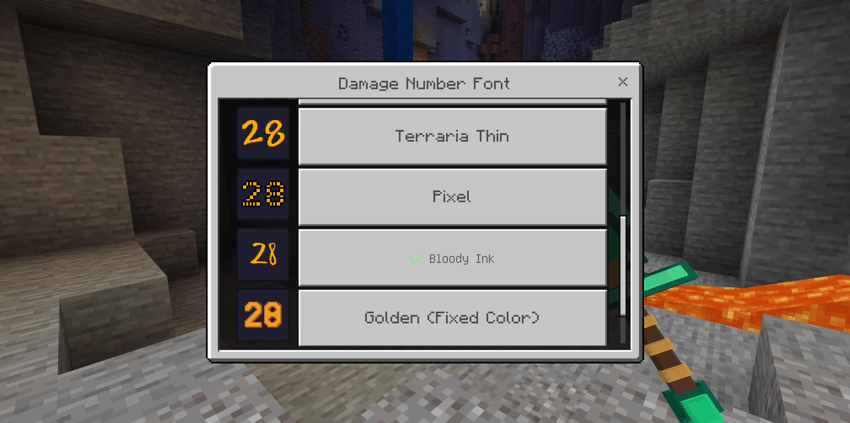
- One responsive in-game settings screen with a live font preview
- Toggle player targets, mob targets, and individual damage categories
- Tune display time, large-damage threshold, and upward drift speed
- Settings save automatically as they are changed
- Short upward drift for quick combat readability
- Works with normal Minecraft damage and scripted add-on damage
- Settings are stored per world
- Lightweight behavior/resource pack pair
How to use
Install the .mcaddon, activate both the Behavior Pack and Resource Pack in your world, then fight normally.
Whenever an entity takes damage, the add-on displays the damage amount near that entity. Numbers are cosmetic only and do not change combat balance.
Open the settings menu with:
/damage-numbers
/dn
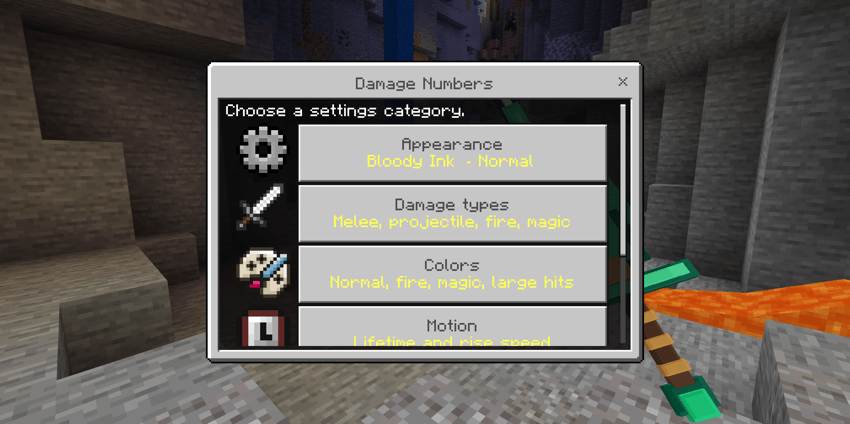
The settings command is available to regular players and does not require cheats or operator permissions. Font, size, display, damage type, color, motion, and fallback health bar options are available on the same screen and save automatically.
Notes
Damage numbers appear on a visible side of the target to stay readable in close and ranged combat. Their position approximates the hit and may not match the exact impact point.
Settings apply to the current world only. When the standalone Health Bars add-on is active, it replaces Damage Numbers' basic fallback health bar and provides its own advanced settings.
Requirements
- Minecraft Bedrock Edition 1.26.50 or newer
- No additional behavior pack dependency required

Damage Numbers | Terraria-Style Combat UI Team

Owner