VOXELBRO ReconNet - Security Cameras
- By
Set up a working security camera network in your Minecraft world! Use named Armor Stands as 'Recon Nodes' to view different areas remotely using a custom Node Remote. The system even acts as an alarm, scanning for hostile mobs and sending.
1000181788.jpg
1000181785.jpg
1000181784.jpg
1000181787.jpg
1000181791.jpg
1000181793.jpg
1000181786.jpg
1000181790.jpg
1000181789.jpg
1000181794.jpg
1000181792.jpg
1000181795.jpg
Description
What is up, Minecraft survival players? Let us be totally honest for a second. We have all been in that exact situation where you spend hours building a massive, beautiful base, organizing all your chests, and setting up your farms. Then, you go down into the mines for a quick resource run, come back up, and find out a creeper just blew a massive hole in your storage room because you forgot to place one single torch. Or maybe you are playing on a sweaty multiplayer server, and you constantly have to run around your base perimeter to check if anyone is trying to raid you. It is a massive headache. It is 2026, man, we should not be running around like cavemen to defend our stuff. That is exactly why I spent days coding the VOXELBRO ReconNet add-on. I basically brought a fully working, tactical CCTV camera and radar system directly into vanilla Minecraft Bedrock.
The Core Concept
The ReconNet system is designed to give you complete eyes and ears over your entire base or any important location in your world, without you actually needing to be there. Imagine being deep inside a cave mining for diamonds, but still being able to pull out a remote, look through a camera at your front gate, and check if any mobs or players are hanging around. I built this entirely from scratch using the new scripting APIs, which means there are no massive command block chains to build and no weird laggy mechanics. It is smooth, it is fast, and it completely changes how you play survival and defend your territory.
Setting up your first camera node
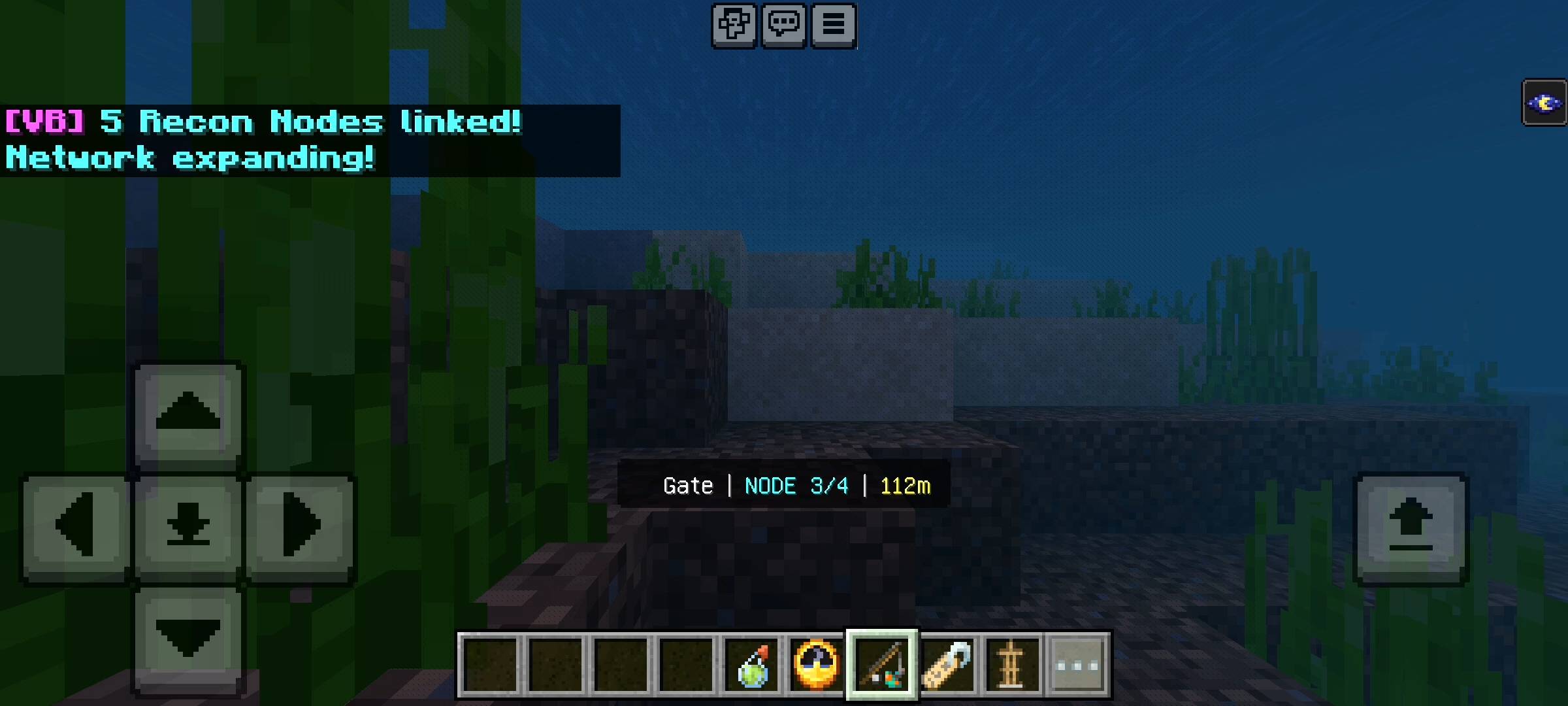
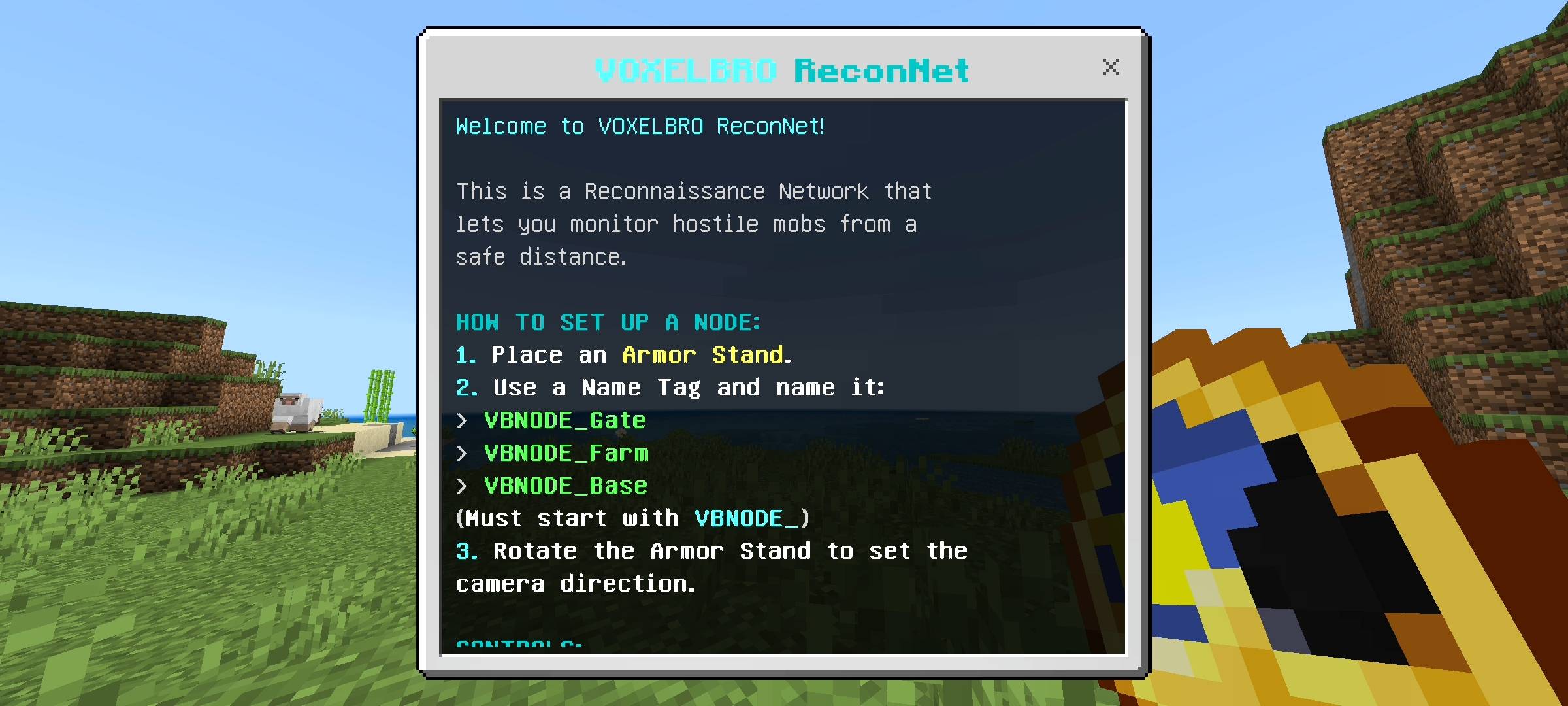
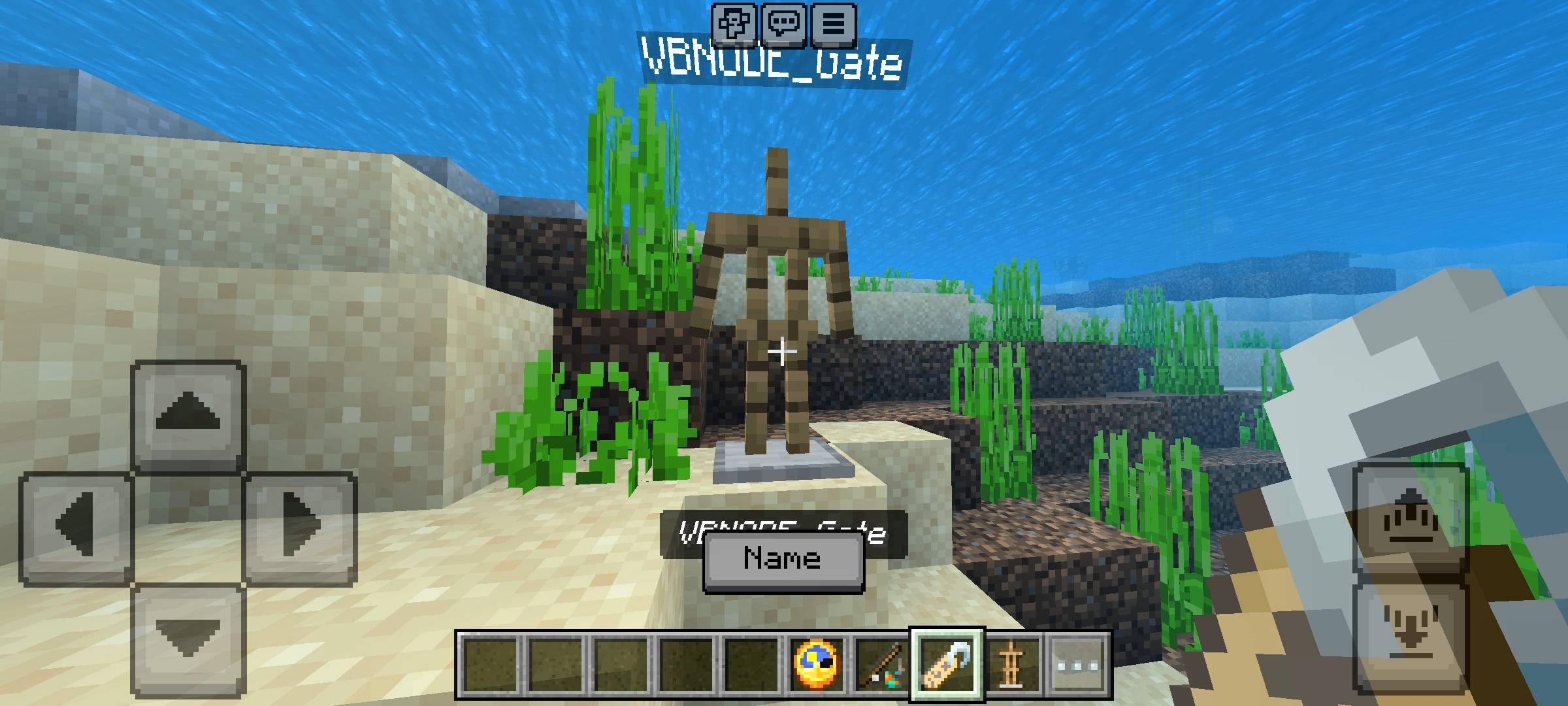
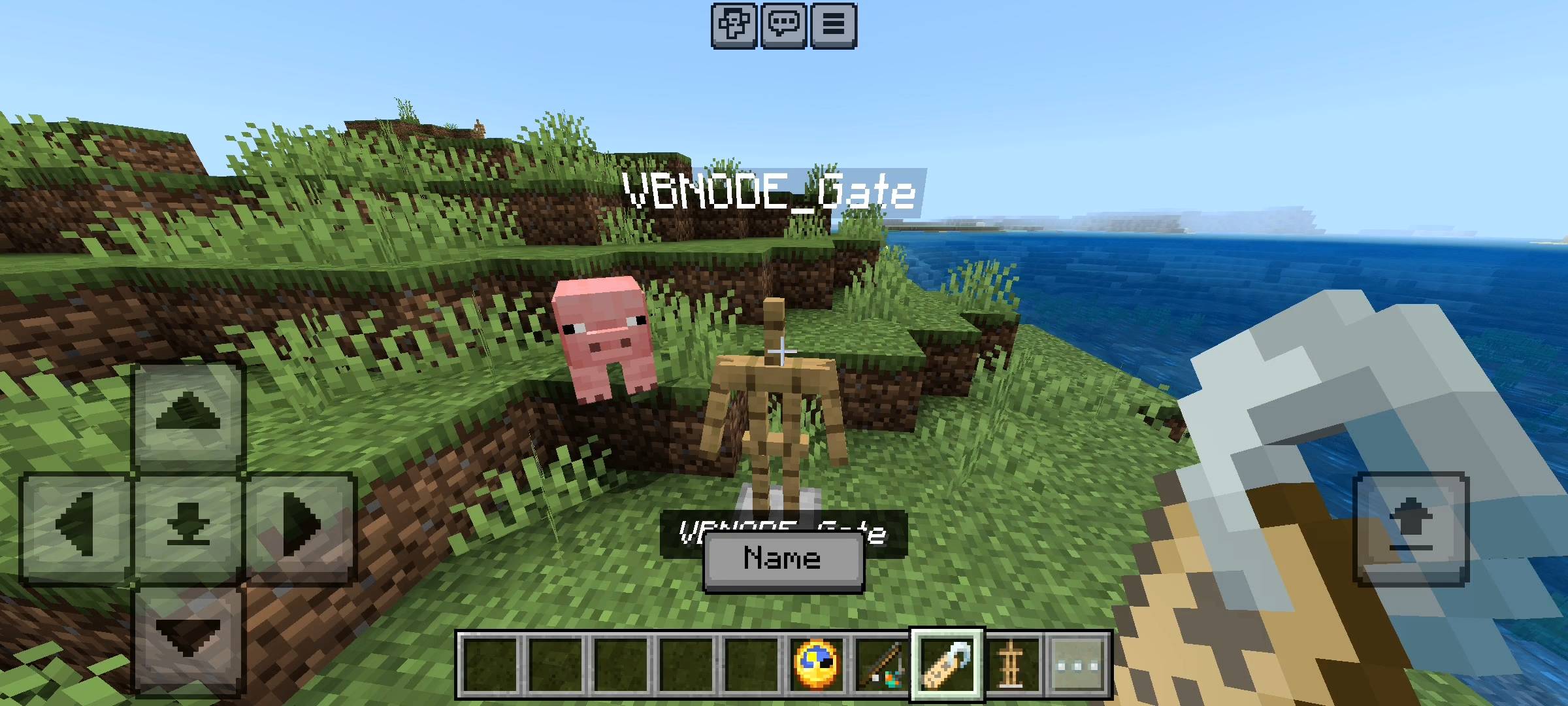
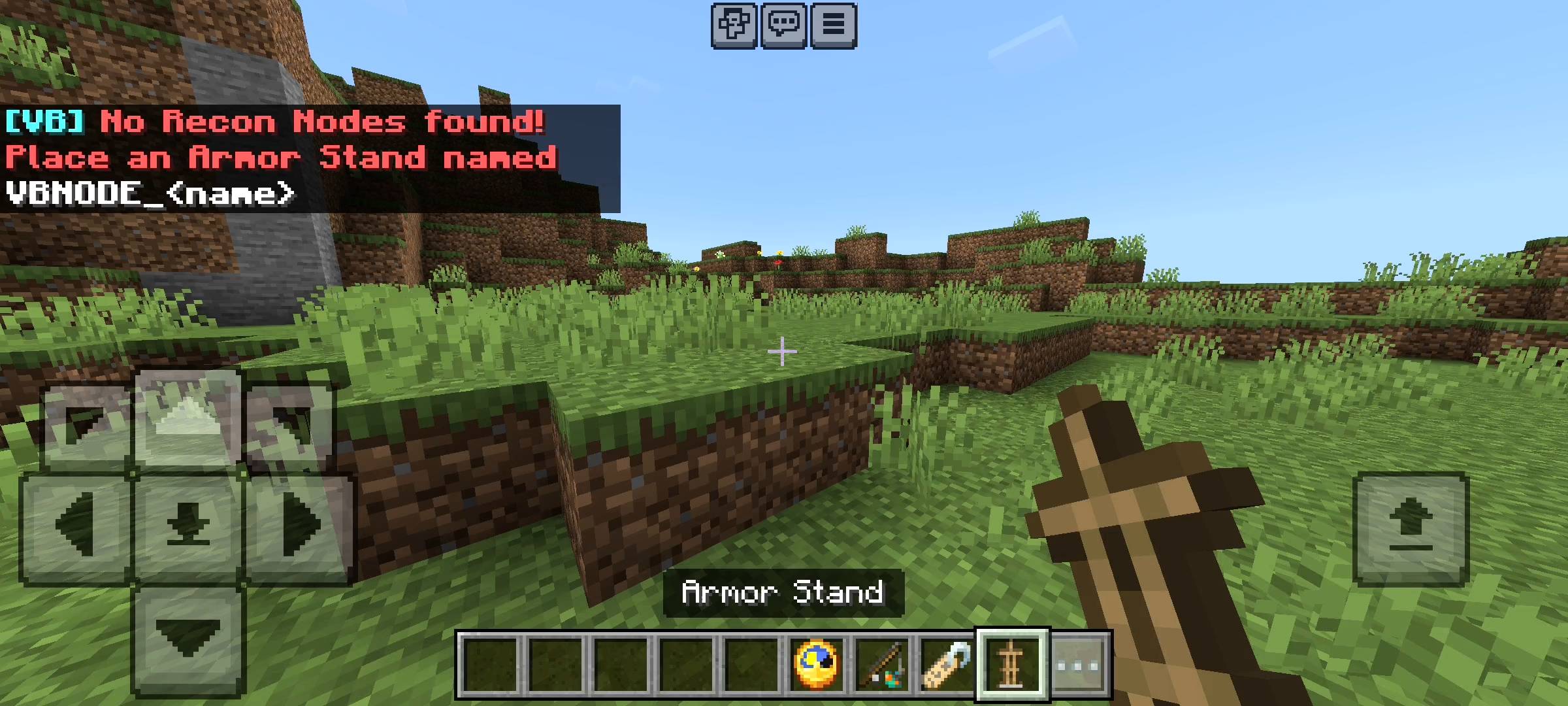
I wanted the setup process to feel like a real tactical operation, but without being confusing. To set up a security camera, which I call a Recon Node, you just need a standard vanilla armor stand and a name tag. First, place the armor stand exactly where you want your camera to be. The direction the armor stand is facing is exactly where your camera will look, so rotate it properly. Next, take an anvil and rename your name tag. The tag absolutely must start with VBNODE_ followed by whatever you want to call the location. For example, you can name it VBNODE_MainGate, VBNODE_IronFarm, or VBNODE_SecretStash. The moment you apply that name tag to the armor stand, the script recognizes it, registers it into the global network, and your camera is officially online.
Your Tactical Gadgets
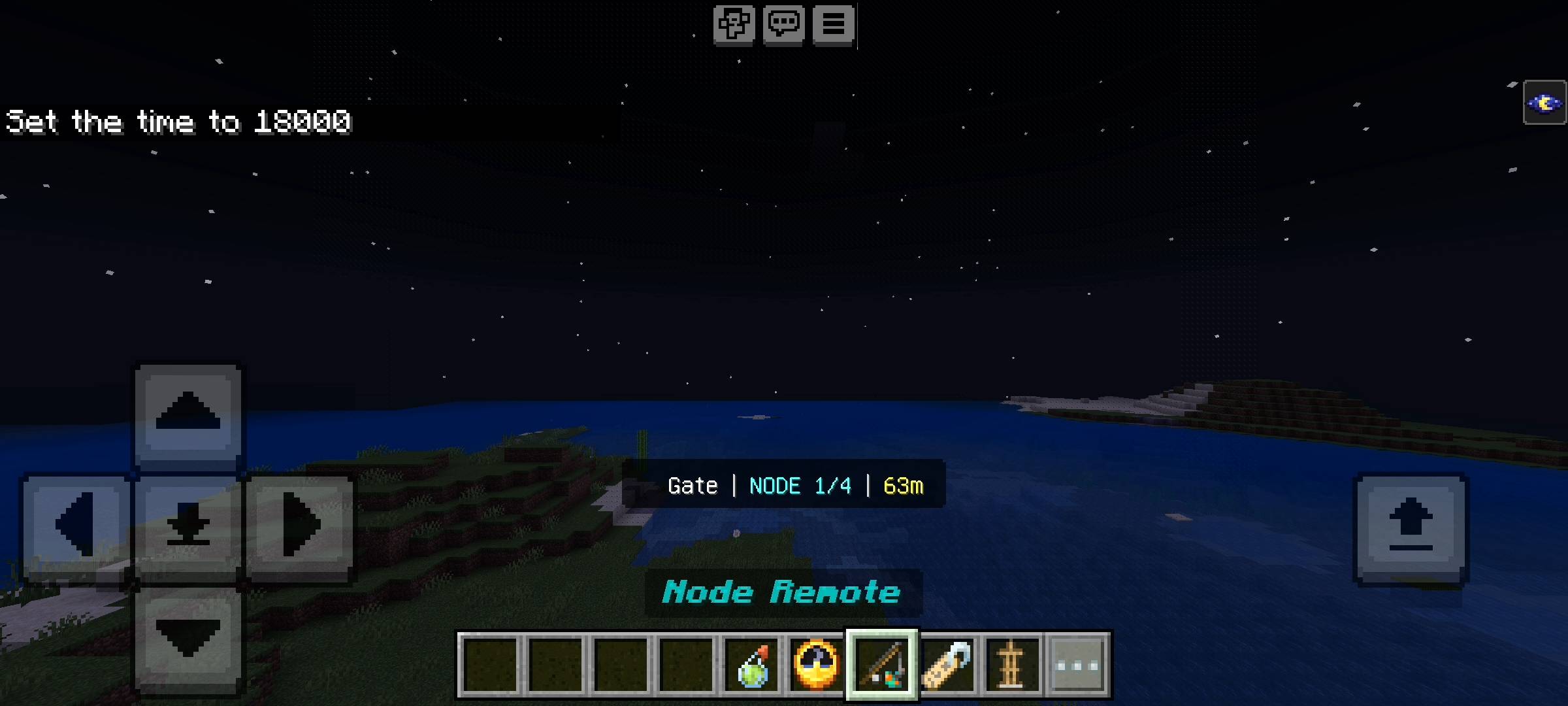
You cannot operate a high-tech security network without the right tools. The moment you load into a world with this add-on, the system automatically drops two custom items into your inventory. The first is your ReconNet Link, which looks like a clock. This is your main control hub. The second is your Node Remote, which uses the warped fungus on a stick texture. The remote is what you use to actually view your cameras. When you have the remote in your hand, you just tap the screen or right-click to instantly switch your point of view to your closest camera node. If you tap again, it cycles to the next camera in your network. When you are done checking your security feed, you simply sneak and tap the remote to disconnect and snap back to your own player body. It is incredibly fluid.
The Threat Ping Radar System
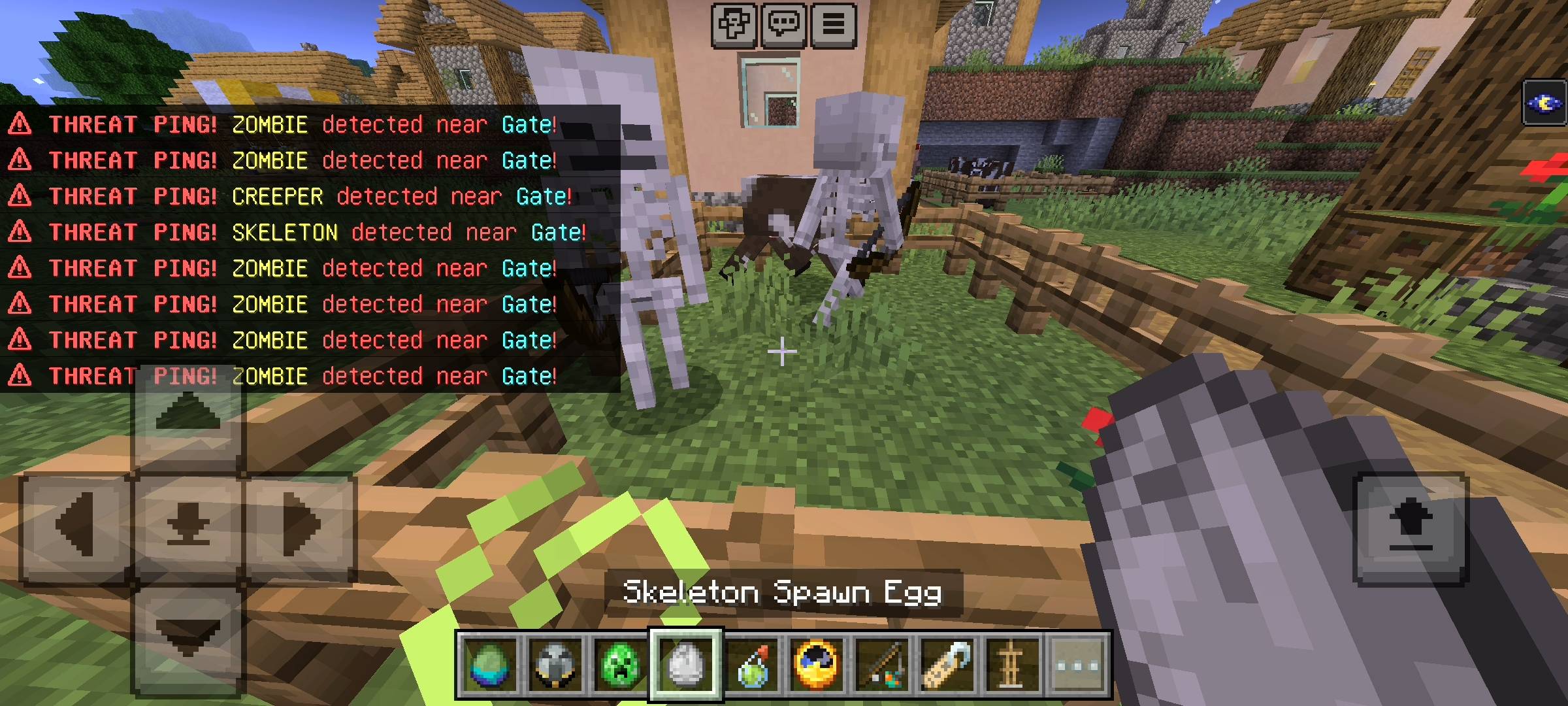
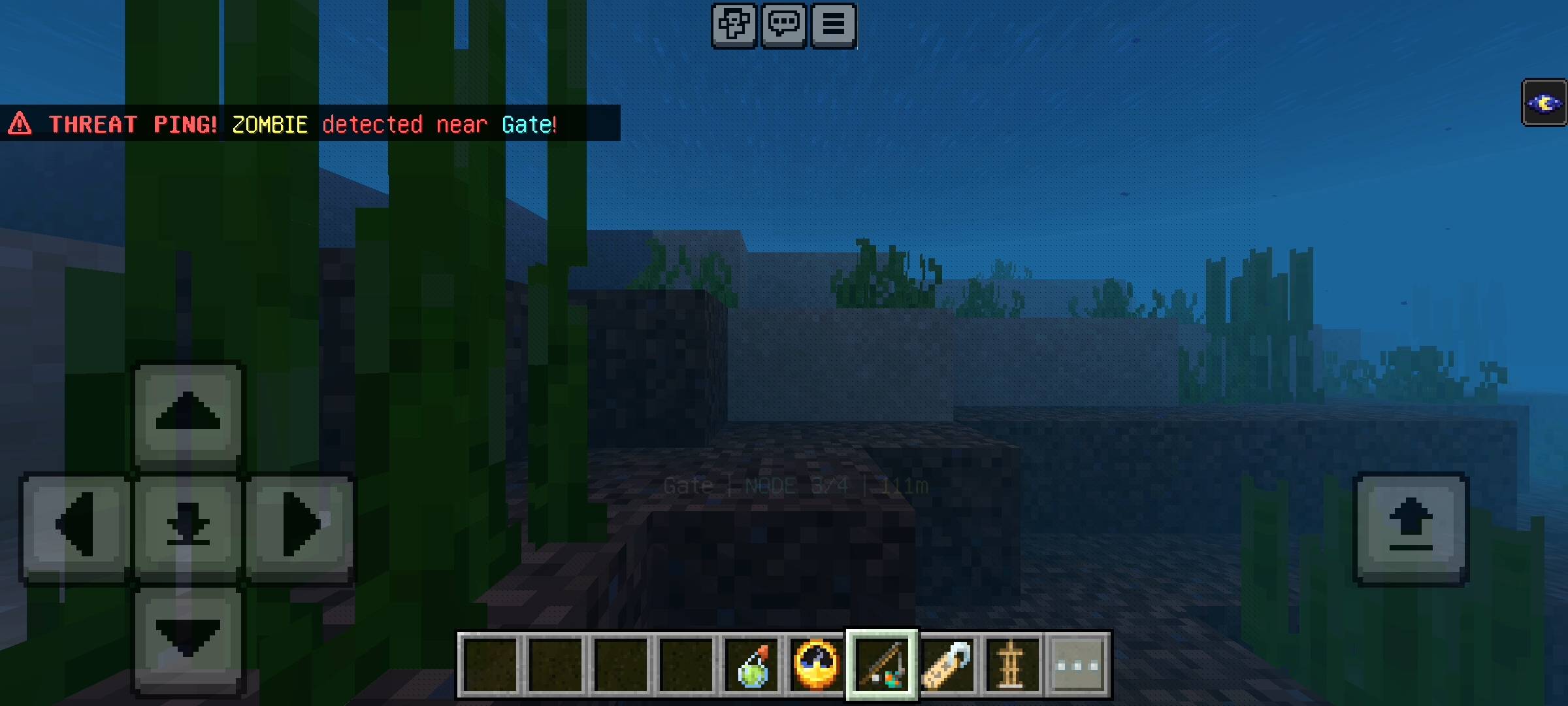
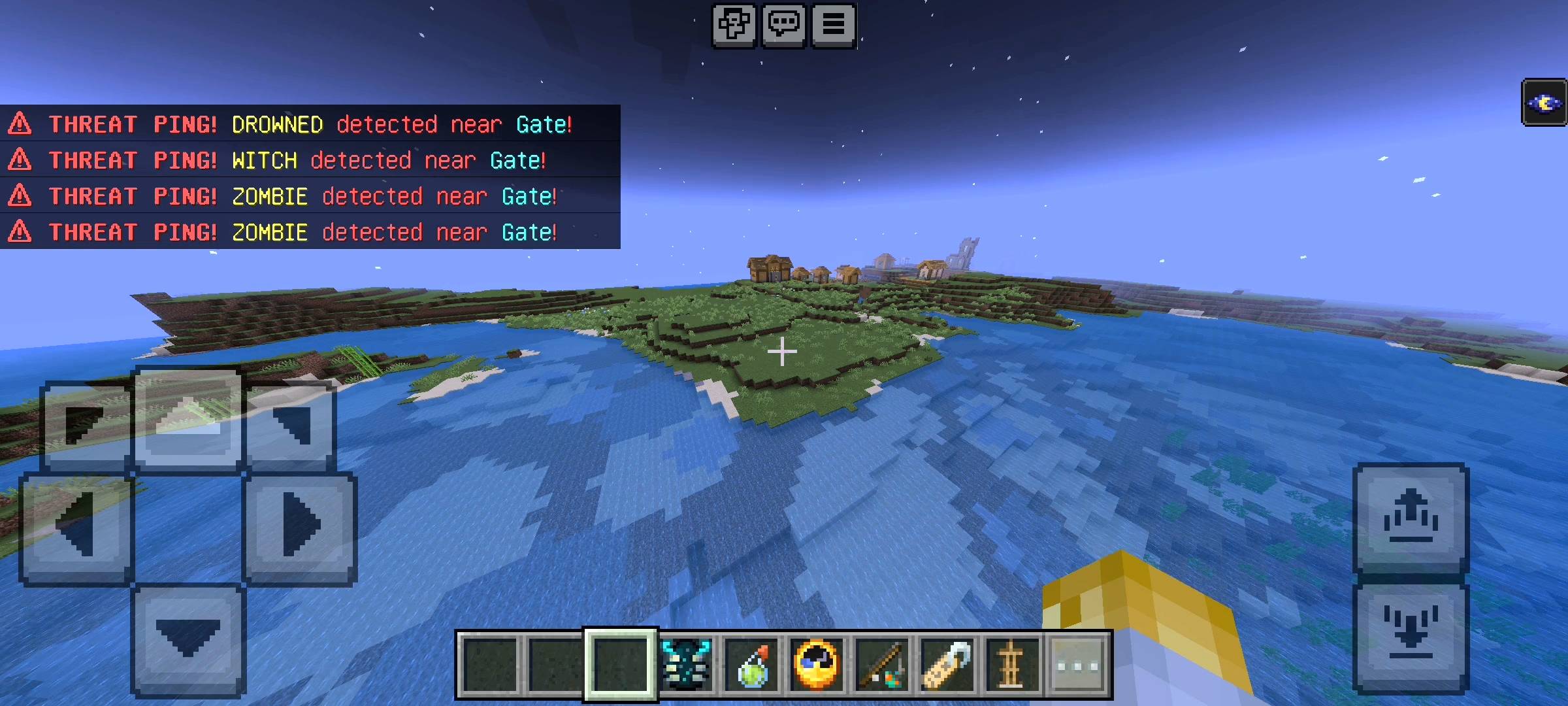
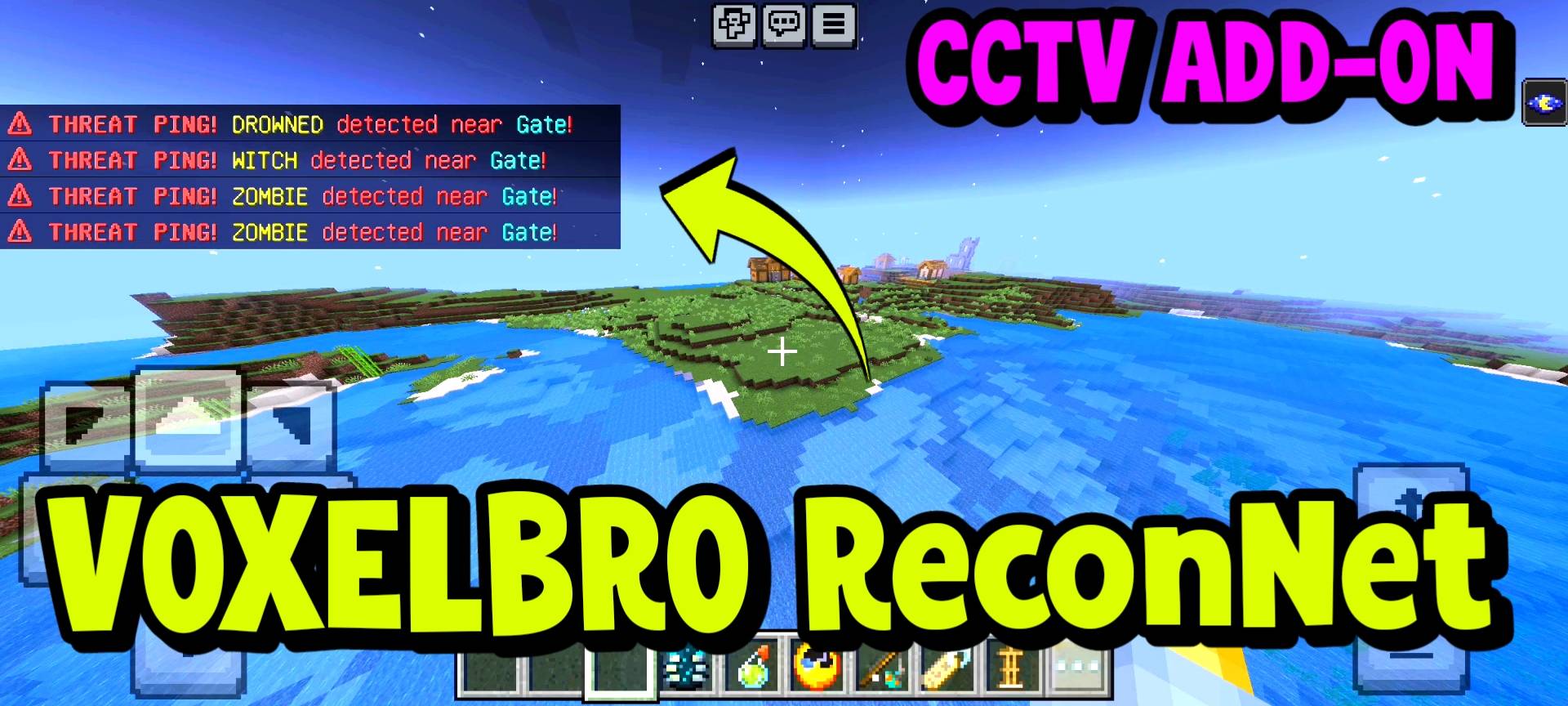
This is honestly my favorite feature that I coded into the pack. A camera is great, but you cannot watch a screen all day. So, I built an automated threat detection radar into every single node. The script constantly scans the area around your cameras in the background. If a hostile mob like a zombie, creeper, phantom, or pillager walks into the camera's radius, the system instantly triggers an alarm. You will hear a sharp ping sound effect, and a massive red warning message will pop up on your screen telling you exactly what mob was detected and at which camera location. You could be chopping wood half a mile away, and you will instantly know if a creeper is getting too close to your front door.
Network Dashboard and Customization
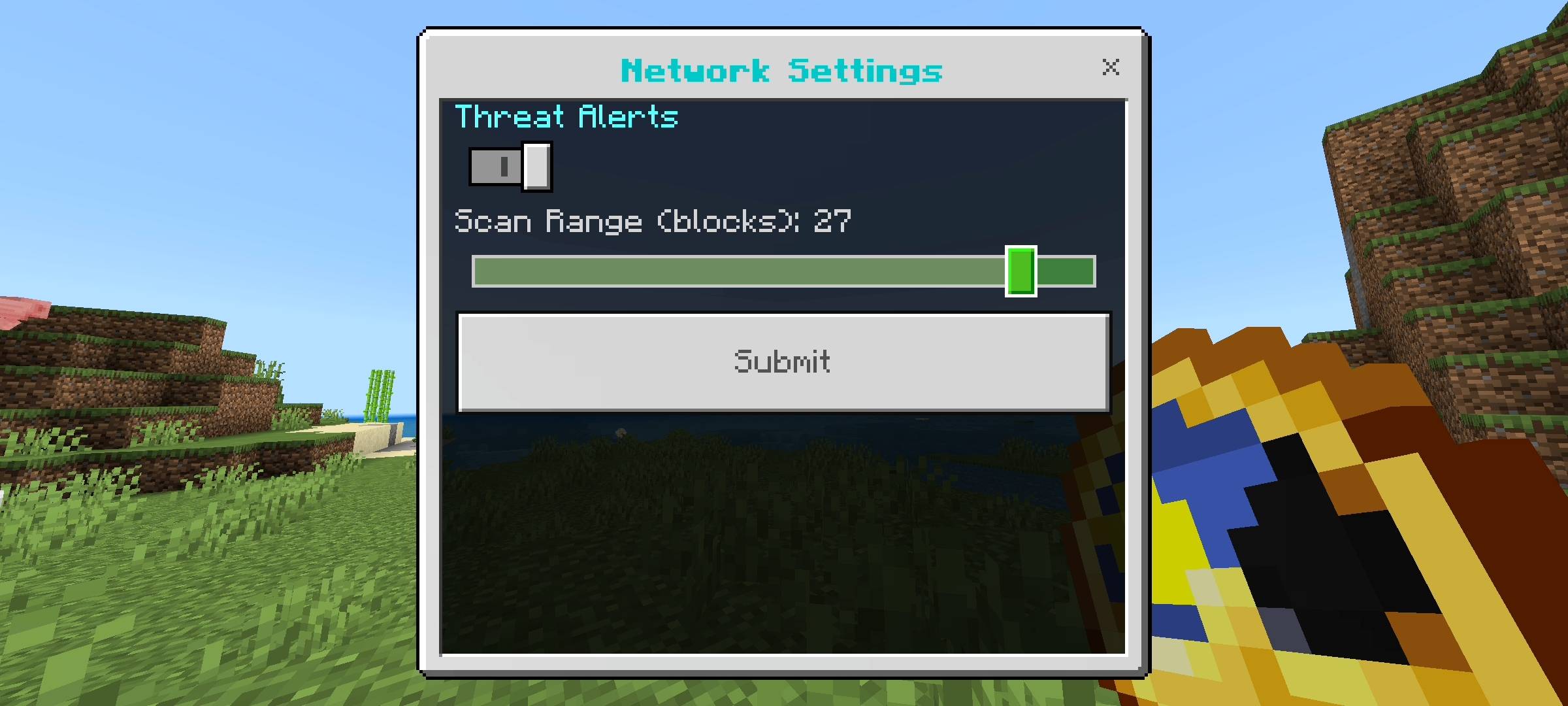
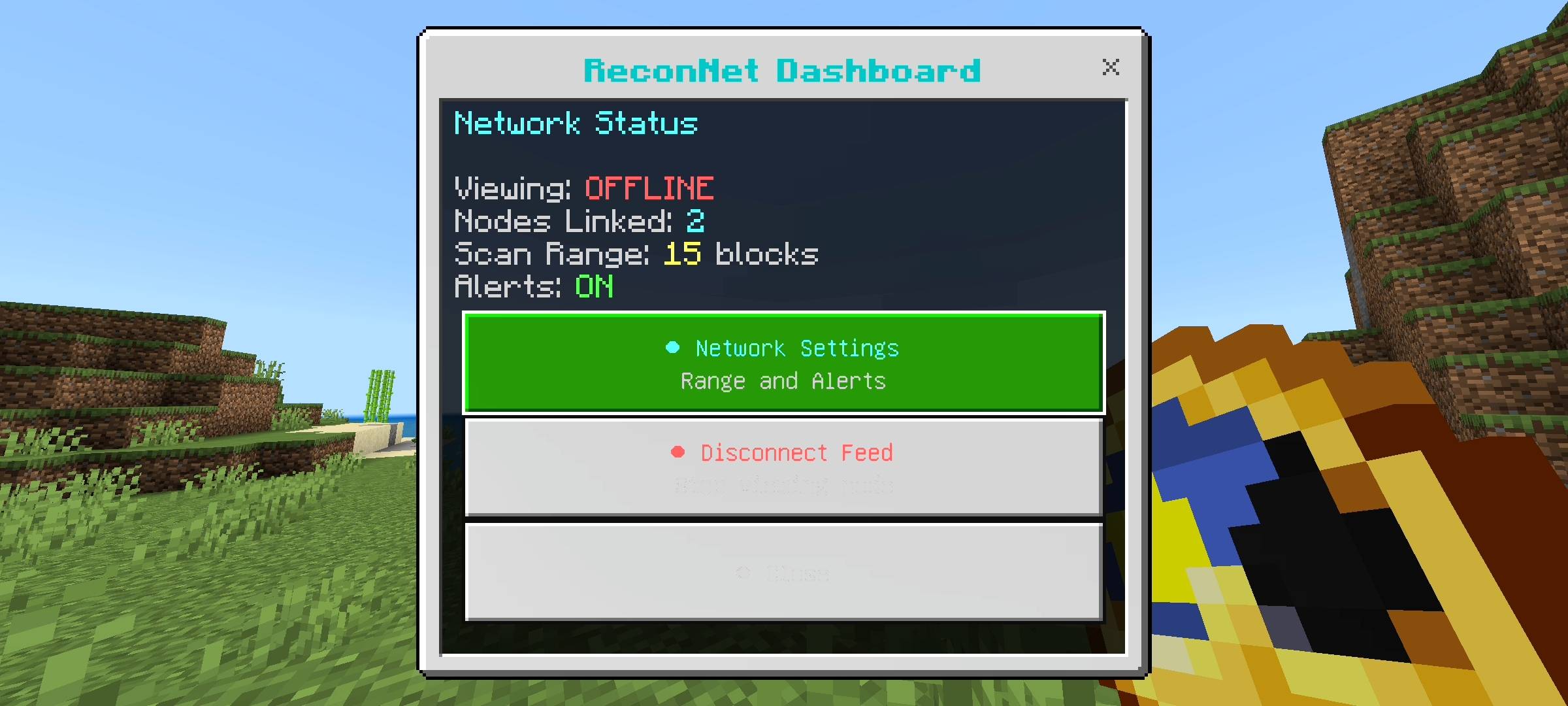
I know that every player has a different playstyle, so I made sure you can customize how the network behaves. If you tap with the ReconNet Link clock item, it opens up a custom UI dashboard right on your screen. From this menu, you can check exactly how many camera nodes you currently have linked to your system. More importantly, you can access the network settings. If you build your base in a really dark forest and the radar is constantly spamming you with alerts because there are zombies everywhere, you can simply open the dashboard and turn the Threat Alerts completely off. You can also adjust the scan range of the radar from a tight 5-block radius all the way up to a massive 30-block radius using a slider. You are in total control of the security feed.
Multiplayer and SMP Advantages
While this add-on is fantastic for keeping your single-player base safe from mobs, it goes absolutely crazy on a multiplayer realm or SMP. Information is power when you are playing with or against other people. You can hide armor stands in trees or behind glass in your friends' bases to keep an eye on what they are building. You can set up early warning systems around your faction base to know when someone is approaching. The camera switching is fully localized to the player using the remote, so multiple people can be checking different cameras at the exact same time without breaking the server or causing desync issues.
The Technical Setup (Read This Carefully)
Listen guys, because this system uses advanced camera manipulation, custom UI menus, and continuous entity scanning, you absolutely must turn on the Beta APIs experiment in your world settings before you load the pack. If you ignore this step, the scripts will simply not load, the armor stands will just be regular armor stands, and you will not get your gadgets. Make sure your game is updated to at least version 1.21.0, toggle those experimental features, and you will be good to go.
Quick AI Heads-up
Just being totally transparent with the community here. I used some AI image generation tools to upscale the main thumbnail and clean up the gallery screenshots so this CurseForge page looks sharp and professional.
VOXELBRO ReconNet - Security Cameras Team