Small Light
- By
Zap anything with the Small Light and watch it shrink: trees, houses, blocks, and mobs. Zap again to restore it to normal size, all with a glowing, pixel-art shrink-ray flashlight.
MCPEDL
1000024073.jpg
1000024060.jpg
Description
Point. Zap. Shrink the world.
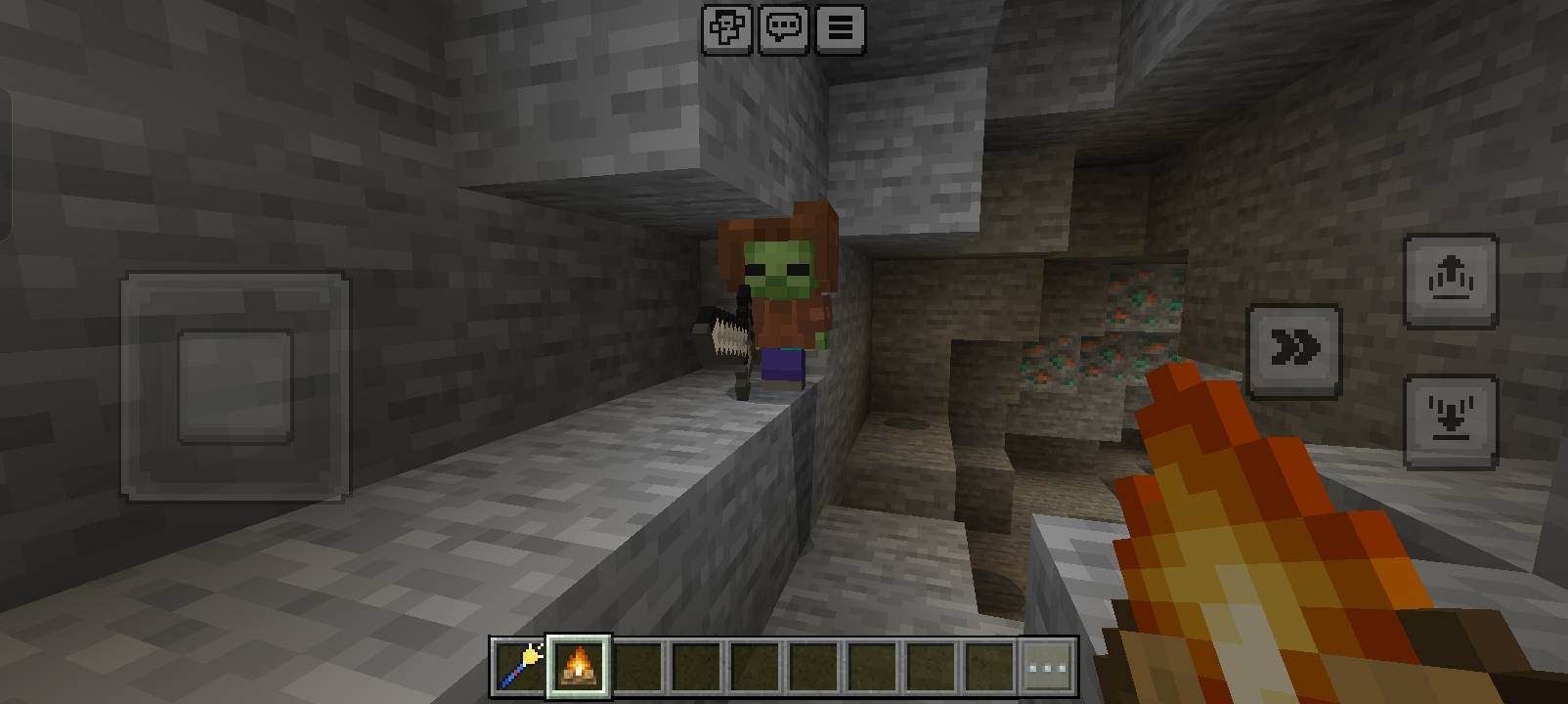
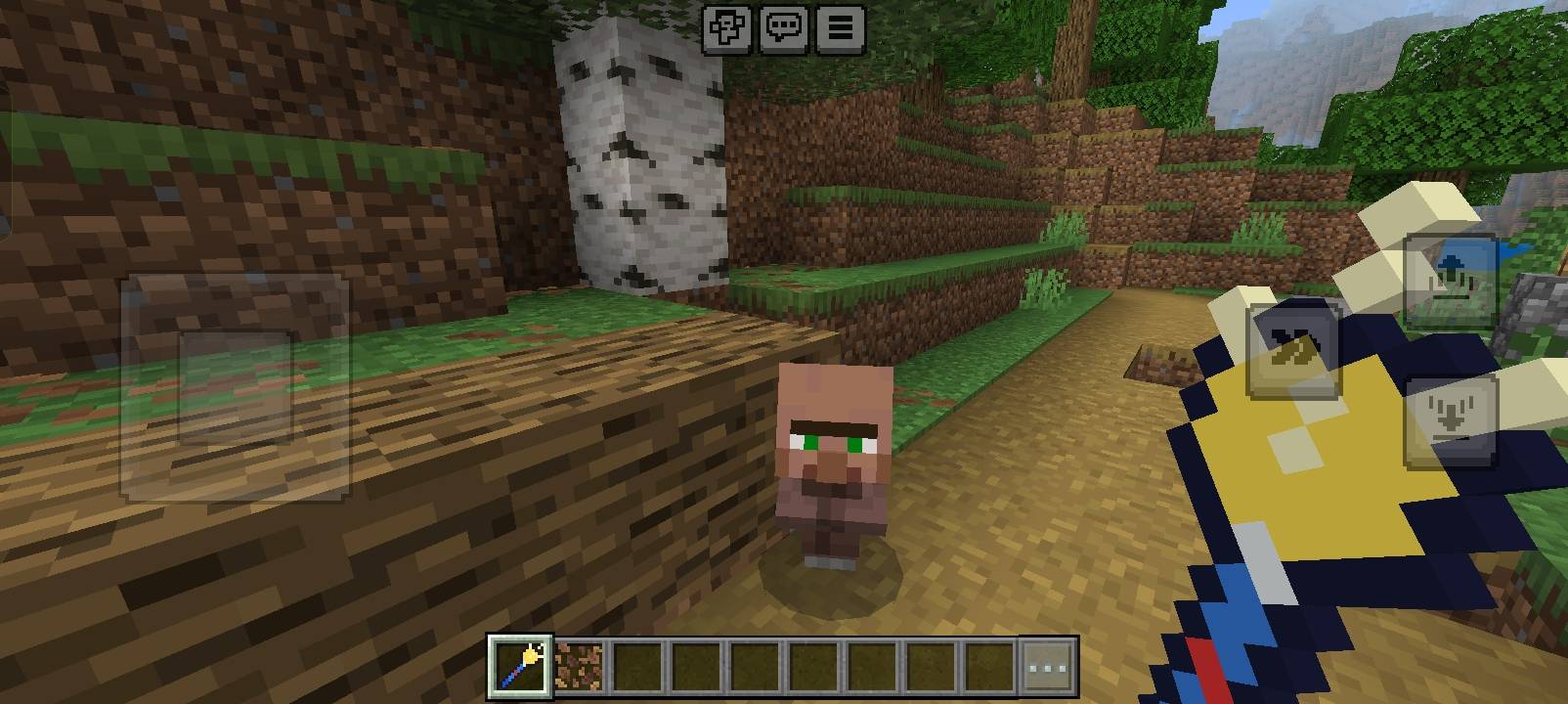
Small Light adds a glowing shrink-ray flashlight to Minecraft Bedrock Edition. Aim it at a tree, a house, a block, or a mob, and it shrinks. Zap it again and it grows back to normal size.
How it works
Hold the Small Light and right-click (or tap Use) while aiming at a target.
A beam of sparkles shoots from the flashlight to what you're aiming at.
The target shrinks. Zap it again to restore it.
Sneak and use the light to zap yourself.
Features
Shrink-ray flashlight item: it's in the creative inventory under Equipment. Search "Small Light".
Glows when held: it lights up the area around you while it's in your hand.
Animated beam: a particle beam, sound effect and sparkle on impact.
Trees and buildings: the whole tree or house is replaced by a smaller copy made of real blocks. Zap the copy to restore the original exactly, including chest contents.
Single blocks: a block turns into a mini block you can shrink and restore.
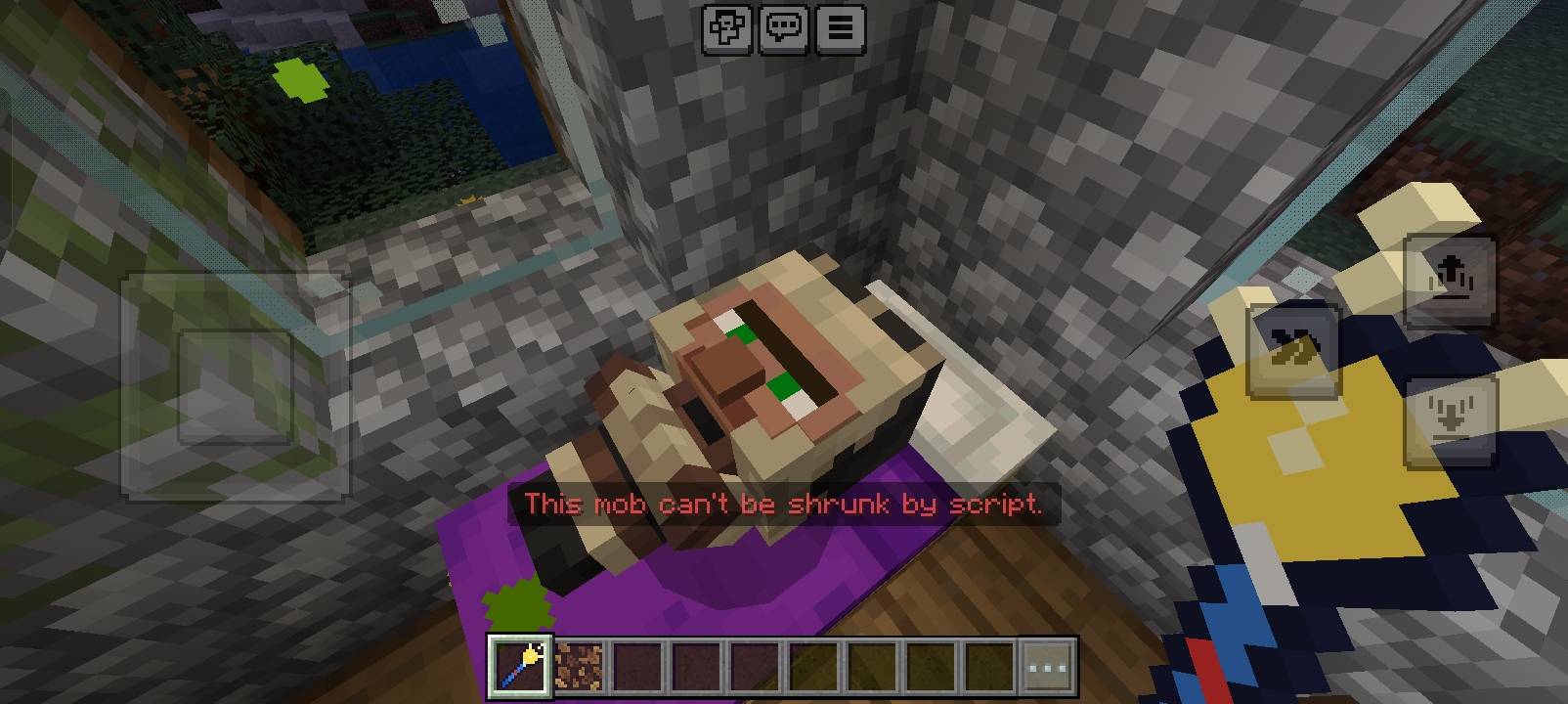
Mobs and animals: they shrink smoothly down to 0.2x size with the optional patcher. Without it, animals and villagers shrink to their half-size baby form.
Reversible: every shrink can be undone with another zap.
How to download and install
Download SmallLight.mcaddon.
Open the file with Minecraft. On mobile, use Open with or Share to Minecraft. It imports both packs automatically.
Create a new world or edit an existing one.
Activate both the Behavior Pack and the Resource Pack.
Get the item from the creative inventory, or run /give @s small_light:small_light.
Version compatibility
Item
Requirement
Edition
Minecraft Bedrock (Windows, Android, iOS, consoles, and servers that allow behavior packs)
Minimum game version
1.21.100
Script module
@minecraft/server 2.0.0 (stable)
Experiments
None needed; Beta APIs are not required
Java Edition
Not supported
Optional: shrink every mob and yourself
Bedrock doesn't let scripts resize vanilla mobs on their own. The download includes patch_vanilla_mobs.py, which adds shrink support to every vanilla entity file, including the player. You run it on a PC (or Termux on Android):
Download Mojang's bedrock-samples from GitHub and unzip it.
Run python patch_vanilla_mobs.py <samples>/behavior_pack/entities out_entities.
Copy the files from out_entities into the pack's entities folder and re-import.
Re-run it after major game updates.
Known limitations
Buildings and trees swap instantly to a smaller copy. They don't shrink gradually.
At small sizes, thin parts like doors and windows can lose detail.
Without the patcher, creepers, skeletons and other mobs with no baby form can't be shrunk, and neither can the player.
Items dropped by blocks popping off during shrinking are deleted.
Restoring overwrites anything you built in that spot while it was small.
Chests and containers on their own must be emptied before they can be shrunk as a single block.
Tips
Don't break the small copy of a build. Zap it to restore, or you'll lose the original.
Settings like shrink size, beam range, and light level are at the top of scripts/main.js.
Credits and license
Made with the Minecraft Bedrock Script API. Not an official Minecraft product. Not approved by or associated with Mojang or Microsoft.
Small Light Team