promotional bannermobile promotional banner

Scaremobs : protect crops from Mobs

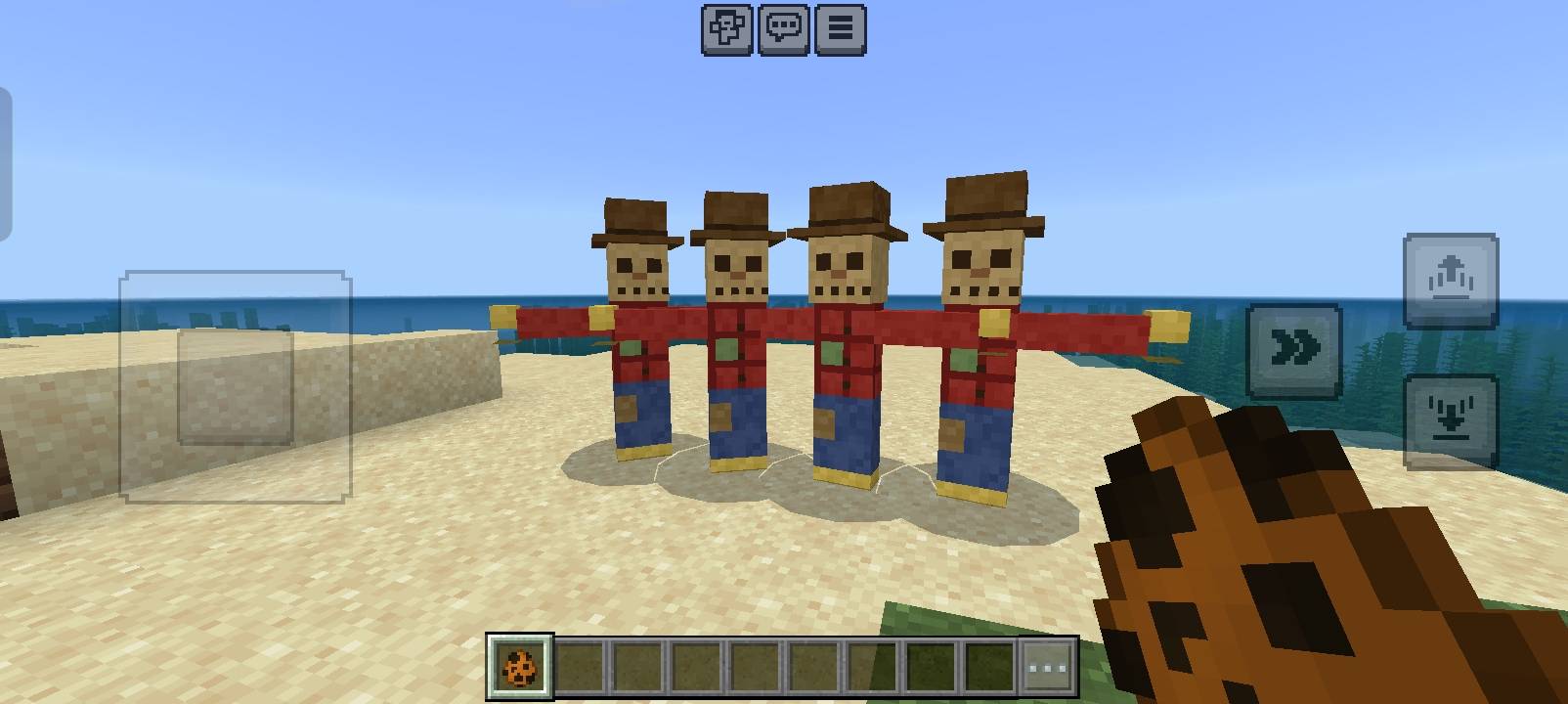
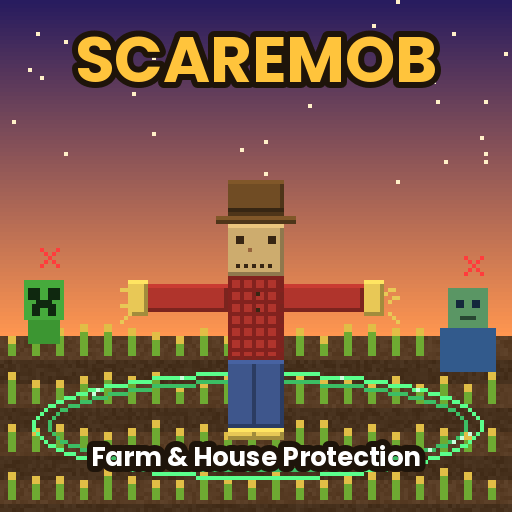
🛡️ Keep Your Minecraft World Safe with Scaremob! Three powerful scarecrow guardians, three levels of protection, and one mission: keep hostile mobs away from your base! Craft your guardian, place it down, and let it protect your world. 🌾⚔️
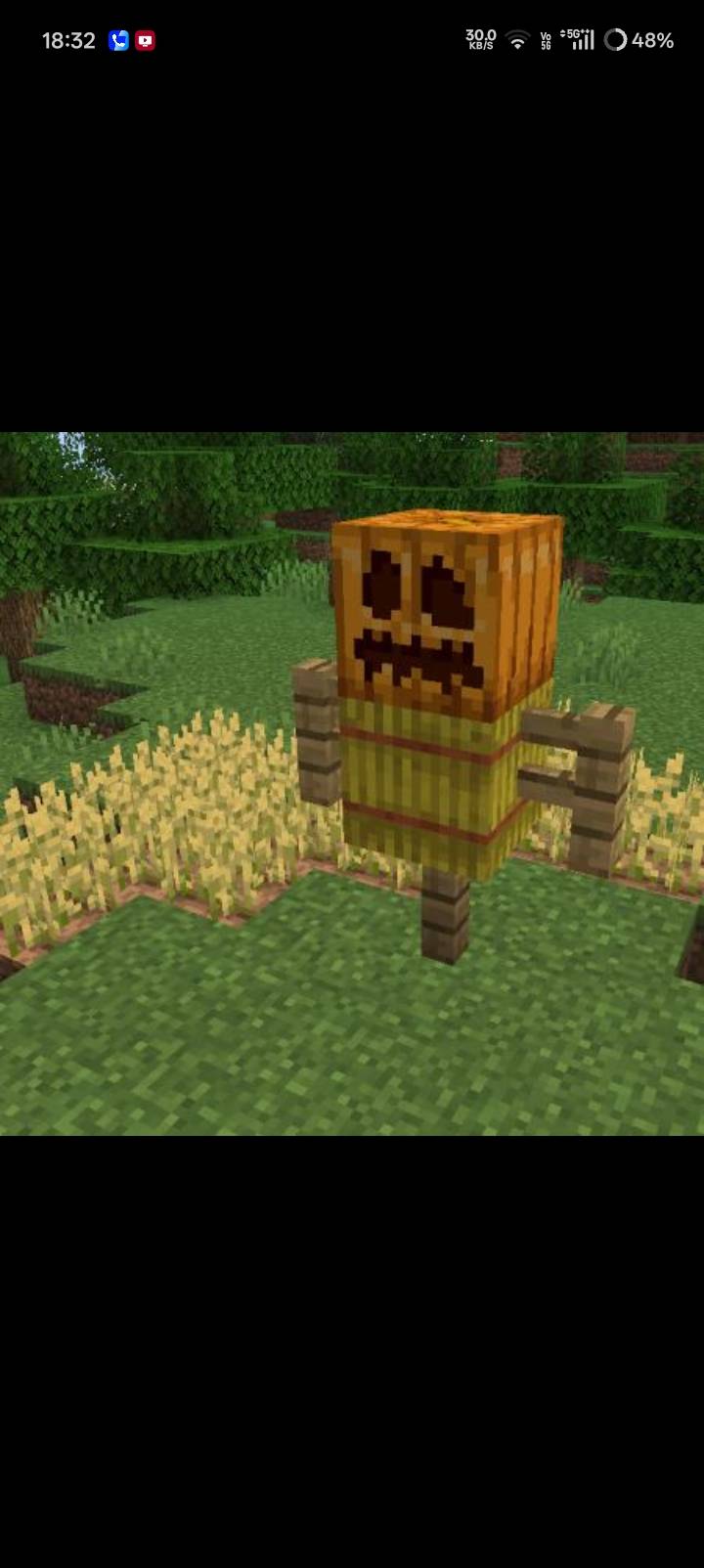
1000025541.jpg
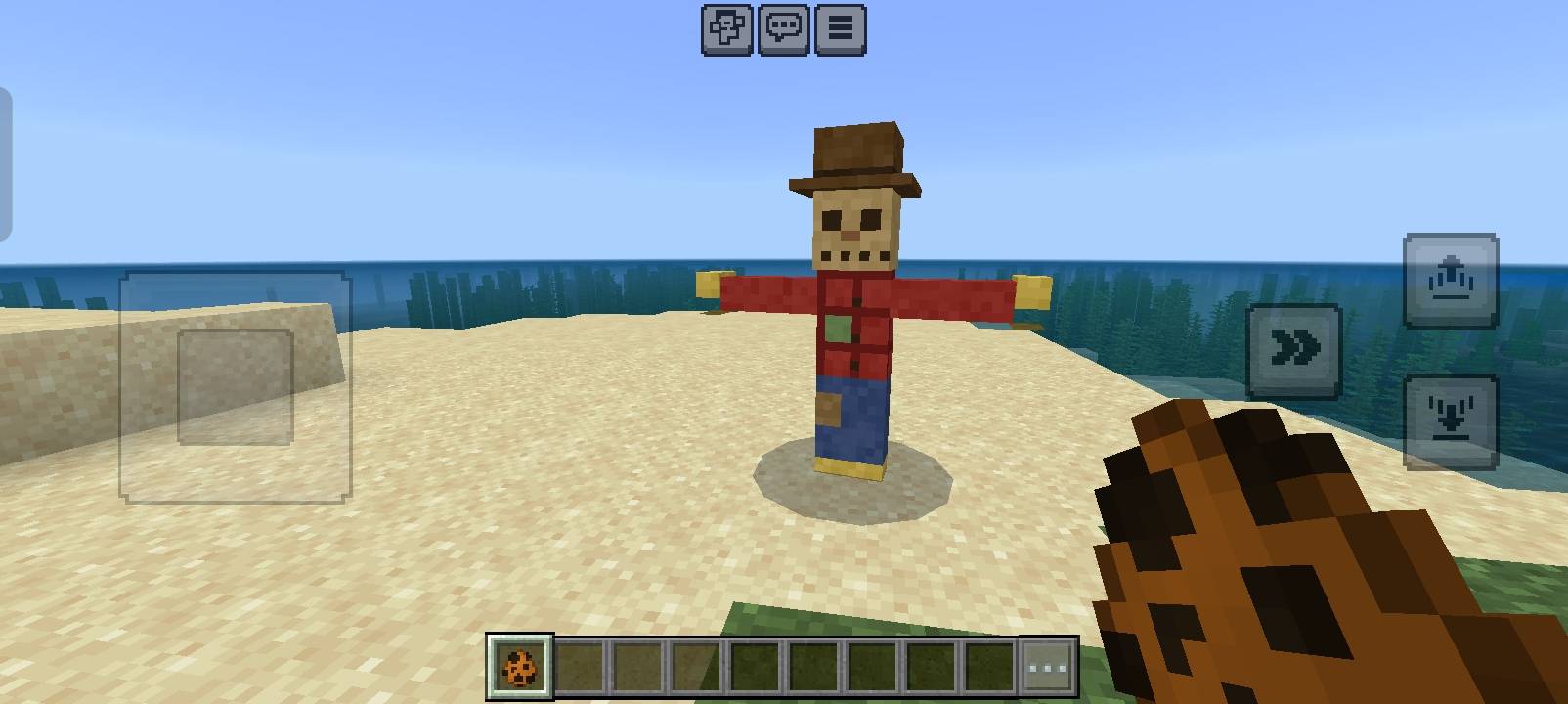
1000025541.jpg

1000025537.jpg

1000025537.jpg

1000025539.jpg

1000025539.jpg

MCPEDL

MCPEDL

Description

🛡️ Scaremob – Protect Your Minecraft World!


Tired of hostile mobs disturbing your peaceful Minecraft world? Meet Scaremob, a collection of three powerful scarecrow guardians designed to protect your surroundings automatically!


🌾 How Does It Work?


1. Craft Your Scaremob: Use the crafting table to create one of three Scaremob Kits.

2. Place Your Guardian: Select the kit and place your Scaremob in your world.

3. Automatic Detection: Once placed, your Scaremob continuously scans its surrounding area for targeted hostile mobs.

4. Automatic Protection: When mobs are detected, visual particles and sound effects appear, and the targeted mobs are automatically removed.


🛡️ Three Types of Scaremob


1. Straw Scaremob – Crop Guard


- Protection radius: 16 blocks

- Targets Creepers, Endermen, Ravagers and Phantoms.

- Great for protecting farms and small areas.


2. Scaremob Totem – Advanced Protection


- Protection radius: 24 blocks

- Targets most monsters automatically.

- Excludes the Ender Dragon, Wither, Warden and Elder Guardian.

- Also targets Endermen.


3. Golden Scaremob – Maximum Protection


- Protection radius: 32 blocks

- Offers the largest protection area.

- Targets most monsters while excluding the Ender Dragon, Wither, Warden and Elder Guardian.


🔨 Crafting Recipes


Straw Scaremob Kit


- 1 Carved Pumpkin

- 1 Hay Bale

- 3 Sticks


Scaremob Totem Kit


- 1 Straw Scaremob Kit

- 4 Iron Ingots


Golden Scaremob Kit


- 1 Scaremob Totem Kit

- 4 Gold Ingots


✨ Features


- Three unique Scaremob guardians.

- Three different protection ranges.

- Automatic hostile mob detection.

- Custom 3D models and textures.

- Particle and sound effects.

- Survival-friendly crafting recipes.

- Repeated automatic scanning.


⚙️ How to Install


1. Download and import the Scaremob Add-On.

2. Activate the Scaremob Behavior Pack.

3. Activate the Scaremob Resource Pack.

4. Activate the separate Scaremob Crafting Behavior Pack to use crafting recipes.

5. Enter your world and start crafting your guardians!


Protect your base, secure your farms, and keep unwanted monsters away with Scaremob!

Scaremobs : protect crops from Mobs Team

profile avatar
  • 2
    Followers
  • 7
    Projects
  • 1.9K
    Downloads

I’m a creator focusing on custom Minecraft Bedrock & Java add-ons, functional tools, and gameplay enhancements. 📌 What I build: Utility & gameplay mods Custom items & world mechanics Visual & environment enhancements 💬 Feedback,

More from EliteGamerzView all

  • House Teleportation project image

    House Teleportation

    Move your entire Minecraft house to any location with the House Teleporter! Select your structure, choose its destination, rotate it, and teleport it with an interactive menu. Take your home anywhere, preserve your builds, and use the Undo feature

    • 637
    • November 26, 2026
  • ONE BLOCK : Everything is OP project image

    ONE BLOCK : Everything is OP

    Experience an ultimate One Block adventure with powerful OP rewards, exciting progression stages, and amazing surprises as you break each block!

    • 534
    • November 26, 2026
  • Enhance Quality of Environment  project image

    Enhance Quality of Environment

    Transform your Minecraft world with richer green grass, enhanced foliage and beautiful natural textures in a lightweight resource pack!

    • 377
    • November 22, 2026
  • Cosmic Night project image

    Cosmic Night

    Enjoy a beautiful night sky with glowing stars, colourful grass, and bright water in Minecraft! Make your world look magical and beautiful with this easy-to-use add-on. 🌌

    • 142
    • November 21, 2026