House Teleportation
- By
Move your entire Minecraft house to any location with the House Teleporter! Select your structure, choose its destination, rotate it, and teleport it with an interactive menu. Take your home anywhere, preserve your builds, and use the Undo feature
1000025342.jpg
1000025344.jpg
1000025345.jpg
1000025346.jpg
1000025347.jpg
Description
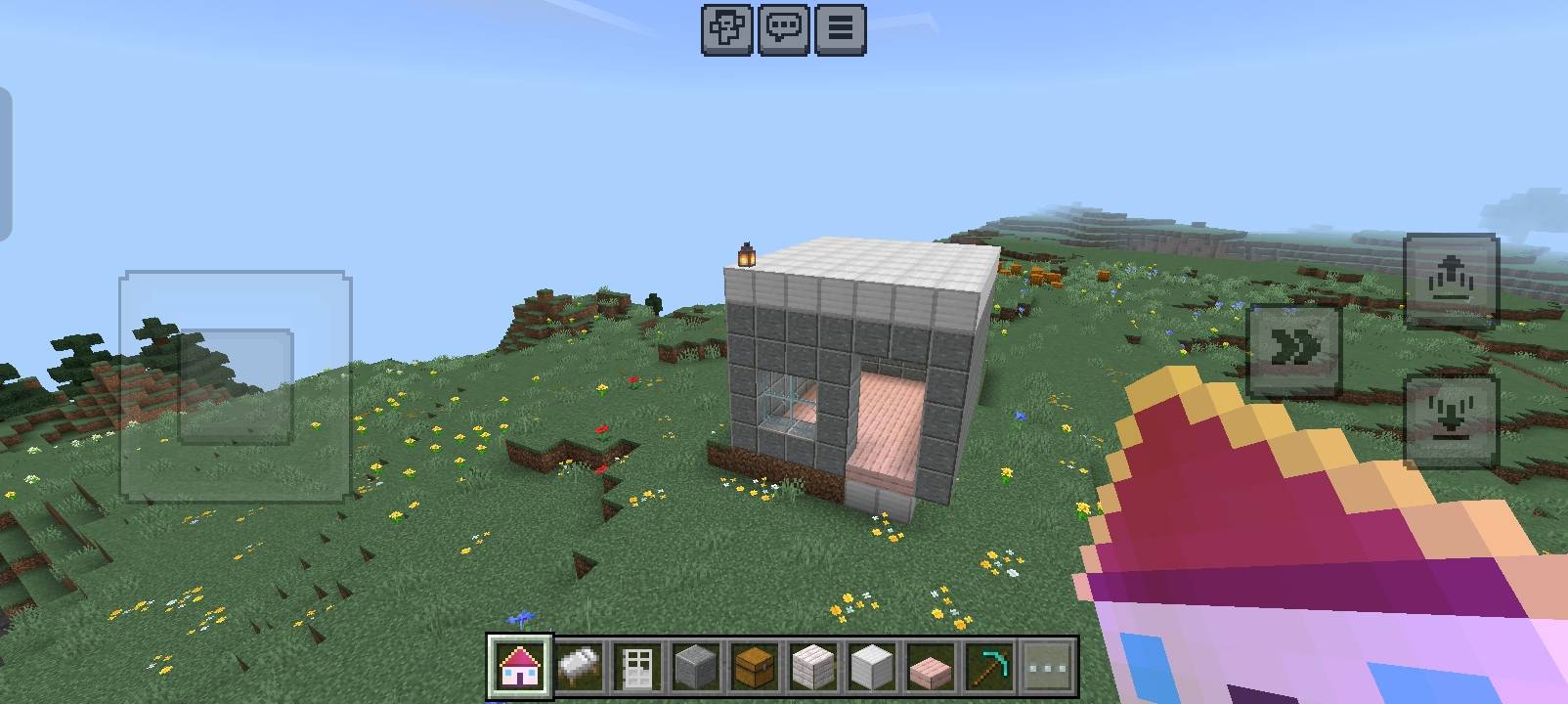
🏠 House Teleporter – Move Your Entire House Anywhere!
Ever built an amazing house in Minecraft but wished you could move it somewhere else without rebuilding everything?
House Teleporter makes it possible! Capture your entire house, choose a new destination, and move your structure with an interactive in-game menu.
No need to rebuild your house block by block!
✨ MAIN FEATURES
1. Complete House Selection
- Select your house by entering its Length, Width and Height.
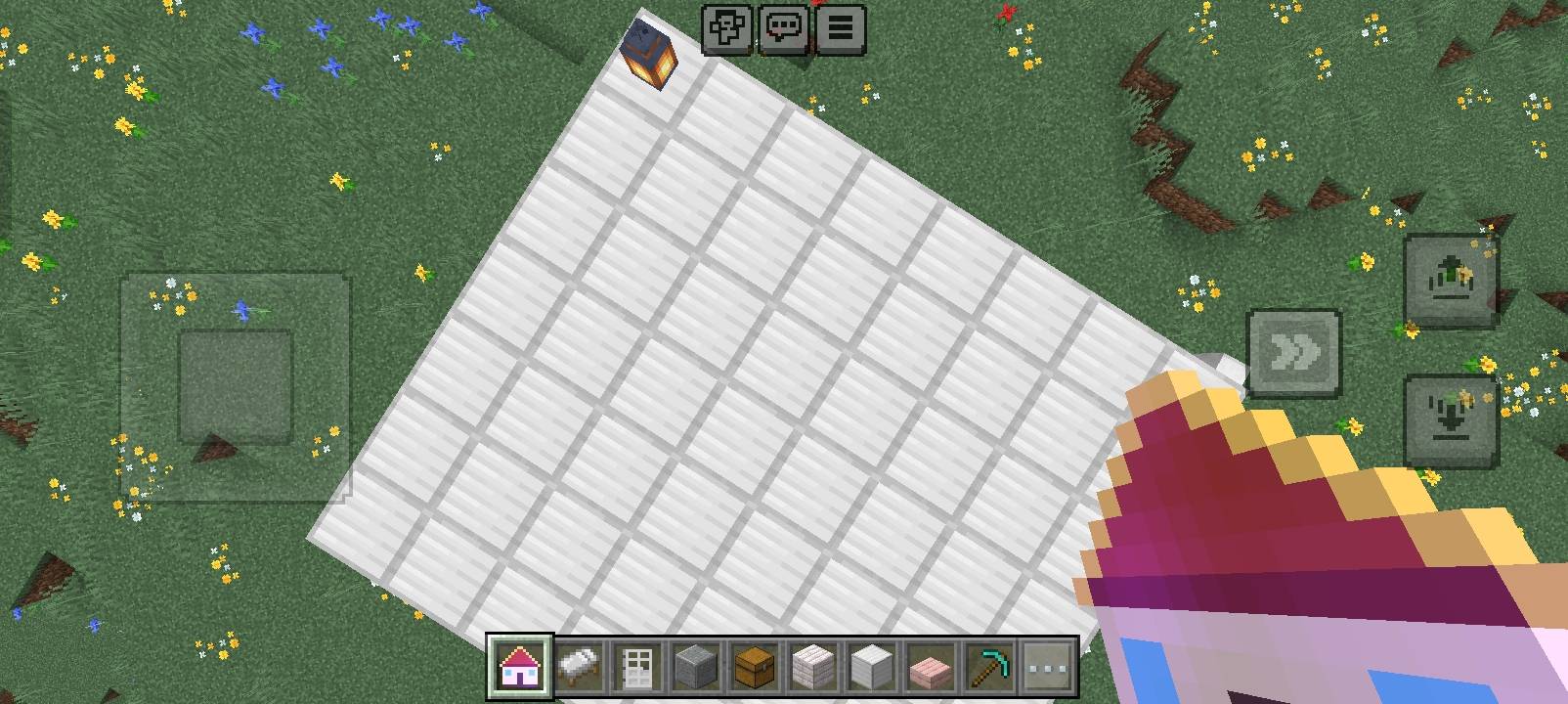
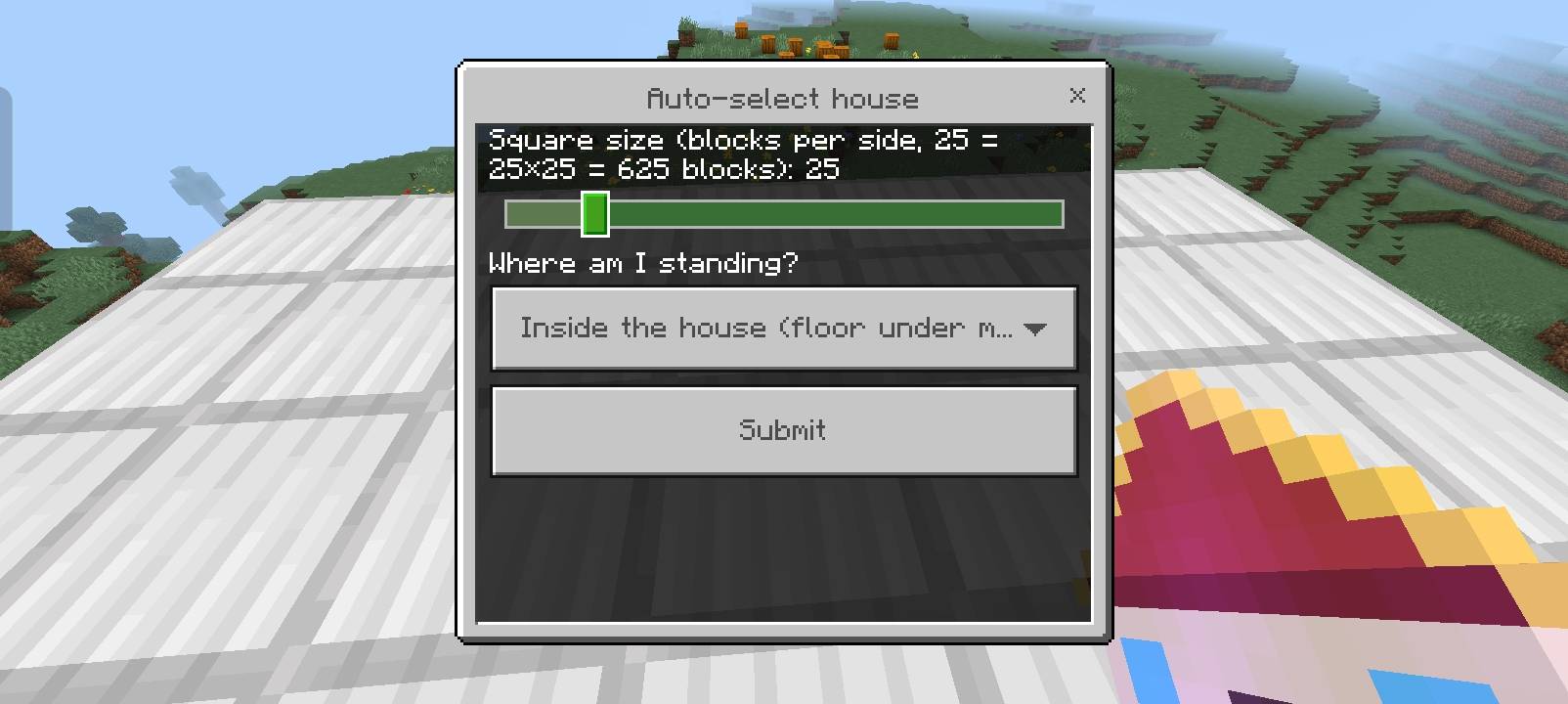
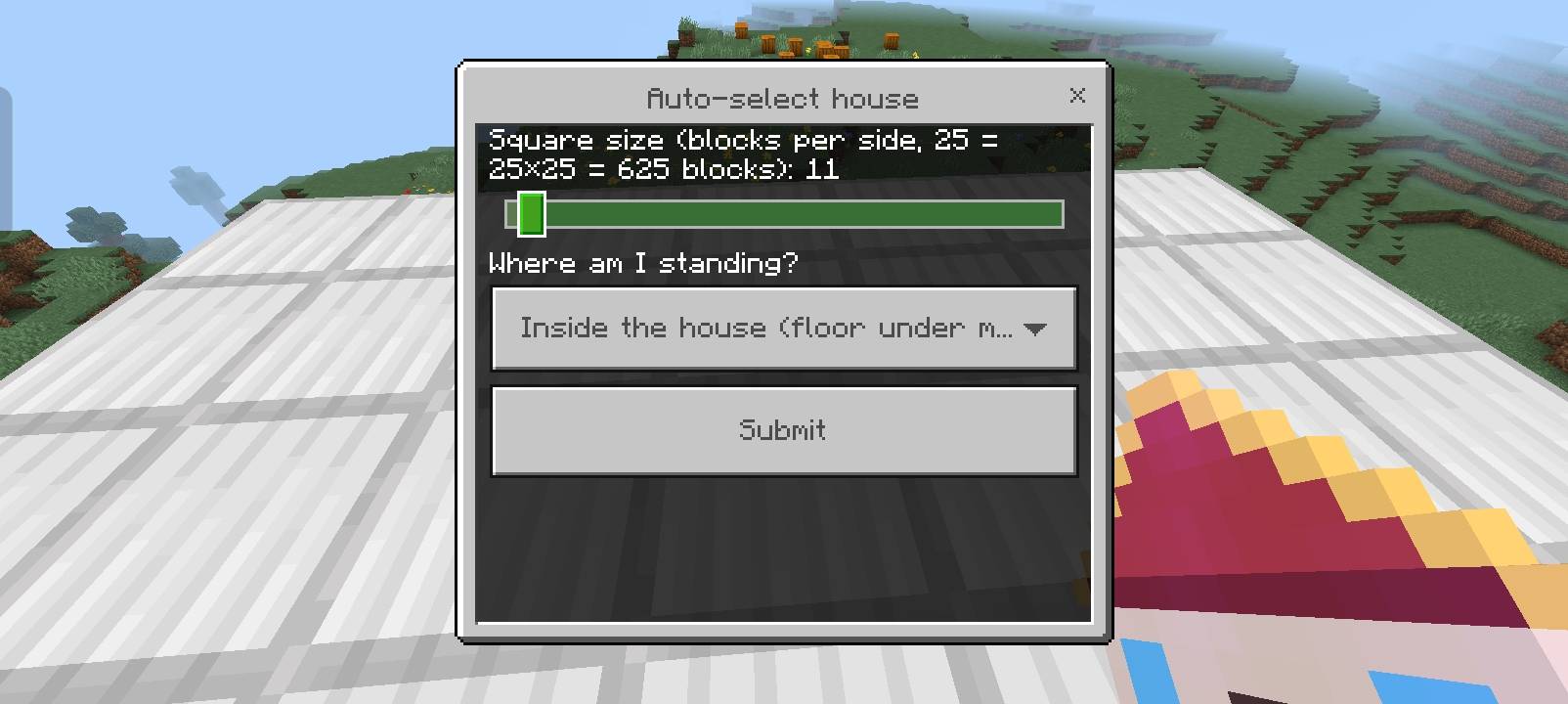
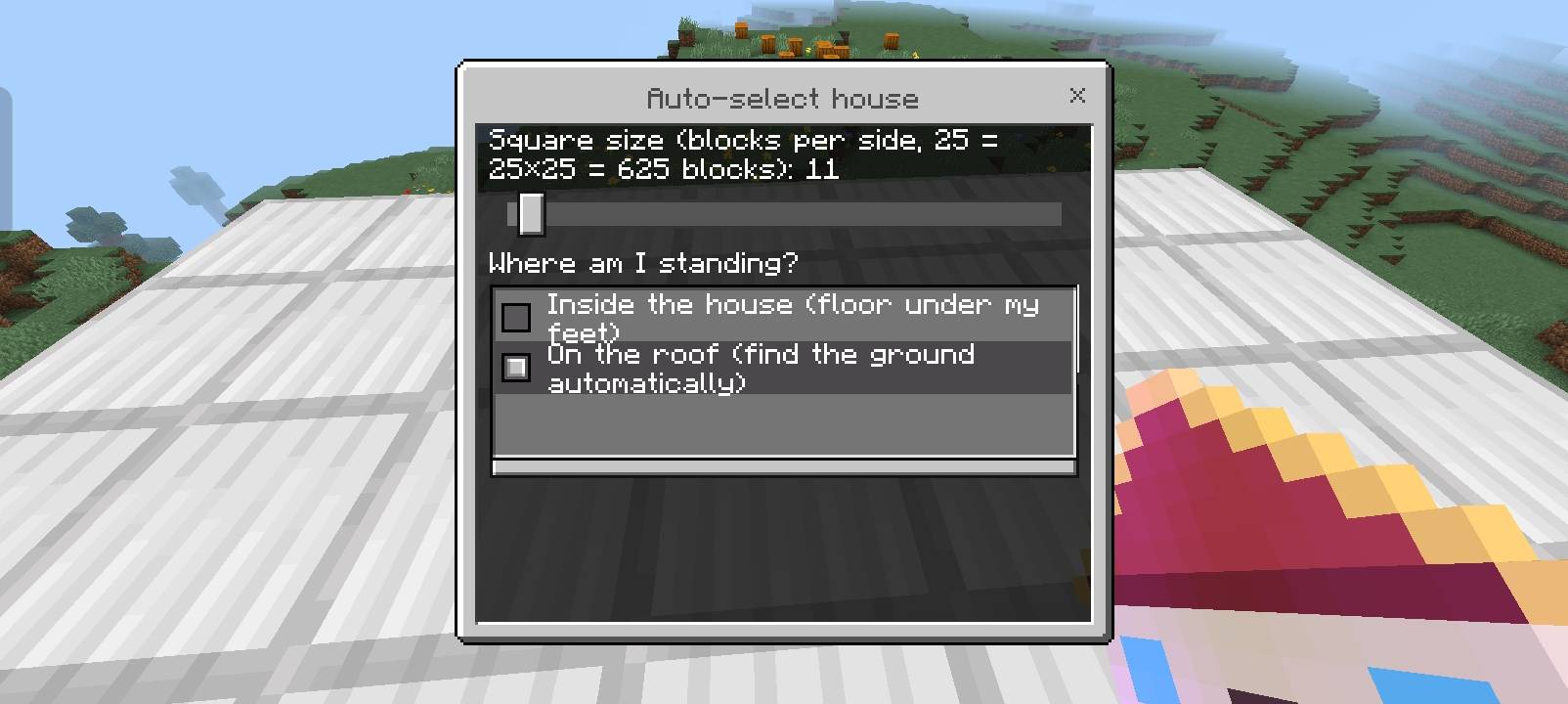
- Automatically select a square area around your character.
- Advanced selection using Corner A and Corner B.
- View your selected structure's dimensions.
2. Teleport Your House
- Move your selected structure to your desired location.
- Choose a destination using the in-game interface.
- Preview the move and confirm before teleportation.
- Move your house to a completely different location.
3. Rotation System
- Rotate your house by 90°, 180° or 270°.
- Change the orientation before placing it.
- Supported block orientations are handled by the structure system.
4. Undo Last Move
Made a mistake while moving your house?
Use Undo Last Move to restore the previous house location and destination terrain.
5. Structure Preservation
The add-on uses Minecraft's Structure Manager to capture and restore structures.
It is designed to preserve:
- Blocks and block states
- Containers and their contents
- Signs
- Waterlogged blocks
- Supported entities, such as pets, item frames and armor stands
6. Interactive Control Menu
Control everything using the House Teleporter item.
Available options:
- Select House
- Teleport Here
- Rotate / Orientation
- Undo Last Move
- Clear Selection / Discard Undo
7. Safety Features
- Destination confirmation before moving.
- Protected blocks are excluded from being overwritten.
- Automatic rollback is attempted if a move fails.
- Chunk loading support.
- Selection size and volume limits.
🎮 HOW TO PLAY
1. Activate the add-on in your Minecraft world.
2. Obtain the House Teleporter item.
3. Use the item to open its interactive menu.
4. Select your house using the available selection methods.
5. Choose the desired rotation.
6. Select your destination and review the confirmation screen.
7. Confirm the move and let the add-on transfer your structure.
8. Use Undo Last Move if you need to reverse the operation.
🔨 CRAFTING RECIPE
Craft the House Teleporter using:
- 4 Obsidian
- 4 Diamonds
- 1 Ender Eye
⚙️ TECHNICAL INFORMATION
- Edition: Minecraft Bedrock
- Add-on type: Behavior Pack + Resource Pack
- Requires Script API
- Required modules: @minecraft/server 2.0.0 and @minecraft/server-ui 2.0.0
- Minimum declared engine version: 1.21.80
- Maximum selection size: 128 blocks per axis
- Default automatic selection: 25 × 25 blocks
⚠️ IMPORTANT NOTES
- Keep your selection tight around your house because air blocks inside the selection are also moved.
- Destination terrain inside the placement area may be replaced.
- Keep a backup of your world before moving large structures.
- Very large structures can take time to process.
- Some update-sensitive blocks or complex structures may not be restored perfectly.
- Multi-tile moves may require checking doors, beds and double chests.
- Undo depends on the saved structure data remaining available.
📌 VERSION COMPATIBILITY
Minimum declared engine version: 1.21.80.
Minecraft 26.30, 26.40, 26.50 and 26.60 compatibility has not yet been independently verified.
Take your home anywhere with House Teleporter!
House Teleportation Team