Enhance Quality of Environment
- By
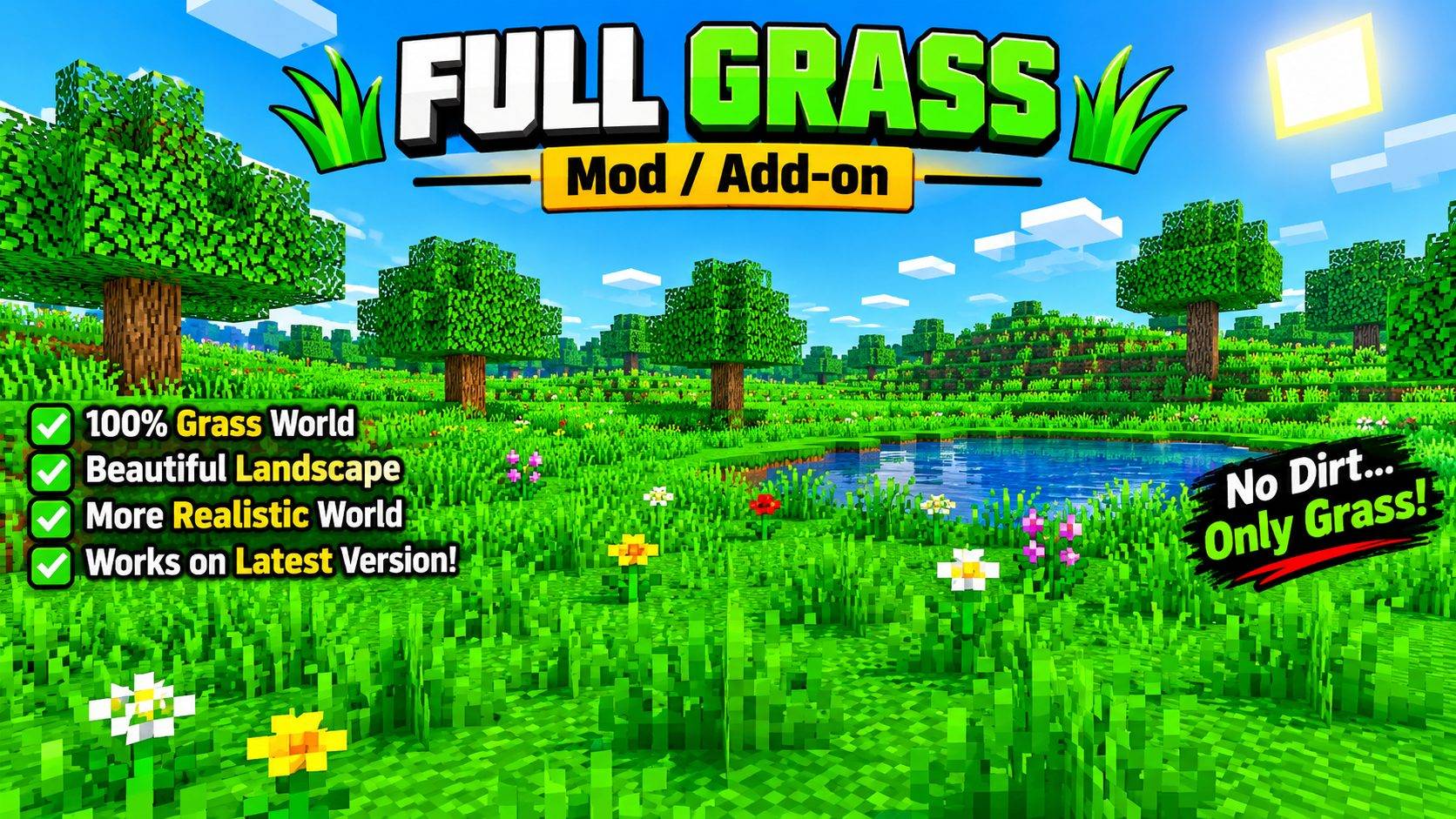
Transform your Minecraft world with richer green grass, enhanced foliage and beautiful natural textures in a lightweight resource pack!
MCPEDL
Description
🌿 FULL GRASS PLUS – ENHANCED NATURE
<u>Tired of dull-looking grass and ordinary landscapes?</u> Full Grass Plus brings a fresh, vibrant green appearance to your Minecraft world! Transform your surroundings with richer grass colours, enhanced leaves and beautiful natural textures.
🌱 FEATURES
- 🌿 Richer Green Grass – Enjoy a fresh, vibrant grass appearance.
- 🍃 Enhanced Leaves – Improved green foliage for oak, spruce, birch, jungle, acacia, dark oak, mangrove and azalea.
- 🌳 Improved Tree Textures – Updated log tops and stripped log textures.
- 🌸 Cherry & Azalea Support – Enhanced foliage textures for beautiful natural environments.
- 🟩 Opaque Leaf Variants – Additional leaf textures for a fuller visual appearance.
- ⚡ Lightweight Resource Pack – Texture-focused changes without gameplay scripts.
- 🎨 Natural Visual Experience – Give your Minecraft landscapes a refreshing new look.
🎮 COMPATIBILITY
- ✅ Minecraft Bedrock Edition
- ✅ Minimum declared version: 1.20.30
- ✅ Intended for Minecraft 26.10, 26.20, 26.30, 26.40, 26.50 and 26.60
- ✅ Designed for Windows, Android and other Bedrock platforms
<u>Compatibility with individual versions and devices should be tested.</u>
📥 HOW TO INSTALL
1. Download the Full Grass Plus ".mcpack" file.
2. Open the downloaded file using Minecraft.
3. Wait for the resource pack import.
4. Open Minecraft Settings.
5. Select Global Resources.
6. Activate Full Grass Plus.
7. Enter your world and enjoy the refreshed environment!
💚 WHY CHOOSE FULL GRASS PLUS?
<u>Give your Minecraft world a greener identity with enhanced grass and foliage textures.</u> Whether you're exploring, building or enjoying survival mode, refresh the natural appearance of your world!
🌿 FULL GRASS PLUS – MAKE YOUR WORLD GREENER!
Enhance Quality of Environment Team