Polite Creepers
- By
Creepers with manners. Before exploding, a creeper stops and asks "Excuse me, may I explode?" Say yes for a 3-second countdown you can still cancel, or no and watch it sulk. Bedrock 1.21.90+, no experiments needed.
Description
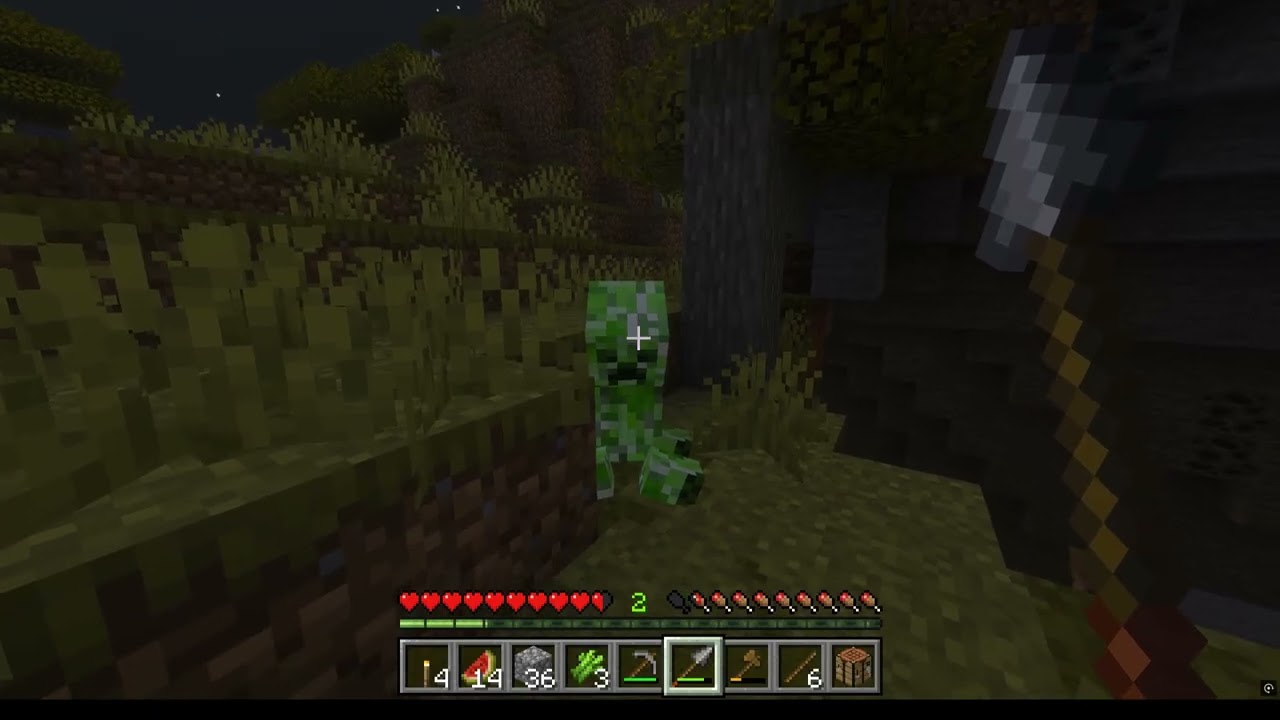
Polite Creepers gives every creeper some manners. Instead of hissing and blowing up your porch, a creeper walks up, stops, and asks first. Say yes and it lights its fuse, with a countdown you can still cancel. Say no and it sulks for a while before trying again. Nothing explodes without your permission.
How it works
- Approach. When you come within 5 blocks, the creeper stops walking and picks the nearest player who is free to answer. Only that player gets the question.
- Ask. A translucent, Minecraft-styled dialogue appears at the bottom of the screen: a creeper-face portrait, the name Creeper, and two replies: No, thank you or Yes, you may explode. Your view eases round to the creeper for the conversation.
- Decide.
- Yes — the creeper does its happy dance with floating hearts, hisses, and counts down for 3 seconds on your action bar. Changed your mind? Sneak before it reaches zero to cancel.
- No — the creeper drops into a sad pose, holds it, and leaves you alone for 30 seconds. After that it may ask again, even if you never moved.
- No answer — closing the dialogue or ignoring it for 20 seconds counts as a no.
- Move on. Movement and camera return the moment the dialogue ends, and you are left looking at the creeper, so you never miss its reaction.
Features
- One creeper, one player, one decision. Bystanders cannot answer for you, and other players arriving, leaving or sneaking changes nothing.
- Custom animations: a new walk cycle, a happy dance with heart particles, and a held sad pose.
- Camera focus that glides to the creeper and hands control back facing it afterward, without moving you.
- Vanilla-strength blasts (3, or 6 for charged creepers) that respect the world's Mob Griefing rule.
- Charged creepers ask too and keep their bigger boom.
- No bypass. Flint and steel, lightning and the vanilla ignition events cannot force an explosion. TNT and every other kind of explosion is untouched.
- Permission is for one blast only, and it can be withdrawn: sneaking during the countdown, walking more than 14 blocks away, dying, changing dimension, going into spectator mode, or the creeper being shoved more than a block all cancel it.
- It waits its turn. If you have your inventory, a chest or another menu open when a creeper arrives, it waits and asks once you close it, instead of taking that as a no.
- Still a creeper. Same look, health, lightning charging and drops.
Multiplayer
Works in multiplayer. Each creeper asks exactly one player at a time, and a player who is already talking to a creeper is not interrupted by another. Everyone needs the resource pack for the dialogue and animations, so keep Require players to accept resource packs enabled on shared worlds.
Installation
- Download Polite_Creepers_v1.1.6.mcaddon and open it. Minecraft imports both packs. (Separate BP and RP
.mcpackfiles are also provided if you prefer; install both.) - In your world settings, enable Polite Creepers under Behavior Packs and Polite Creepers UI & Animations under Resource Packs. Both are required.
- Place them above any other pack that changes creepers or the server-form UI.
- Updating from an older version? Fully restart Minecraft afterward so the cached UI reloads.
No experimental toggles, cheats or commands are needed.
Requirements and compatibility
- Minecraft Bedrock 1.21.90 or newer on Windows, mobile or console (import support varies by platform). It uses only the stable Script API, so it should also run on Realms and dedicated servers that allow scripts. Java Edition is not supported.
- The add-on replaces the vanilla creeper definition and the server-form UI file. Other packs that do the same will conflict; load Polite Creepers above them.
- Avoid combining it with another add-on that runs scripted camera cutscenes.
Good to know
- Explosions are created by the script rather than the vanilla fuse, so unusual vanilla interactions (such as charged-creeper head farming) are not guaranteed.
- Reloading the world forgets any pending permission; the creeper simply asks again.
- If scripting is disabled, these creepers cannot explode at all. Better safe than sorry.
The Polite Creepers Team