Netbound!
- By
Capture, store and release vanilla and add-on creatures with a reusable Bedrock net.
Netbound! — Capture, store, and release Bedrock creatures
Netbound! 1.0.0 is the first stable public release.
Netbound! adds a reusable containment net for Minecraft Bedrock. It can capture vanilla creatures and compatible entities from other add-ons, keep multiple creatures in one net, and release them later through a compact selection menu.
The system stores captures as world structures instead of recreating a generic
mob with spawnEntity. This preserves substantially more entity state and is a
better starting point for scripted add-on creatures, although every complex
third-party entity should still be tested individually.
Features
- Captures vanilla mobs and third-party entities with a valid health component.
- Stores up to 10 creatures in one net.
- Preserves names, health, variants, equipment, and add-on state when Bedrock's structure format supports that entity.
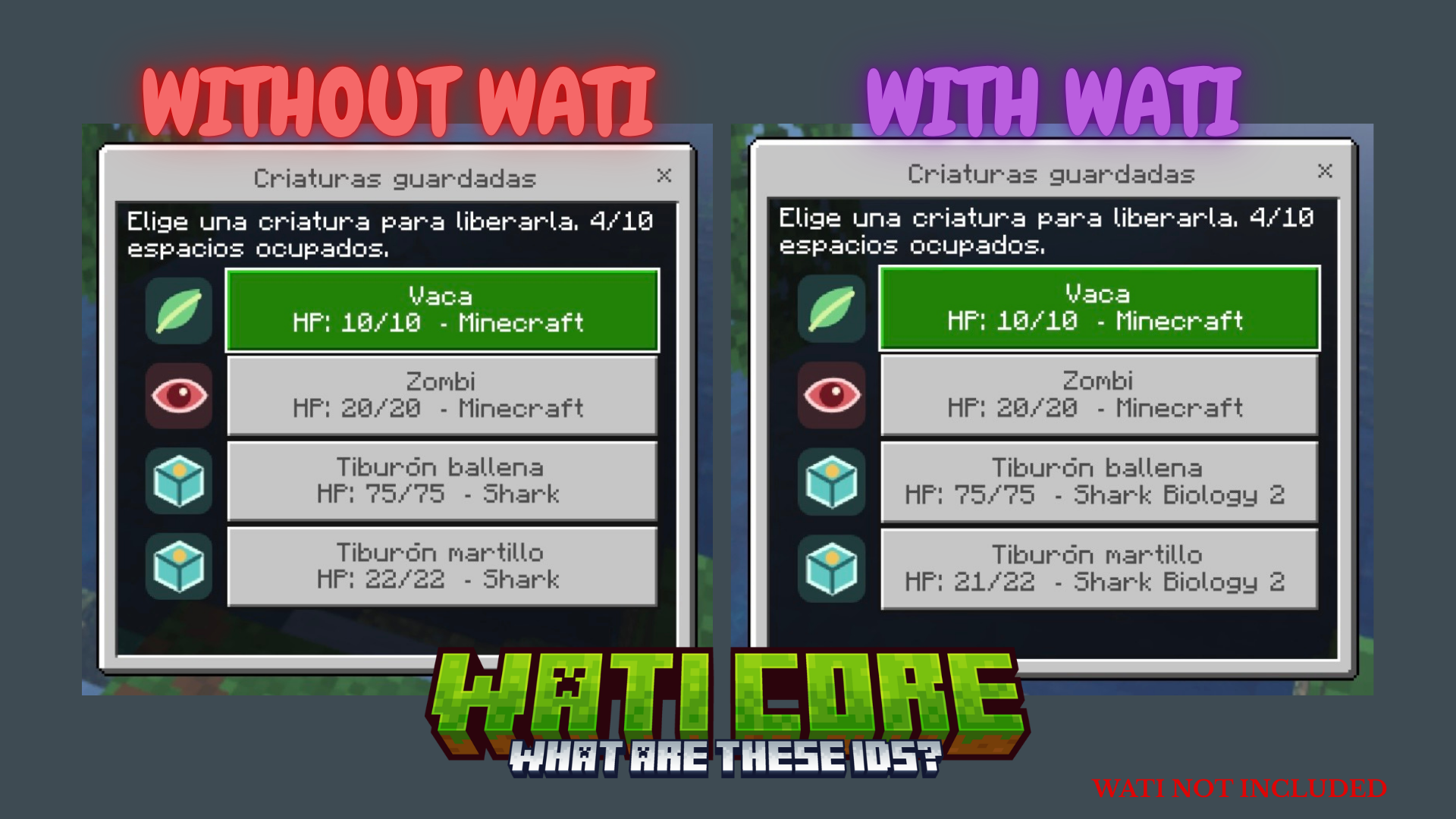
- Selection menu shows creature name, name tag, current/max HP, and source add-on.
- Separate icons identify tame, hostile, vanilla, and third-party creatures.
- Optional WATI Core integration for shared names and add-on labels.
- Safe local fallback when WATI is not installed.
- 1,000 default durability and cost based on maximum effective health.
pbrcapability declared for Vibrant Visuals compatibility.
Crafting
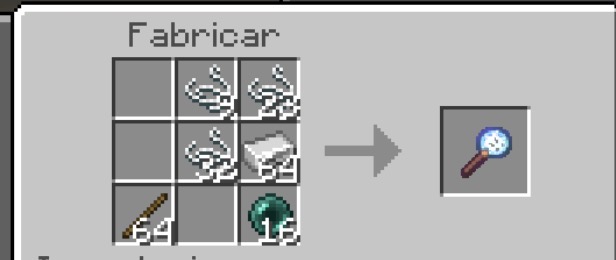
Craft the containment net at a crafting table. The recipe uses three string, one iron ingot, one stick, and one ender pearl:
Tamed-creature protection
Netbound! is designed for wild, hostile, or otherwise non-tameable creatures. A tameable creature can be captured while still wild. Once tamed, it can only be captured when Bedrock's API identifies the player using the net as its owner. If ownership cannot be verified, capture is denied.
This prevents another player from walking up and stealing your wolf with a net.
Safety rules
Netbound! blocks players, configured bosses, entities without health, mounted or ridden entities, leashed entities, and captures over the configured 250 effective-HP limit. It also blocks known multipart/helper entities that cannot be restored safely.
The capture cell must contain only the intended creature. This prevents an unrelated nearby item or helper entity from being cloned into the same saved structure.
Installation and pack order
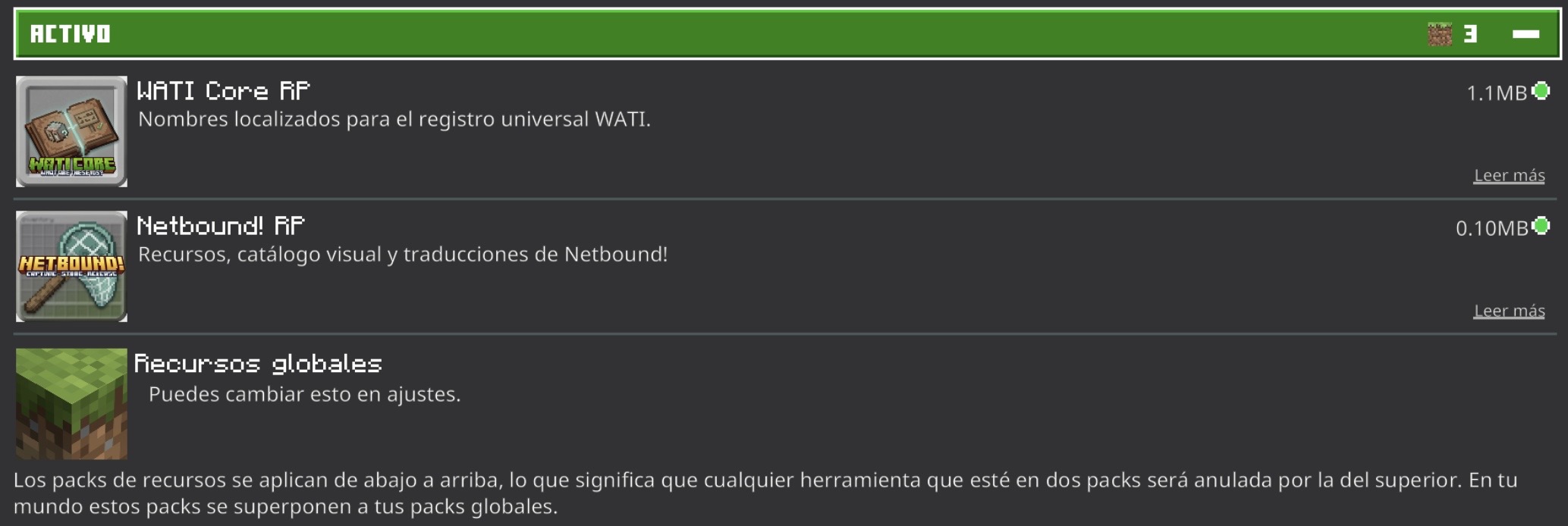
Import Netbound_v1.0.0.mcaddon and activate Netbound! BP and
Netbound! RP. No Preview build or experimental toggle is required.
Resourse Pack (WATI NOT INCLUDED)
Behavior Pack (WATI NOT INCLUDED)
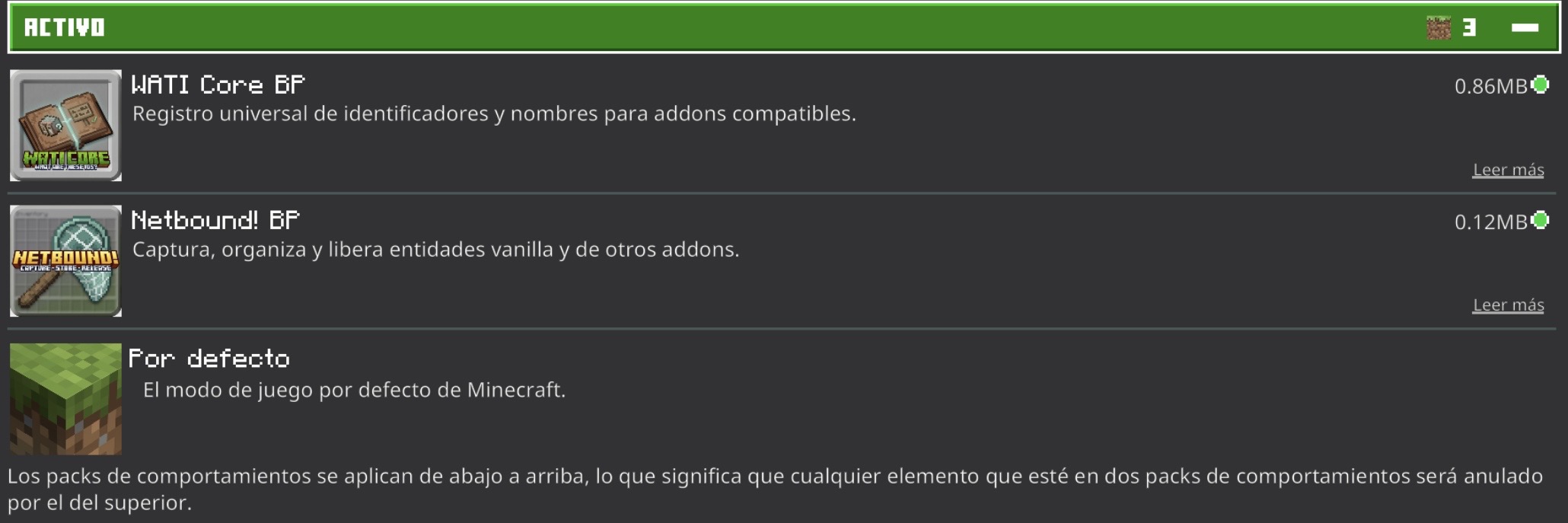
Recommended order:
- WATI Core — optional
- Netbound!
- Content add-ons
Target platform: Minecraft Bedrock 26.30+ / content platform 1.21.130.
Script APIs: @minecraft/server 2.8.0 and @minecraft/server-ui 2.1.0.
Using the net
- Use the net on a creature to capture it.
- Use the occupied net on a block to release a capture.
- If multiple creatures are stored, choose one in the menu.
- The inventory lore shows occupied capacity.
Administrative diagnostics:
/scriptevent netbound:status
/scriptevent netbound:repair_held
repair_held only removes broken references from the held net when the
corresponding structure is already missing. It does not delete structures or
entities.
Compatibility notes
Third-party scripts may keep external state that Bedrock structures do not serialize. Test special creatures on a copy of the world before relying on them in a long-running server. Report the exact entity identifier and add-on version when requesting an adapter or safety block.
Optional WATI Core integration
WATI Core supplies shared entity names and source add-on labels. Netbound works normally without it and falls back to the entity's own localization key or a readable identifier.
Install WATI above Netbound in both Behavior Packs and Resource Packs. On CurseForge it is an Optional Dependency, not a required dependency.
WATI NOT INCLUDED
Credits
Architecture research for structure storage and multiple-selection behavior was
inspired by Catch 'Em All by ByCesarDev, released under the MIT License. Its
license notice is included in THIRD_PARTY_LICENSES.
Author: AresgettaYT.
License for original Netbound! code/assets: MIT. The included third-party
notice remains available in THIRD_PARTY_LICENSES.
Netbound! Team