Immersive Aircraft
- By
Seven craftable aircraft for Minecraft Bedrock: biplane, seaplane, airships, gyrodyne, quadrocopter and a warship, with fuel, cargo, weapons and upgrades. A port of the Java mod Immersive Aircraft by Luke100000(Conczin). Keyboard, controller and touch.
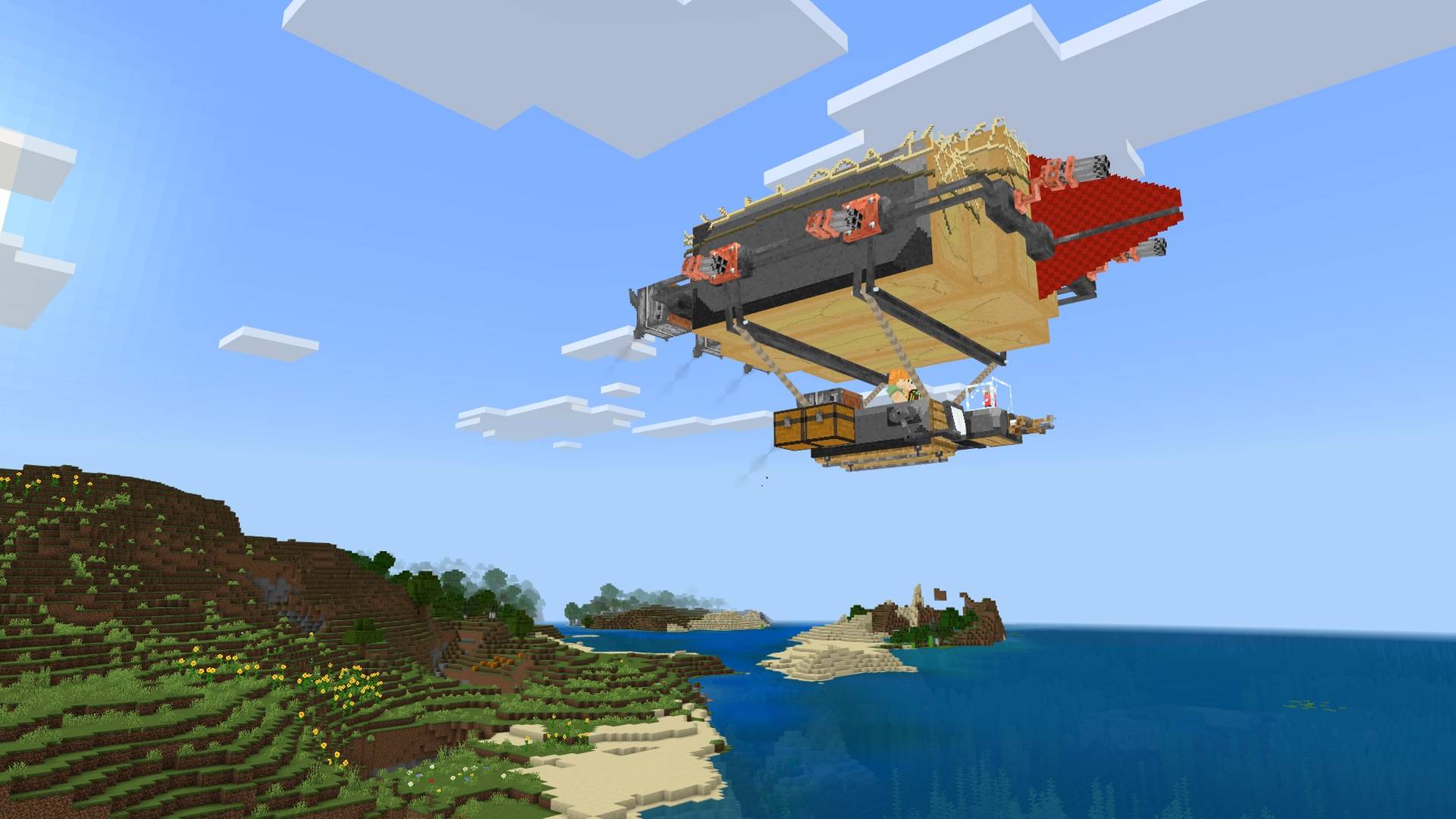
warship_over_the_coast.jpg
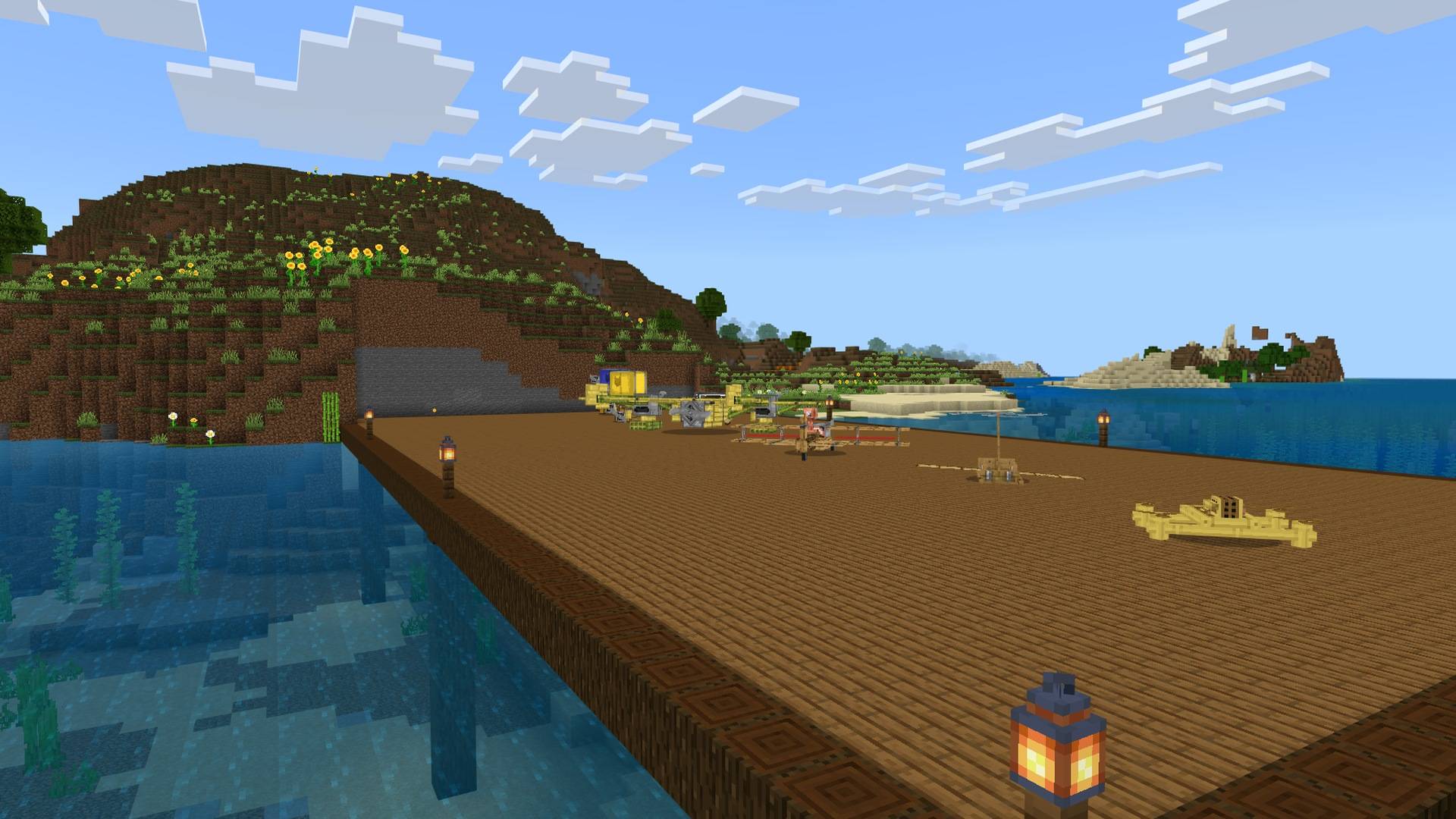
pier_airfield.jpg
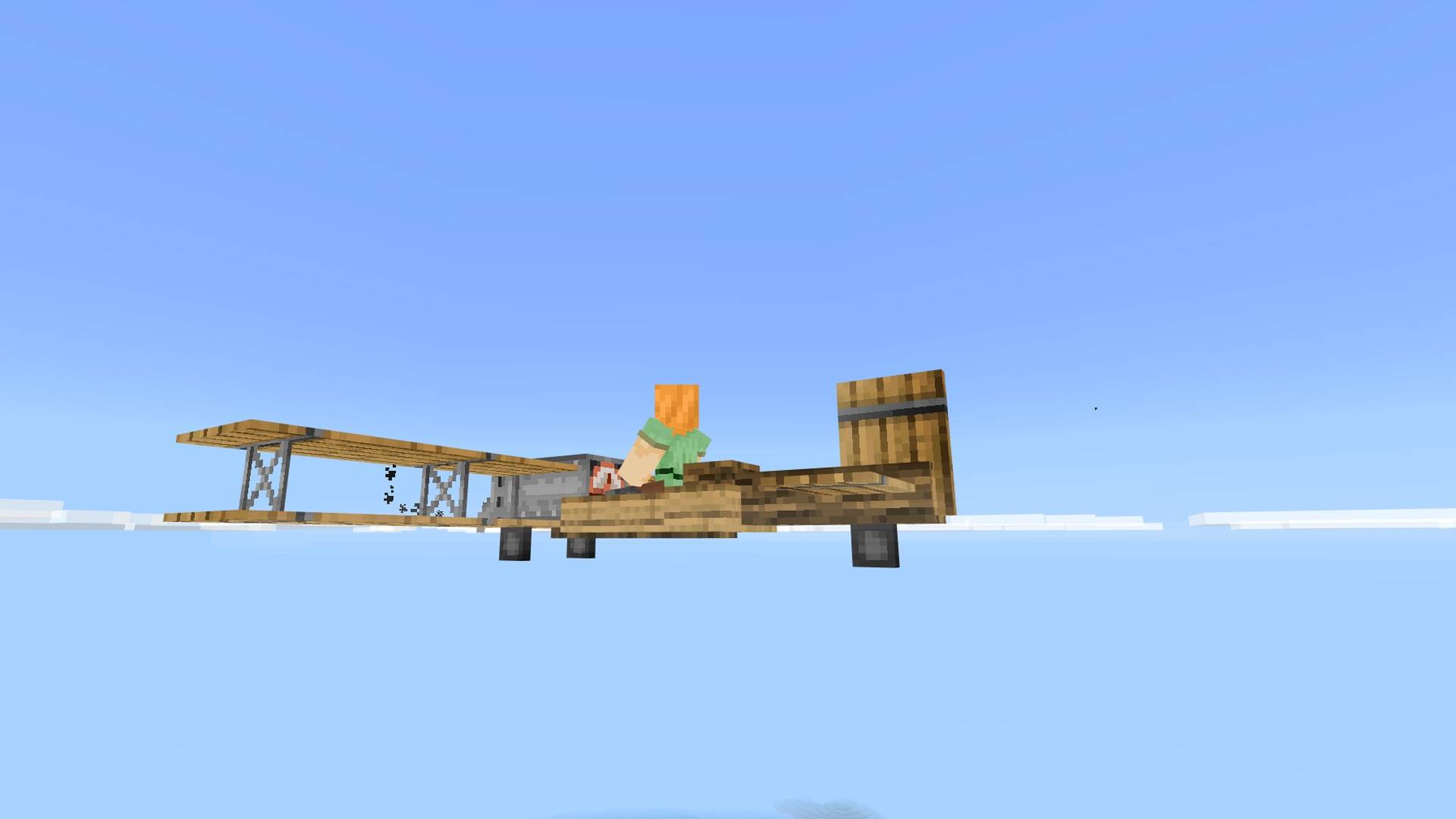
biplane_chase_view.jpg
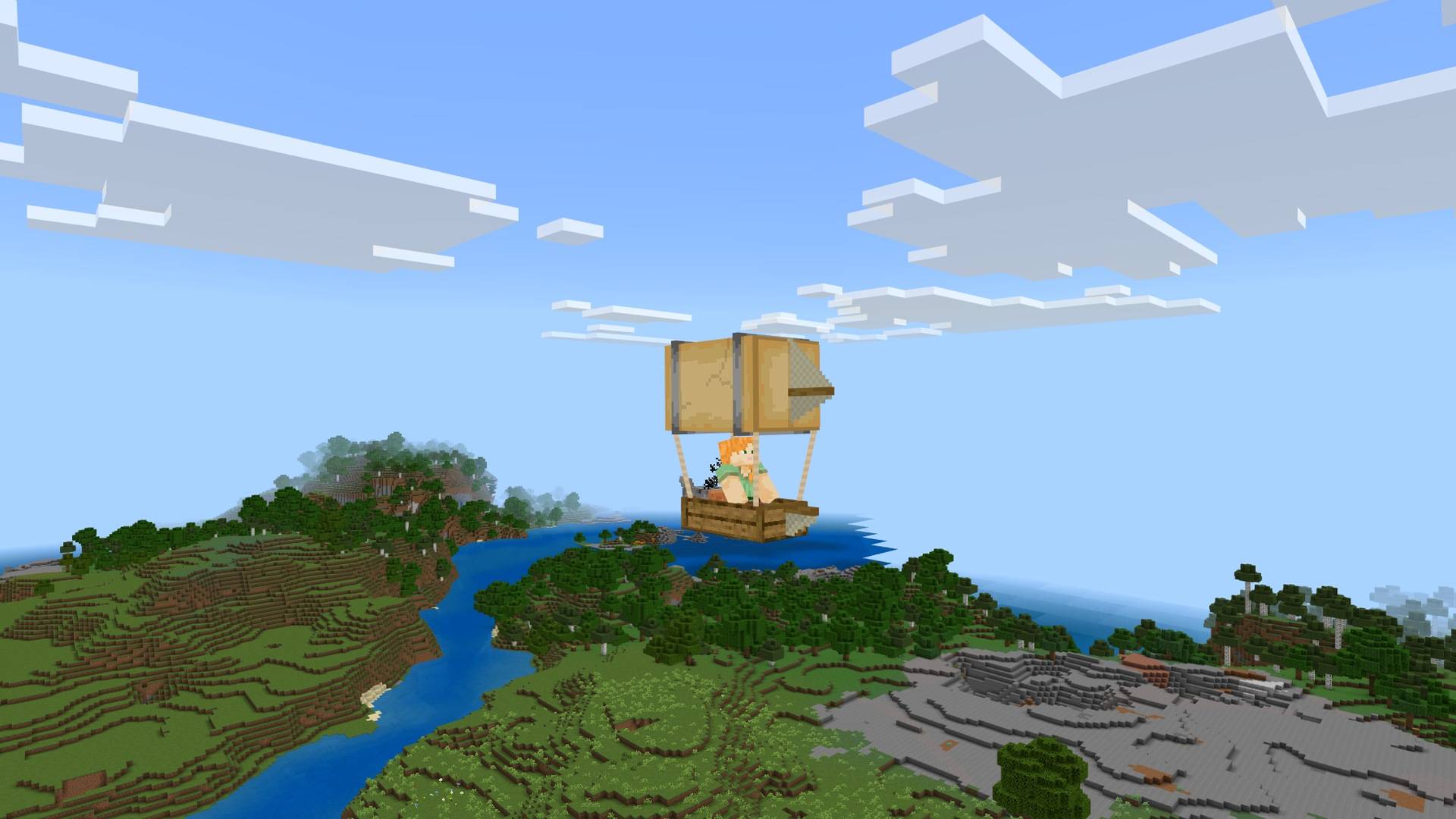
airship_over_the_river.jpg
Description
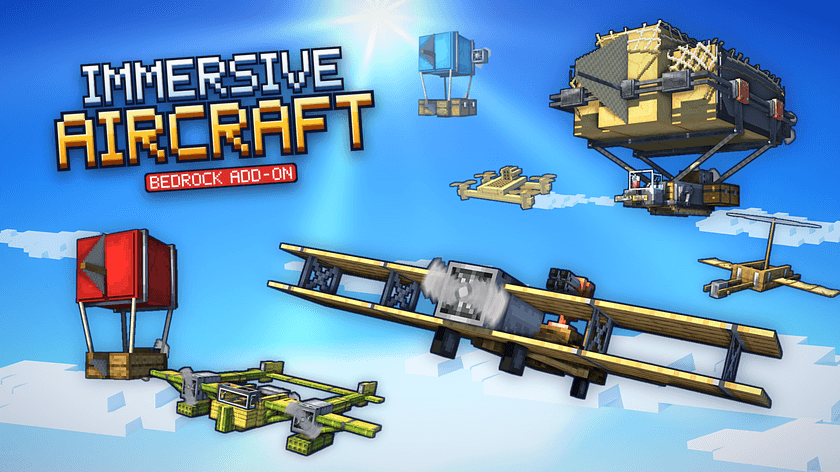
Seven aircraft you can craft, fly, upgrade, arm and load with cargo. A Bedrock port of the Java mod Immersive Aircraft by Conczin, built to behave like the original: the same aircraft, the same flight model, the same upgrades and weapons.
- Minecraft Bedrock 1.26.40 or newer (Windows, Android, iOS, consoles that allow add-ons)
- No experimental toggles
- Works in survival and creative, single player and multiplayer
- Keyboard, controller and touch
The aircraft
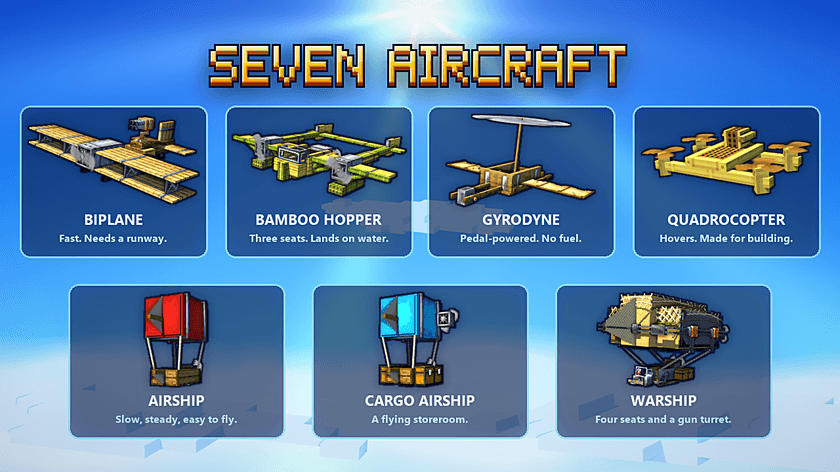
| Aircraft | Seats | What it is for |
|---|---|---|
| Biplane | 1 | Fast and nimble. Needs a runway to take off. |
| Bamboo Hopper | 3 | A seaplane. Lands on water and carries friends. |
| Airship | 2 | Slow, steady and easy to fly. A good first aircraft. |
| Cargo Airship | 2 | A flying storeroom with a very large hold. |
| Gyrodyne | 2 | Pedal-powered. Burns your food instead of fuel. |
| Quadrocopter | 1 | Hovers in place. Made for building. |
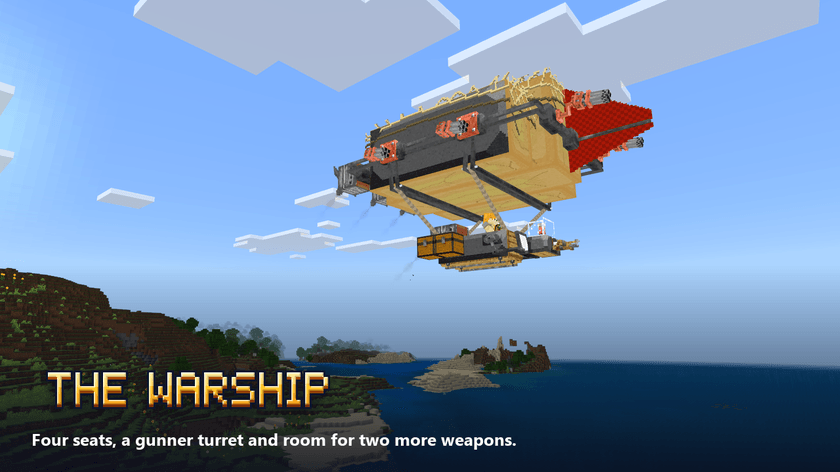
| Warship | 4 | A heavy gunship with a turret for a gunner. |
Every aircraft is crafted from parts (hull, engine, sail, propeller, boiler) with recipes in the recipe book. In Creative, look for the four groups Aircraft, Aircraft Weapons, Aircraft Upgrades and Aircraft Parts in the Items tab.
Fly it
- Board by interacting with the aircraft (on touch, the Board button that appears when you face it). Open your inventory while seated to reach its fuel, cargo, upgrade and weapon slots.
- Engines burn furnace fuel. The Gyrodyne runs on your hunger bar.
- Airplanes build speed and lift off; airships and rotorcraft climb with Jump.
- A flight HUD shows engine power and hull. Optional instrument upgrades add an attitude display and dials.
- The first time you pilot each kind of aircraft, the controls for your device are shown. They are also on the Controls page of the aircraft panel (Sneak + interact).
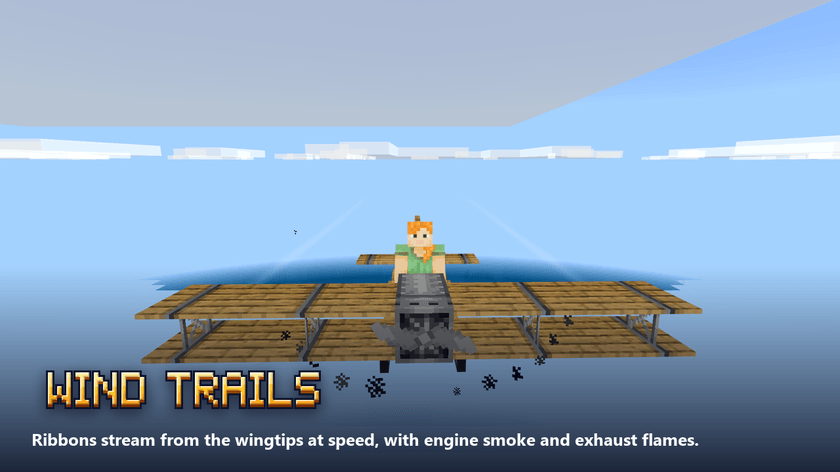
- Engine smoke, exhaust flames, water splashes and wind trails follow the Java mod.
- Aircraft take damage in crashes and can be repaired by interacting with them from outside.
Touch controls
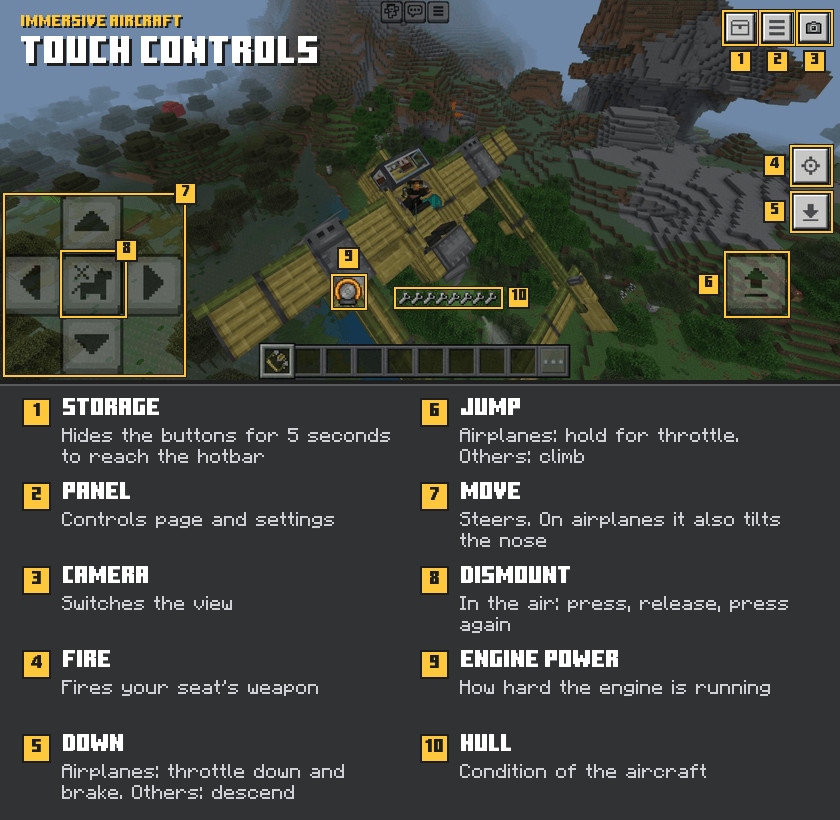
On phones and tablets the add-on puts its own flight buttons on the screen:
- Storage, Panel, Camera (top right): Storage clears the buttons away for five seconds so you can tap the hotbar or open the inventory. Panel opens the aircraft panel with the controls page and the settings. Camera switches the view.
- Fire (right edge): fires your seat's weapon.
- Down (right edge): on airplanes it pulls the throttle back and brakes; on airships and rotorcraft it descends.
- Jump: on airplanes hold it for throttle; on the others it climbs.
- Move pad or joystick: steers. On airplanes, forward and back push the nose down and up.
- Dismount: gets you out. In the air, press, release and press again.
The gauge above the hotbar is engine power and the row of wrenches is the hull.
Colour your fleet
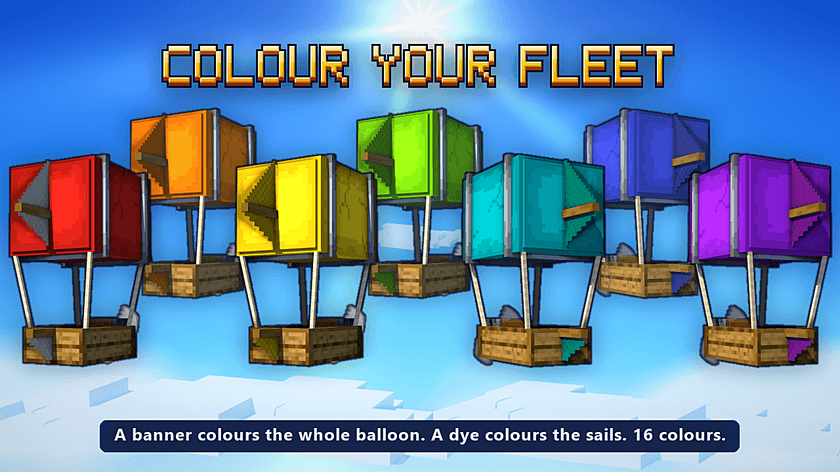
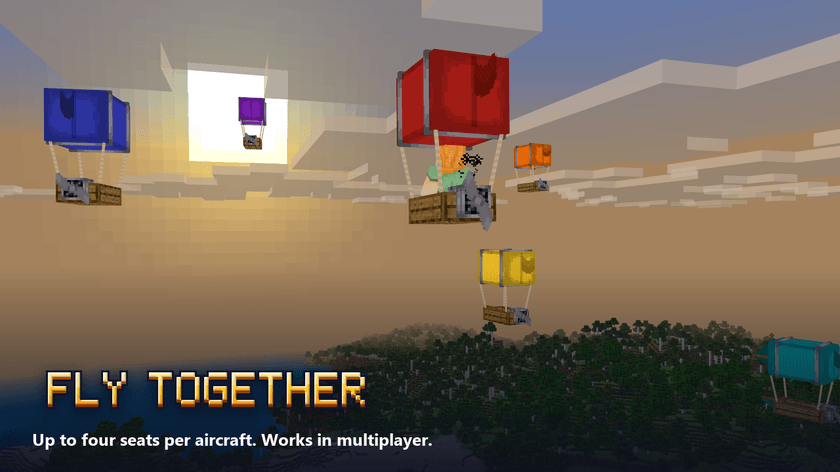
- Put a banner in the banner slot of an Airship or Cargo Airship and the whole balloon takes its colour.
- Put a dye in the dye slot to colour the sails and flags.
- All sixteen Minecraft colours are supported. On the Biplane, the banner shows on the wings.
Weapons and upgrades
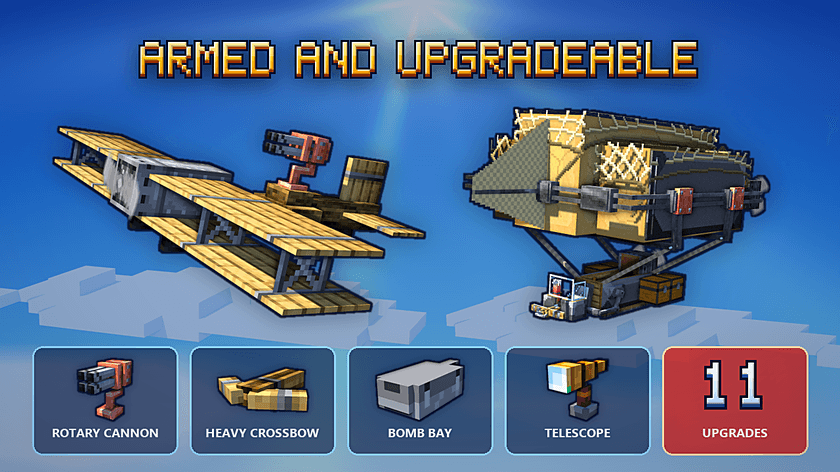
Weapons go in an aircraft's weapon slots and fire when you attack (left click, the attack button or trigger, or the Fire button on touch). A crosshair shows while your seat is armed:
- Rotary Cannon rapid fire, uses gunpowder
- Heavy Crossbow fires arrows from your cargo
- Bomb Bay drops TNT
- Telescope a zoomed view for scouting
Upgrades change how an aircraft flies. There are eleven, including the Enhanced Propeller, Eco Engine, Nether Engine, Steel Boiler, Hull Reinforcement, Improved Landing Gear and three gyroscope instruments. Each aircraft takes one of each kind.
World owners can decide whether weapons hurt players or break blocks.
Cargo and inventory
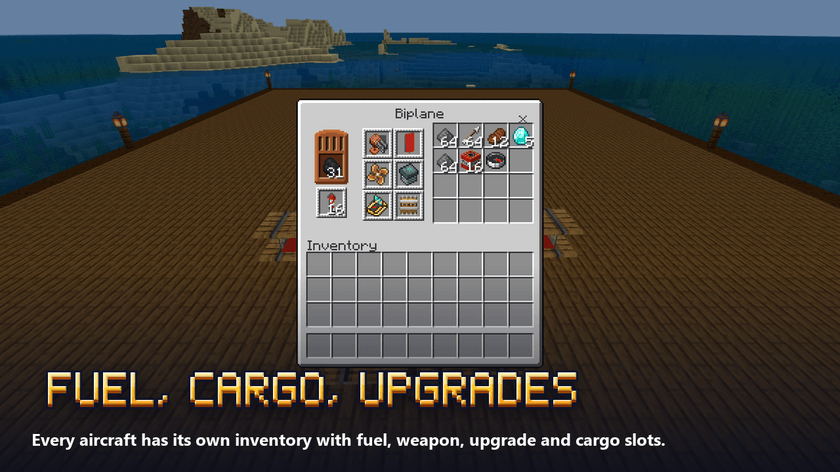
Each aircraft has its own inventory. The marked slots take only their own items (fuel, rockets for the booster, weapons, upgrades, a banner, a dye); the rest is cargo. The Cargo Airship and the Warship carry the most.
More pictures
Install
- Download and open
ImmersiveAircraft_1.0.12.mcaddon. Minecraft imports both packs. - Edit your world, open Behavior Packs and activate Immersive Aircraft BP. The resource pack is added with it.
- If you used an older version of this port, remove it from the world first.
To check the install, run /function immersive_aircraft/version (needs cheats). It prints the version and two build codes that must match.
Settings
Operators can open World settings from the aircraft panel: flight assist, crash damage and explosions, whether weapons hurt players or break blocks, fuel use, particles, wind trails, sounds and animation smoothing.
Good to know
- While the resource pack is active, horse, donkey, mule, llama and camel inventories open as a plain slot grid. The slots still work.
- Your character stays upright while an aircraft pitches and banks, and the first-person view does not roll. Bedrock cannot tilt a seated player.
- Banners show their base colour only, not their patterns.
- Under Vibrant Visuals the aircraft are lit and shadowed as plain matte surfaces; they have no special metal or glow maps.
- Found a problem? Please report it with your Minecraft version and device.
Credits and licence
- Bedrock port by quillphen.
- Original mod: Immersive Aircraft by Conczin (Luke100000) and contributors. Every aircraft, model, texture and sound, and the flight model, come from it. Please support the original:
Licensed GPL-3.0-only, the licence of the original mod. The original author authorized this port but has not reviewed or endorsed it. The complete source code is included with every release.
Immersive Aircraft Team

Owner