True Minimap
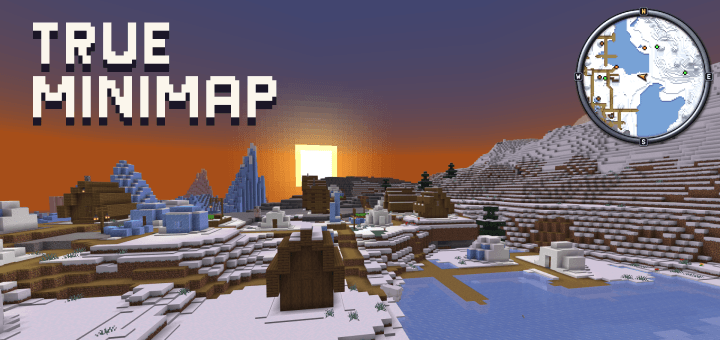
The map
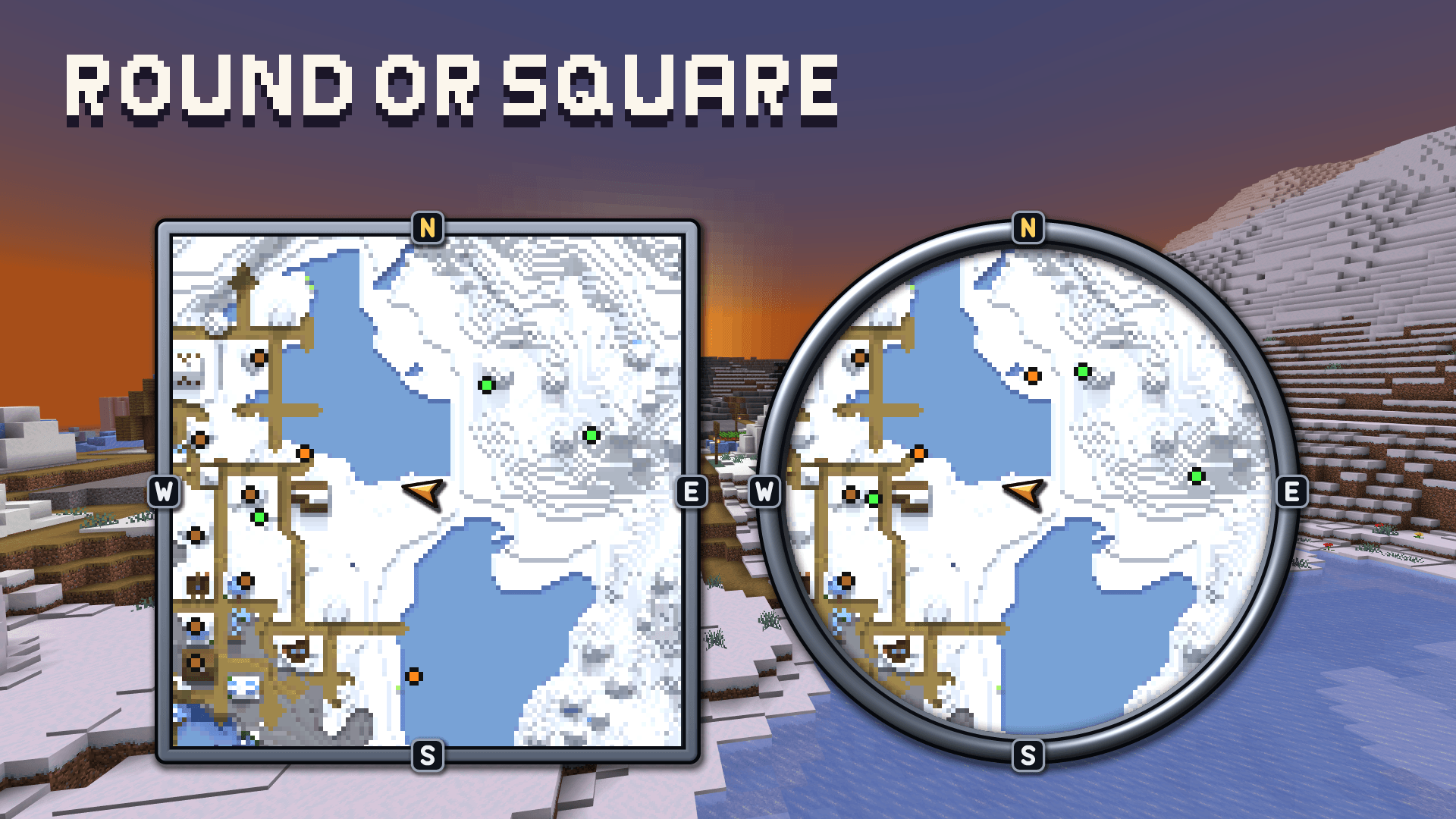
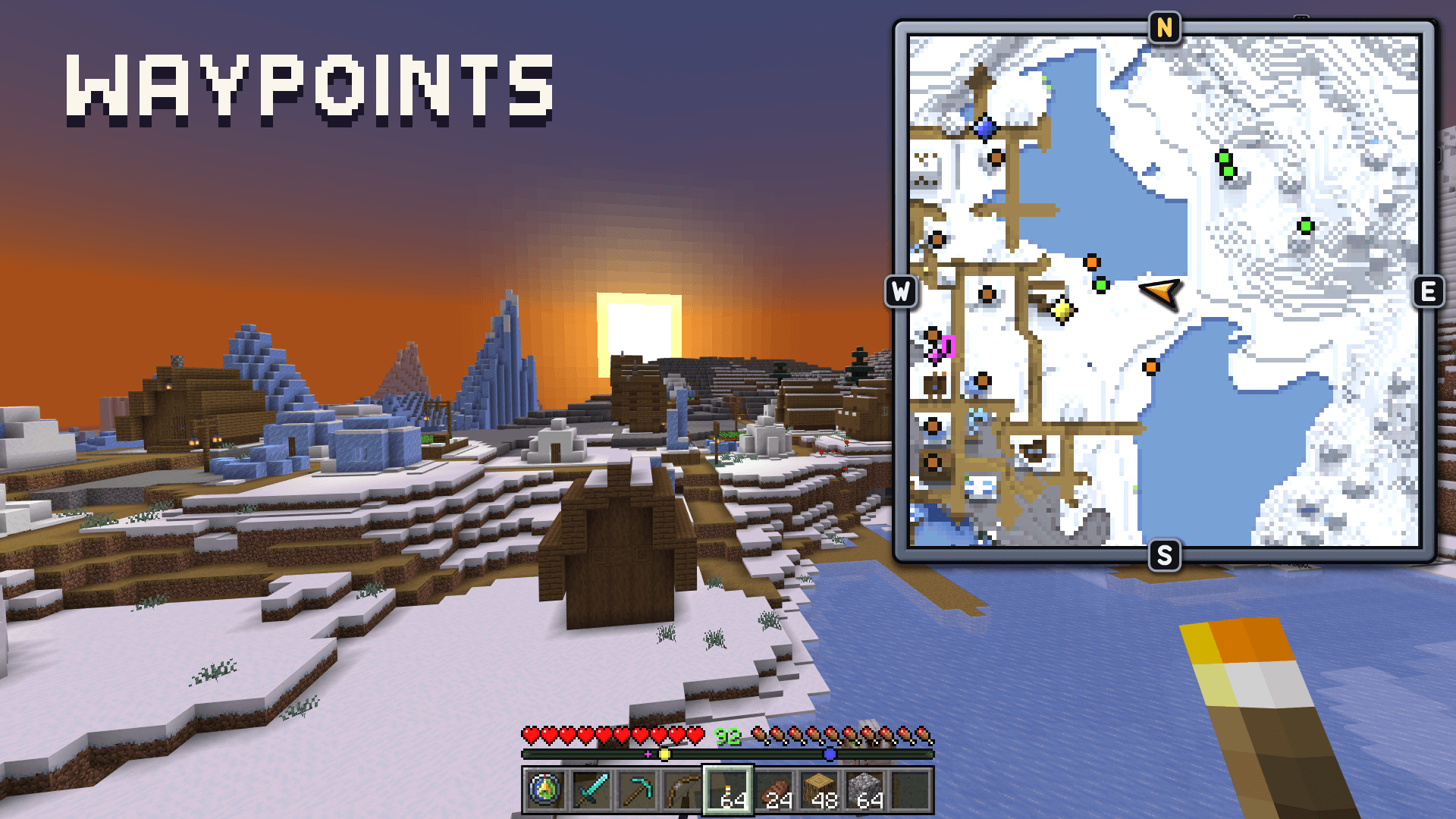
- North is always up. A gold arrow shows you and the way you face.
- Square, or round in a slim steel ring with the world showing around it.
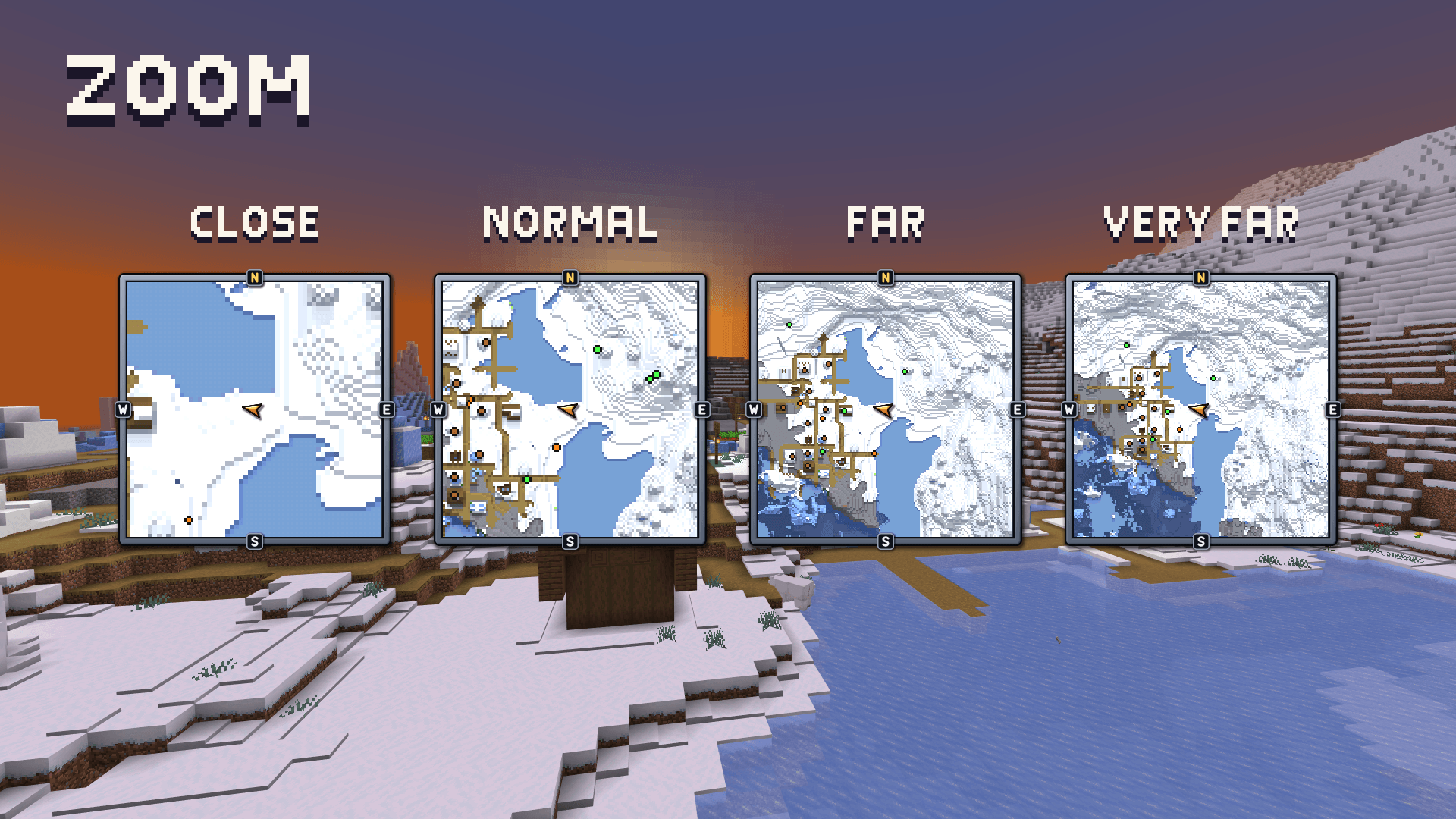
- Four zooms: Close (56 blocks), Normal (112), Far (168), Very far (224).
- Any corner of the screen, with its distance from the edges set in the menu.
- Relief shading shows hills and steps. Night darkening is optional.
- Terrain you have seen stays on the map. The map also loads the chunks it shows past your simulation distance, so it fills in as you travel.
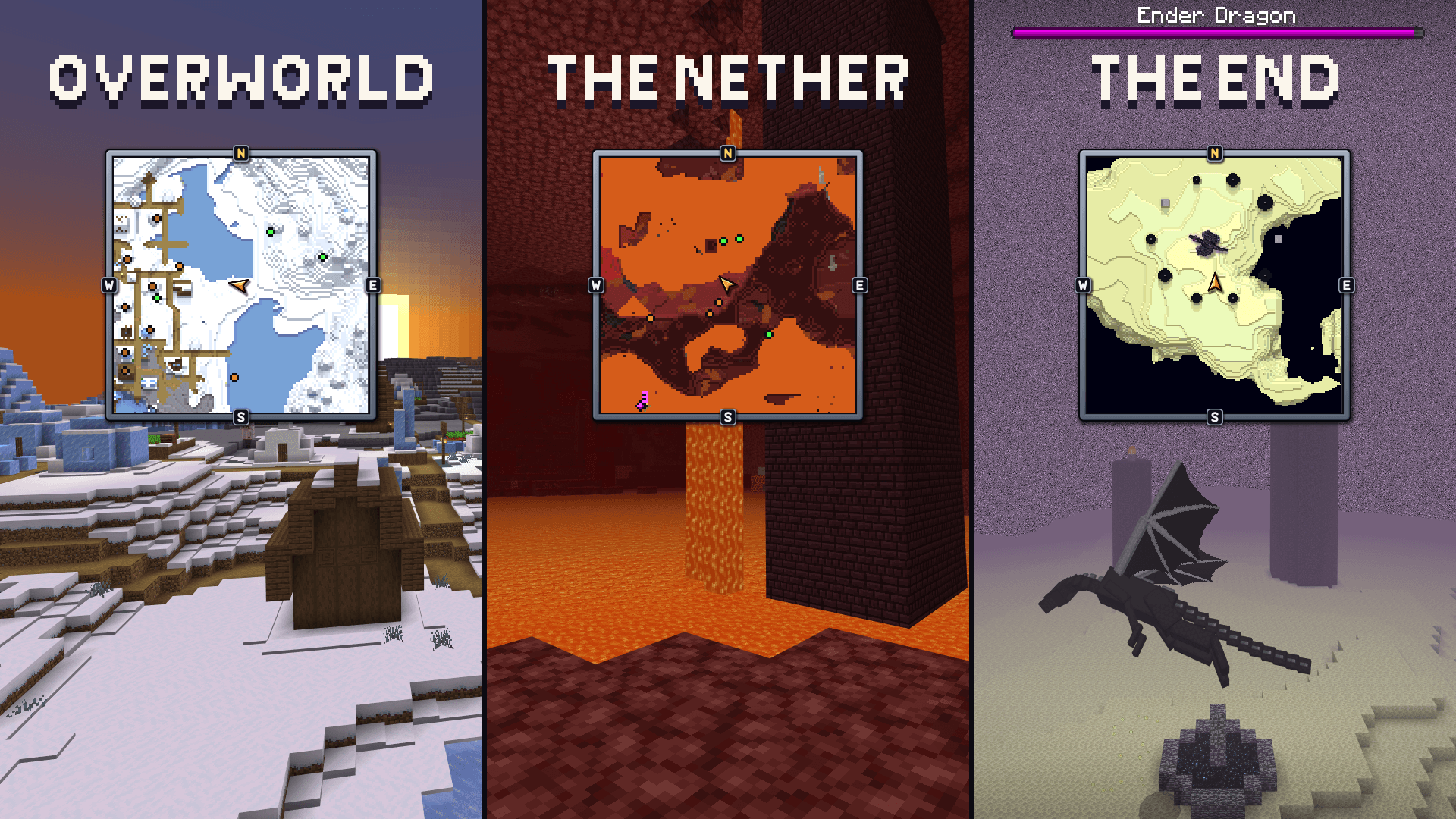
Every dimension, and underground
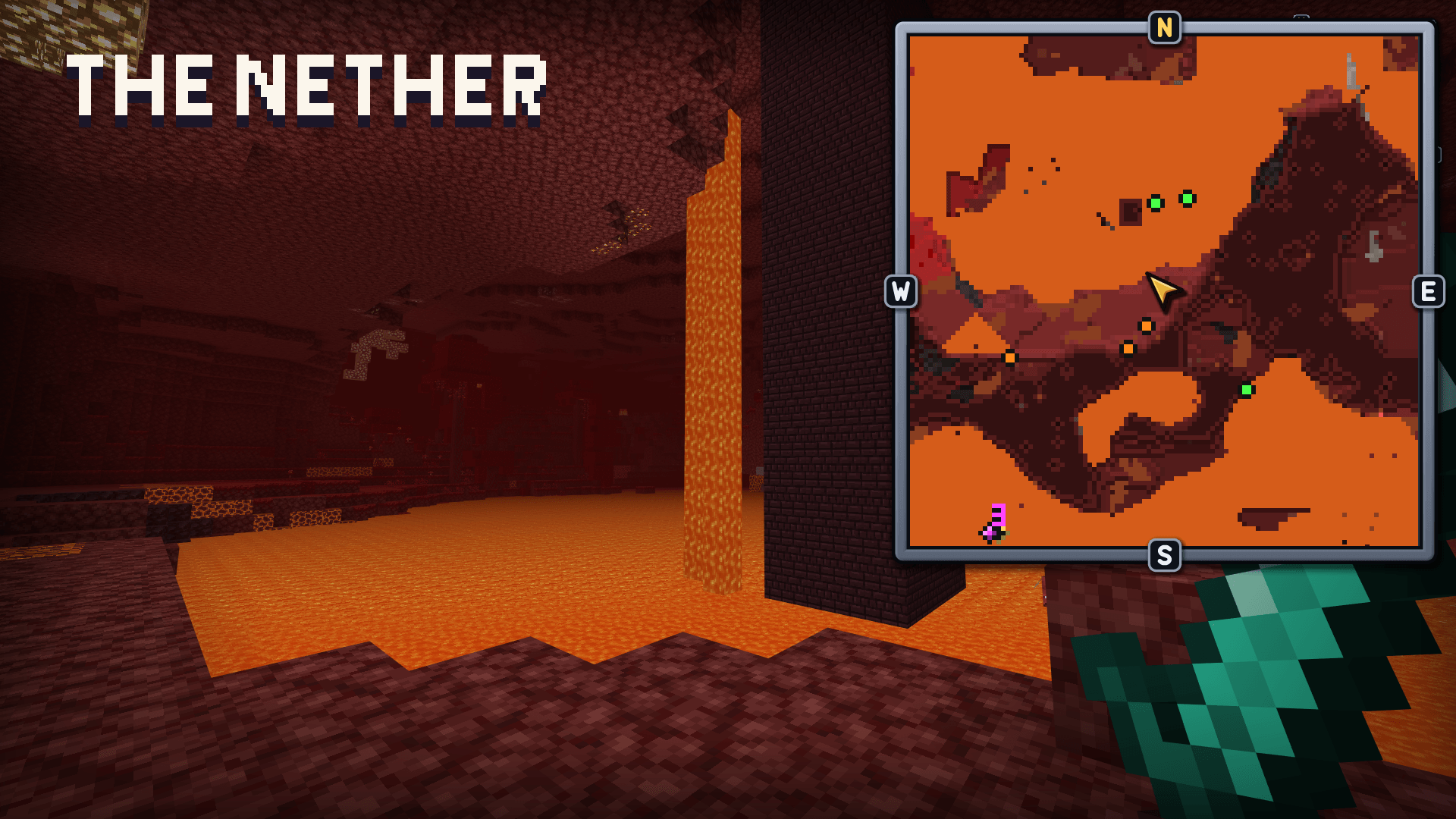
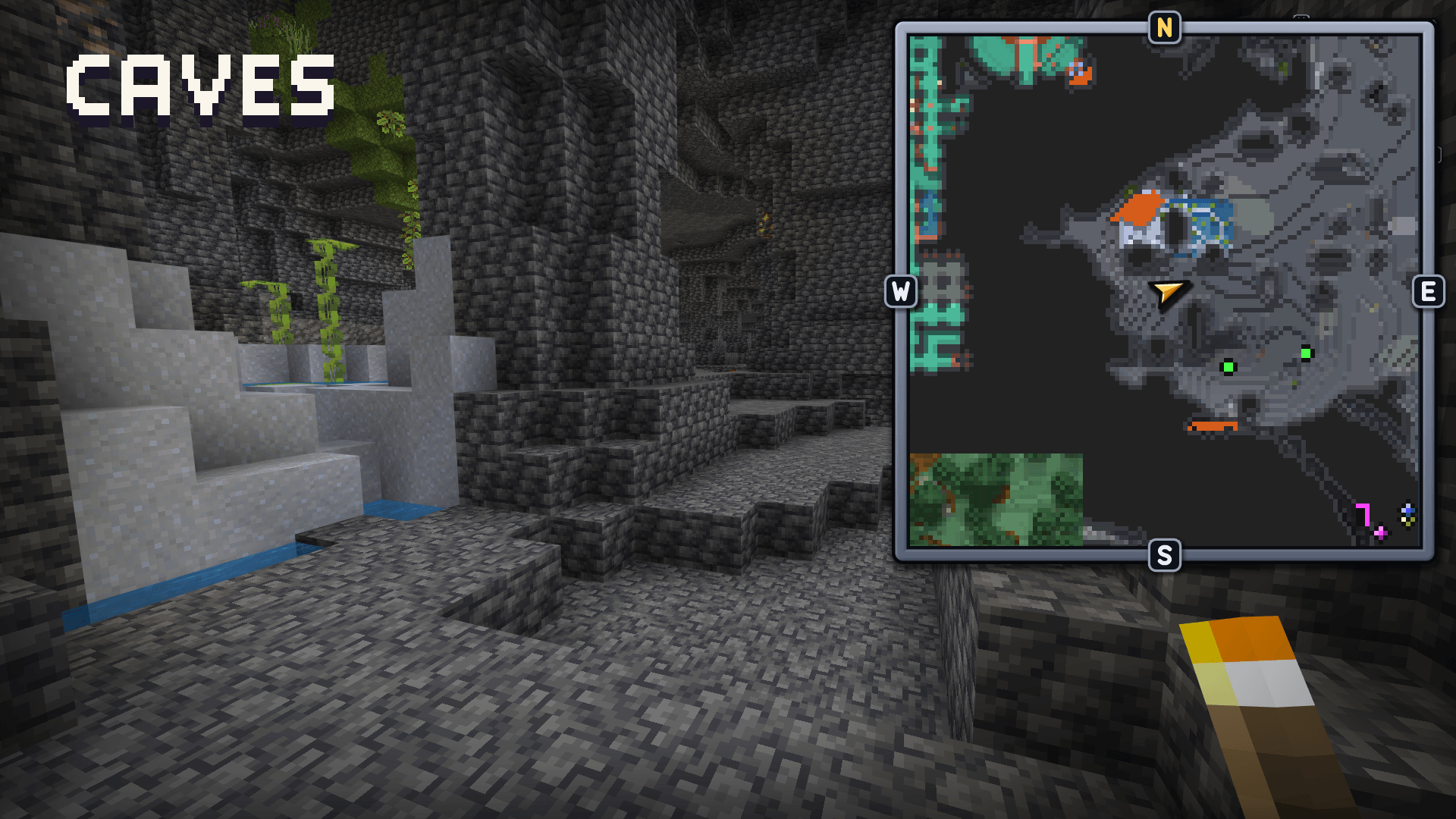
- The Overworld, the Nether and the End are all mapped.
- In caves the map shows the cave layer you are in
Creatures and bosses
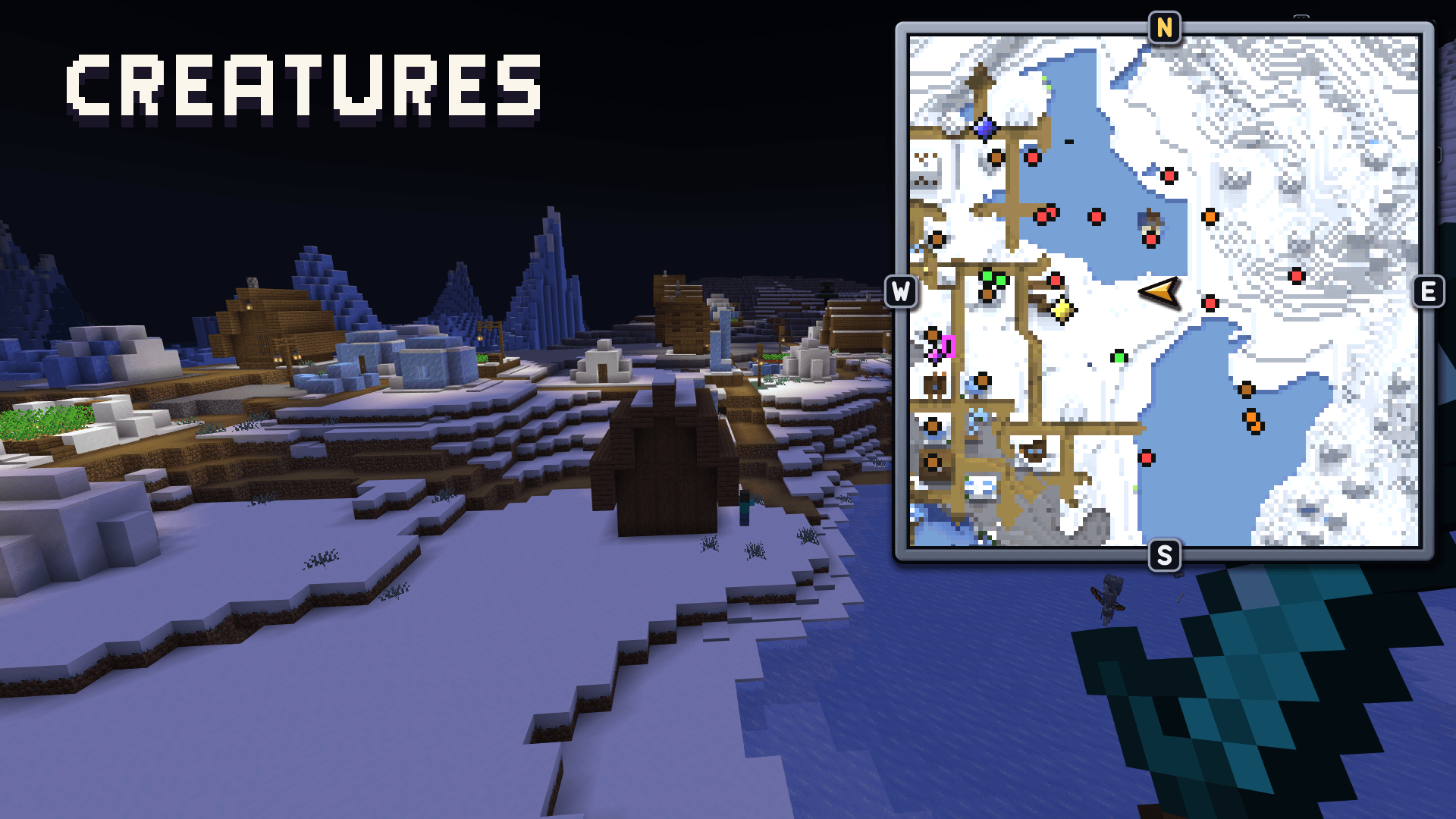
- Creatures show as coloured dots: monsters red, neutral mobs orange, animals green, villagers and traders brown, tamed animals blue.
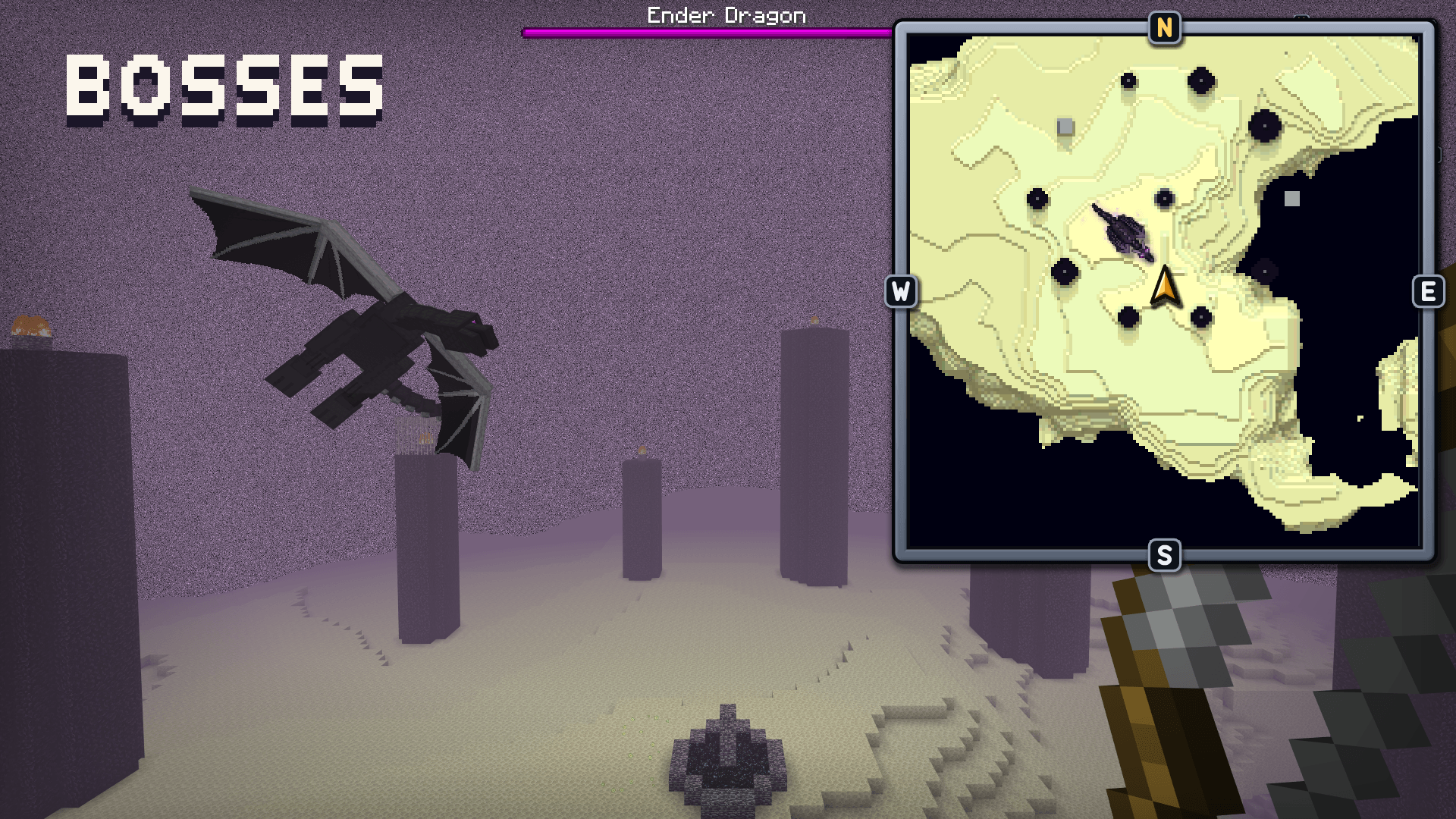
- The Ender Dragon, the Wither, the Elder Guardian and the Warden each have their own animated icon on the map
Waypoints
- Waypoints show on the map as lit gems, and on the game's Locator Bar too (when the world's locatorBar game rule is on).
- A waypoint beyond the map stays at its edge, in its direction.
- Navigate to one: a ring marks it on the map and a star on the bar until you arrive.
- Add one at your position or at typed coordinates; move one to where you stand.
- Overworld waypoints appear in the Nether at the portal scale, and Nether ones in the Overworld.
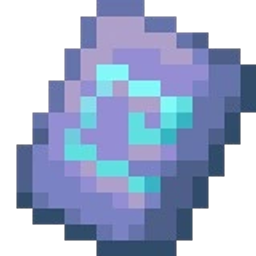
The Minimap item
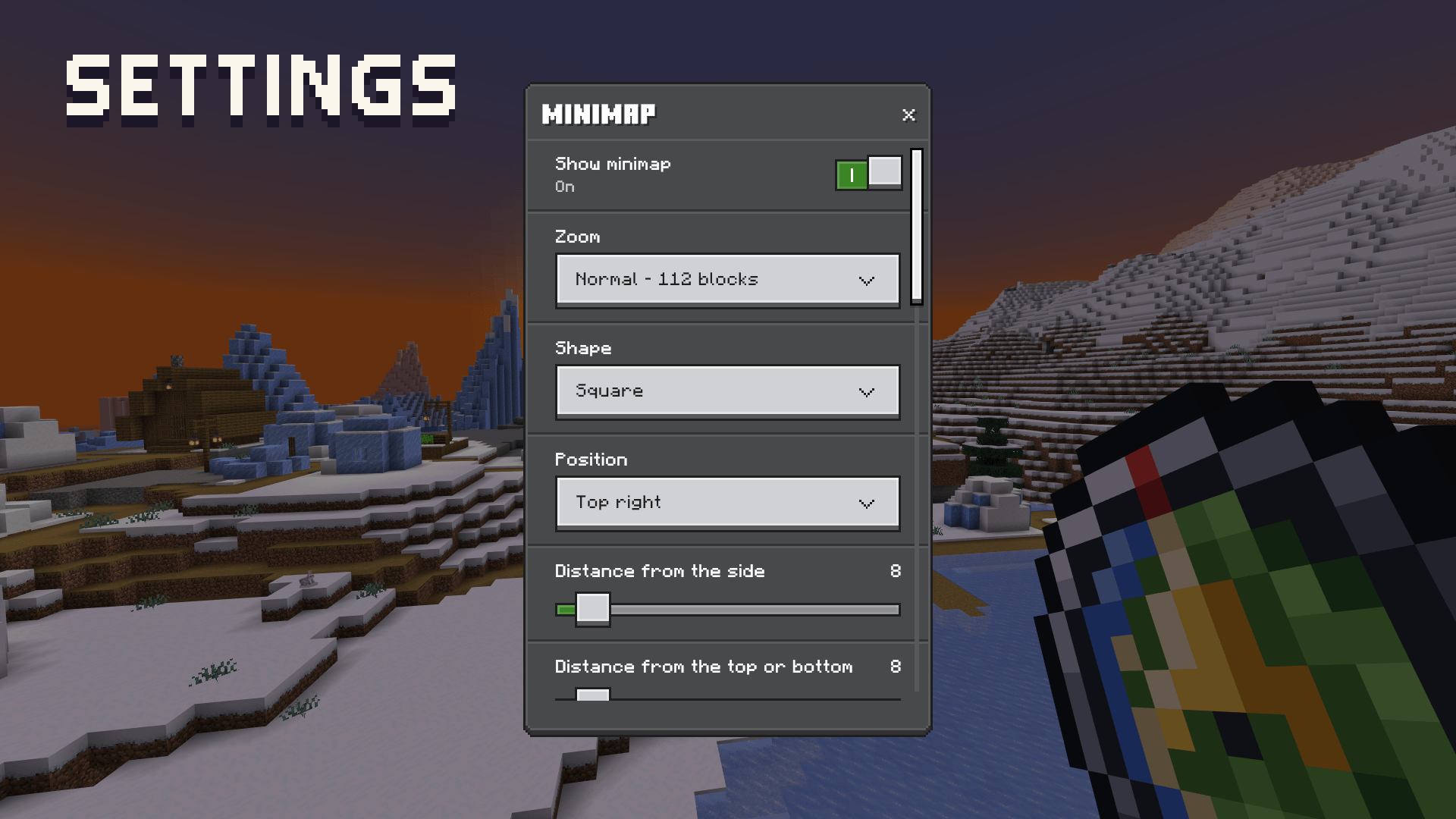
- Use it to open the menu: Show minimap, Zoom, Shape, Position and distance from the edges, Caves, Grid, Map style, Relief shading, Night darkening, a Minimap FPS limit, Other players, Creatures and bosses, and the Waypoints page.
- Sneak and use it to step to the next zoom.
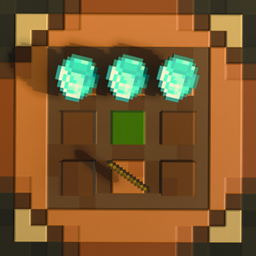
- Lost it? Craft a new one from a compass and paper.
Install
- Import the
.mcaddon. Turn on both packs (behavior and resource) for your world, then leave and re-enter the world.
Performance on low-end devices
True Minimap draws the map with the game's own HUD. Standing still costs almost nothing, but every time the map redraws, your device has to do a moment of work. On low-end phones and tablets you may see lower FPS and short stutters while you move. This is most likely at Far and Very far zoom, with the round map (it's drawn several times to get its round shape), and while flying fast.
If your device struggles:
- use Normal or Close zoom and the square shape;
- lower the Minimap FPS limit in the menu (it limits how often the map redraws, not the game's FPS);
- turn the map off with Show minimap when you don't need it.
Very low-end devices may not run the map smoothly at all. Try it in a test world first.
Connect with Quillphen
Follow my Minecraft projects, discover new releases, share feedback, and stay updated on True Minimap!


Subscribe on YouTube | Join our Discord