Custom Vein Miner
A fully-featured vein miner addon for Minecraft Bedrock, Break one block and watch connected blocks of the same type break automatically! Perfect for mining ores, trees, stone, and more without the tedious repetitive clicking.

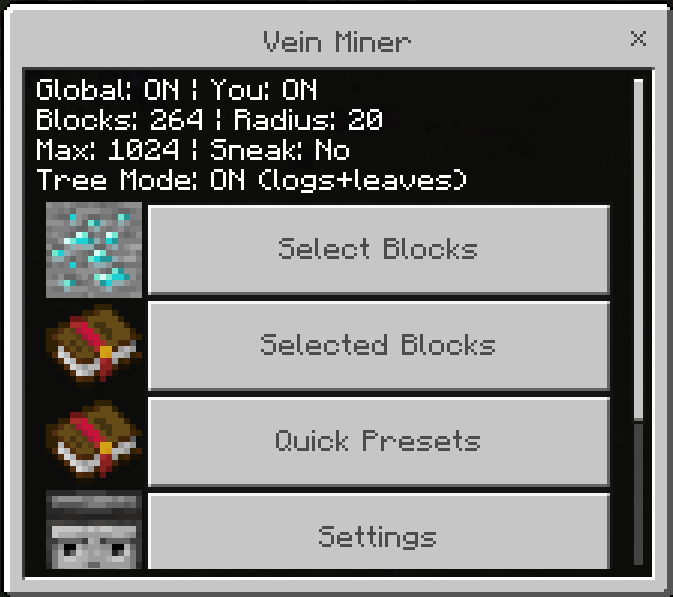
Intuitive GUI
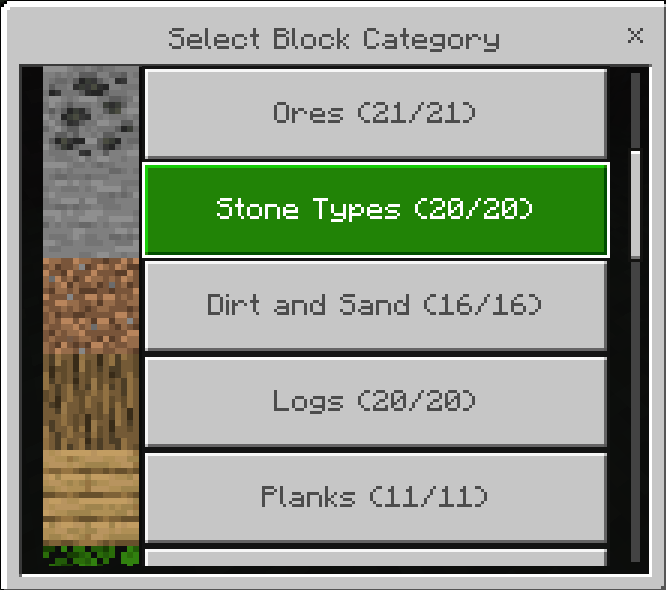
- Select Blocks Tab: Choose from 18+ block categories with pagination
- Selected Blocks Tab: View and manage your selected blocks
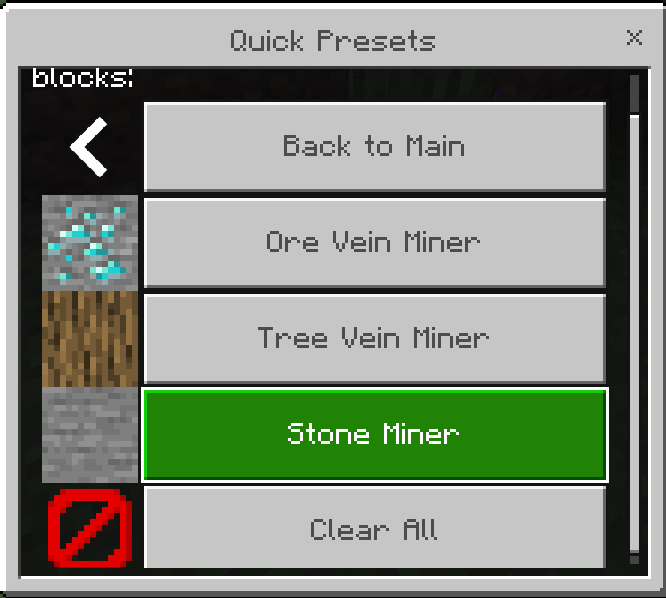
- Quick Presets: One-tap presets for Ore, Tree, and Stone mining
- Settings Menu: Full control over all vein miner options
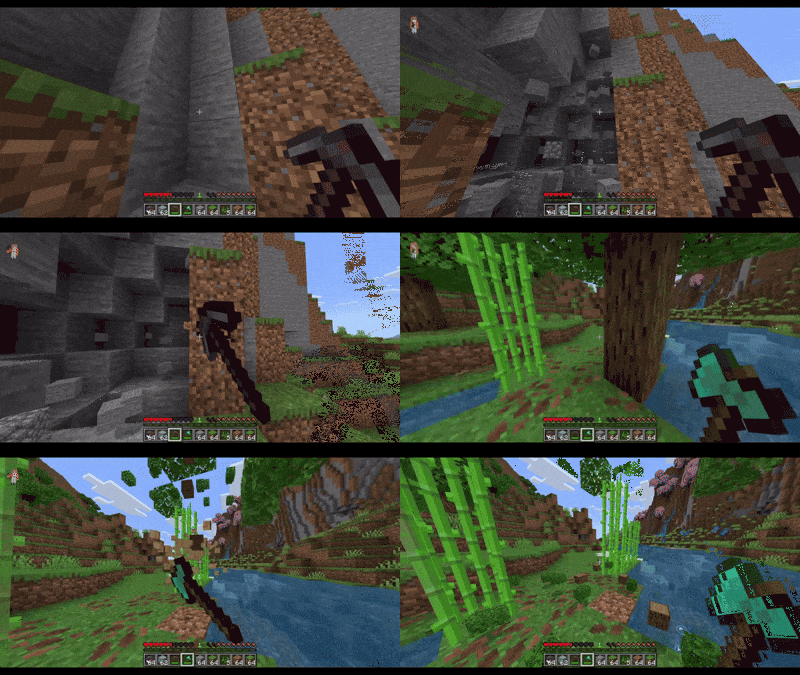
How to Use
Getting Started
-
Open the Vein Miner GUI
- Use command:
/vm
- GUI opens instantly
-
Select Blocks
- Tap "Select Blocks" to browse categories
- Navigate through 18+ block categories
- Toggle individual blocks or select entire categories
- Use Quick Presets for instant setups
-
Configure Settings
- Adjust mining radius and maximum blocks
- Toggle sneak requirement
- Enable/disable drops, Fortune, and Silk Touch
- Control Tree Mode for automatic leaf mining
-
Start Vein Mining
- Sneak + Break any selected block type
- Watch connected blocks break automatically
- Drops appear automatically based on your settings
Main Menu
Block Categories
Choose from 18+ categories:
- Ores - All ore types (Coal, Iron, Diamond, Emerald, etc.)
- Stone Types - Stone, Cobblestone, Deepslate, Granite, Andesite
- Dirt and Sand - Dirt, Sand, Gravel, Clay, Mud
- Logs - All wood types and stripped variants
- Planks - Wood planks for builders
- Leaves - Tree leaves and foliage
- Glass and Ice - Transparent blocks
- Wool - All wool colors
- Concrete - All concrete colors
- Terracotta - All terracotta colors
- Nether Blocks - Netherrack, Basalt, Magma, etc.
- End Blocks - End Stone, Purpur, Obsidian
- Prismarine - Ocean blocks
- Sandstone - Sandstone variants
- Copper Blocks - Copper and oxidized copper
- Amethyst - Amethyst crystals
- Sculk - Deep Dark blocks
- Coral - Coral blocks
- Misc Blocks - Building blocks, sponge, honey, bone, and more
Configuration
DEFAULT_SETTINGS = {
enabled: true,
radius: 9,
maxBlocks: 128,
requireSneak: true,
dropItems: true,
respectFortune: true,
respectSilkTouch: true,
treeModeEnabled: true
};
Settings Menu
Enable Vein Miner (Global)
- Toggle the entire addon on/off for the world
Mining Radius
- Choose how far from the initial block to search
- Options: 3, 5, 7, 9, 12, 15, 20 blocks
- 7 recommended
Max Blocks per Vein
- Limit to prevent lag
- Options: 32, 64, 128, 256, 512, 1024 blocks
- use 32 or 64 for better performence
Require Sneaking
- On: Only vein mine while sneaking
- Off: Always vein mine on block break
- *On sneak mode to avoid misclicks
Drop Items
- On: Drops appear on block break
- Off: No deops
Apply Fortune Enchantment
- On: Respects Fortune levels on your tool
- Off: Standard drops
Apply Silk Touch
- On: Silk Touch enchantment works
- Off: Standard drops
Tree Mode
- On: Breaking logs also breaks connected leaves automatically
- Off: Only mines logs without leaves
Quick Presets