Health Bars | Combat UI
- By
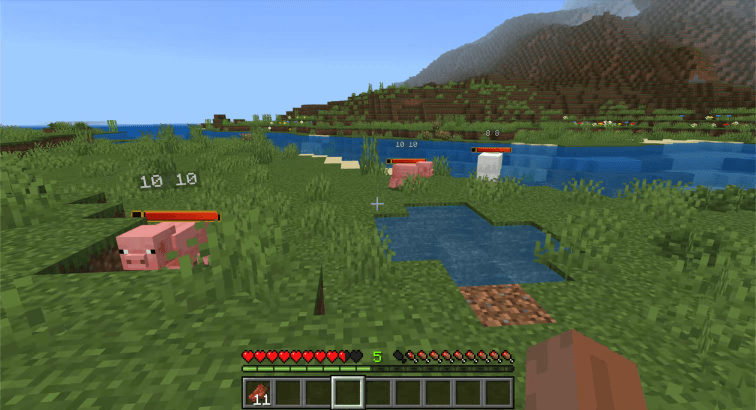
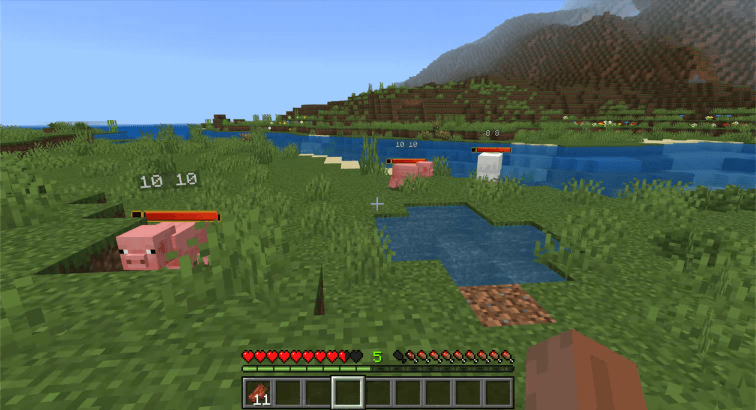
Show health bars above mobs when they take damage in Minecraft Bedrock.
Screen 6.png
Description
⚠️ Minecraft Bedrock 26.50 or newer is required for Health Bars 1.2.0+
⚠️ Damage Numbers is a separate add-on, but it can be used together with Health Bars.
See how much health a mob has left without opening a menu or guessing from combat.
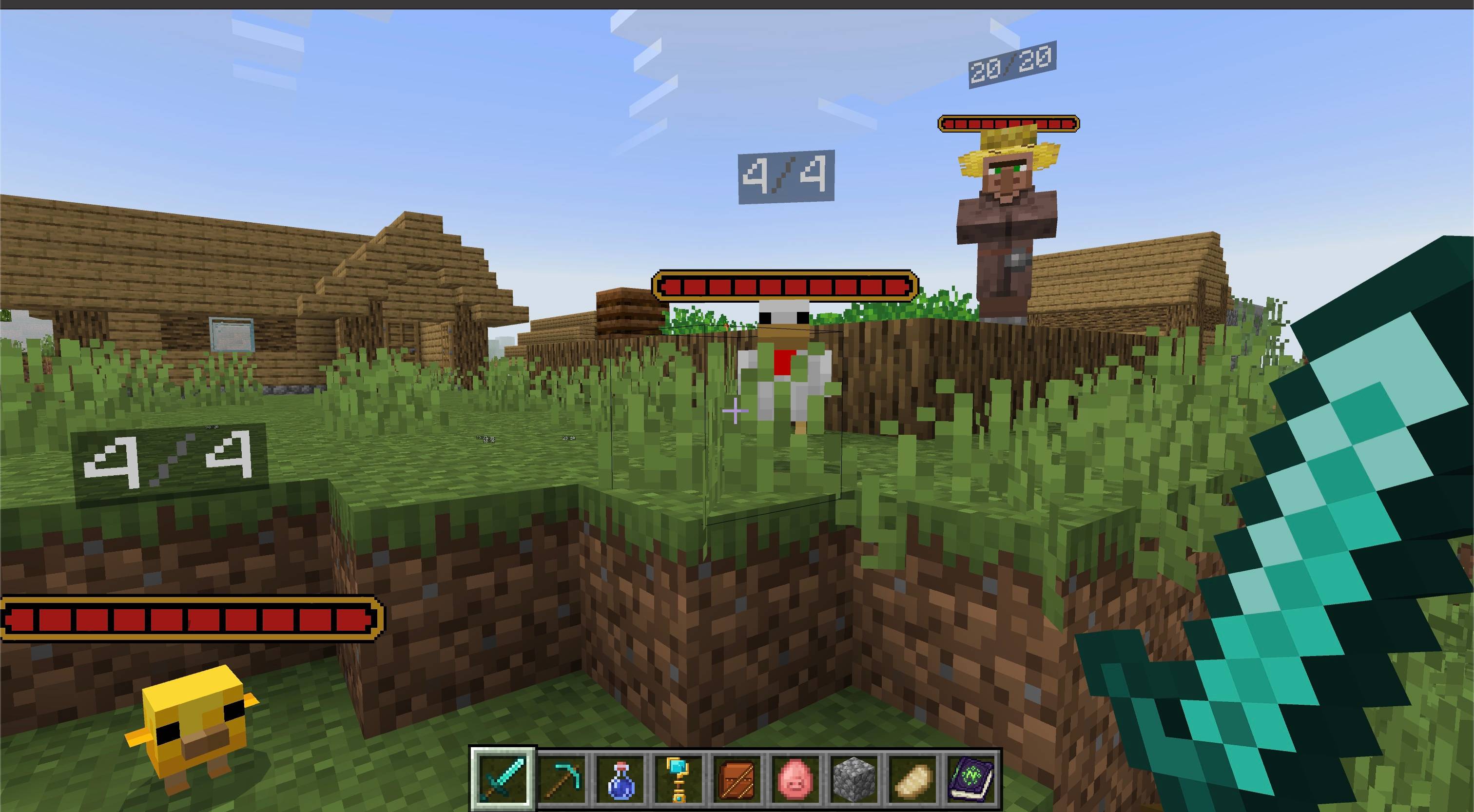
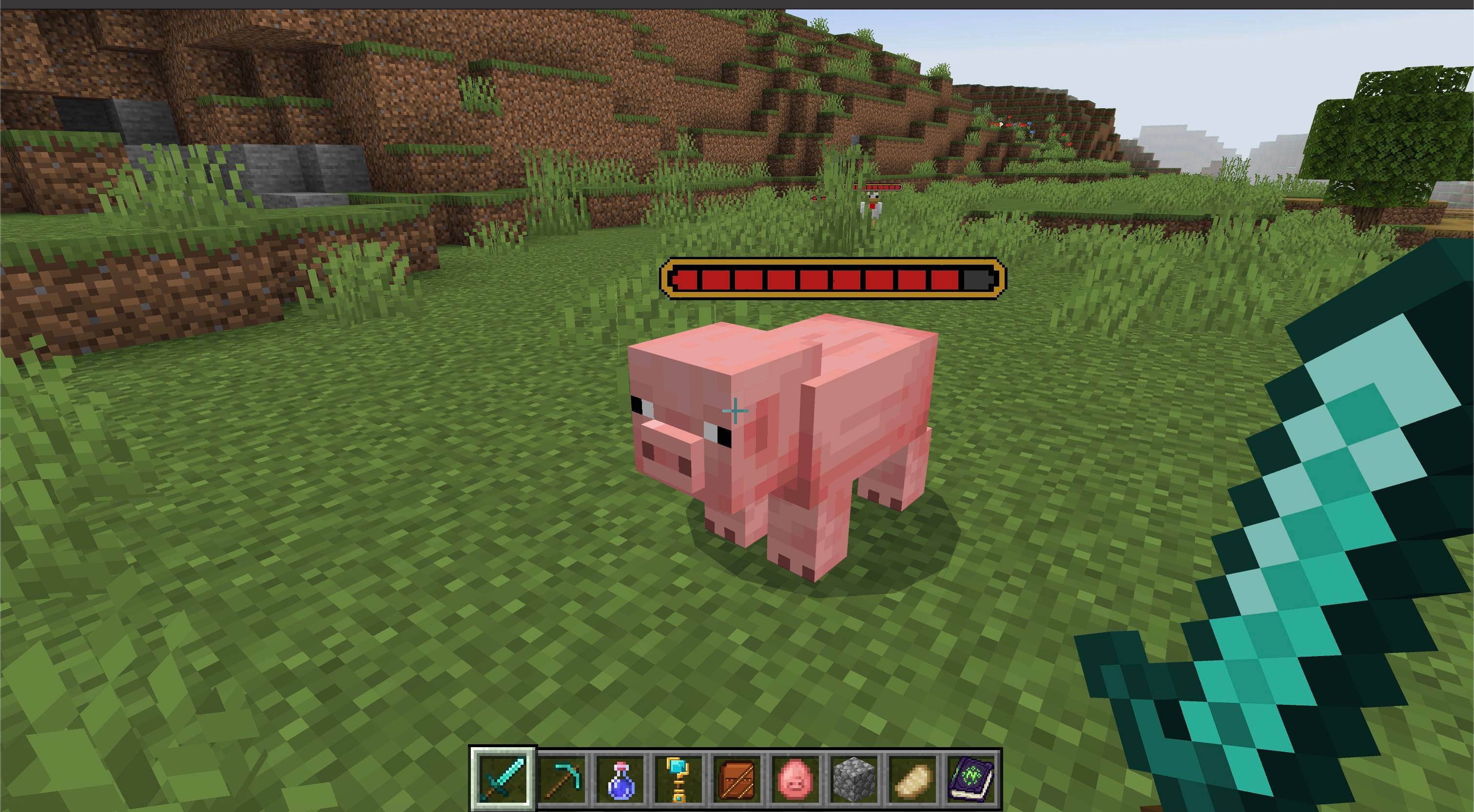
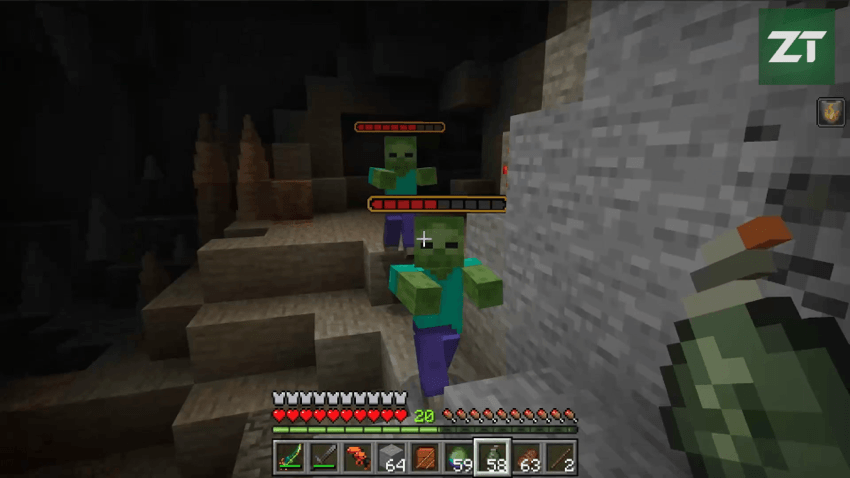
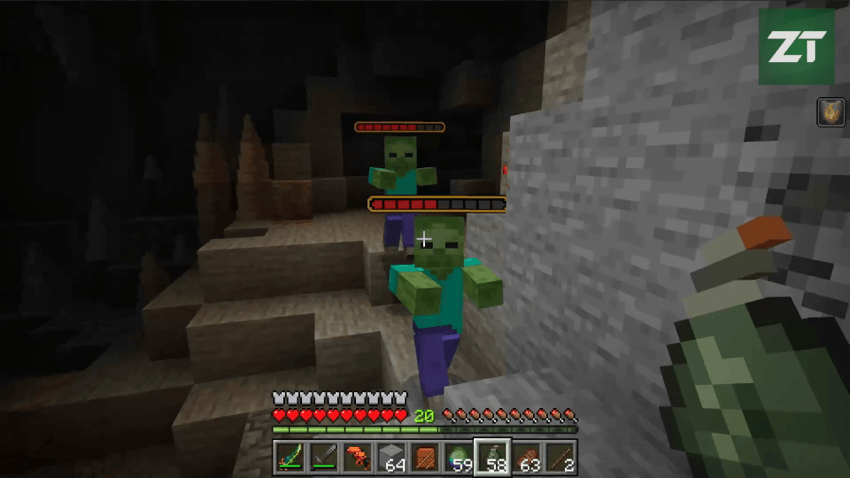
Health Bars adds a lightweight pixel-art combat UI layer to Minecraft Bedrock. When a mob takes damage, a health bar appears above it, updates as health changes, and disappears after a short configurable delay.
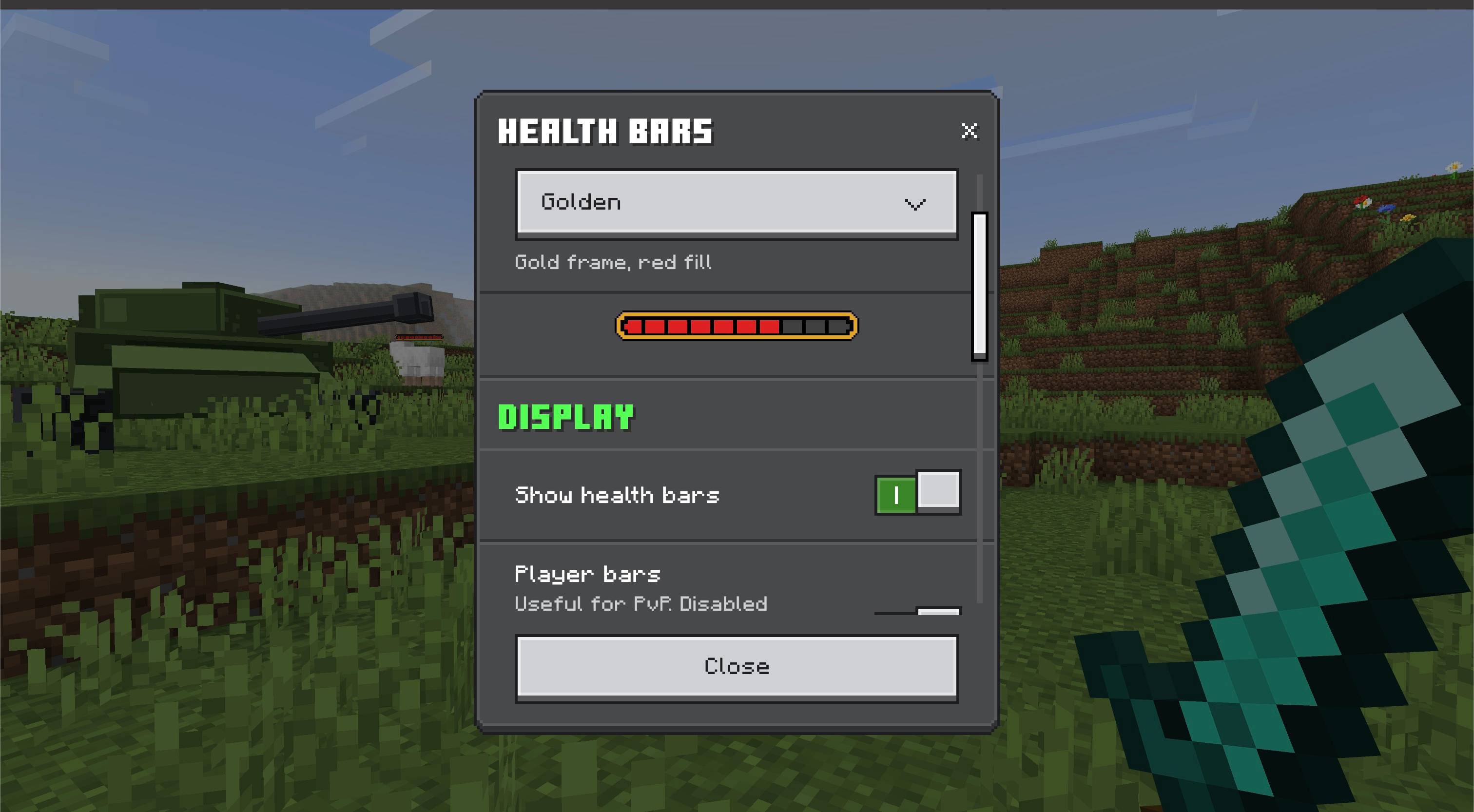
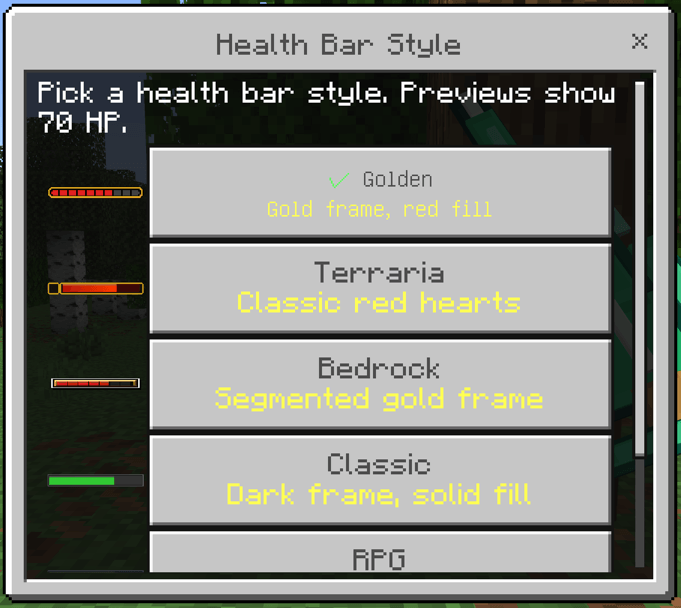
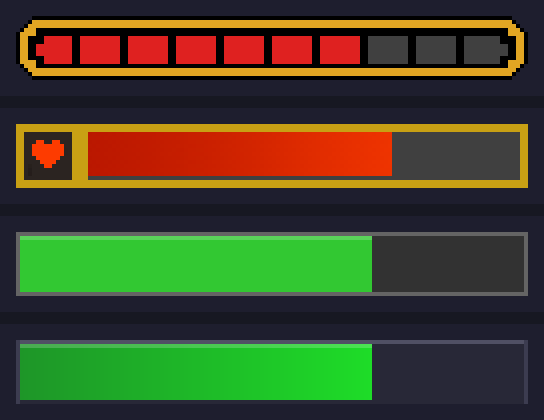
The add-on includes four visual styles, optional player bars for PvP worlds, an optional HP number display, and an in-game settings menu opened with a command.
Features
- Shows pixel-art health bars above mobs after damage
- Updates the bar as the mob's health changes
- Four built-in visual styles: Golden, Simple, Classic, and RPG
- Optional player health bars for PvP and multiplayer worlds
- Optional HP number display with current and max health
- On-hit mode keeps bars temporary and clean by default
- Always-visible mode can keep tracked bars on screen
- One responsive in-game settings screen with live style previews
- Settings are saved per world
- Lightweight behavior/resource pack pair
How to use
Install the .mcaddon, activate both the Behavior Pack and Resource Pack in your world, then fight normally.
When a mob takes damage, a health bar appears above it. The bar updates while the mob is alive and removes itself after the configured delay. Player bars are disabled by default so your own bar does not clutter normal gameplay.
Open the settings screen with:
/ztp:health-bars
/ztp:hb
The settings command is available to all players without operator permissions. Choose the style, display, and visibility options on the same screen. Changes are saved automatically, including when the screen is closed.
Notes
Health bars are cosmetic only and do not change combat balance, mob health, damage, or loot.
The add-on uses a small scripted marker entity and a resource-pack billboard model to render the bar above the target. If you change settings, they apply to that world only.
Requirements
- Minecraft Bedrock Edition 26.50 or newer for Health Bars 1.2.0+
- No additional behavior pack dependencies required

The Health Bars | Combat UI Team


Owner