FlameSight | Adjustable Low Fire
- By
Choose between four low fire heights for a clearer Minecraft Bedrock view in PvP, survival, and the Nether while keeping normal and soul fire animated.
Description
About
FlameSight reduces the fire covering your screen and lets you choose exactly how low it should be.
The pack keeps the familiar animated look of normal and soul fire while offering four practical height presets. Use a tiny flame for maximum visibility, a balanced option for survival, or switch back to the full vanilla height without installing another pack.
Features
- Four selectable fire-height presets: Minimal, Low, Balanced, and Vanilla
- Low mode selected by default for clear visibility without hiding fire completely
- Reduces both normal fire and blue soul fire
- Preserves the original animated flame style
- Improves visibility during PvP, survival combat, Nether exploration, and building
- Pure resource pack with no scripts, behavior pack, cheats, or experiments
- Can be activated through Global Resources for client-side use
- Compatible with Vibrant Visuals and does not disable it for the world
- Lightweight 16× textures
How to use
- Download and open the
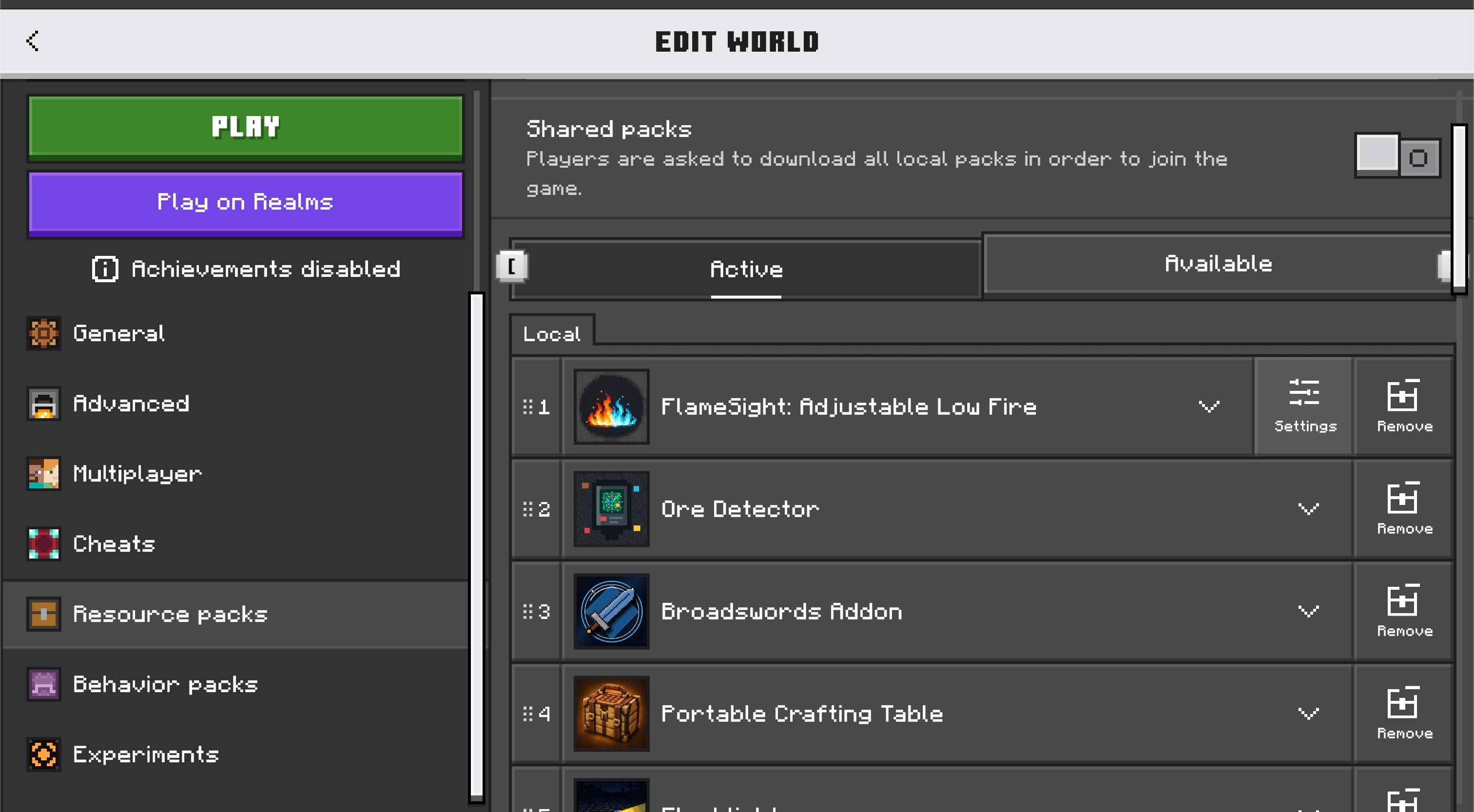
.mcaddonfile to import FlameSight into Minecraft Bedrock. - Open Global Resources, or edit a world and open Resource Packs.
- Activate FlameSight: Adjustable Low Fire.
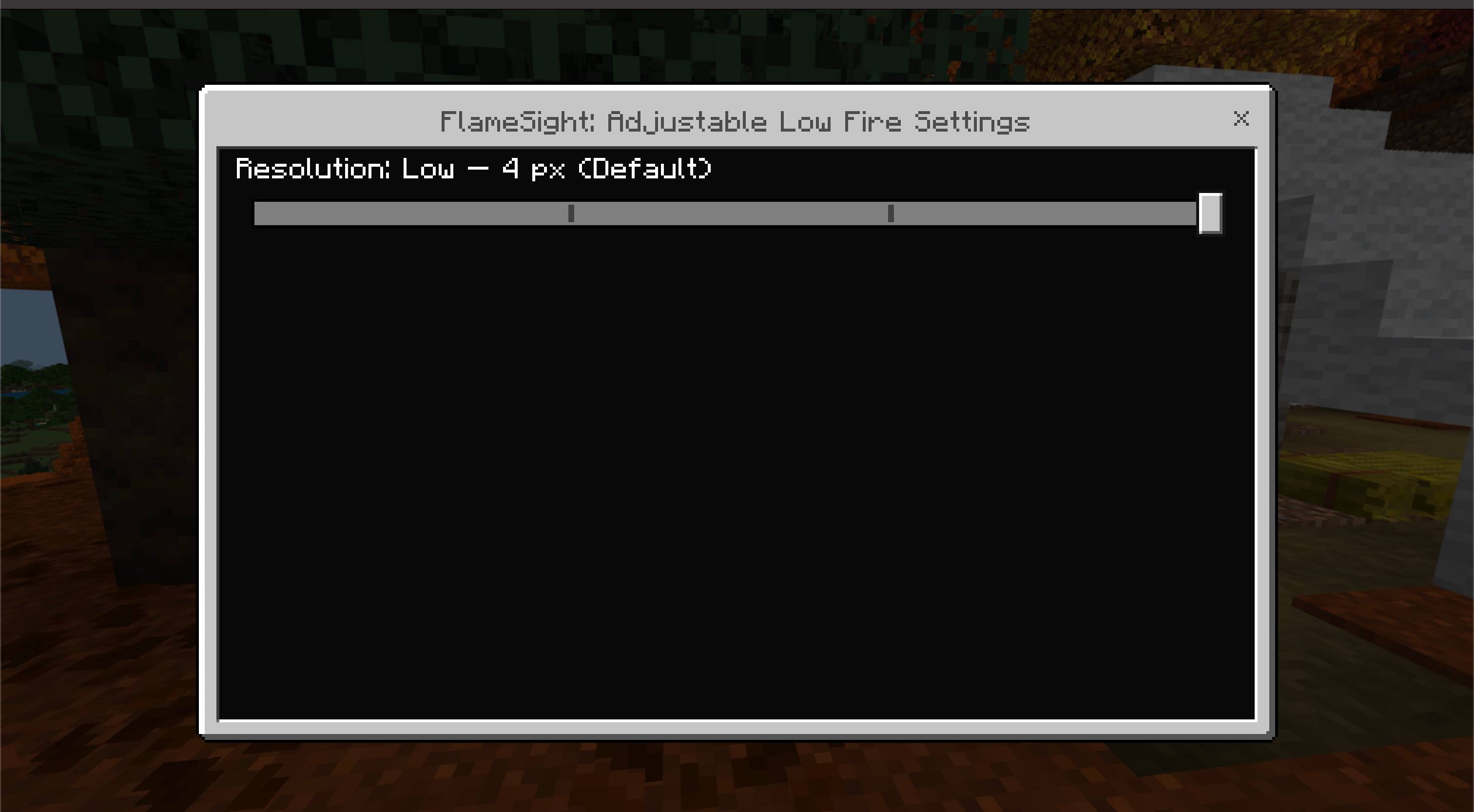
- Select the gear icon beside the active pack.
- Choose one of the four modes:
- Minimal — 2 px: Maximum visibility with a very small flame.
- Low — 4 px (Default): Clear view while keeping fire easy to notice.
- Balanced — 8 px: A middle ground between visibility and the vanilla appearance.
- Vanilla — 16 px: Restores the complete vanilla flame height.
- Reload the world after changing modes. If Minecraft keeps the previous texture in memory, restart the game once.
Notes
- FlameSight changes fire visuals only. Fire damage, duration, spread, light, and gameplay mechanics are unchanged.
- Another resource pack that replaces
fire_0,fire_1,soul_fire_0, orsoul_fire_1can override FlameSight depending on pack order. - Servers and Realms that enforce their own resource packs may override Global Resources.
Requirements
- Minecraft Bedrock Edition 1.26.50 or newer
- No external dependencies
- No experimental settings required

The FlameSight | Adjustable Low Fire Team


Owner