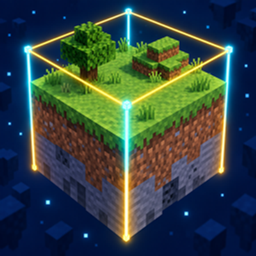
Inspect blocks and entities instantly without opening menus or interrupting gameplay.
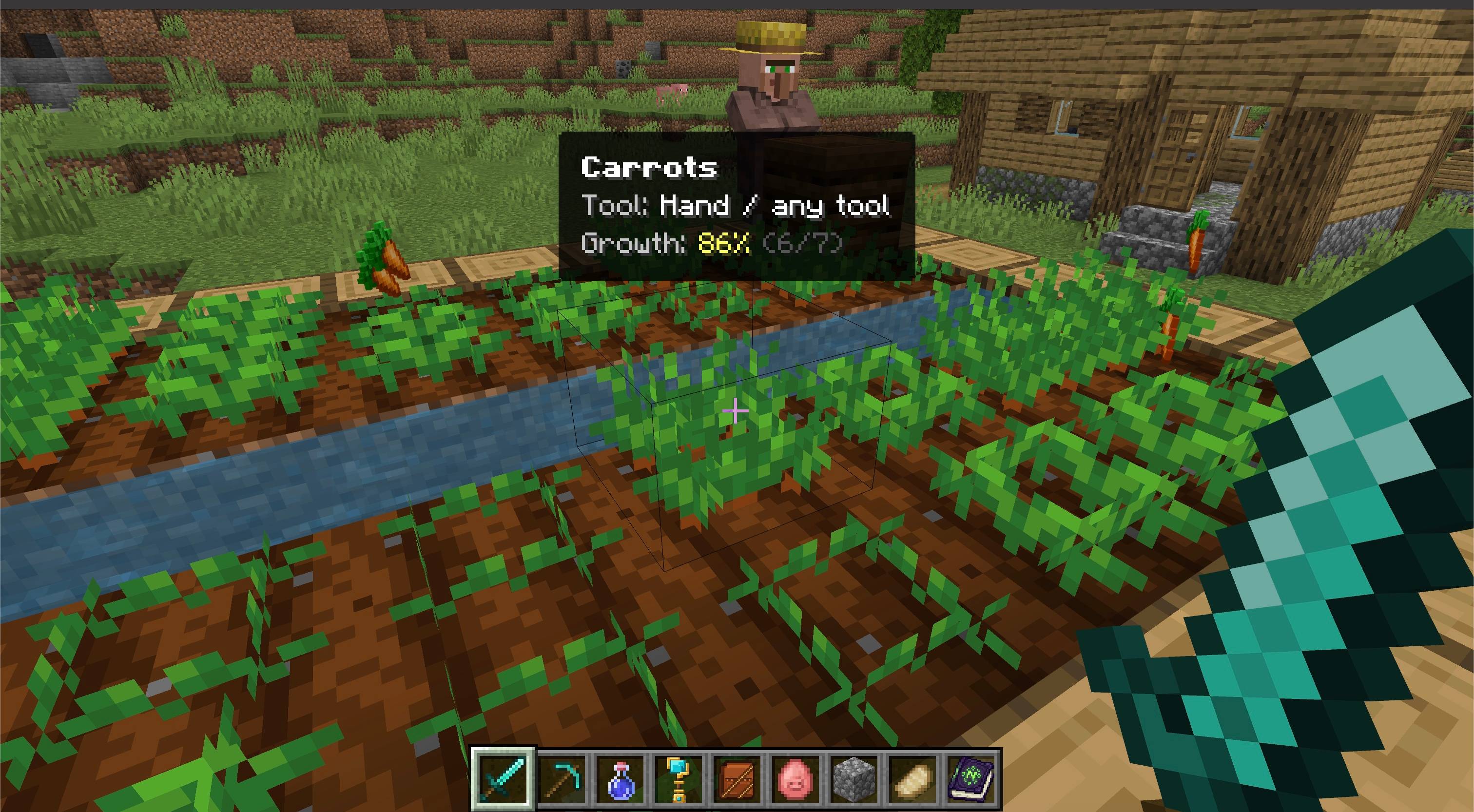
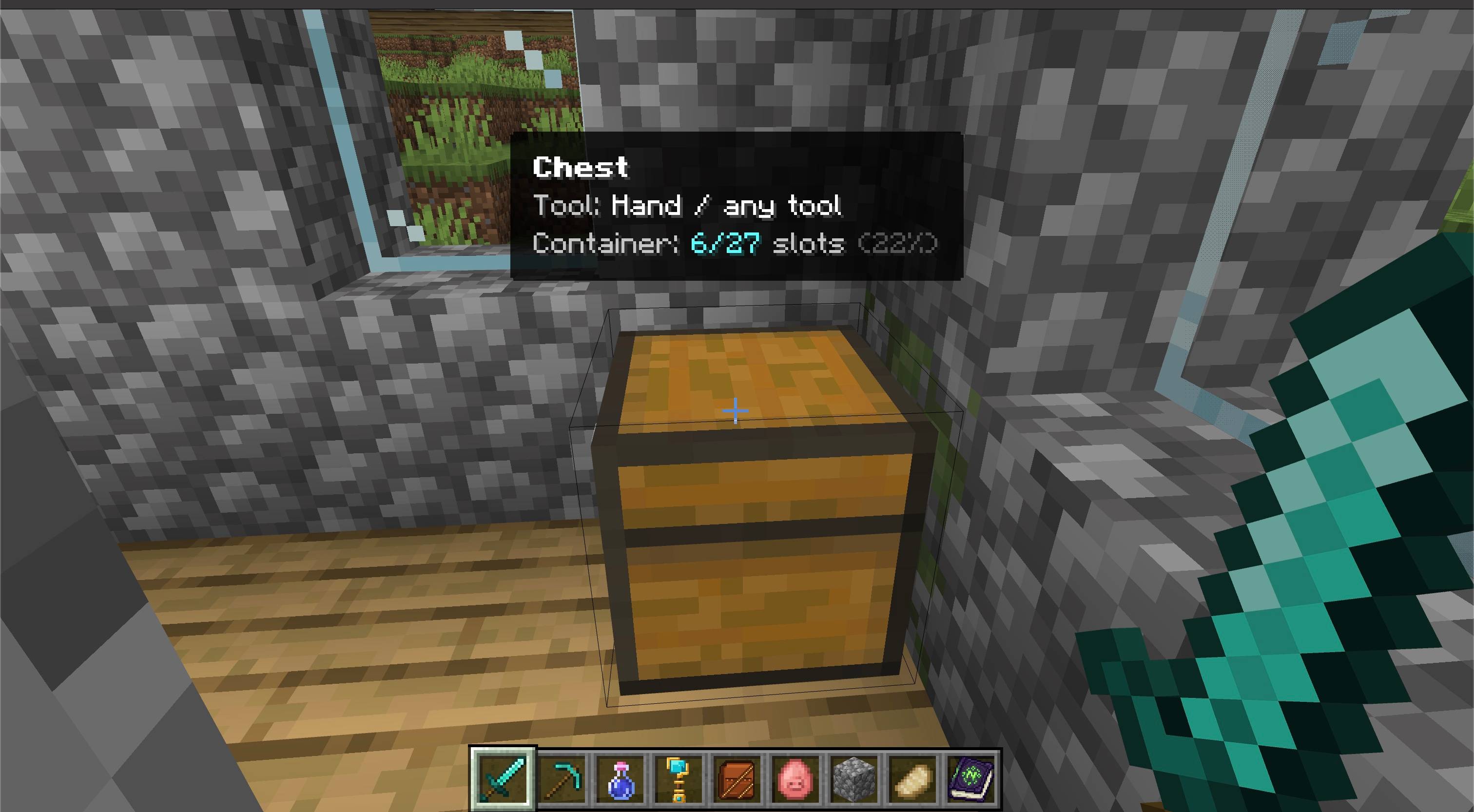
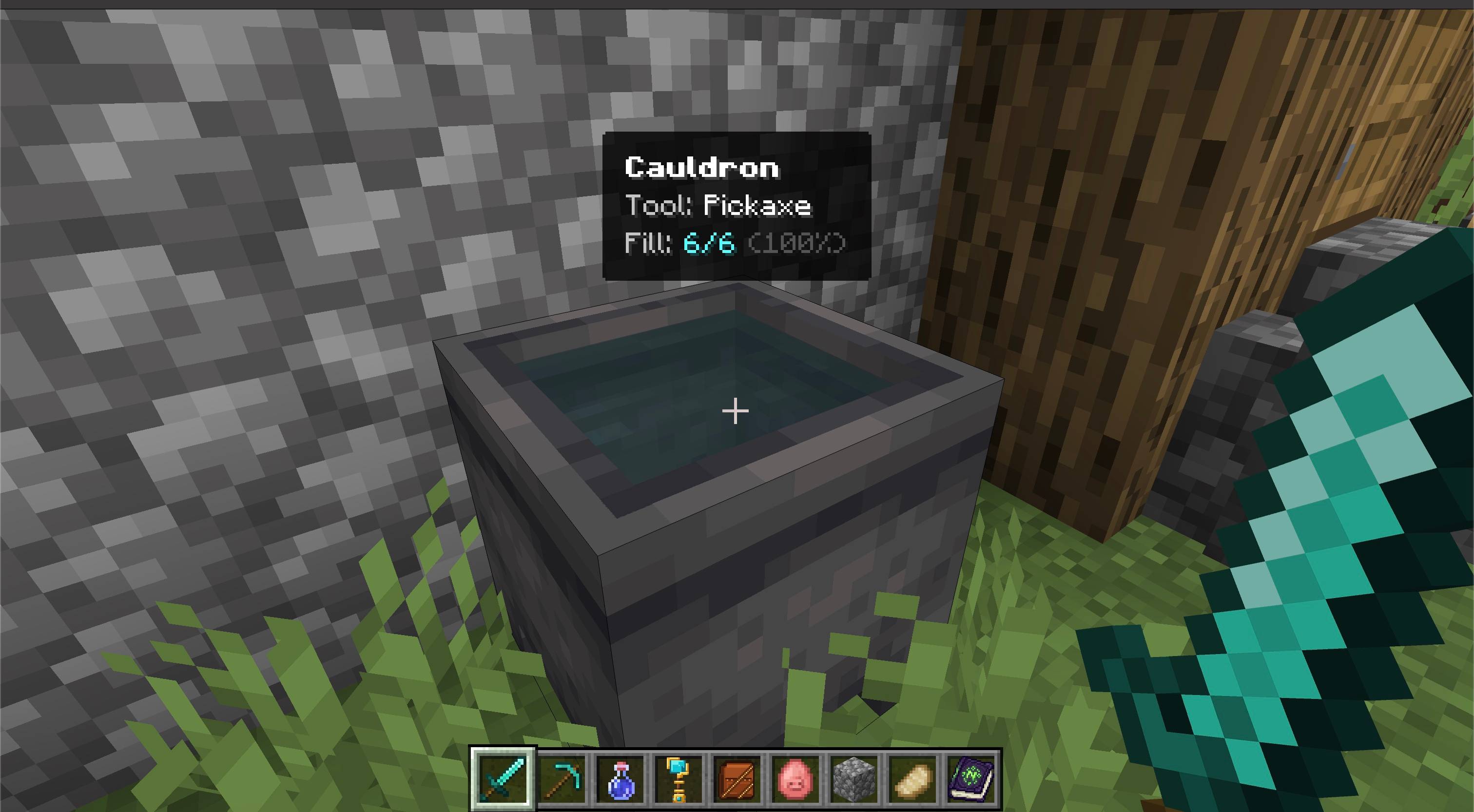
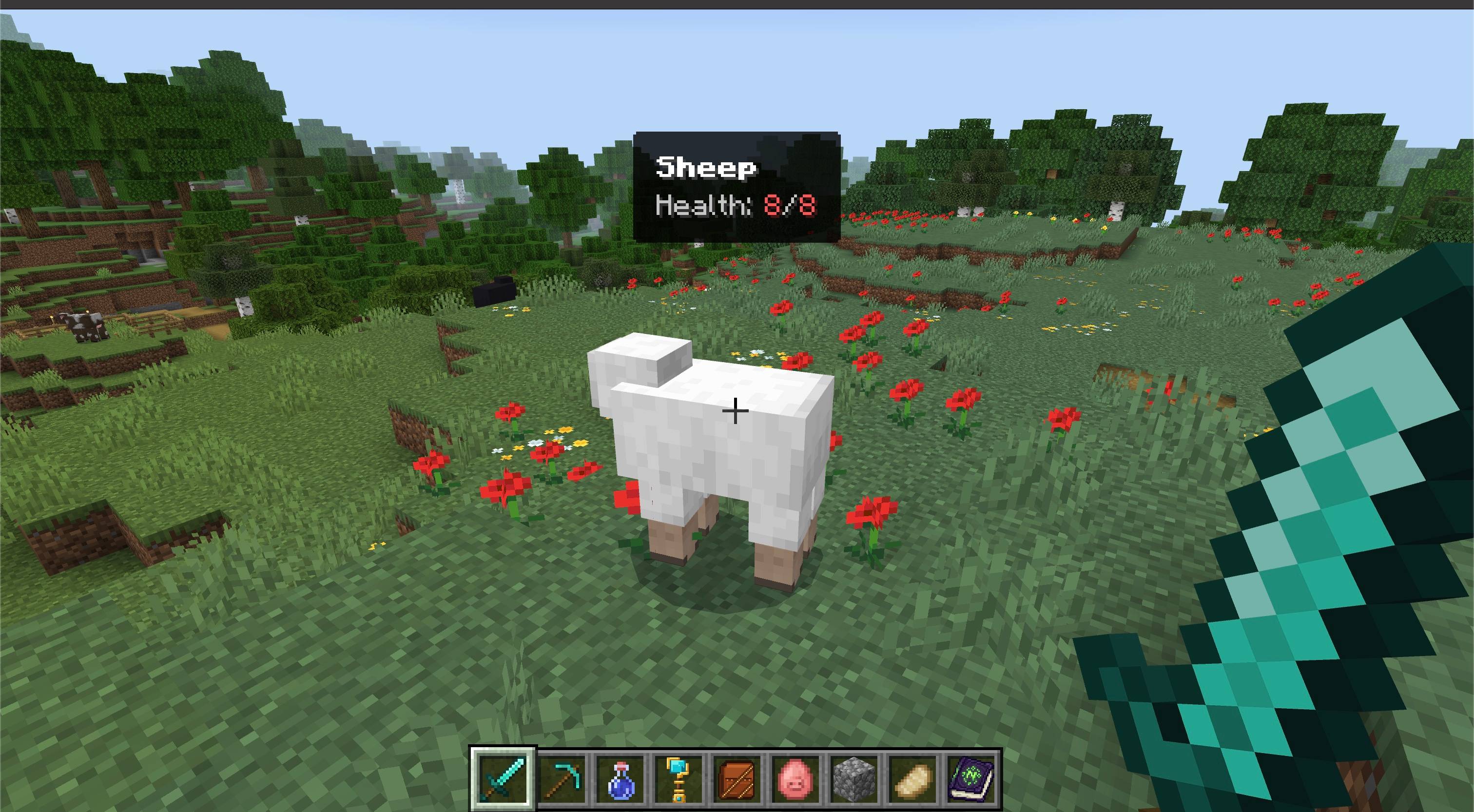
Inspect HUD adds a compact information panel for whatever is under your crosshair. Check the right tool before mining, see whether a crop is mature, inspect container space, read redstone strength, or check an entity's health with one quick look.
Features
- Localized names — identifies blocks, mobs, players, and dropped items using their translated or custom names.
- Correct tool — recommends a pickaxe, axe, shovel, hoe, shears, or sword through standard Bedrock tool tags.
- Crop maturity — shows growth percentage and exact stage for vanilla crops and compatible custom crops.
- Container fill — reports occupied slots for chests, barrels, hoppers, furnaces, and other inventory blocks.
- Special fill levels — reads composters, cauldrons, beehives, bee nests, and respawn anchors.
- Redstone power — shows the current signal strength from 0 to 15 when applicable.
- Entity details — displays health plus baby and tamed states when available.
- Dropped items — identifies the item and shows its stack count.
- Personal toggle —
/inspect or /ztp:inspect turns the HUD off or on for the player who runs it and remembers the choice.
- Add-on friendly — supports compatible custom blocks and entities that use standard localization, components, crop states, and tool tags.
- Lightweight — updates only the compact HUD payload when the inspected information changes.
How to use
- Import the
.mcaddon file into Minecraft Bedrock.
- Activate both the Inspect HUD Behavior Pack and Resource Pack for your world.
- Look at a block, mob, player, or dropped item within seven blocks.
- Read the information panel at the top of the screen.
- Run
inspect or /ztp:inspect whenever you want to hide or restore the panel.
Notes
- The toggle command does not require cheats or operator permission.
- Each multiplayer participant controls their own HUD independently.
- Both included packs are required: the Behavior Pack reads target data and the Resource Pack renders the custom HUD.
- No experimental toggles are required.
- Compatible custom content should use standard Bedrock components, localization keys, crop states, and tool-destructibility tags.
Requirements
- Minecraft Bedrock Edition 26.40 or newer
- Inspect HUD Behavior Pack and Resource Pack must both be active
- No external add-on dependency required