GeoGen — Geography Generator
GeoGen is a stable, native chunk pregeneration tool for Minecraft Bedrock Edition and Minecraft Education, created by Johny Redstone.
GeoGen allows world owners, educators, Realm administrators, and Bedrock Dedicated Server operators to generate large areas of a world before players or students explore them.
Pregenerating terrain can reduce the performance spikes and terrain-generation lag that normally occur when Minecraft creates new chunks for the first time.
GeoGen uses Minecraft's own world-generation engine and stable scripting systems. It does not directly manipulate LevelDB world files, require Beta APIs, or require experimental gameplay features.
Minecraft Bedrock & Minecraft Education
GeoGen is designed for use with both Minecraft Bedrock Edition and Minecraft Education environments that support the required stable scripting features.
The same GeoGen interface and generation system can be used to prepare survival worlds, multiplayer worlds, classroom worlds, exploration areas, and other large Minecraft environments ahead of time.
For educators, this means lesson areas can be prepared before students enter the world, allowing class time to focus on exploration and activities rather than first-time terrain generation.
Multilingual Support
GeoGen includes full multilingual interface support through the companion GeoGen Language Resources pack.
The GeoGen Tool, configuration menus, dimensions, shapes, traversal modes, queue, presets, history, status screens, tooltips, validation messages, progress information, and other user-facing text automatically follow the player's selected Minecraft language.
GeoGen currently supports all 29 language locales available through Minecraft Bedrock's add-on localization system, including English, Spanish, French, German, Italian, Portuguese, Russian, Chinese, Japanese, Korean, Dutch, Polish, Turkish, Ukrainian, Swedish, Danish, Finnish, Czech, Greek, Hungarian, Indonesian, Norwegian, Slovak, Bulgarian, and supported regional variants.
This allows administrators, international communities, and Minecraft Education classrooms to use the same GeoGen installation while each player sees the interface in their own supported Minecraft language.
The language Resource Pack is linked directly to GeoGen and is designed to remain compatible with Vibrant Visuals.
Native Chunk Pregeneration
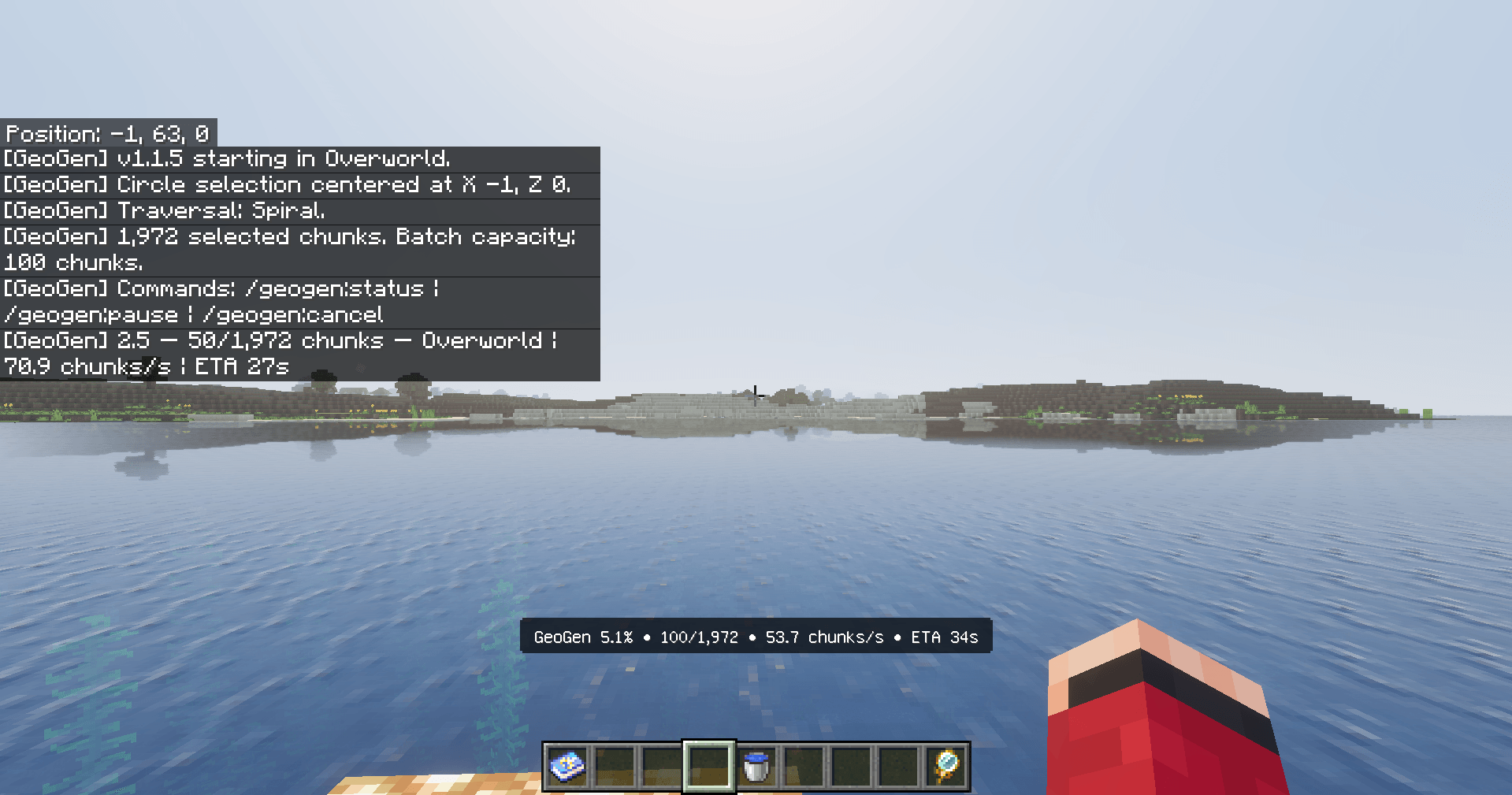
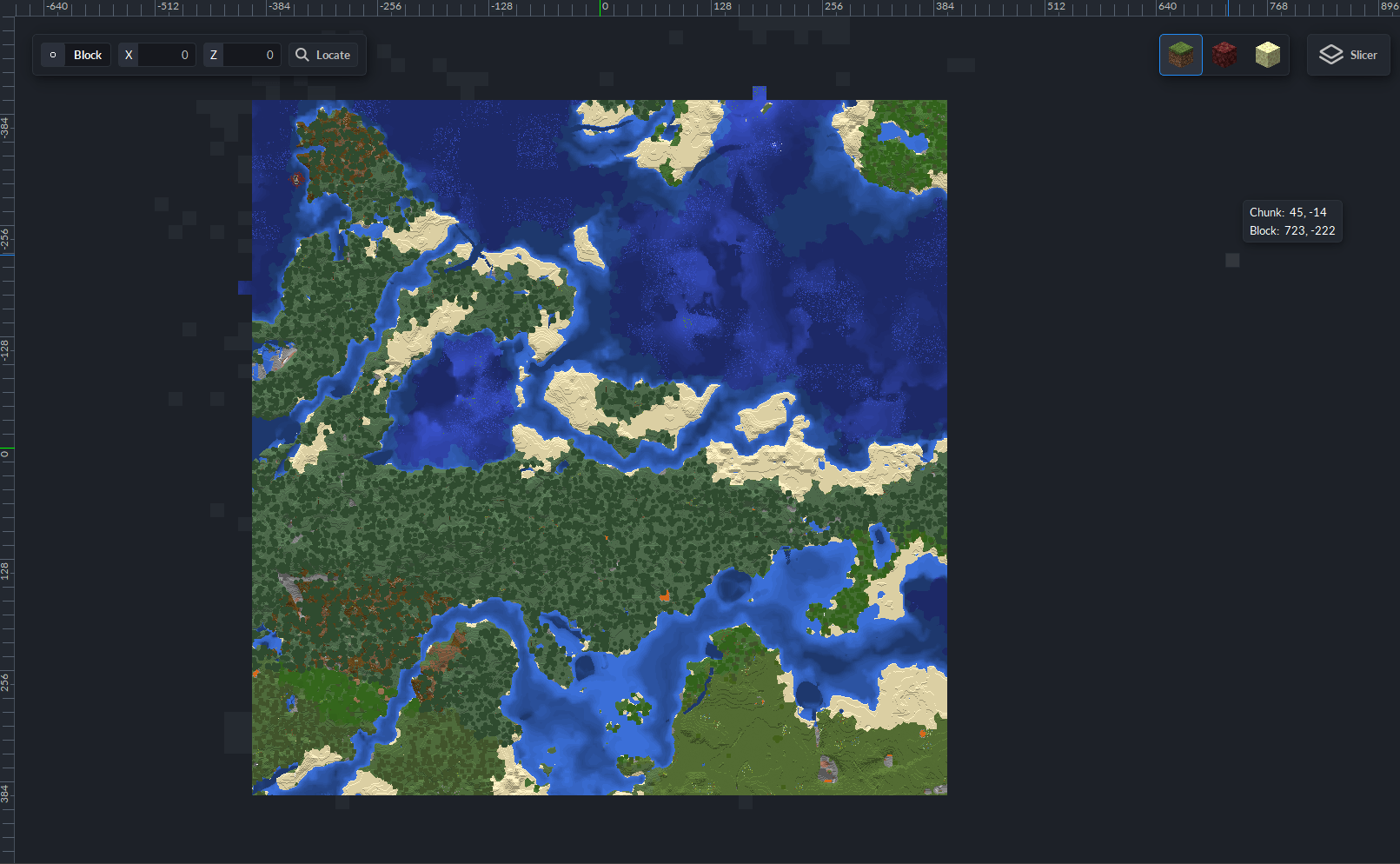
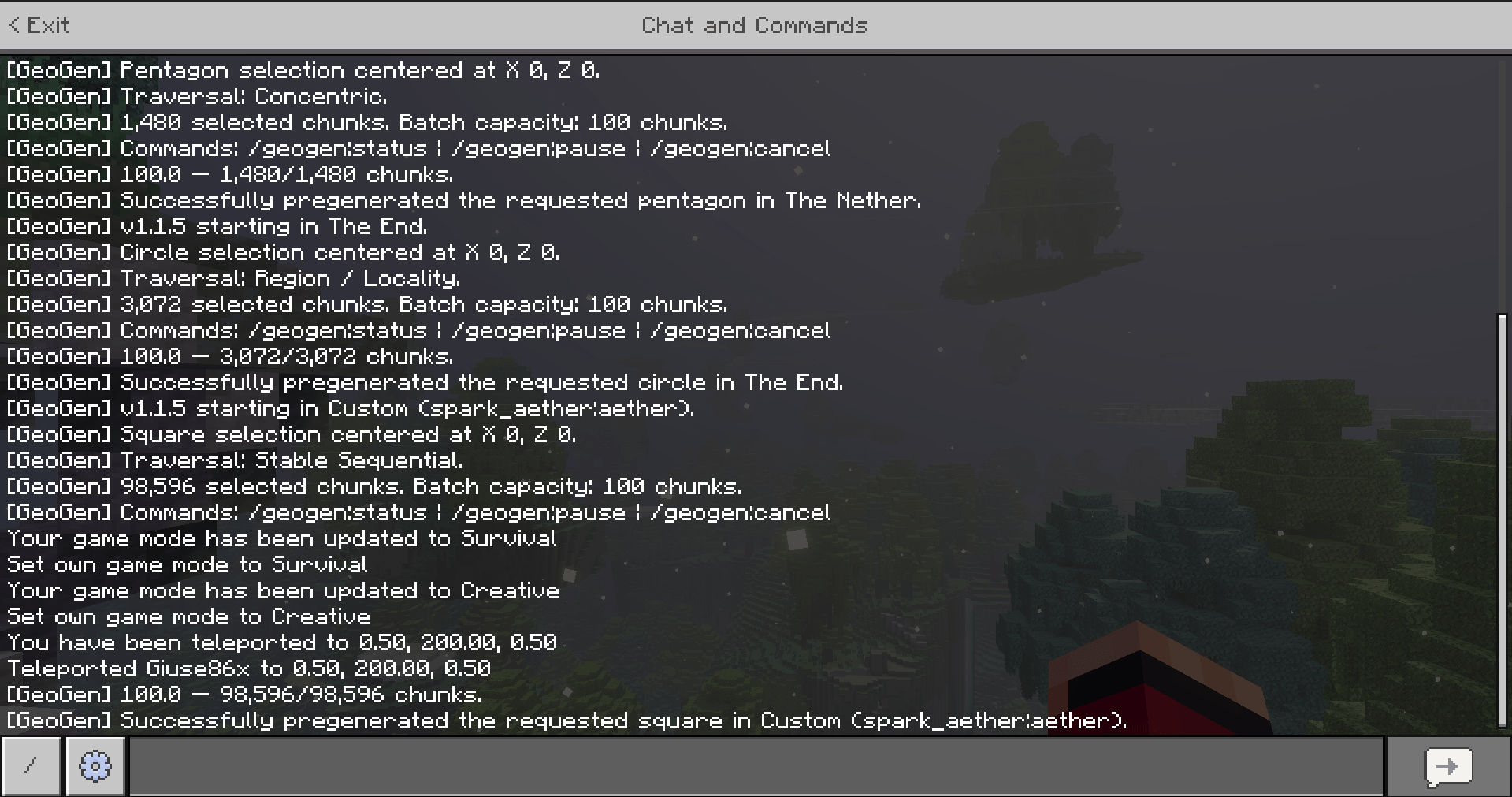
GeoGen asks Minecraft's own engine to load, generate, and save selected chunks ahead of player exploration.
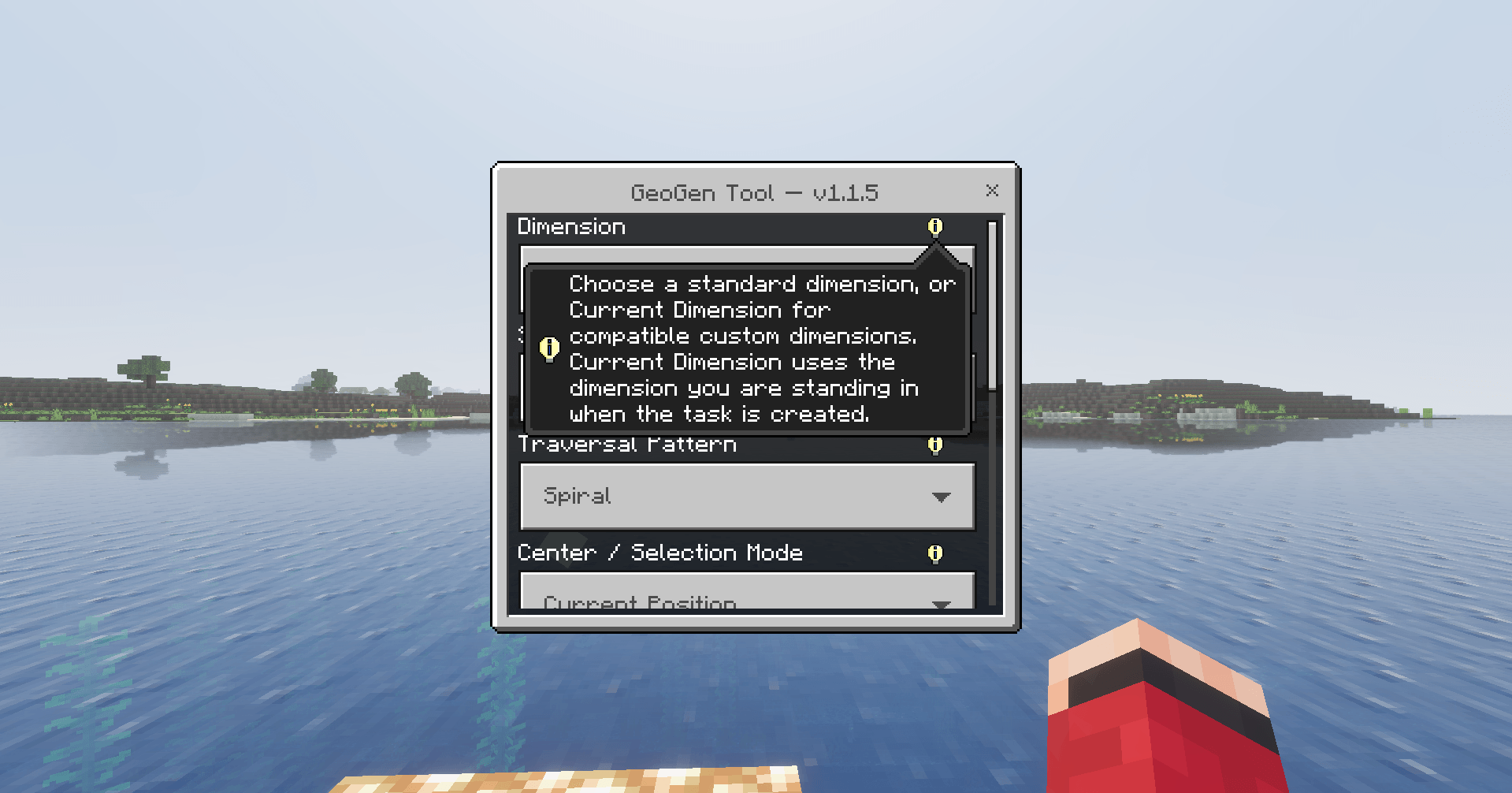
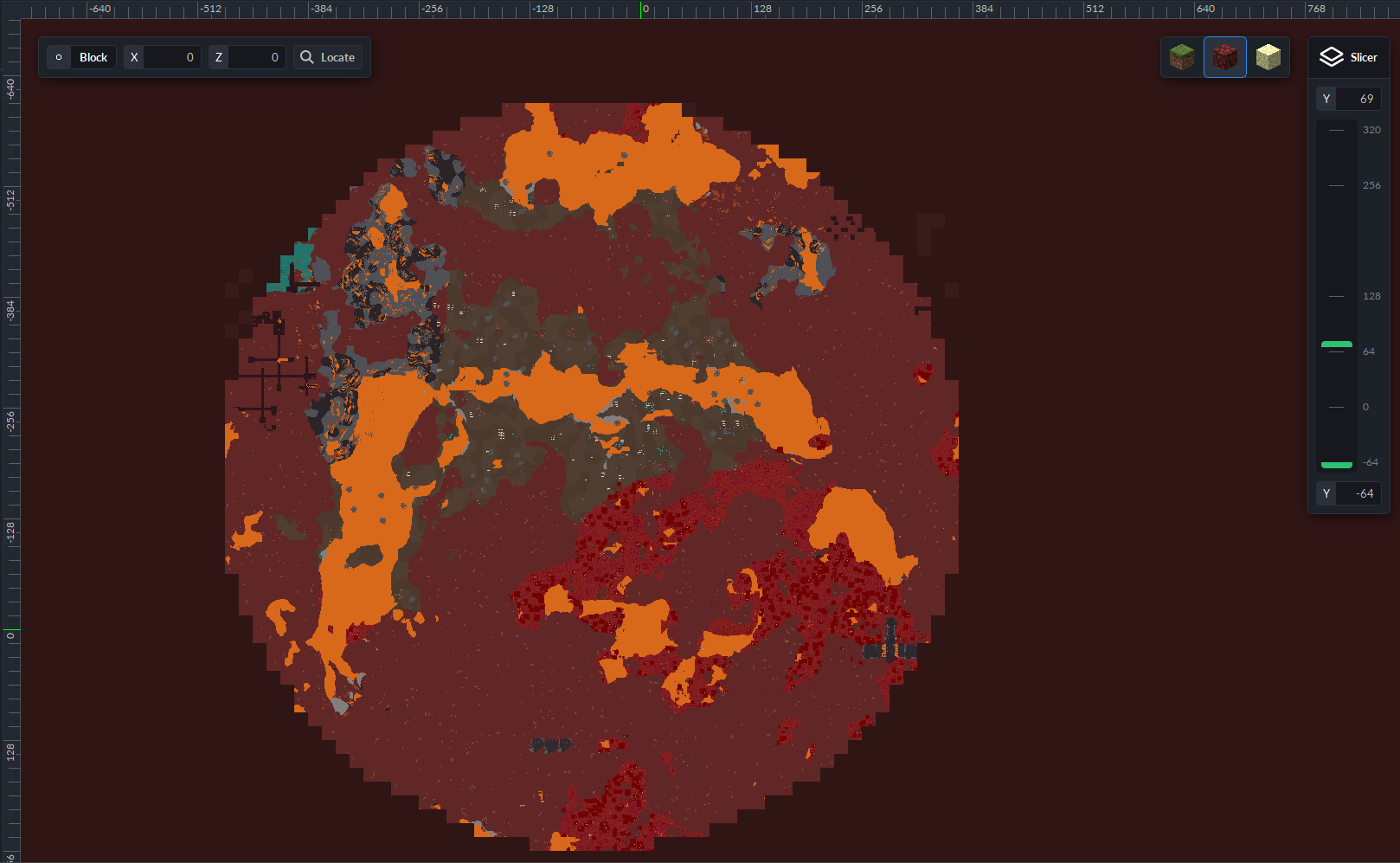
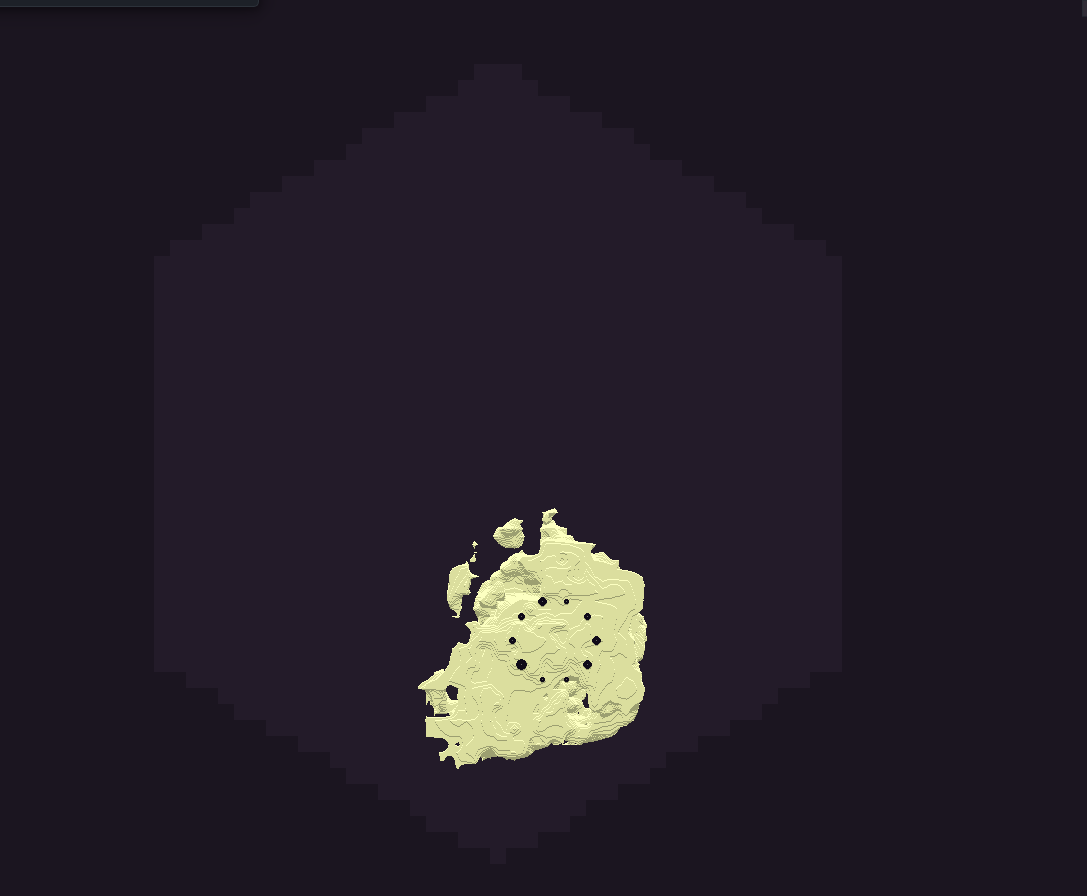
Supported dimension options include Overworld, The Nether, The End, and Current Dimension.
Current Dimension uses the dimension the administrator or educator is standing in when the task is created, including compatible custom dimensions exposed through Minecraft's scripting system.
GeoGen does not permanently keep these chunks loaded and does not increase render distance. The terrain is simply generated and saved so Minecraft can load it normally when players or students later enter the area.
Selection Shapes
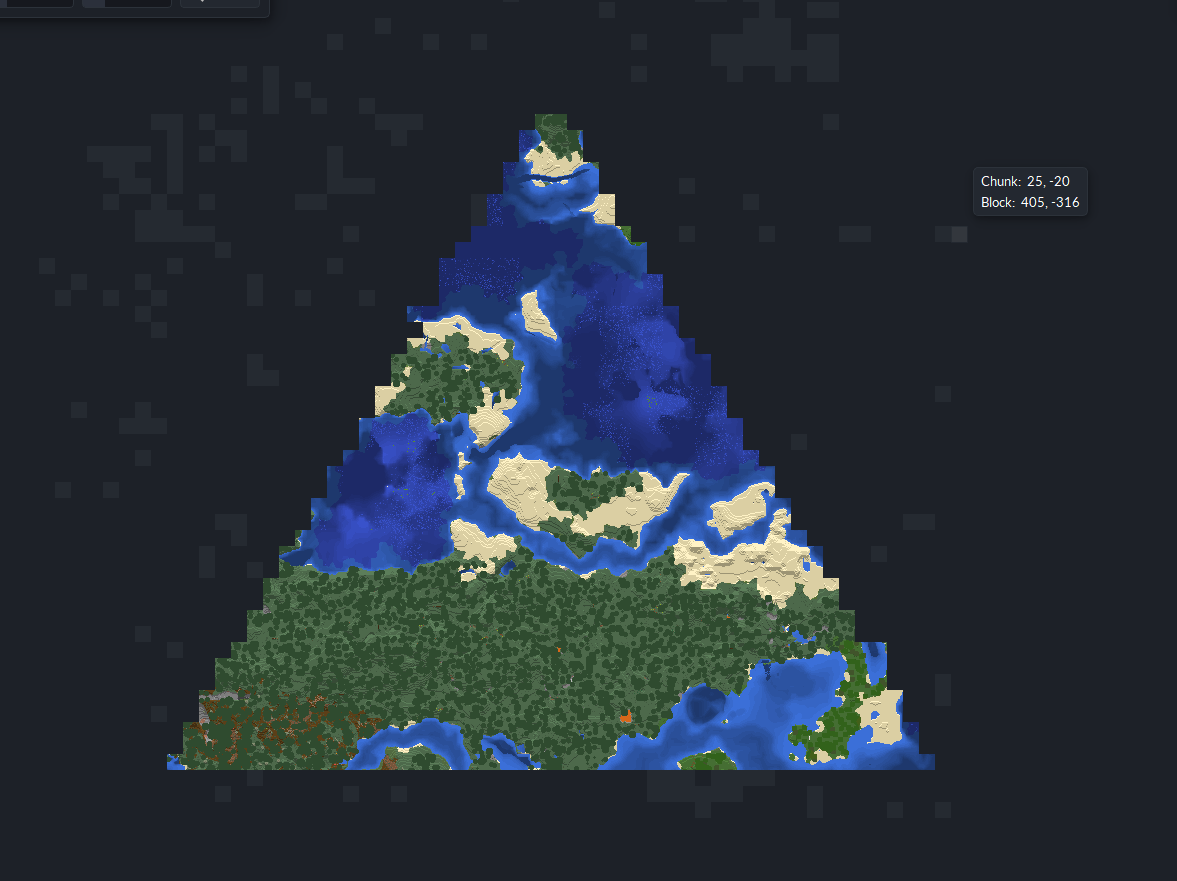
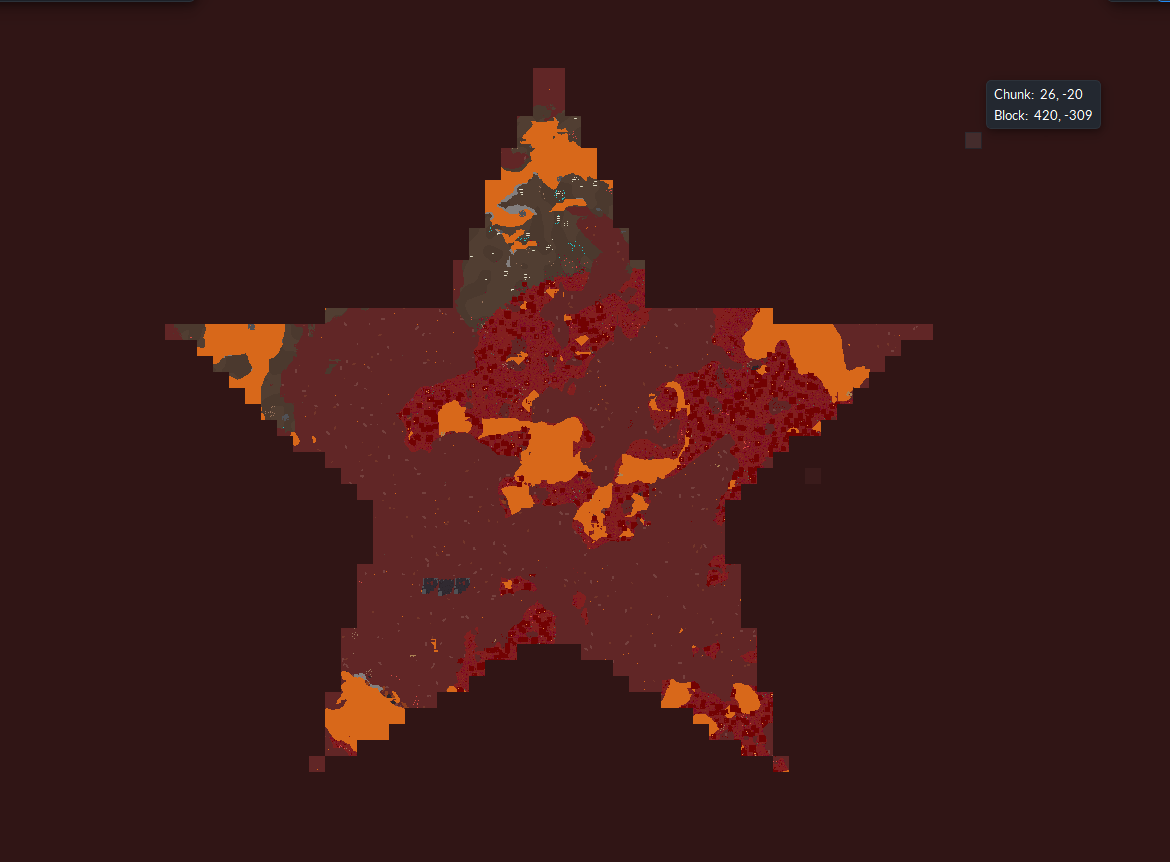
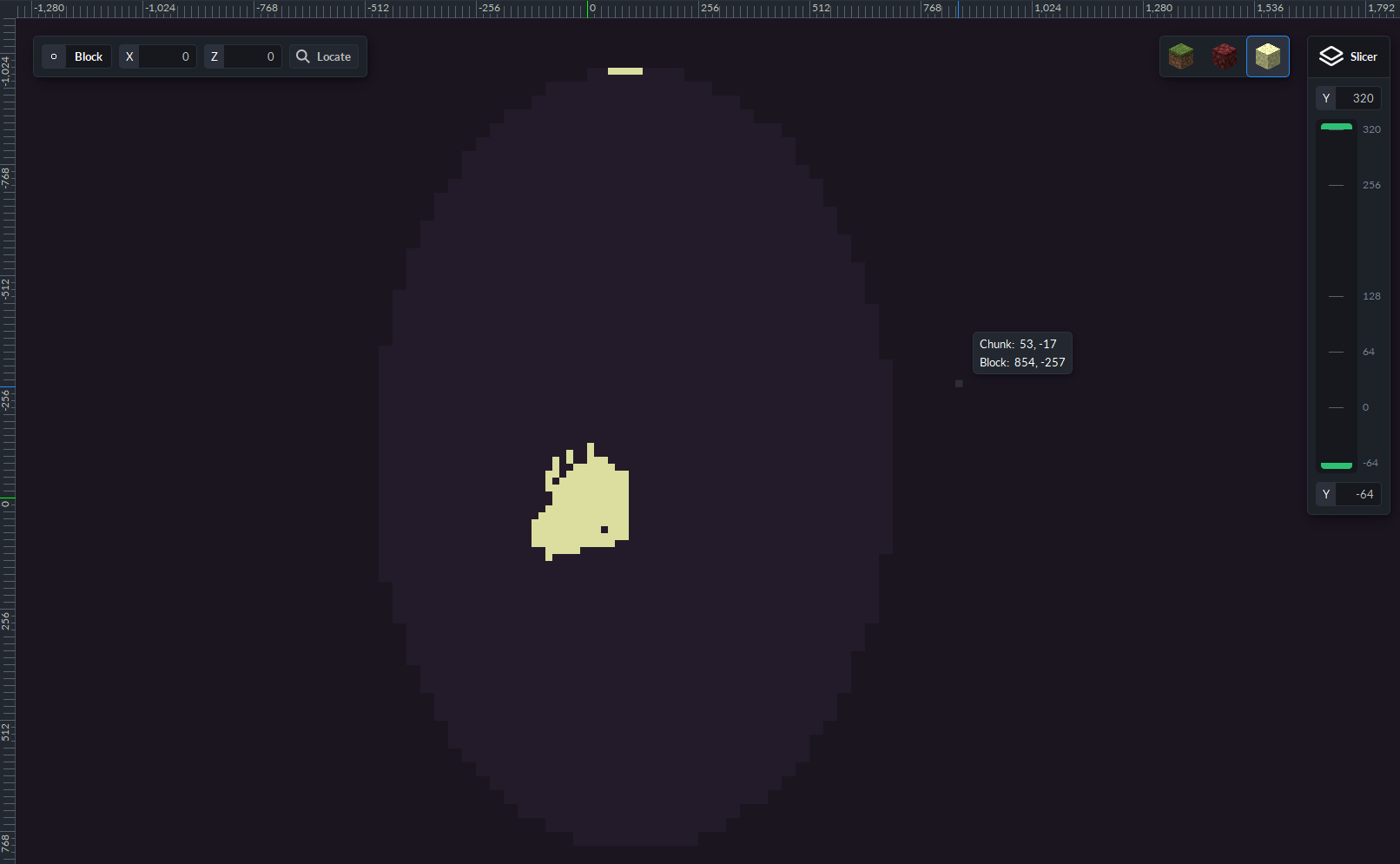
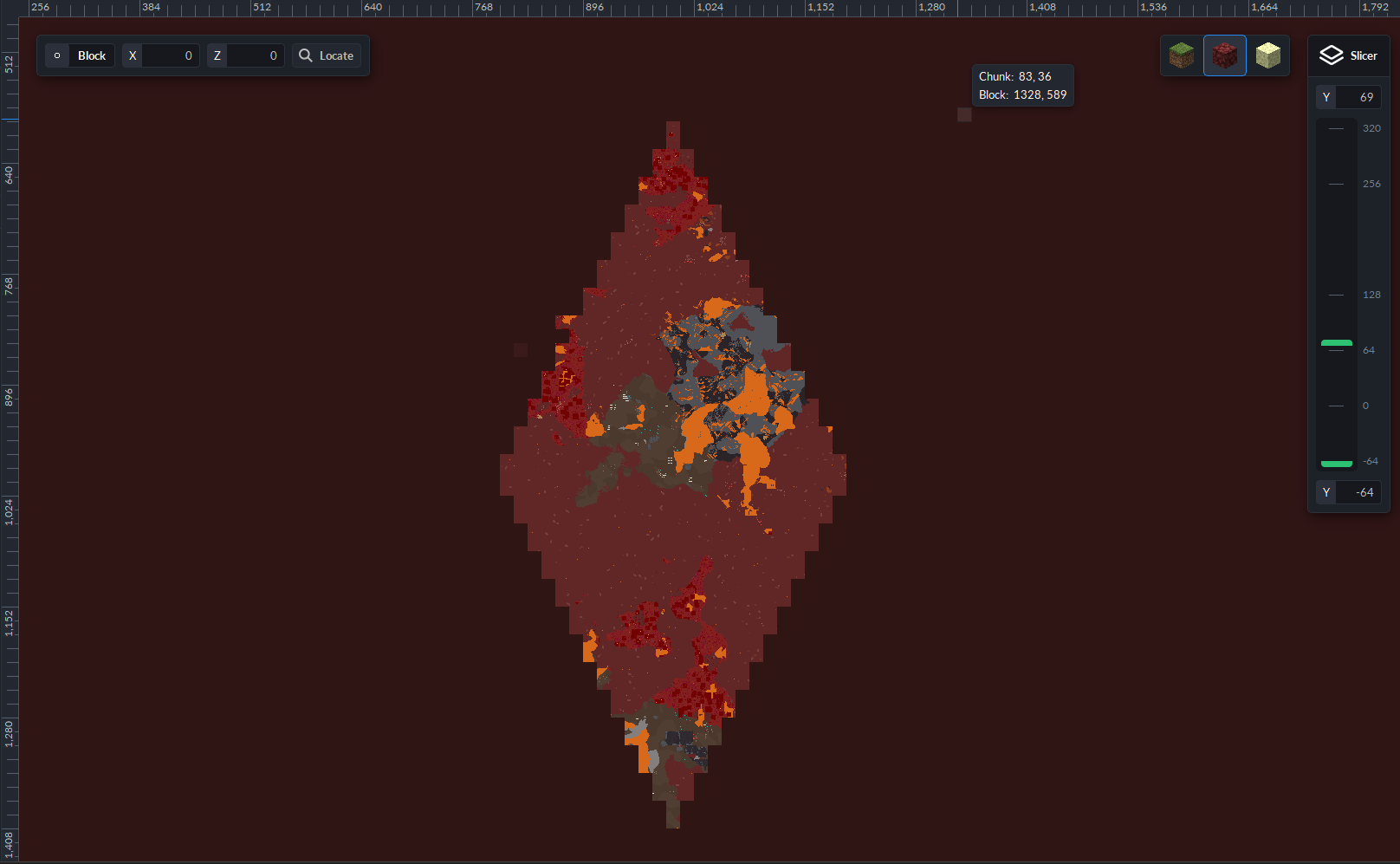
GeoGen supports Square, Rectangle, Circle, Ellipse, Diamond, Triangle, Pentagon, Hexagon, and Star generation areas.
This allows you to prepare only the portion of the world you actually need instead of always generating one large square region.
Flexible Center Selection
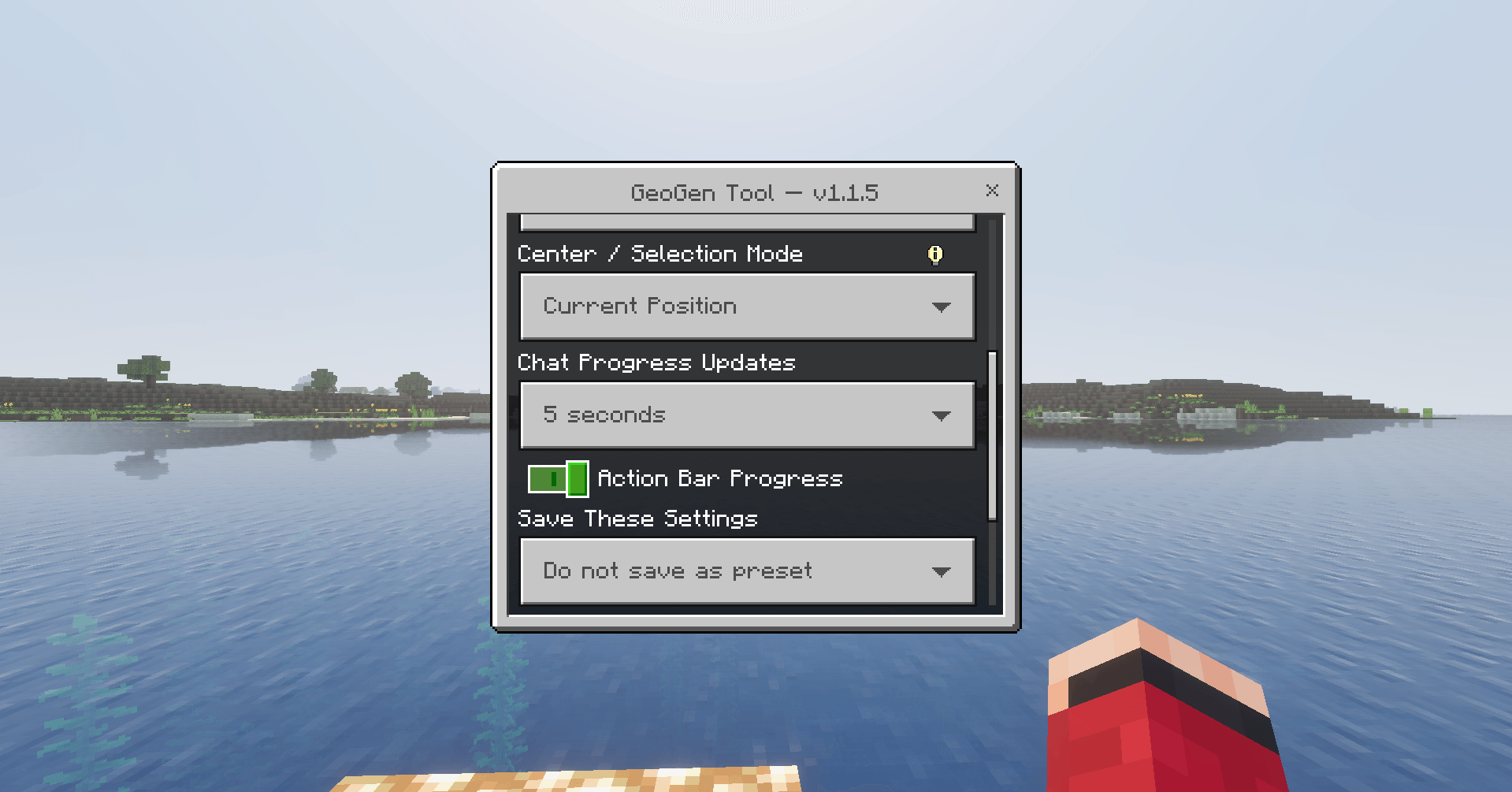
Generation areas can be centered using Current Position, World Spawn, Custom X/Z Coordinates, or Two-Corner Selection.
Separate X and Z radii are also supported for compatible shapes.
Traversal Modes
GeoGen supports Stable Sequential, Concentric, Spiral, and Region / Locality traversal.
Stable Sequential uses GeoGen's original verified generation order and remains the recommended default.
Traversal modes change only the order in which selected chunks are processed. They do not change the underlying generation engine.
Pause, Resume & Recovery
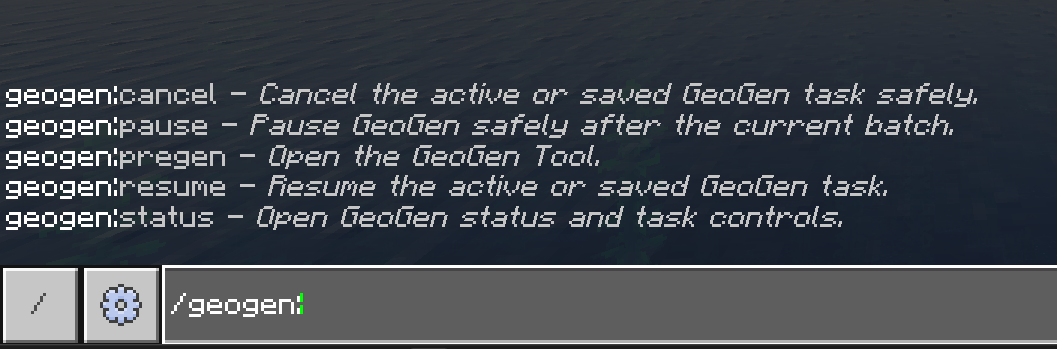
Long pregeneration jobs can be safely paused with /geogen:pause and resumed with /geogen:resume.
GeoGen checkpoints active task progress so unfinished jobs can be recovered after closing a world or restarting a compatible server or environment.
Recovery preserves the selected area, dimension, shape, traversal mode, task progress, queue information, and batch position.
Task Queue
Multiple pregeneration jobs can be prepared in advance.
GeoGen processes one task at a time for stability and can automatically begin the next queued task when the current job finishes.
Queued tasks can be viewed, reordered, or removed through the GeoGen interface.
Live Statistics
GeoGen tracks completion percentage, completed and total chunks, chunks per second, elapsed time, estimated time remaining, current batch, and traversal mode.
Optional action-bar progress keeps this information visible without filling chat.
Progress messages can also be set to Silent, every 5 seconds, every 10 seconds, every 30 seconds, or every 60 seconds.
Presets & Task History
GeoGen includes 8 reusable preset slots that can be saved, loaded, renamed, and deleted.
It also stores up to 25 recent completed or canceled tasks, allowing previous jobs to be reviewed or reused.
Educational Applications
In Minecraft Education, GeoGen can be used to prepare worlds for activities involving geography, biomes, coordinates, navigation, mapping, distance and scale, environmental observation, collaborative exploration, and large group building projects.
Its multilingual interface can also make GeoGen easier to use in classrooms containing students who use different supported Minecraft languages.
GeoGen does not alter Minecraft's terrain or create artificial geography. Minecraft still generates the world normally; GeoGen simply allows that generation to happen before students begin exploring.
Commands
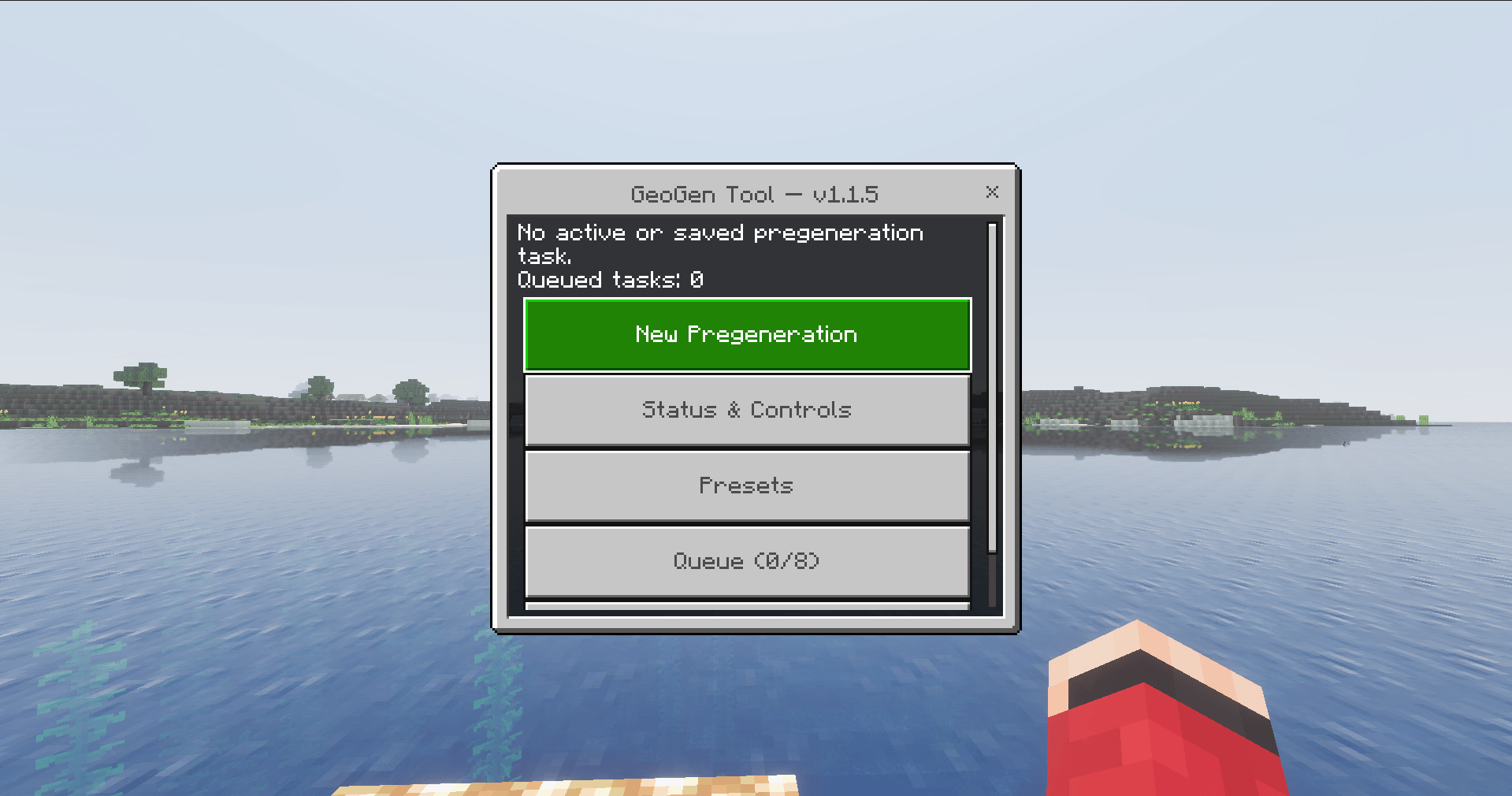
/geogen:pregen — Opens the GeoGen Tool configuration interface.
/geogen:status — Opens the current task and status interface.
/geogen:pause — Safely pauses the active task.
/geogen:resume — Resumes a paused or recovered task.
/geogen:cancel — Safely cancels the active task.
Permissions
GeoGen uses Minecraft's native administrator permission system.
Only players with the appropriate Operator/Admin permissions can control GeoGen. Other players or students can use a prepared world normally without access to GeoGen's administrative controls.
Designed For
GeoGen is designed for Minecraft Bedrock survival worlds, Realms, Bedrock Dedicated Servers, SMPs, adventure maps, custom worlds, compatible custom dimensions, Minecraft Education classroom worlds, student projects, multilingual communities, and large exploration-based activities.
Why Pregenerate?
Minecraft normally creates new terrain as players explore.
Generating terrain, biomes, structures, caves, and other world data for the first time can temporarily increase CPU, storage, and server workload.
GeoGen performs that generation ahead of time.
When players or students later travel into the prepared area, Minecraft can load terrain that already exists instead of generating it from scratch during active exploration.
Bedrock-Native Design
GeoGen does not manually edit Minecraft's LevelDB world database.
Minecraft itself remains responsible for terrain generation, biomes, structures, chunk serialization, and world saving.
GeoGen simply provides a stable way to prepare selected regions ahead of time using Minecraft's own engine.
Requirements
Minecraft Bedrock Edition or Minecraft Education with the required stable scripting support
GeoGen Behavior Pack enabled on the world
GeoGen Language Resources companion pack (included and linked with GeoGen)
Appropriate Operator/Admin permission to control GeoGen
No experimental features required.
No Beta Script APIs required.
Special Note:
The achievement popup appears to be inaccurate. After testing GeoGen on a Realm, achievements still unlock normally even though Minecraft warns that the Behavior Pack will disable them. Other Bedrock players have reported the exact same behavior — the warning appears, but achievements are still recorded — which suggests the warning itself is the bug.
Achievements & Behaviour Packs
Minecraft’s 26.30 update also specifically added an “achievements disabled” warning modal to the Realms Edit World screen, which lines up with where this misleading popup appears.
Minecraft 26.30 Bedrock Changelog
GeoGen — Geography Generator
For Minecraft Bedrock Edition & Minecraft Education
29 Supported Languages
Pack by Johny Redstone