Flare Gun | Cave Lighting Weapon
- By
Light dark caves with a craftable flare gun and throwable flares that burn for two minutes.
MCPEDL.png
Screen-1.jpg
Screen-2.jpg
Screen-3.jpg
Description
About
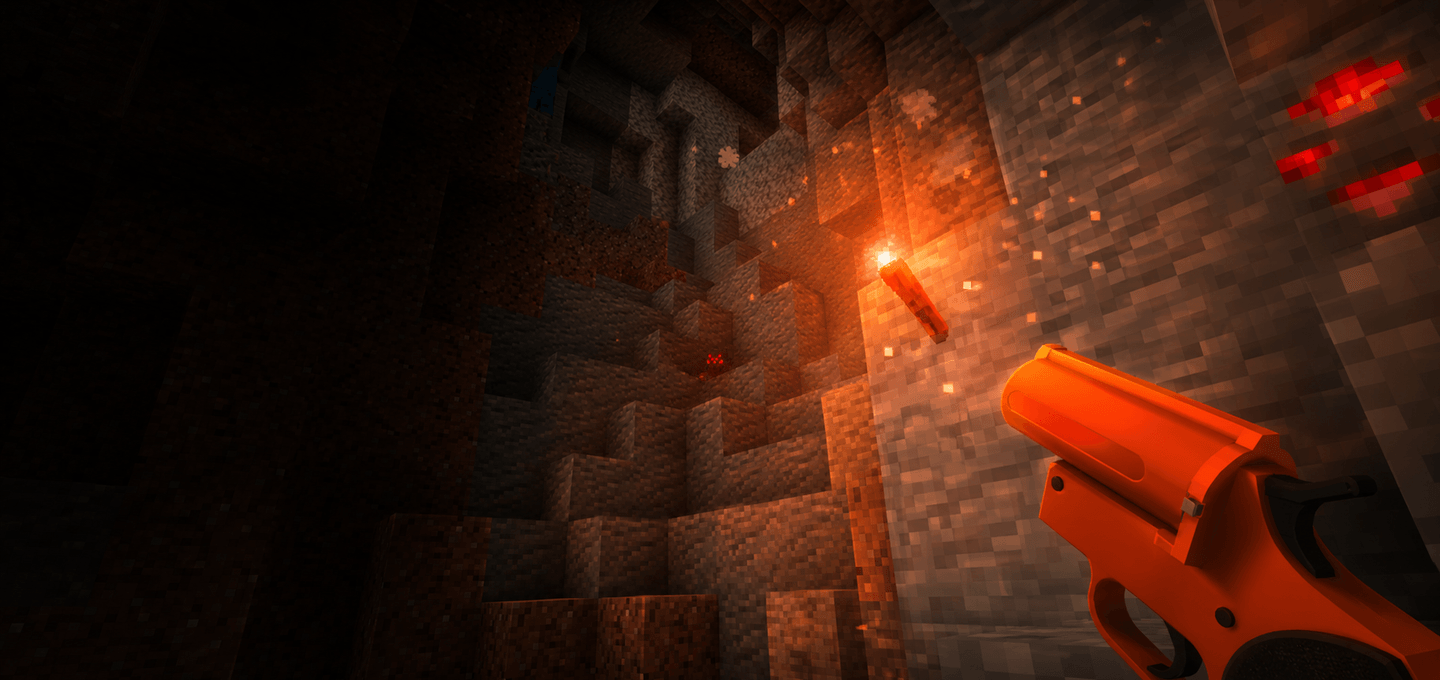
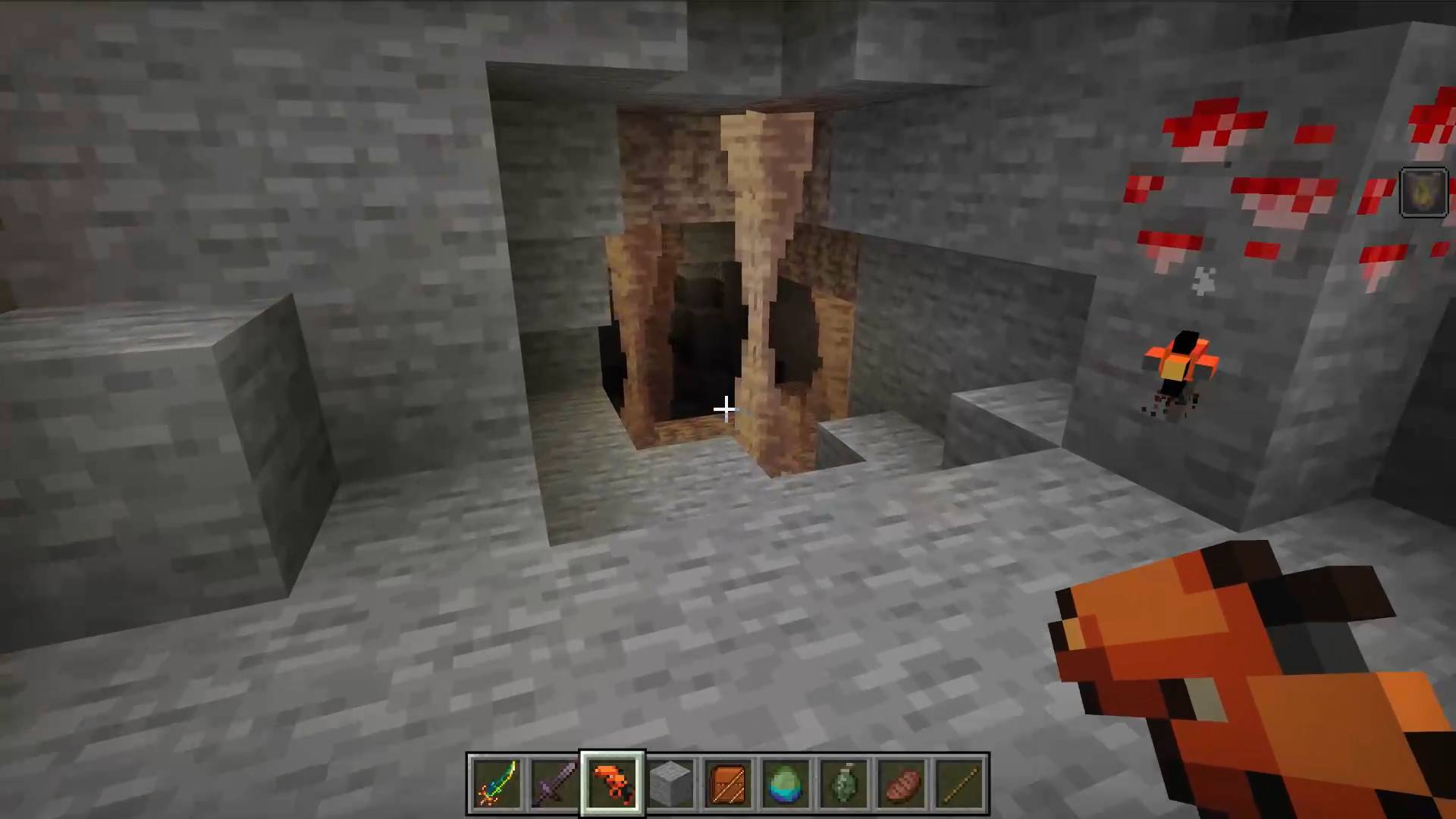
Light up dark caves from a distance with a craftable Flare Gun and throwable flares.
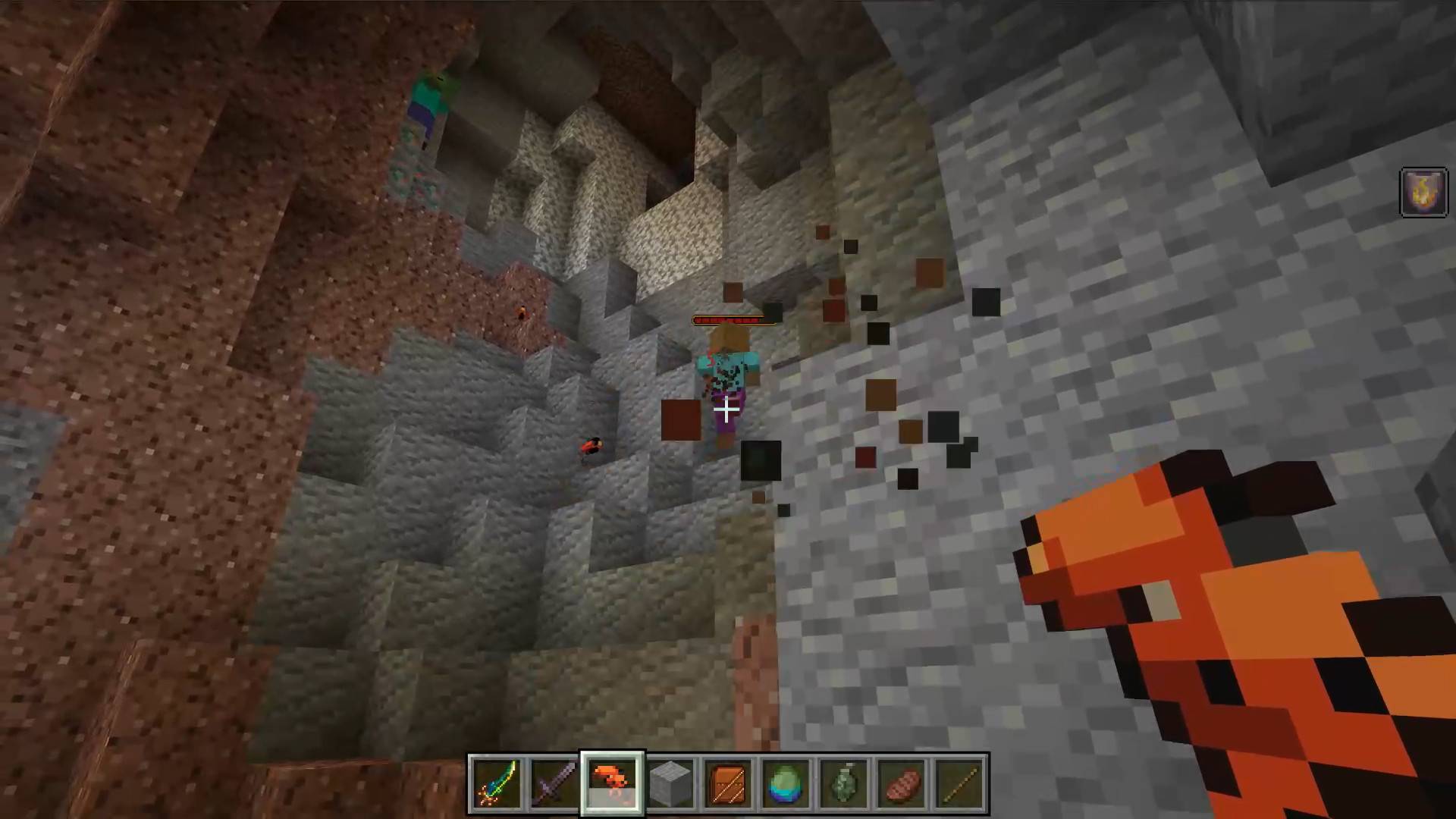
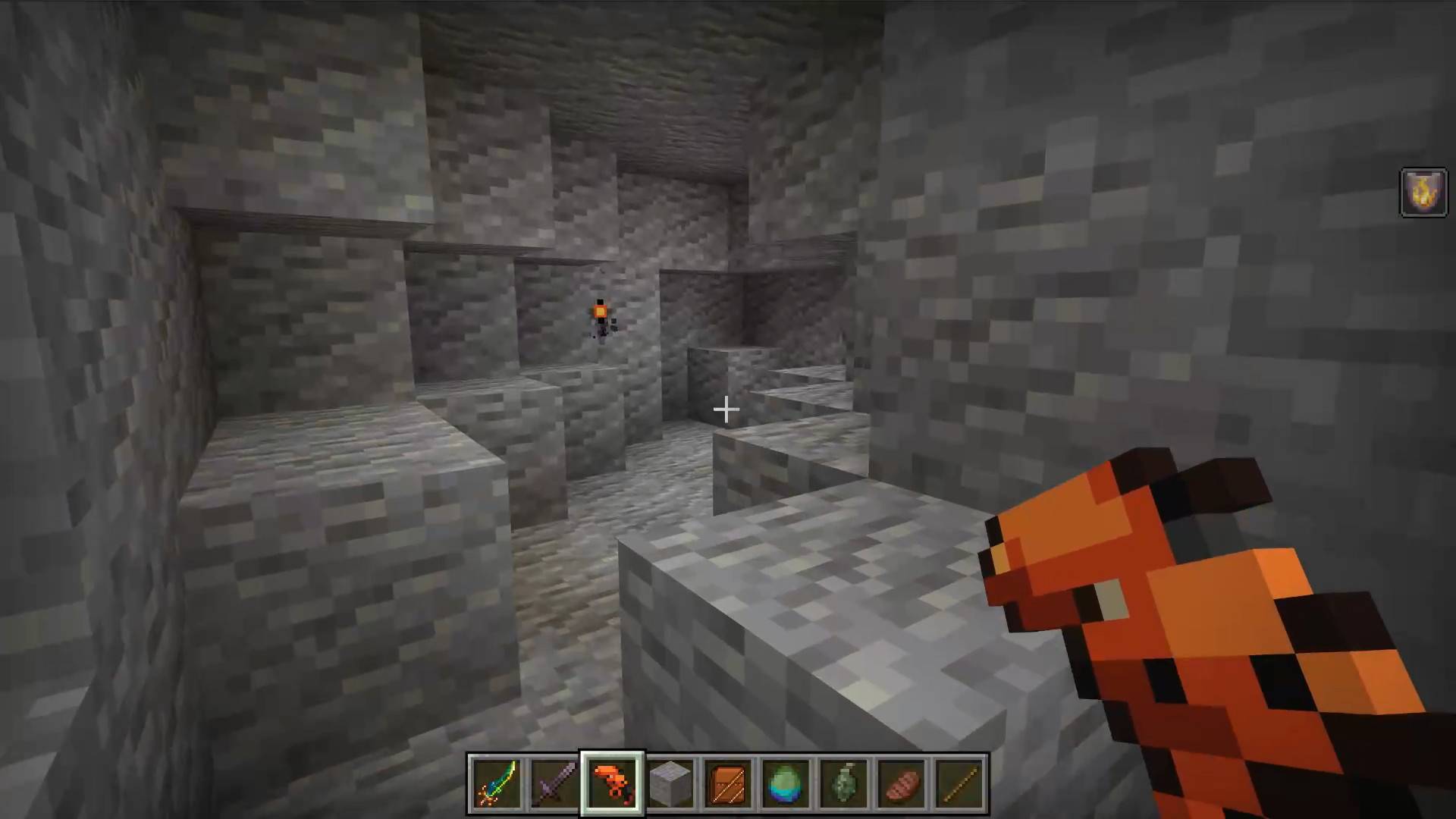
Fire a flare into a cavern before you enter, or throw one by hand to mark a nearby passage. Fired flares stick where they land; thrown flares bounce before settling. Burning flares give off bright light, sparks, and smoke.
Features
- Craftable Flare Gun and flare ammunition.
- Two minutes of temporary lighting from fired flares; thrown flares burn for two minutes after settling.
- Throw flares by hand for nearby passages and tight spaces.
- Fired flares deal fire damage and briefly ignite mobs they hit.
- No launcher durability: the Flare Gun uses flares as ammunition.
- Automatic cleanup of temporary light and spent flare models.
- Compatible with Vibrant Visuals.
How to use
- Craft a Flare Gun and flares at a crafting table.
- Keep flares anywhere in your inventory.
- Hold the Flare Gun and use it to fire.
- To throw a flare, hold the flare itself and use it.
Use flares to reveal cave terrain, mark branching passages, or light a landing spot before jumping down. Fired flares that hit a mob are consumed on impact.
Crafting
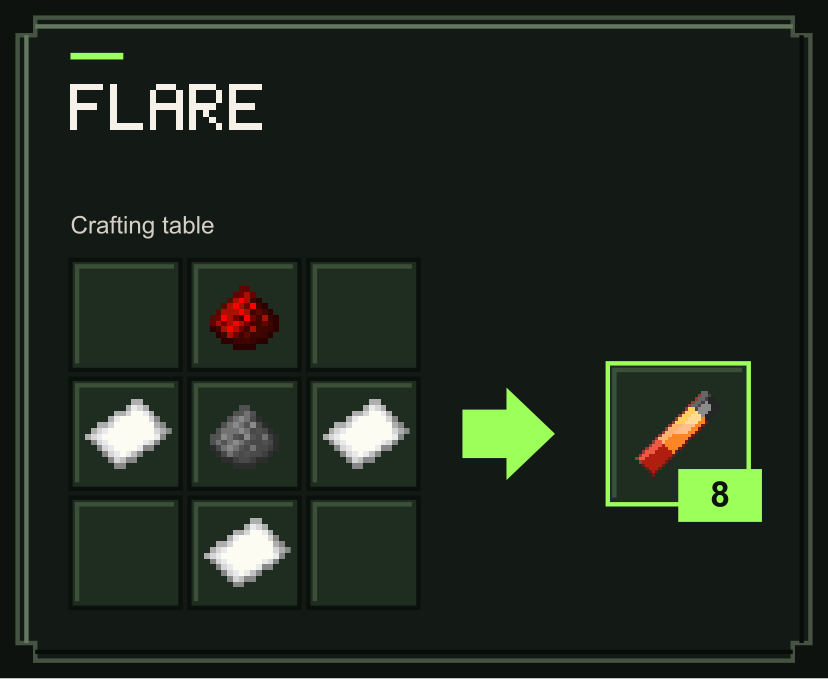
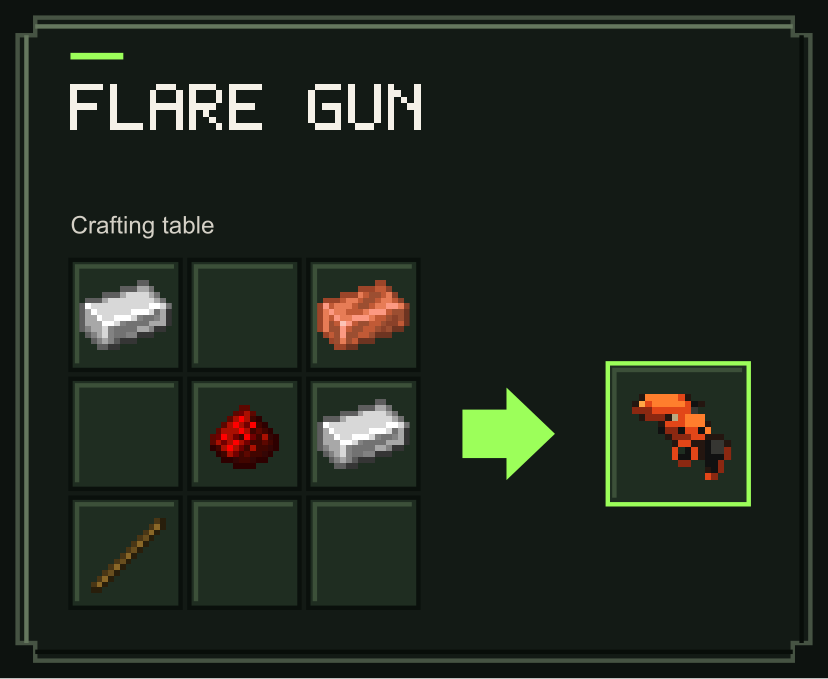
Recipes use the ingredients and quantities shown below.
Flare
Flare Gun
Notes
Flares provide temporary light; bring torches for permanent lighting. Spent flare models disappear after five minutes.
Requirements
- Minecraft Bedrock Edition 1.26.50 or newer
- Enable both the included behavior pack and resource pack.
- No separate dependency downloads required.

Flare Gun | Cave Lighting Weapon Team

Owner