Chat Emotes - Interactive Actions
- By
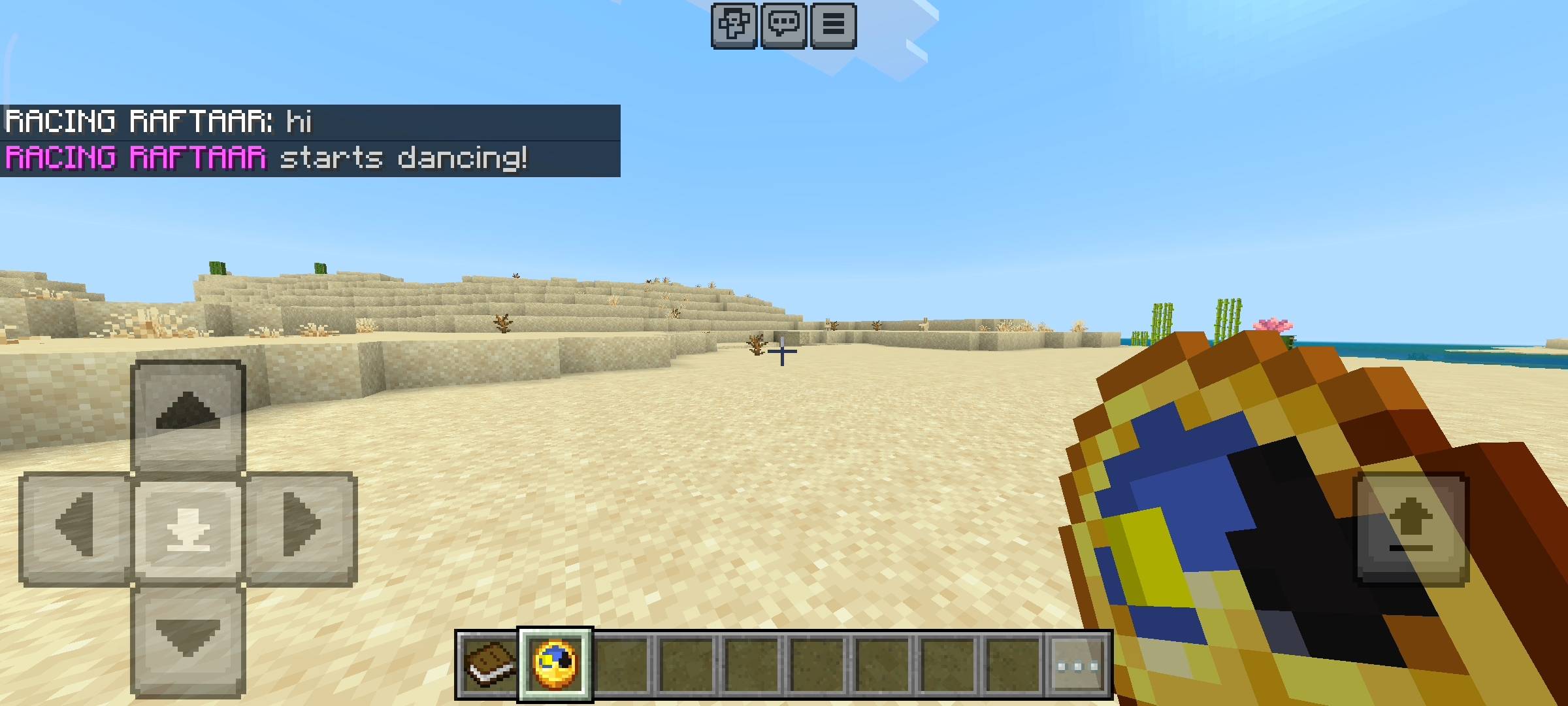
Express yourself in Minecraft! This addon adds interactive chat emotes like *dance, *hug, and *wave. Each emote triggers unique chat messages, fun particles, and custom sound effects for everyone.
Chat Emotes - Action & Sounds (8).jpg
Chat Emotes - Action & Sounds (9).jpg
Chat Emotes - Action & Sounds (6).jpg
Chat Emotes - Action & Sounds (2).jpg
Chat Emotes - Action & Sounds (10).jpg
Chat Emotes - Action & Sounds (11).jpg
Chat Emotes - Action & Sounds (3).jpg
Chat Emotes - Action & Sounds (4).jpg
Chat Emotes - Action & Sounds (7).jpg
Chat Emotes - Action & Sounds (12).jpg
Chat Emotes - Action & Sounds (5).jpg
Description
Today i am bringing you a really fun addon for your survival and multiplayer servers. If you play on a realm or a SMP with your friends you probably noticed that the normal chat is very boring. You just type text and that is it. There is no way to express how you are feeling or interact with your friends in a cool way. Sure you can crouch up and down to say hello but that gets old really fast. So i decided to make the RR Chat Emotes addon. This pack completely changes how you chat with your friends by adding custom action emotes. It gives you particle effects and sound effects when you use them and makes the whole multiplayer experience so much more lively and fun.
How The Chat System Works
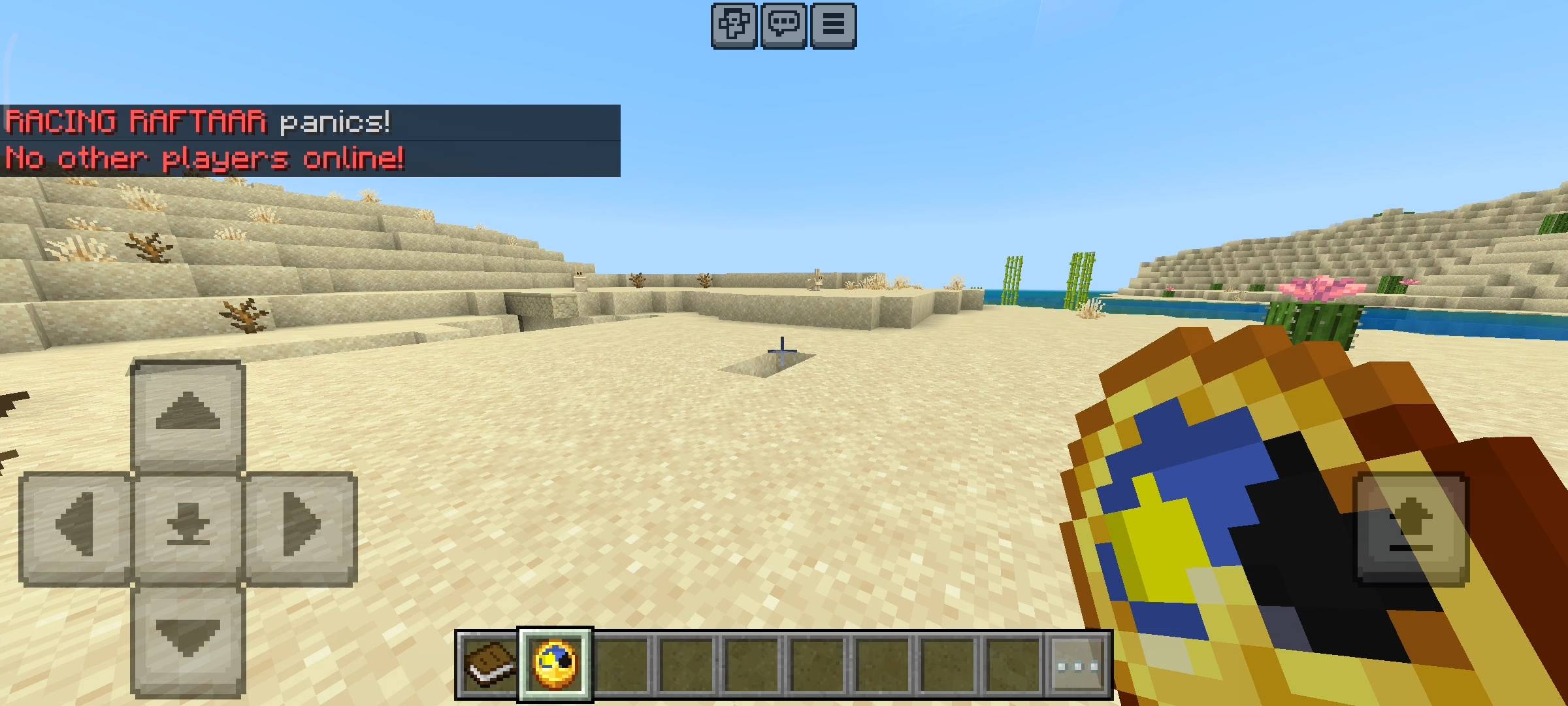
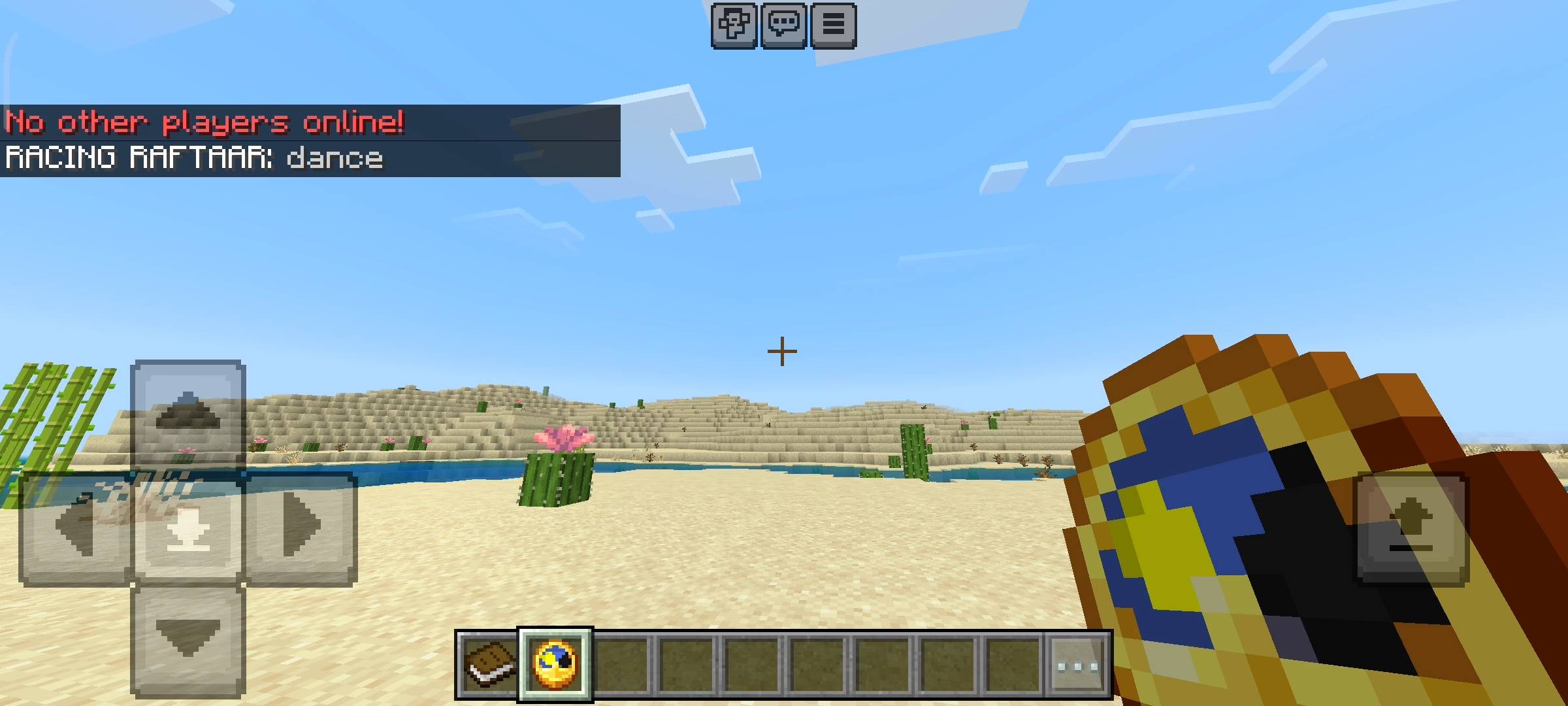
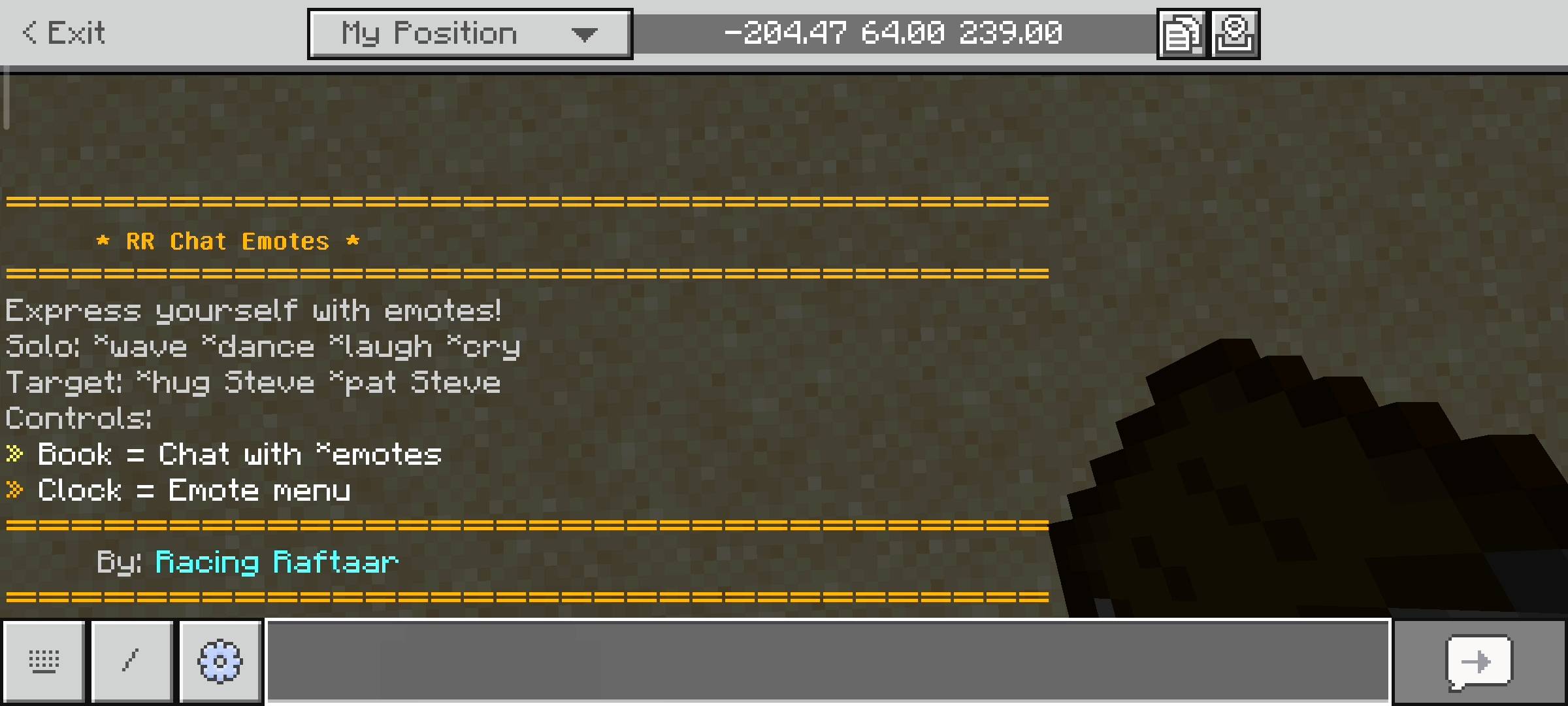
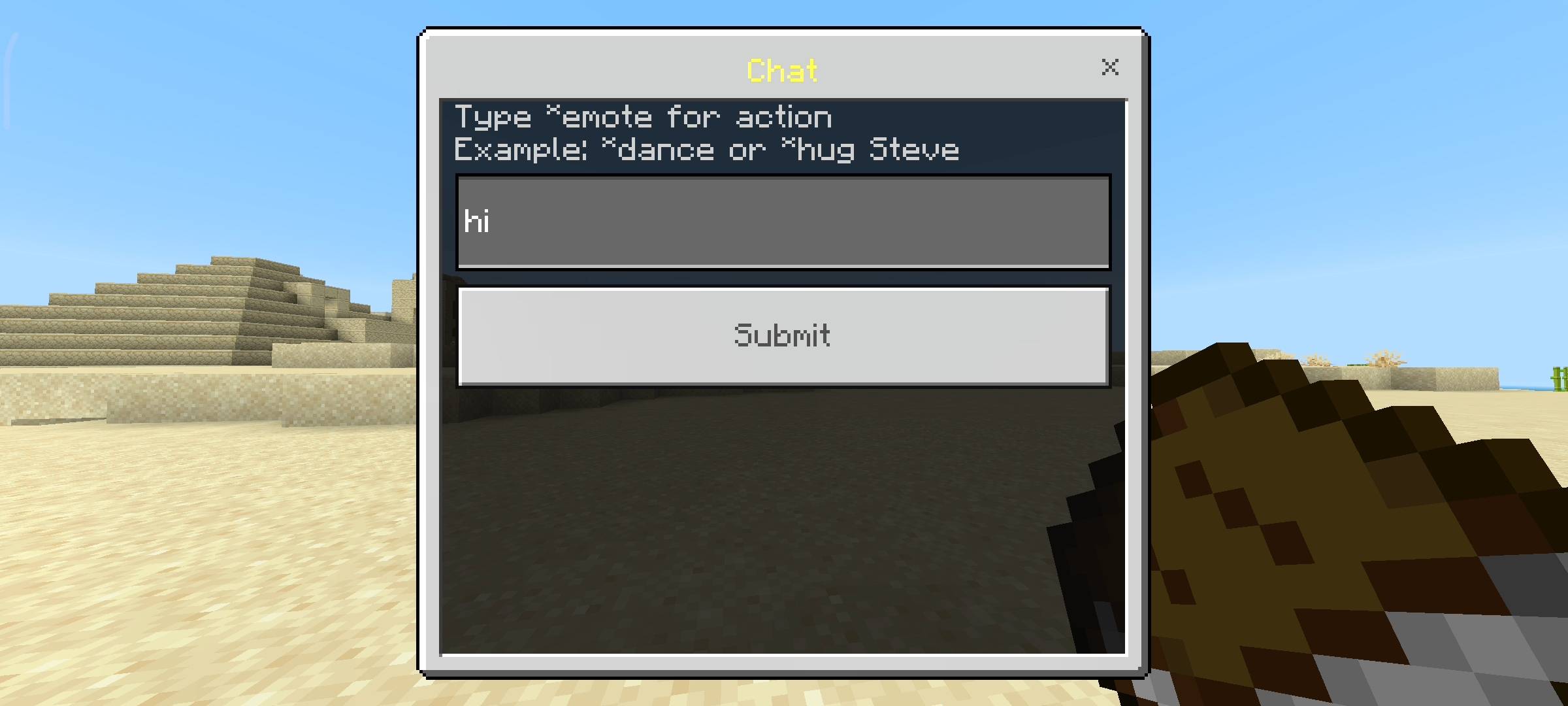
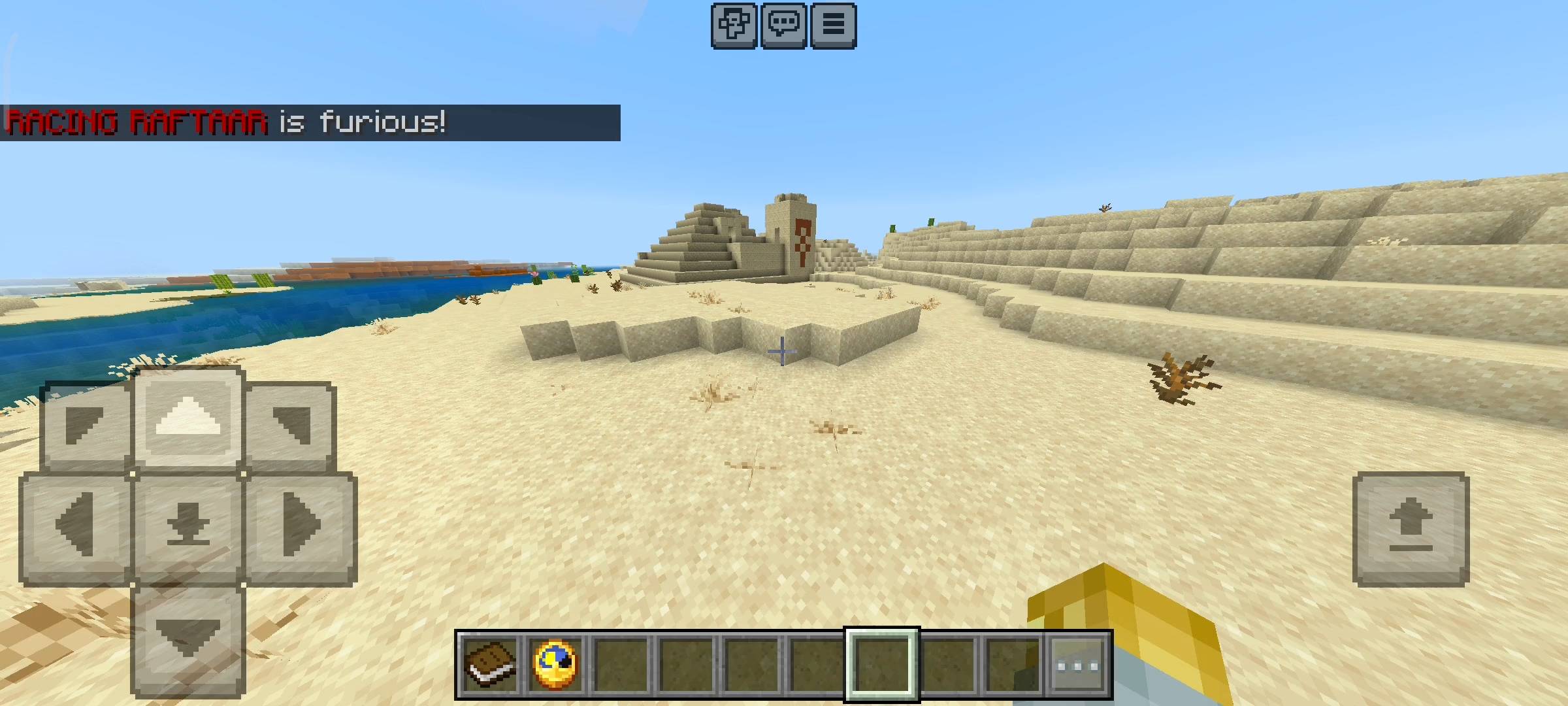
I made this system very simple to use so you dont have to type any long commands. All you have to do is type a star symbol before the emote name in the regular chat. For example if you want to dance you just type *dance and send it. The addon reads the chat and automatically plays a cool note block sound and spawns music particles around your character. It also sends a custom colored message to the whole server saying that you started dancing. It is basically like those old school MMO games where you could do action commands. When you join the world for the first time the game automatically gives you a book. If you hold this book and sneak it opens a custom chat composer menu where you can just type your emotes easily without opening the vanilla chat box.
Solo Emotes
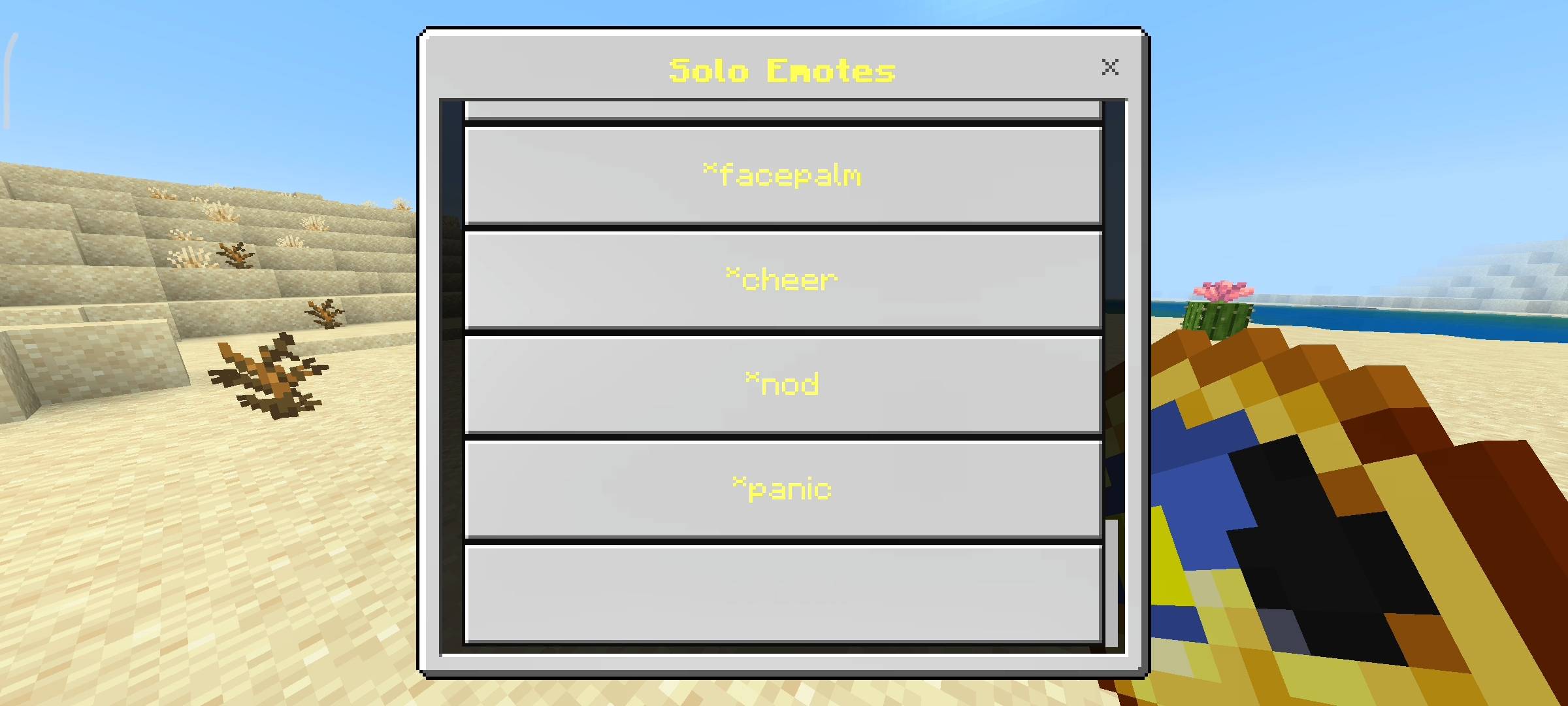
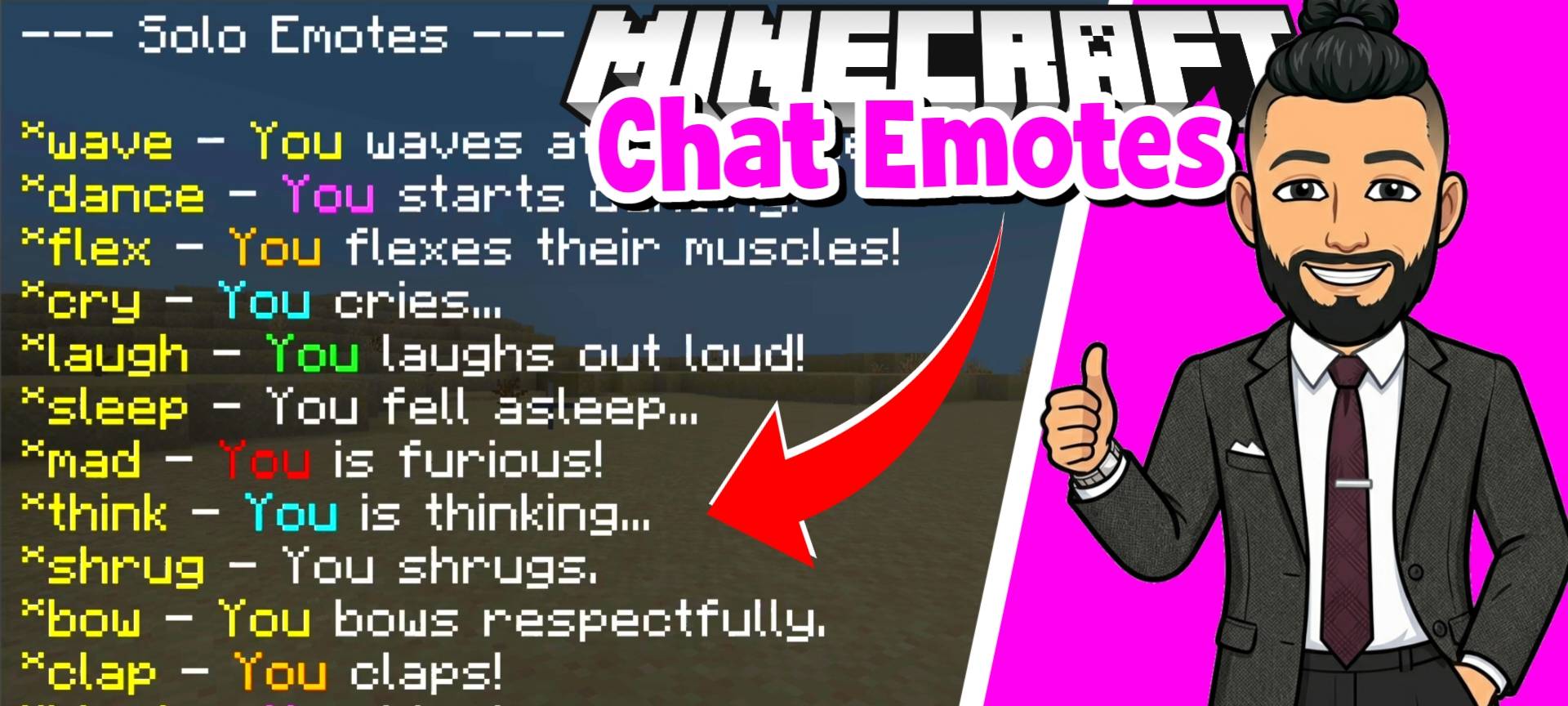
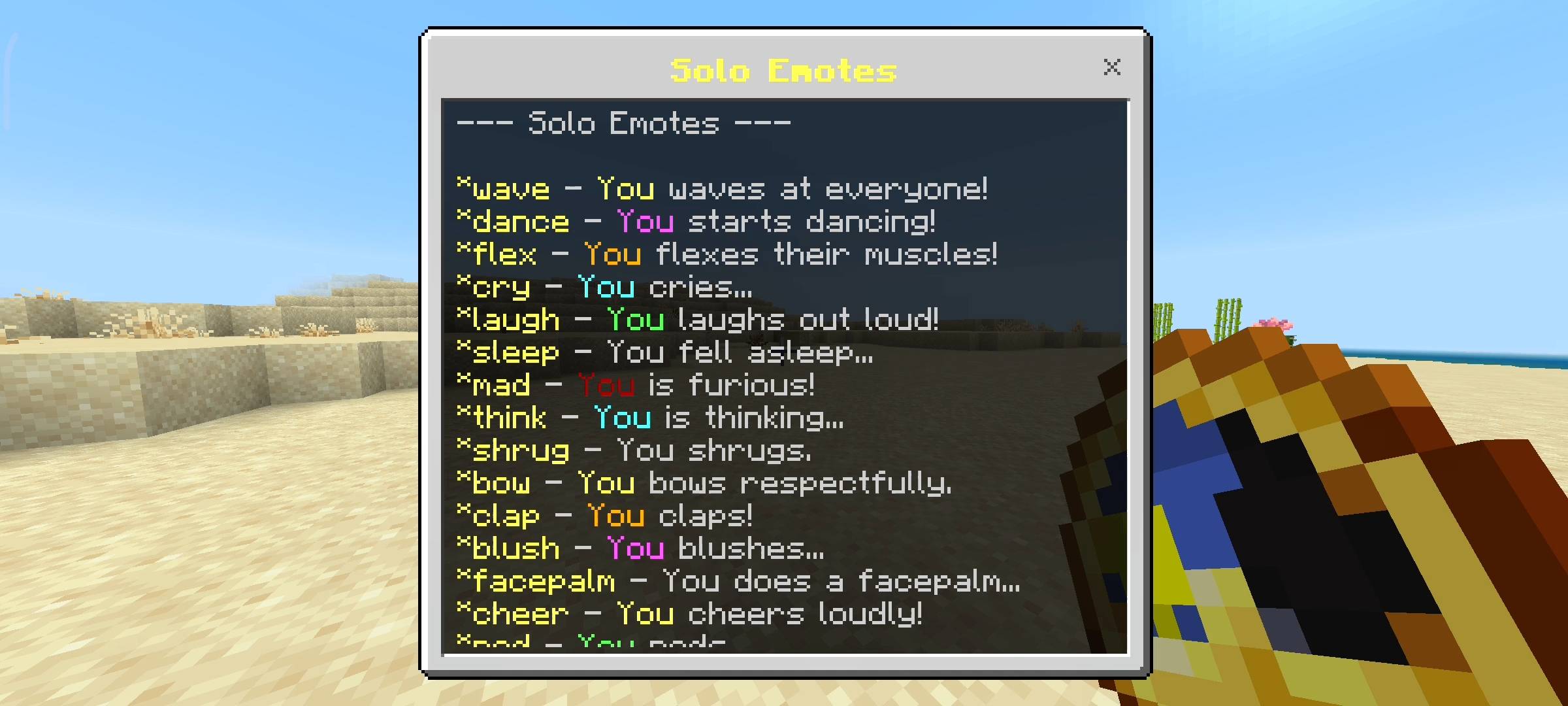
There are a lot of emotes you can do by yourself. I coded 16 different solo emotes in total. You have basic ones like wave, bow, nod and shrug. But you also get some really expressive ones like cry, laugh, sleep, panic and facepalm. Each of these has its own unique sound effect and particle. For example if you use the mad emote it plays the warden angry sound and spawns angry villager particles above your head. It is super funny when your friend steals your diamonds and you just stand there doing the mad emote. Or if you do a crazy clutch you can use the flex emote which plays an anvil sound and spawns hearts.

Target Emotes For Friends
This is where the addon gets really awesome for multiplayer. I added 8 special target emotes that you can use directly on other players. You can hug, slap, pat, highfive, poke, wink, boop and fistbump your friends. To use them you just type the emote and then the players name. Like *hug Steve. When you do this the addon finds the player and plays the sound and particles for both of you. It also sends a direct message to your friend saying that you hugged them or slapped them. It is honestly hilarious to just run up to your friend while they are mining and use the slap emote. It plays a weak attack sound and angry particles so they get confused.
The Emote Menu
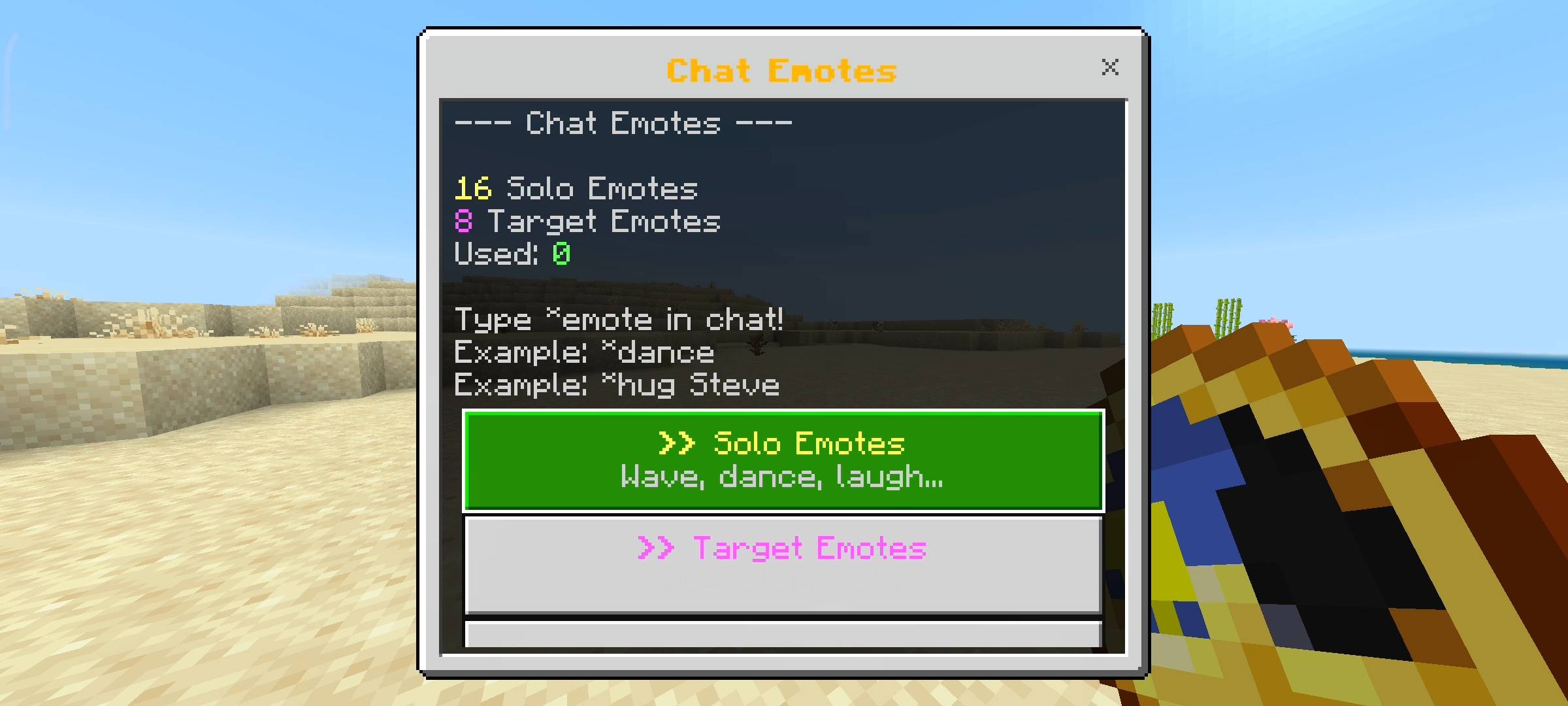
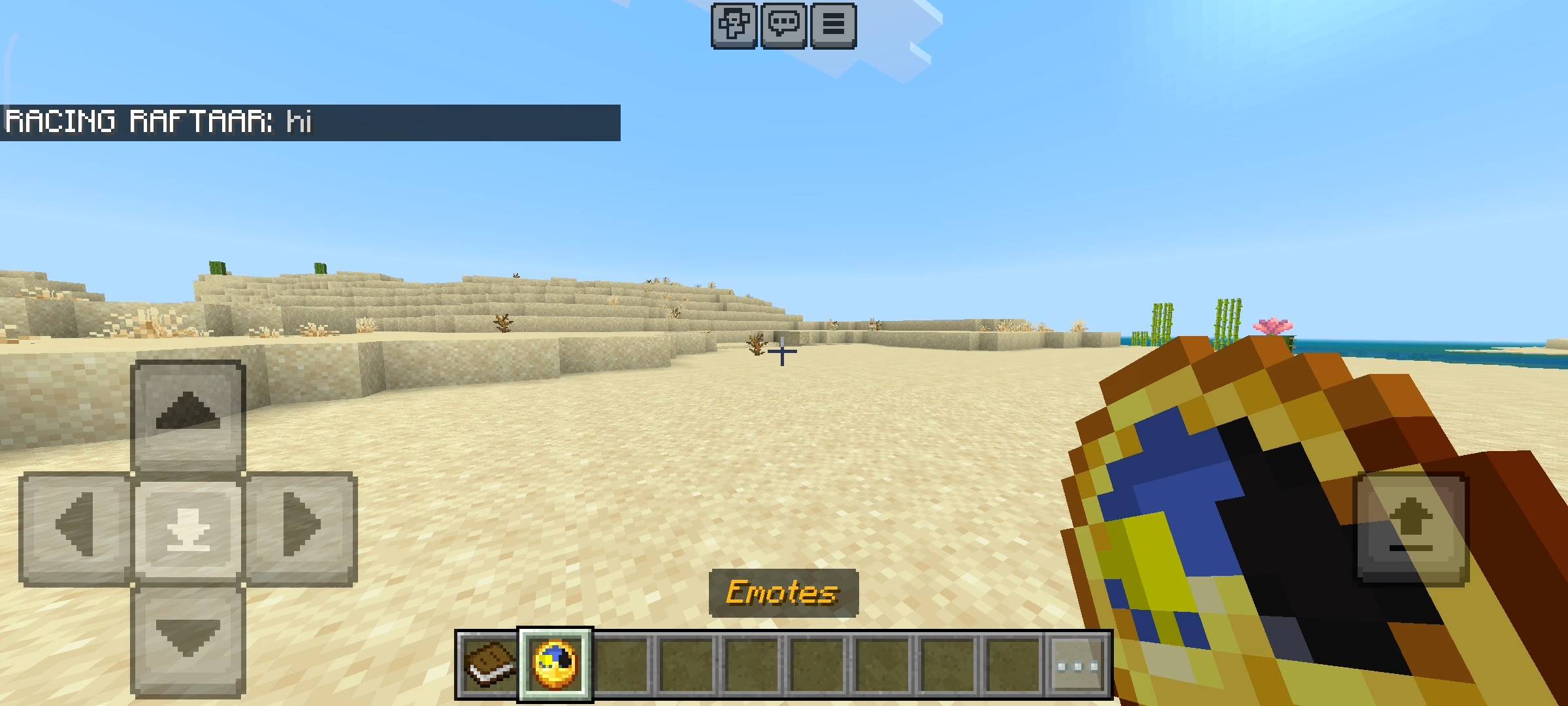
I know it is hard to remember all 24 emotes and their exact names. So i added a visual menu to make your life easier. Along with the chat book you also get a custom Clock item when you spawn. If you hold this clock and sneak it opens the main Chat Emotes UI menu. Here you can see two separate lists for Solo Emotes and Target Emotes. You can just click on the button and it will do the emote for you. If you go into the target emotes menu it actually shows you a list of all the players currently online on your server. You just select the emote you want and then click on your friends name and it does it automatically. You dont even have to type anything. The menu also tracks how many emotes you have used in total so you can see your stats.
Beta APIs Setup
Because this pack uses advanced background scripts to read the chat messages and open the custom UI menus using the book and clock, you absolutely must turn on the Beta APIs experiment in your world settings. If you dont toggle it on the scripts will not load and the emotes will not work at all and the clock menu wont open. So please make sure you check that before generating your world or adding it to your realm.
AI Disclaimer
The main cover picture and the screenshots in the gallery were enhanced using ai image generators. I use ai to make the visual presentation look nice and professional for the curseforge page.
Chat Emotes - Interactive Actions Team

Owner