Home System Addon: Set Locations & Teleport
- By
Stop walking thousands of blocks! Save your favorite locations and teleport back to your base instantly with a clean, easy-to-use menu.
Home System Addon for Minecraft Bedrock - Set Homes & Teleport (2).jpg
Home System Addon for Minecraft Bedrock - Set Homes & Teleport (4).jpg
Home System Addon for Minecraft Bedrock - Set Homes & Teleport (5).jpg
Home System Addon for Minecraft Bedrock - Set Homes & Teleport (7).jpg
Description
RR Home System PRO v2.0.0 - The Ultimate Fast Travel Utility
Hey everyone. Let us talk about navigation and exploration in vanilla survival Minecraft. The world generation is massive, and as you progress through the game, your points of interest get further and further away from each other. You might have your main starter house near spawn, a villager trading hall a thousand blocks to the east, a stronghold portal room thousands of blocks away, and a specific ancient city you are trying to loot. In the base game, traveling between all these locations takes hours of walking, flying, or building highly complicated and dangerous Nether ice boat highways. If you get lost or forget to write down your exact coordinates in a notebook, you might never find your favorite building spot ever again.
I wanted to give players a seamless, modern fast travel system that completely eliminates the stress of getting lost. That is exactly why I created the RR Home System PRO addon. This expansion allows you to save your exact locations as custom waypoints and instantly teleport back to them at any time, from anywhere in the world. For Version 2.0.0, I have completely overhauled the user interface and fully unlocked every single premium feature. There are no locked menus, no keys required, and absolutely no hidden paywalls. It is a complete, massive quality of life upgrade right from the moment you install it into your survival world.
Fifteen Personal Home Slots
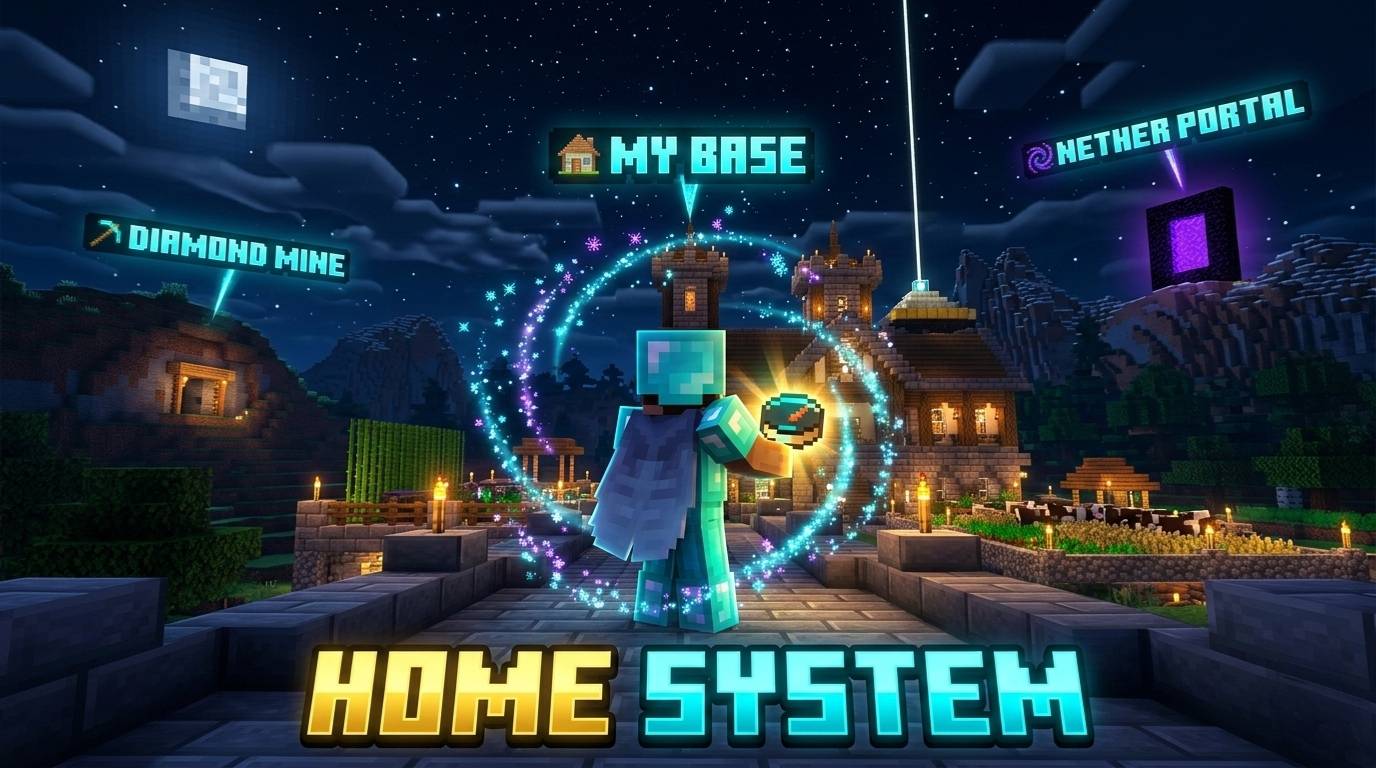
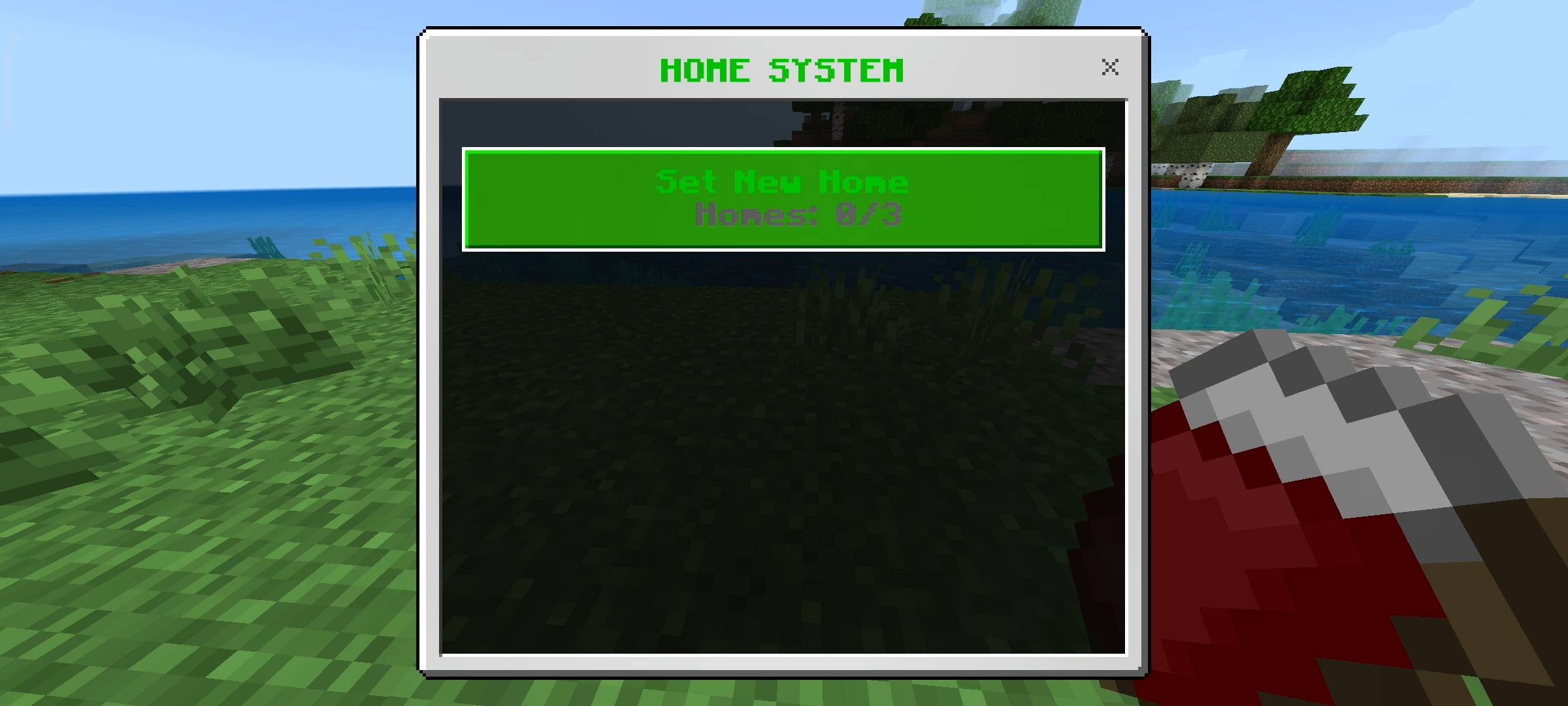
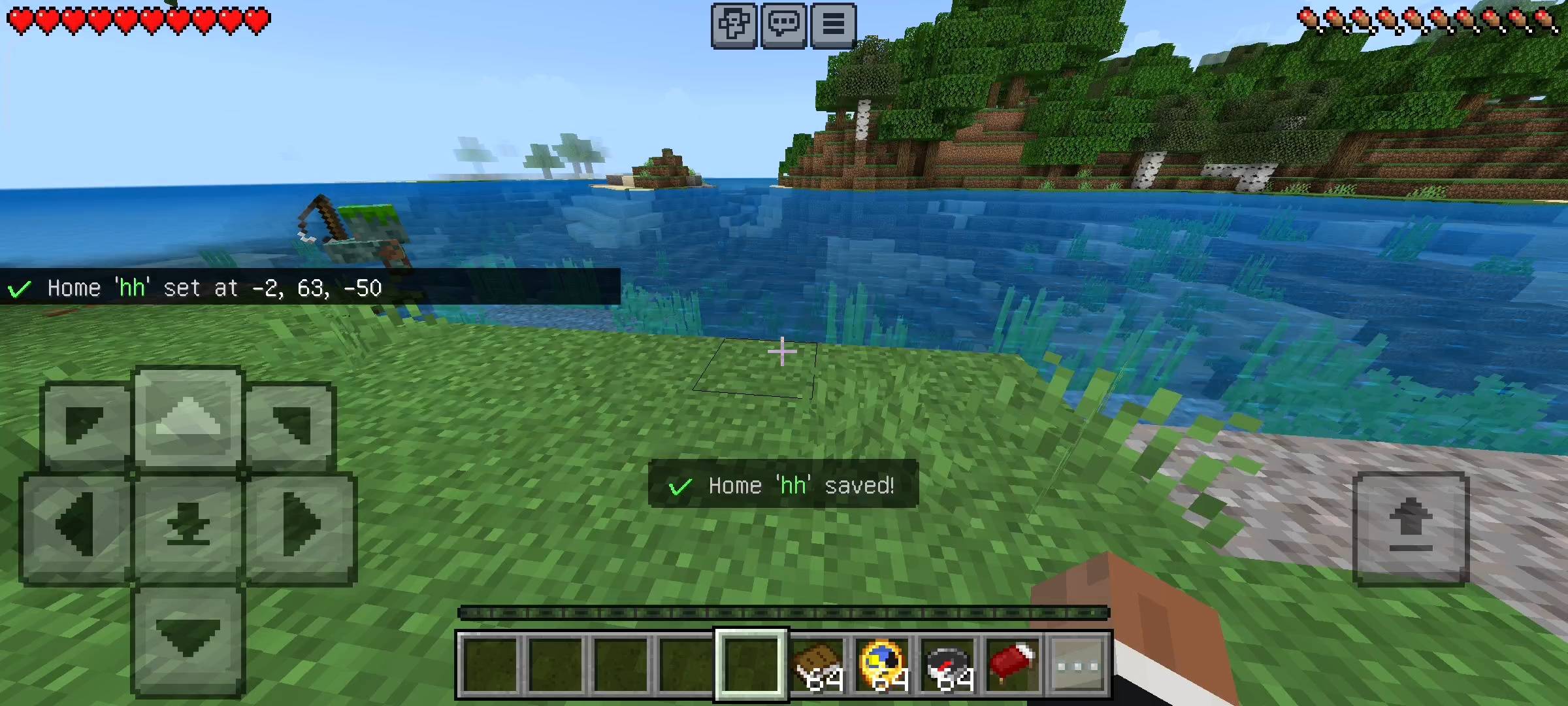
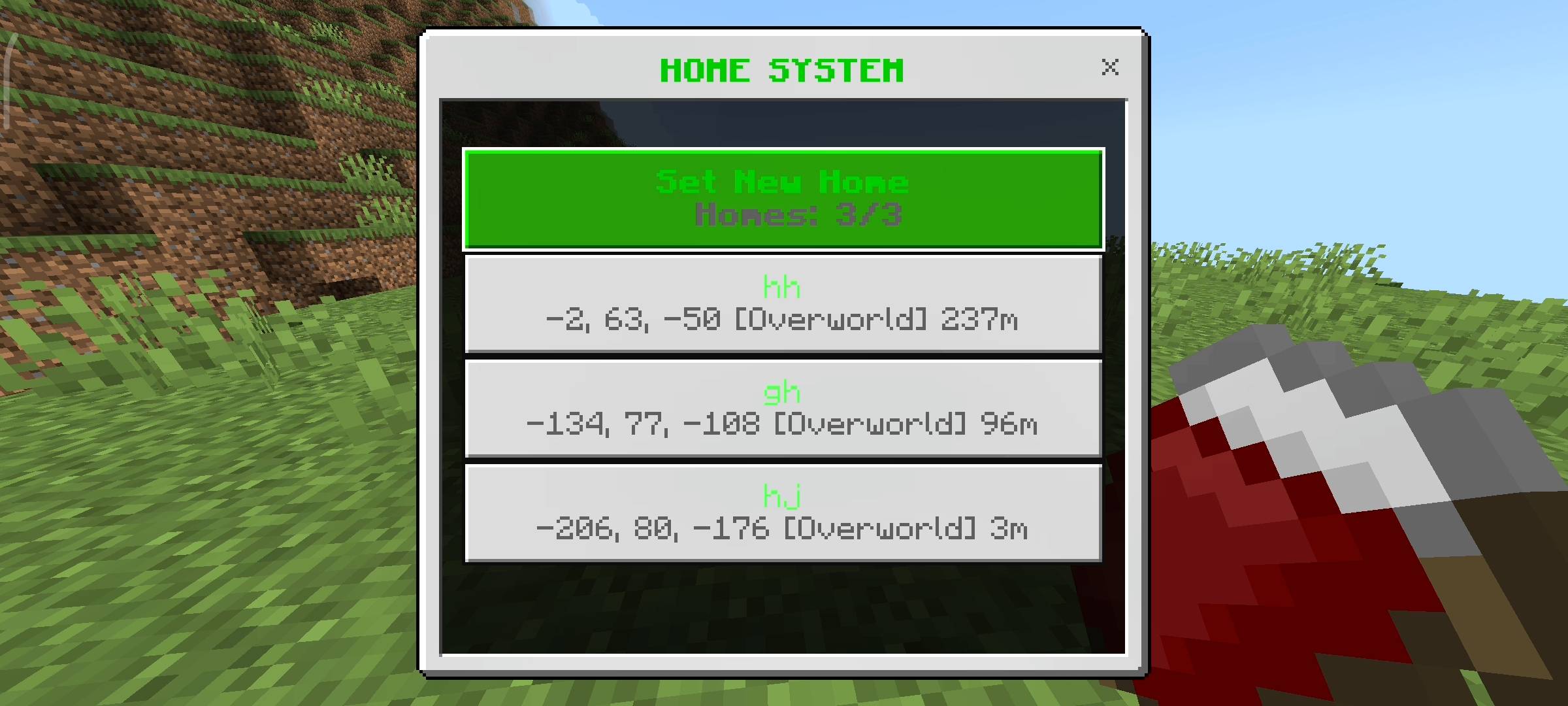
The core of this addon is the highly intuitive home management menu. In this brand new update, I increased the capacity limit so every single player on the server gets fifteen dedicated home slots. This gives you absolute freedom to mark every important location in your world. You can set a home at your diamond mine, your mob grinder, your Nether fortress, and your End dimension enderman farm. The teleportation system fully supports cross-dimension travel, meaning you can instantly warp from the deep dark right back to the safety of your overworld bed with a single click.
To make managing these fifteen locations easy, I added deep customization features. You can easily rename any of your saved homes if you decide to repurpose a building. Furthermore, I introduced a brand new Custom Icon system. When you create or edit a home, you can assign a specific visual tag to it. You can mark your armory with a swords icon, your safe zone with a heart, or your vault with a diamond. This keeps your fast travel menu incredibly clean and organized.
Multiplayer Location Sharing
If you are playing on a multiplayer SMP or a Realm, coordinating with your friends can be a nightmare. Trying to type out negative coordinates in the chat and hoping your friend does not get lost on the way is frustrating. To fix this, I built a direct Location Sharing system.
If you stumble across an amazing Cherry Grove biome or a massive ruined portal, you can save it as a home, click the Share button, and select your friend's name from a dropdown list. They will immediately get a notification on their screen and a sound alert. That location will be permanently added to their special Shared Homes menu, allowing them to instantly teleport to you without ever having to read a single coordinate. It makes collaborative building and raiding incredibly fun and fast.
Server Balance and Admin Controls
A lot of server owners worry that adding a teleportation mod will ruin the balance of their survival world or make PvP fights unfair because players can just instantly warp away from danger. I completely understand that concern, so I built a powerful Admin Settings panel directly into the addon.
Server administrators can access this special menu to enforce a global teleportation cooldown. You can set this timer anywhere from zero seconds up to five full minutes. If a cooldown is active, players must wait for the timer to finish before they can use the fast travel system again. This completely prevents players from spamming teleports during combat and ensures that your server maintains a balanced, fair survival experience.
Interactive UI and Milestone Tracking
I completely despise addons that force players to memorize long, complicated slash commands just to save a location. To make this system feel like a native part of the game, everything is controlled through beautiful user interface panels tied to standard items.
To open your main Home Panel, all you need to do is hold a regular Compass in your hand, sneak to crouch, and use the item. If you are an admin wanting to change the cooldown settings, you simply sneak and use a Name Tag.
Finally, I wanted to reward players for exploring and using the system, so I added a statistical tracking menu that you can access by sneaking with a Book. This dashboard shows you exactly how many homes you have set and tracks your total lifetime teleports. As your teleport count goes up, you will naturally unlock milestone achievements on your profile, ranging from the Home Runner title all the way up to the prestigious Home Legend rank. It adds a really fun layer of progression to your daily travels.
Disclaimer Regarding Visuals: Please note that some of the promotional images, thumbnails, and gallery screenshots used to showcase this project may have been created or enhanced using AI generation tools to provide better visual presentation for the page.
Important Installation Requirement: The complex background systems required to save world coordinates, process cross-dimensional teleportation, handle cooldown timers, and render the interactive user interface menus rely entirely on advanced scripting. Therefore, you MUST go into your World Settings, navigate to the Experiments tab, and turn on the Beta APIs toggle before you load the world. Without this toggle enabled, the item menus will not open and the teleportation features will not function.
Developer: Racing Raftaar
Version: 2.0.0
Supported Minecraft Versions: 1.21.0 and above
Home System Addon: Set Locations & Teleport Team

Owner