Camera Master - Cinematic Views
- By
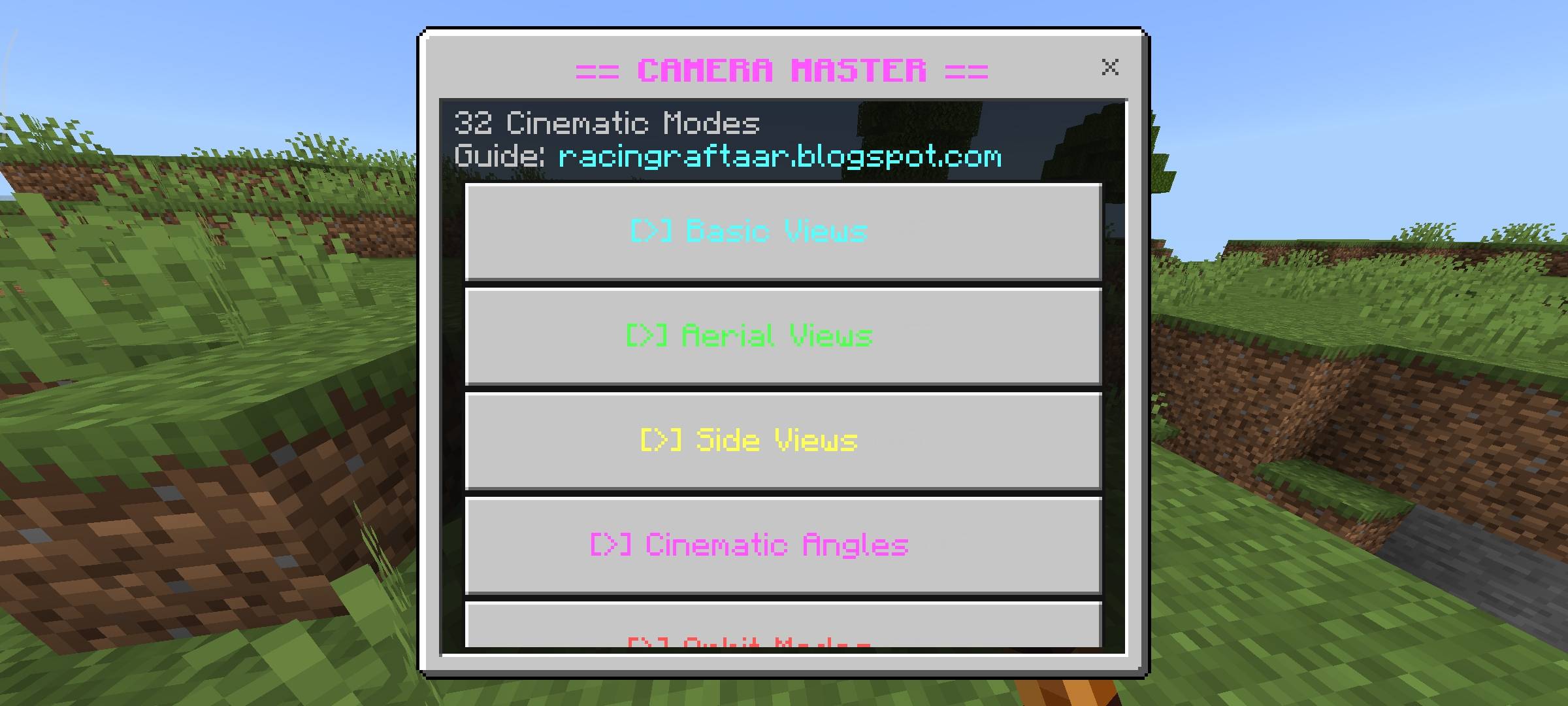
Take complete control over your Minecraft camera with 32 custom cinematic modes. Effortlessly switch between dynamic aerial views, continuous orbits, and custom gameplay angles to capture the perfect footage or screenshot without typing a single command.
Camera Master (5).jpg
Camera Master (7).jpg
Camera Master (3).jpg
Camera Master (4).jpg
Camera Master (8).jpg
Camera Master (6).jpg
Description
Racing Raftaar
CAMERA MASTER
32 cinematic camera modes — shoot your world like a filmmaker
v1.0.0 Bedrock Edition Free Beta APIs Required
What is Camera Master?
Minecraft's default camera options are pretty limited — first person, third person, that is about it. Camera Master fixes that by giving you 32 different camera modes organized across 7 categories, all accessible through a single item. Whether you want a cinematic orbit shot, a bird's eye drone view, a Hollywood hero angle or just a smoother follow cam, it is all in here.
I built this mainly for screenshots and recording. The cinematic pan mode cycles through 4 different angles automatically, the orbit modes do a full 360 rotation around your character, and the special effects section has things like a shake cam and screenshot mode that positions the camera at a clean distance with a stable locked view.
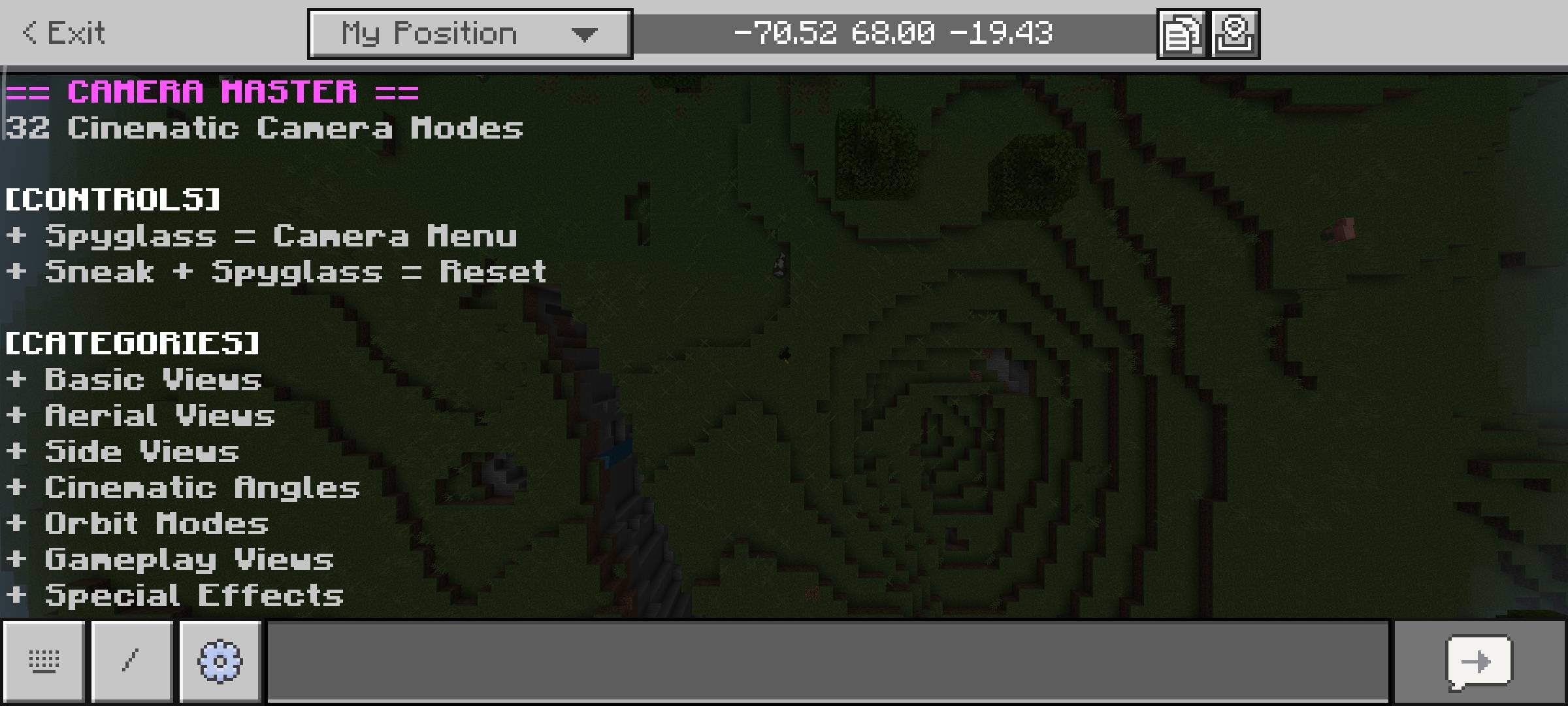
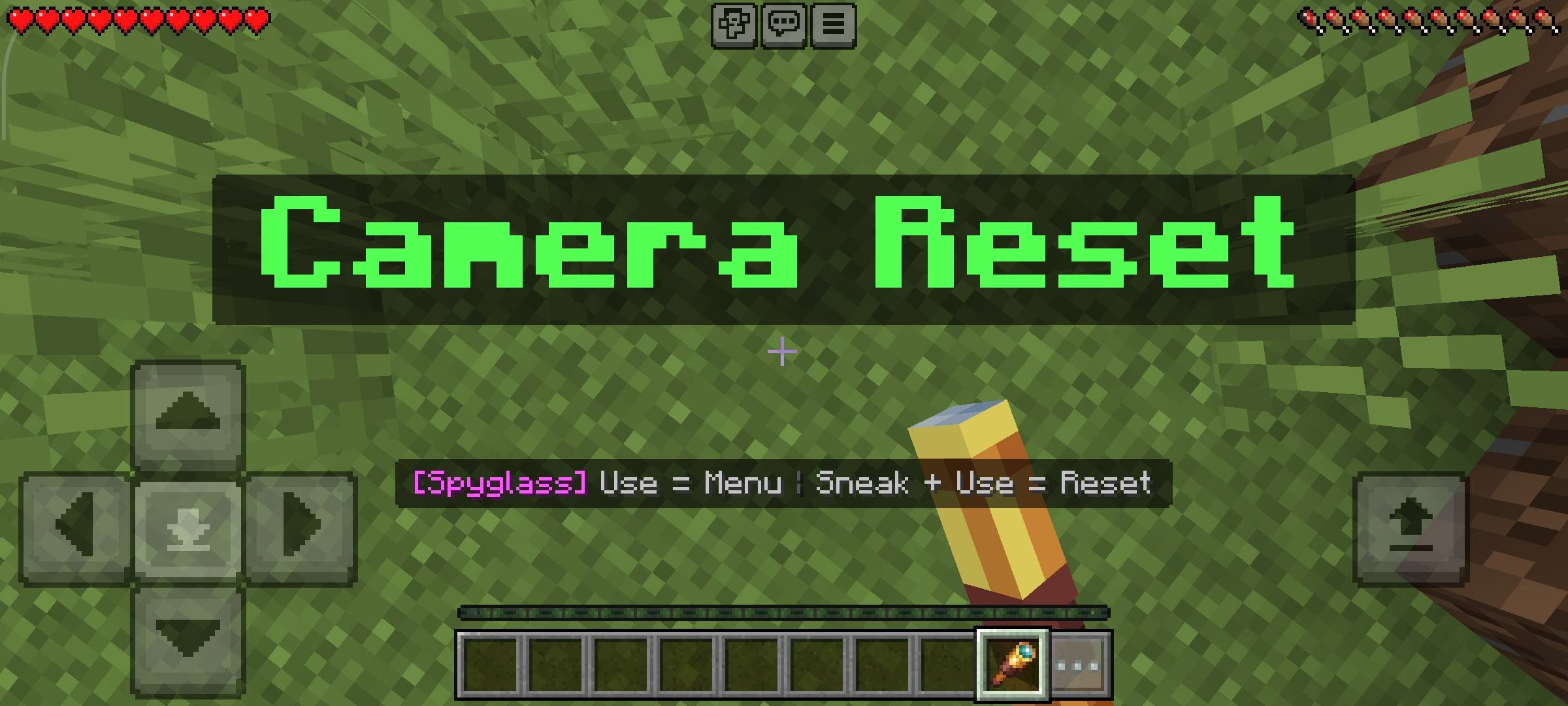
Everything is controlled with a Spyglass. Use it to open the camera menu, sneak and use it to instantly reset back to normal. You can also adjust transition speed, distance multiplier and smooth easing through the settings panel — so the camera movements can be as fast or cinematic as you need.
32 Camera Modes — 7 Categories
All modes are available from the in-game menu. No commands needed.
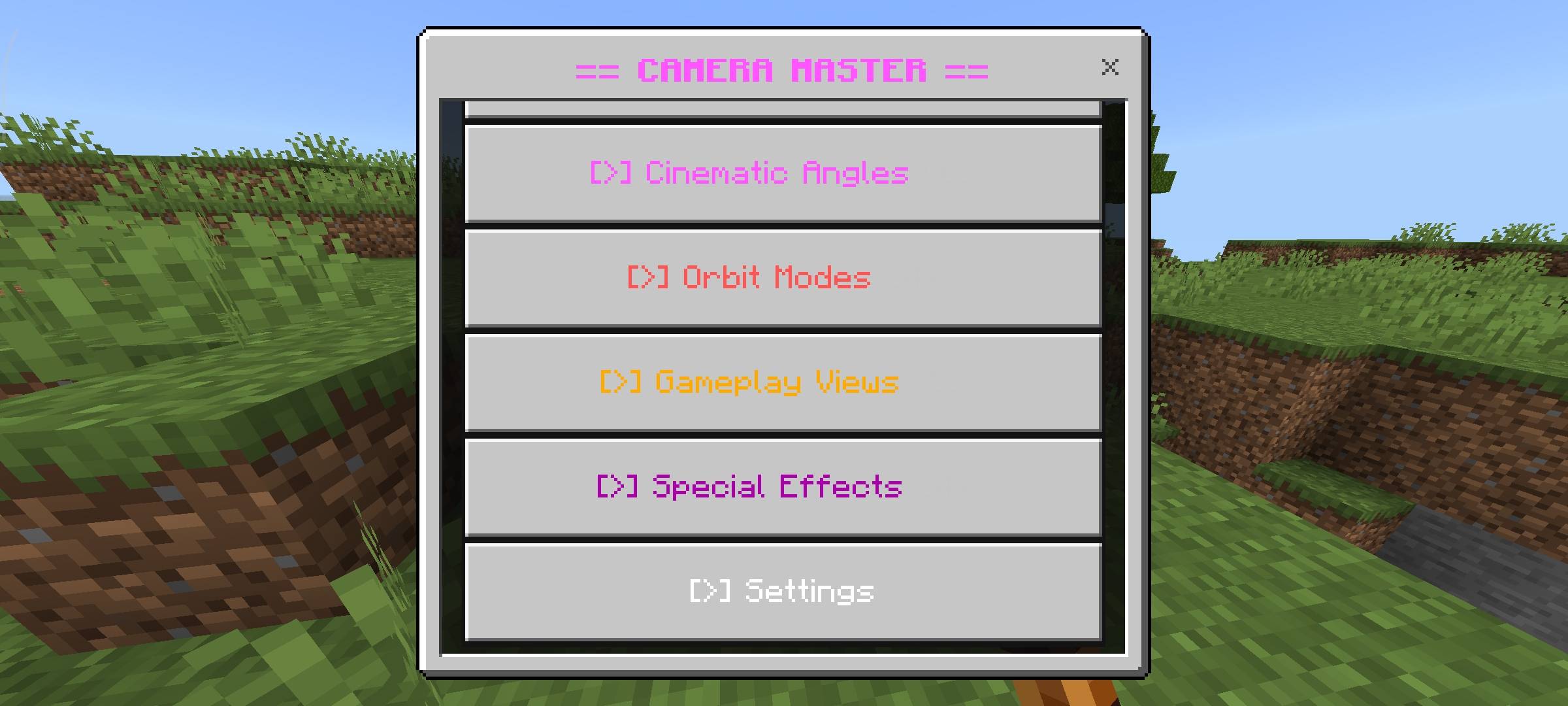
| Basic Views | First Person, Third Person Back, Third Person Front, Free Camera |
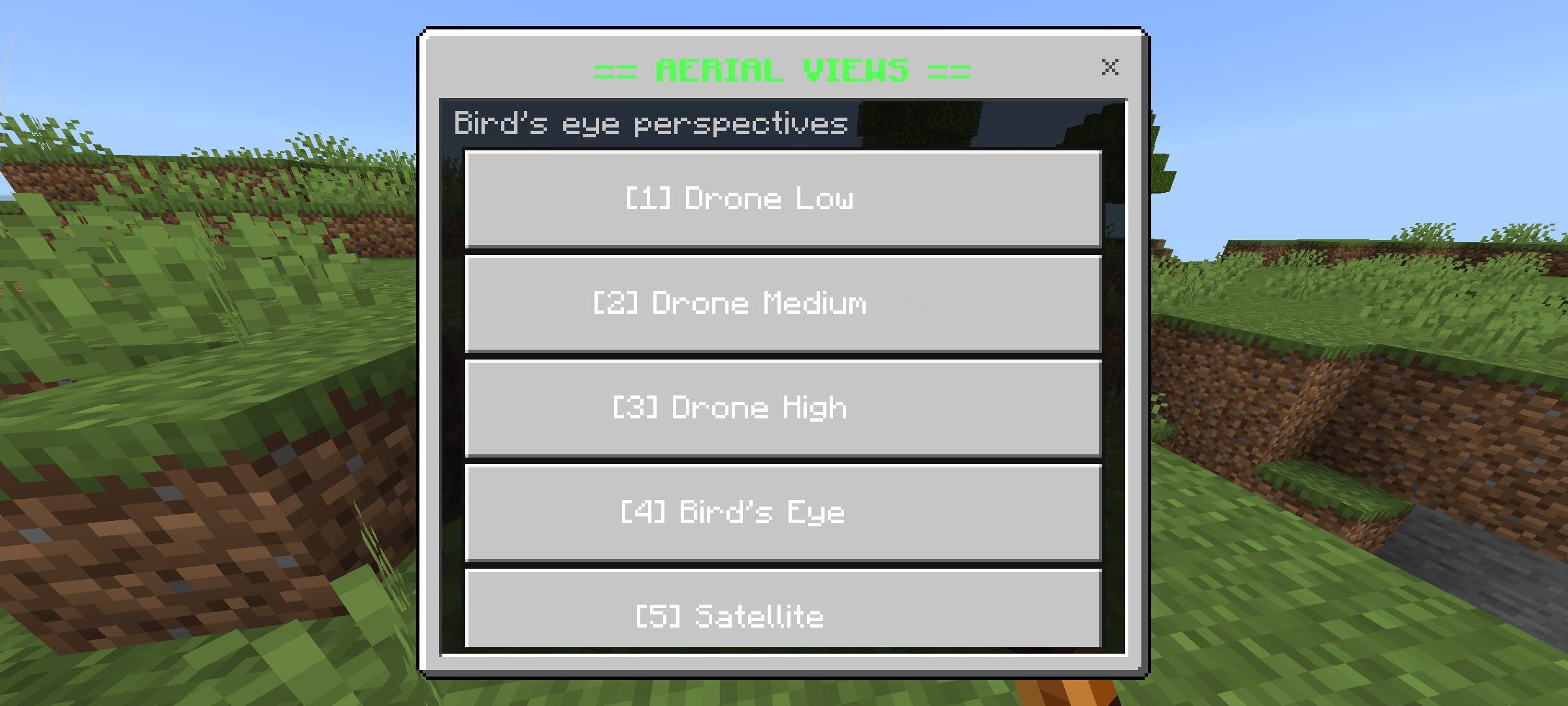
| Aerial Views | Drone Low (+5), Drone Medium (+10), Drone High (+20), Bird's Eye, Satellite (+30) |
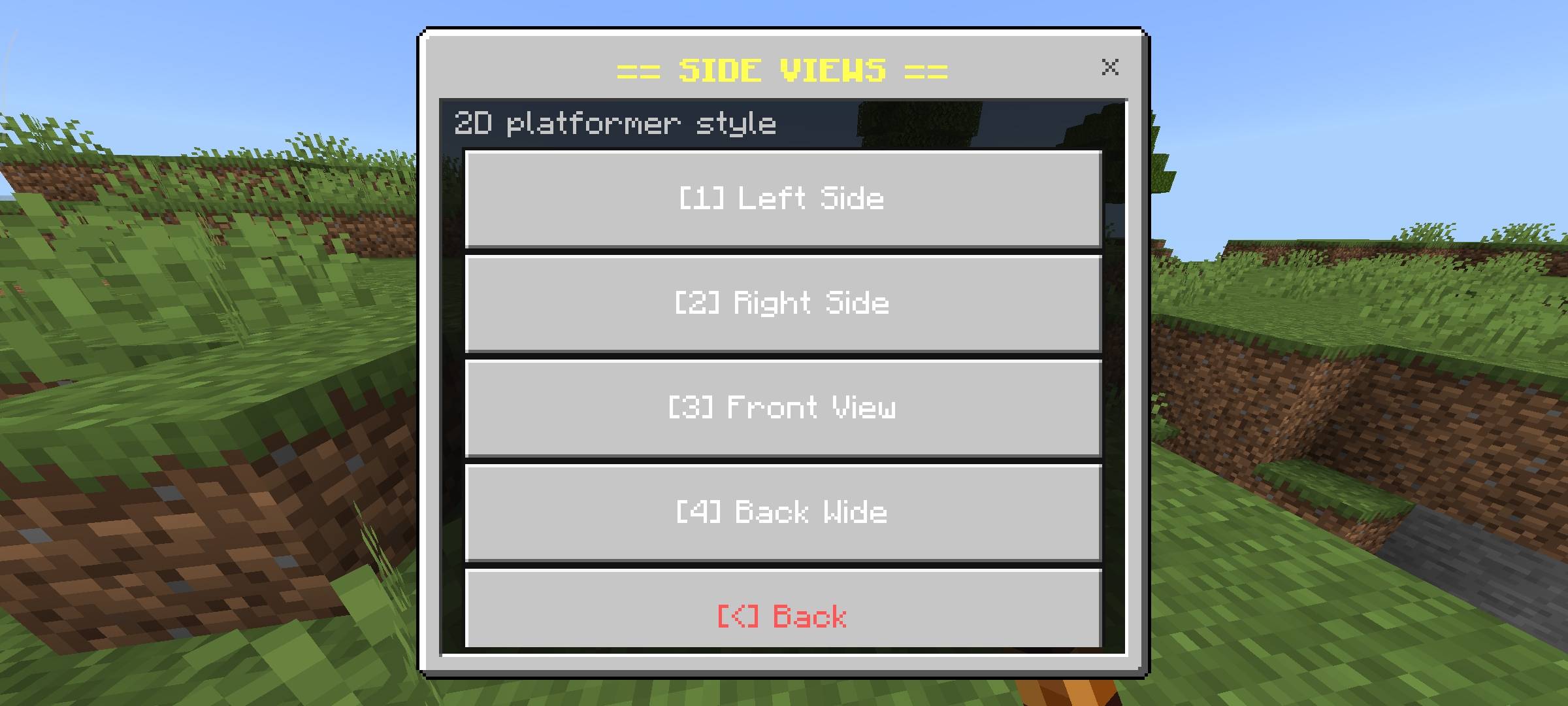
| Side Views | Left Side, Right Side, Front View, Back Wide — platformer style perspectives |
| Cinematic Angles | Hero Shot, Villain Shot, Dutch Angle, Close Up (2 blocks), Wide Shot, Extreme Wide (25 blocks) |
| Orbit Modes | Orbit Slow (30s), Orbit Medium (15s), Orbit Fast (8s) — full 360 rotation around player |
| Gameplay Views | Combat Cam, Build Cam, Explore Cam, Mining Cam, Parkour Cam |
| Special Effects | Smooth Follow, Shake Cam, Screenshot Mode, Cinematic Pan (auto multi-angle) |
Features
| + | 32 Camera Modes — organized across 7 categories, all in one menu |
| + | Orbit Modes — camera rotates in a full 360 circle around your player continuously |
| + | Cinematic Pan — automatically cycles through 4 different angles with smooth transitions |
| + | Smooth Follow — camera tracks behind you with smooth easing as you move |
| + | Shake Cam — adds camera shake effect for impact moments or dramatic scenes |
| + | Screenshot Mode — locks camera at a clean stable angle away from player for screenshots |
| + | Smooth Easing — all transitions use InOutSine or Linear easing for fluid camera movement |
| + | Settings Panel — adjust transition speed (0.5s to 3s), distance multiplier (0.5x to 2x), easing toggle |
| + | Mode Name Display — shows the current camera mode name on screen when switching |
| + | Instant Reset — sneak and use Spyglass to immediately return to normal camera at any time |
| + | Per-Player Settings — each player's preferences save separately, works in multiplayer |
| + | Persistent Data — settings save across sessions via Dynamic Properties |
How to Use
Hold a Spyglass in your hand — the action bar will show the controls. Everything runs through a single item, no commands at all.
| Action | Control |
|---|---|
| Open Camera Menu | Use Spyglass |
| Reset Camera to Normal | Sneak + Use Spyglass |
| Open Settings | Camera Menu — Settings |
Requirements
Minecraft Version
1.21.0 or higher
Experiment Required
Beta APIs — ON
Platform
Bedrock Edition
Pack Type
Behaviour Pack (.mcpack)
Terms of Use
This addon is free to use but please respect the work that went into it.
- Do not repost or republish this addon on any website, platform or app without permission.
- Do not claim this addon as your own work.
- You are free to use it in your worlds, servers and YouTube videos — just give credit to Racing Raftaar.
- Modifying and redistributing without permission is not allowed.
More addons, updates and dev stuff on my blog and community:
Blog — YouTube — Discord
Beta APIs Notice
This addon requires Beta APIs to be enabled in your world settings under Experiments. Without it the addon will not load at all. This is a Minecraft requirement for all Script API addons — it is not a bug with the addon.
AI Enhancement Notice
The thumbnail and screenshots used in this post have been AI-enhanced for better visual presentation. In-game visuals may look different. All gameplay features shown are real and functional.
The Camera Master - Cinematic Views Team


Owner