Scrawl
- By
Draw arrows, icons and numbers on floors and walls with chalk, in 7 colours, with glow chalk and messages.
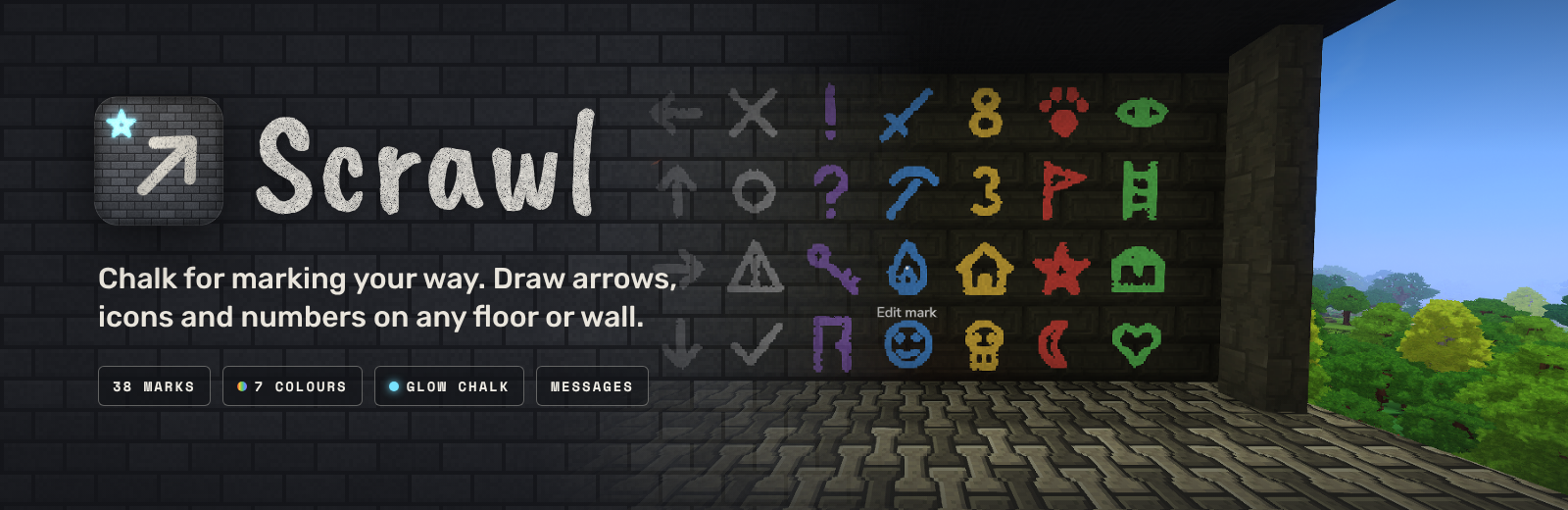
Chalk for marking your way in Hytale.
Craft a stick of chalk and draw on any floor or wall. Mark the way out of a cave, label your chests, warn friends about a drop, or number the rooms of a base. Glow chalk lights up dark places, and any mark can carry a short message for the next person who walks by.
Available in English, Spanish, French, Portuguese (Brazil), Russian, Ukrainian and Chinese (Simplified). Scrawl follows your game's language setting.

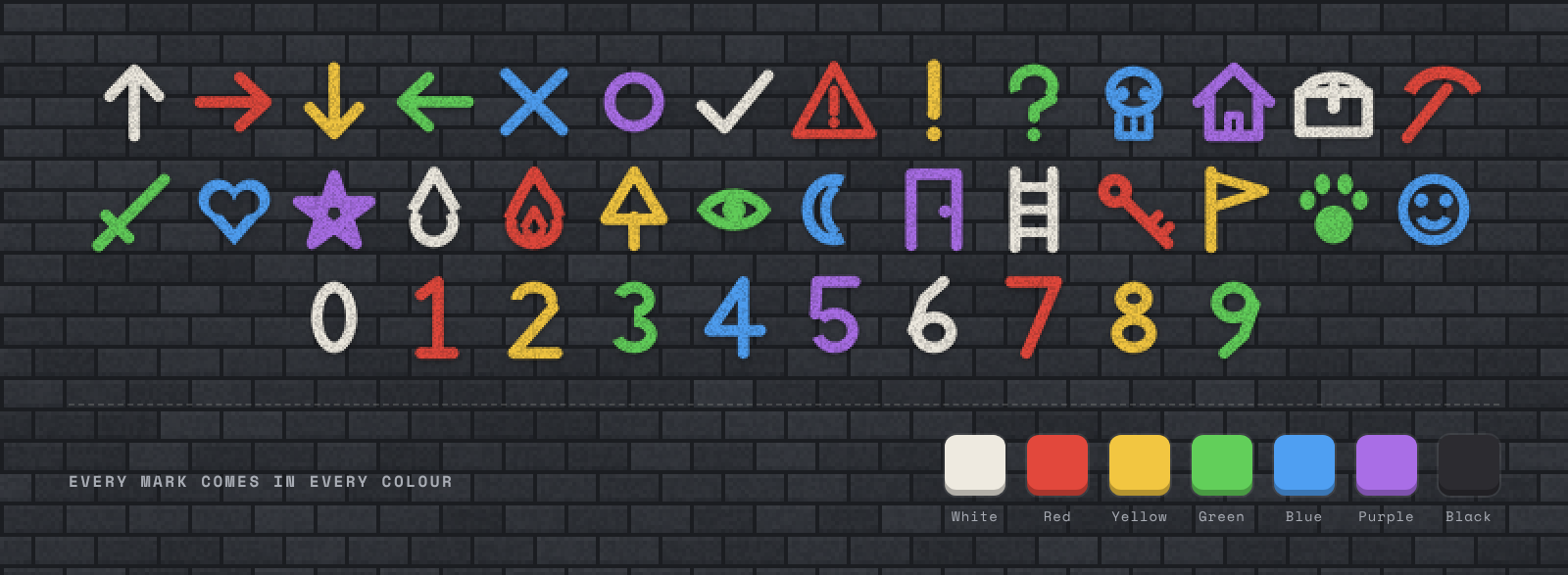
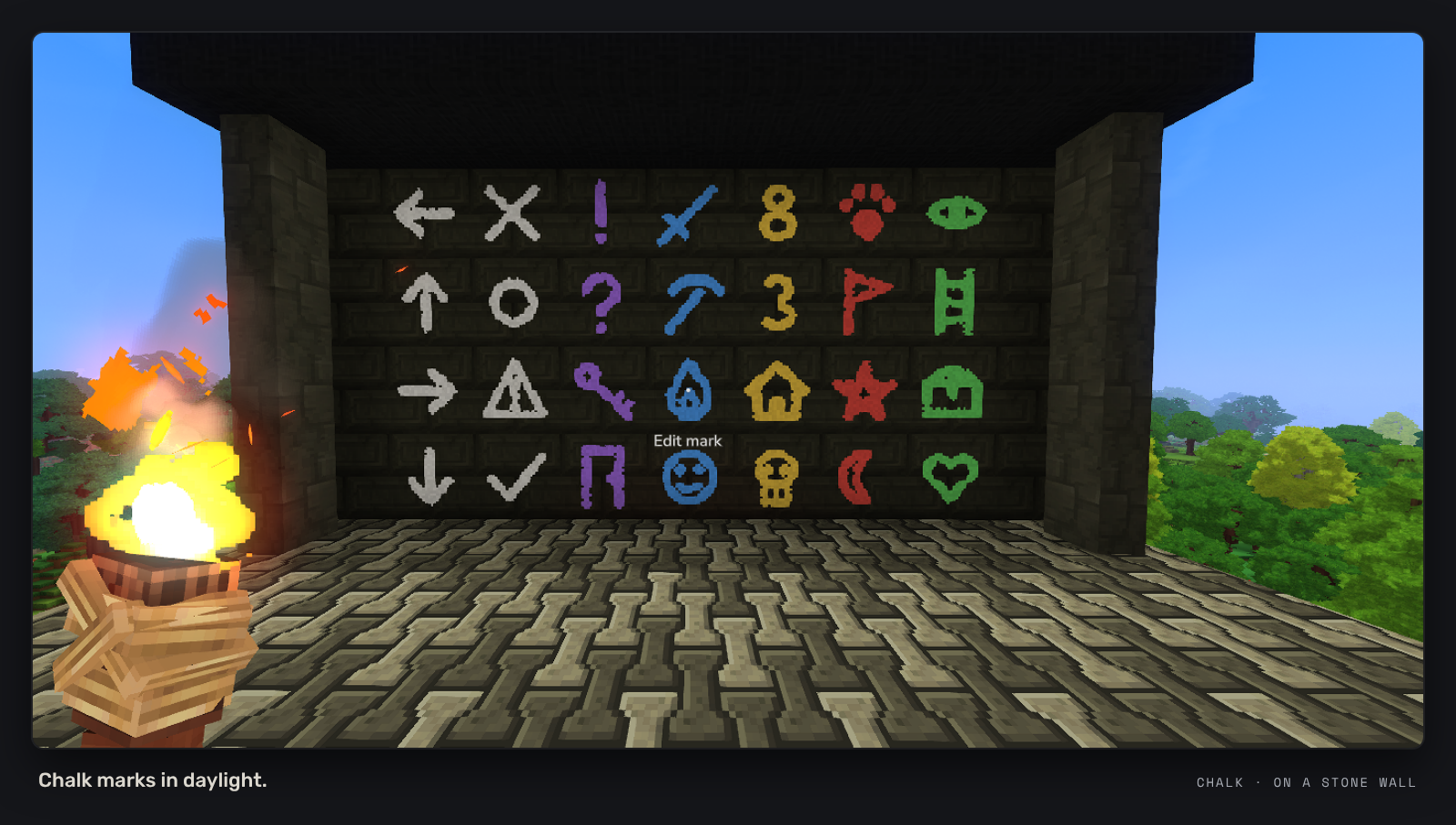
- 38 marks: arrows, a cross, circle, tick, warning sign, question and exclamation marks, a skull, house, chest, pickaxe, sword, heart, star, water, fire, tree, eye, moon, door, ladder, key, flag, paw print, smiley and the numbers 0 to 9.
- 7 colours: white, red, yellow, green, blue, purple and black.
- Floors and walls: draw on the ground or straight onto a wall.
- What you see is what you draw: the chalk in your hand shows the mark you picked while you place it.
- Chalk wears down: each mark uses a little of the stick, so one stick lasts a long time.

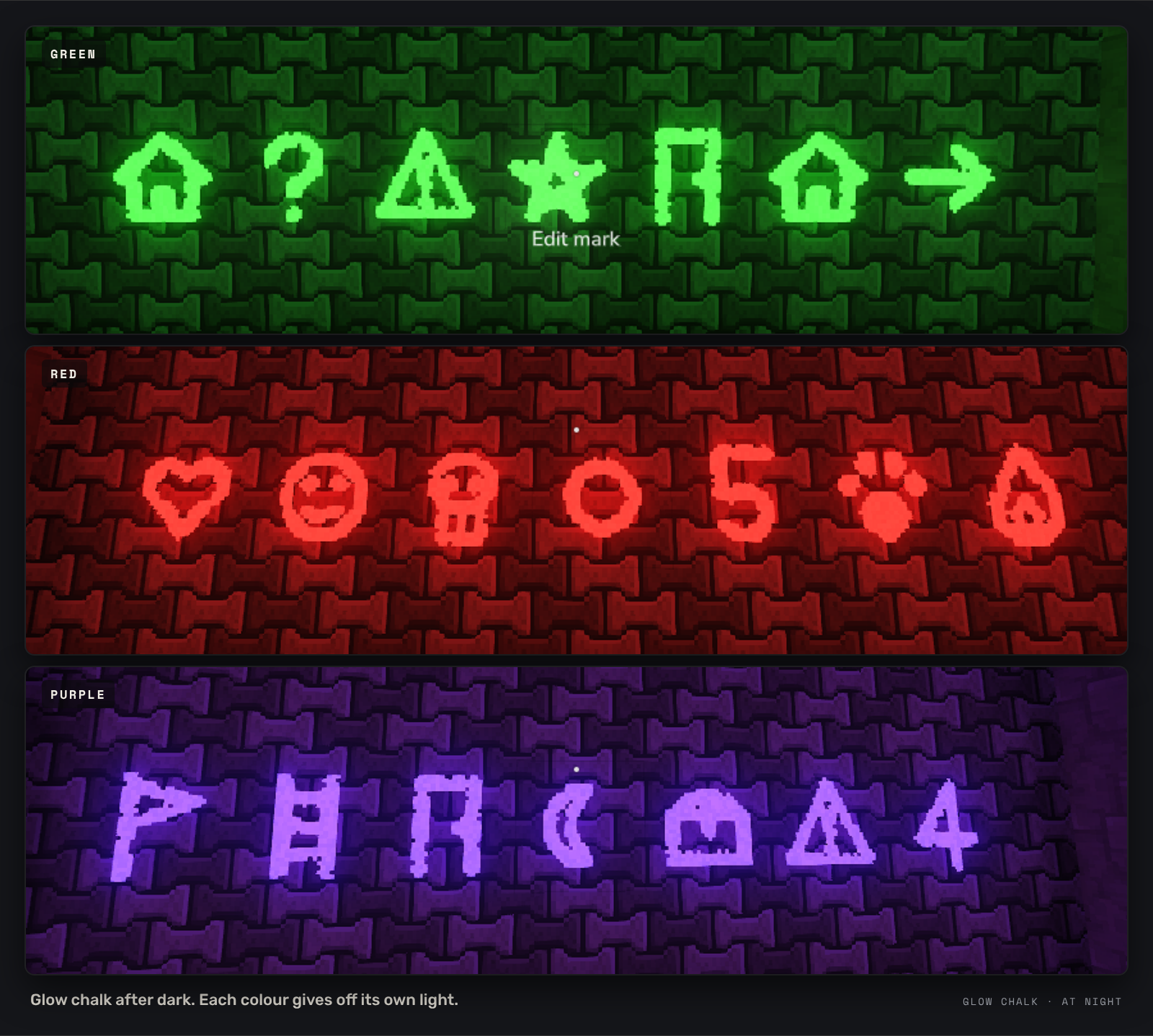
- Glow chalk marks stay bright in the dark and give off light in their own colour.
- Leave a trail through a cave and follow it back out, or light up a sign over your door.
- Same 38 marks and 7 colours as normal chalk.

- Add a short message to any mark (up to 60 characters).
- Anyone who looks at the mark from within 6 blocks sees the message, along with who wrote it.
- Rubbing out a mark removes its message too.

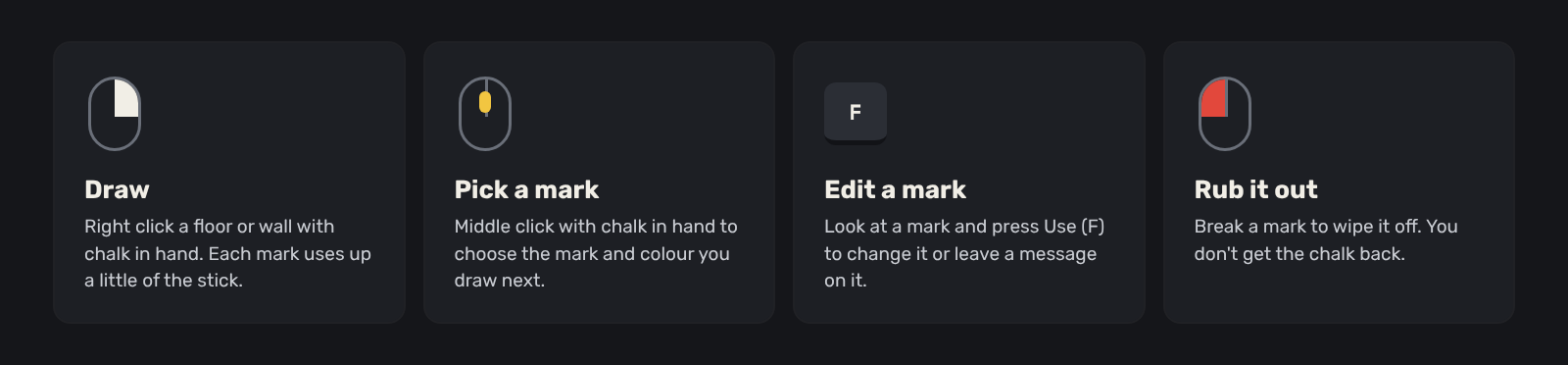
- Hold chalk and middle click to pick a mark and a colour.
- Right click a floor or wall to draw it.
- Look at a mark and press Use (F) to change it or write a message on it.
- Break a mark to rub it out. You don't get the chalk back.

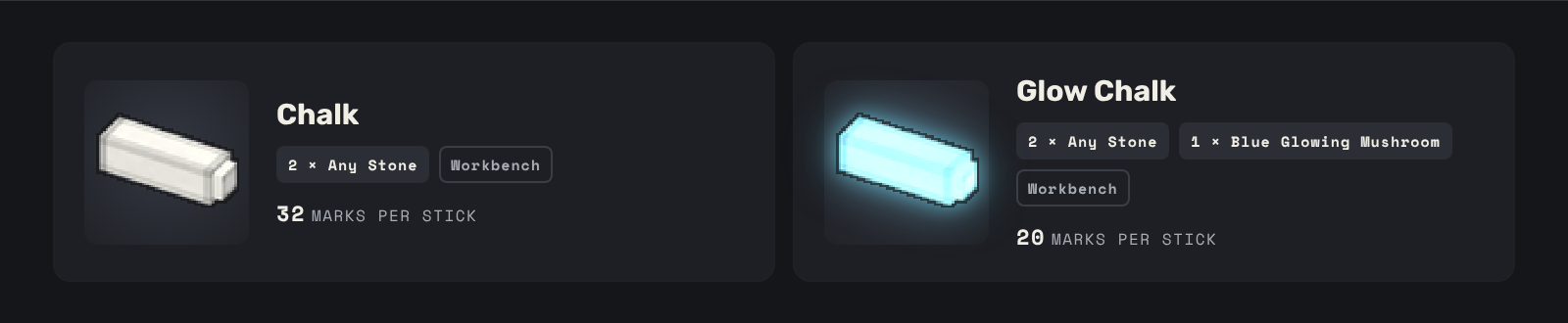
| Item | Recipe (Workbench) | Marks per stick |
|---|---|---|
| Chalk | 2 Any Stone | 32 |
| Glow Chalk | 2 Any Stone, 1 Blue Glowing Mushroom | 20 |

- Drop the Scrawl jar into your
Modsfolder. - Enable Scrawl for your world.
- Craft some chalk at a Workbench and start drawing.
- Built for Hytale 0.7.x
- No commands and nothing to set up. Works on its own, no other mods needed.
- Works in multiplayer. Everyone sees the same marks and messages, and each player sees the menus in their own language.
Found a bug or have an idea for a new mark? Leave a comment. A screenshot and what you were doing help a lot.
Scrawl Team