ViewFinder
- By
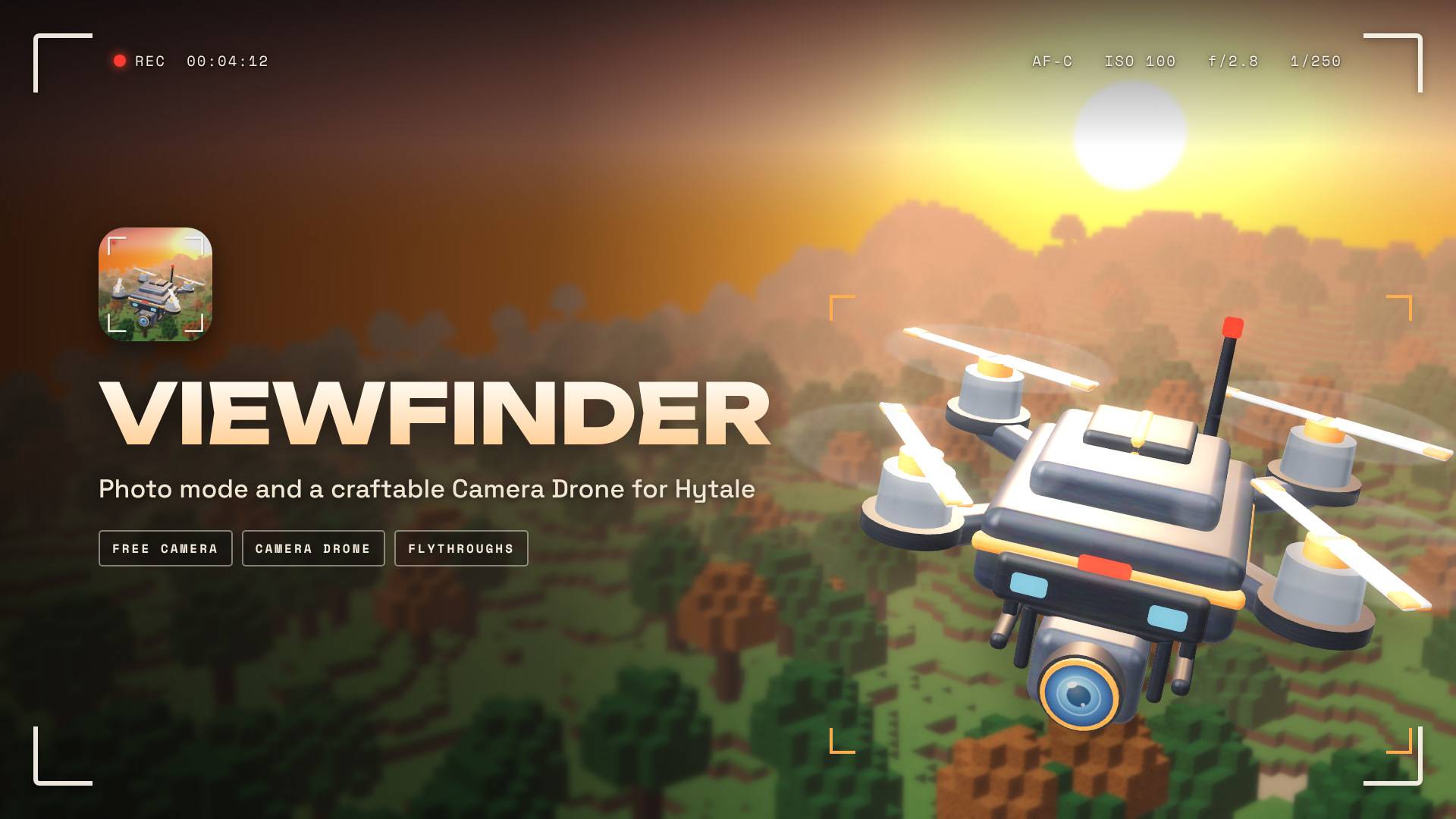
Photo mode and a craftable Camera Drone for Hytale: free camera, focus blur, your own sky, and cinematic flythroughs.
viewfinder_01_viewfinder.jpg
viewfinder_flythroughs.png
viewfinder_06_craft_the_drone.jpg
Description
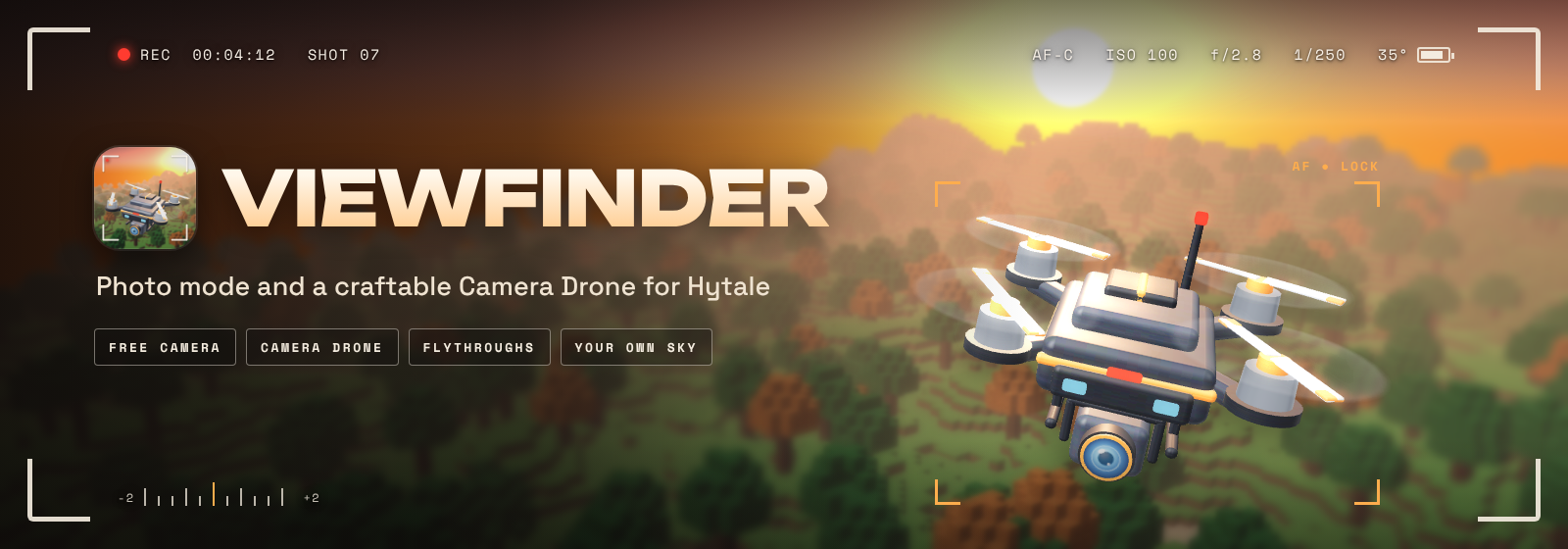
Photo mode and a craftable Camera Drone for Hytale.
Fly a free camera anywhere, or craft a drone and pilot it yourself. Frame the shot, pick your own time of day and weather, blur the background, then press F12. Save a few shots and Viewfinder will fly the camera between them for a smooth cinematic flythrough.
Available in English, Spanish, French, Portuguese (Brazil), Russian, Ukrainian and Chinese (Simplified). Viewfinder follows your game's language setting.

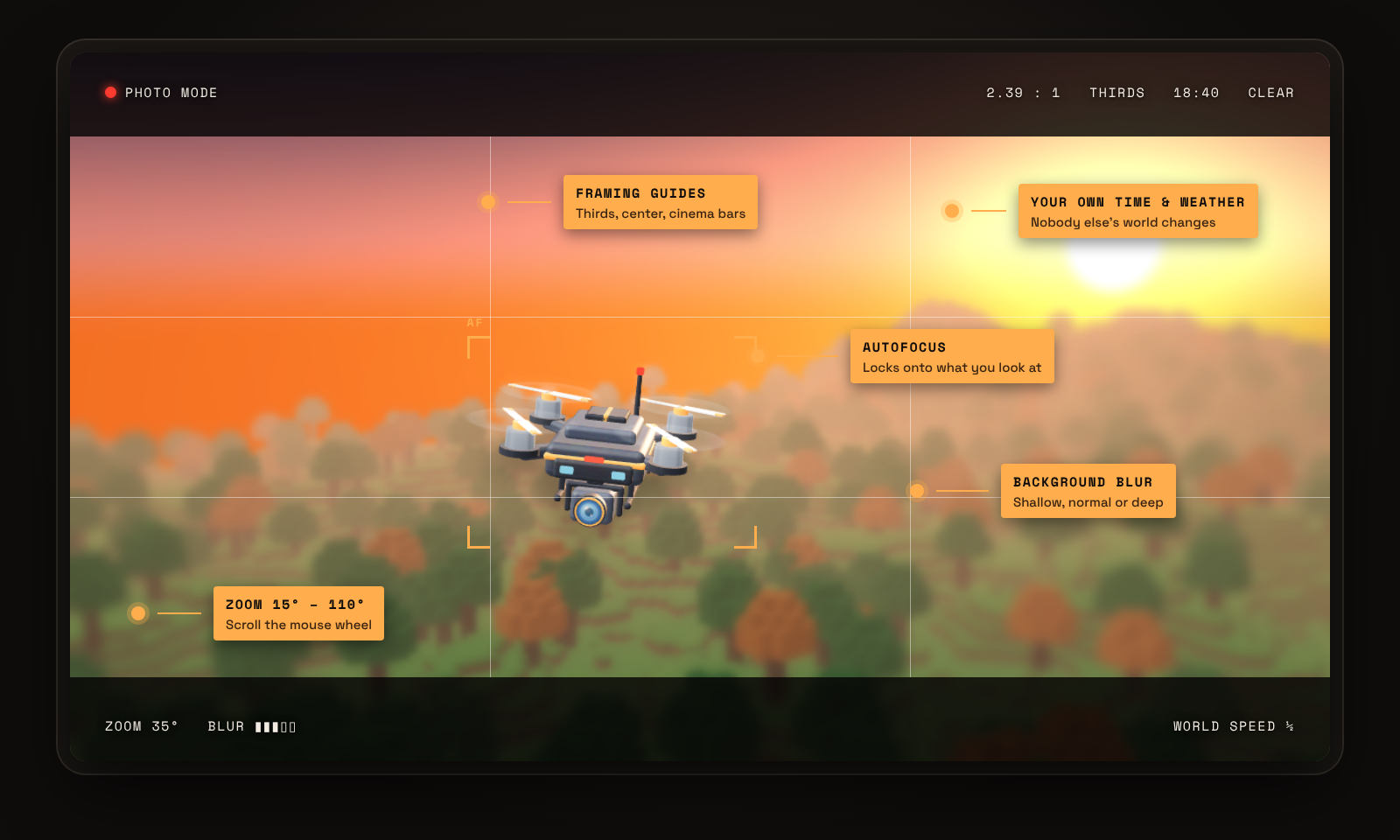
- Free camera: leave your body behind and fly anywhere nearby. Builders and admins can fly through walls.
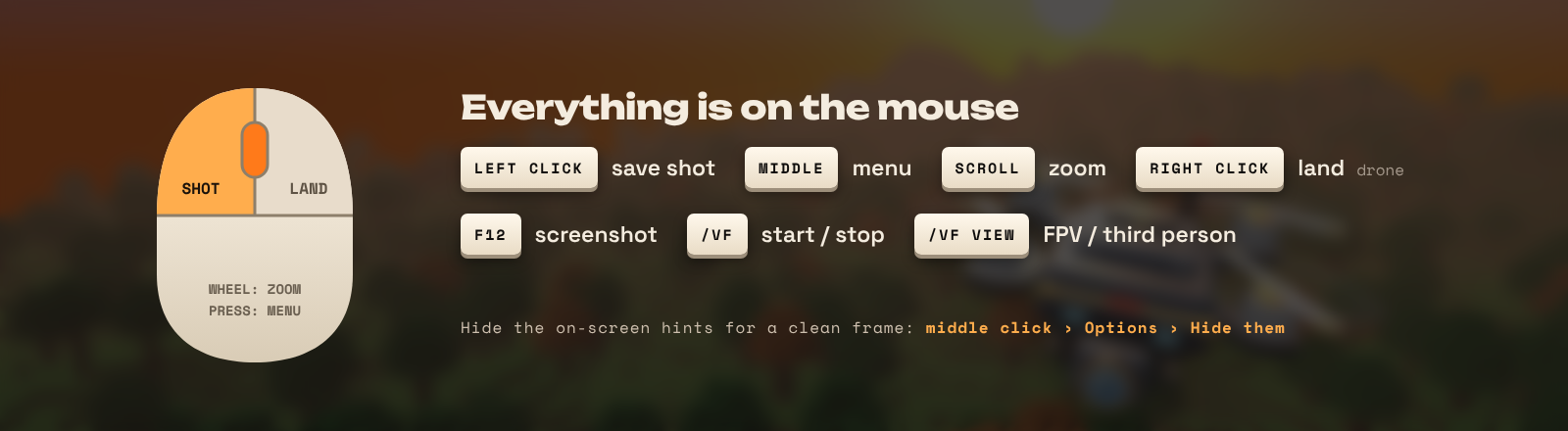
- Zoom from 15° to 110° with the mouse wheel.
- Focus: auto, manual or off, with background blur set to shallow, normal or deep. Autofocus locks onto whatever you're looking at.
- Framing guides: rule of thirds, a center cross and cinema bars (2:1 or 2.39:1).
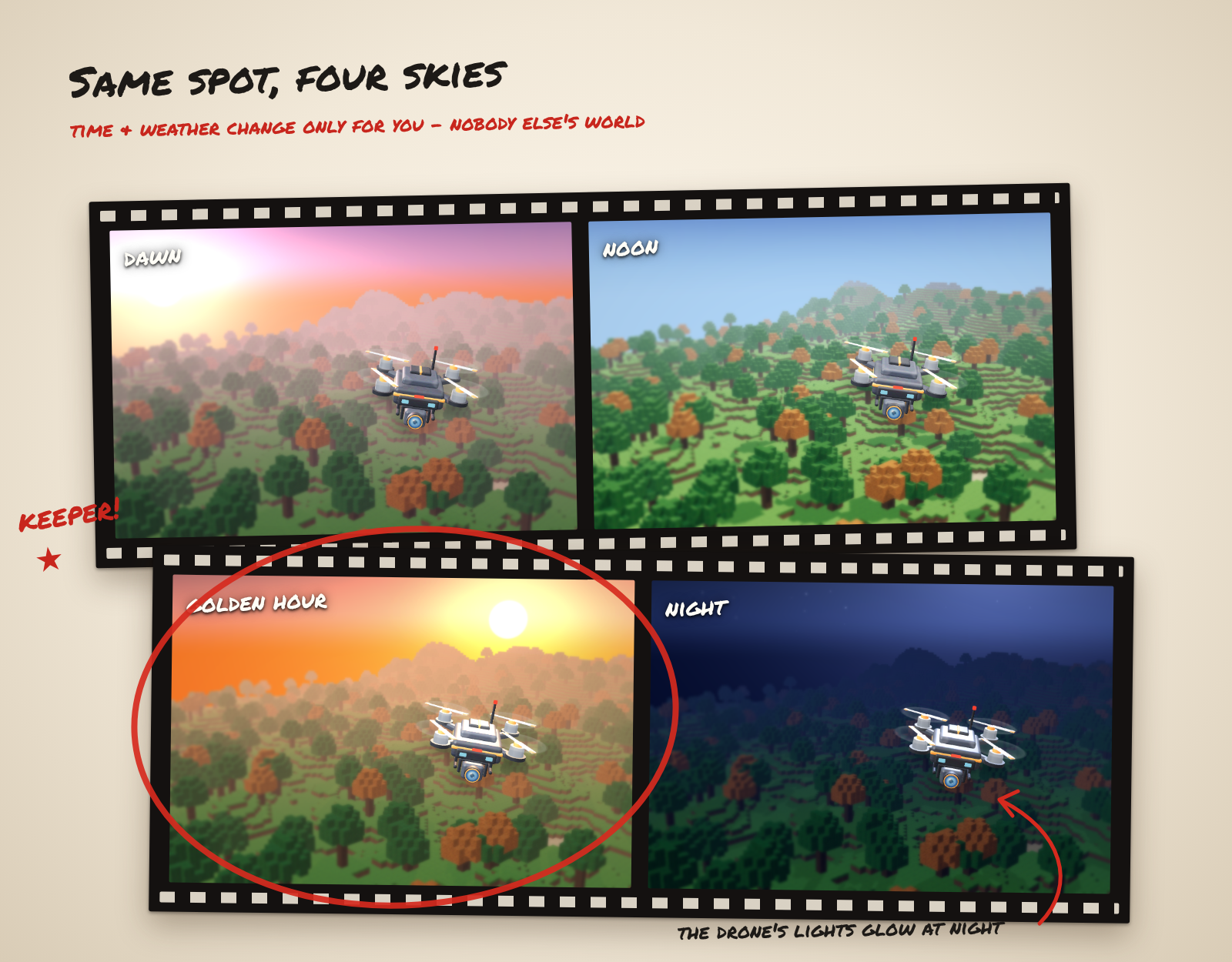
- Your own sky: change the time of day and the weather only for you. Nobody else's world changes.
- Your character: leave a statue of yourself standing where you were, in any emote pose, played once or looping.
- World speed: half, slow or frozen, for when you're alone and allowed to.
- Clean frame: hide the on-screen hints in the menu.

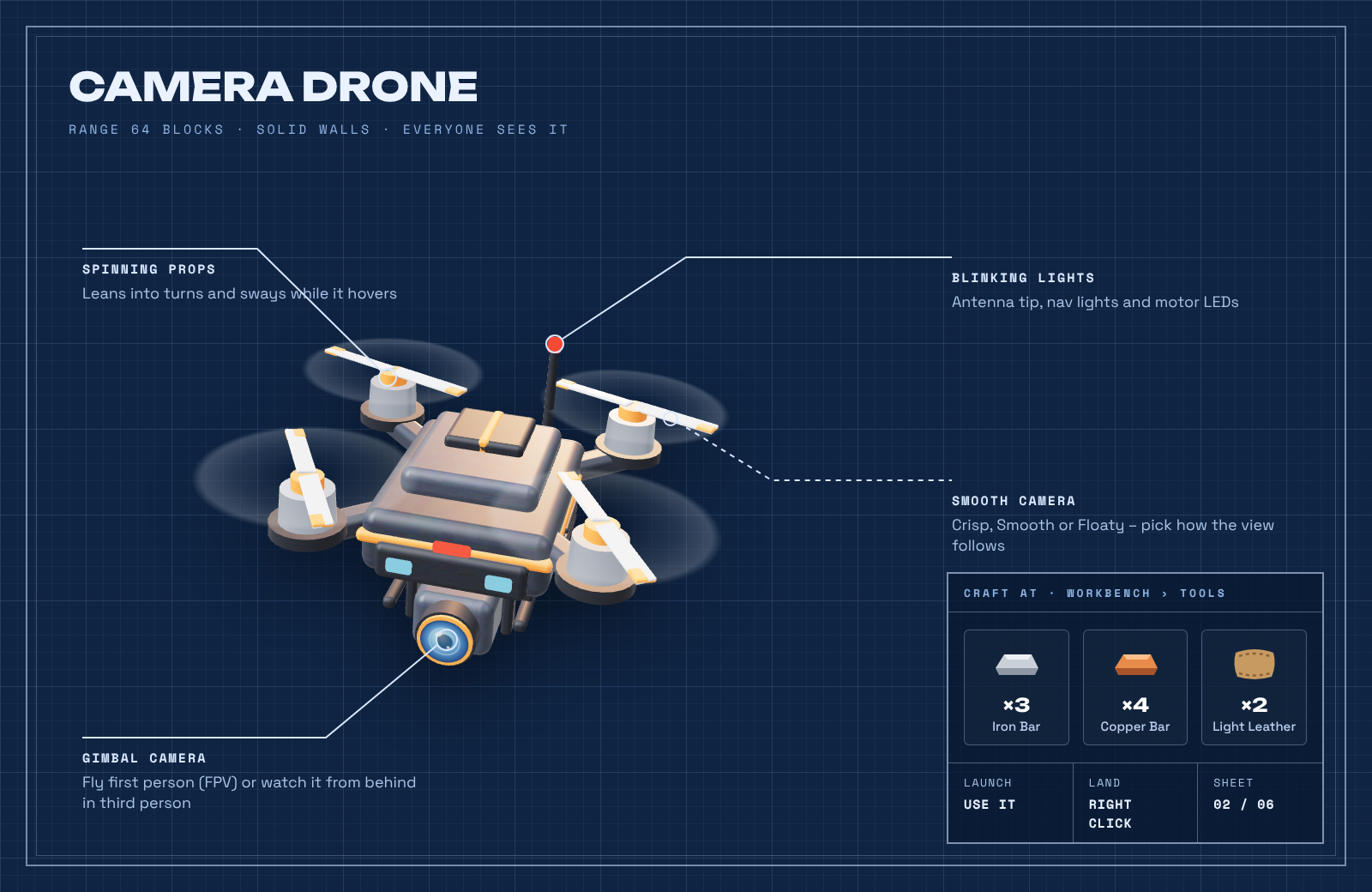
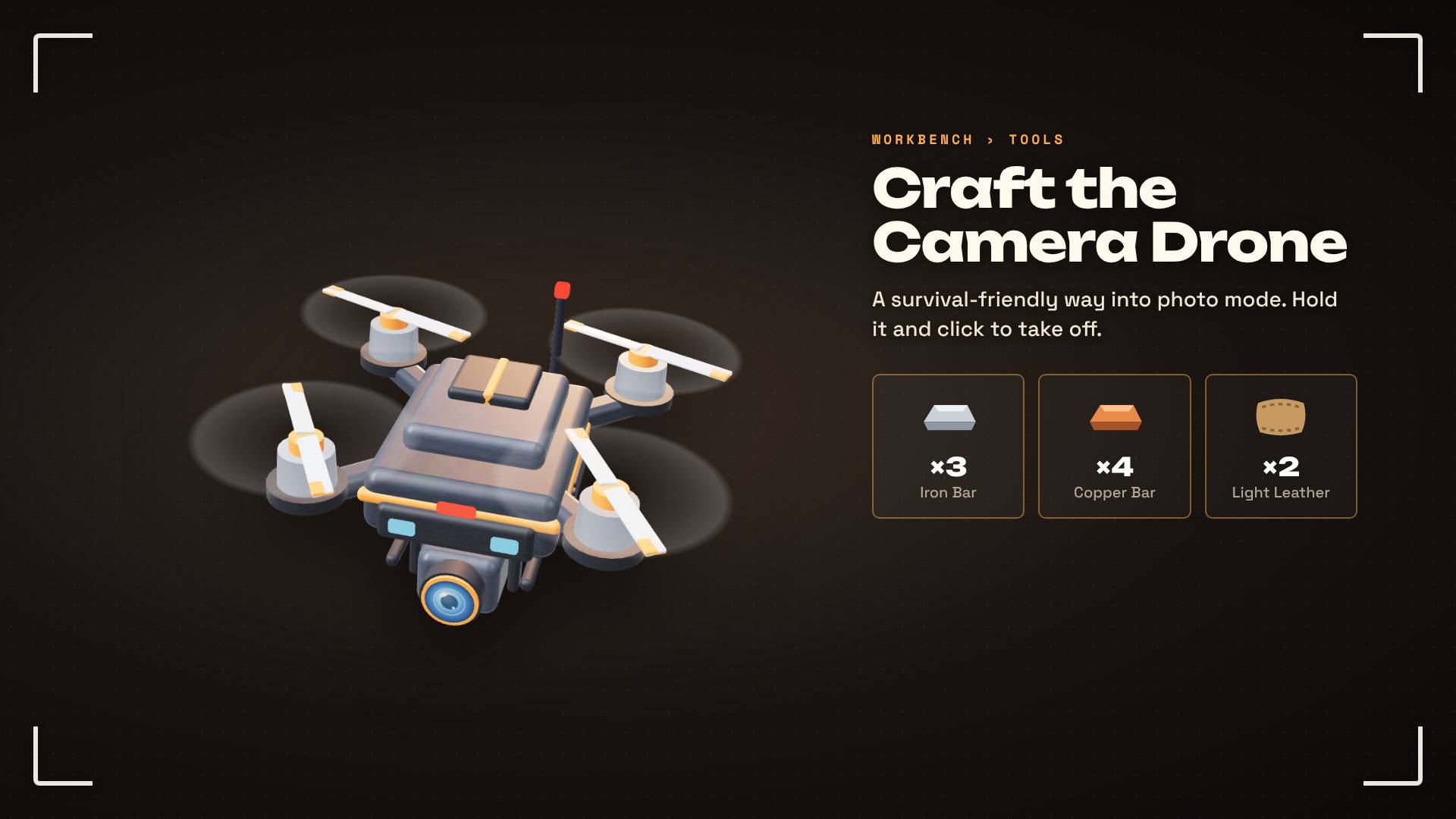
A survival-friendly way into photo mode. Craft it, hold it and click to launch.
- Recipe: Workbench (Tools): 3 Iron Bar, 4 Copper Bar, 2 Light Leather
- Fly it first person (FPV) or watch it from behind in third person (close, medium or far). Switch with
/vf view. - Autofocus keeps the drone sharp in third person, along with whatever you're aiming at.
- Camera feel: Crisp, Smooth or Floaty
- Climb and descend speed: Gentle, Normal or Fast, so the drone rises and sinks like a drone instead of creative flight
- Everyone sees it: spinning props, lean into turns, blinking lights
- Fair play: solid walls and a 64-block range (servers can change it). Double-tapping jump won't drop it out of the sky.
- Right click to land and get your drone back.

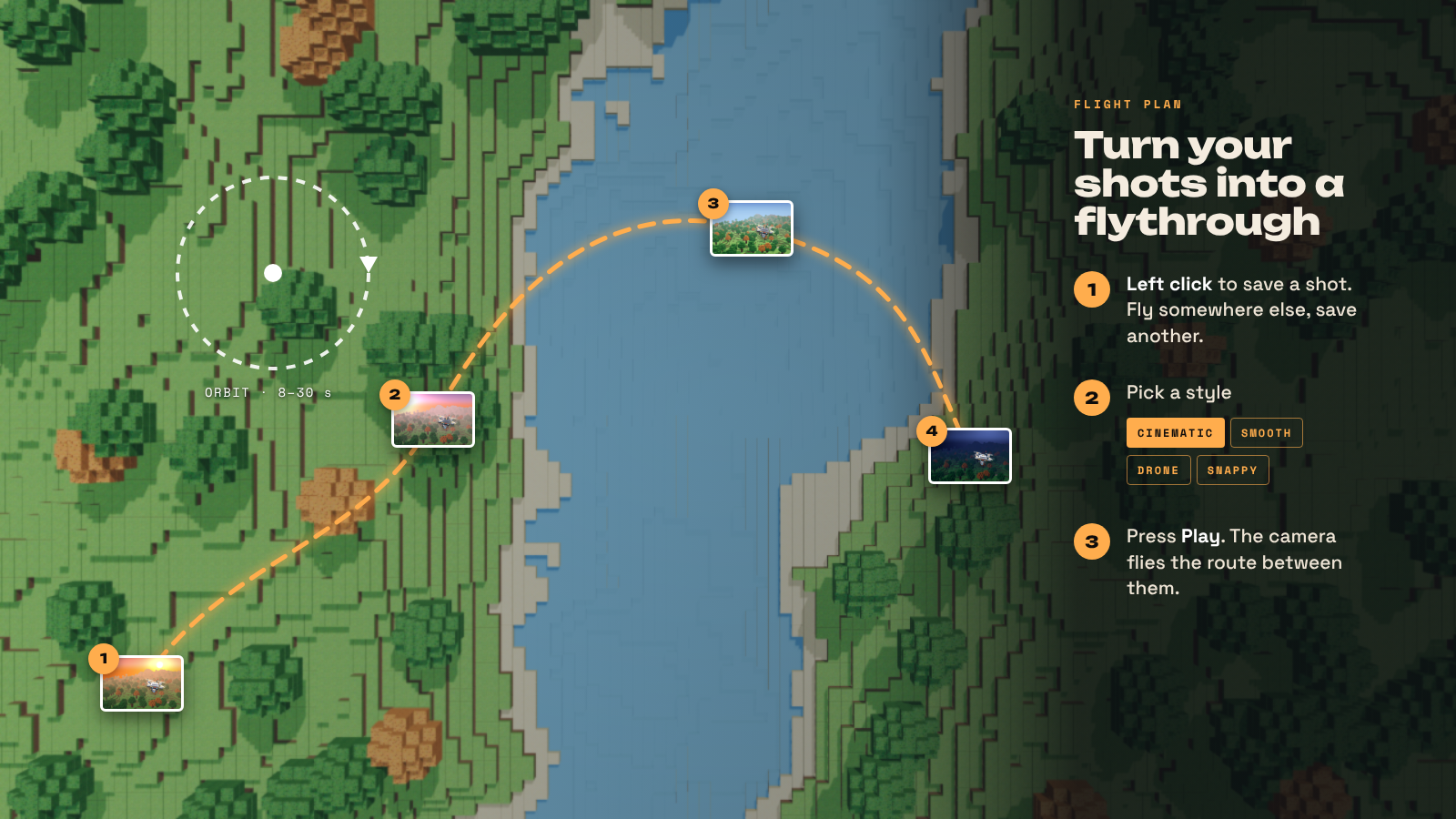
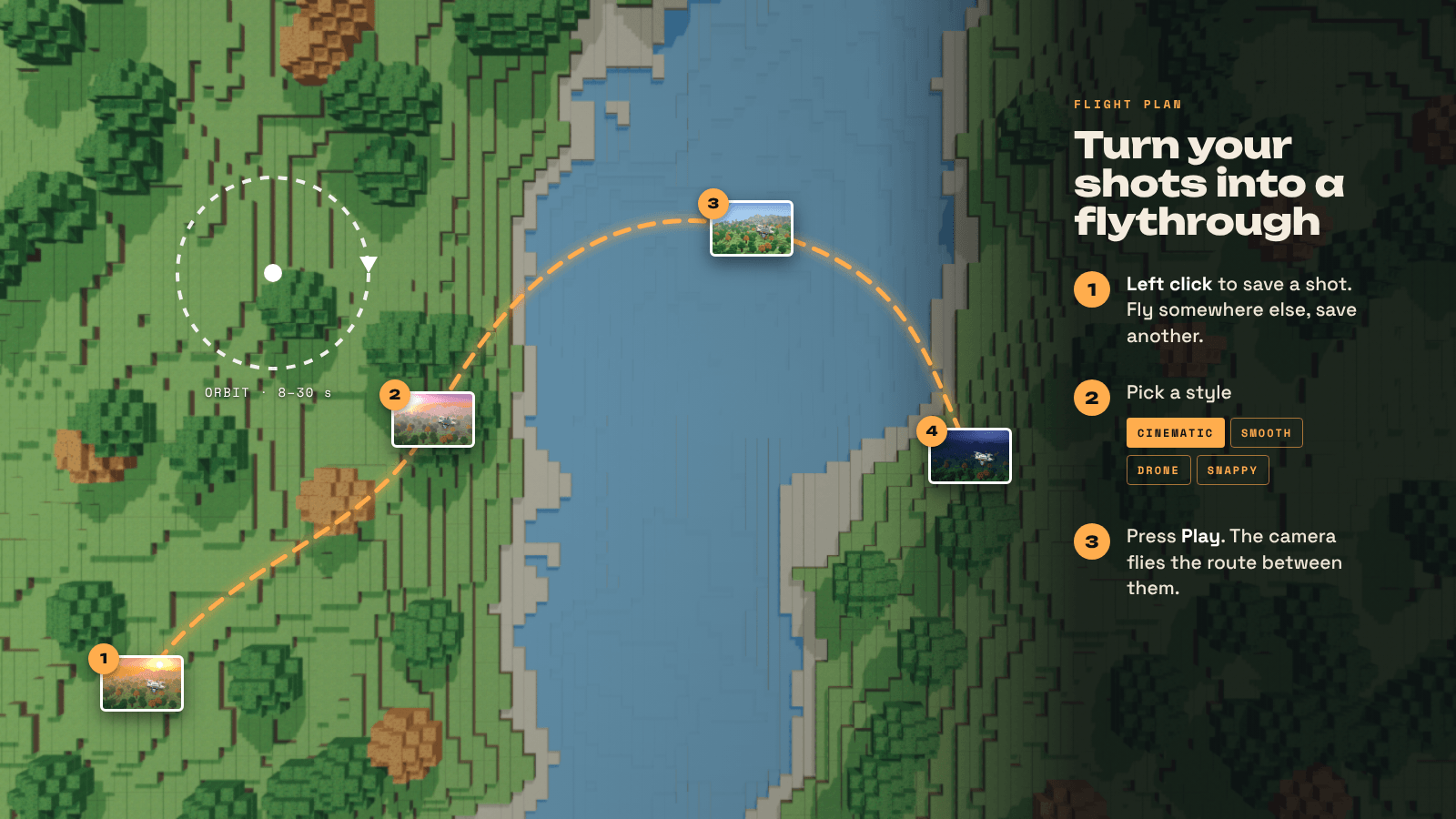
- Left click to save a shot. Fly somewhere else and save another.
- Pick a style: Cinematic, Smooth, Drone or Snappy.
- Press Play. The camera flies a smooth route through your shots.
Want more control? Fine-tune the curve, easing, pace (same time per shot or even speed), where the camera aims (each shot, where it's going or the subject), tilt into turns, pauses and repeats (once, back and forth, or loop ×3).
Orbit circles the camera around whatever is in the middle of your view, left or right, in 8 to 30 seconds.

| Command | What it does |
|---|---|
/vf |
Start or stop photo mode (also /viewfinder and /photo) |
/vf menu |
Open the photo menu |
/vf drone |
Fly the drone without the item |
/vf view |
Switch the drone between FPV and third person |
/vf help |
Show the commands |

Viewfinder is built to be safe on servers. Your spot is always restored when photo mode ends, even after a crash or disconnect. Players can't use it to escape a fight, and you decide who gets what.
| Permission | Lets players | Default |
|---|---|---|
viewfinder.use |
Use free camera photo mode | Everyone |
viewfinder.drone |
Fly the Camera Drone | Everyone |
viewfinder.scene |
Set their own time and weather | Everyone |
viewfinder.statue |
Leave a statue of themselves | Everyone |
viewfinder.noclip |
Fly through walls | Builder and up |
viewfinder.anywhere |
Ignore the distance limit | Builder and up |
viewfinder.worldspeed |
Slow motion for the whole world | Admins |
viewfinder.admin |
/vf reload and /vf stopall |
Admins |
Settings file (config.properties in the mod's data folder, apply with /vf reload):
enabled: turn photo mode off completelyworlds: which worlds it works in (blank = all)maxDistance: how far the free camera can fly (default 64)allowDroneanddroneRange: the Camera Drone and its range (default 64)combatCooldown: seconds after taking damage before photo mode can start (default 10)invulnerable: players can't be hurt in photo mode, or damage ends it insteadhideFromOthers: other players see the statue instead of the flying cameraallowStatue,allowNoclip,allowWorldSpeed,allowScene: switch features off for everyone
Tip: take viewfinder.use away to make the craftable drone the only way in.

- Drop the Viewfinder jar into your
Modsfolder. - Enable Viewfinder for your world.
- Type
/vf, or craft a Camera Drone at a Workbench.
- Built for Hytale 0.7.x
- Coming from Shutter? Remove the old jar. Your settings carry over, and
/shutterstill works. - Menus, hints, messages and the Camera Drone item are translated into 7 languages. On a server, each player sees their own.
Found a bug or have an idea? Leave a comment. A screenshot and what you were doing help a lot.
ViewFinder Team