Layered Flooring
- By
Put furniture, lamps and doors on top of rugs, carpets and paths. The rug stays underneath and comes back when you move them.
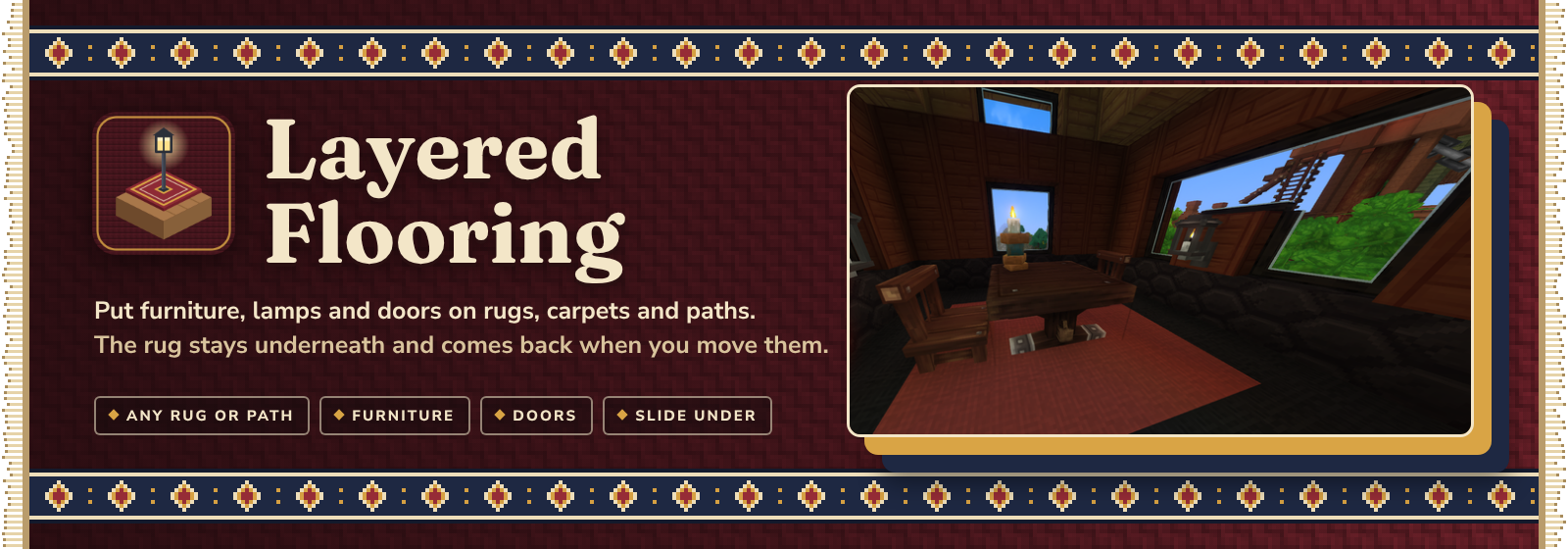
Put furniture, lamps and doors on top of rugs, carpets and paths, with the rug still showing underneath.
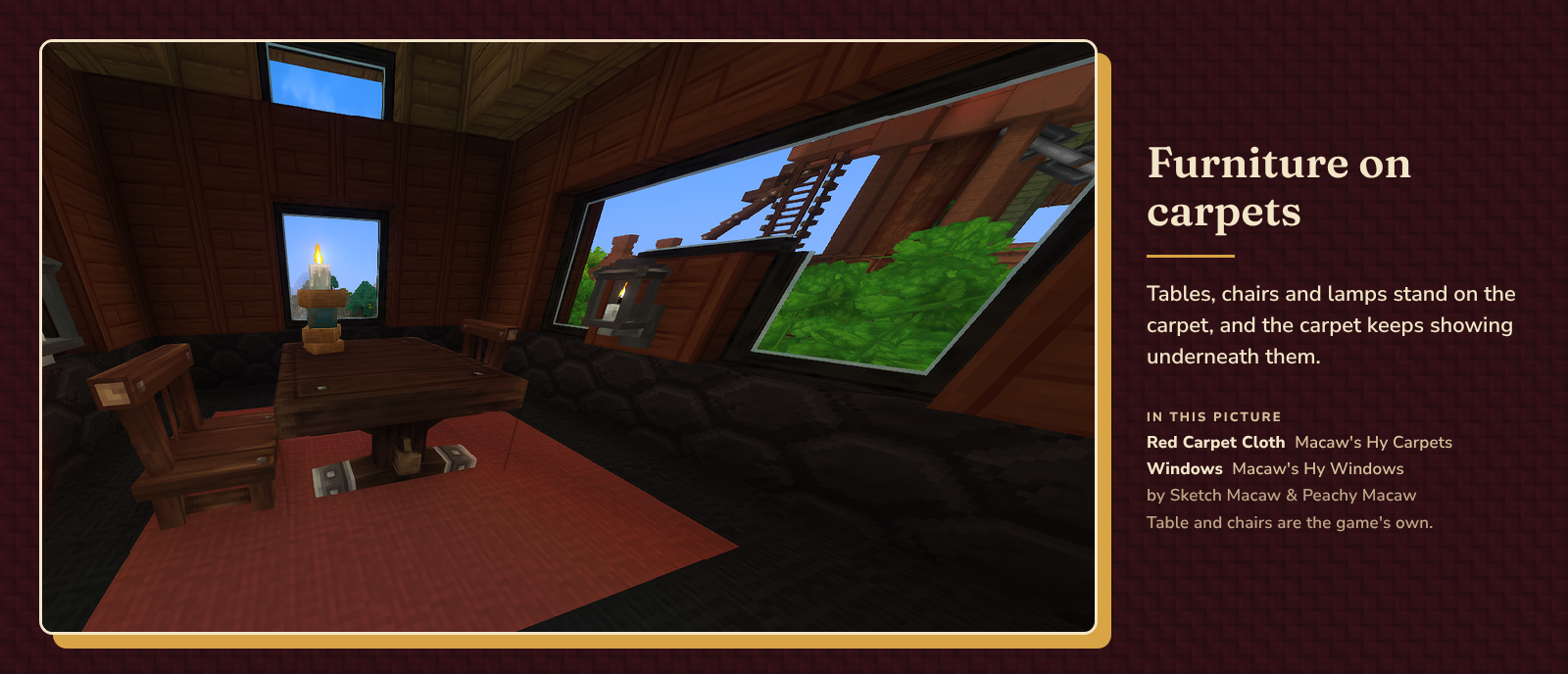
Normally a rug takes up its whole block, so nothing else can go there. You end up choosing between the carpet and the table. Layered Flooring lets you have both: place a table on a carpet and the carpet stays where it was, under the table. Pick the table up again and the carpet is just a normal carpet.
There's nothing to learn and no new items. Place things the way you always do.

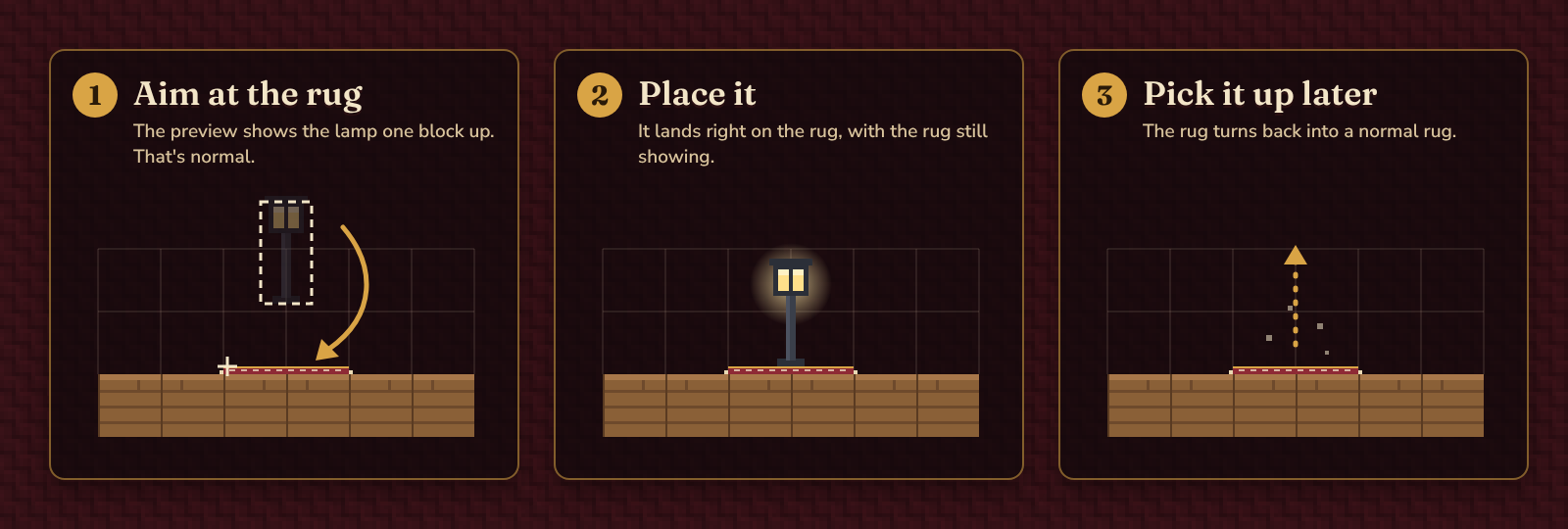
- Aim at the top of the rug with a lamp, table, chair or door in your hand. The preview shows the object one block up. That's normal, so don't worry about it.
- Place it. It lands right on the rug, and the rug keeps showing underneath.
- Pick it up later and the rug turns back into a normal rug that you can pick up, move or walk on as before.

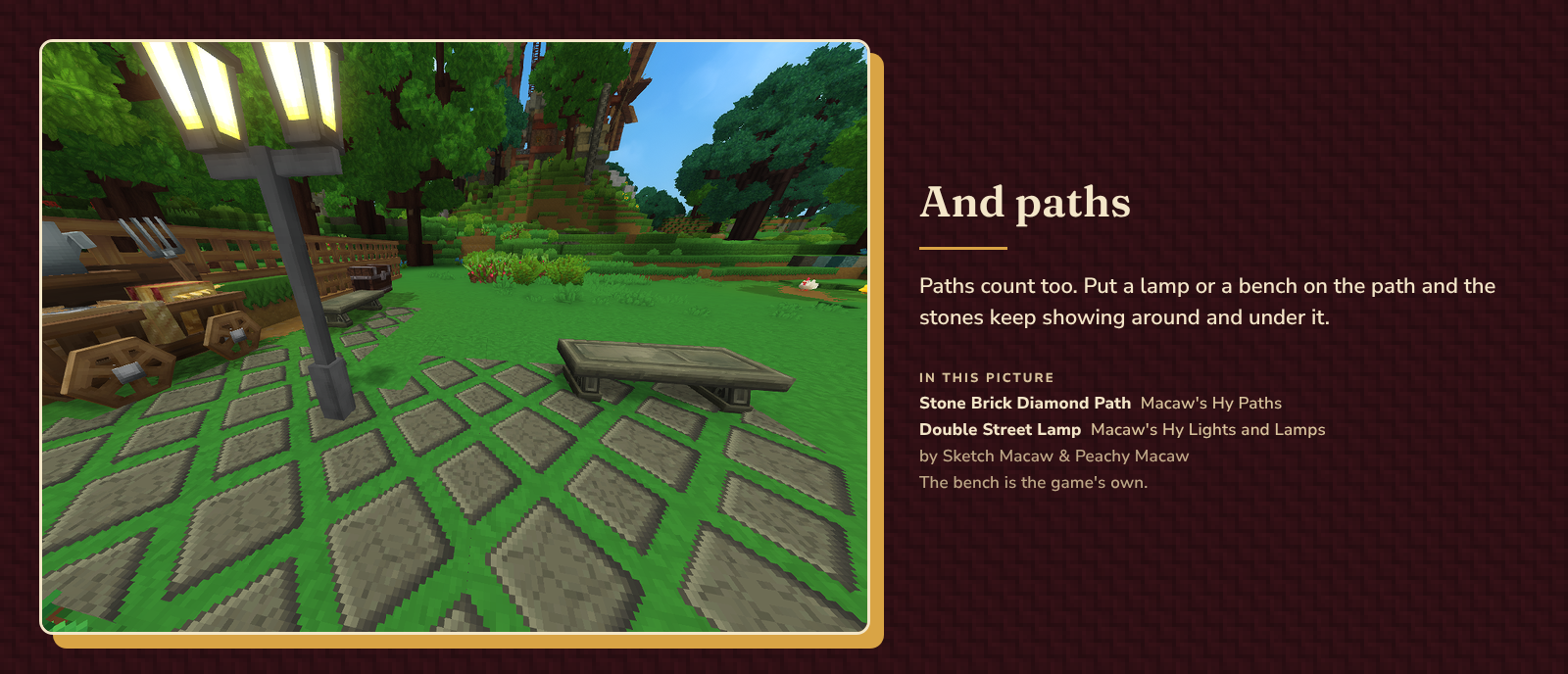
- Rugs, carpets and paths: any thin block lying flat on the floor counts, from the game or from other mods. They're found by their shape, so new ones work without a list.
- Furniture and decorations: anything that stands on the floor, like tables, chairs, benches, lamps and doors.
- Nothing is lost: rugs under objects are saved with the world, so they're still there after a restart.
- Building blocks (stone, planks and so on) still go on top of a rug like before.

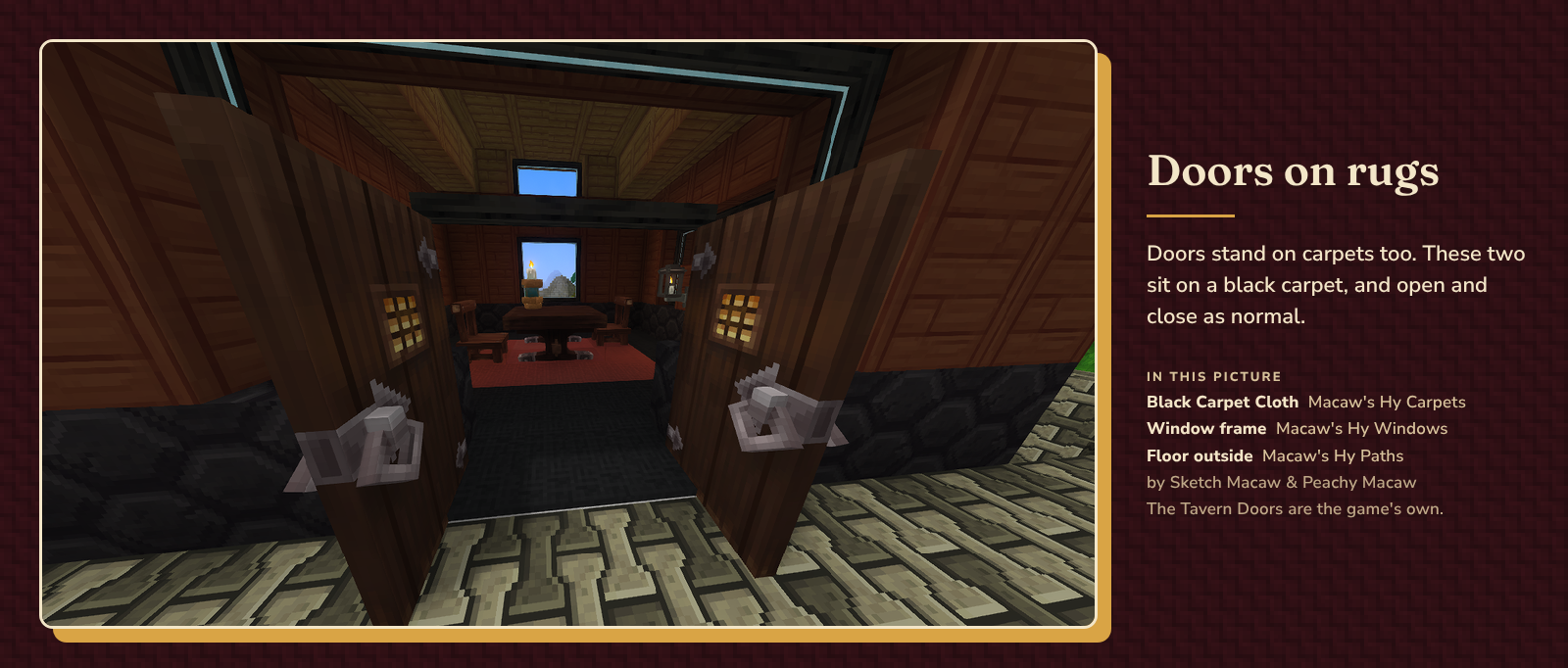
Doors stand on carpets like everything else, and open and close as normal.
In a tight doorway, where the wall comes down right above the door, the game won't place a door onto a rug. In that case place the door first, then slide the rug under it (see below).

Already furnished the room? You don't have to pick everything up to lay a rug.
- Under furniture: crouch, hold a one-tile rug or path, look at the bench, lamp or table, and place.
- Under a door: crouch, hold a one-tile rug, look at the bottom of the door and press Use (F). The door twitches for a moment while the rug goes in. That's expected.
- Only one-tile rugs and paths can slide under things.
- In Adventure mode it uses one rug from your hand, just like placing one.

Layered Flooring runs on the server, and players don't need to install anything. It works the same in single player.
Settings live in config.properties in Layered Flooring's data folder (GroundBeef_LayeredFlooring). Restart the world or server after changing them.
| Setting | What it does | Default |
|---|---|---|
mode |
on, or off to stop new placements onto rugs. Rugs that already have something on them still come back when it's removed. |
on |
maxThickness |
How thin a block must be to count as a rug, in blocks | 0.15 |
include |
Extra block ids to treat as rugs (comma separated) | empty |
exclude |
Block ids to never treat as rugs (comma separated) | empty |
/flooring shows whether Layered Flooring is on and how many rugs it knows. It also tells you whether the block you're looking at counts as a rug, which is handy when you're setting up include and exclude.

- Drop the Layered Flooring jar into your
Modsfolder. - Enable Layered Flooring for your world.
- Grab a rug and a lamp and try it.

- Built for Hytale 0.7.x, and tested on 0.7.3.
- Tested with Macaw's Hy Carpets and Macaw's Hy Paths. Rugs from other mods are picked up the same way.
- A rug under an object is lit a little more evenly than the rugs around it, so in a dim room it can look slightly brighter. That's a limit of how the game draws it.
- To pick up a rug that has something on it, move the thing first.
- Removing the mod: first pick up anything standing on rugs, so the rugs turn back into normal blocks. Rugs that still have something on them need Layered Flooring to turn back into normal rugs.

The paths, lamps and windows in the pictures come from these mods by Sketch Macaw & Peachy Macaw. Layered Flooring doesn't include or need them. They're just great to build with:
- Macaw's Hy Paths: the diamond path and the patterned stone floor
- Macaw's Hy Lights and Lamps: the double street lamp
- Macaw's Hy Windows: the windows in the tavern room
The tables, chairs, benches and doors are the game's own.
(It can be finnicky as of now, as more becomes possible this mod will get better)
Found a bug or a rug that doesn't work? Leave a comment with the rug's name (look at it and type /flooring) and what you were placing.
Layered Flooring Team