Optimus Link
- By
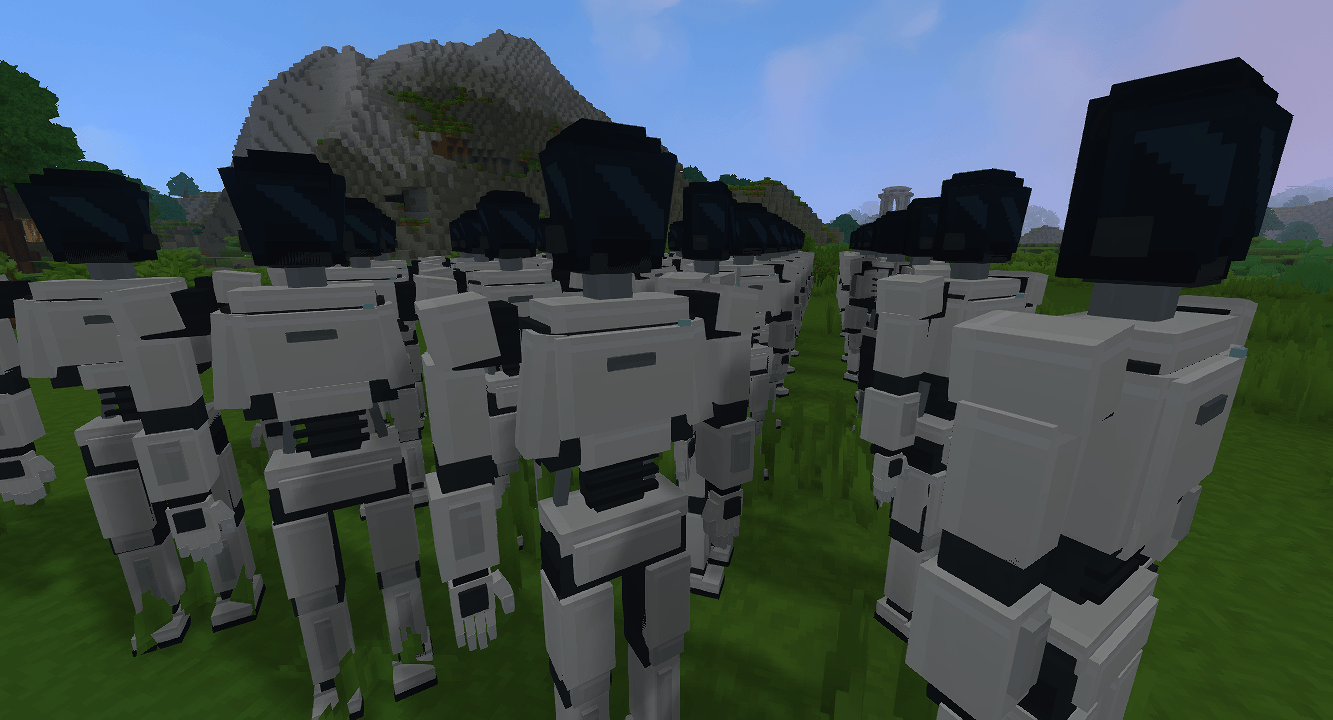
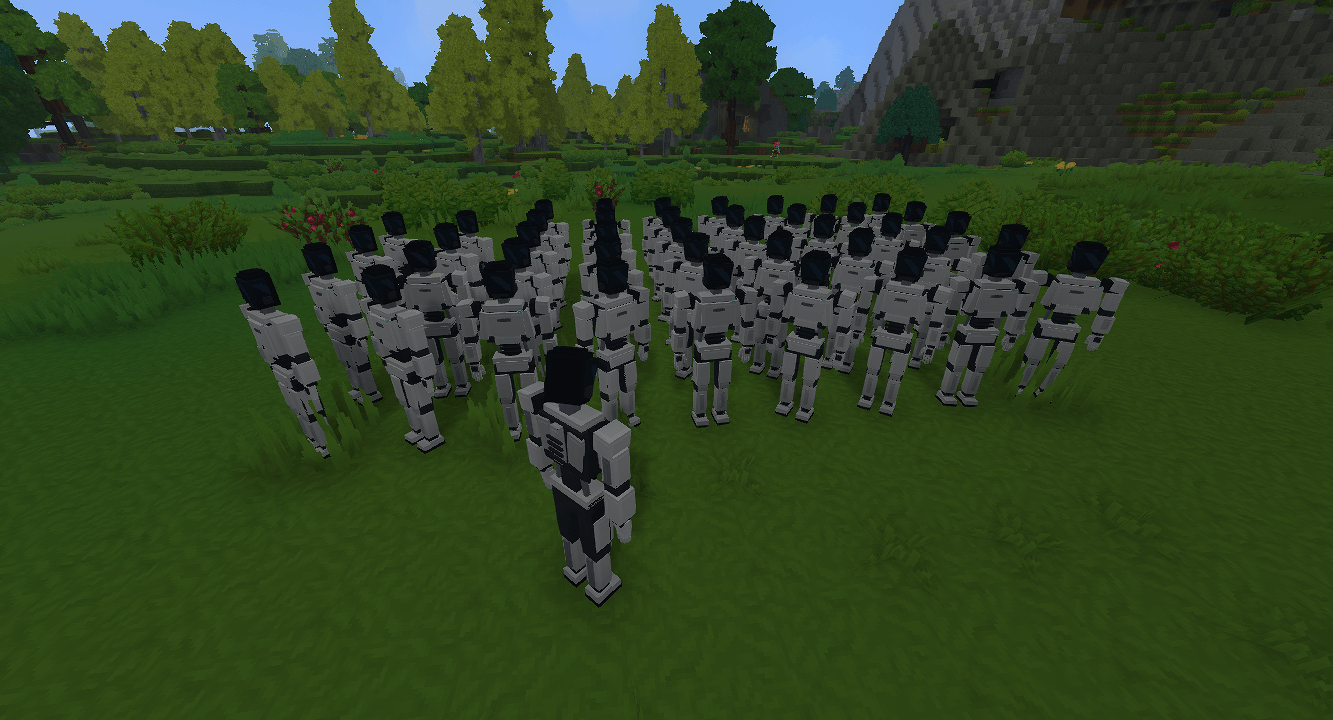
Craft humanoid robots, link them to a Fleet Remote and control them one at a time, each with its own tools and inventory.
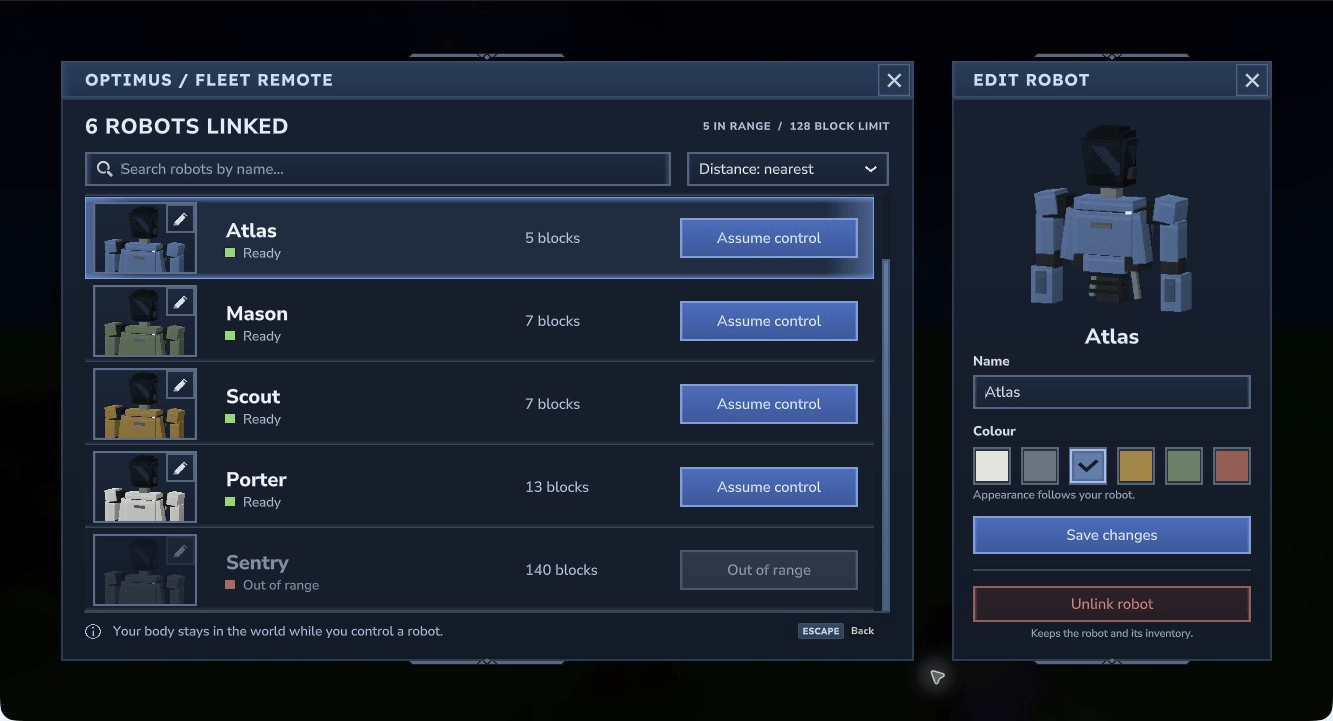
Native Hytale 0.7.4 gameplay: edit a linked Optimus name and choose from six colour palettes, with a live robot bust beside the searchable fleet roster.
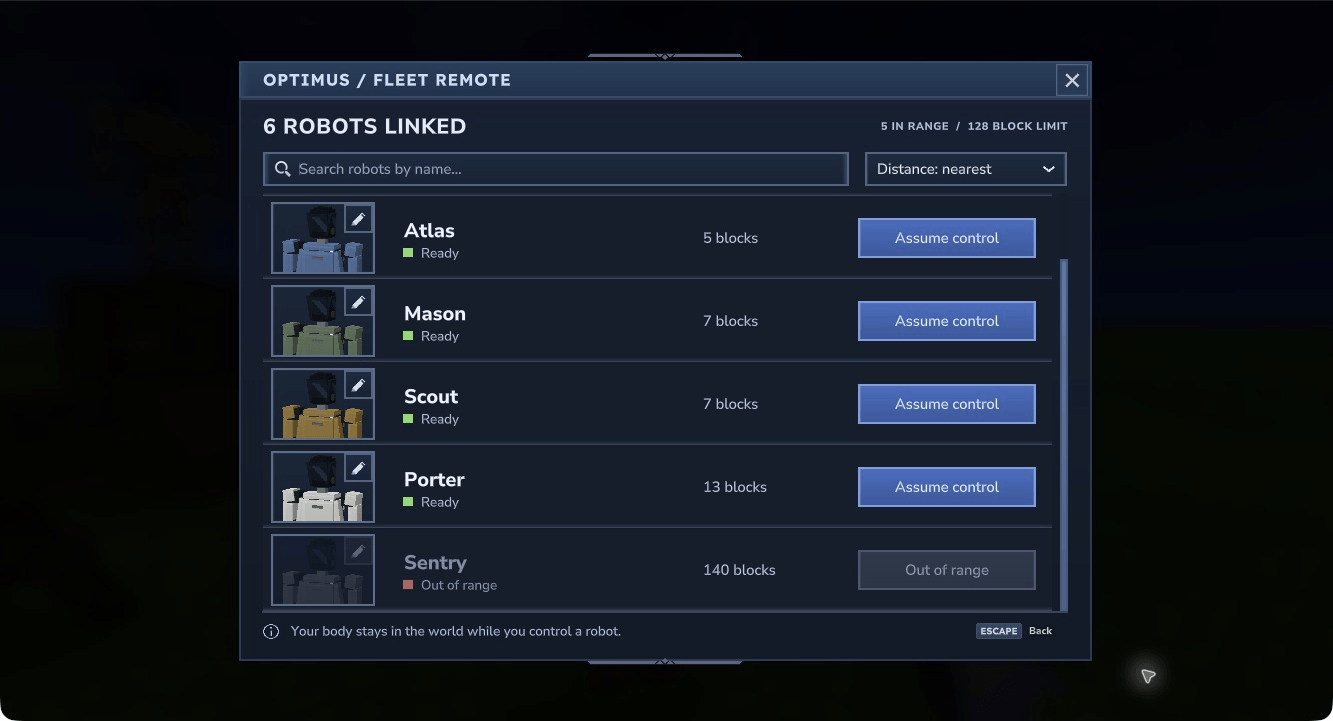
Native Hytale 0.7.4 gameplay: scroll linked robots, search by name, sort by distance or name, and choose a robot to control. Out-of-range actions are disabled.
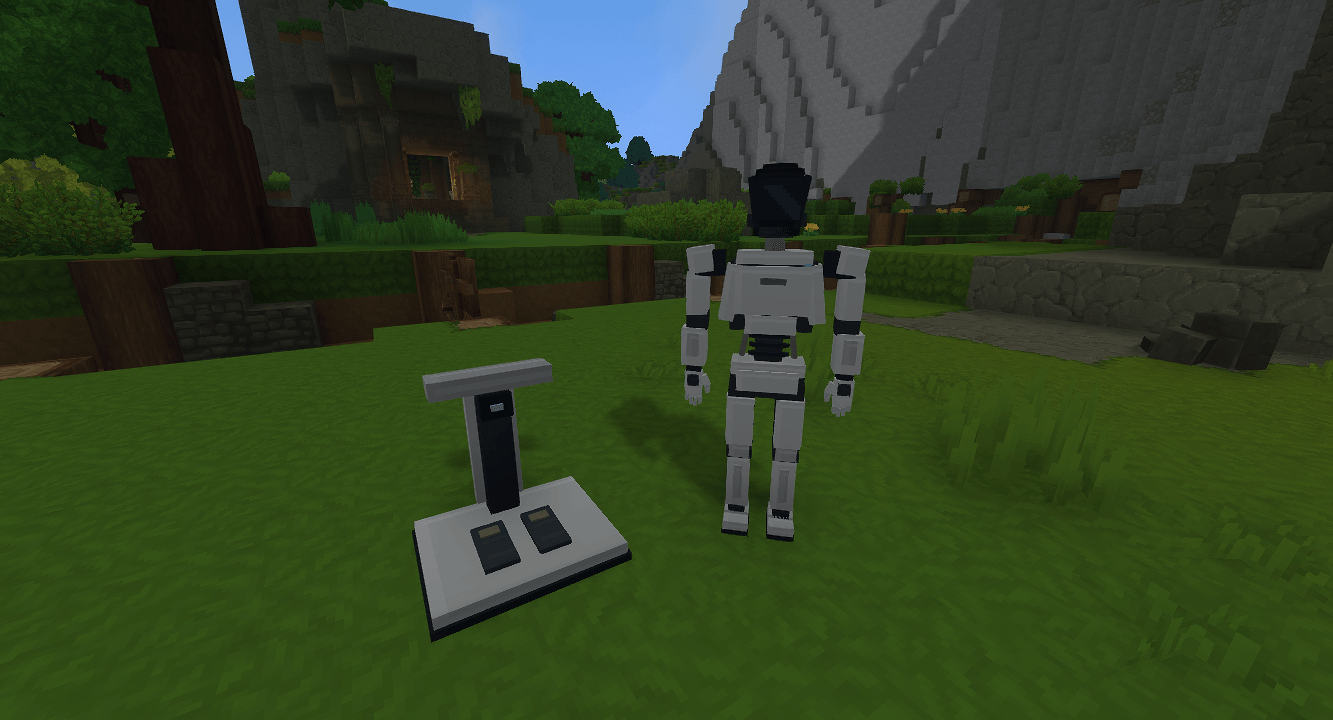
Hytale2026-10-22_22-45-28.png
Hytale2026-10-22_22-45-05.png
Hytale2026-10-22_22-47-35.png
Description
Your fleet. Your control.
Build a fleet of humanoid robots, deploy them into your Hytale world and step into their point of view with a Fleet Remote. Explore, gather resources, build and interact through an Optimus while your own body stays behind.
Experimental preview — actively in development. Features are being added and refined. Until we reach a more stable 1.0.0, expect minor version upgrades to introduce breaking changes to recipes, balance, behaviour or saved data. Back up your world and player data before upgrading, and try preview builds in a test world first.
What you can do today
- Deploy your own robots. Craft an Optimus Assembly Dock, a Fleet Remote and Optimus Deployment Units.
- Link a fleet to one remote. A remote can link to multiple robots, and each robot can belong to only one remote. Assume control of one robot at a time.
- Play through your Optimus. Move, look around, jump, use tools, mine, place blocks and interact with workbenches, chests and inventory screens.
- Keep separate loadouts. Each robot has its own tools, equipment and storage, separate from your operator body.
- Find the right robot. Scroll your Fleet Handset roster, search by name and sort by nearest, farthest or name. Robot portraits and actual distances help you choose; unavailable control actions are disabled.
- Make your fleet your own. Open a robot's portrait editor to change its name and choose white, graphite, blue, ochre, green or red. Save both changes together, or close the editor to discard them.
- Unlink with confidence. Confirm before removing a robot from your remote's roster.
- Return when you need to. Every controlled robot has a protected Release Control button in hotbar slot 1. Select it and right-click to return to your body; the button cannot be moved or dropped.
Native Hytale 0.7.4 gameplay: find and select a linked robot through the Fleet Handset.
Native Hytale 0.7.4 gameplay: give each Optimus a name and colour.
Your first deployment
- Craft the Optimus Assembly Dock at a standard Workbench, then open its Robotics category.
- Craft a Fleet Remote and an Optimus Deployment Unit.
- Hold the deployment unit and right-click clear ground within five blocks to deploy a robot.
- Hold your Fleet Remote, aim at your robot within five blocks and right-click to link it.
- Open the remote's roster and choose Assume control for a linked robot within the current 128-block range.
- Use normal movement and interaction controls. Hotbar slots 2–9 are available for tools and blocks; select slot 1, then right-click, to release control.
Your operator body remains in the world while you control a robot. Choose somewhere safe before connecting. If you need an emergency way back, use /optimus-release.
Start with the Optimus Assembly Dock and craft your first robot.
Build a fleet with individual robot loadouts.
Install and compatibility
Choose the latest suitable download from the Files tab. With your world or server stopped, put the Optimus Link JAR in UserData/Mods, remove older Optimus Link JARs from that folder, then reopen the world or server. The JAR includes the models, textures, animations and sounds; no separate resource-pack ZIP is required.
The current Hytale 0.7 family build declares Hytale >=0.7.3 and <0.8.0, compiles against the 0.7.3 SDK and has native Fleet Handset checks on 0.7.4. CurseForge groups these files under 0.7; that tag does not verify every patch. Testing has primarily been in singleplayer. Second-client multiplayer and broader animation and audio listening checks remain open.
Read the player guide for crafting, controls, fleet management and compatibility details.
One remote can link to multiple robots; you control one at a time.
On the roadmap
Fleet Handset improvements and robot colours are now implemented. The following enhancements remain planned, with no fixed release dates:
- #9 — Robot enhancements: strength, movement speed, jump height and base mining speed.
- #11 — Craftable range upgrades: extend remote control range through upgrades.
- #12 — Optimium Ore: a new resource for mod craftables.
Help shape the mod
Found a bug or have an idea? Open a GitHub issue with your Hytale version, Optimus Link version and steps to reproduce it. Please keep personal information out of screenshots and reports.
Source code · Player guide · Enhancement requests
Optimus Link is an independent fan mod inspired by Tesla Optimus. It is not affiliated with or endorsed by Tesla or the Hytale team. The banner is promotional artwork; the gameplay screenshots above are captured in Hytale.
Optimus Link Team