GlymeraParticles
- By
Player particle effects for Hytale: wear glowing auras on your body or decorate builds with particles on blocks. In-game shop, live previews, slider tuning, token economy. 136+283 curated effects. Server-side, no client mod.
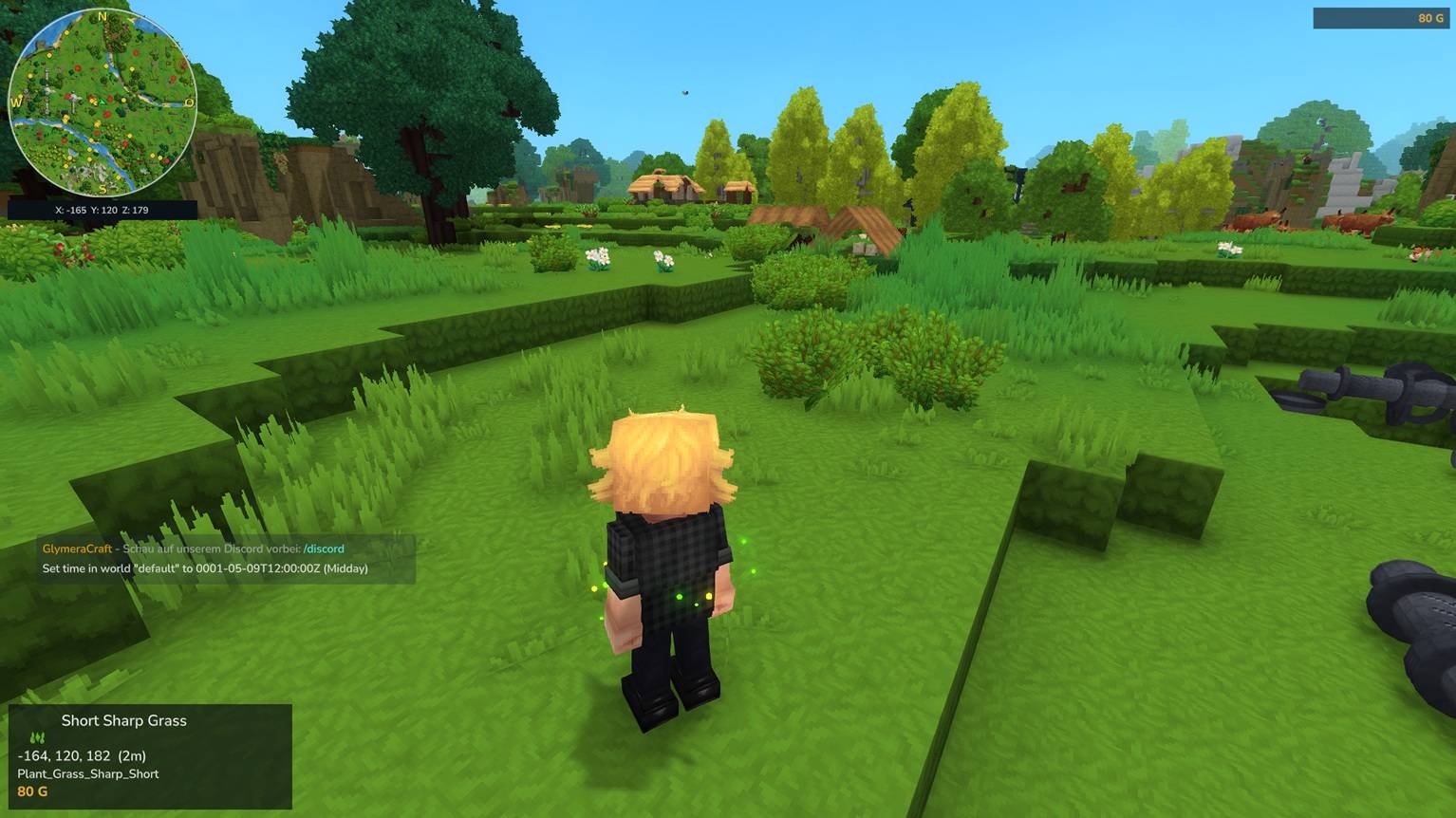
Unbenannt_1.jpg
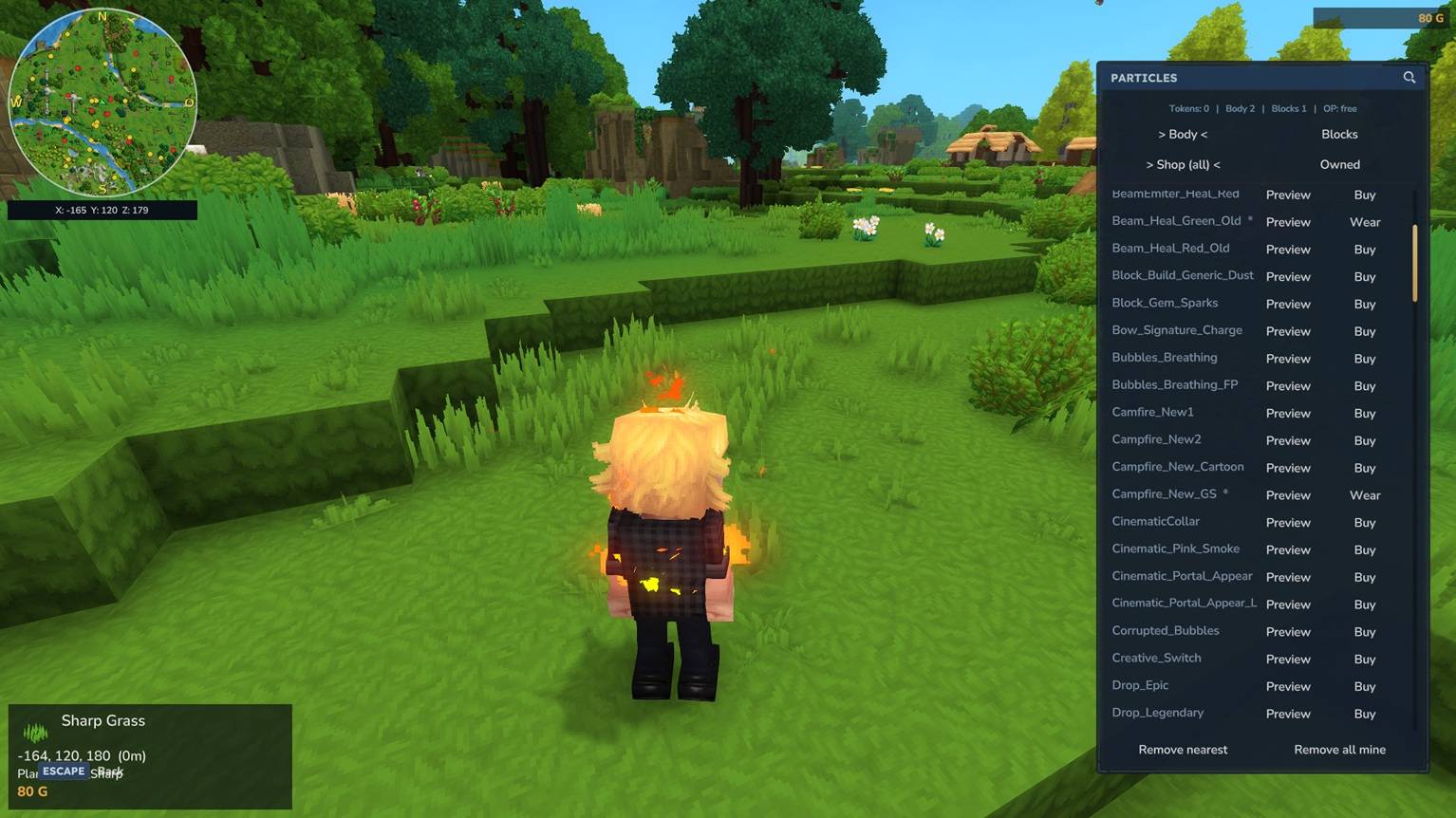
Unbenannt_2.jpg
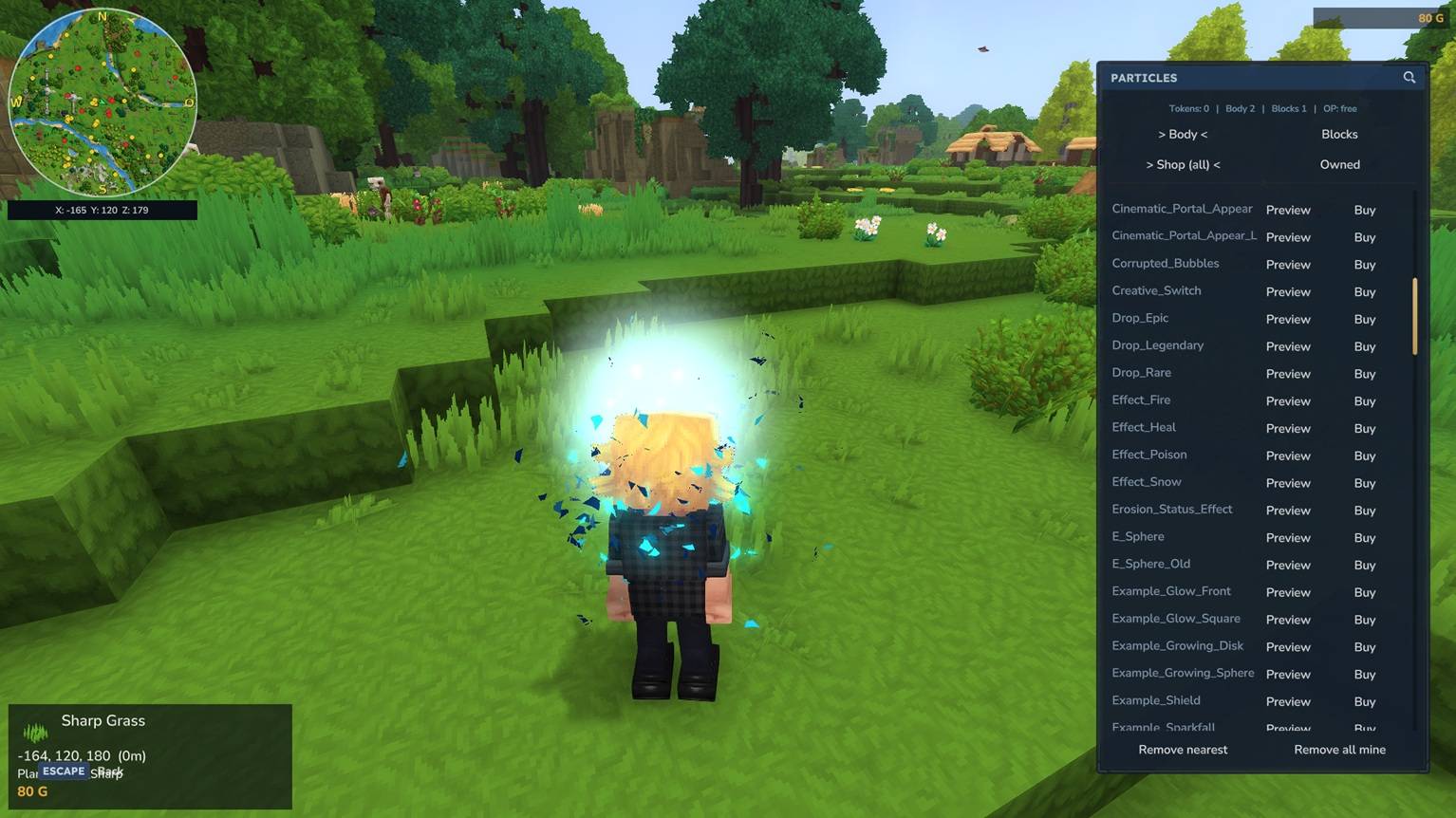
Unbenannt_5.jpg
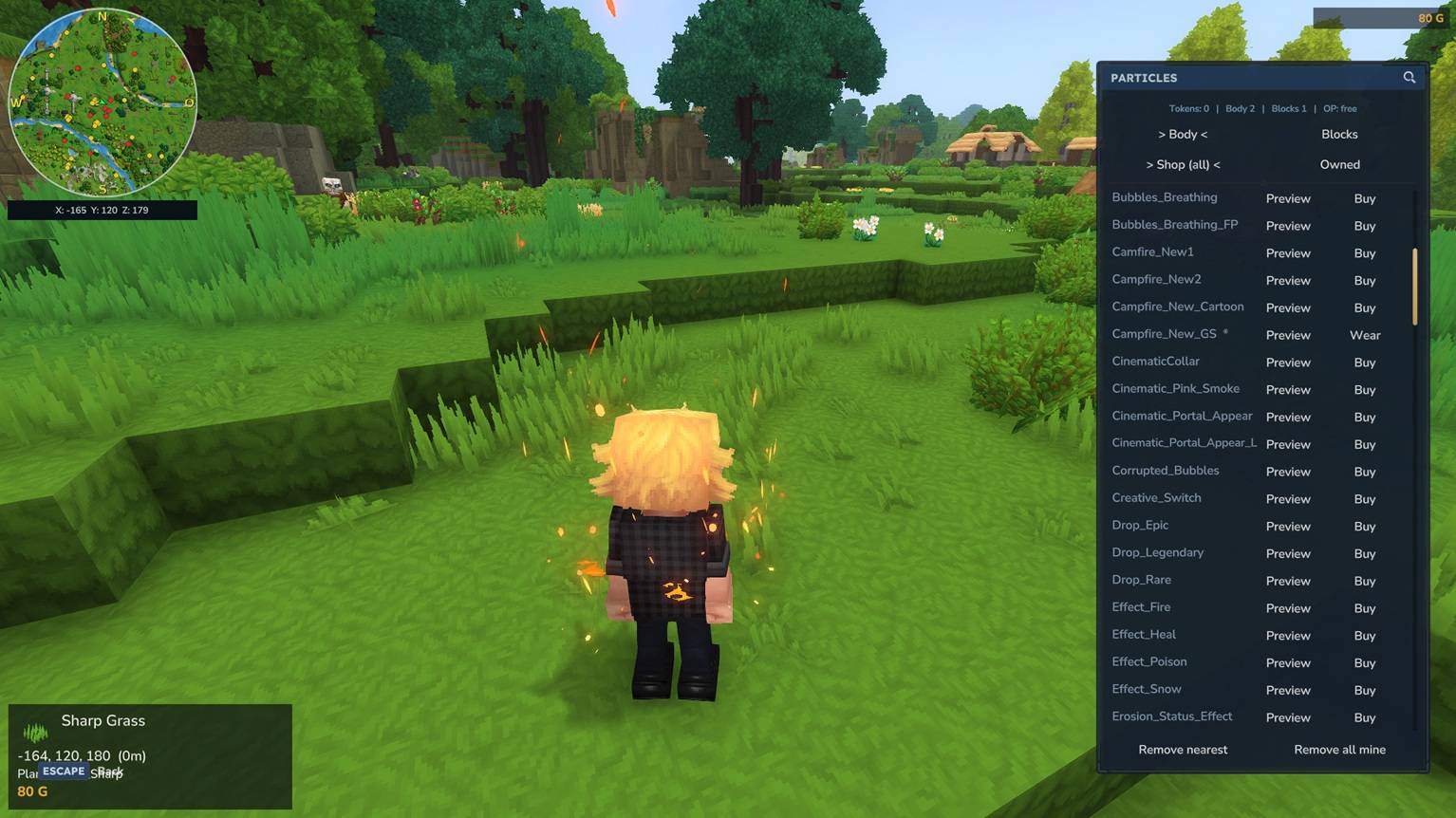
Unbenannt_4.jpg
Unbenannt_3.jpg
Description
GlymeraParticles - Player Particle Effects
Let your players wear glowing particle effects on themselves and decorate their builds with particles on blocks. A built-in shop, live previews, slider-based fine-tuning, and a token economy - all server-side, no client mod.
What is GlymeraParticles?
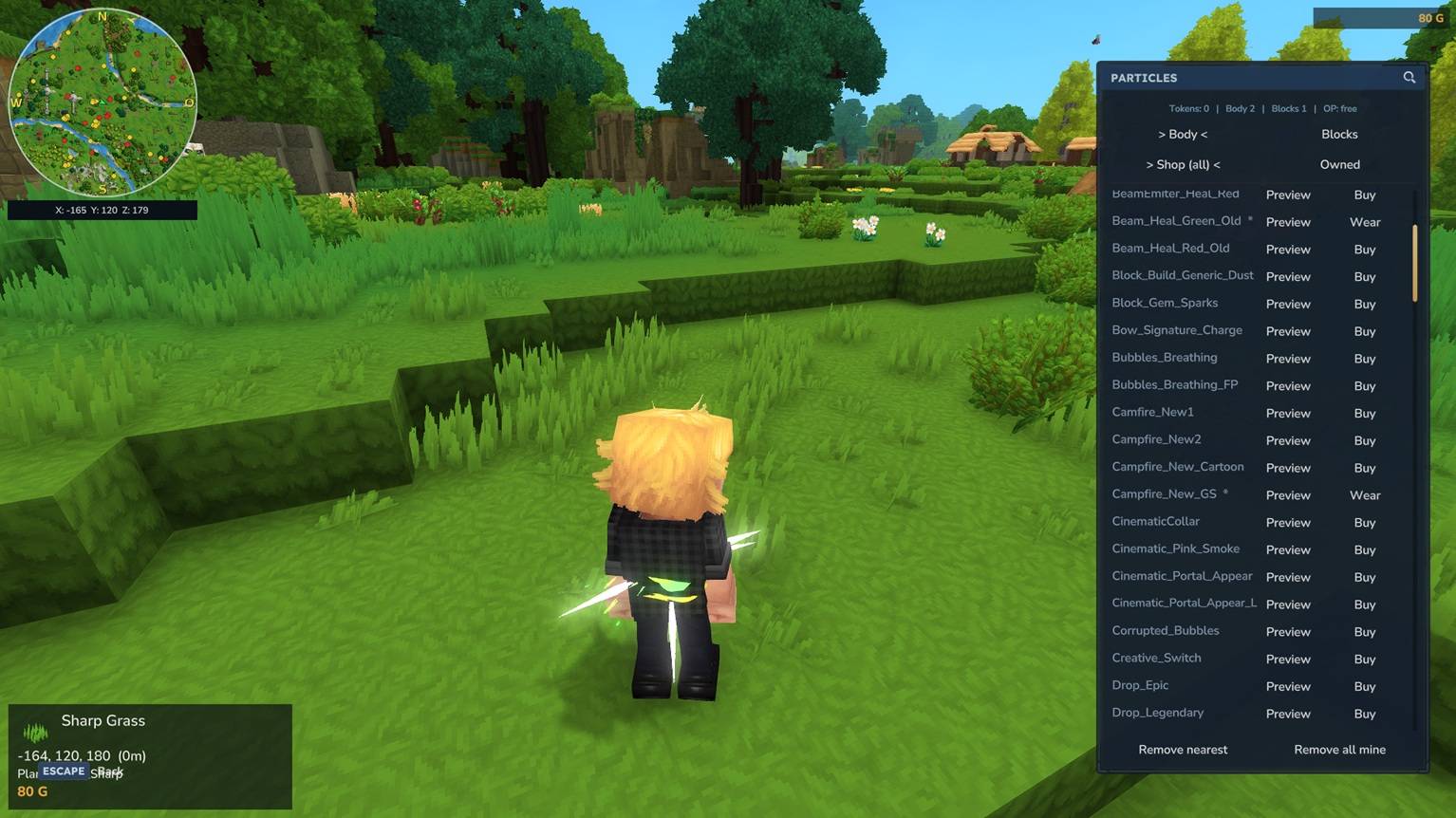
GlymeraParticles is a PlayerParticles-style cosmetic system for Hytale. Players open a clean in-game window, preview hundreds of native Hytale particle effects live, and buy the ones they like with a craftable token. Effects come in two flavours:
- Body effects - worn on your character and follow you around (one at a time).
- Block effects - placed on top of blocks to decorate your builds (place as many as you like, up to a configurable cap).
Everything you buy is yours forever - remove and re-place freely, it never costs a thing again. The plugin ships with a hand-curated default library (136 body effects + 283 block effects, each with sensible default size, height and rotation), so it works great out of the box with zero setup.
Pure server-side plugin - no client mod required. Clean-room: only native Hytale particles are used.
How It Works
- Type
/gpto open the particle menu. - Switch between the Body and Blocks tabs, and between Shop (all) and Owned.
- Click Preview on any effect to see it live - body effects appear on you (you're automatically switched to third-person), block effects appear on the block in front of you.
- Click Buy to purchase it for one token (operators buy for free).
- Wear a body effect, or Place a block effect.
The Menu (/gp)
A single tabbed window does it all:
- Body / Blocks tabs
- Shop (all) to browse everything buyable, Owned to see just your collection
- A search box to filter long lists instantly
- Live preview for every effect
- Per-row Buy / Wear / Place buttons
- Footer buttons: Remove nearest and Remove all mine
Tokens & Crafting
Each acquired effect costs 1 Particle Token (body or block). Operators are never charged.
| Input | Bench | Output |
|---|---|---|
| 2x Life Essence (Concentrated) + 2x Fire Essence | Alchemybench | 1x Particle Token |
The recipe and the token item are fully configurable, and the recipe can be turned off entirely.
Adjusting Block Effects
Stand next to one of your placed block effects and type /gp tune to open a slider window. Drag to adjust the effect live:
- Position - height, offset X, offset Z
- Rotation - yaw, pitch, roll
- Reset button returns it to the curated default
By default players cannot resize block effects (so your curated look stays intact and nobody spams giant particles) - operators can resize, and you can allow players to resize via config.
Removing Effects
- Break the block an effect sits on - the effect is removed with it.
/gp remove- removes your nearest block effect./gp removeall- removes all of your effects at once.- In the menu: Remove nearest / Remove all mine buttons.
Operator Tools
| Command | What it does |
|---|---|
/gp blockstudio |
Slider window to set the per-particle default size / position / rotation that ships to players |
/gp size <n> |
Resize the block effect you look at (operators only) |
/gp removeplayer <name> |
Remove ALL effects belonging to a player |
/gp token |
Give yourself 16 tokens |
/gp reload |
Reload the config |
Operators get everything in the menus for free, can resize, and see/remove any player's effects.
Configuration
Generated at first startup: mods/de.glymera_GlymeraParticles/config.json
| Setting | Default | Description |
|---|---|---|
paymentItemId |
Glymera_Particle_Token |
The item used to pay for effects |
tokenCost |
1 |
Tokens charged per acquired effect |
recipeEnabled |
true |
Whether the token is craftable at the Alchemybench |
maxActiveOnBlock |
10 |
How many block effects each player may have placed |
allowPlayerResize |
false |
Whether normal players may change a block effect's size |
blockMinScale / blockMaxScale |
0.1 / 2.0 |
Size range for block effects |
blockMaxOffset |
2.0 |
How far a block effect may be nudged from its anchor |
The body and block menus and per-particle defaults are also config-driven, but ship pre-filled so you don't have to touch them.
Installation
- Place
GlymeraParticles-1.0.0.jarin your server'smods/folder - Start (or restart) the server
- Type
/gp- done!
Features
- Two effect types - worn on the body, or placed on blocks
- In-game shop + collection in one tidy window, with search
- Live previews - on your character (auto third-person) or on the block in front of you
- Slider fine-tuning for block effects (position + rotation), with size locked for players
- Token economy - craftable, configurable, free for operators
- Permanent ownership - buy once, place and remove forever
- Break to remove - knock out the block and the effect goes with it
- Hand-curated defaults - 136 body + 283 block effects ready to go
- Operator curation tools - set the defaults that ship to your players
- Clean-room & server-side - only native Hytale particles, no client mod
Made with care by Glymera for the Hytale community
The GlymeraParticles Team