WhatToBuy
- By
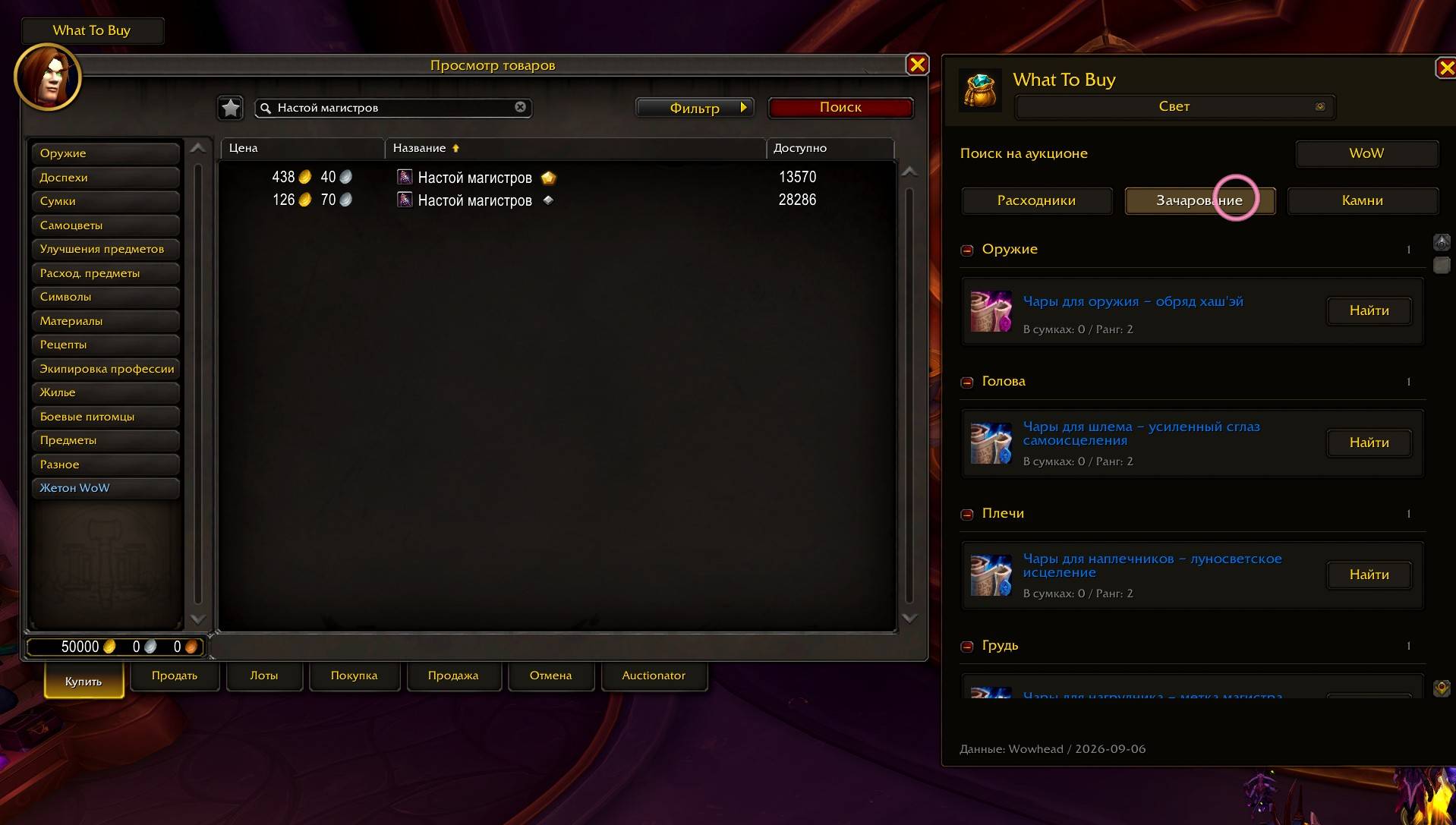
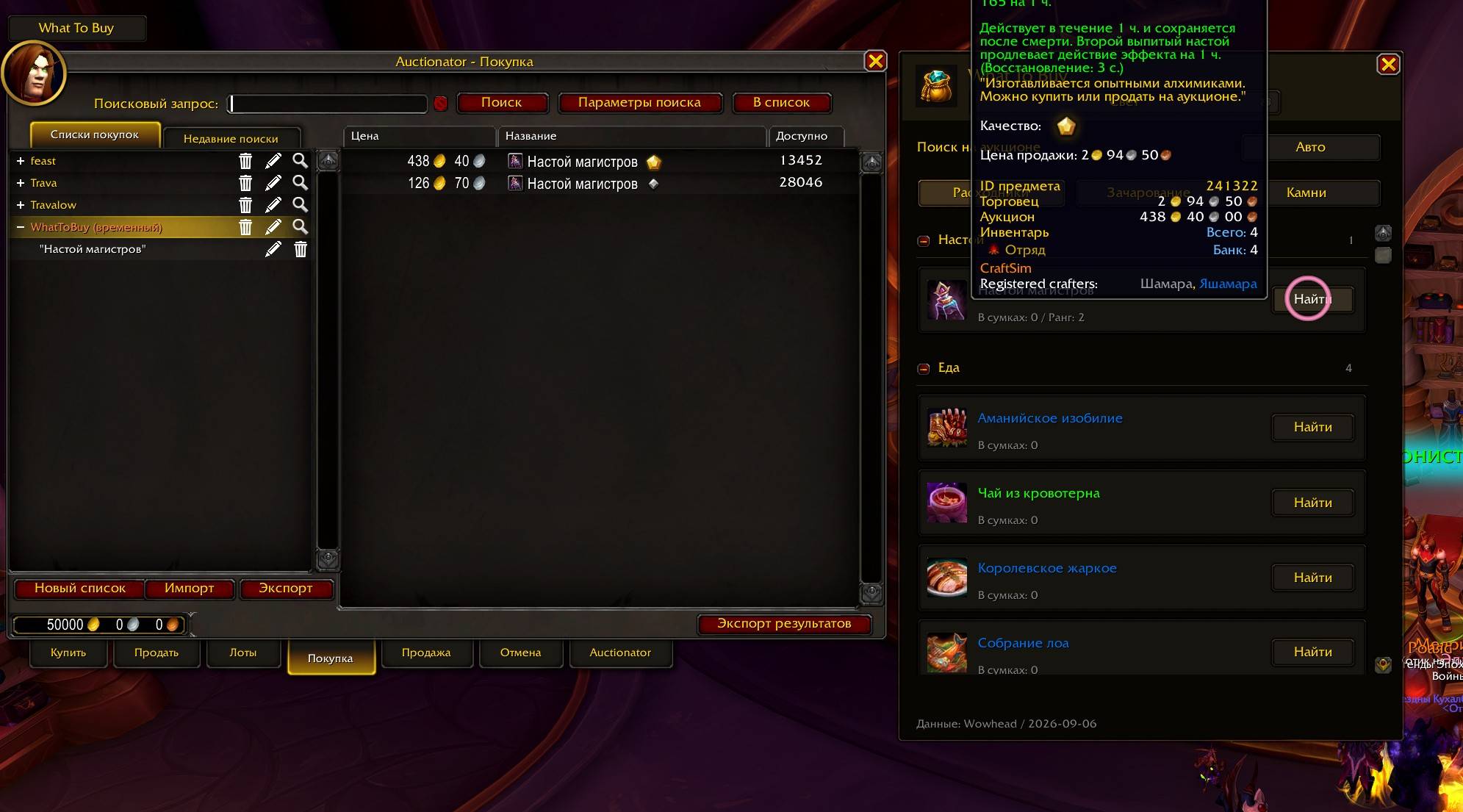
Pick an enchant, gem or consumable and find it at the auction house with one click.
WoWScrnShot_090726_193136.jpg
WoWScrnShot_090726_193059.jpg
WoWScrnShot_090726_193129.jpg
WoWScrnShot_090726_193149.jpg
WoWScrnShot_090726_193050.jpg
Description
What To Buy
Pick an enchant, gem or consumable and find it at the auction house with one click.
- Recommendations for any specialization of your class, with Mythic+ and Raid modes.
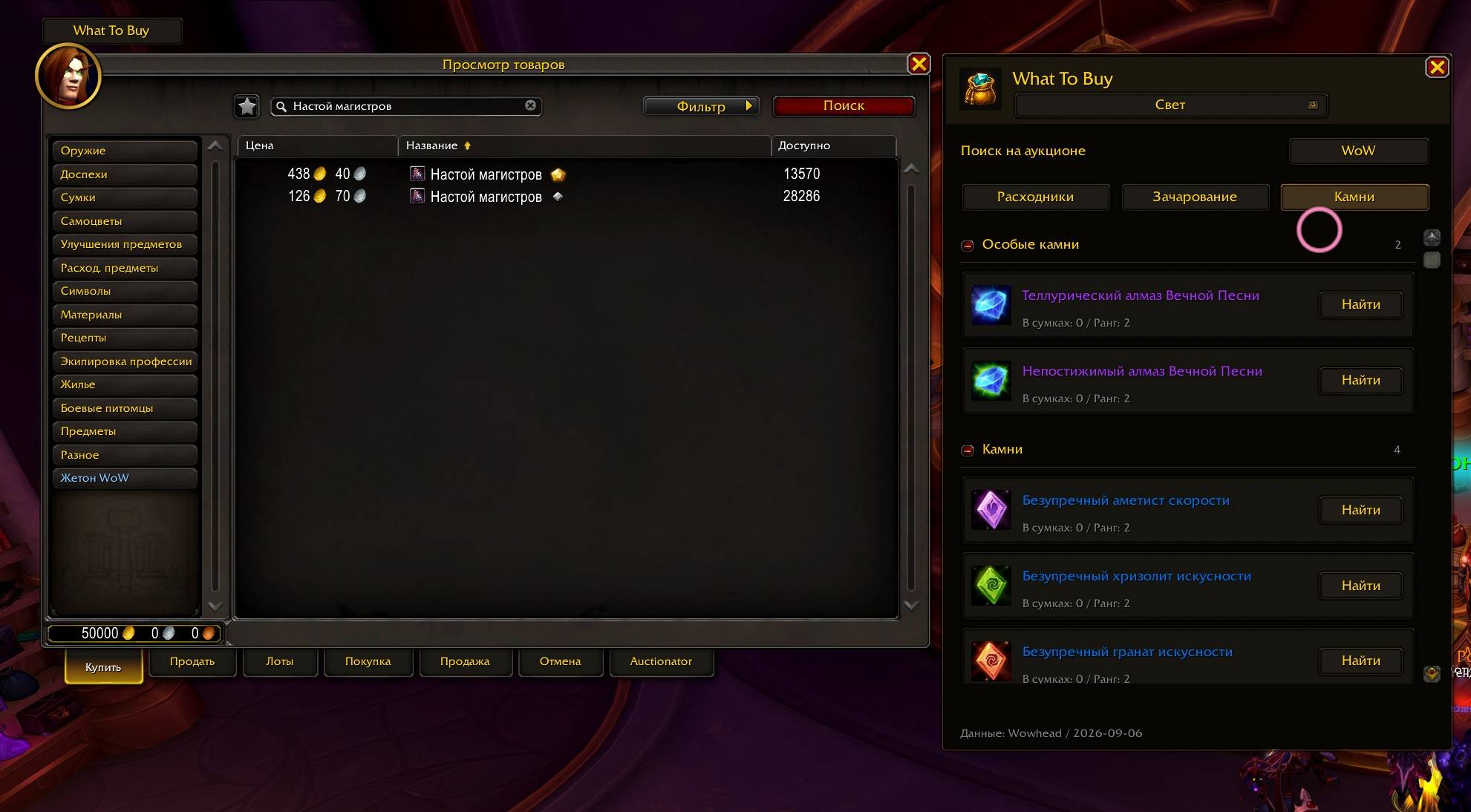
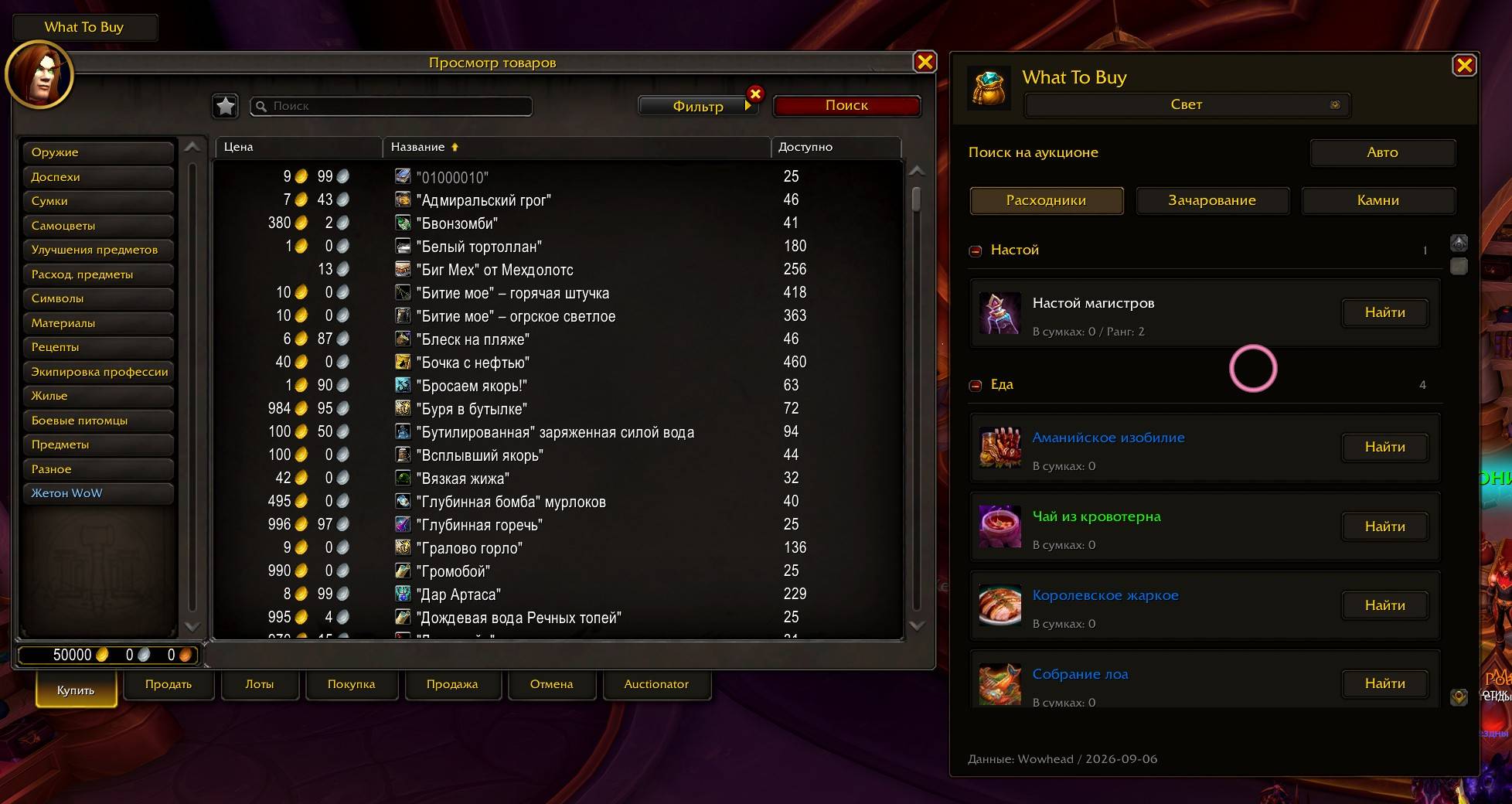
- Enchants grouped by equipment slot, plus separate gem and consumable groups. Collapse sections you don't need.
- Item tooltips, popularity and the number already in your bags.
- Compact window with familiar WoW styling.
- Works with the default auction house and optionally Auctionator.
- English and Russian interface; item names use your game language.
Click the What To Buy minimap button, use the addon menu beside the minimap, or type /wtb to browse anywhere. Drag the minimap button to move it; its position is saved. The window stays open when you leave the auction house.
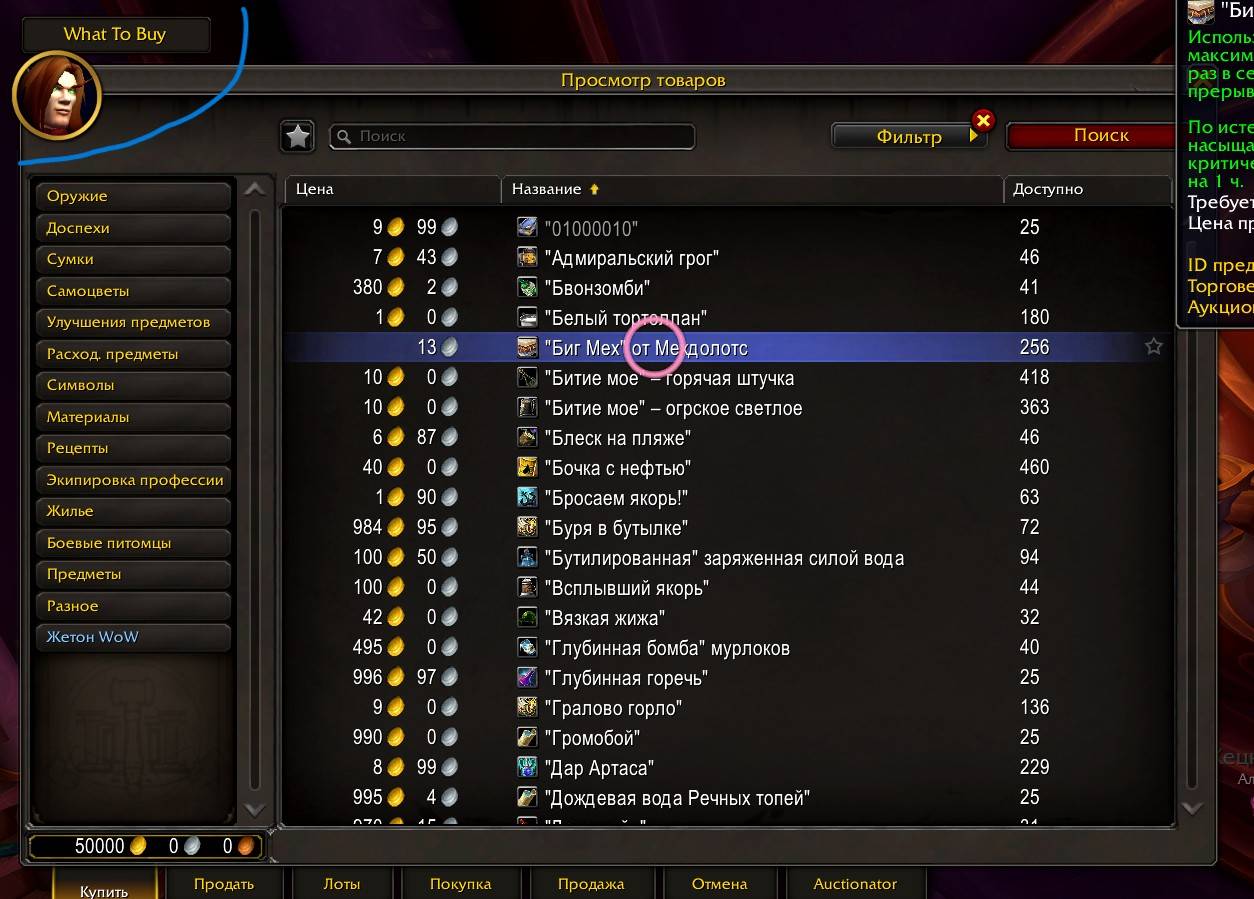
At the auction house, you can also use the What To Buy button. Choose a category and click Search next to an item. Finish your purchase in the auction house as usual.
Auto uses Auctionator if available. Select WoW to use the default search.
Click the specialization name at the top to shop for another spec. This only changes the shopping list. Each time you open the window, your active specialization is selected again.
Recommendations are bundled snapshots from Archon.gg, not live updates. The current snapshot is from August 29, 2026. Availability and prices depend on your auction house.
WhatToBuy Team