vanThos Dungeon Journal
- By
Dungeon journal for WoW Forever: bosses, abilities, loot, lore, 3D boss models and a dungeon atlas with boss, entrance and passage markers.
Screenshot 2026-11-04 153728.png
Screenshot 2026-11-04 153743.png
Screenshot 2026-11-04 153758.png
Screenshot 2026-11-04 153817.png
Screenshot 2026-11-04 153824.png
Description
# vanThos Dungeon Journal
**A dungeon journal for World of Warcraft: Forever.** Every Classic dungeon and every Forever-exclusive dungeon in one window: bosses, abilities, loot, lore, 3D boss models and a dungeon atlas.
> **Beta.** Content is still being completed and checked in the Forever client. Corrections and feedback are very welcome in the comments.
## Features
### Dungeon catalog
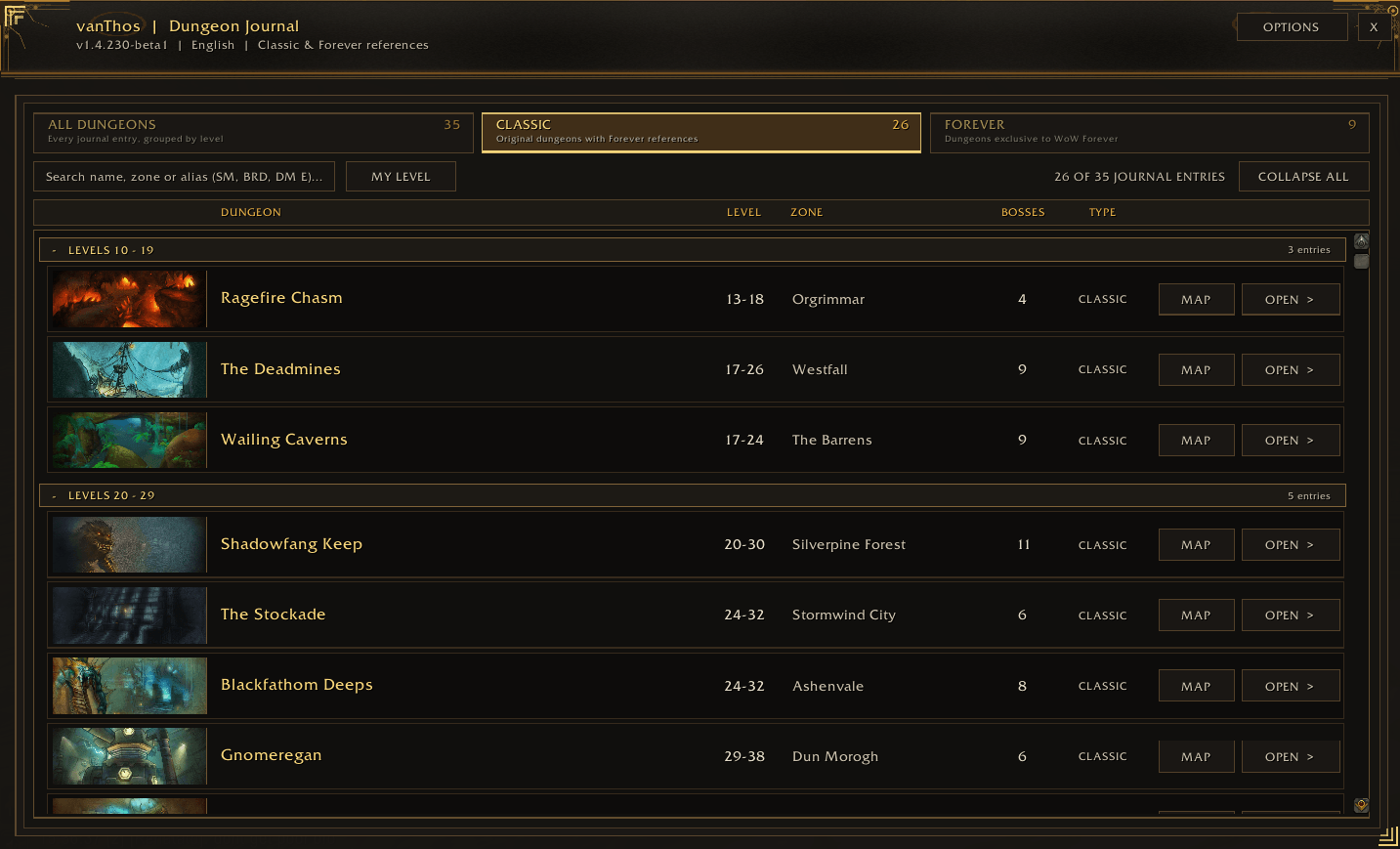
- 35 journal entries: all Classic dungeons and wings plus the dungeons that exist only in WoW Forever.
- Collapsible level bands from 10 to 60 with a **CLASSIC / FOREVER / ALL** switch.
- Search by name, zone or common abbreviation (SM, BRD, DM E, …).
- **MY LEVEL** filter: shows only dungeons that fit your character.
- Sortable columns, or a card gallery if you prefer.
### Dungeon and boss pages
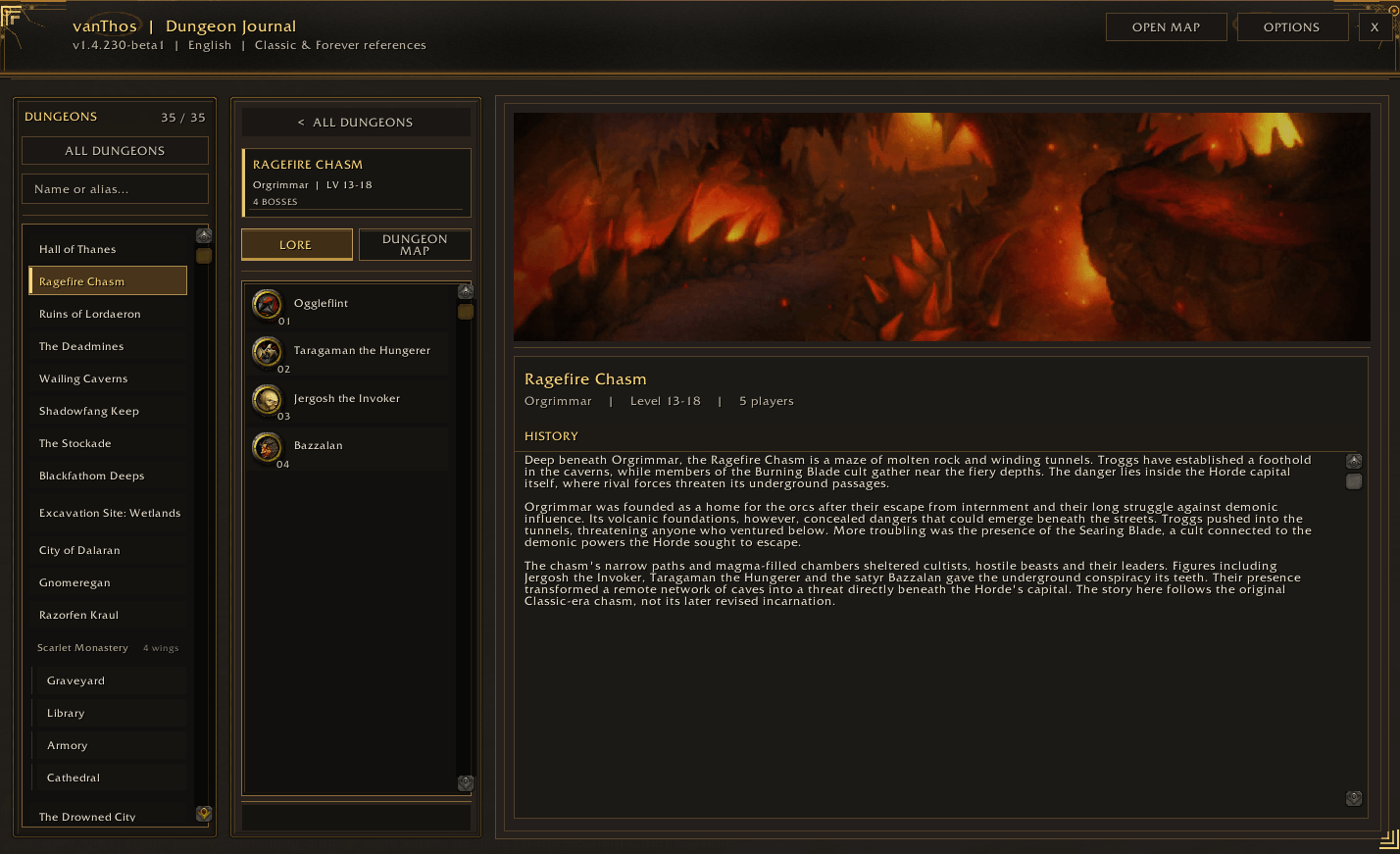
- Lore page for every dungeon.
- Boss list with round boss portraits and a defeated marker.
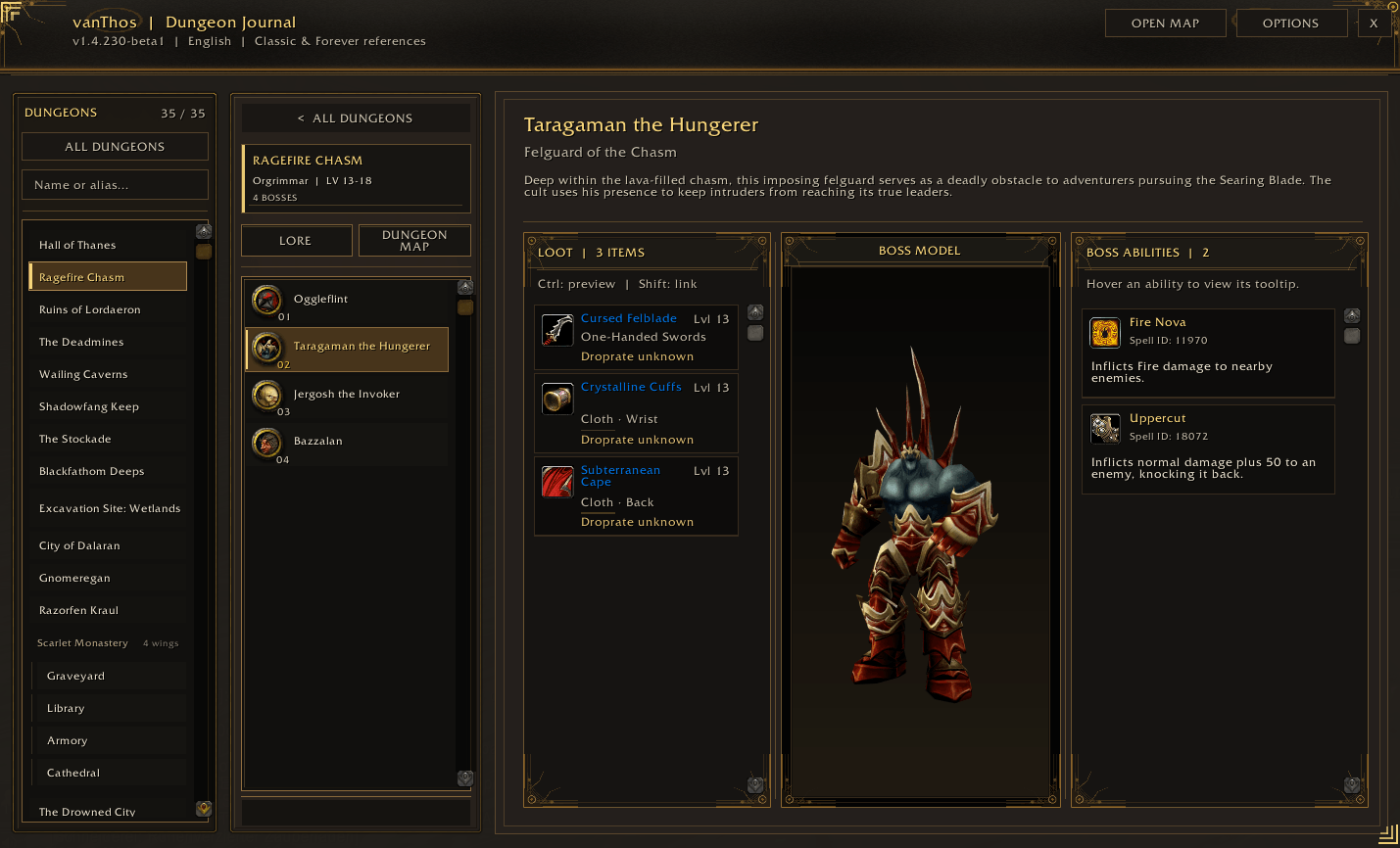
- Boss pages with abilities (tooltips on hover), loot tables (Ctrl-click for preview, Shift-click for a chat link) and creature facts.
- **3D boss model**: drag to rotate, mouse wheel to zoom, Shift + wheel to move, right-click to reset.
- **TrashLoot & Treasures**: notable trash drops and marked treasure chests.
### Dungeon atlas
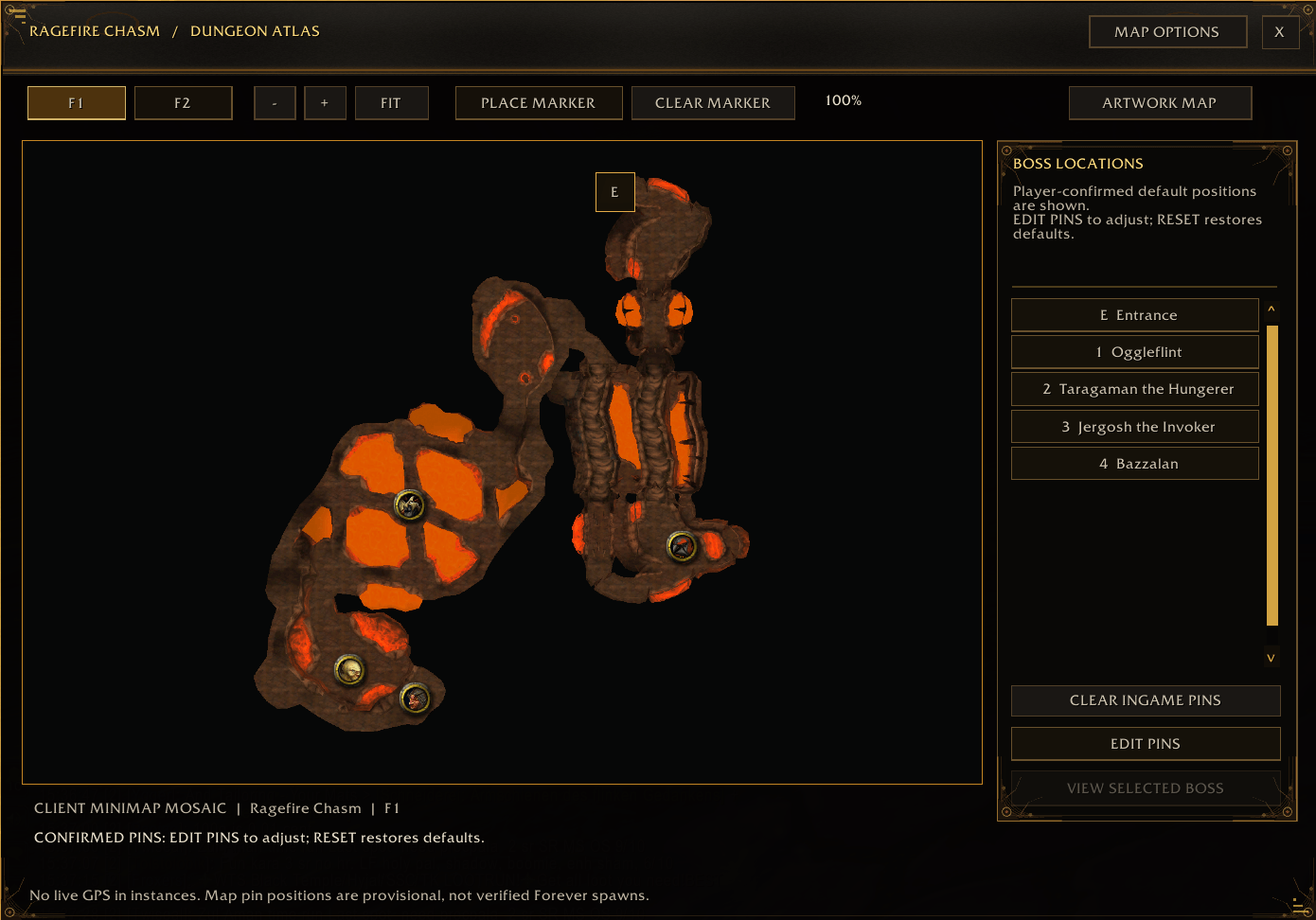
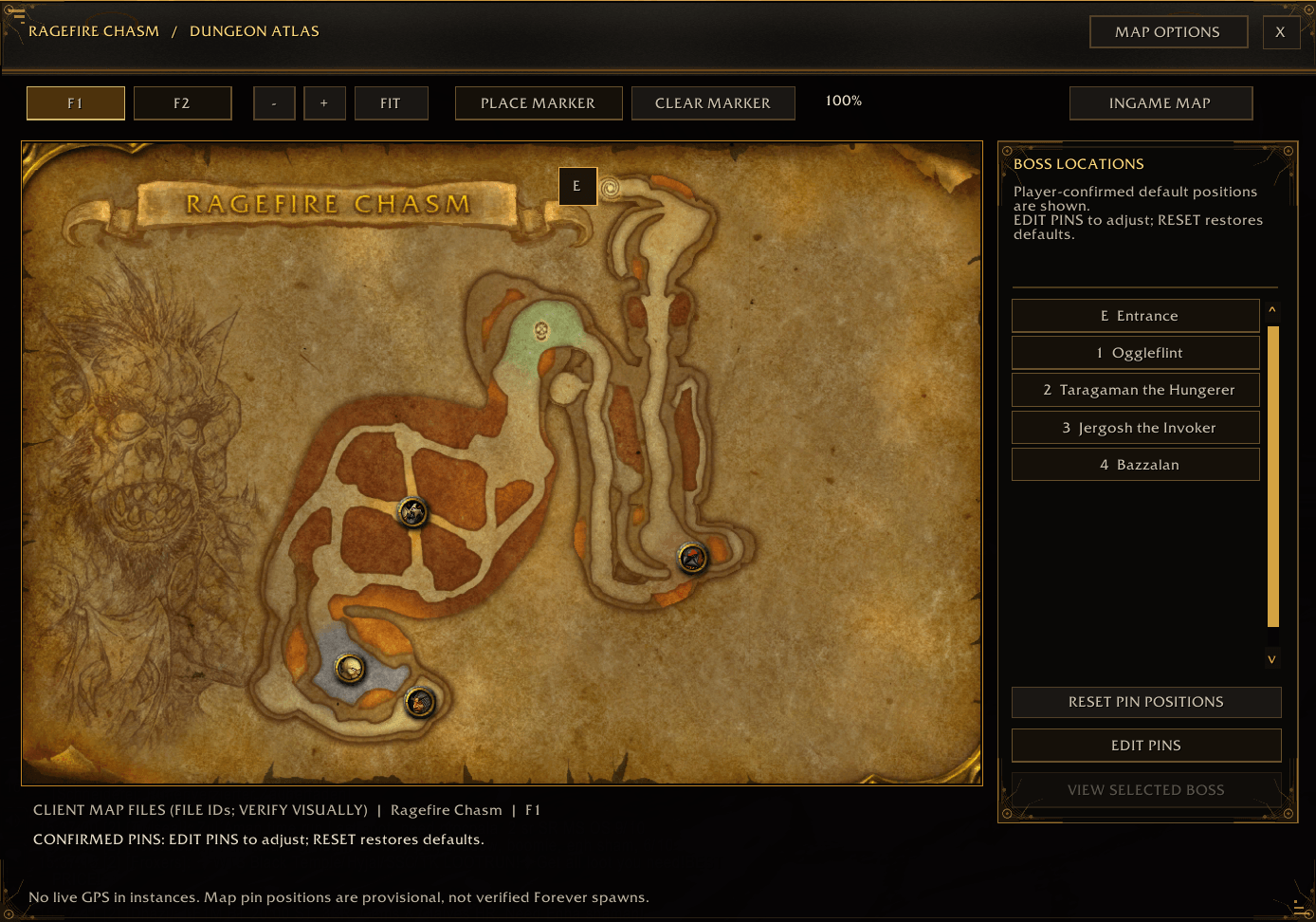
- **INGAME MAP** and **ARTWORK MAP** for every dungeon.
- Floor switch, and passages that open the target floor with one click.
- Boss, entrance and passage markers; boss icons or numbered pins.
- **EDIT PINS**: move, hide or place markers yourself. Your positions are saved per view.
### Progress
- Defeated bosses are detected automatically inside the instance.
- Set or clear the defeated state manually with a right-click.
### Comfort
- Minimap button, compatible with minimap button collectors and broker displays.
- Settings window with scaling, opacity, window sizes, home page layout and map options.
- Journal, atlas and settings come to the front when you click them.
- **18 interface languages**: English, Deutsch, Français, Español (ES/MX), Italiano, Português (BR), Nederlands, Svenska, Greek, Polski, Türkçe, Українська, Русский, 한국어, 日本語, 简体中文, 繁體中文. Choose one under Options > General.
## Commands
| Command | Action |
| --- | --- |
| `/vdj` | open the journal |
| `/vdj options` | open the settings |
| `/vdj map [floor]` | open the dungeon atlas |
| `/vdj catalog` | open the dungeon catalog |
| `/vdj minimap show` / `hide` | show or hide the minimap button |
| `/vdj progress reset` | reset the defeated markers |
| `/vdj pins` | export your marker positions |
Settings, progress and your own marker positions are kept on updates.
vanThos Dungeon Journal Team