Vanish UI
- By
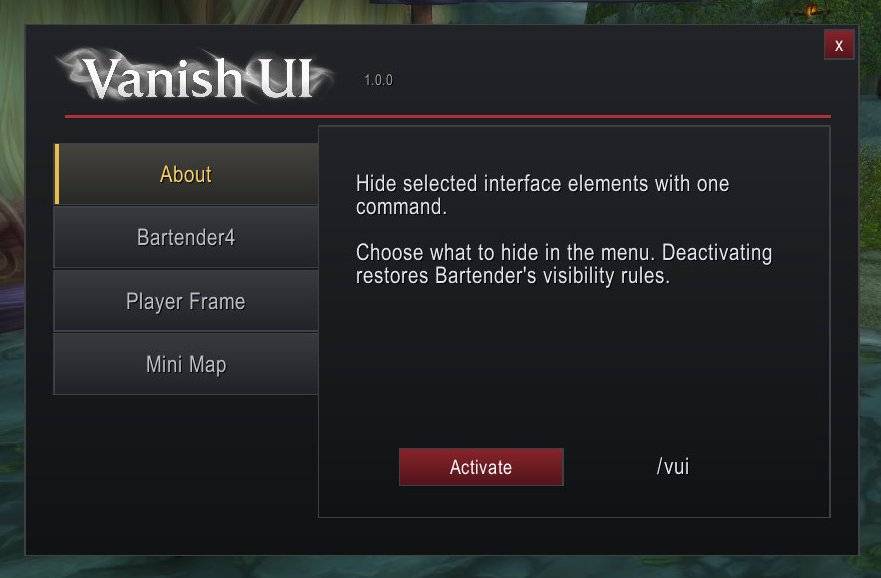
Hide selected interface elements with a single command and enjoy a cleaner view of Azeroth. Choose what disappears, then restore it whenever you need it.
WoWScrnShot_102926_043043.jpg
WoWScrnShot_102926_043048.jpg
WoWScrnShot_102926_043056.jpg
WoWScrnShot_102926_043051.jpg
Description
VanishUI — Less interface. More immersion.
Hide selected interface elements with a single command and enjoy a cleaner view of Azeroth. Choose what disappears, then restore it whenever you need it.
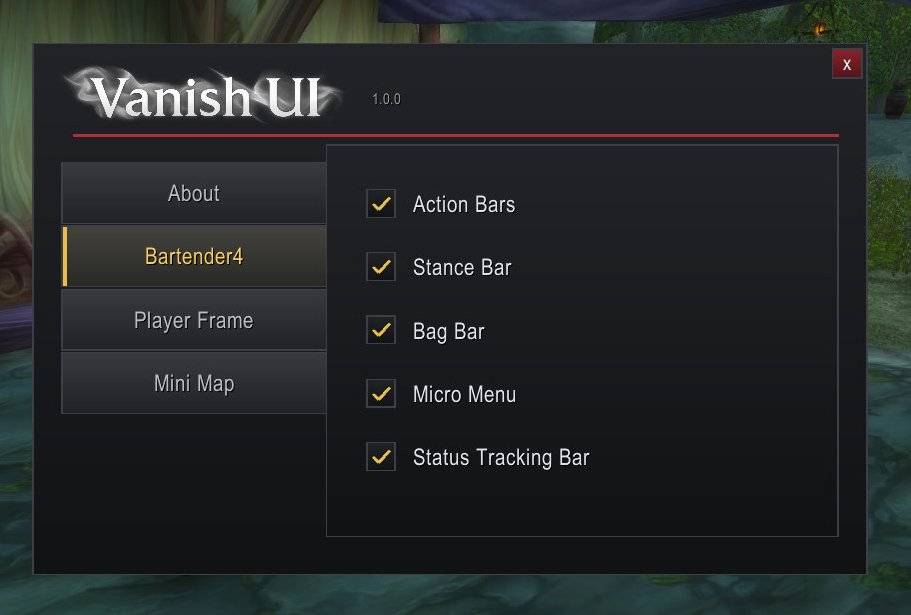
Bartender4 Integration
Individually hide:
- Action Bars
- Stance Bar
- Bag Bar
- Micro Menu
- Status Tracking / XP Bar
Deactivating VanishUI restores your Bartender4 visibility rules.
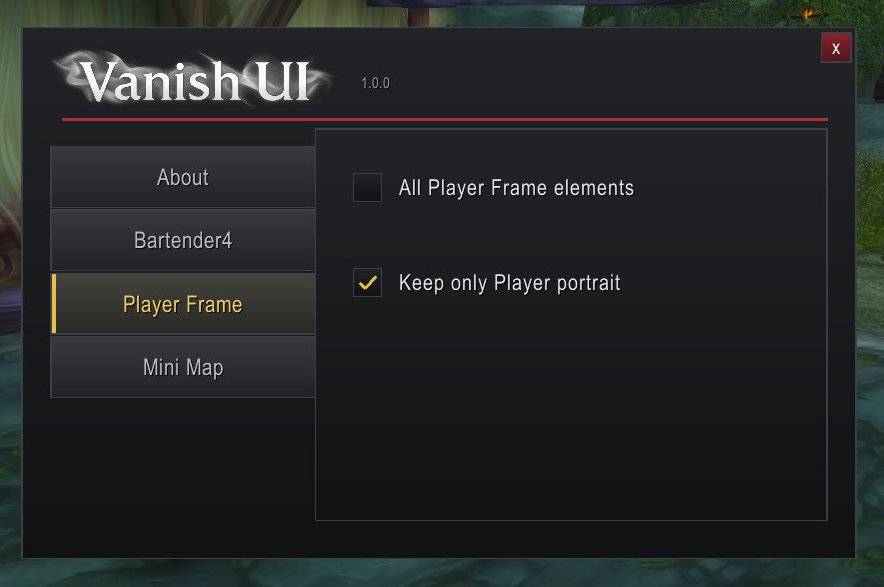
Player Frame
Hide the entire default Player Frame or keep only your character’s portrait visible.
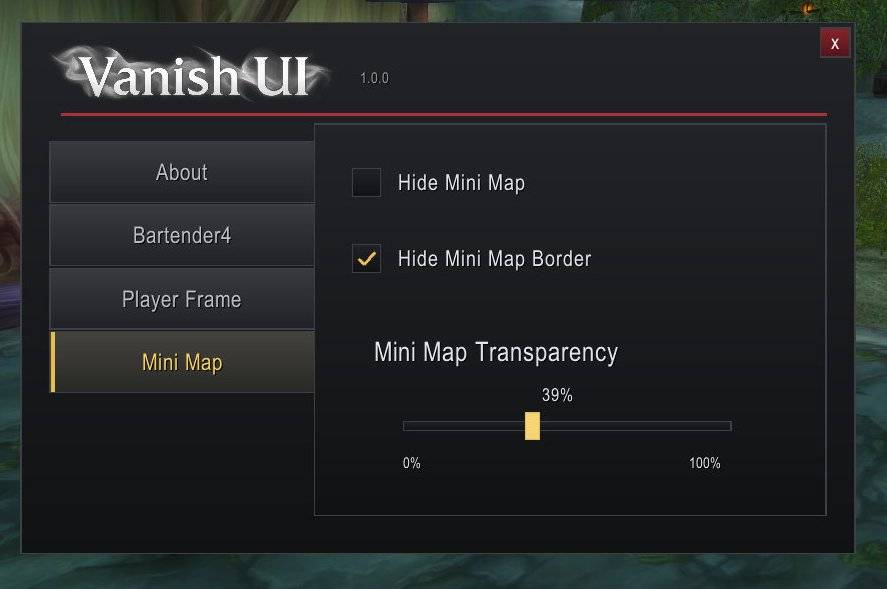
Minimap
Hide the complete minimap, or remove its border and surrounding buttons and icons. Adjust map visibility with a slider, from fully invisible to fully visible.
The player arrow follows transparency on clients that support replacing its texture.
Simple Controls
/vanishui— Open options./vui— Activate or deactivate your selected settings.
Your selections are saved between sessions. Activation lasts until you deactivate it or reload the interface. Changes requested during combat apply after combat ends.
Requirements
Bartender4 is required, with its bars locked. Player Frame and minimap features control the default Blizzard interface.
Vanish UI Team