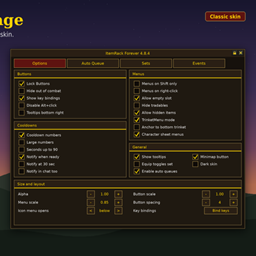
TrinketMenu Forever Edition
- By
A small bar shows your two equipped trinkets. Mouse over either one and a menu with the trinkets in your bags pops out. Click one to swap it in. Same look, same behavior and same options as the original TrinketMenu, rebuilt for the WoW Forever client.
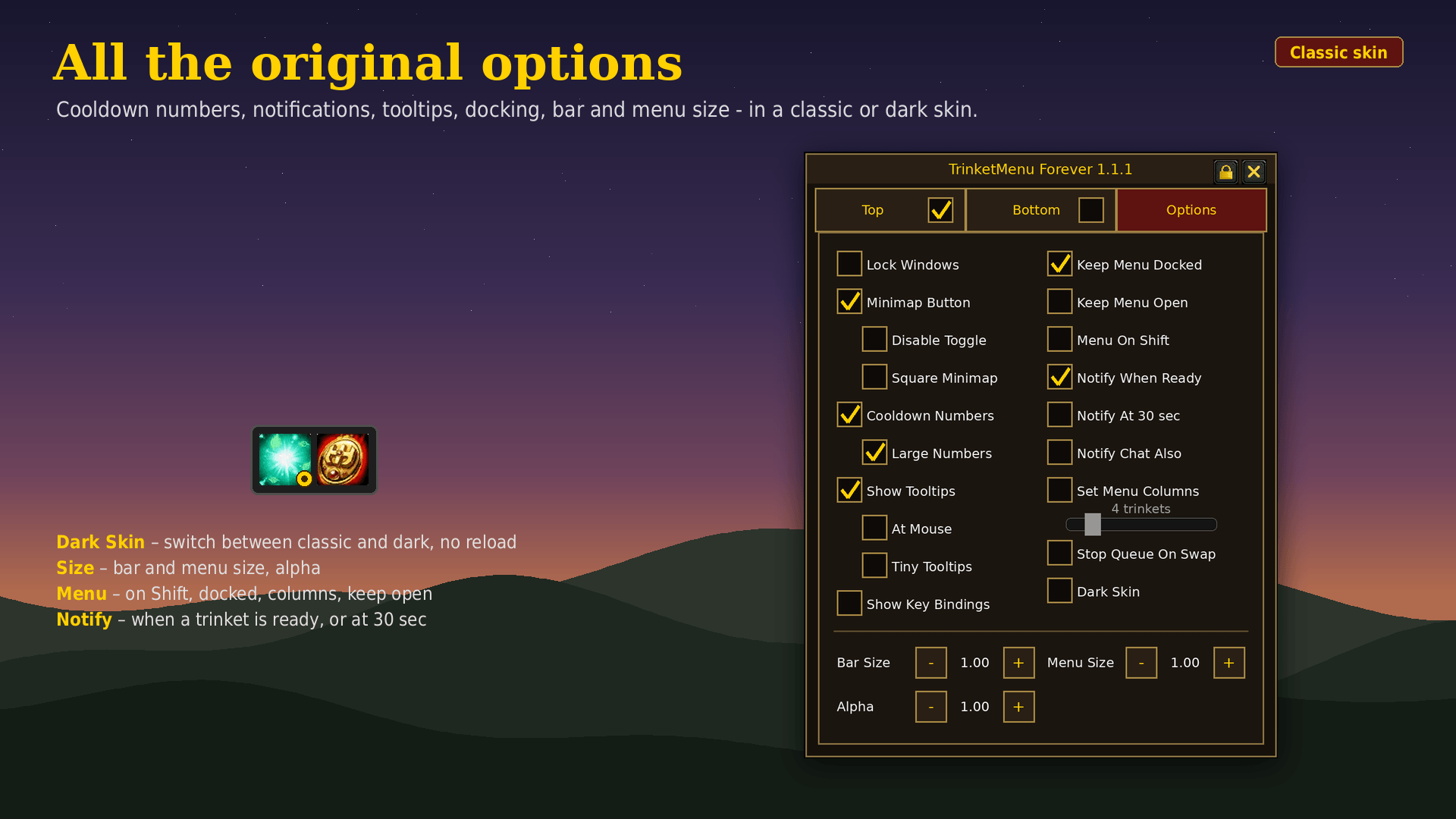
02-options-classic.png
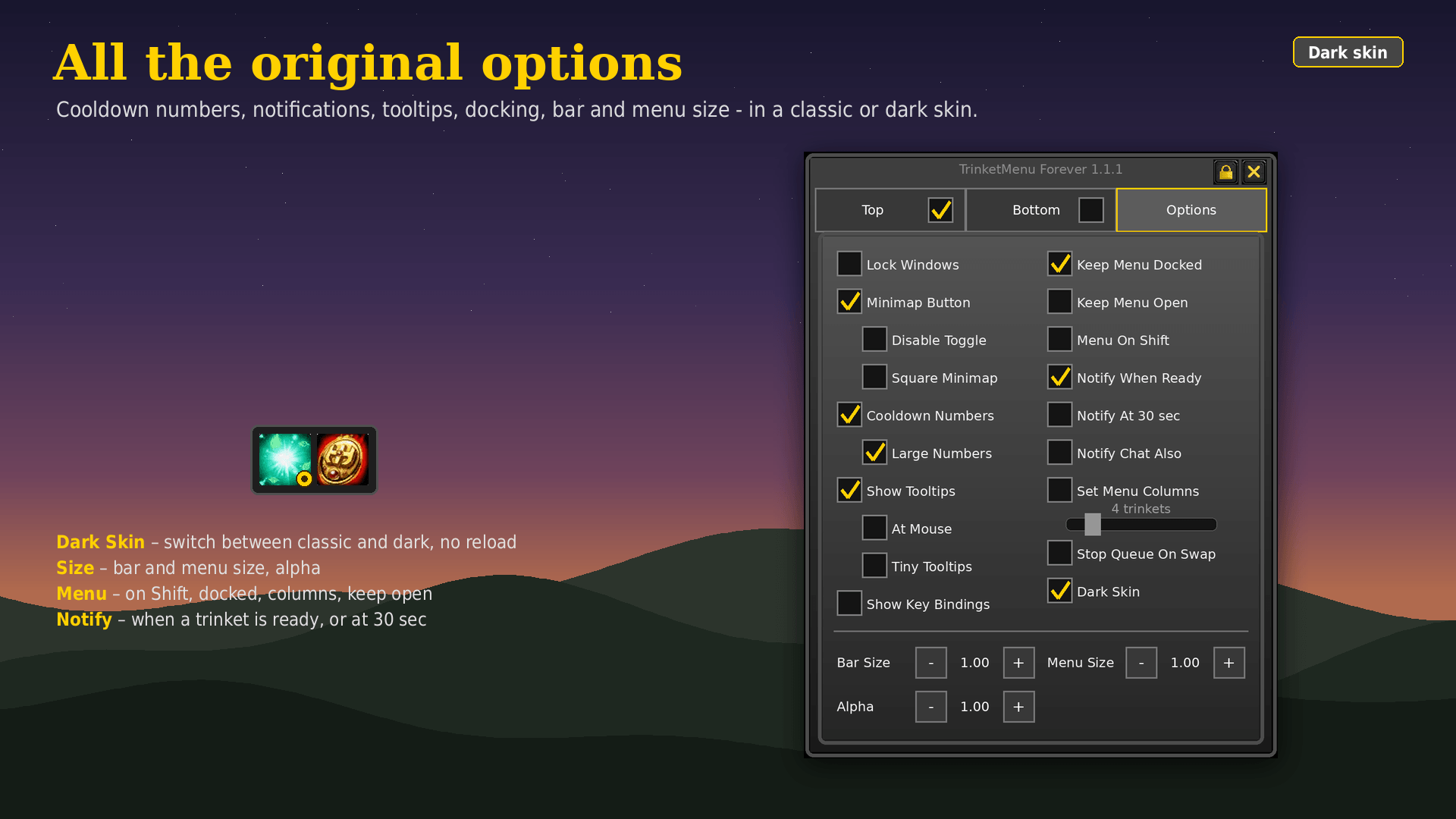
02-options-dark.png
03-auto-queue-classic.png
03-auto-queue-dark.png
Description
TrinketMenu Forever
The classic TrinketMenu, now for WoW Forever.
A small bar shows your two equipped trinkets. Mouse over either one and a menu with the trinkets in your bags pops out. Click one to swap it in. Same look, same behavior and same options as the original TrinketMenu, rebuilt for the WoW Forever client.
Credits: TrinketMenu was created by Gello. The design, the auto queue system and the original code are his work. This is a port of TrinketMenu 3.41 to WoW Forever by me0wg4ming. All credit for the idea and the UI goes to Gello.
Features
Swap and use
- Mouse over an equipped trinket to open a menu with up to 30 trinkets from your bags
- Left click equips to the top slot, right click to the bottom slot
- Click an equipped trinket to use it, or bind keys under Key Bindings → TrinketMenu
- Shift+click links a trinket in chat
- Combat queue: pick a trinket in combat or while dead and it is shown as a small icon on the slot. It swaps in as soon as you leave combat or come back to life.
Auto Queue
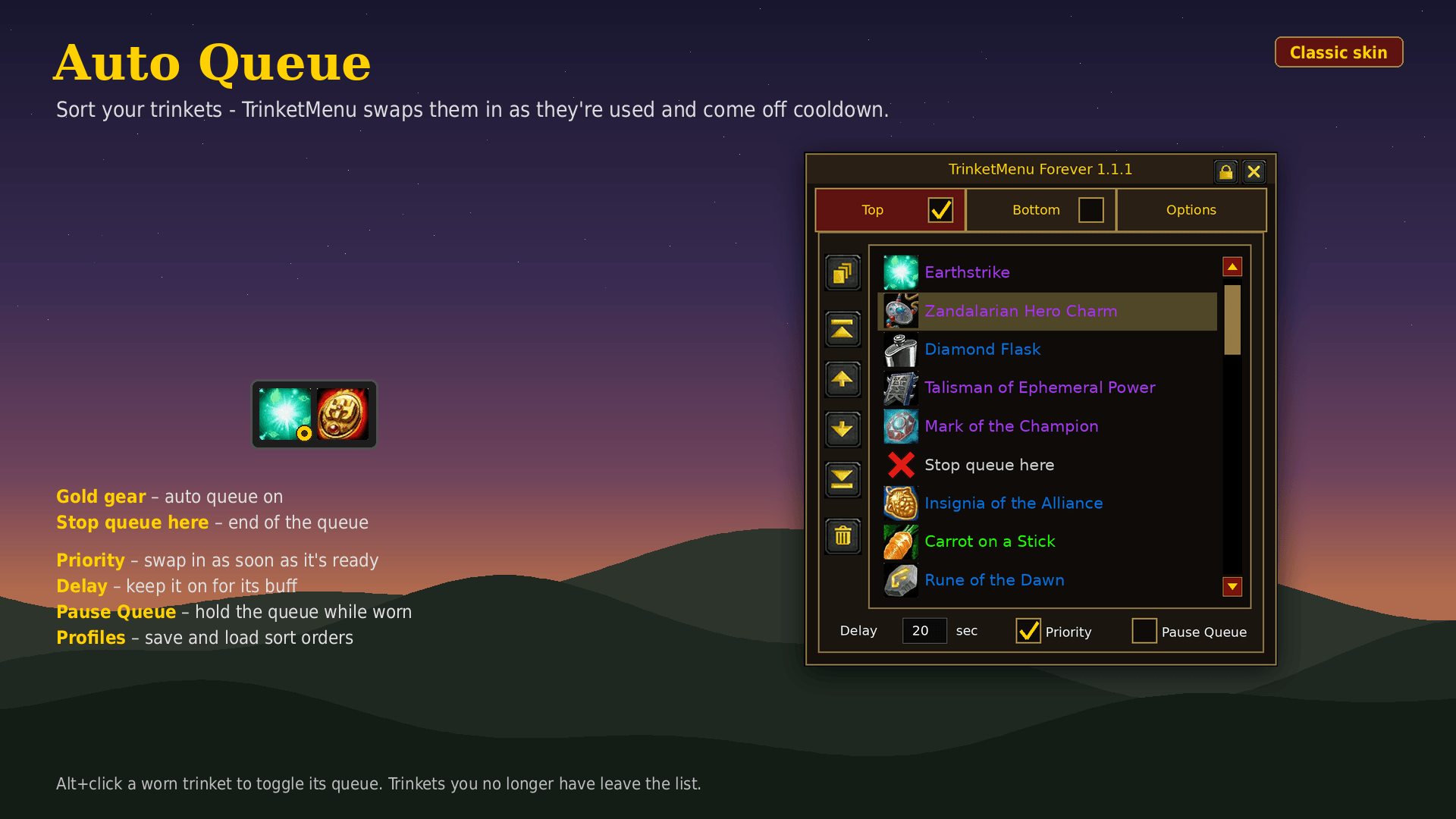
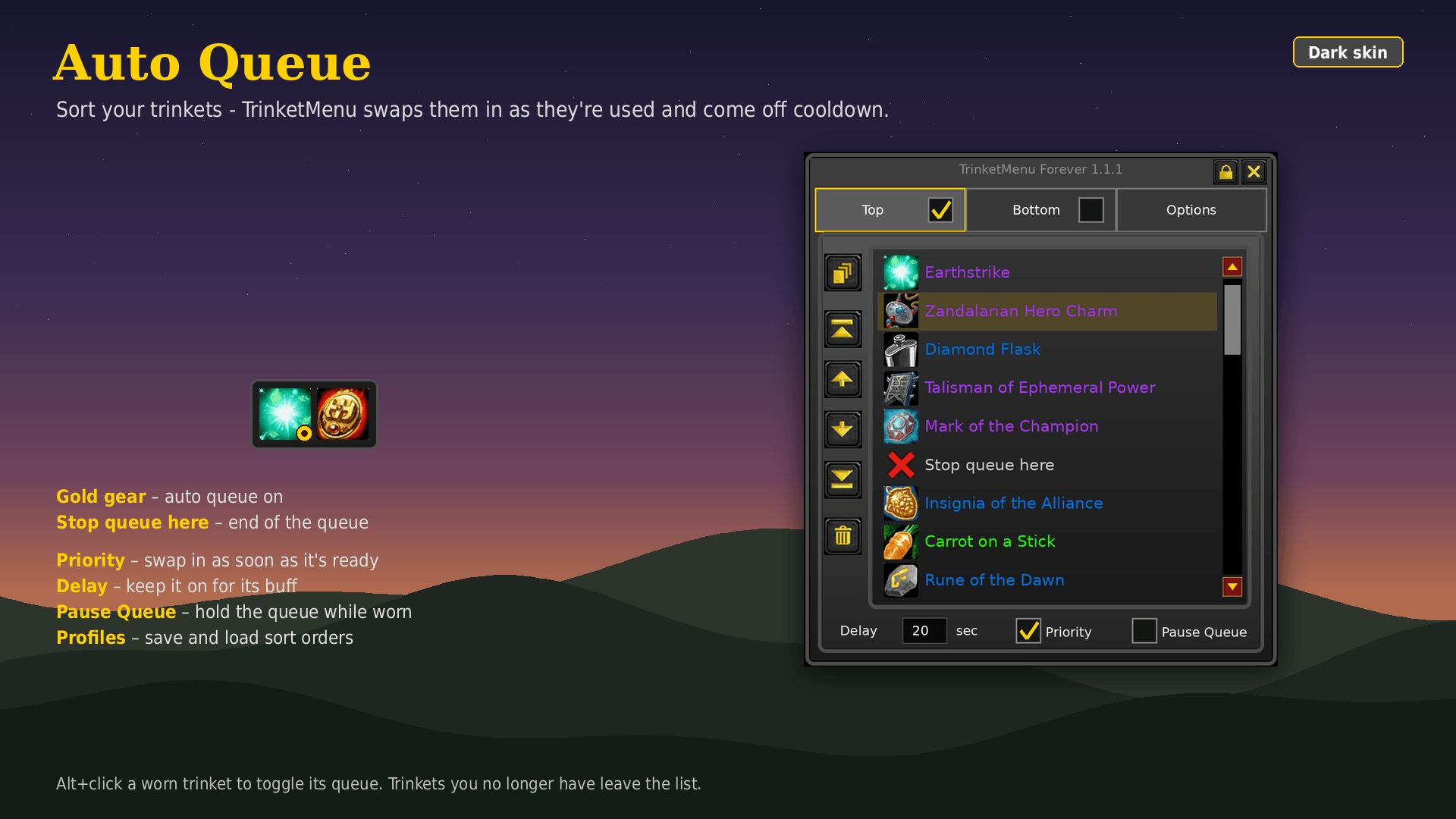
- Sort the trinkets for each slot. When one is used and goes on cooldown, TrinketMenu swaps in the next one that's ready.
- Priority: swap a trinket in as soon as it's ready
- Delay: keep a trinket on for its buff (e.g. 20 seconds)
- Pause Queue: hold the queue while a trinket is equipped (Carrot on a Stick, Argent Dawn Commission and similar)
- Stop queue here marker, profiles to save and load sort orders
- Alt+click an equipped trinket to toggle its queue
- The gear icon shows the state: gold = on, grey = waiting, red = paused
Layout
- Drag to move, right-click the edge to rotate, drag the corner to resize
- Bar Size, Menu Size and Alpha controls in the options (from ItemRack Forever)
- Dock the menu above, below or beside the bar (white marks show where it docks). Above or below it lines up with the left edge and runs left to right, beside the bar it lines up with the top and runs top to bottom
- Lock the windows to hide the borders (Alt+left click the bar's edge to lock/unlock)
Options
- Cooldown numbers (small or large). When on, Blizzard's and OmniCC's countdown on the trinkets is hidden, so there's only one number
- "Ready" and "ready in 30 sec" notifications (on screen and optionally in chat)
- Tooltips: normal, at the mouse, or tiny (name, charges and cooldown only)
- Keep menu open, menu only with Shift, fixed menu columns
- Key bindings shown on the buttons
- Minimap button (round or square minimap)
Slash commands
| Command | |
|---|---|
/trinket or /trinketmenu |
show / hide the bar |
/trinket opt |
options window |
/trinket lock / unlock |
lock or unlock the windows |
/trinket scale main 1.2 / scale menu 0.85 |
set an exact scale |
/trinket load top PvP |
load a queue profile (works in macros) |
/trinket reset |
reset everything |
For macros and other addons: /run TrinketMenu.SetQueue(0,"ON"): 0 = top, 1 = bottom. Also OFF, PAUSE, RESUME, or SORT followed by trinket names or a profile name.
Notes for WoW Forever
- Use buttons are secure, so the bar itself can't be moved, resized or shown/hidden during combat. The menu, the combat queue and the auto queue work in combat as usual.
- Settings are saved per account (options) and per character (position, size, shown/hidden, queues, profiles).
- Already using ItemRack Forever? Its TrinketMenu mode covers the same job. If you run both, use the auto queue of only one of them.
Original TrinketMenu by Gello. WoW Forever version by me0wg4ming.
TrinketMenu Forever Edition Team