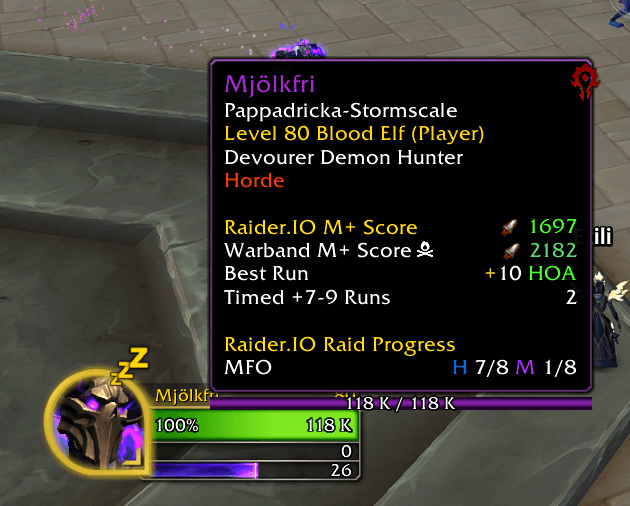
TTp.png
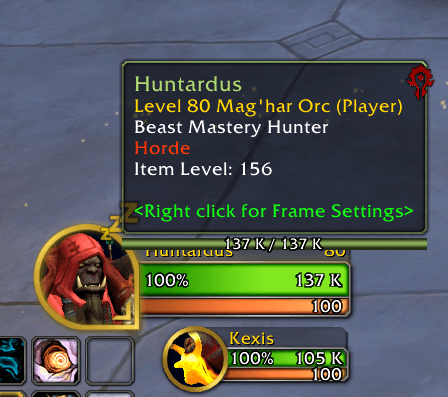
ItemLevel.png
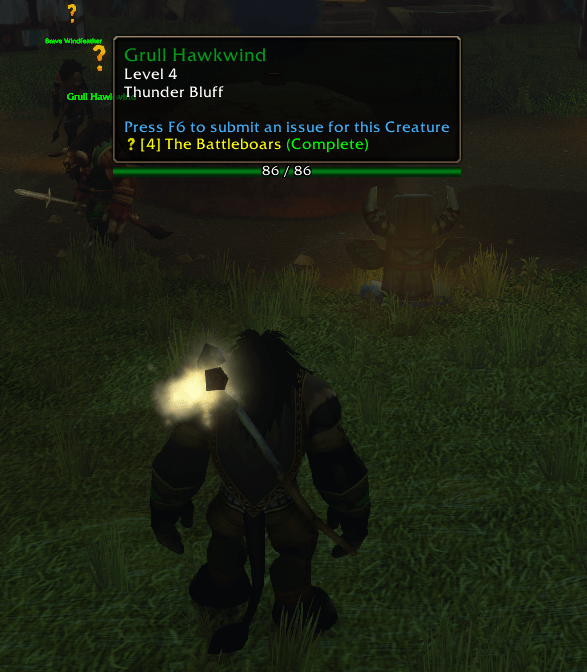
Description
TooltipPlus
Lightweight tooltip styling with useful player and unit details.
Customize the look and position of tooltips, and add at-a-glance information to unit tooltips.
Features
- Personalize the appearance — Adjust tooltip scale and transparency, and color unit names and borders by class.
- Choose tooltip positioning — Use Blizzard's default anchor, position the tooltip at or beside the cursor, or set a fixed screen position.
- Read unit details at a glance — Color unit levels by difficulty, show Alliance or Horde icons and faction text colors, display assigned role icons in a party or raid, and add current/max health values.
- Control tooltip behavior — Hide character tooltips instantly when the cursor moves away, or choose whether to hide unit tooltips or all tooltips in combat.
- Optional player details — Show inspectable players' average item level (experimental) or their current mount.
Item-level information depends on the game allowing an inspect; it may not be available for every player.
Configure
Open Settings → AddOns → TooltipPlus, or type /ttp or /tooltipplus. Use /ttp reset to restore the addon's settings to their defaults.
TooltipPlus Team