Shoulder Cam (ShoulderCam)
- By
Lightweight over-the-shoulder action camera that switches setups for on foot, combat and mounted.
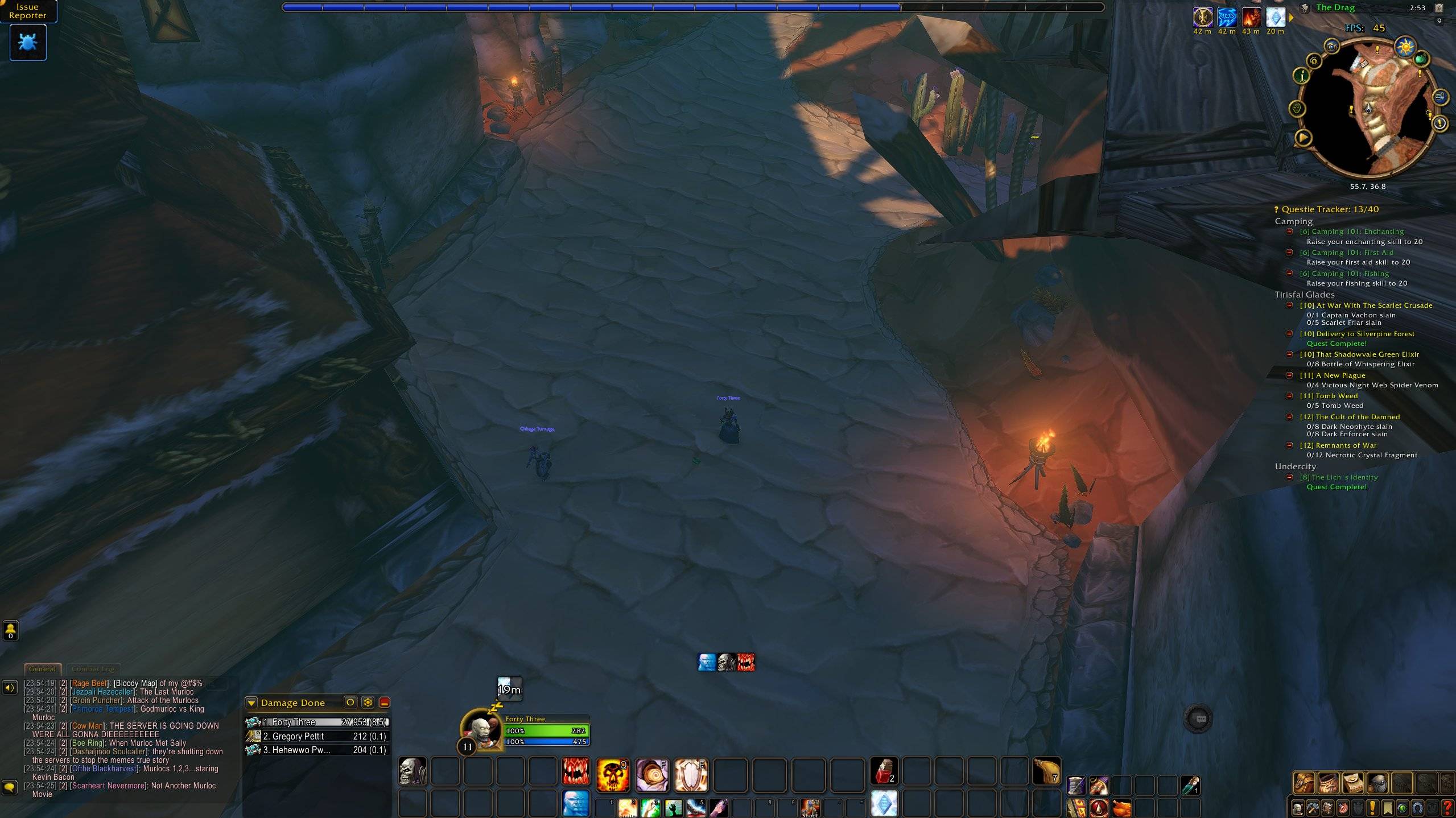
camera-on-foot.jpg
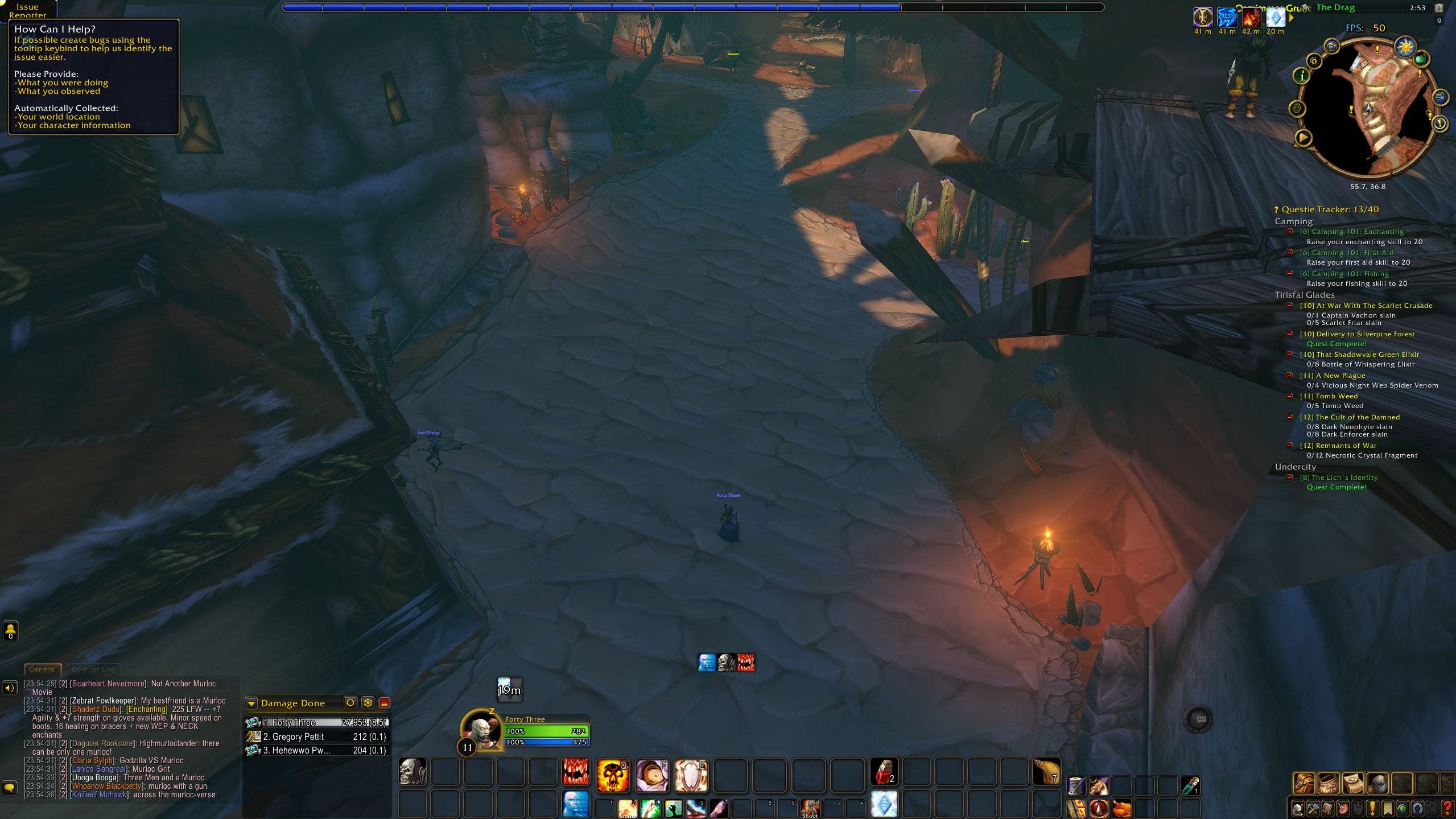
camera-on-foot-2.jpg
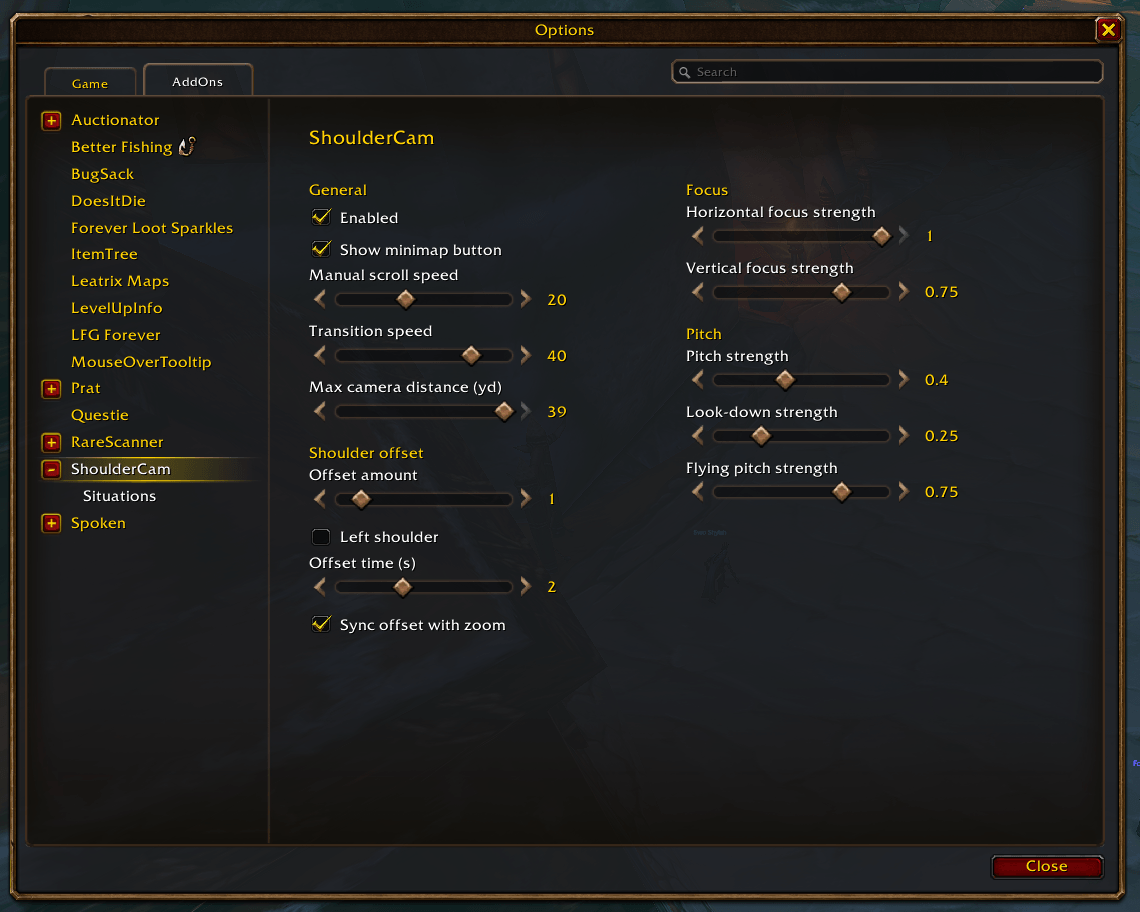
settings-main.png
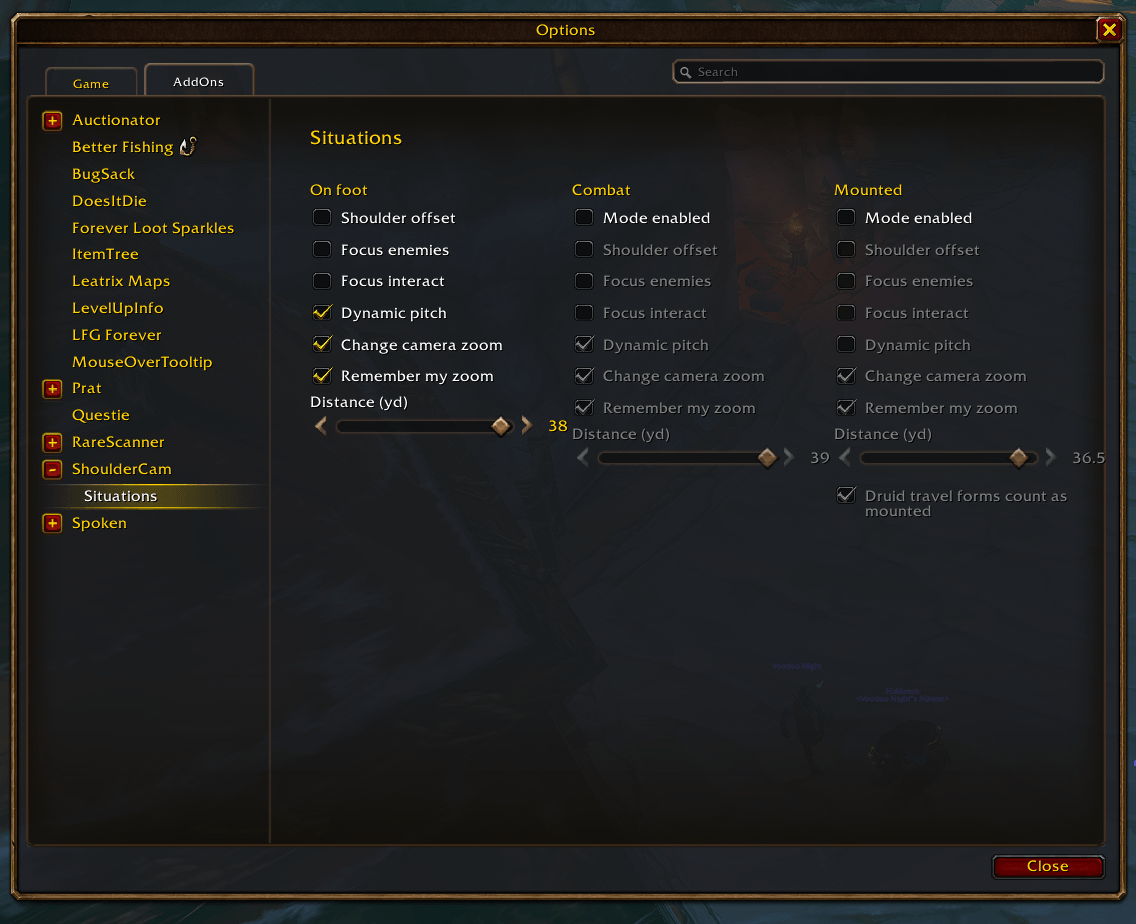
settings-situations.png
Description
Shoulder Cam
Over-the-shoulder action camera with separate on foot, combat and mounted setups, and nothing that slows your game down.
Why players install it
- The game's own action camera, tamed. Shoulder offset, enemy and interact focus, dynamic pitch, all from the normal options window.
- A camera for every situation. On foot, Combat and Mounted each get their own shoulder offset, focus, pitch and zoom distance. The camera switches by itself when you mount up or enter combat.
- Smooth moves. The camera glides to each mode's zoom distance and slides over to the shoulder instead of snapping.
- Remembers your zoom. Scroll to a distance you like and that mode keeps it.
- No nag popup. The "experimental feature" warning stays away.
- It stays out of the way. No per-frame updates, no libraries. Timers run only while the camera is moving.
Settings
Options > AddOns > Shoulder Cam, or type /shouldercam (or /shc). Every change takes effect immediately.
- Shoulder Cam page: turn the addon on or off, zoom speeds, max camera distance, shoulder offset, focus and pitch strength.
- Situations page: On foot, Combat and Mounted side by side. Druid travel forms can count as mounted.
The Defaults button on either page resets everything. Key bindings (Options > Keybindings > Shoulder Cam): Toggle Shoulder Cam and Swap shoulder. The addon menu button on the minimap (Retail) opens the settings too.
A Shoulder Cam button on the minimap edge opens the settings with a left-click and turns the camera on or off with a right-click. Drag it to move it around the minimap. Untick Show minimap button on the Shoulder Cam page to hide it.
Using ActionCamPlus? Turn it off first: both addons change the same camera settings.
Game versions
Retail, Classic Era, TBC, Wrath, Cata, Mists Classic and WoW: Forever. If a game version has no action camera, Shoulder Cam does nothing and says so on its settings page.
Performance
- No per-frame updates: zoom uses the game's own camera movement, and the shoulder slide runs on a short timer that stops when it arrives.
- Mount and combat events are listened to only while that mode is turned on.
- Switching modes changes only the camera settings that actually differ.
- The settings pages are built the first time you open them.
License
MIT
Shoulder Cam (ShoulderCam) Team