Raid Assignment Manager
- By
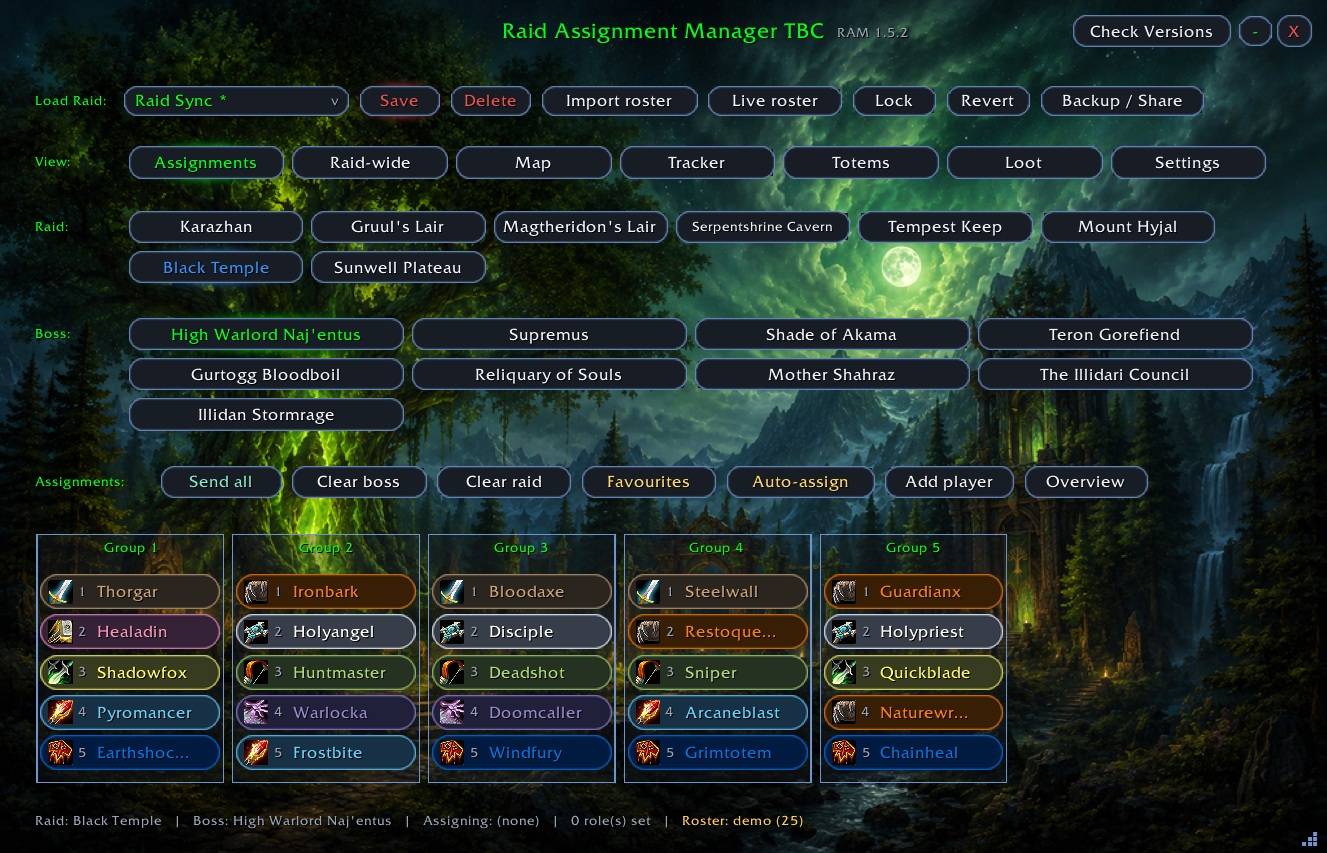
Raid Assignment Manager (RAM) is a raid-planning and coordination addon for TBC Classic. It gives raid leaders one window to build, save, sync, and share every assignmentaider a clean view of only what they are responsible for. for a raid, and gives each r
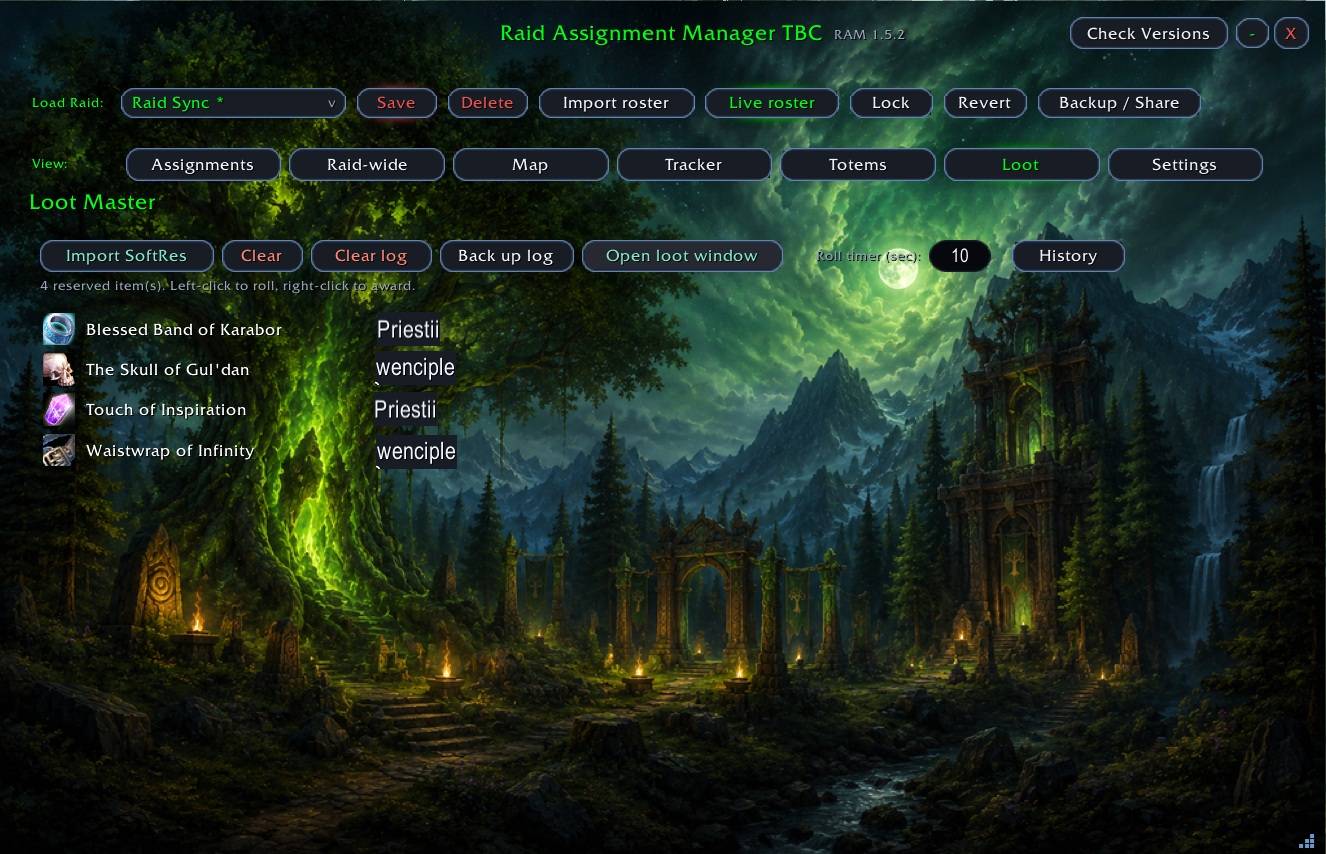
Description
RAM 1.6.11
Raid Assignment Manager (RAM) is a raid-planning and coordination addon for
TBC Classic. It gives raid leaders one window to build, save, sync, and share
every assignment for a raid, and gives each raider a clean view of only what
they are responsible for.
What it does:
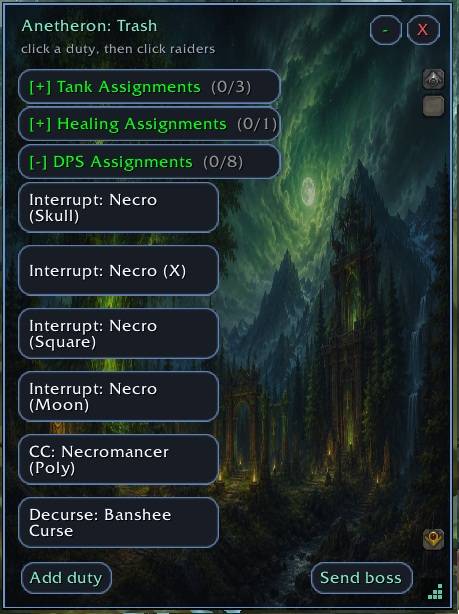
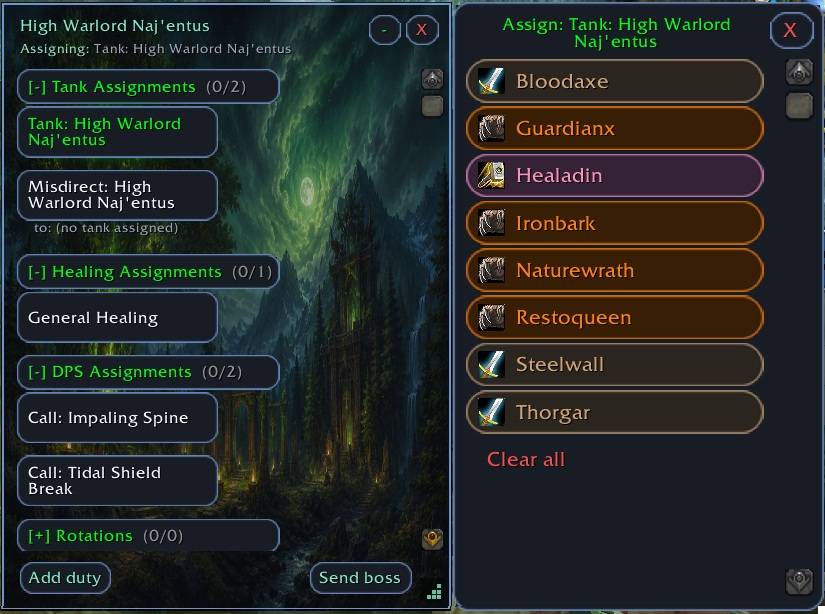
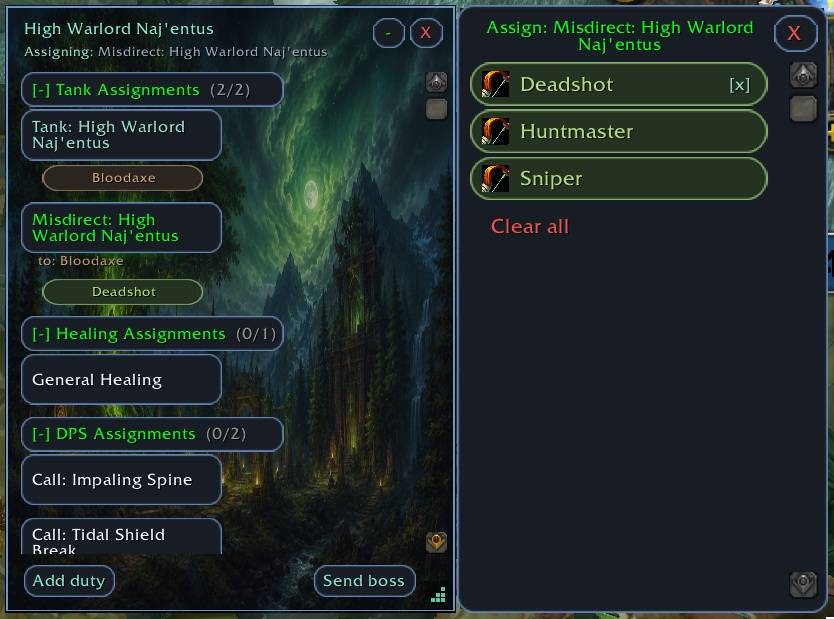
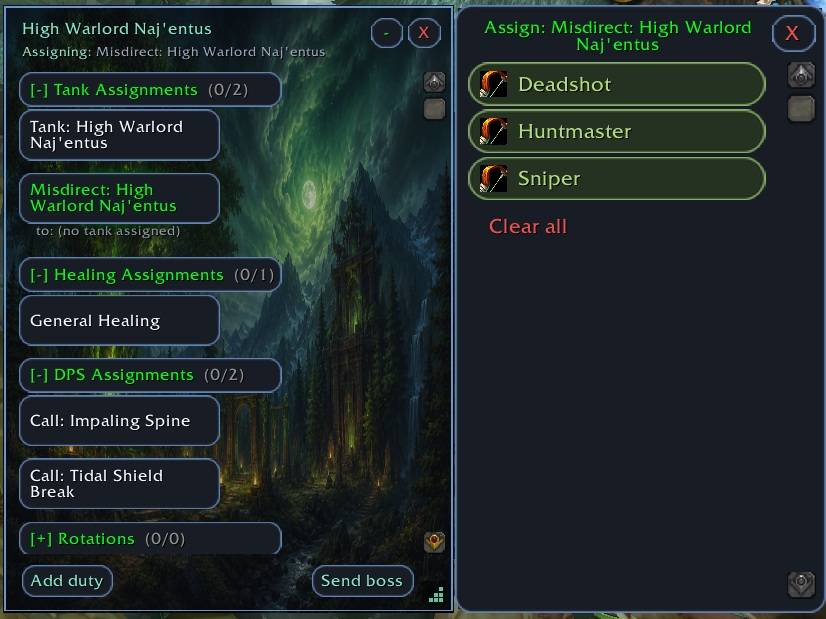
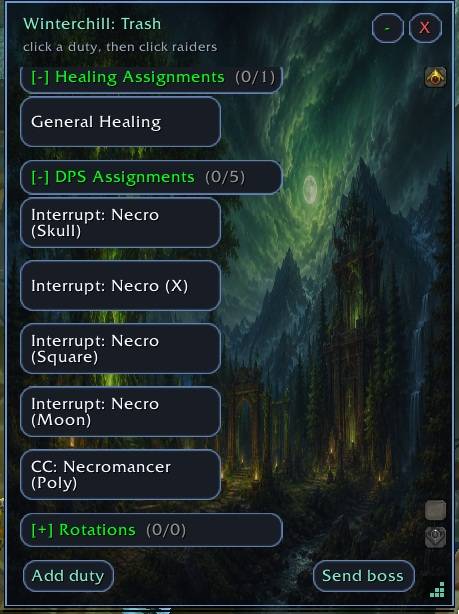
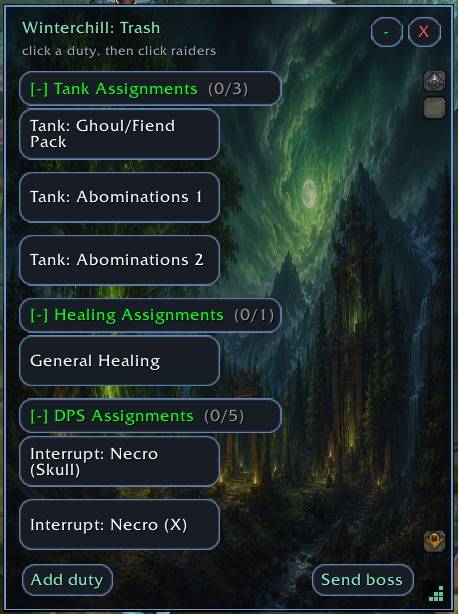
- Pick a raid and a boss and see every duty at a glance -
tanks, healers, interrupts, decurses, dispels, misdirects, crowd control, and
fear coverage - with class-colored raiders assigned to each.
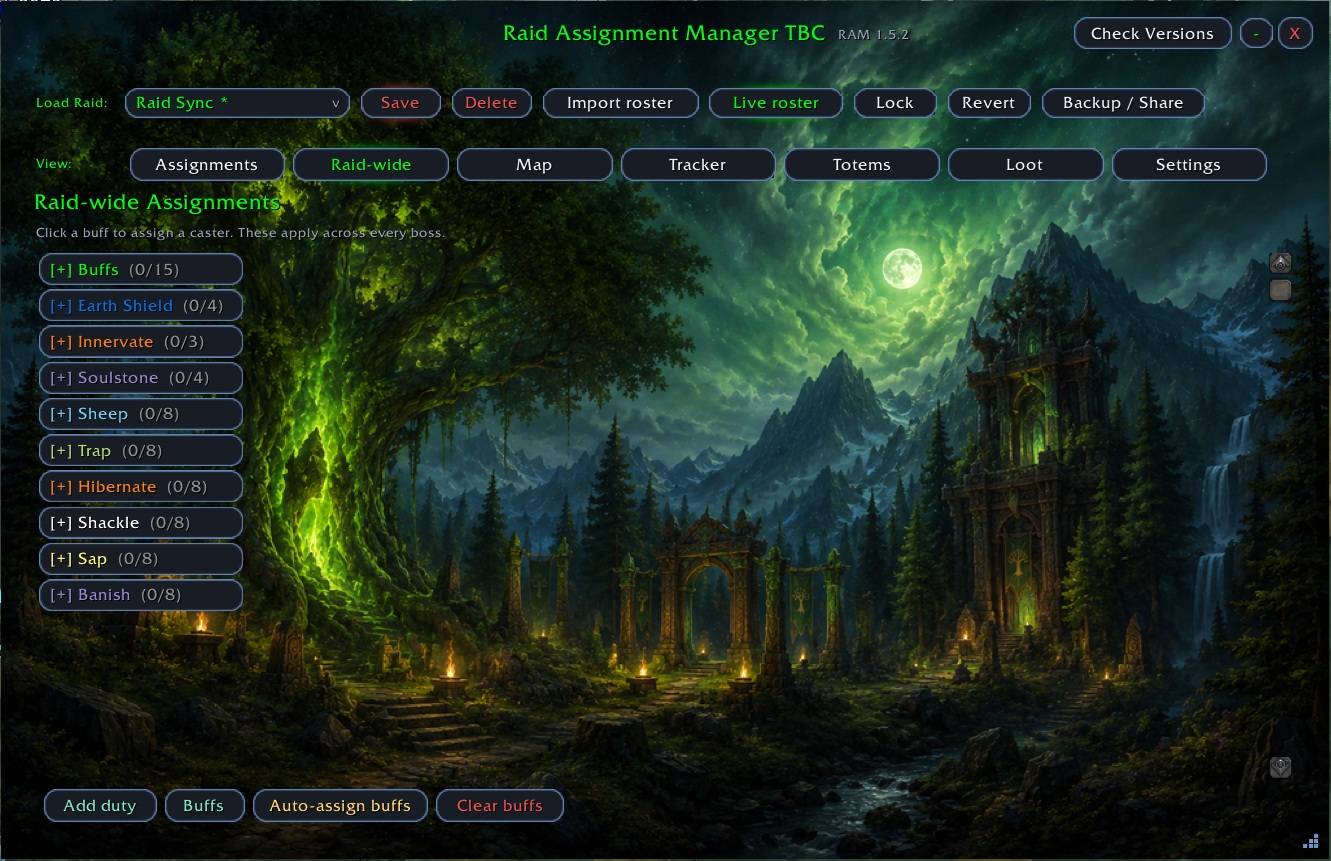
- Raid-wide buff and aura assignment: priest prayers, Arcane Brilliance, all
four Greater Blessings, Soulstones, curses, armor debuffs, Bloodlust, and
Earth Shield rotation - each gated to the classes that can actually cast it.
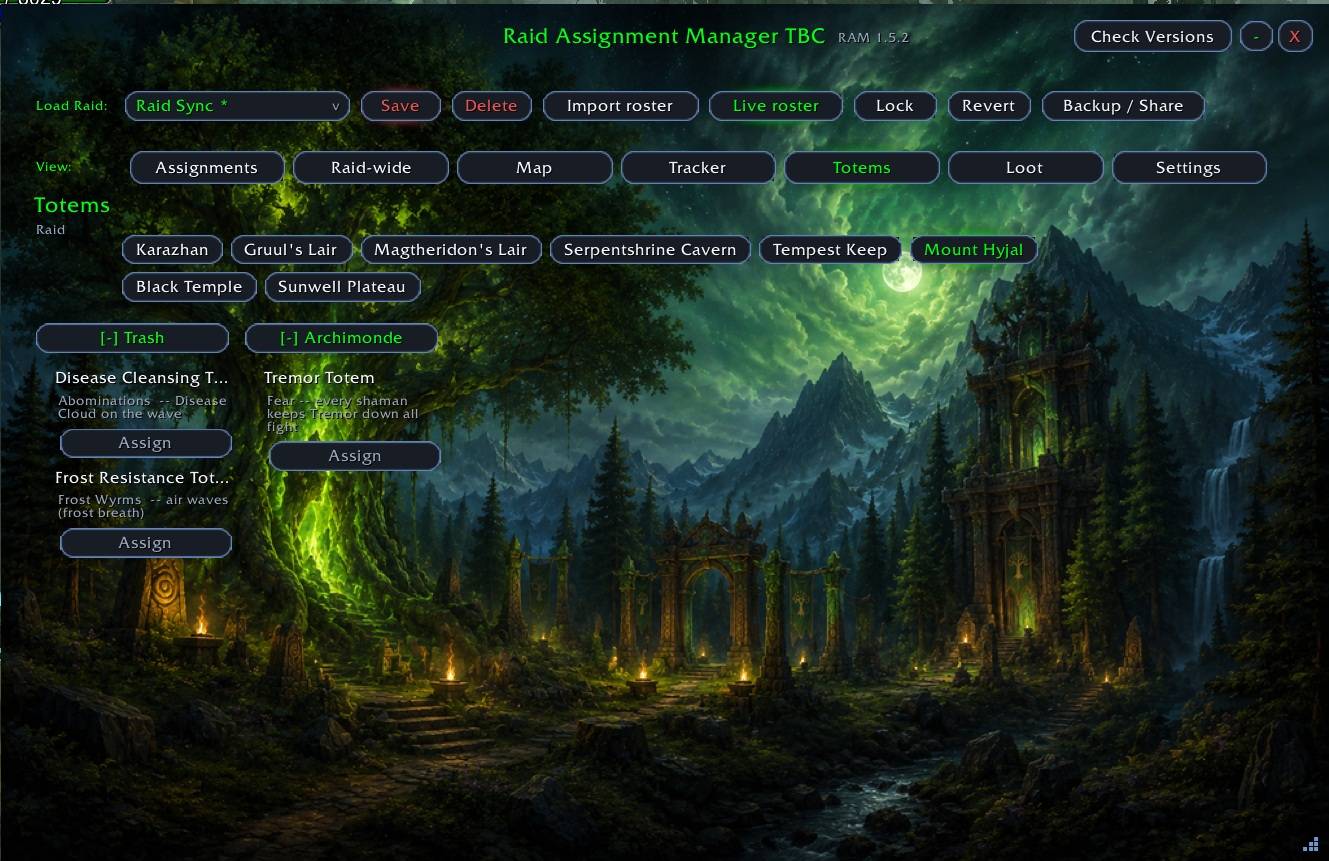
- Totems tab: mechanic-aware totem planning, per-group water totem splits,
Earth Shield targets, and shaman coverage.
- Auto-assign (experimental): fills empty duties across the whole raid by
class and role, preferring your Favourites, and never overwriting a manual
assignment.
- Favourites: star your regular raiders, or favourite them for a specific job
(Main Tank, Off Tank, Misdirect, Fortitude, and so on) with ranked ordering.
Favourites persist across raids and reloads.
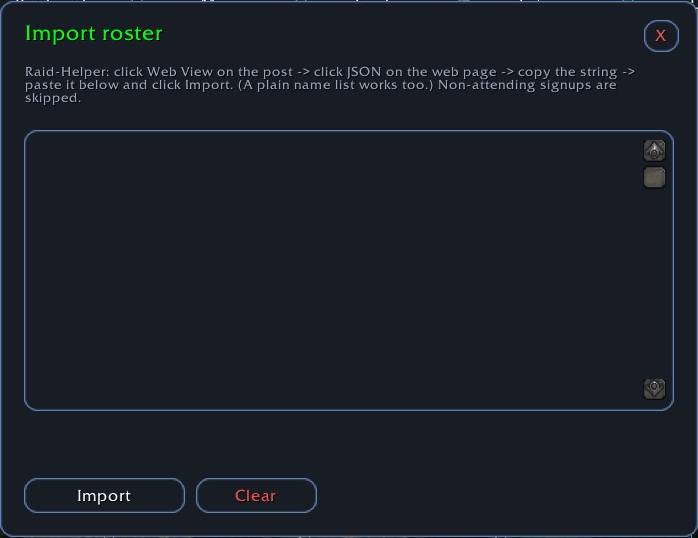
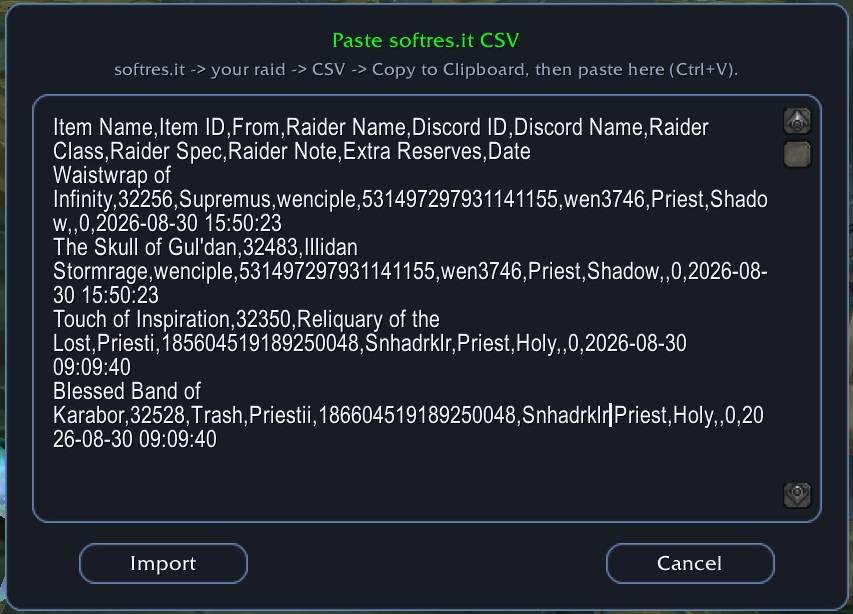
- Working roster import from Raid-Helper JSON.
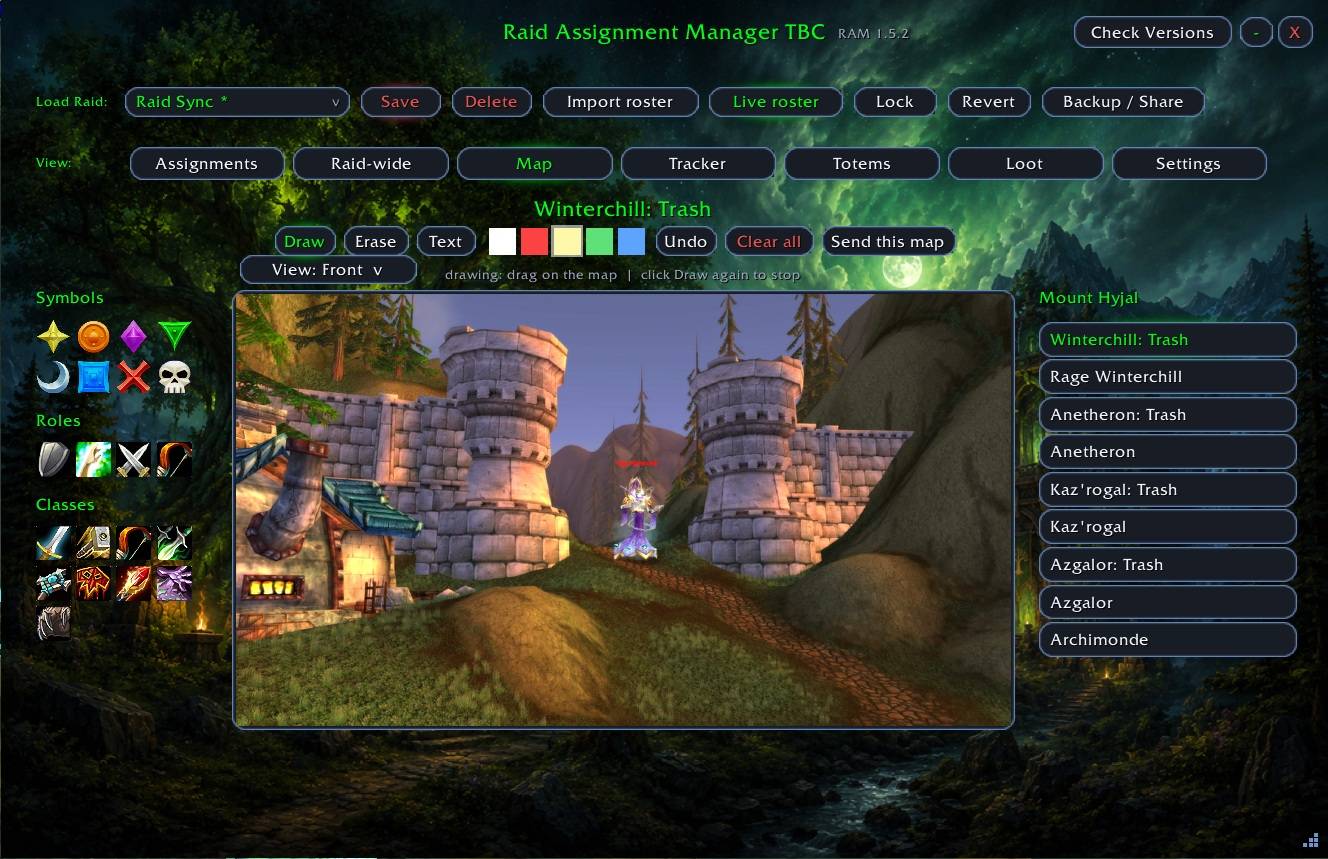
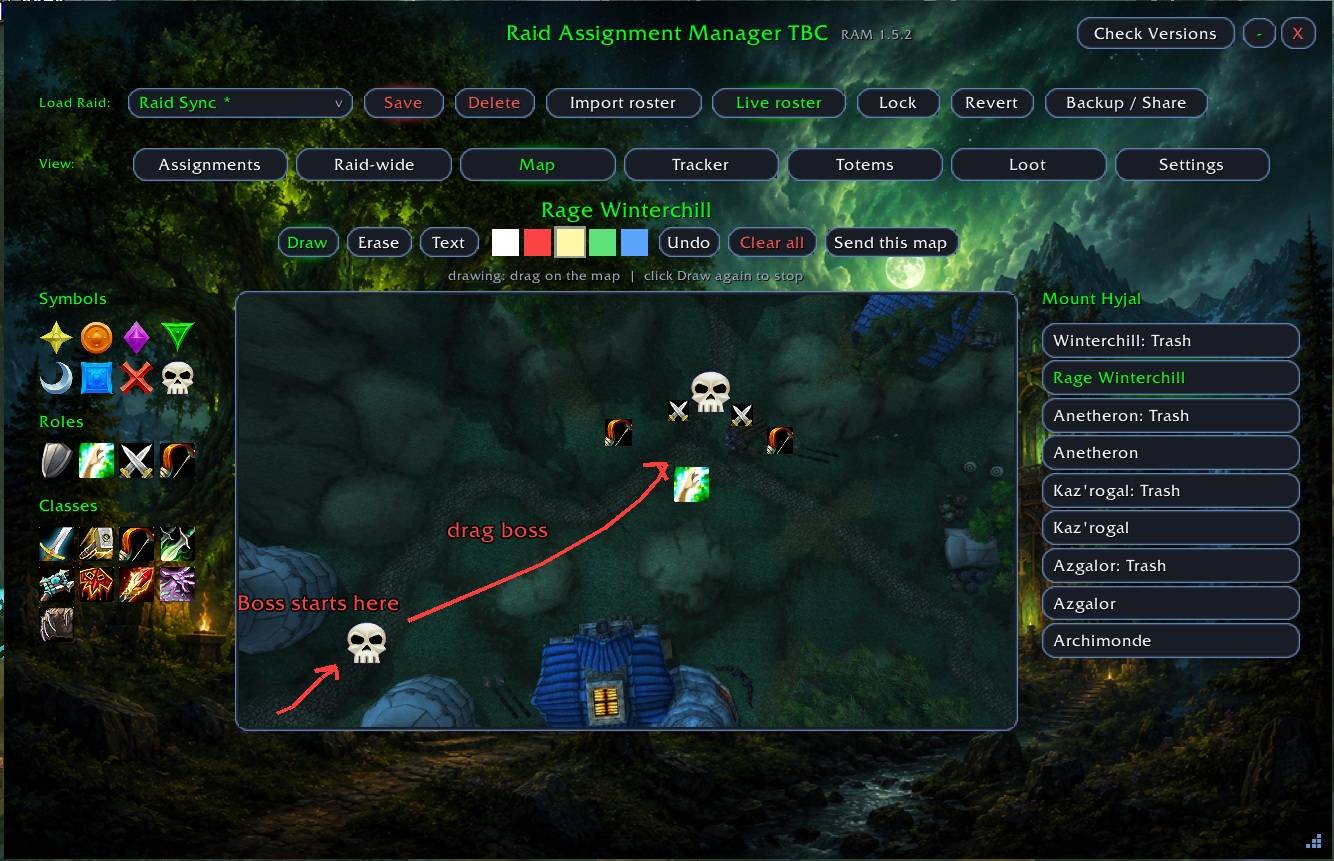
- Boss maps for every TBC raid, with drawing, symbols, and text annotations.
- Live sync and Backup / Share, so the whole group can see the same plan.
- One-click Send delivers each raider their own assignments in their own RAM
window.
See Change log for previous changes
RAM 1.6.11 — bind safety hardening
A small, safe hardening release. No new features and nothing changes about how you
assign duties, import sheets, or run the raid — this just closes an edge case in
name binds and removes some dead code.
- Name binds can never turn a character into a number. If a signup accidentally
carried a numeric player ID (from an older export, or an out-of-date co-lead's
plan reaching you over sync, a share, or a backup restore), RAM will no longer
rename a real character to a bare number. Sheet imports already rejected these;
now every path that applies binds does.
- Stray numeric roster names are skipped. An imported roster row with a bare number
where a name should be is skipped with a warning instead of adding a junk entry —
the rest of the import still applies.
- Removed dead code. The old automatic group-mover (disabled back in 1.6.5) is gone
from the package. Hand-dragging players between groups is unaffected.
If you're already on 1.6.x this is a safe drop-in update. 2,171 automated checks pass
and the sync simulation converges cleanly.
## 1.6.7
Fixed: removing an offline signup from an imported roster now sticks.
- Removing a not-in-raid signup (right-click -> Remove from roster) mutated only the in-memory
roster and never wrote the change to disk. Any reload, raid/instance switch, or received roster
share reloaded the saved copy -- so the removed player kept coming back. The removal is now
persisted the same way a drag-move already was, so it survives a /reload and a raid switch.
1.6.6
Fixed: a raider signed up under two names no longer shows up twice.
- When two signup rows resolved to the SAME in-game character -- e.g. a raider listed once by their character name and once by their Discord handle, both name-bound to the same toon only one of them could match the single live player.
The other was left stranded as a permanent"offline" row, so the same person appeared twice (one present, one greyed-out) and the greyedcopy couldn't be cleared. RAM now recognizes that second row as a duplicate of a player who's already present and hides it, so everyone shows exactly once.
- This is display-only and non-destructive: both signup rows stay in the underlying roster, so are-share or reload loses nothing, and assignments filed under either name still reach the raider.
- A signup bound to a character who genuinely ISN'T in the raid still shows as offline, exactly as before -- only a duplicate of an already-present player is hidden.
## 1.6.5
Removed the automatic group-moving feature.
- RAM no longer moves players between raid subgroups on its own. Previously, when the raid
leader was on an imported roster, RAM would drop each player into their planned group as
they joined (via SetRaidSubgroup/SwapRaidSubgroup). That auto-placement has been removed
entirely because it was causing problems in live raids.
1.6.4
Fixed the version number the addon reports about itself.
- In 1.6.3 the internal version was left at 1.6.2, so even with 1.6.3 installed the window
subtitle showed "RAM 1.6.2" and the raid version check broadcast 1.6.2 -- meaning a correctly
updated raid would flag you as out of date. The internal version now matches the release.
- No feature or behaviour changes otherwise; this is purely the version-tag correction. If you
already have 1.6.3, grabbing 1.6.4 is what makes the version check line up across the raid.
1.6.3 - User manual added (inside addon folder)
- A full walkthrough now ships with the addon, in the RaidAssignmentManager folder:
RAM-User-Manual.md (formatted) and RAM-User-Manual.txt (plain text). Same content, two formats.
- It covers the core loop (assign duties and send them out), the version check, the roster
(importing signups, saving and loading nights, name binds, standbys, backup / share), the Map,
Totems, the Loot Master, and the Settings tab -- including what raiders see versus leaders.
1.6.2
A big update to how raid nights are imported, named, saved, and kept in sync -- plus a batch of
fixes to assignment visibility and window behaviour.
- Paste a Raid-Helper signup and RAM reads the event's title and date and pops up a name for the
night -- pre-filled and editable -- the moment you import. "HYJAL" scheduled for Sept 5 becomes
"HYJAL - Sep 5". Save it and it lands in Load Raid as its own copy.
A second Black Temple night with different players saves alongside the first instead of overwriting it --
both stay in Load Raid, each with its own roster.
Leaving the raid resets to a clean slate
- Leaving the raid (or it disbanding) clears the roster, its name binds, and all assignments, so
the next raid starts like nothing was ever loaded. This does not effect maps. Saved raids in Load Raid keep their own copies-- reload a night to bring it back.
Assignment fixes
- Fixed your own assignments being hidden by a stray name bind. The personal window now resolves you
by your character name first, then any bound signup, and shows whichever actually holds your lines
-- so a wrong bind (e.g. an alt bound to your main) can only ever ADD a name, never blank your
list. Previously Overview showed your duties but your own window said "No assignments for you"
until you closed and reopened it.
- Fixed the "My assignments" pop-out occasionally opening blank right after a push before its layout
settled.
Windows
- Combat now auto-minimizes ALL open RAM windows -- Assignments, My assignments, Overview, and Loot
Master -- not just the main one. They collapse to their pill when a fight is pulled and stay
minimized until you reopen them.
1.6.1
Backup / Share is now a complete handoff, and the roster stays in sync across the raid.
- A backup string carries your whole plan -- roster, assignments, and the sign-up-name-to-
character bindings. One person can set everything up, hand the string to someone else, and
they can load it and push it out even if they've never set the bindings themselves. Applies to
both the regular share and the full backup.
- Importing a roster now sticks: loading or reloading a saved raid can no longer revert to an
older roster -- the newest import always wins.
- The roster grid syncs to the raid automatically. Someone who joins sees the current layout
without a /reload, and clearing or re-importing updates everyone.
- Deleting the raid you're currently on clears its roster and assignments for a clean slate.
Deleting a different saved raid just removes that copy and leaves your current work alone.
- A received plan is shown neutrally in the Load Raid list instead of looking like a raid you
saved yourself.
RAM 1.6.0 — New assignments, an Overview window, and a lot of polish
This is a big one. RAM gained a stack of new assignment types so your plan can cover a whole night without gaps, a brand-new read-only Overview window, a smarter Auto-assign menu, and a pile of quality-of-life fixes. Highlights below.
New assignment types
A large expansion of what you can actually assign — all class-gated where it matters:
- Power Infusion and Curse of Tongues (raid-wide).
- Battle Res order — druid Rebirth backups in priority order, sitting alongside Soulstones in one combined combat-res list.
- Blessing of Protection rotations on Gurtogg Bloodboil — the ordered BoP plan for Fel Rage.
- Power Word: Shield seats on Reliquary of Souls (the P1 no-healing phase), plus Tranquilizing Shot seats.
- Frost Trap left/right on Shade of Akama, and Fear Ward on Kaz'rogal.
- Archimonde decurse — five position decursers for Grip of the Legion, correctly gated to mages and druids.
- Illidan, fully covered — Healing Reduction (Draw Soul), Flame Tank healing, per-flame misdirects, Parasitic Shadowfiend kills, and the phase position camps.
- Position / camp grids (Star, Triangle, Square, Diamond, Circle) on the bosses that use them — each marker shown as its real raid-target icon.
New: Assignments Overview
A read-only window that lists every assigned duty across the raid — open it from the Overview button, /ram overview, or a keybinding. Anyone in the raid can open it.
- Toggle between By boss (per encounter) and By role (Buffs, Tanks, Healers, Positions, Utility).
- Raid-target marks render as their icons, and raid-wide buffs are included.
Auto-assign, your way
The Auto-assign button now opens a small menu instead of a forced choice:
- Bosses + buffs — the full run.
- Just bosses — fight duties only.
- Buffs only — tops up just the raid-wide casters (Earth Shield, blessings, curses, Bloodlust, crowd control) when you've filled the fights but not the buffs.
- Cancel — back out.
As always, Auto-assign only ever fills empty slots and never overwrites a manual pick.
Roster & names
- Toggle the roster between character names and Discord/sign-up names with the pill next to Overview (defaults to character names).
- Shift-right-click a raider to bind a sign-up name to their character — handles mains and alts, resolving to whoever's actually in the raid that night.
- Names in My assignments now show in class color.
Quality of life
- Raid-target icons everywhere a marker is named — the Overview, your personal assignments, and the assignment editor.
- Clear duties is now one button with a menu (clear this boss, or every boss). It only clears assignments — your roster stays put. And a new Remove roster + clear all gives you a one-click clean slate (saved setups keep their own copies, so nothing you saved is lost).
- Map text labels can be dragged to reposition them.
Raid Assignment Manager Team