Questward Forever!
- By
Leveling guides for WoW Forever: pick a route style and follow the arrow that shows you where to go next.
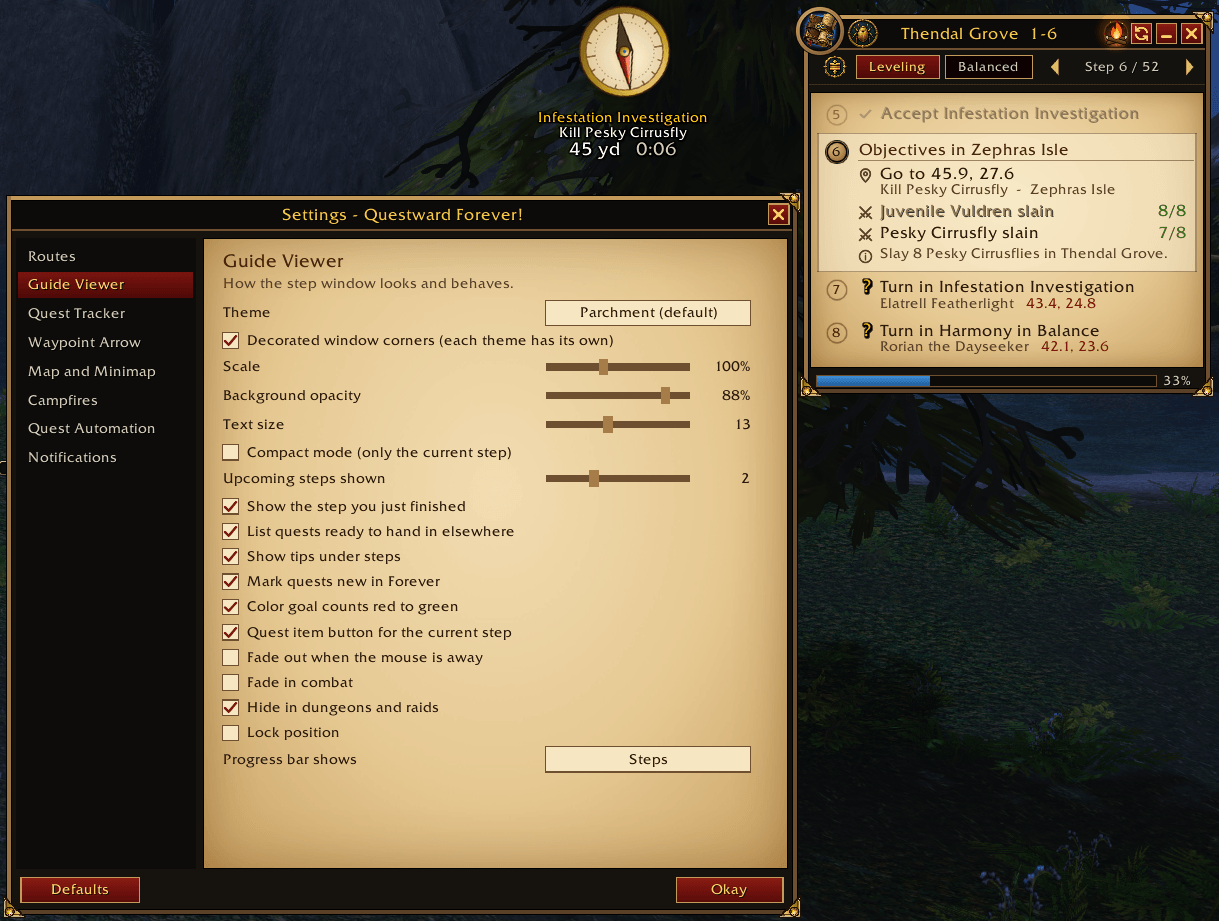
Screenshot-1.png
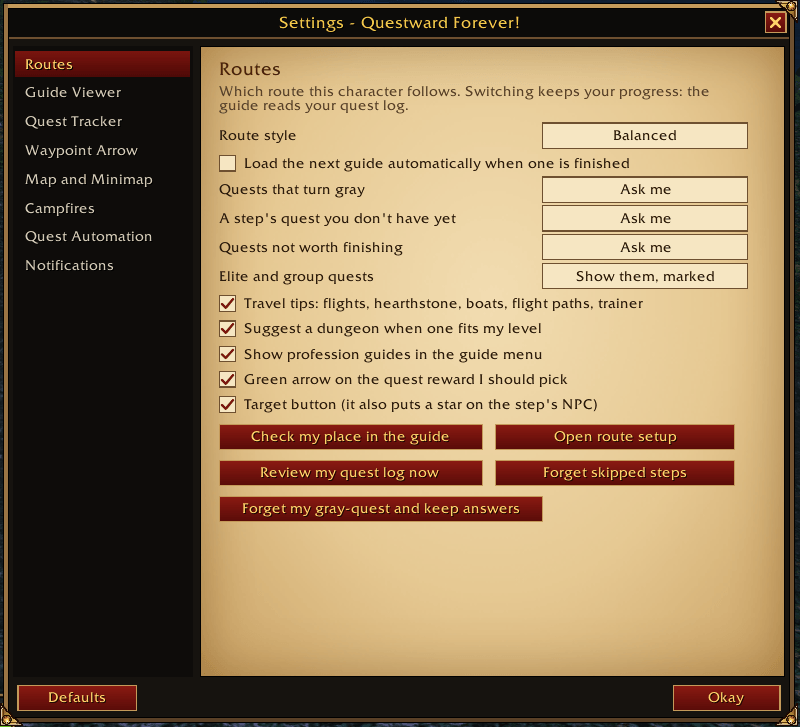
Screenshot-2.png
Screenshot-3.png
Screenshot-4.png
Screenshot-5.png
Description
Questward Forever!
Leveling guides for WoW Forever
I wanted something like the old-school leveling guides, but built for Forever instead of patched over from Classic. So this is that: a route for your race and class from level 1 to 60, and an arrow that takes you to each stop. The new quests, the new zones and both Skyborne races are all in there.
How it works
Pick your race, class and how you like to level, and the guide lays out the whole route for you. You visit each zone when its quests are your level and come back later for the higher ones, so you're never sent to quests far above you or left grinding to reach the next zone. Pick-ups and turn-ins are grouped so you're not running back and forth to the same quest giver three times.
You get three styles to choose from:
- Fastest: the quickest way to level, and nothing else
- Balanced: skips the quests that aren't worth the walk
- Every quest: for completionists
You can change styles any time and the guide keeps your place.
Levels 1 to 40 have been played and reported on the most. Levels 40 to 60 are newer and I'm still tuning them, so reports from up there are especially welcome.
Quests that bite
Some quests kill a lot of solo players. Every step of an elite quest, a group quest or a quest players often die to has a red outline and a skull. Hover the skull to see what makes it risky, and use the Skip button on its pick-up step if you'd rather not. Over 120 quests carry a warning, and the list keeps growing with your reports. If you don't want them in your route at all, there's a setting for that.
When the quests run thin
Past level 40 there are a few stretches without enough solo quests. Instead of leaving you to figure it out, the guide puts a "Reach level N" step there. It shows the dungeons that fit your level, any group quests you set aside, and up to three good places to grind nearby, with the mob's level, the distance and whether the spot is risky. Click one and the arrow takes you there.
Dungeons
When a dungeon fits your level, a line under your steps shows it. Click it to open that dungeon's guide with its quests, and click again to go back to your leveling route. Walk into a dungeon that has a guide and you'll get a heads-up.
The stuff I'm happiest with
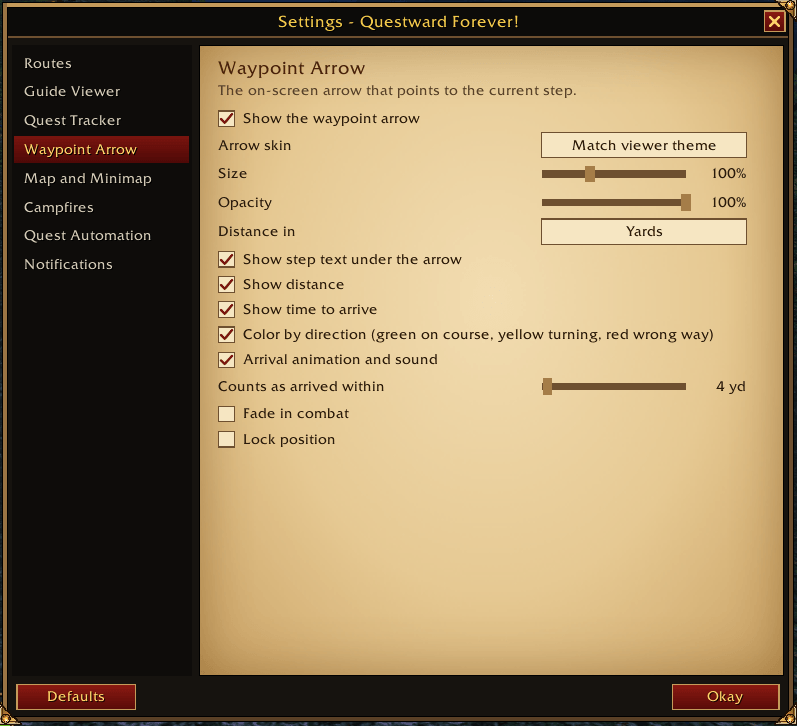
- The arrow follows actual walking paths. It goes around the mountain and through the tunnel instead of pointing straight at a cliff.
- Quest givers and mob areas use real spawn points, and NPCs who wander get their whole route shown.
- Every step tells you what to actually do: kill this, loot that, click the crate, buy it from the vendor.
- It accepts and turns in the guide's quests for you (hold Shift if you'd rather do it yourself). There's a button for quest items and a key binding to target whatever the current step is about.
- If you already did something, grabbed a quest early or skipped one, it notices and moves on.
- Right-click a step to skip that quest. Its turn-in goes with it.
Smaller things that add up
- Reminders when it's time to visit your class trainer, plus hearthstone stops
- Quest reward picks for your class
- A quick cleanup when old quests go gray
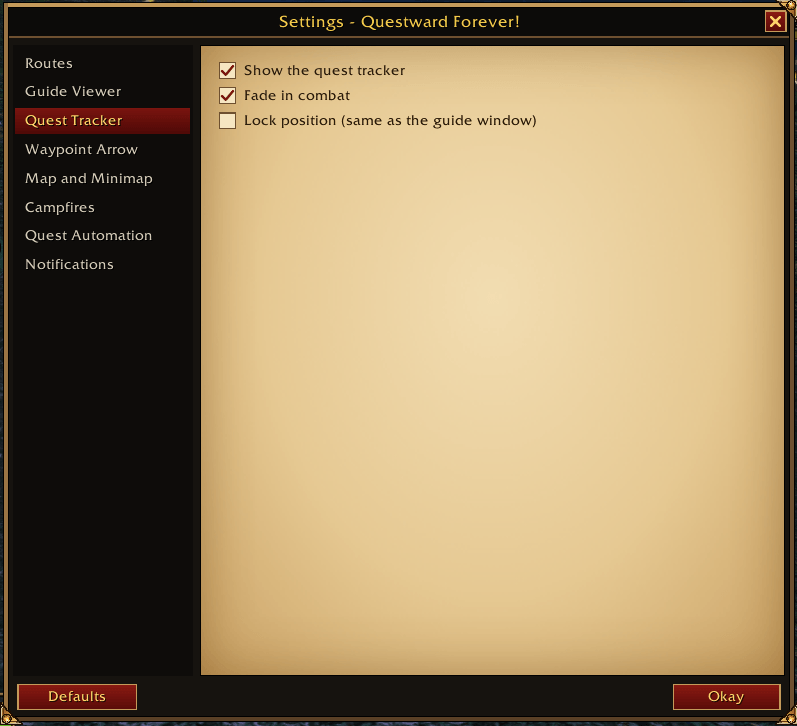
- A quest tracker that keeps the guide's quests at the top. Hover a quest to see your party's progress on it. That works with Questie too, both ways, and if you use Questie's tracker it asks which one you want.
- Flight masters, boats and zone level ranges on the world map
- A campfire window with your camp buffs, a resting timer and the nearest fire
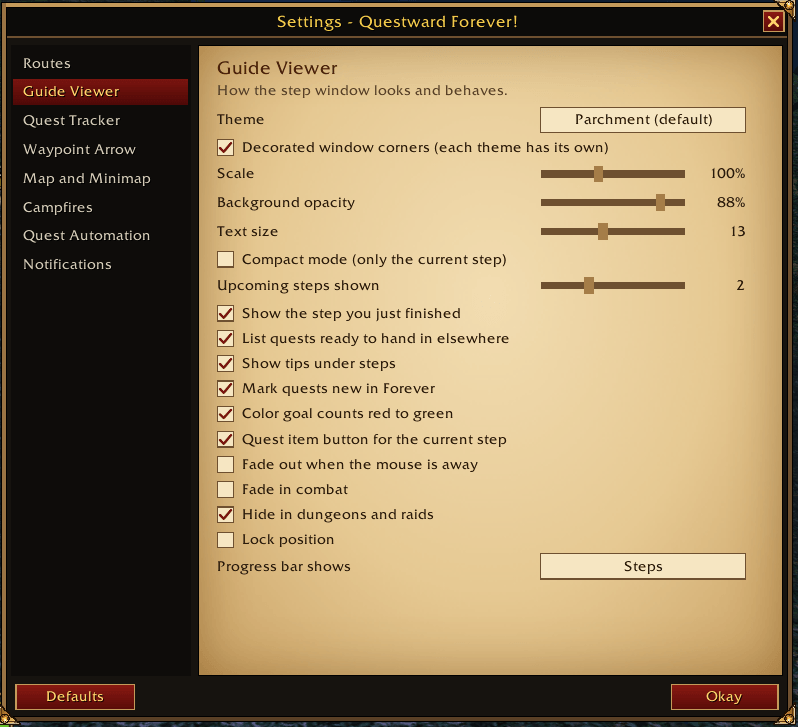
- A resizable window, a compact mode that shows just the current step, four themes, and map and minimap pins
Profession quests and battleground quests aren't part of the leveling routes, since not everyone has the same professions and battlegrounds aren't questing. You can still do them whenever you like.
Getting started
Install it, log in, and pick your route in the window that pops up. That's it.
- /qw - show or hide the guide
- /qw setup - choose route style, class and starting area
- /qw options - settings
- /qw menu - pick a guide section
- /qw skip and /qw back - skip the current step, or go back one
- /qw check - make sure the guide is on the right step for this character
- /qw tracker - show or hide the quest tracker
- /qw compact - switch between compact and full size
- /qw camp - campfire window
- /qw feedback - report a problem
/questward works too.
Something wrong?
Forever is still young and the quest data is still settling, so you'll probably hit the odd step that's off. When you do, click the little bug button next to the guide's portrait and write what happened. It saves where you were, which step you were on and which quests you died on. Right-click the same button when you're ready to send your notes in.
Those reports are honestly the fastest way things get fixed, and most of the last update came straight from them. Thank you to everyone sending them!
Credits
Some of the quest prerequisites, race and class limits and quest-giver spots come from All The Things (MIT licence). Class trainer data comes from Wowhead's WoW Forever database. Quest data and quest XP are cross-checked against QuestieDB. The walking paths are worked out from the game's own terrain using Recast Navigation (zlib licence).
Made by ShardStack.
Questward Forever! Team