QoLify
- By
A collection of small quality of life tweaks plus optional modules that load no code until enabled. Quick delete, auto-accepted resurrections, party keystones in the Group Finder, SoundScaper volume profiles and a Decor tools with shopping cart and budget.
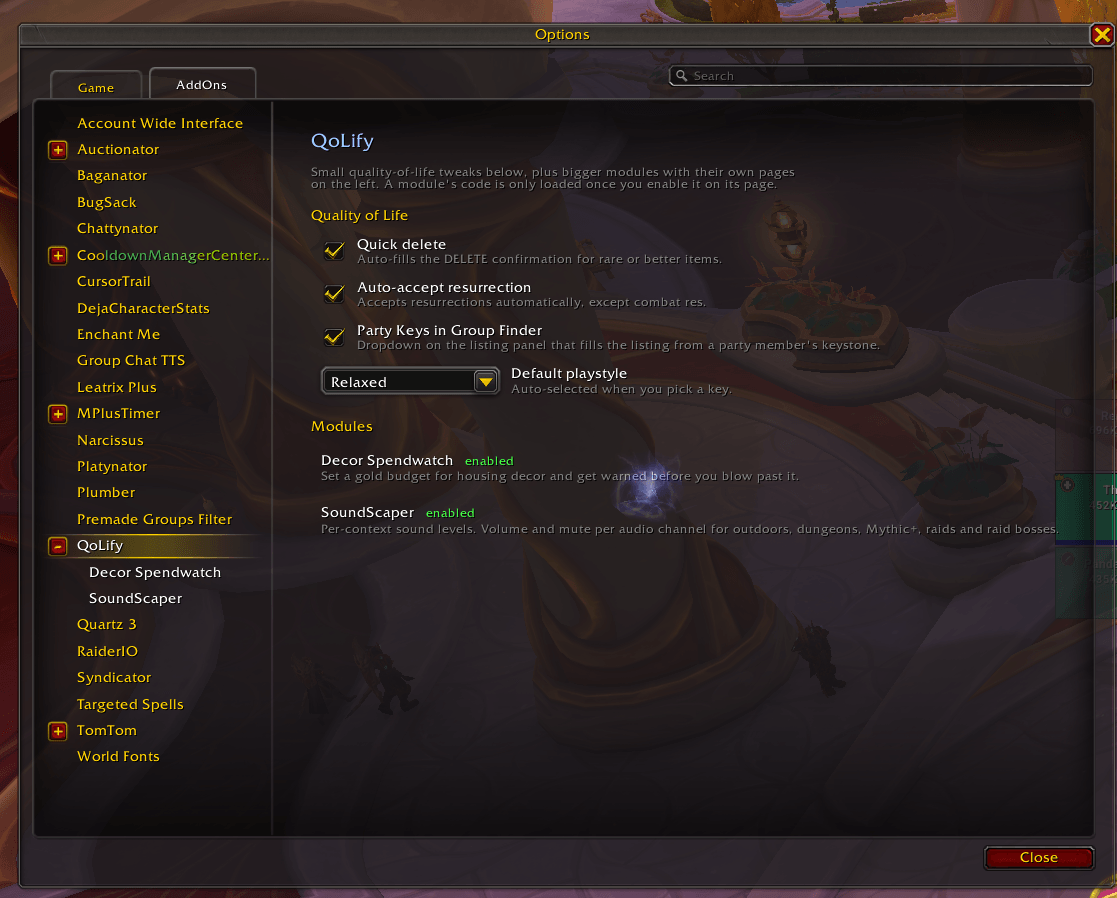
qolifymainsettings.png
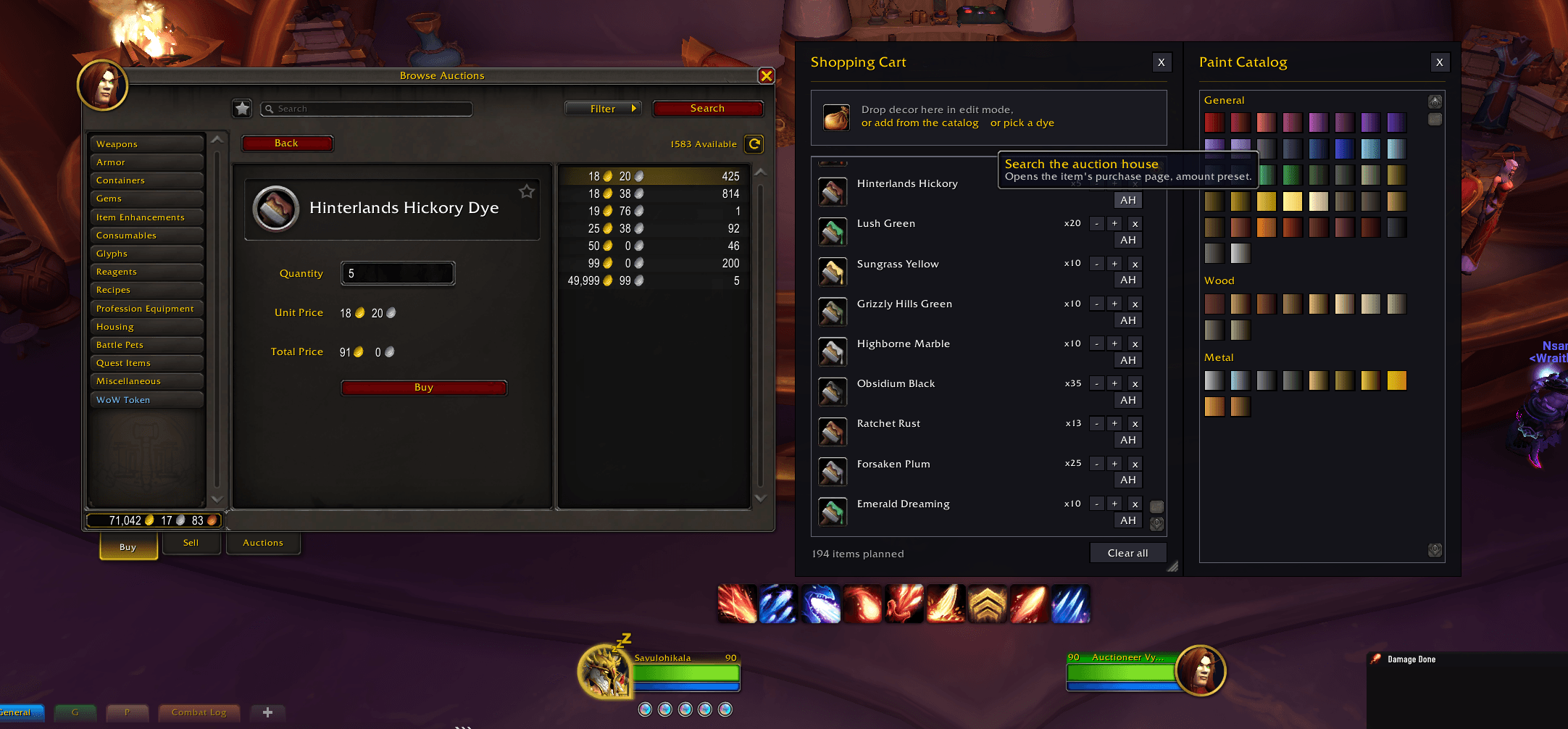
dyebuy.png
openpartykeys.png
qolifyDELETE.png
decoorss.png

autoaccceptres.webp
partykeyspasted.png
Description
QoLify
A collection of small quality of life tweaks plus bigger optional modules, all in one addon. Everything starts off. Tweaks toggle on and off instantly, and a module's code is not even loaded until you enable it, so you only pay for what you actually use.
Type /qolify or right-click the minimap button to open the settings.
Tweaks
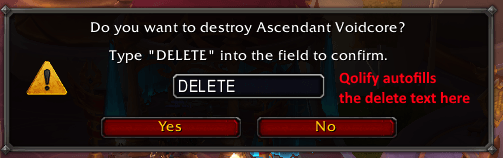
- Quick delete: fills in the "type DELETE to confirm" popup for you.
- Auto-accept resurrection: accepts resurrections automatically out of combat.
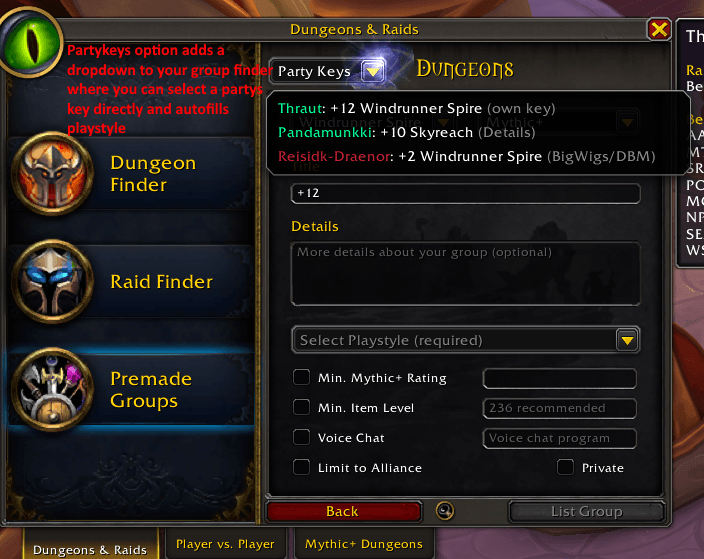
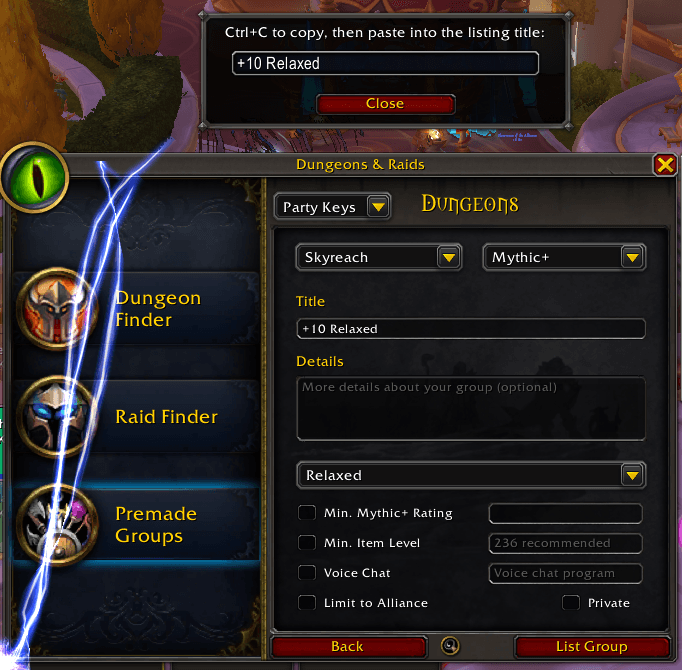
- Party Keys in Group Finder: when you go to "Start a group", a dropdown shows your party's keystones and picking one fills in the dungeon and activity for you.
Modules
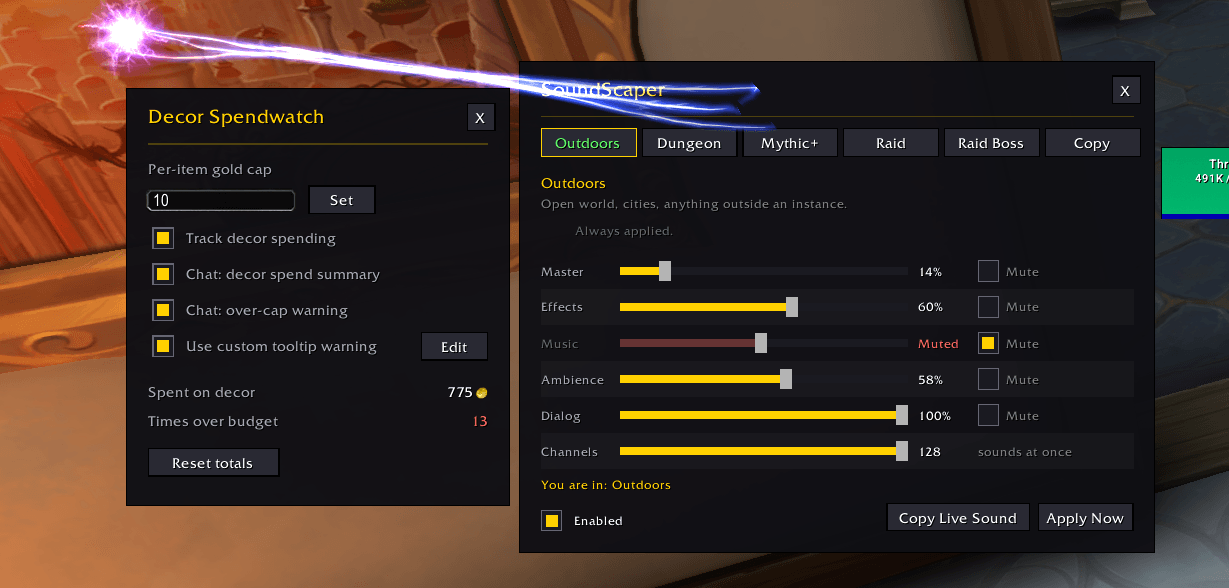
SoundScaper switches your volume settings automatically as you move between activities, so you stop digging through the sound options. There are six sections, each with its own sliders and mutes per audio channel. Outdoors, House, Dungeon, Mythic+ and Raid follow where you are, and Raid Boss kicks in the instant a boss encounter starts. Full music out in the world, music down low once you step into your house, effects only in a key, everything but Master muted on a raid pull. The sync goes both ways, so a change made in the game's own audio options is picked up by the section you are in.
Decor Tools is a pair of tools for housing decor. The shopping cart is a wish list you fill while decorating: hit the + on catalog entries, drop the piece you have selected in the house editor straight into the cart window, or cart dyes from the dye picker and the cart's own paint catalog. It remembers quantities and shows price estimates from the catalog, with the planned total colored by what you can actually afford. At a vendor, carted items get a "buy N" line on their tooltips that counts down as you buy, with buy buttons in the cart for whatever that vendor stocks. Pieces without a vendor get crossed off too, however they land in your bags, and at the auction house the cart grows search buttons for them, nicest with Auctionator installed. If you run Auctionator or Oribos Exchange, those pieces also show that addon's auction price in the list. The list sorts itself into decor, dye and blueprint sections, and from patch 12.1 a blueprint carts itself, with buttons on Blizzard's blueprint window and a picker in the cart that grab every missing piece in one click. The spend watcher is the budget half: pick a per-item gold cap and anything priced above it gets a red warning on its vendor tooltip, buy it anyway and you get a note in chat, and a running total tracks what decor has cost you.
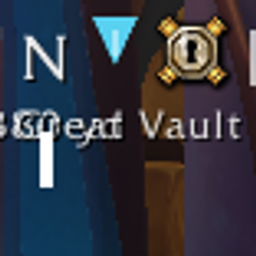
CompassBar is a compass bar across the top of the screen, the kind you know from
Skyrim: the direction letters slide past a marker as you turn. Out in the world it
also carries places from the map as little icons, with their distance in yards if you
want it. The quest you track, your group in class colors, your map pin and your target
all show up, and so do world quests, flight points, rares, treasures and a good few
more. Every kind has its own switch and range, so rares can stay off the bar until
they're a few hundred yards away. A gear on the bar flips the switches on the spot,
and /cbar opens the rest. Inside instances the game keeps positions and facing from
addons, so there it's letters only, still turning with you.
All three also exist as standalone addons (SoundScaper, Decor Tools, CompassBar). If you already run the standalone, the QoLify module stands by and lets it work. Your settings copy over by themselves the first time you log out with both installed, and from then on removing the standalone hands everything to the module. Just don't uninstall the standalone before installing QoLify, since your settings would stay behind in its old saved variables file where the module can't reach them.
QoLify Team

Owner