QoLify: SoundScaper
- By
Automatically switches your volume and mute settings per audio channel when you change activities. Outdoors, dungeons, Mythic+, raids and raid boss pulls each get their own sound profile.
mythicplus.png
outdoors.png
copy.png
Description
SoundScaper - Volume Profiles for Dungeon, Raid, Mythic+ and Boss Fights
Different places deserve different sound. Full music out in the world, effects-only in a key, everything muted except Master the moment a raid boss is pulled. SoundScaper switches your volume settings automatically when you zone in or out, so you stop digging through the sound options between activities.
What it does
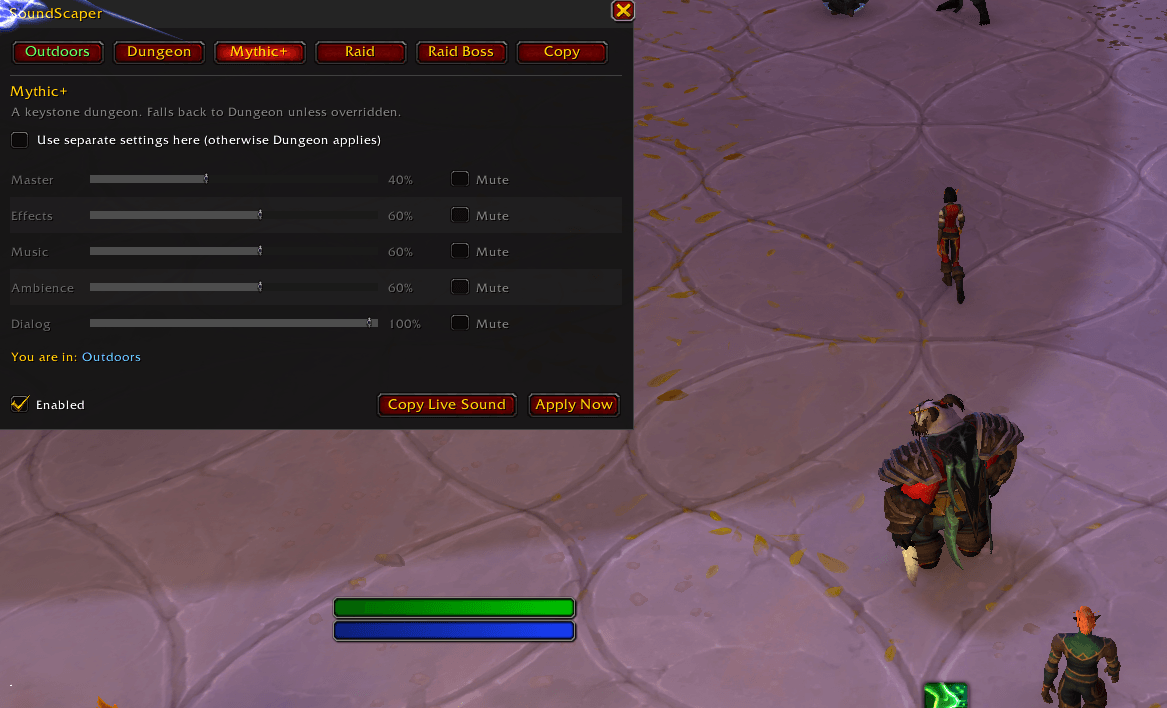
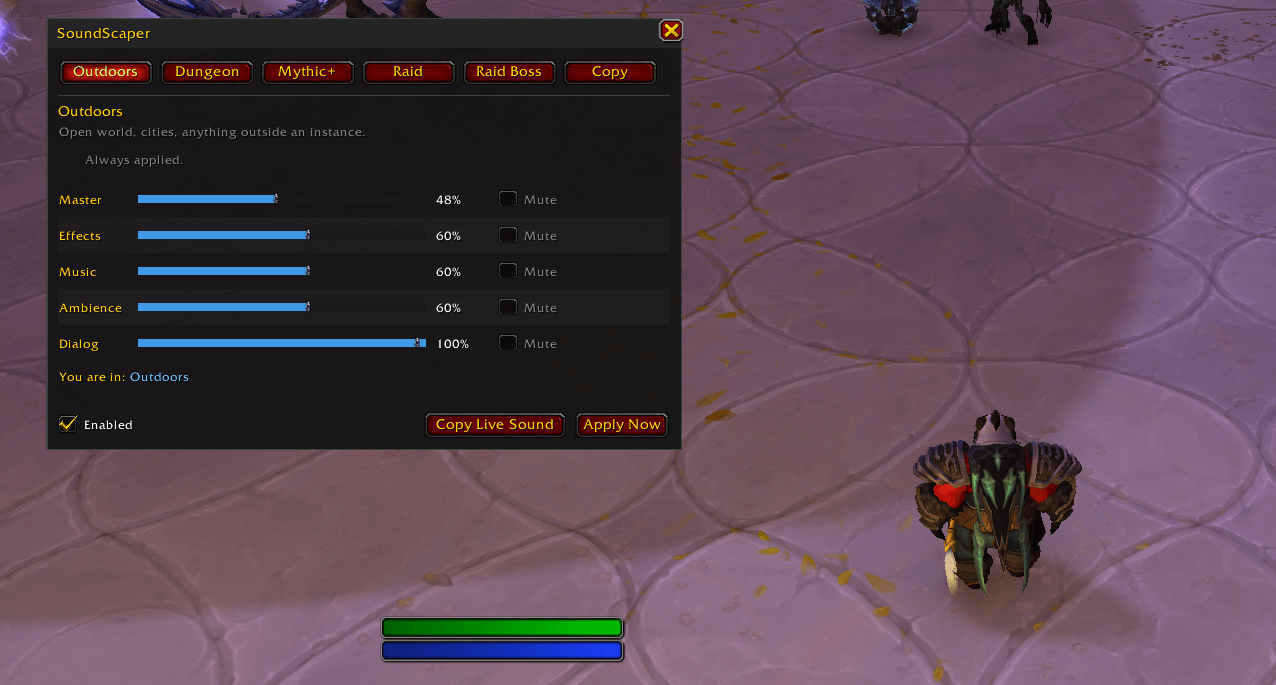
Five sections, each with its own volume slider and mute checkbox per audio channel (Master, Effects, Music, Ambience, Dialog):
- Outdoors - open world, cities, battlegrounds, arenas
- Dungeon - any 5-player dungeon
- Mythic+ - keystone runs, detected from the moment you zone in
- Raid - inside a raid instance, between pulls
- Raid Boss - switches the instant a boss encounter starts, back when it ends
Mythic+ and Raid Boss inherit from Dungeon and Raid until you tick "use separate settings", so you can configure just three sections and be done.
Unlike addons with a single "instanced content" profile, every one of these is its own section. A heroic dungeon, a +15 and a mythic raid boss can all sound different.
Usage
Left-click the minimap button or type /ss to open the window. Right-click the minimap button
toggles the addon on and off. /ss help lists the slash commands.
QoLify: SoundScaper Team

Owner