PokeWoW
- By
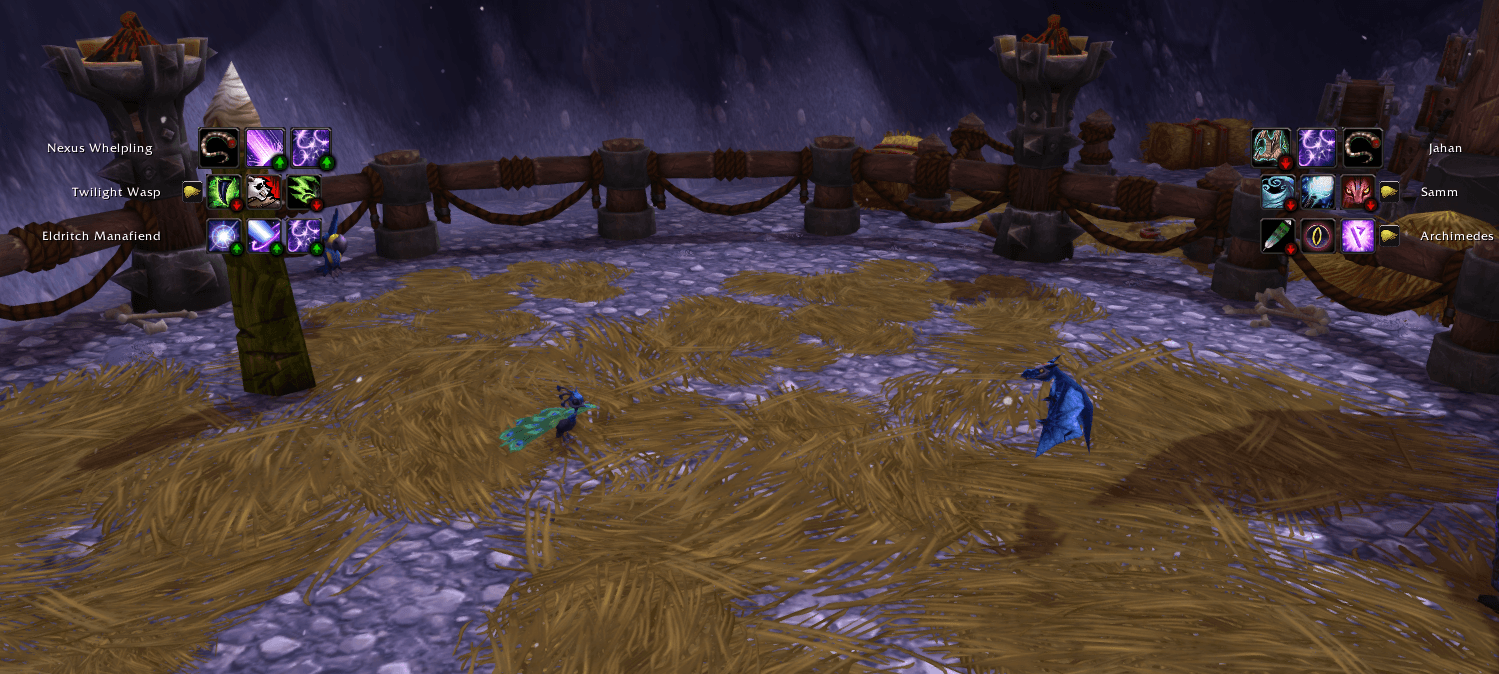
A World of Warcraft addon focusing on QoL and UX for Pet Battles. Gotta catch'em all!

poke1.PNG
poke2.PNG
poke3.PNG
Description
A World of Warcraft addon focused on QoL and UX for Pet Battles. Gotta catch'em all!
- Initial addon scaffolding (TOC + core + options).
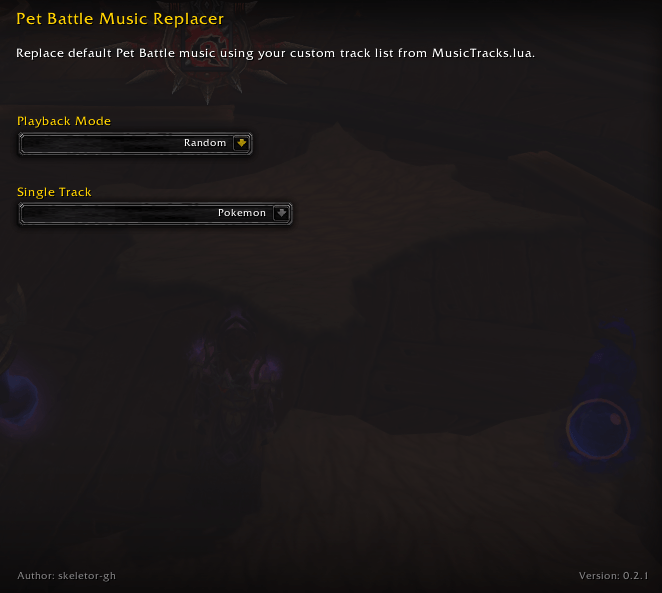
- Added a welcome options pane and dedicated sub-options pane for Pet Battle Music.
- Added Pet Battle music replacement with modes: no music, single track loop, sequential, and random.
- Added configurable user playlist declaration in
MusicTracks.lua. - Added a set of soundtracks for the player's enjoyment.
- Install the addon in your WoW addons folder:
_retail_/Interface/AddOns/PokeWoW
- Make sure these files/folders are present:
PokeWoW.tocPokeWoW.luaOptions.luaMusicTracks.luaTracks/
- Launch WoW and enable PokeWoW from the AddOns menu at character select.
- In-game, open Settings → AddOns → PokeWoW → Pet Battle Music.
- Pick a music mode:
- No Music: disables pet battle background music replacement.
- Single Track Loop: repeats one selected track.
- Sequential: plays your playlist in order.
- Random: chooses a random track each cycle.
- (Optional) Customize your playlist in
MusicTracks.lua:- Add a
name, filepath, andlength(seconds) for each track. - Keep all music files inside
PokeWoW/Tracks/.
- Add a
PokeWoW comes with a set of pre-built soundtracks.
The PokeWoW Team