Hearthtunes
- By
A soundtrack that follows you. Plays WoW: Forever’s own music chosen for the moment (exploring, cities, inns, battle, dungeons, death) with smooth crossfades and capital welcome themes.
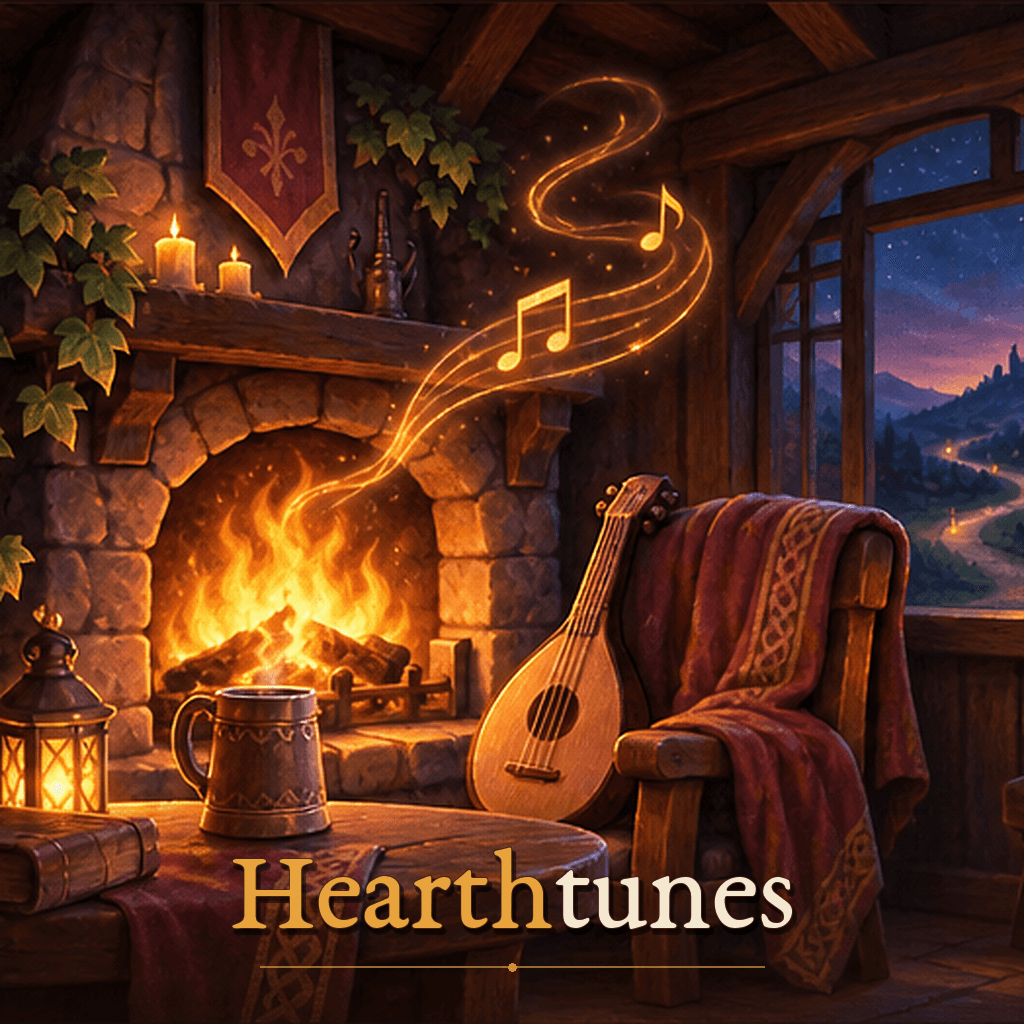
hearthtunes_key_art_title.png
Description
Hearthtunes
A soundtrack that follows you. Azeroth's own music, chosen for the moment.
Hearthtunes listens to what you're doing and plays music from the game's own score to match. Wander Elwynn at dusk and hear its forest at night. Walk through the gates of Ironforge and hear its welcome theme. Warm up at an inn to the songs of your own people. When a fight turns serious, the music turns with it, then fades back to the road when it's over.
904 tracks from World of Warcraft: Forever, tagged by situation, terrain, time of day and culture, so the soundtrack sounds different every session while always staying on theme.
No setup. No libraries. No changes to your game settings.
🎵 Ten moods, one at a time
| Mood | When |
|---|---|
| Exploring | Out in the world: music for the zone's terrain and the time of day |
| City | In a capital, with its own music and its welcome theme on arrival |
| Inn | Resting at an inn: tavern songs, your own people's first |
| Flight | On a flight path |
| Dungeon and Raid | Inside an instance |
| Battleground | In a battleground or arena |
| Battle | A fight that matters |
| Boss battle | Facing a boss |
| Death | While you're a spirit, with a cue when you return to life |
Discovering a new place plays a short cue of its own.
🏰 Iconic moments, kept
- Capital welcome themes. Stormwind, Ironforge, Darnassus, Orgrimmar, Thunder Bluff and Undercity greet you with their intro on arrival, and again after you've been away for 15 minutes.
- Places with their own music. Stormwind Harbor, Tinker Town, the Warrior's Terrace and the Cenarion Enclave play their own themes.
- Forever's new lands. Valanaar, Farholde Keep, Summit of Eternity and the other new zones play their own music most of the time you're there.
⚔️ Battle music only when it matters
A three-second scuffle with a boar keeps the calm music. Battle music starts when a fight lasts (4 seconds by default), or at once against an elite, a rare, a boss or two attackers. It lingers a few seconds after the fight, then crossfades back.
🎚️ Smooth and respectful
- Real crossfades. The old track fades out under the new one.
- Your settings, respected. Follows the game's Music switch, music volume and Loop Music option. With Loop Music off, you get quiet moments between tracks, just like the game's own soundtrack.
- Never the same piece twice in a row. Tracks you heard in the last 45 minutes come up much less often.
🎛️ Yours to shape
- Mini-player with the track, the mood and a progress line. Skip, favourite, ban, or hold the mood for a roleplay scene.
- Library of every track by mood. Listen to any of them, mark favourites (twice as likely) or ban the ones you don't like.
- Choose your era. Forever's remasters by default, the original 2004 recordings if you prefer, or Wider Azeroth: 168 tracks from Cataclysm to Midnight added to the mix.
/hearthtunes whytells you the mood you're in and how the current track was chosen.
🪶 Plays well with Plume
When Plume of the Kirin Tor opens its journal book with class music, Hearthtunes steps aside and comes back when you close it.
🛡️ Built never to get in the way
- Errors are caught and go to an in-game Diagnostics log, never an error pop-up.
- Light on the game: the combat log is read only while you fight, and only for hits on you.
- Taint-safe: every release is checked automatically to make sure Hearthtunes never touches the game's own globals.
⌨️ Commands
| Command | What it does |
|---|---|
/hearthtunes or /htunes |
Open or close the window |
/hearthtunes skip |
Next track for the current mood |
/hearthtunes hold |
Hold or release the current mood |
/hearthtunes on / off |
Turn the soundtrack on, or off and give the music back to the game |
/hearthtunes why |
What mood you're in and why this track plays |
/hearthtunes player |
Show or hide the mini-player |
/hearthtunes minimap |
Show the minimap button again |
/hearthtunes help |
List every command |
Minimap button and Addon Compartment: left-click opens the window, right-click skips the track, shift-click holds the mood.
Settings: Game Menu → Options → AddOns → Hearthtunes, or the Settings page in the window.
❓ FAQ
I hear nothing. Make sure Music is on in Options → Audio. Hearthtunes plays on the game's Music channel and waits quietly while it's off.
Can I add my own music? Not yet. It's planned for a later version.
Does it change my sound settings? No. Hearthtunes only reads them.
Is this a test version? Yes: 0.1 is the first test release. Bugs, odd track choices and ideas are very welcome on GitHub.
All music is Blizzard Entertainment's, played from the game's own files. Track data from LibRPMedia (public domain). Open source under the MIT licence: github.com/Skeletor-gh/Hearthtunes.
Hearthtunes Team